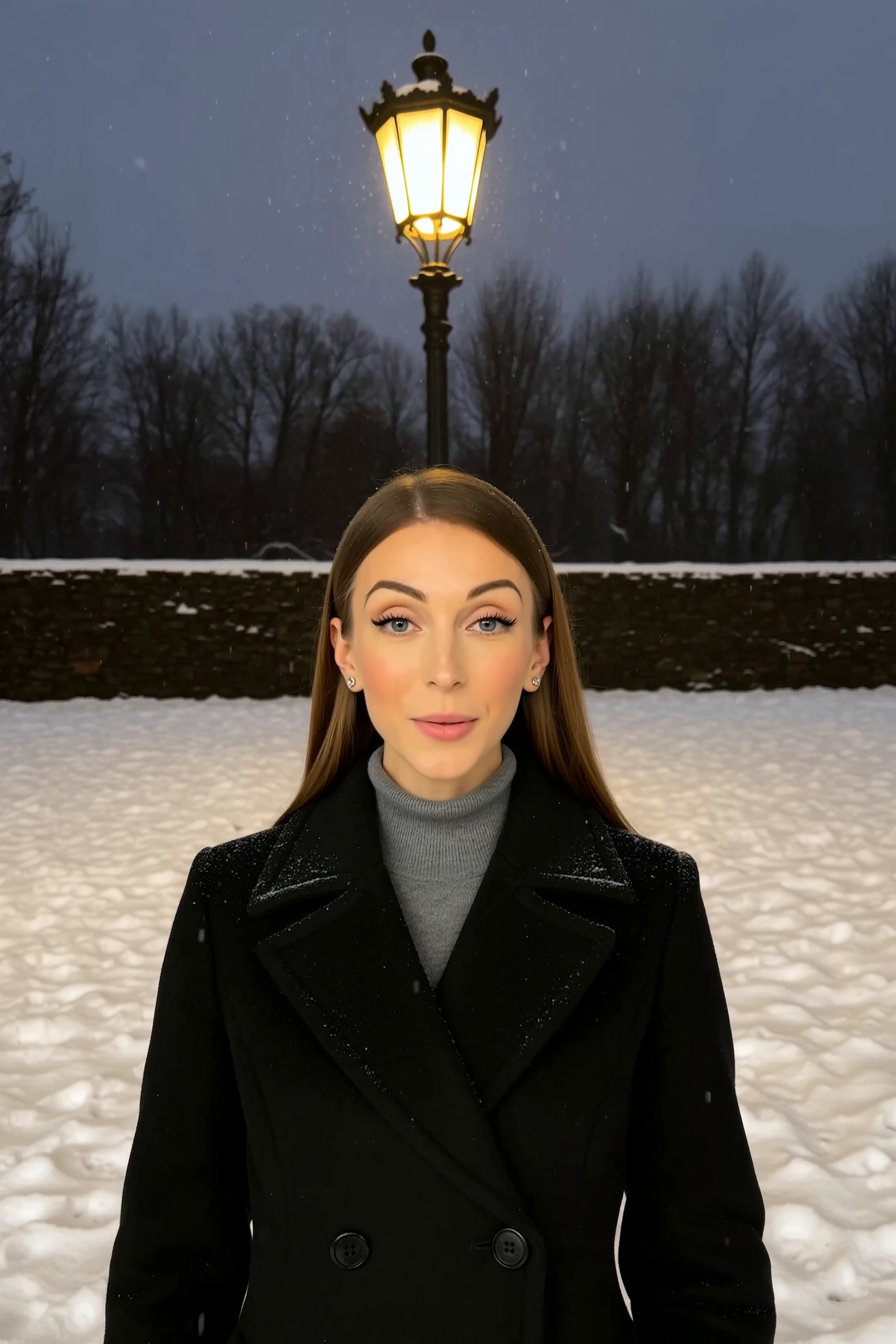
z-image/turbo/image-to-image/lora
8-step Turbo model enabling rapid, high-quality visual edits for creators
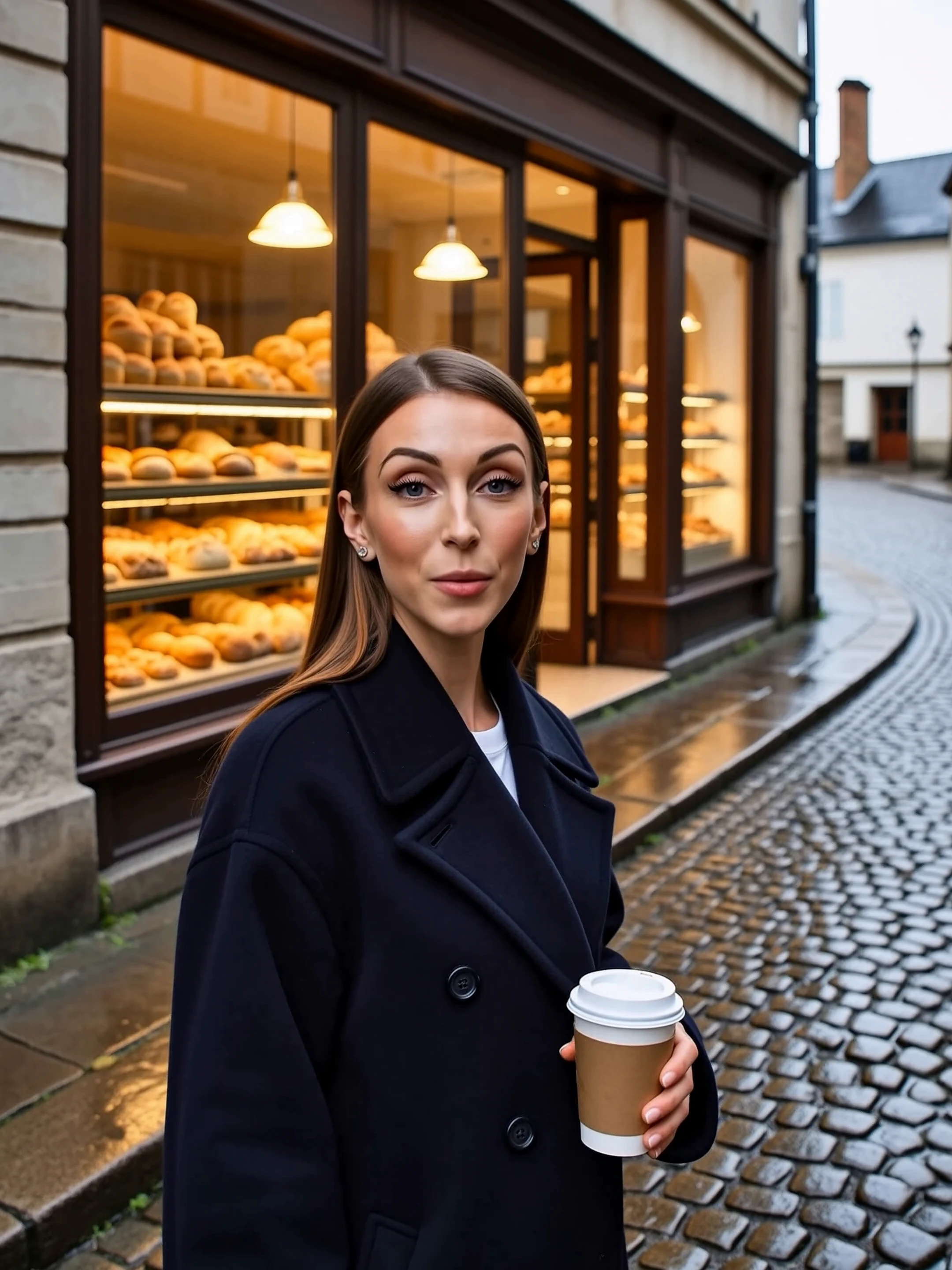
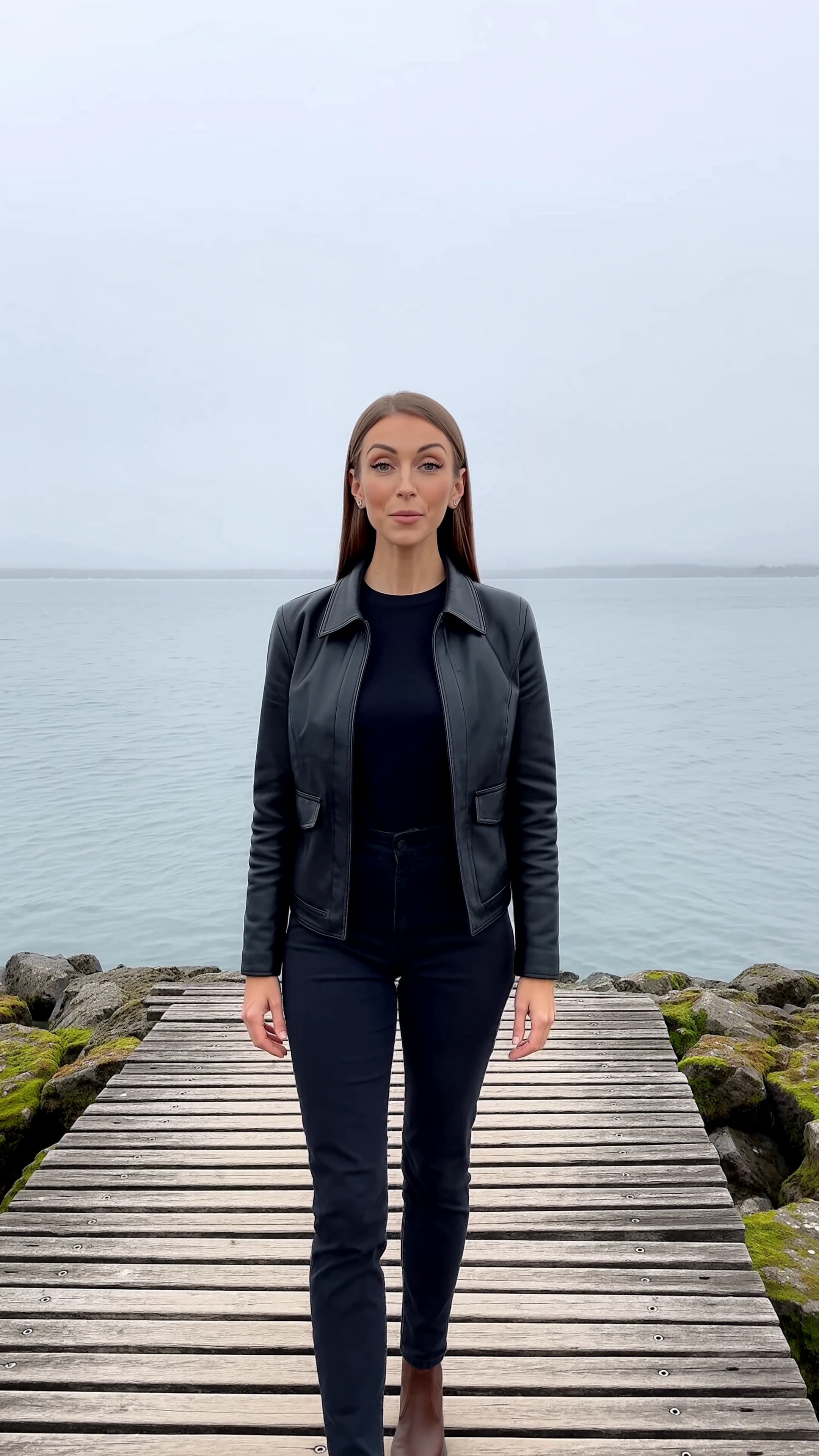
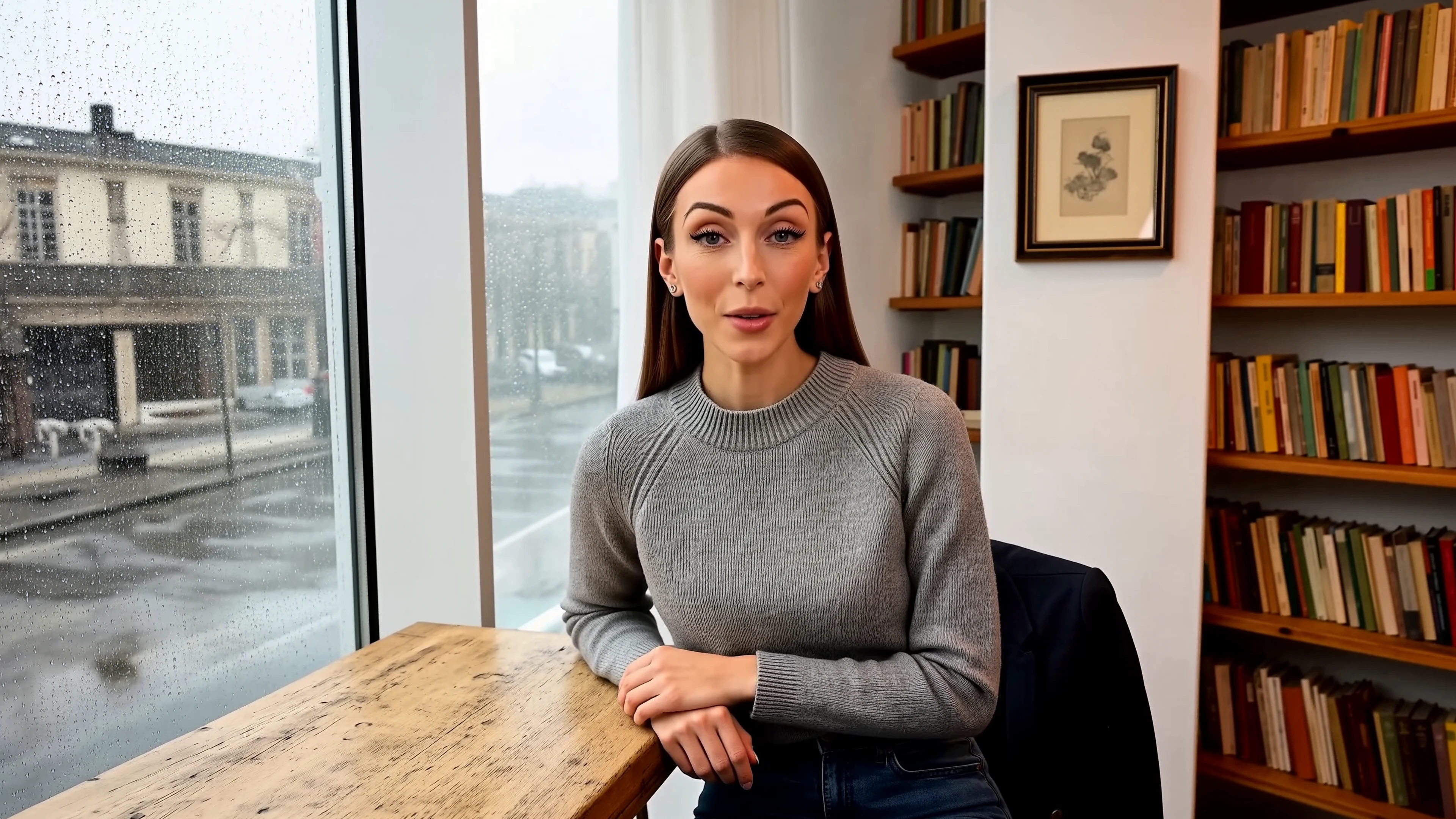
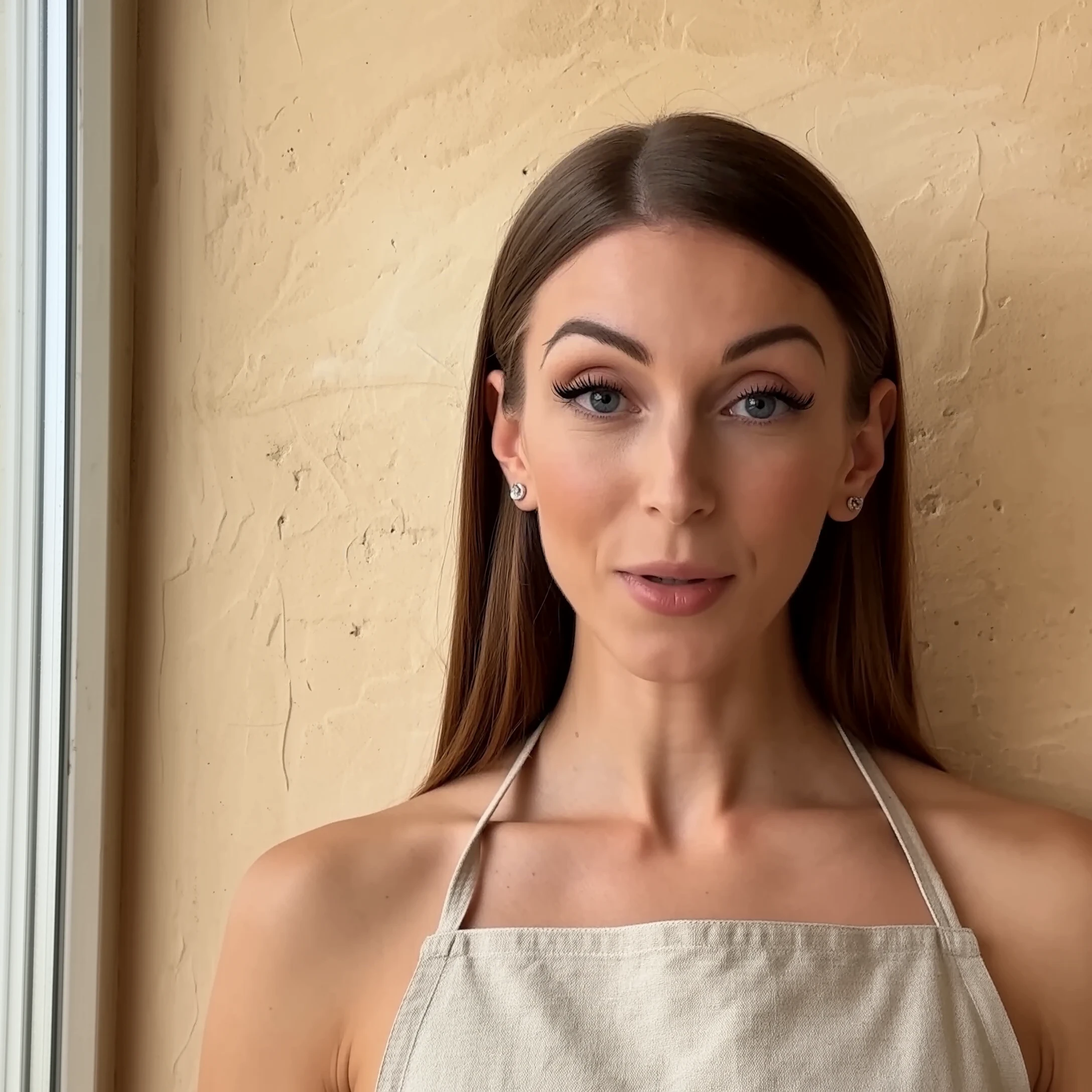
A headshot locks the clothes and the room. This page keeps the face from your identity photos and takes pose, outfit, light, and setting from one reference photo.
| Advantage | What you get |
|---|---|
| Face from your set | HeyGen Image takes one to five photos of the same person. |
| Scene from one frame | Exactly one reference supplies pose and clothes. |
| A shape you can set | Nine aspect ratios, or follow the reference. |
| Up to five stills | One HeyGen Image job can return several images of that setup. |
There is no text prompt. The photos are the brief. The reference must show one person. A second face fails the job.
On RunComfy, try the uploads in the model UI, then send the same URLs through the HTTP API.
identity_images, reference_images, aspect ratio, and count.These are the controls on this page.
| Parameter | Required | Type | Default | Range / Options | Description |
|---|---|---|---|---|---|
identity_images* | Yes (*) | Image URLs | Three portraits | 1–5 images | Photos of the person whose face should remain. |
reference_images* | Yes (*) | Image URL | One scene photo | Exactly 1 image | Pose, clothing, light, and setting. |
aspect_ratio | No | String | 3:4 | 1:1, 2:3, 3:2, 3:4, 4:3, 4:5, 5:4, 9:16, 16:9 | Output shape. |
num_images | No | Integer | 1 | 1–5 | How many stills. They share one shape. |
seed | No | Integer | Empty | 0–4294967295 | Optional starting seed. |
Identity photos do not set the HeyGen Image frame. The reference, or the ratio you pick, does.
HeyGen Image bills $0.25 per delivered image. Aspect ratio does not change it. Five images cost five times one image.
| Images | Price |
|---|---|
| 1 | $0.25 |
| 2 | $0.50 |
| 3 | $0.75 |
| 5 | $1.25 |
A failed job does not return a partial set.
8-step Turbo model enabling rapid, high-quality visual edits for creators

High-speed model for consistent visual creation and precise design control

Flux 2 dev is an open-weight model for precise visual creation, color control, and consistent style rendering. Generate images at just $0.013 each.

Fast, low-cost text-to-image generation at a fixed 1K resolution.
Change an image’s aspect ratio cleanly with Ideogram 3 Reframe.

Edit detailed visuals fast with layout-aware, multi-reference control for brand-ready results.
HeyGen Image keeps a face from one to five identity photos and takes pose, clothes, light, and setting from exactly one reference photo. There is no text prompt. The photos are the brief.
HeyGen Image needs 1 to 5 identity photos of the same person and exactly one reference. The reference should show one face. A second face in that photo fails the job, and an identity photo with no face is rejected.
HeyGen Image aspect ratios are 1:1, 2:3, 3:2, 3:4, 4:3, 4:5, 5:4, 9:16, and 16:9. The default shape is 3:4. One job can return 1 to 5 stills, and they share that shape.
HeyGen Image holds the face from the identity set and takes the new pose, outfit, and room from the reference. Change clothes in the photo, not in a caption. Lens-facing portraits tend to stay lens-facing.
HeyGen Image accepts up to five identity photos and one reference. Keep the head in frame. Use photos of yourself, someone who agreed, or a look you are allowed to generate. A seed is optional when the next pass should stay near the first.
Yes. Upload the photos for HeyGen Image in the Playground Web UI, then send the same identity URLs, reference URL, aspect ratio, and count through the RunComfy API. The API uses the same model. It does not promise a fixed turnaround or unlimited concurrency.
HeyGen Image costs $0.25 per delivered image. Aspect ratio does not change the rate. Five images cost $1.25. Generations consume usd credits, and a failed job does not return a partial set.
RunComfy is the premier ComfyUI platform, offering ComfyUI online environment and services, along with ComfyUI workflows featuring stunning visuals. RunComfy also provides AI Models, enabling artists to harness the latest AI tools to create incredible art.