logo
RunComfy
  • ComfyUI
  • TrainerNew
  • Models
  • API
  • Pricing
discord logo
MODELS
Explore
All Models
LIBRARY
Generations
MODEL APIS
API Docs
API Keys
ACCOUNT
Usage

Nano Banana 2 Lite: Fast Text-to-Image on Models and API | RunComfy

google/nano-banana-2-lite/text-to-image

Nano Banana 2 Lite generates 1K images from text in seconds, with 15 aspect ratios and png, jpeg, or webp output at a low, flat per-image rate.

Text description of the image you want to generate.
Output aspect ratio. Use auto to let the model pick a framing that fits the prompt. Extreme ratios such as 4:1 and 8:1 are supported.
File format of the returned image.
Optional system instruction that steers the model's persona and output style. Leave blank to omit.
Enable model thinking before rendering. off is fastest and cheapest; minimal and high trade speed for stronger prompt reasoning and may increase cost.
Idle
The rate is $0.05 per image.

Introduction To Nano Banana 2 Lite

Google's Nano Banana 2 Lite is the efficiency-tuned member of the Gemini image family, built for near-instant generation and editing at roughly $0.05 per 1K image. Trading slow render queues and heavy setup for quick, low-cost visuals, Nano Banana 2 Lite suits developers, designers, and product teams who iterate in bulk. For developers, Nano Banana 2 Lite on RunComfy can be used both in the browser and via an HTTP API, so you don't need to host or scale the model yourself.
Ideal for: Rapid Concept Exploration | Social And Marketing Visuals | High-Volume Draft Generation

Google / Nano Banana 2 Lite#


Nano Banana 2 Lite is the speed- and cost-focused image model in Google's Gemini image lineup. As a whole, the model both creates images from text and performs conversational edits, with fast multi-turn local touch-ups that keep a scene consistent across rounds. Its design goal is simple: ultra-low latency and a low price so you can generate and refine at volume.


On this RunComfy page you work with the text-to-image side of the model. You send a written prompt, pick an aspect ratio, choose a file format, and receive a fixed 1K (1024x1024) render. The wider editing capability is part of the same underlying model, even though the tool here focuses on generation.


Output format: Resolution: 1K (1024x1024) / fps: n/a / duration: n/a / aspect ratio: auto, 21:9, 16:9, 3:2, 4:3, 5:4, 1:1, 4:5, 3:4, 2:3, 9:16, 4:1, 1:4, 8:1, 1:8 / audio: n/a


Highlights#


  • Speed first: Nano Banana 2 Lite targets sub-second to a few-second turnaround, so short feedback loops stay practical.
  • Low, flat cost: A single per-image rate makes budgeting for large batches predictable.
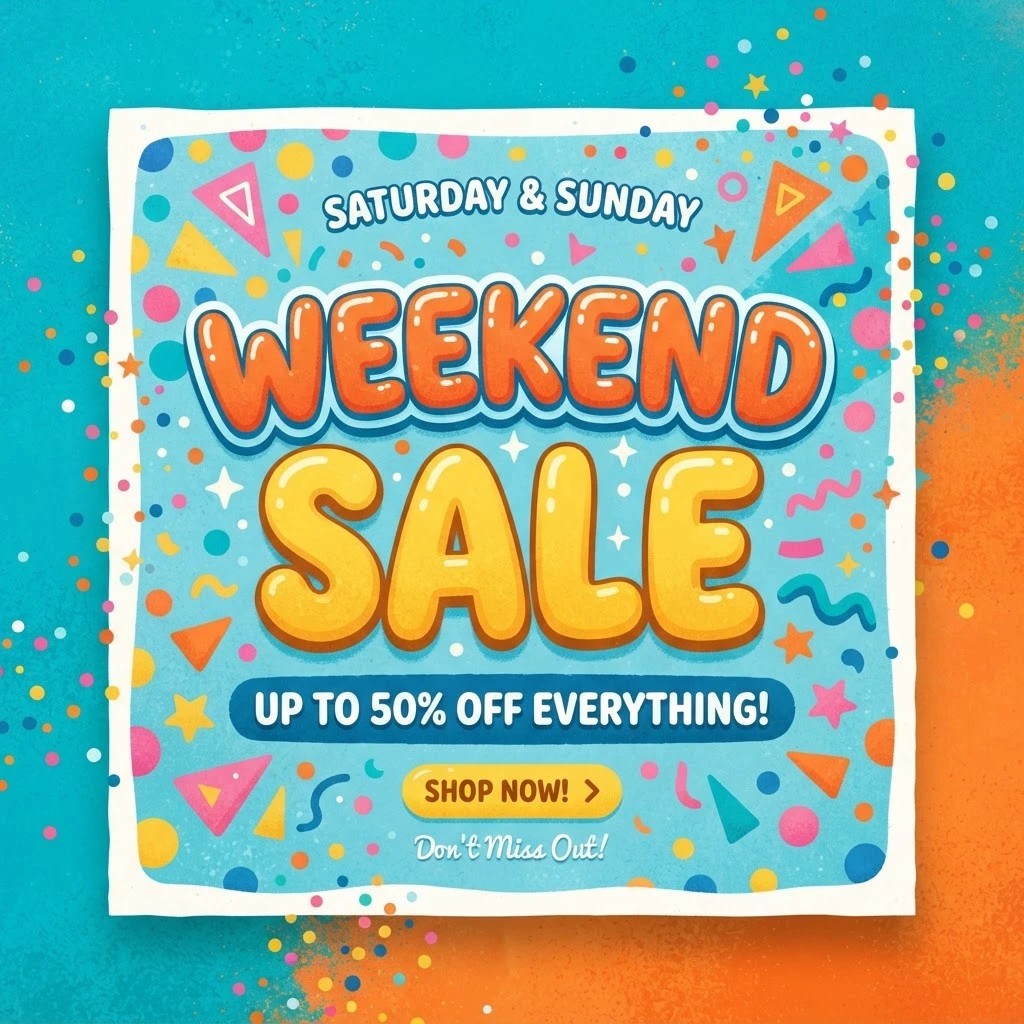
  • Broad framing: Fifteen aspect-ratio options span square, portrait, and landscape, plus extreme cuts like 4:1 and 8:1 for banners and panoramas.
  • Auto framing: Leave the ratio on auto and the model chooses a shape that suits the described scene.
  • Editing lineage: The same family supports conversational image edits and quick local fixes, useful context when planning a full pipeline.

Parameters#


ParameterRequiredTypeDefaultRange / OptionsDescription
prompt*Yes (*)string——Text description of the image to generate.
aspect_ratioNostringautoauto, 21:9, 16:9, 3:2, 4:3, 5:4, 1:1, 4:5, 3:4, 2:3, 9:16, 4:1, 1:4, 8:1, 1:8Output aspect ratio; auto lets the model decide.
output_formatNostringpngpng, jpeg, webpFile format of the returned image.
system_promptNostring(empty)—Optional system instruction that steers persona and output style.
thinking_levelNostringoffoff, minimal, highEnable pre-render reasoning; off is fastest, high favors prompt adherence.

Pricing#


Output is a flat $0.05 per image at 1K (1024x1024). Aspect ratio and file format do not change the price, and generating several images bills per image. Higher thinking_level settings add reasoning work but are covered by the same flat per-image rate.


How to Use#


  1. Open the model page on RunComfy and select Nano Banana 2 Lite from the Models catalog.
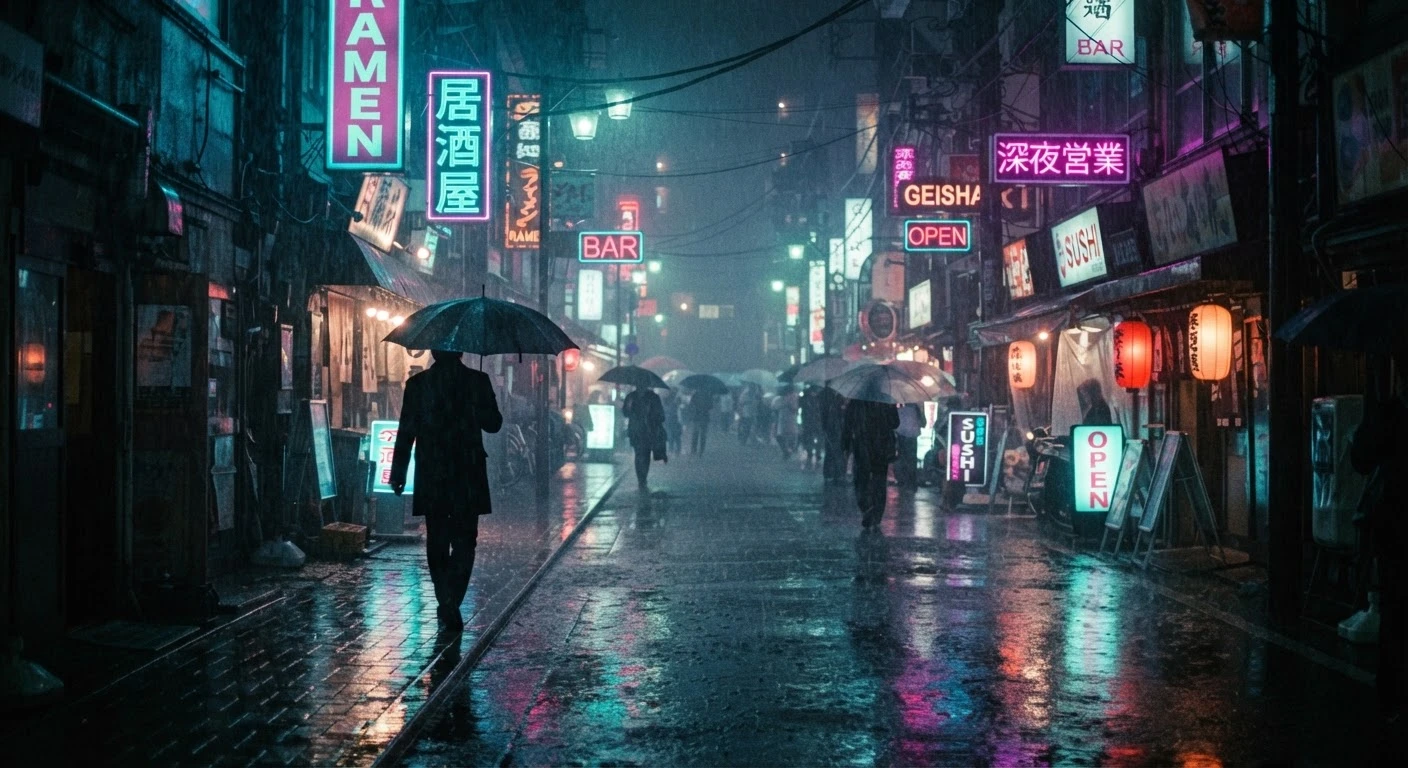
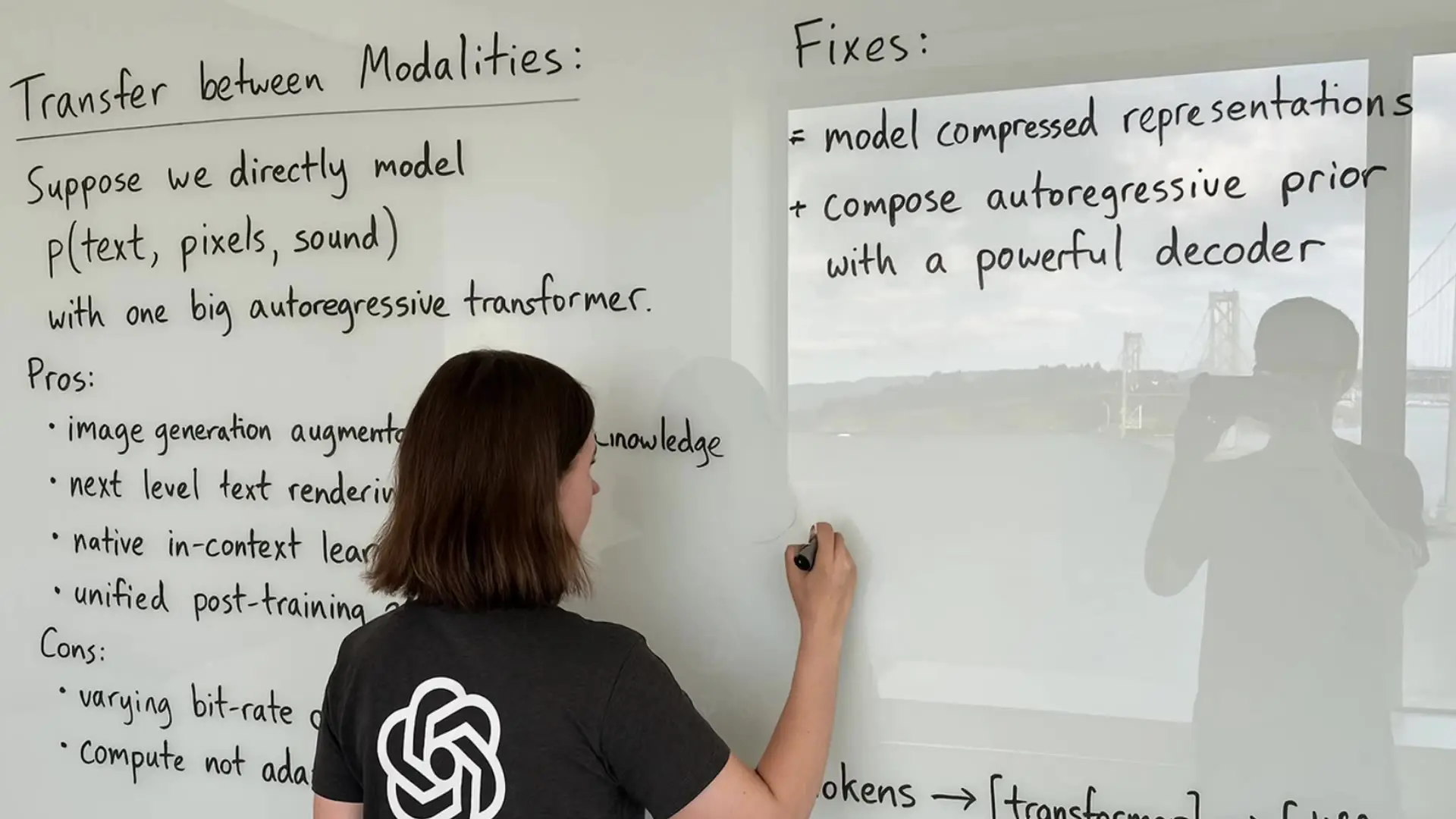
  2. Write a prompt that names the subject, setting, lighting, and mood, plus any exact words you want rendered.
  3. Choose an aspect ratio, or leave it on auto to let the model frame the shot.
  4. Pick an output format that matches your pipeline: png for lossless, jpeg for small files, webp for the web.
  5. Optionally set a system_prompt to lock a consistent style, and raise thinking_level when a tricky prompt needs more reasoning.
  6. Click Generate and wait for the 1K preview to appear.
  7. Refine by editing a few words at a time and rerunning until the composition lands.
  8. Download the result or wire the same settings into the RunComfy API for automation.

Prompt & Reference Tips#


  • Front-load the main subject and action, then layer in style, lighting, and background details.
  • Put any on-image text inside quotes and keep it short for the cleanest lettering.
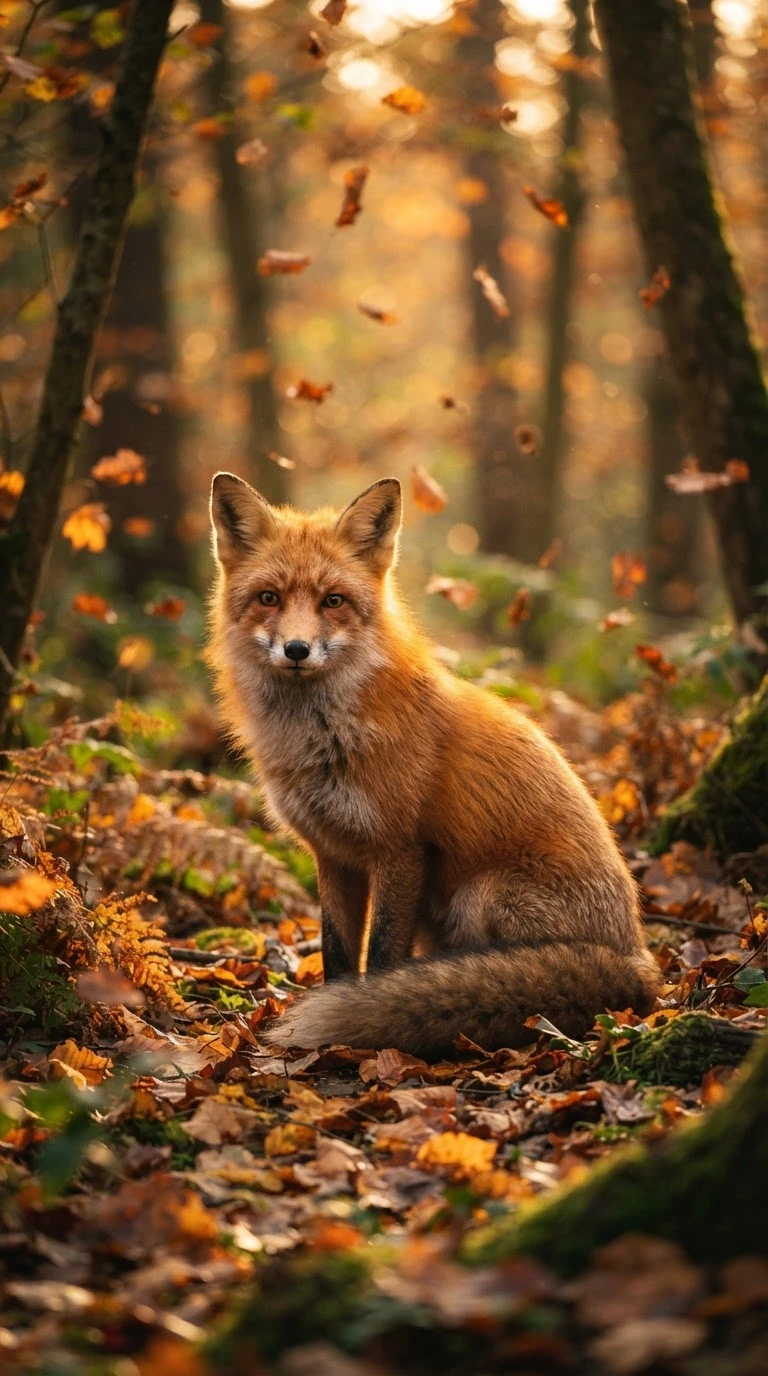
  • Name a lens or framing cue, such as close-up or wide shot, to steer composition.
  • Keep thinking_level on off for fast drafts, and switch to minimal or high only when a complex prompt is not landing.
  • Change one variable at a time when you want controlled variations across runs.
  • Reach for extreme ratios like 4:1 or 8:1 only when the layout genuinely calls for a panorama or strip.

How Nano Banana 2 Lite compares to other models#


  • Versus heavier premium image models, Nano Banana 2 Lite trades a slice of peak fidelity for much faster, cheaper output (based on publicly available information).
  • Versus general-purpose generators, it pairs generation with a family-level editing workflow, which helps when a project needs both create and revise steps.
  • Ideal use case: high-volume drafting, social and marketing assets, and quick idea checks where turnaround and cost matter more than maximum detail.

More Models to Try#


  • Nano Banana Pro — Higher-fidelity generation for portraits and product shots.
  • Imagen 4 — Google's photorealistic text-to-image option.
  • Ideogram V4 — Typography-forward posters, logos, and signage.
  • Flux 2 — Stylized, illustrative looks for creative work.

Related Models

flux-2/max/text-to-image

Create photoreal visuals with multi-reference, color, and typography precision.

nano-banana-2/edit

Prompt-driven image editing with Nano Banana 2 Edit, with multi-image input plus aspect ratio, resolution, safety tolerance, and output controls.

flux-1-kontext/max/edit

Edit images with strong prompt control and consistent style using FLUX Kontext Max.

flux-2-klein/9b/text-to-image

High-fidelity 4-step text-to-image with sharp text rendering

imagen-4/fast/text-to-image

Generate images fast from text with Google Imagen 4 Fast.

qwen-edit-2509/multi-image-edit-plus

Advanced image editing model for detailed, consistent visual creation and precise design workflows.

Frequently Asked Questions

What is Nano Banana 2 Lite used for?

Nano Banana 2 Lite is the efficiency-focused image model in Google's Gemini image family, built to generate and edit images quickly and cheaply. On this RunComfy page it runs as a text-to-image tool: you describe a scene and it returns a 1K (1024x1024) render. It suits fast ideation, social and marketing visuals, and any workflow that needs many images without a big budget.

How fast is Nano Banana 2 Lite compared with larger image models?

Nano Banana 2 Lite is tuned for ultra-low latency, so most prompts return in seconds rather than the longer waits common with heavier premium models. That speed makes it practical for rapid iteration and high-volume drafting. Exact timing varies with load, so treat quick turnaround as the design goal rather than a fixed guarantee.

What image sizes and aspect ratios does Nano Banana 2 Lite support?

Output is fixed at 1K (1024x1024 pixels), and you control framing through the aspect_ratio setting. Nano Banana 2 Lite offers 15 options, including 1:1, 16:9, 9:16, 4:3, and 3:4, plus extreme cuts like 4:1, 1:4, 8:1, and 1:8 for banners and strips. You can also leave it on auto to let the model choose a shape that fits the prompt.

Can Nano Banana 2 Lite edit images as well as generate them?

As a model, Nano Banana 2 Lite supports both text-to-image generation and conversational image editing with fast multi-turn local touch-ups. The RunComfy tool on this page focuses on the text-to-image side, so it takes a prompt and returns a new image. The broader editing capability is part of the same underlying model family if you plan a wider pipeline.

What output formats can I get from Nano Banana 2 Lite?

You can request png, jpeg, or webp. Choose png when you want lossless quality, jpeg for the smallest files, and webp for web delivery that balances size and quality. The format you pick does not change the price or the 1K output resolution.

What input limits should I know before using Nano Banana 2 Lite?

A text prompt is the only required input, while aspect_ratio, output_format, system_prompt, and thinking_level are optional. Output resolution is fixed at 1K, so plan any upscaling separately if you need larger files. Limits can vary by provider settings, so check the current RunComfy parameter panel before running a large batch.

Can developers use Nano Banana 2 Lite through the RunComfy API?

Yes. You can prototype Nano Banana 2 Lite in the RunComfy model UI and then call the same model via the RunComfy API with identical parameters for production or automation. You don't need to host or scale the model yourself, though you should size your own throughput expectations rather than assume fixed latency.

How much does it cost to generate with Nano Banana 2 Lite on RunComfy?

Generations consume usd or credits, and Nano Banana 2 Lite uses a flat rate of $0.05 per 1K image. Aspect ratio, output format, and thinking_level do not change that flat price, and generating several images is billed per image. See the Generation section of the page for the current rate.

Follow us
  • LinkedIn
  • Facebook
  • Instagram
  • Twitter
Support
  • Discord
  • Email
  • System Status
  • Affiliate
Video Models
  • Happy Horse 1.1 reference to video
  • Seedance 2.0 Mini Video Edit
  • Seedance 2.0 Mini Image To Video
  • Wan 2.6 Flash
  • Kling 3.0
  • Seedance 2.0 Pro
  • View All Models →
Image Models
  • seedream 4.0
  • Nano Banana Pro
  • Nano Banana 2 Edit
  • GPT Image 2 Image Edit
  • GPT Image 2
  • Qwen Image Edit 2511 LoRA
  • View All Models →
Legal
  • Terms of Service
  • Privacy Policy
  • Cookie Policy
RunComfy
Copyright 2026 RunComfy. All Rights Reserved.

RunComfy is the premier ComfyUI platform, offering ComfyUI online environment and services, along with ComfyUI workflows featuring stunning visuals. RunComfy also provides AI Models, enabling artists to harness the latest AI tools to create incredible art.

Examples Of Nano Banana 2 Lite