logo
RunComfy
  • ComfyUI
  • TrainerNew
  • Models
  • API
  • Pricing
discord logo
MODELS
Explore
All Models
LIBRARY
Generations
MODEL APIS
API Docs
API Keys
ACCOUNT
Usage

LTX 2.5 Pro: High-Fidelity Image-to-Video with Audio on Models and API | RunComfy

lightricks/ltx-2.5/image-to-video/pro

LTX 2.5 Pro animates a start image into 720p or 1080p video with synced audio for delivery-ready still-to-motion.

URL of the start image to animate into video.
Optional end image for a transition between start and end frames. Leave empty for open-ended motion from the start frame.
Describe motion, camera, lighting, style, and audio for the generated video.
Video length in seconds. Use auto to let the model choose from the prompt.
Output resolution of the generated video.
Output aspect ratio. auto follows the input image.
Frames per second of the generated video.
Whether to generate synchronized audio with the video.
Optional camera motion preset. Leave unset for prompt-only camera direction.
Idle
The rate is $0.132 per second for 720p or $0.19 per second for 1080p. Native audio is included.

Introduction To LTX 2.5 Pro

LTX 2.5 Pro turns a still into a short clip with optional native audio in a quality-focused mode built for final delivery. Trading draft-tier speed for higher-fidelity motion and sound, LTX 2.5 Pro suits creators locking ads, product spots, and key art. For developers, LTX 2.5 Pro on RunComfy can be used both in the browser and via an HTTP API, so you don't need to host or scale the model yourself.
Ideal for: Product still animation | Campaign key-art motion | Final social openers

Parameters#


Controls on this LTX 2.5 Pro Image-to-Video page:


ParameterRequiredTypeDefaultRange / OptionsDescription
image_url*Yes (*)Image URLExample stillJPG, JPEG, PNG, WEBP, GIF, AVIFStart frame that LTX 2.5 Pro will animate.
end_image_urlNoImage URL—Same formatsOptional finish frame for a guided start→end transition.
prompt*Yes (*)StringExample promptUp to 5,000 charactersMotion, camera, lighting, style, and audio cues.
durationNoString10auto, 6, 8, 10Fixed seconds or auto for model-chosen length.
resolutionNoString1080p720p, 1080pPro delivery resolutions for final-looking clips.
aspect_ratioNoStringautoauto, 16:9, 9:16Prefer auto to follow the still.
fpsNoInteger2524, 25, 50Match editorial cadence or smoother motion.
generate_audioNoBooleantruetrue / falseOn for synced ambience or dialogue; off for silent plates.
camera_motionNoString—dolly_in, dolly_out, dolly_left, dolly_right, jib_up, jib_down, static, focus_shiftOptional prescribed camera path.

  • Required field.

Pricing#


LTX 2.5 Pro Image-to-Video is billed per second of generated video. Native audio is included.


ResolutionPrice per second6s8s10s
720p$0.132$0.792$1.056$1.32
1080p$0.19$1.14$1.52$1.90

For batches, total ≈ duration × per-second rate × output count. When duration is auto, billing follows the actual generated length.

Related Models

kling-3.0/4k/image-to-video

Animate stills into native 4K cinematic clips with start-end frame guidance and synchronized sound.

sora-2/image-to-video

Create lifelike scenes with synced audio and visual fidelity.

video-background-removal/fast/video-to-video

AI-powered tool for fast video-to-video backdrop swaps with pro-level precision.

kling-video-o3/standard/text-to-video

Generate cinematic 3-15s videos from text with optional sound.

ltx-2/fast/image-to-video

Transform visuals into smooth 4K motion clips with sync audio and rapid rendering.

flux-3/keyframes-to-video/draft

FLUX 3 Draft Keyframes: Fast multi-keyframe video previews at 720p

Frequently Asked Questions

What is LTX 2.5 Pro used for in image-to-video workflows?

LTX 2.5 Pro animates a still into a short video with optional synchronized audio in a quality-focused mode. It is aimed at delivery-ready still-to-motion rather than the fastest draft passes.

How does LTX 2.5 Pro differ from the Fast Image-to-Video page?

LTX 2.5 Pro prioritizes higher-fidelity final output at 720p or 1080p with durations up to 10 seconds. Use the Fast page when you need cheaper, longer, or 4K draft iterations first.

What resolutions and durations does LTX 2.5 Pro support?

LTX 2.5 Pro supports 720p and 1080p, with duration set to auto or fixed lengths of 6, 8, or 10 seconds. FPS options are 24, 25, and 50, and aspect ratio can follow the still (auto) or use 16:9 or 9:16.

Can LTX 2.5 Pro use a start and end frame together?

Yes. Provide a start image (required) and optionally an end image when you want a guided transition between two compositions. Leave the end image empty for open-ended motion from the first frame only.

Does LTX 2.5 Pro generate audio with the video?

Native audio can be generated with the picture when generate_audio is enabled, and audio is included in the per-second rate. Turn audio off if you need a silent plate for later sound design.

What input limits should I know before using LTX 2.5 Pro?

Prompts can be up to 5,000 characters. Start and optional end images accept common formats such as JPG, PNG, WEBP, GIF, and AVIF. Check the current RunComfy parameter panel for any additional upload size limits.

Can developers use LTX 2.5 Pro through the RunComfy API?

Yes. Prototype in the RunComfy Web UI, then call the same LTX 2.5 Pro Image-to-Video model via the HTTP API with matching parameters for automation and production workflows.

How much does it cost to generate with LTX 2.5 Pro on RunComfy?

Billing is per second of generated video: $0.132 at 720p and $0.19 at 1080p. When duration is auto, the charge follows the actual generated length. Generations consume USD/credits on RunComfy; new users typically receive a free trial amount.

Follow us
  • LinkedIn
  • Facebook
  • Instagram
  • Twitter
Support
  • Discord
  • Email
  • System Status
  • Affiliate
Video Models
  • MiniMax H3 Open
  • FLUX 3 Image to Video
  • MiniMax H3 Open Image to Video
  • Wan 2.6 Flash
  • Happy Horse 1.1 reference to video
  • Seedance 1.5 Pro Text to Video
  • View All Models →
Image Models
  • Seedream 5.0 Pro Image Edit
  • Flux 2 Flash Edit
  • Nano Banana Pro
  • seedream 4.0
  • GPT Image 2
  • Qwen Image Edit 2511 LoRA
  • View All Models →
Legal
  • Terms of Service
  • Privacy Policy
  • Cookie Policy
RunComfy
Copyright 2026 RunComfy. All Rights Reserved.

RunComfy is the premier ComfyUI platform, offering ComfyUI online environment and services, along with ComfyUI workflows featuring stunning visuals. RunComfy also provides AI Models, enabling artists to harness the latest AI tools to create incredible art.

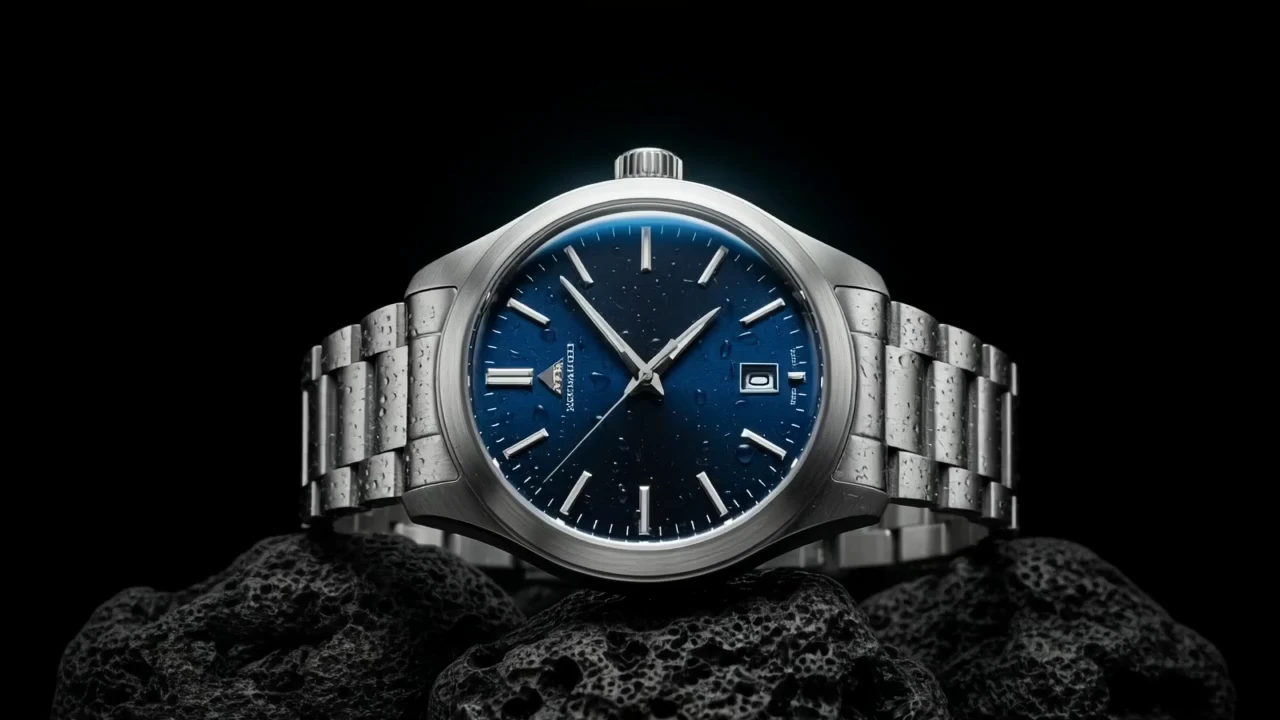
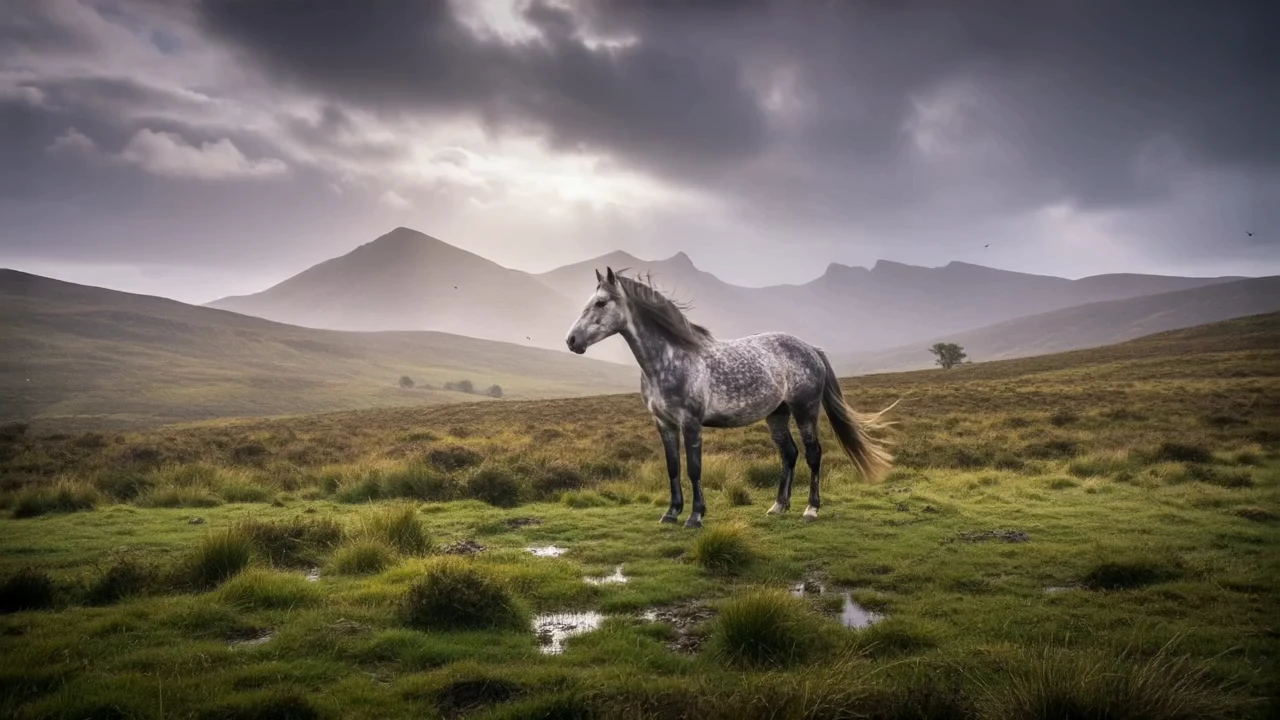
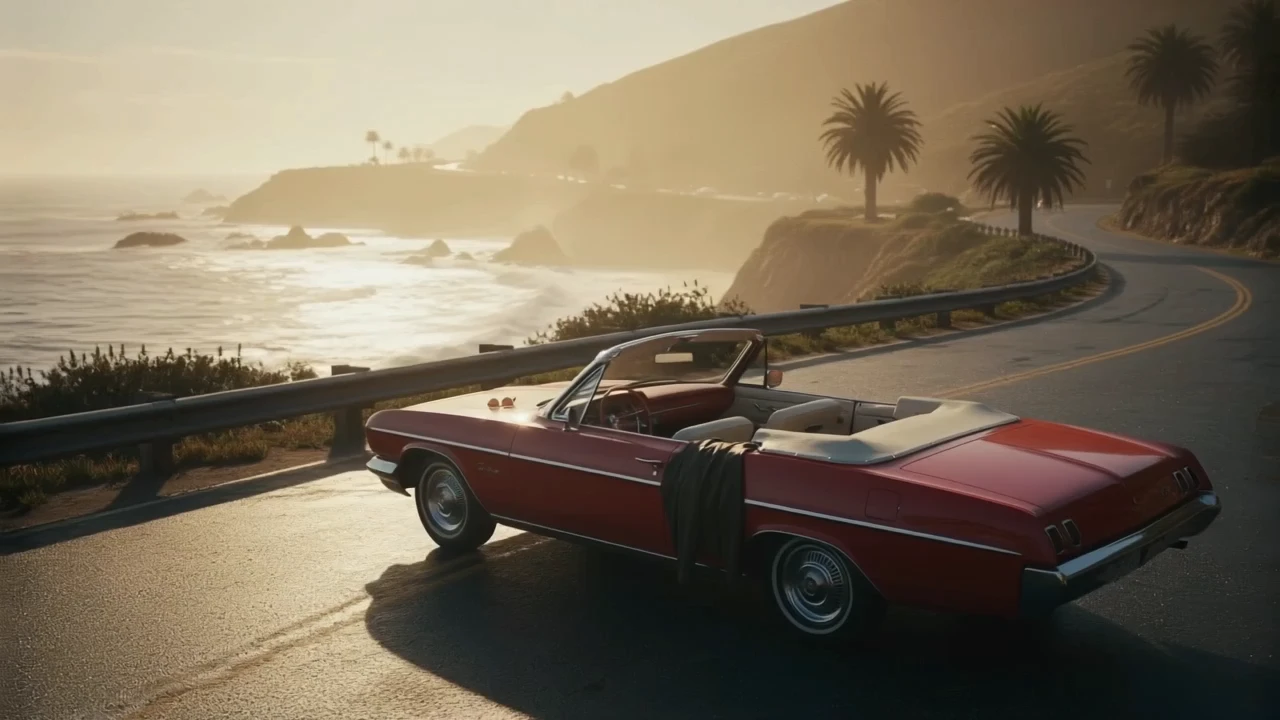
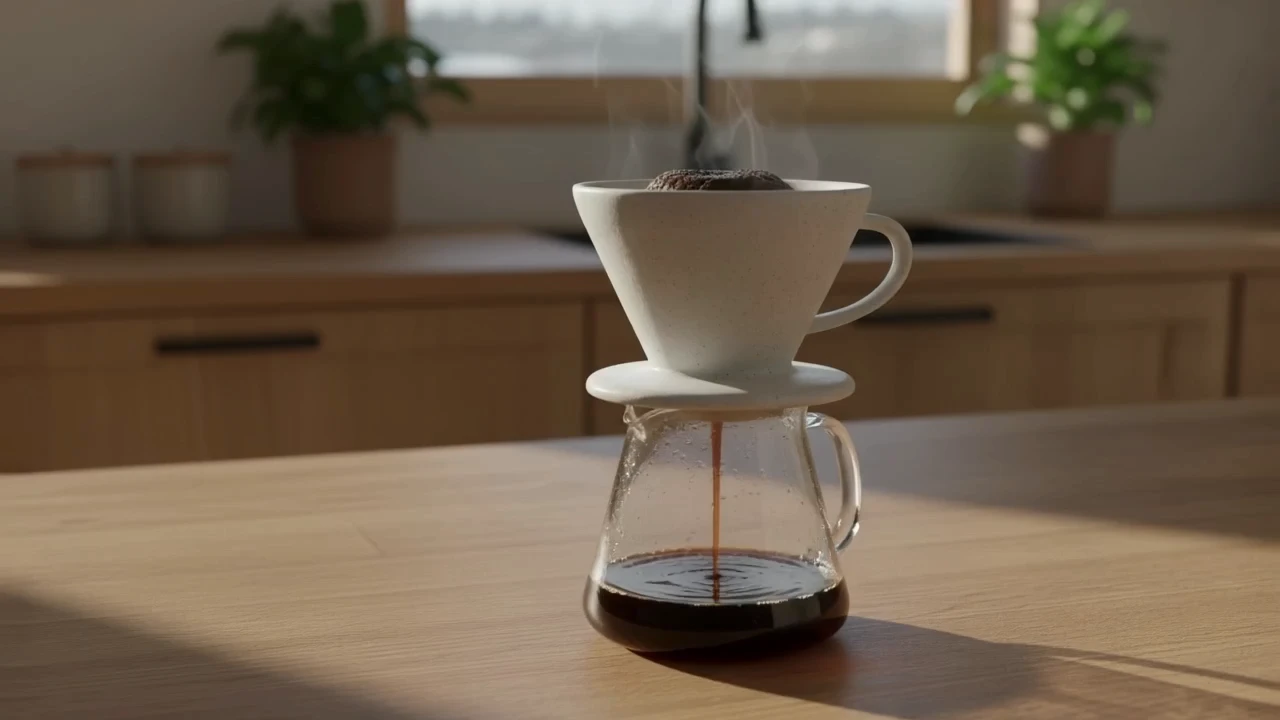
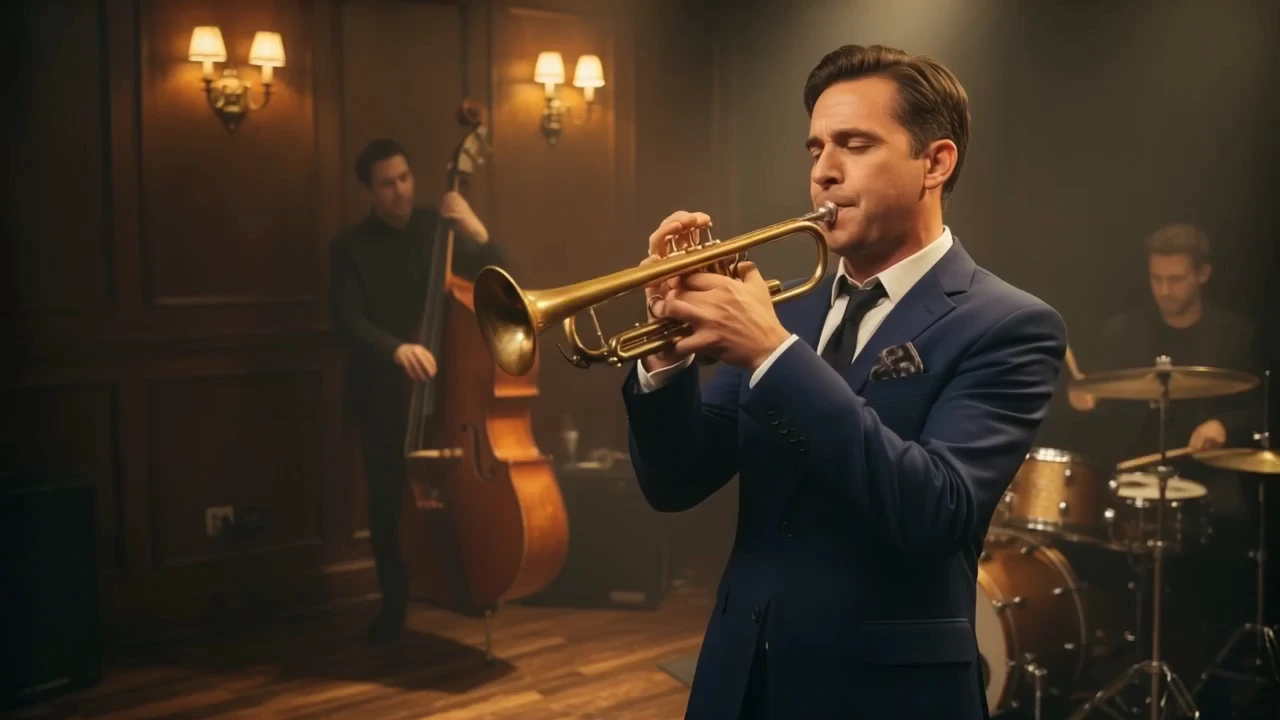
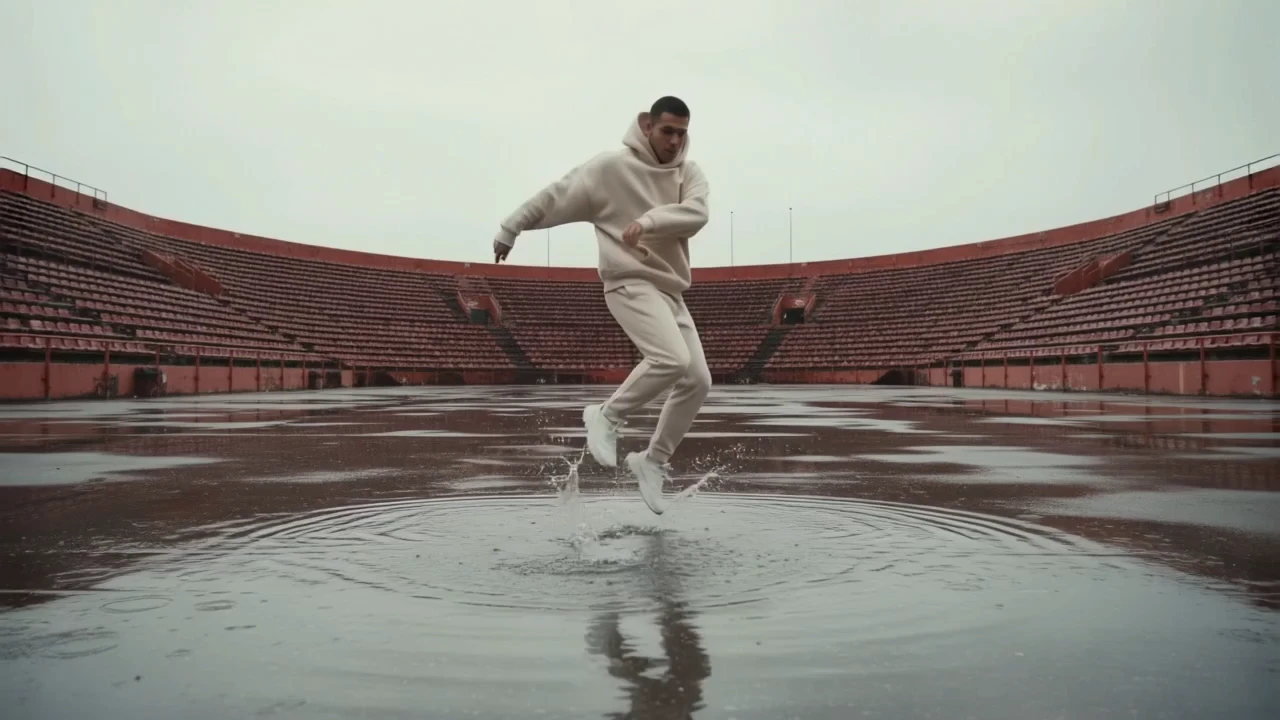
Examples Of LTX 2.5 Pro

Video thumbnail
Loading...
Video thumbnail
Loading...
Video thumbnail
Loading...
Video thumbnail
Loading...
Video thumbnail
Loading...
Video thumbnail
Loading...