logo
RunComfy
  • ComfyUI
  • TrainerNew
  • Models
  • API
  • Pricing
discord logo
MODELS
Explore
All Models
LIBRARY
Generations
MODEL APIS
API Docs
API Keys
ACCOUNT
Usage

Happy Horse 1.1 reference to video: Reference-Driven Video Generation on Models and API | RunComfy

alibaba/happyhorse-1.1/reference-to-video

Feed up to 9 reference images and a prompt to Happy Horse 1.1 reference to video, then get a 3-15 second 720P/1080P clip where the referenced subject, style, and identity stay stable while motion runs smooth.

Describe the scene, action, camera movement, and atmosphere you want built around the reference images. Up to 5000 non-Chinese characters or 2500 Chinese characters (longer input is truncated).
Aspect ratio of the generated video.
Output video duration in seconds. Allowed values: 3-15.
Primary reference image whose subject, style, or composition guides the video. Formats: JPEG, JPG, PNG, or WEBP.
Optional additional reference image. Formats: JPEG, JPG, PNG, or WEBP.
Optional additional reference image. Up to 9 reference images can be combined. Formats: JPEG, JPG, PNG, or WEBP.
Output video resolution. Happy Horse 1.1 reference to video supports 720P or 1080P.
Optional seed for reproducible generations. Use 0 to let the provider randomize.
Idle
The rate is $0.13 per second for 720P, and $0.16 per second for 1080P.

Introduction To Happy Horse 1.1 reference to video

Alibaba's Happy Horse 1.1 reference to video builds a 720P or 1080P clip around the subjects and look you supply as reference images, billed at $0.13 per second for 720P and $0.16 per second for 1080P across 3-15 second durations. Trading manual rotoscoping, separate motion design, and slow render queues for one reference-and-prompt step, this release sharpens the sluggish action and uneven face handling of the 1.0 generation for creators, marketers, and product teams. For developers, Happy Horse 1.1 reference to video on RunComfy can be used both in the browser and via an HTTP API, so you don't need to host or scale the model yourself.
Ideal for: Character-Consistent Scenes | Product Reveal Clips | Brand Style Continuity

Alibaba / Happy Horse 1.1 Reference To Video#


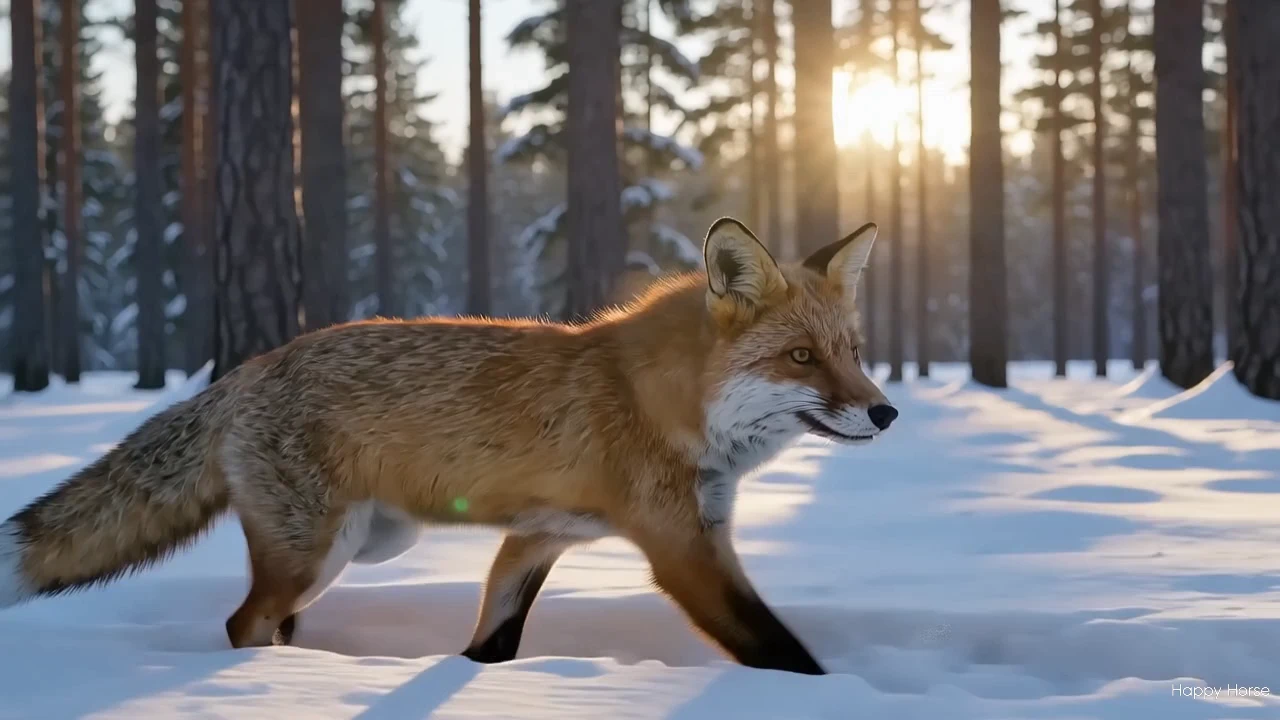
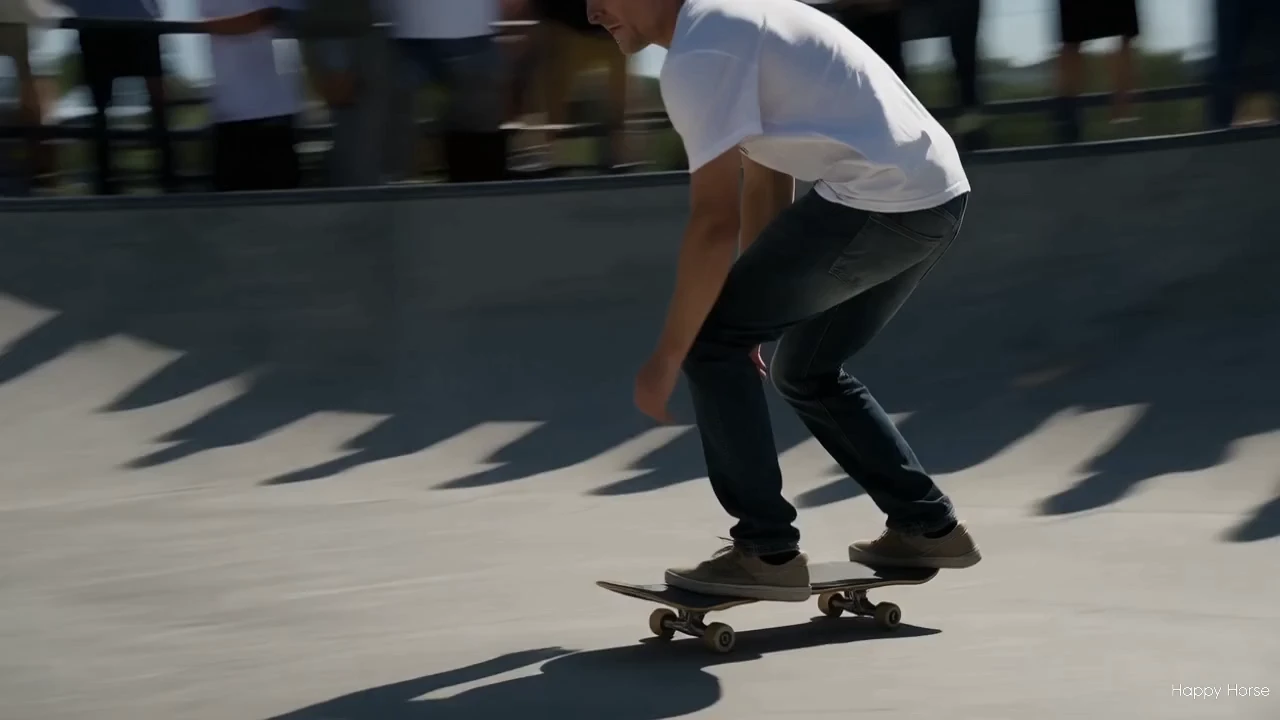
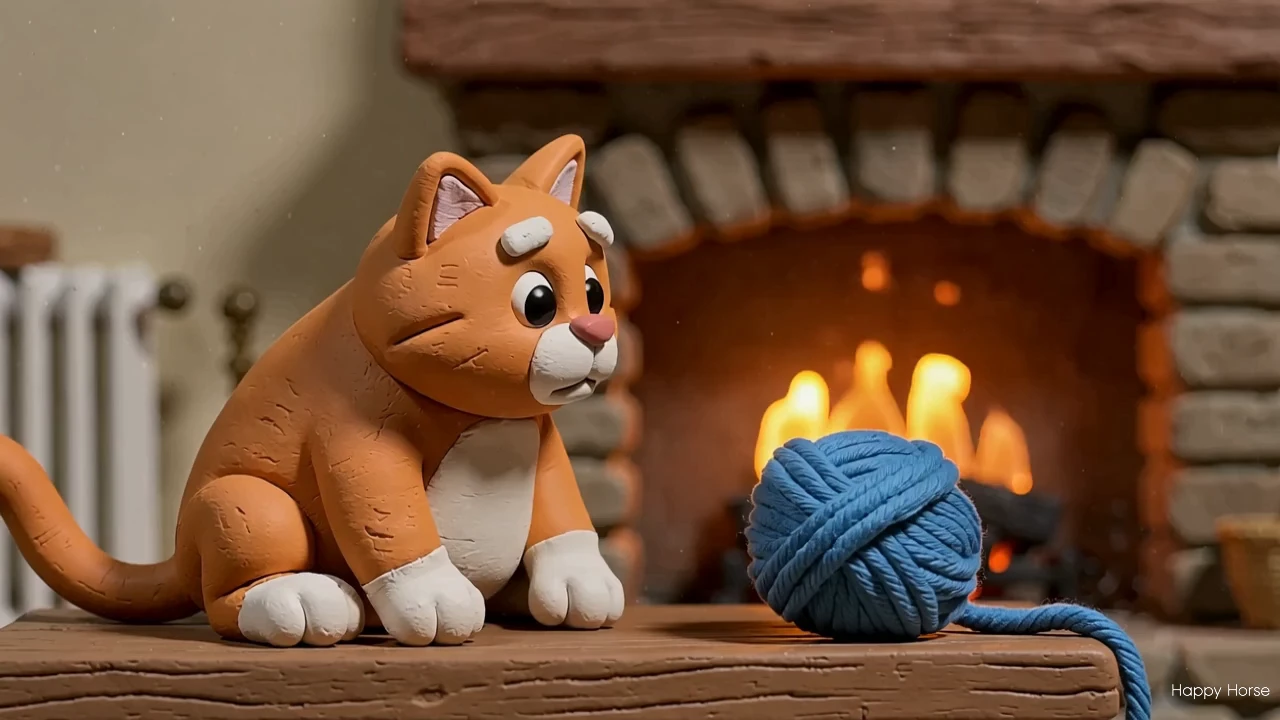
Happy Horse 1.1 reference to video is the reference-driven mode of Alibaba's natively multimodal video model. Instead of starting from a blank prompt, you hand it one or more reference images and a text description, and the model generates a short clip that carries the subject, style, or composition you provided while adding motion and synchronized sound in a single pass.


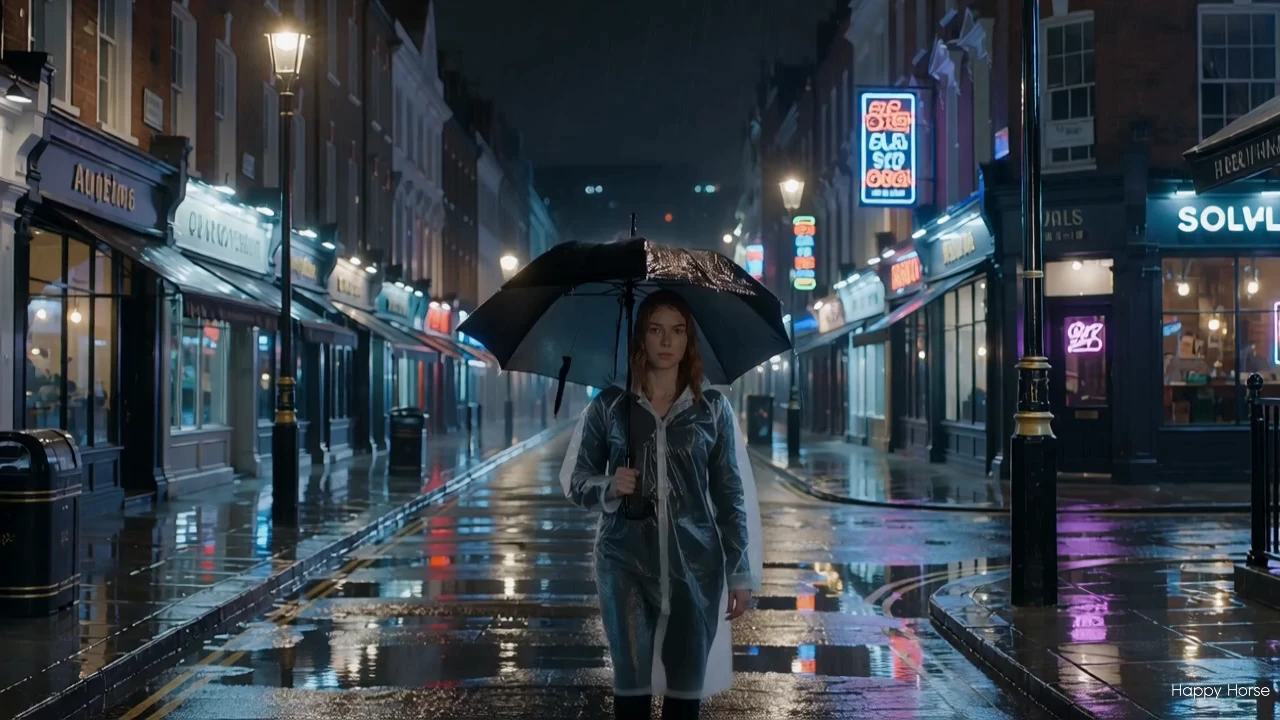
This mode shares the same architecture as the rest of the Happy Horse 1.1 family, so it keeps believable, physically grounded motion, rich light and shadow, and cinematic camera work such as push-ins, pull-outs, and rack-focus shifts. It holds character identity across the clip and renders a range of looks, from photoreal footage to stylized animation.


This release refines the earlier 1.0 generation: action that used to feel sluggish now carries more pace and weight, and the model handles a wider range of subjects, including Asian faces, with steadier likeness and fewer morphing artifacts.


Output format: Resolution: 720P or 1080P / fps: 24 / duration: 3-15s / aspect ratio: 16:9, 9:16, 1:1 / audio: included


Highlights#


  • Reference-driven generation: Happy Horse 1.1 reference to video accepts up to 9 reference images to anchor subject, style, and composition before motion is added.
  • Identity that holds: Faces, outfits, and products stay consistent from the reference through the full clip.
  • Native audio-visual sync: Dialogue, ambient sound, and Foley are generated jointly with the video in one pass.
  • Cinematic look: Strong handling of depth of field, atmosphere, and lighting gives mid- and close-range shots a film-grade feel.
  • Expressive camera work: Supports push-in, pull-out, and depth-of-field transitions rather than static frames.
  • Smoother, faster motion: Movement reads with better pacing and momentum than the prior 1.0 generation.
  • Broader subject handling: Improved likeness across diverse faces, including Asian faces, compared with the 1.0 release.
  • Resolution and framing control: Pick 720P or 1080P, choose 16:9, 9:16, or 1:1, and set any duration from 3 to 15 seconds.

Related Models

wan-2-5/image-to-video

Generate clips with fluid motion and audios for creatives

ace-step/audio-inpaint

Edit a precise segment of an audio track while preserving the rest

lucy-edit/fast

Text-driven video transformation keeping motion and style consistent across edits.

kling-video-o1/video-to-video/edit

Unified AI model for refined scene editing, style match, and smooth video refits

hunyuan/video-to-video

Transform one video into another style with Tencent Hunyuan Video.

wan-2-1/text-to-video

Generate cinematic videos from text prompts with Wan 2.1.

Frequently Asked Questions

What is Happy Horse 1.1 reference to video used for?

Happy Horse 1.1 reference to video generates a short clip built around reference images you supply, so the subject, style, or composition you provide carries into the result. It suits character-consistent scenes, product reveals, and brand-style clips where you need motion that stays faithful to a specific look rather than starting from a text prompt alone.

How is Happy Horse 1.1 reference to video different from the text-to-video mode?

The text-to-video mode builds a clip from a prompt only, while Happy Horse 1.1 reference to video lets you anchor the output with up to 9 reference images before adding motion. This makes it the better choice when identity, product appearance, or a particular visual style needs to stay consistent across the video.

What improvements does Happy Horse 1.1 reference to video bring over the 1.0 generation?

Compared with the earlier 1.0 release, Happy Horse 1.1 reference to video delivers livelier motion pacing, fewer morphing artifacts, and steadier likeness across a wider range of subjects, including Asian faces. Based on publicly available information, action that previously felt sluggish now carries more weight and momentum.

Does Happy Horse 1.1 reference to video generate audio with the video?

Yes. Happy Horse 1.1 reference to video produces synchronized audio, such as dialogue, ambient sound, and Foley, jointly with the picture in a single pass. This removes the need for a separate sound design step and keeps the audio aligned with on-screen action.

How many reference images can I use with Happy Horse 1.1 reference to video?

You can supply up to 9 reference images, with the first one acting as the primary anchor. Add more only when each contributes something distinct, such as a second subject or a style cue; check the current RunComfy parameter panel for the exact accepted formats and limits.

What resolutions, durations, and aspect ratios does Happy Horse 1.1 reference to video support?

Happy Horse 1.1 reference to video outputs 720P or 1080P clips between 3 and 15 seconds, at 16:9, 9:16, or 1:1 aspect ratio. Pick 720P to iterate cheaply and 1080P for final delivery; limits may vary by mode or provider settings.

Can developers use Happy Horse 1.1 reference to video through the RunComfy API?

Yes. You can prototype Happy Horse 1.1 reference to video in the RunComfy AI Playground Web UI, then call the same model via the RunComfy API with identical parameters for automation and production. This keeps your tested settings consistent between prototyping and integration.

How much does it cost to generate with Happy Horse 1.1 reference to video on RunComfy?

Happy Horse 1.1 reference to video is billed by output duration and resolution: $0.13 per second for 720P and $0.16 per second for 1080P. A 5-second 720P clip is about $0.65 and a 5-second 1080P clip is about $0.80; generations draw from your RunComfy credits, and new users typically start with a free trial amount.

Follow us
  • LinkedIn
  • Facebook
  • Instagram
  • Twitter
Support
  • Discord
  • Email
  • System Status
  • Affiliate
Video Models
  • Wan 2.6 Flash
  • Kling Video O3 Pro Image To Video
  • Wan 2.6
  • Seedance 2.0 Fast
  • Hailuo 2.3 Fast Standard
  • Kling 3.0
  • View All Models →
Image Models
  • seedream 4.0
  • Nano Banana 2 Edit
  • Flux 2 Dev
  • Nano Banana Pro
  • GPT Image 2 Image Edit
  • FLUX.1 Schnell
  • View All Models →
Legal
  • Terms of Service
  • Privacy Policy
  • Cookie Policy
RunComfy
Copyright 2026 RunComfy. All Rights Reserved.

RunComfy is the premier ComfyUI platform, offering ComfyUI online environment and services, along with ComfyUI workflows featuring stunning visuals. RunComfy also provides AI Models, enabling artists to harness the latest AI tools to create incredible art.
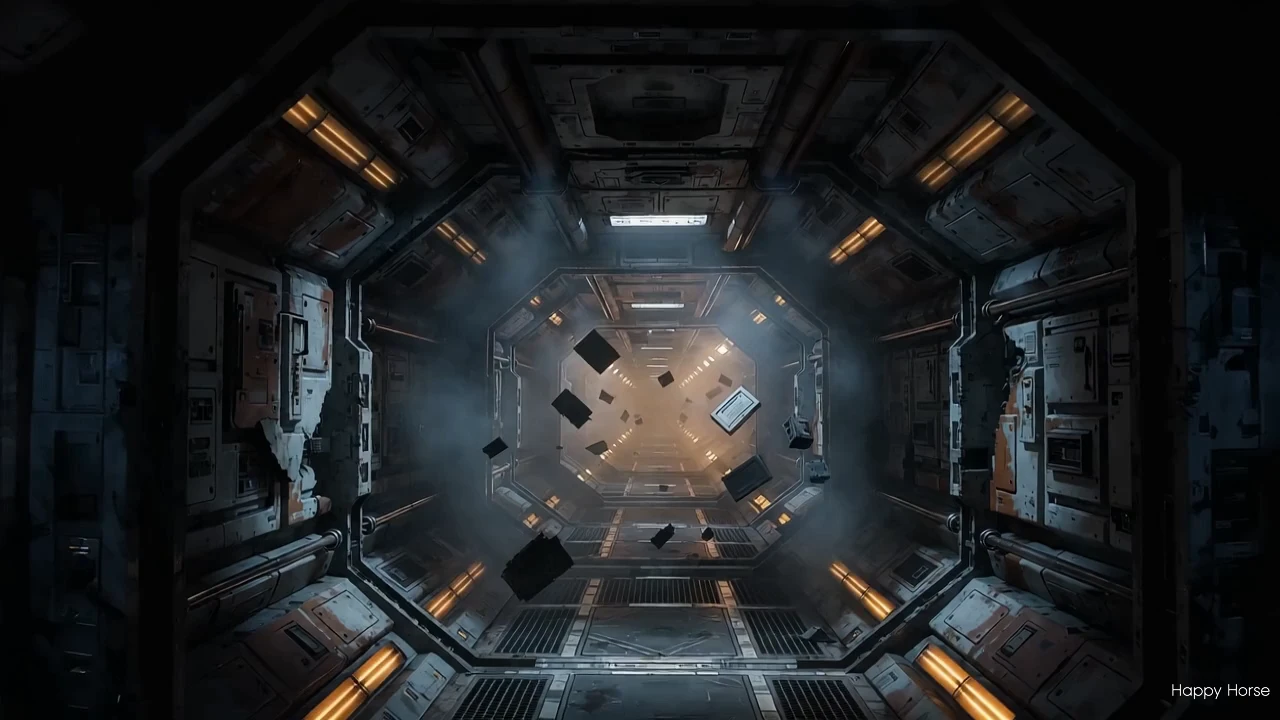
Examples Of Happy Horse 1.1 reference to video

Video thumbnail
Loading...
Video thumbnail
Loading...
Video thumbnail
Loading...
Video thumbnail
Loading...
Video thumbnail
Loading...
Video thumbnail
Loading...