logo
RunComfy
  • Models
  • ComfyUI
  • TrainerNew
  • API
  • Pricing
discord logo
MODELS
Explore
All Models
LIBRARY
Generations
MODEL APIS
API Docs
API Keys
ACCOUNT
Usage

Qwen Image 2512 LoRA: Photorealistic Text-to-Image Generation with Fine Detail on model playground and API | RunComfy

qwen/qwen-image/qwen-image-2512/lora

Generate photorealistic images from text with multilingual text rendering, fine detail, and stable LoRA optimization for product photography, marketing visuals, and creative design workflows.

List of LoRA weights to apply (maximum 3). Each LoRA can be a URL, HuggingFace repo ID, or local path.
The size of the generated image. Possible enum values represent different aspect ratios.
The number of inference steps to perform.
The guidance scale to use for the image generation.
The format of the generated image.
Idle
The rate is $0.035 per image.

Introduction to Qwen Image 2512 LoRA

Qwen Image 2512 LoRA supports different LoRAs to generate images from text. Designed for creative agencies, e-commerce studios, and AI developers, it transforms text prompts into streamlined, production-ready image generation pipelines powered by stable LoRA optimization. For developers, Qwen Image 2512 LoRA on RunComfy can be used both in the browser and via an HTTP API, so you don’t need to host or scale the model yourself.

Ideal for: Product Photography | Character Design | Marketing Visuals

Key capabilities:

  • Flexible LoRA integration: Input any Qwen Image 2512 compatible LoRA model via URL, HuggingFace repo ID (owner/repo), or local path.
  • Multi-LoRA blending: Combine up to 3 LoRA weights simultaneously for unique style combinations.
  • Precise scale control: Adjust each LoRA's influence with scale values from 0.0 to 4.0 for fine-tuned results.
  • Full generation parameters: Control image_size, num_inference_steps, guidance_scale, seed, and output_format.
  • Clean negatives: Use negative_prompt to exclude unwanted elements like watermarks or artifacts.

How to use custom LoRAs

This playground allows you to load any Qwen Image 2512 LoRA model of your choice. Simply provide the LoRA path and adjust the scale to control its influence on the generated image.


LoRA Path formats:

  • URL: Direct link to LoRA weights (e.g., https://example.com/my-lora.safetensors)
  • HuggingFace: Repository ID in owner/repo format (e.g., username/my-qwen-lora)
  • Local path: Path to locally stored LoRA weights

LoRA Scale:

The scale parameter (0.0 to 4.0) controls how strongly the LoRA affects the output. Start with 1.0 and adjust based on results.


Examples:

  • Single LoRA: Add one LoRA with path 'username/anime-style-lora' and scale 1.0 for consistent anime styling.
  • Blended styles: Combine a style LoRA (scale: 0.6) with a lighting LoRA (scale: 0.4) for layered effects.
  • Subtle influence: Use lower scale values (0.3-0.5) to gently incorporate LoRA characteristics while preserving base model behavior.

Pro tips:

  • Test each LoRA individually before blending multiple LoRAs together.
  • When using multiple LoRAs, keep the total combined scale near 1.0-1.5 for balanced results.
  • Use deterministic seeds to compare results across different LoRA configurations.
  • Adjust guidance_scale (3.5-6) based on how closely you want to follow the prompt.

Note: Try Qwen Image 2512 in the model playground and API for text-to-image runs via the Qwen Image 2512 Model.

Related Models

qwen-edit-2509/lora/relight

Advanced relighting and multi-image fusion tool with fast ControlNet support for detailed, consistent design results.

gemini-3-pro-image-preview/text-to-image

Create precise, consistent visuals with 4K detail and adaptive text-to-image rendering for design and production needs.

z-image/turbo/inpainting

Precision-driven tool for photo retouching and visual reconstruction

sam-3/image-to-image

Advanced concept-driven image editing with unified segmentation and detection for creators.

flux-2/turbo/text-to-image

Create detailed visual assets from prompts with scalable, high-speed precision

qwen-edit-2509/lora

Next-gen visual tool with refined editing, bilingual text control, and seamless image blending.

Frequently Asked Questions

What is Qwen Image 2512 LoRA Model and what can I do with it?

Qwen Image 2512 LoRA Model playground allows you to load any custom LoRA model compatible with Qwen Image 2512 for text-to-image generation. You can input your own LoRA by providing the LoRA path (URL, HuggingFace repo ID, or local path) and adjust the LoRA scale (0.0-4.0) to control its influence. It supports up to 3 LoRAs simultaneously, enabling flexible style blending and customization for your specific creative needs.

How is Qwen Image 2512 LoRA different from older versions in terms of text-to-image results?

Compared to previous versions like Qwen Image 2509 or Edit-2509, Qwen Image 2512 LoRA achieves smoother LoRA training stability, reduced artifacts, and superior text-to-image quality with improved text rendering, natural lighting, and human-like realism.

Who would benefit most from using Qwen Image 2512 LoRA for text-to-image tasks?

Digital artists, concept designers, content creators, and teams producing multilingual visual materials benefit most from Qwen Image 2512 LoRA. Its text-to-image abilities make it perfect for posters, infographics, advertisements, and product visuals that require detailed text integration.

Is Qwen Image 2512 LoRA available for free, or does it require credits for text-to-image generation?

Users can access Qwen Image 2512 LoRA on Runcomfy’s AI Models. It operates under a credit-based system, where new users receive free trial credits. After that, additional text-to-image generations require spending credits as specified in the platform’s Generation section.

Can Qwen Image 2512 LoRA handle multiple languages in text-to-image generation?

Yes, Qwen Image 2512 LoRA supports both Chinese and English in its text-to-image rendering. It can accurately place readable text in multi-line layouts or within complex visual scenes, making it ideal for bilingual designs and marketing materials.

Are there any limitations users should know about when working with Qwen Image 2512 LoRA?

While Qwen Image 2512 LoRA delivers exceptional text-to-image quality, results may vary if older LoRA modules are used. Some legacy LoRAs may not be fully compatible, and text accuracy still depends on prompt clarity and structure.

Follow us
  • LinkedIn
  • Facebook
  • Instagram
  • Twitter
Support
  • Discord
  • Email
  • System Status
  • Affiliate
Video Models
  • Seedance 1.0
  • Seedance 1.5 Pro
  • Seedance 1.0 Pro Fast
  • Wan 2.2
  • Wan 2.6
  • Wan 2.6 Text to Video
  • View All Models →
Image Models
  • Qwen Image 2512
  • Wan 2.6 Image to Image
  • Nano Banana Pro
  • seedream 4.0
  • Qwen Image Edit 2511 LoRA
  • nano banana
  • View All Models →
Legal
  • Terms of Service
  • Privacy Policy
  • Cookie Policy
RunComfy
Copyright 2026 RunComfy. All Rights Reserved.

RunComfy is the premier ComfyUI platform, offering ComfyUI online environment and services, along with ComfyUI workflows featuring stunning visuals. RunComfy also provides AI Models, enabling artists to harness the latest AI tools to create incredible art.

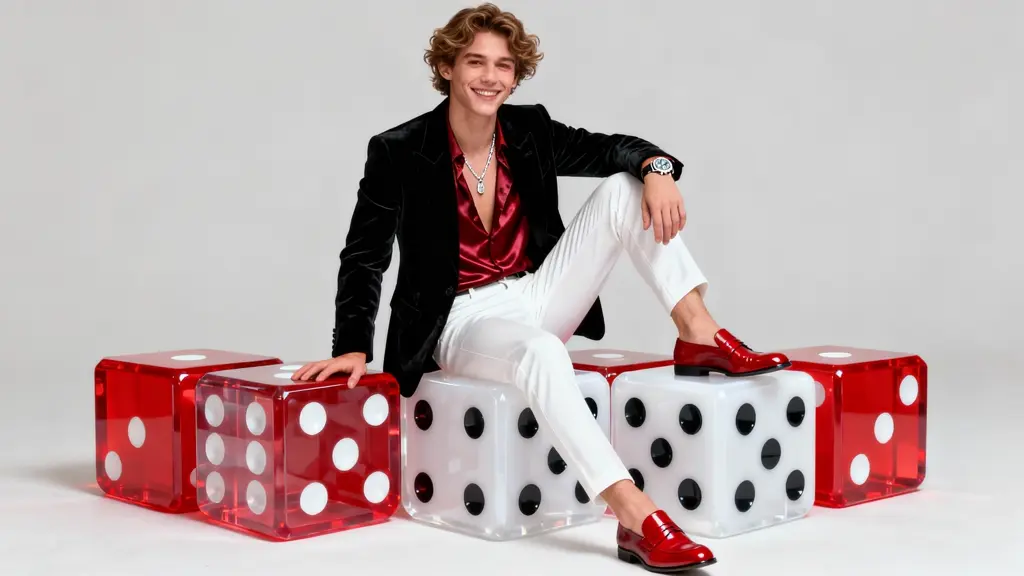
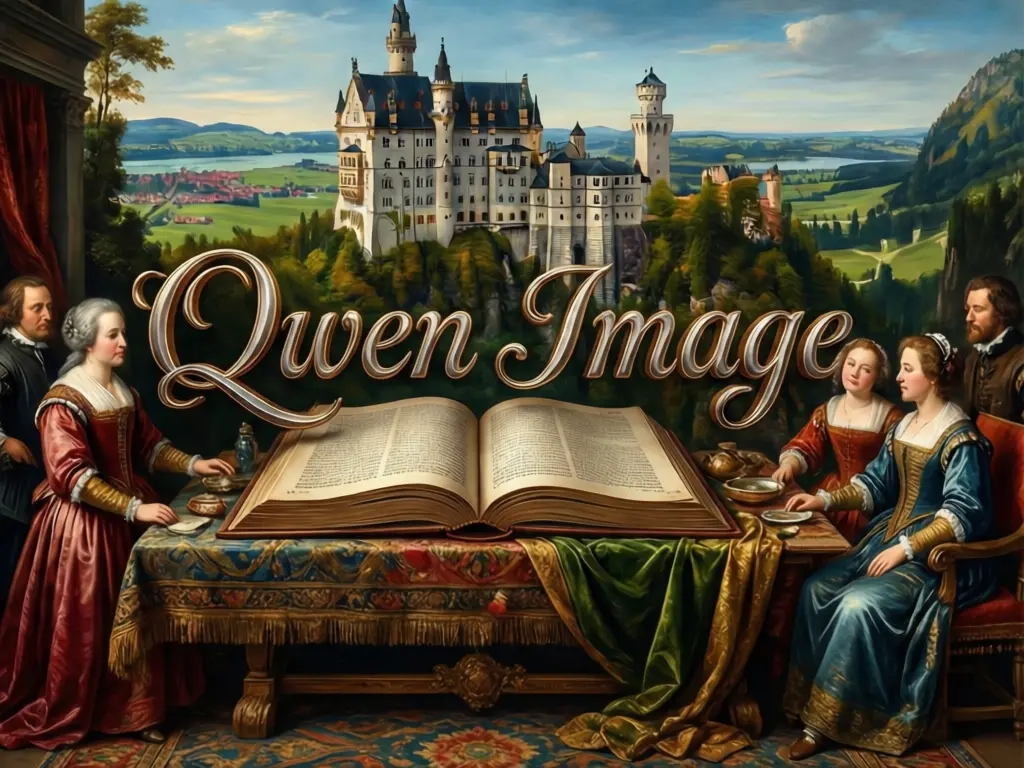
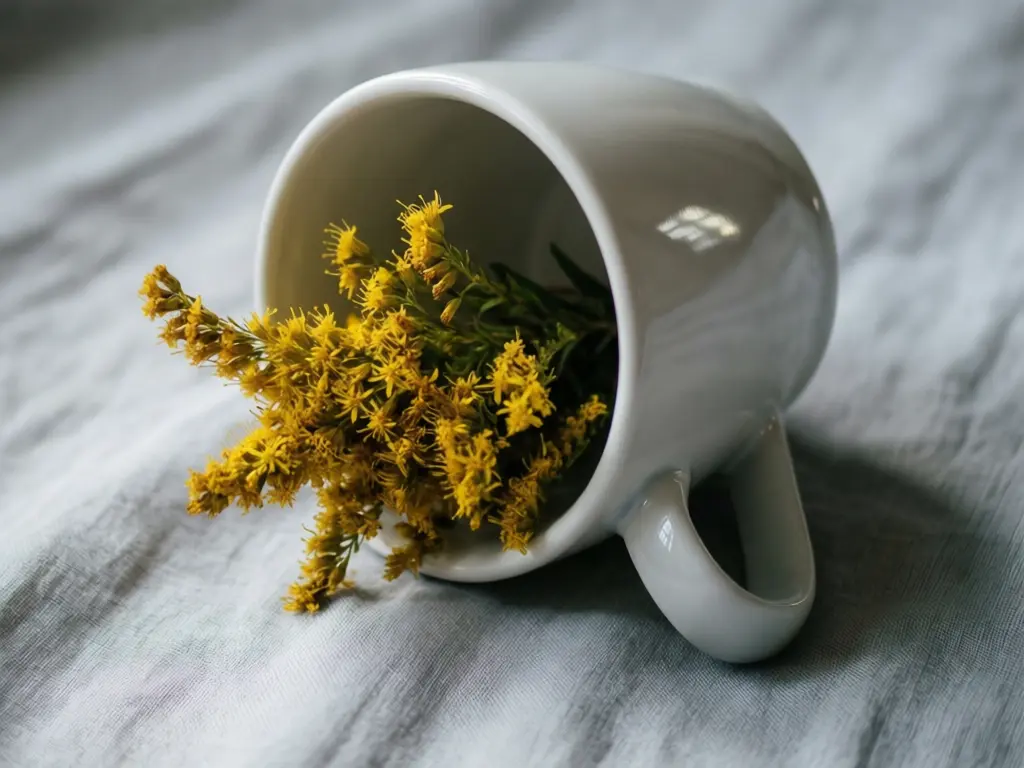
Examples of Qwen Image 2512 LoRA