logo
RunComfy
  • Models
  • ComfyUI
  • TrainerNew
  • API
  • Pricing
discord logo
MODELS
Explore
All Models
LIBRARY
Generations
MODEL APIS
API Docs
API Keys
ACCOUNT
Usage

Qwen Image 2512: High-Fidelity Text-to-Image Generation with fast generation speed | RunComfy

qwen/qwen-image/qwen-image-2512

Generate production-ready images from text prompts with realistic materials, sharp bilingual text rendering, fixed aspect ratios, and effortless editing for design and e-commerce creation.

The negative prompt describing what should not appear in the generated image.
The number of inference steps to perform.
The guidance scale to use for image generation.
The output image file format.
Idle
The rate is $0.02 per image.

Introduction to Qwen Image 2512

Alibaba's Qwen Image 2512 converts text prompts into production-ready visuals at $0.02 per image, with fixed, quality-optimized aspect ratios and high-fidelity text rendering. Trading manual layout kerning, complex masking, and painstaking portrait retouching for paragraph-accurate text rendering, natural material realism, Qwen Image 2512 streamlines creative-to-production handoffs and review cycles, built for e-commerce teams, designers, and marketing workflows. For developers, Qwen Image 2512 on RunComfy can be used both in the browser and via an HTTP API, so you don’t need to host or scale the model yourself.
Ideal for: Multilingual Poster and Slide Design | Photo-Real Portrait Campaigns | Precise Design for Product Detail Pages

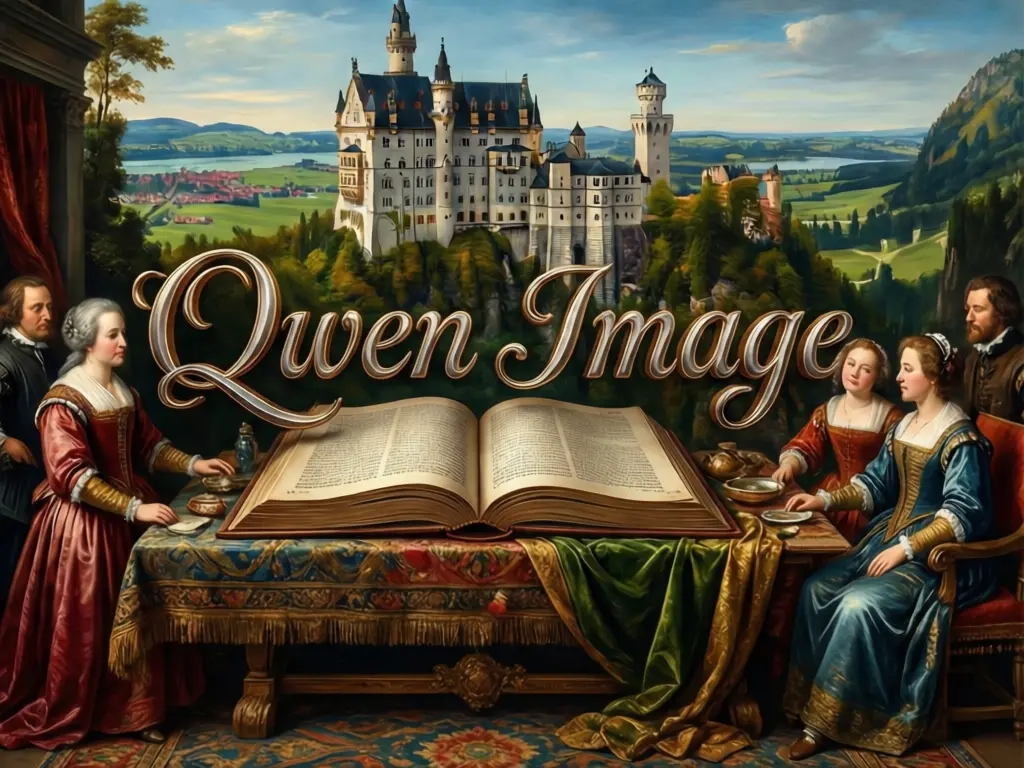
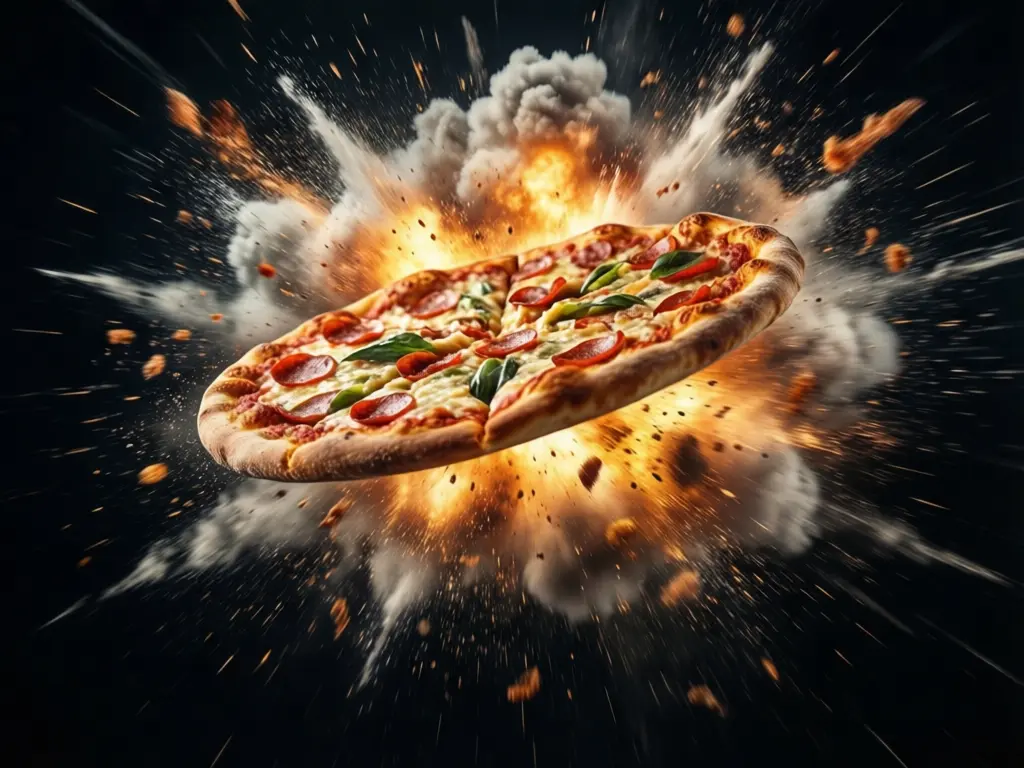
Examples of Qwen Image 2512 in Action

Alibaba / Qwen Image 2512


Qwen Image 2512 is a text-to-image generation model available on RunComfy that produces single, high-quality still images from prompts and optional negative prompts. It is suited to creative design, marketing visuals, posters with embedded text, and photorealistic scenes.


Output format: square_hd, square, portrait_4_3, portrait_16_9, landscape_4_3, landscape_16_9


Highlights


  • Strong bilingual text rendering: Qwen Image 2512 commonly produces cleaner multi-line Chinese and English text inside images.
  • Enhanced human realism: It is reported to reduce the "plastic" look, improving faces, hair, and skin detail.
  • Layout fidelity: It tends to preserve poster-style layouts, grids, and typographic alignment more consistently.
  • Super-fast Generation: Qwen Image 2512 supports super fast generation, turns text into high quality image around 5 seconds.

Parameters


ParameterRequiredTypeDefaultRange / OptionsDescription
prompt*Yes (*)string——The prompt to generate an image from.
negative_promptNostring""—Optional terms to reduce or avoid in the image.
image_sizeNoImageSizeEnum or objectlandscape_4_3Enum: square_hd, square, portrait_4_3, portrait_16_9, landscape_4_3, landscape_16_9.
num_inference_stepsNointeger28—Number of inference steps; higher can improve detail at the cost of speed.
guidance_scaleNofloat5—Prompt adherence strength; moderate values typically balance detail and creativity.
seedNointeger——Fixed seed for reproducible outputs given the same settings.
output_formatNoOutputFormatEnum"png"jpeg, png, webpImage file format for the result.

How to Use


  1. Enter your prompt: Describe subject, setting, camera/view, lighting, and any embedded text you want to render.
  2. Add a negative_prompt (optional): Use it to downplay artifacts, unwanted objects, or specific styles.
  3. Choose image_size: Pick a preset aspect ratio for Qwen Image 2512 when precise framing is required.
  4. Set num_inference_steps: Start at 28; increase slightly for more detail if it outputs look under-detailed.
  5. Tune guidance_scale: Keep near 5 for balanced adherence; nudge up if it drifts from your prompt.
  6. Fix a seed for iteration: Reuse the same seed to compare small prompt or parameter tweaks in Qwen Image 2512.
  7. Select output_format: PNG for lossless graphics, JPEG for smaller file size, WEBP for modern balance.
  8. Run and export: Generate, review the result, and download the image; re-run with minor edits to refine output.

Prompt & Reference Tips


  • Be literal when you need embedded text; wrap exact strings in quotes so it treats them as copy, not style.
  • Include layout guidance (e.g., "top-left title, bottom caption") so it can place elements predictably.
  • Specify camera and lens terms for consistent composition (e.g., 50mm, shallow DOF, overhead shot).
  • Use a short style stack (e.g., "editorial, matte, diffused light") to keep Qwen Image 2512 focused.
  • Prefer plain units and common color names; it follows simpler descriptors more reliably.
  • Iterate with a fixed seed to compare step count and guidance changes in Qwen Image 2512 without random drift.
  • Add a gentle negative_prompt (e.g., "blurry, watermark, extra fingers") if Qwen Image 2512 shows minor artifacts.

How Qwen Image 2512 compares to other models


  • Compared to earlier Qwen-Image releases, it delivers more realistic human features, stronger bilingual text fidelity and extremely fast generation speeds based on community reports.
  • Key Improvements: Qwen Image 2512 commonly enhances natural texture detail, improves layout accuracy for posters/slides, and refines prompt adherence without requiring extreme guidance.
  • Ideal Use Case: Choose it when you need clean in-image typography and lifelike portraits combined in one workflow.
  • Compared to Flux 2, Qwen Image 2512 is typically favored for embedded text clarity and human realism, while Flux 2 offers broader style variety and flexible resolutions.

More Models to Try


  • Qwen-Image-Edit-2511
  • Qwen-Image-Edit-2509

Official Resources


  • GitHub (Qwen organization): https://github.com/QwenLM
  • Hugging Face (Qwen organization): https://huggingface.co/Qwen

Related Models

seedream-4-5/text-to-image

Generate refined visuals with accurate lighting and text control for design work.

seedream-4-0/sequential

Create cohesive story visuals with sequenced, style-stable image generation.

qwen-image/text-to-image

Precise text rendering & multilingual edits for visual pros

grok-2/image

Create lifelike visuals and illustrations from text with flexible design control.

qwen-edit-2509/lora/fusion

Blend and refine visuals with advanced image editing, depth control, and multilingual design precision.

qwen-image/qwen-image-edit-2511/lora

LoRA-based visual editing model offering structure-aware asset transformation for creative pros

Frequently Asked Questions

How can I transition from experimenting in RunComfy Playground to production deployment with the Qwen Image 2512 API?

After testing Qwen Image 2512 features in the RunComfy, developers can migrate to the RunComfy API using the same model configuration. They need to create an API key, set generation parameters programmatically, manage usd usage, and follow Apache 2.0 compliance for Qwen Image 2512 deployment in production workflows.

How does Qwen Image 2512 handle multilingual text and typography inside the generated images?

Qwen Image 2512 handles both Chinese and English text with high precision, supporting multi-line paragraphs and mixed-language posters. Its training integrates layout understanding, allowing developers and designers to retain clear font alignment and minimal distortion even across complex designs.

Why is Qwen Image 2512 favored for human portraits and text-heavy scenes?

Qwen Image 2512 excels in rendering skin tone variations, hair details, and expressive body postures while maintaining clean, readable embedded text. These strengths make it ideal for magazine covers, advertisements, and infographics requiring both realism and exact typography.

How does Qwen Image 2512 differ from competitors like Nano Banana Pro or Flux 2 in text rendering and realism?

Unlike some competitors that focus primarily on photorealistic style or 4K resolution output, Qwen Image 2512 prioritizes faithful text rendering and balanced natural textures. What's more, it has fast generation speed. Benchmark results indicate that its layout alignment for bilingual content surpasses comparable open-source alternatives.

What types of projects benefit most from integrating Qwen Image 2512 into their creative pipeline?

Qwen Image 2512 is optimal for agencies, educators, and publishers seeking high-quality, multilingual infographics, posters, and ad visuals. It offers a blend of professional-grade image realism and generative flexibility, making it suitable for both prototype design and scaled production.

Follow us
  • LinkedIn
  • Facebook
  • Instagram
  • Twitter
Support
  • Discord
  • Email
  • System Status
  • Affiliate
Video Models
  • Seedance 1.5 Pro
  • Seedance 1.5 Pro Text to Video
  • Kling 2.6 Pro Motion Control
  • Seedance 1.0 Pro Fast
  • Seedance 1.0
  • Wan 2.2
  • View All Models →
Image Models
  • Flux 2 Turbo Edit
  • Wan 2.6 Image to Image
  • Qwen Image Edit 2511
  • Gemini 3 Pro
  • seedream 4.0
  • Nano Banana Pro
  • View All Models →
Legal
  • Terms of Service
  • Privacy Policy
  • Cookie Policy
RunComfy
Copyright 2026 RunComfy. All Rights Reserved.

RunComfy is the premier ComfyUI platform, offering ComfyUI online environment and services, along with ComfyUI workflows featuring stunning visuals. RunComfy also provides AI Models, enabling artists to harness the latest AI tools to create incredible art.