logo
RunComfy
  • ComfyUI
  • TrainerNew
  • Models
  • API
  • Pricing
discord logo
MODELS
Explore
All Models
LIBRARY
Generations
MODEL APIS
API Docs
API Keys
ACCOUNT
Usage

GPT Image 2: OpenAI's GPT Image 2 with Precise Typography on playground and API | RunComfy

openai/gpt-image-2/text-to-image

Generate precise, brand-ready images from text or prompts with accurate in-image text, multilingual rendering, and fast, scalable output ideal for e-commerce and marketing visuals.

The size of the generated media in pixels (width*height).
Idle
The rate is $0.1 per image.

Introduction To GPT Image 2 Creation

OpenAI's GPT Image 2 turns text into production-ready images at $0.1 per image, with precise in-image text and logo rendering. Trading manual photoshoots, stock hunting, and complex masking for instruction-faithful generation, multilingual text rendering, and consistent brand visuals, GPT Image 2 streamlines asset creation and eliminates tedious layout guesswork, built for e-commerce teams, designers, and marketing workflows. For developers, GPT Image 2 on RunComfy can be used both in the browser and via an HTTP API, so you don’t need to host or scale the model yourself.
Ideal for: E-commerce Product Imagery | High-Conversion Ad Visuals | Brand Asset Localization

OpenAI / GPT Image 2


GPT Image 2 is a text-to-image generation model from OpenAI that takes a written prompt and returns a high-quality image. On RunComfy, it accepts a text prompt and supports fixed output sizes, making it suitable for product mockups, marketing visuals, concept art, and design exploration.


Output format: Resolution: 1024×1024, 1024×1536, 1536×1024 / fps: n/a / duration: n/a / aspect ratio: 1:1, 2:3, 3:2 / audio: n/a


Highlights

  • Instruction-following fidelity: GPT Image 2 is known for strong adherence to multi-element prompts, layout cues, and style constraints.
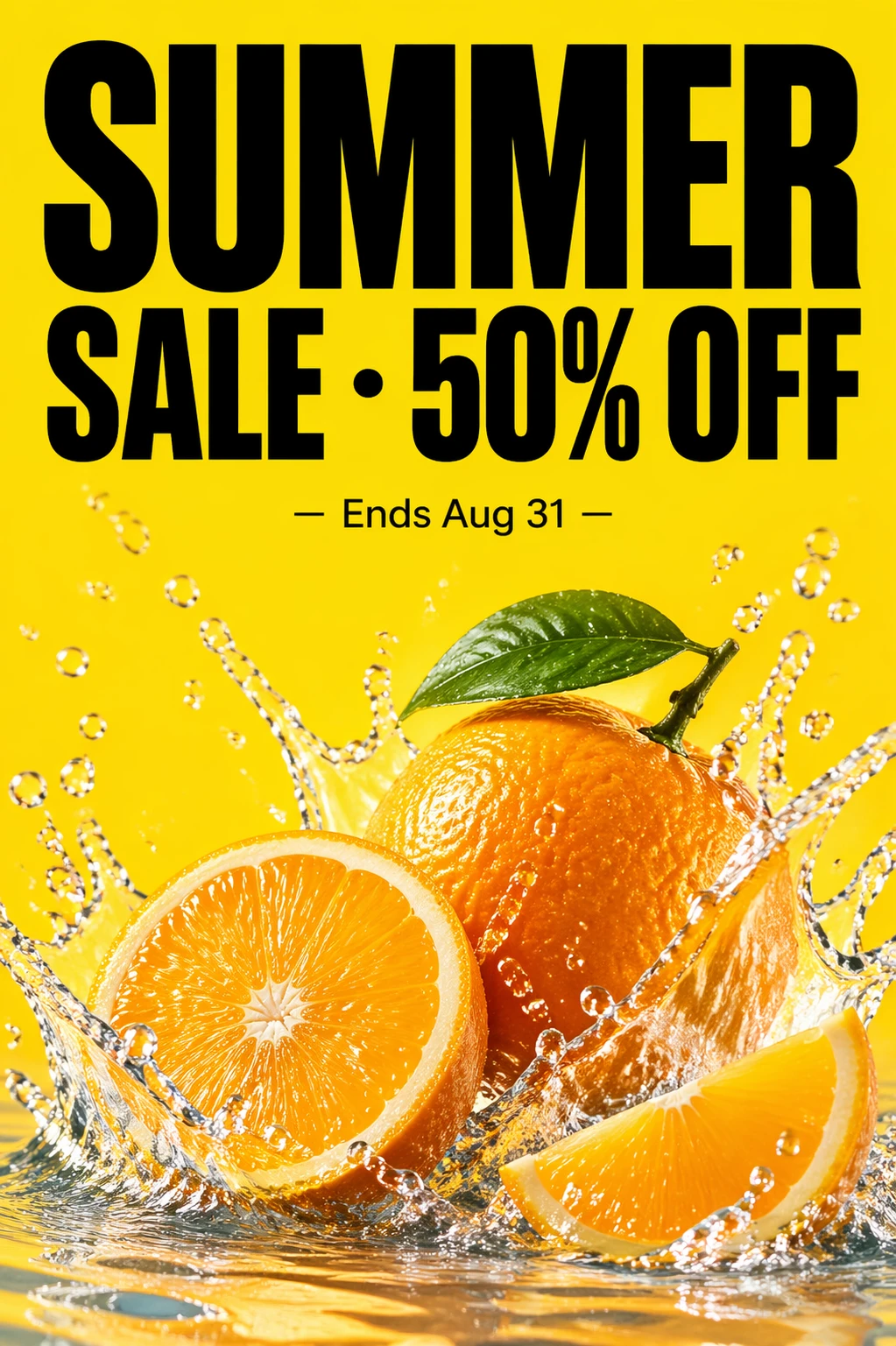
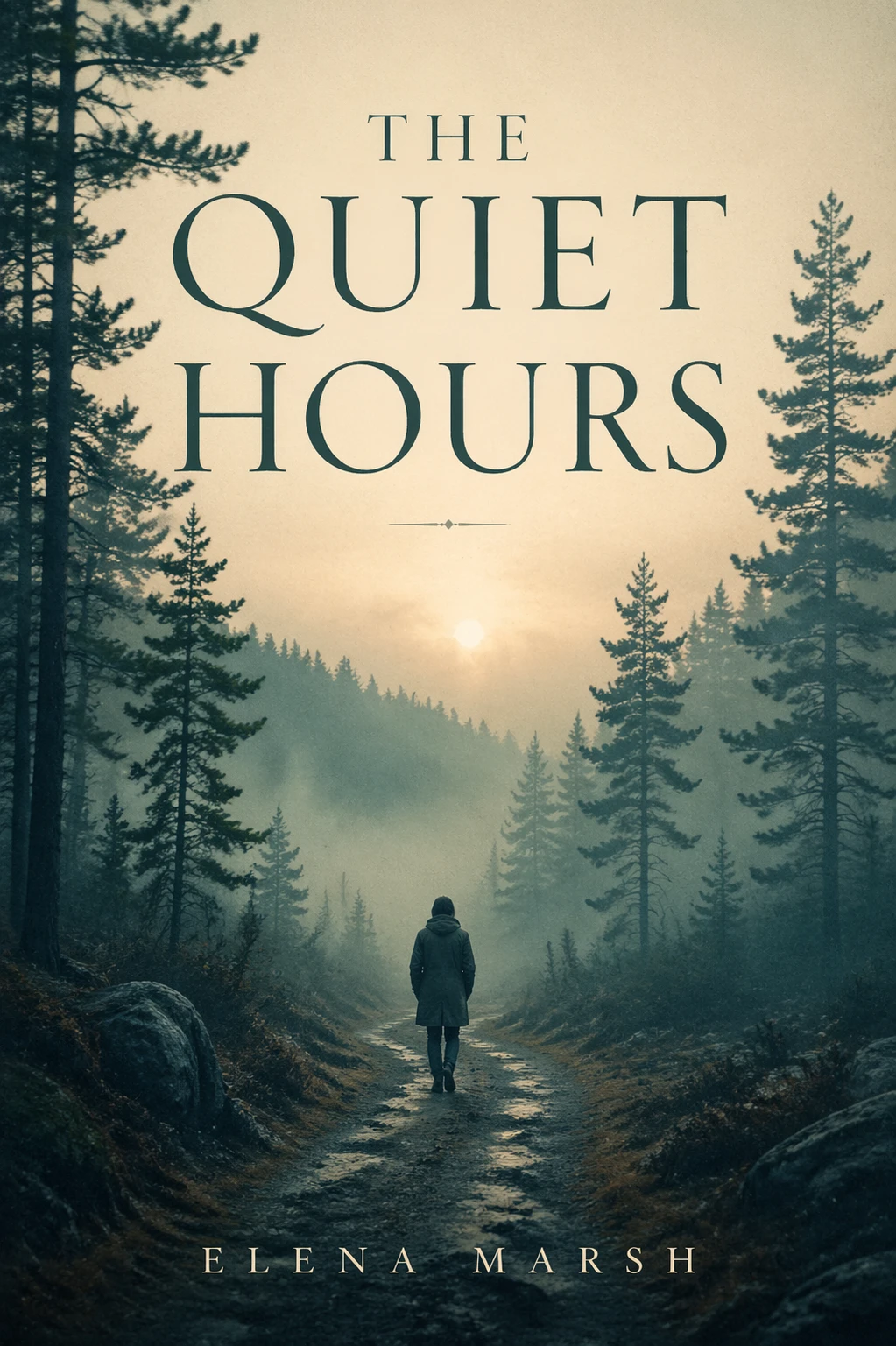
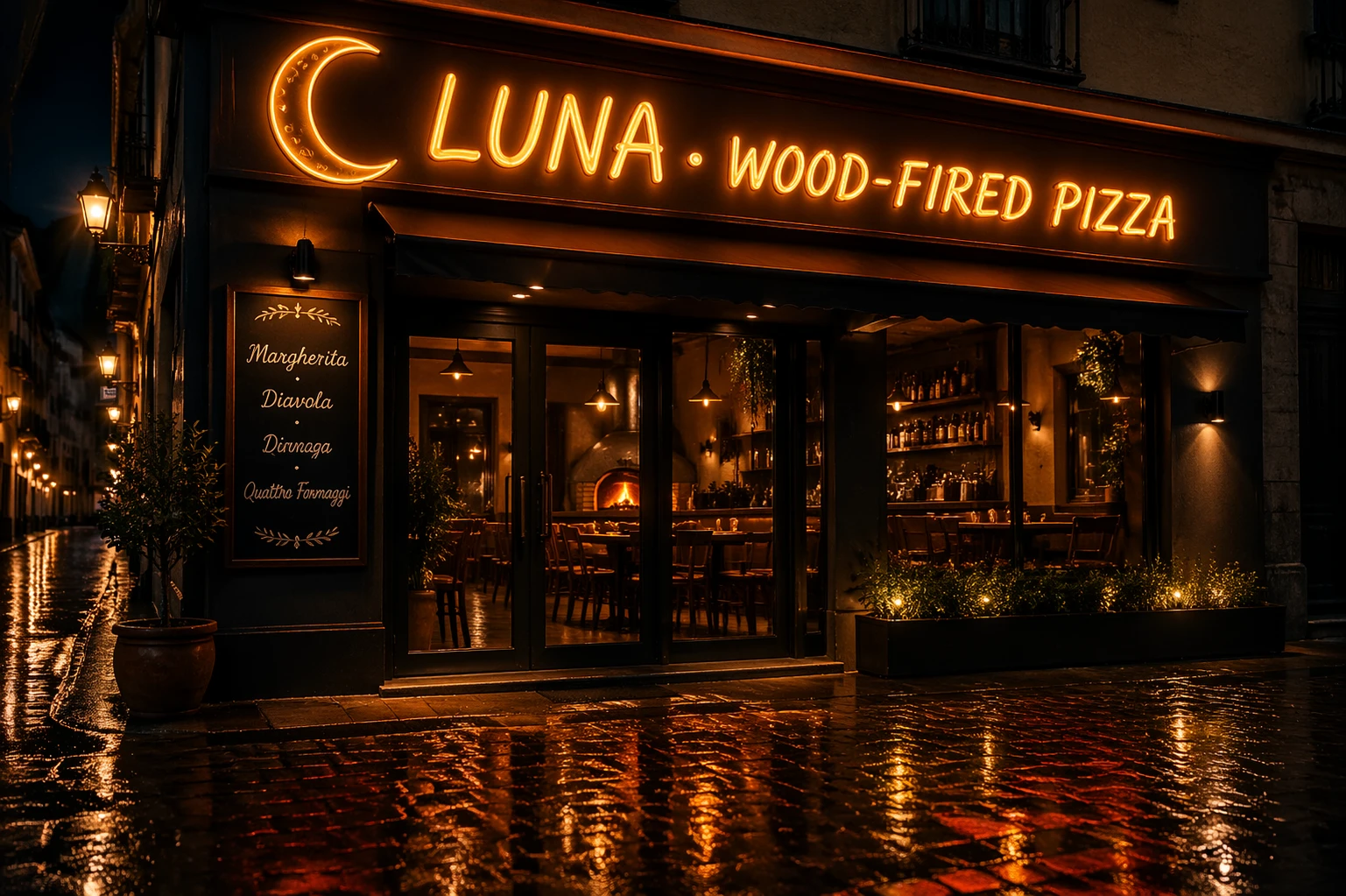
  • Reliable text-in-image: Improved handling of embedded text and logos helps produce cleaner signage, labels, and brand assets.
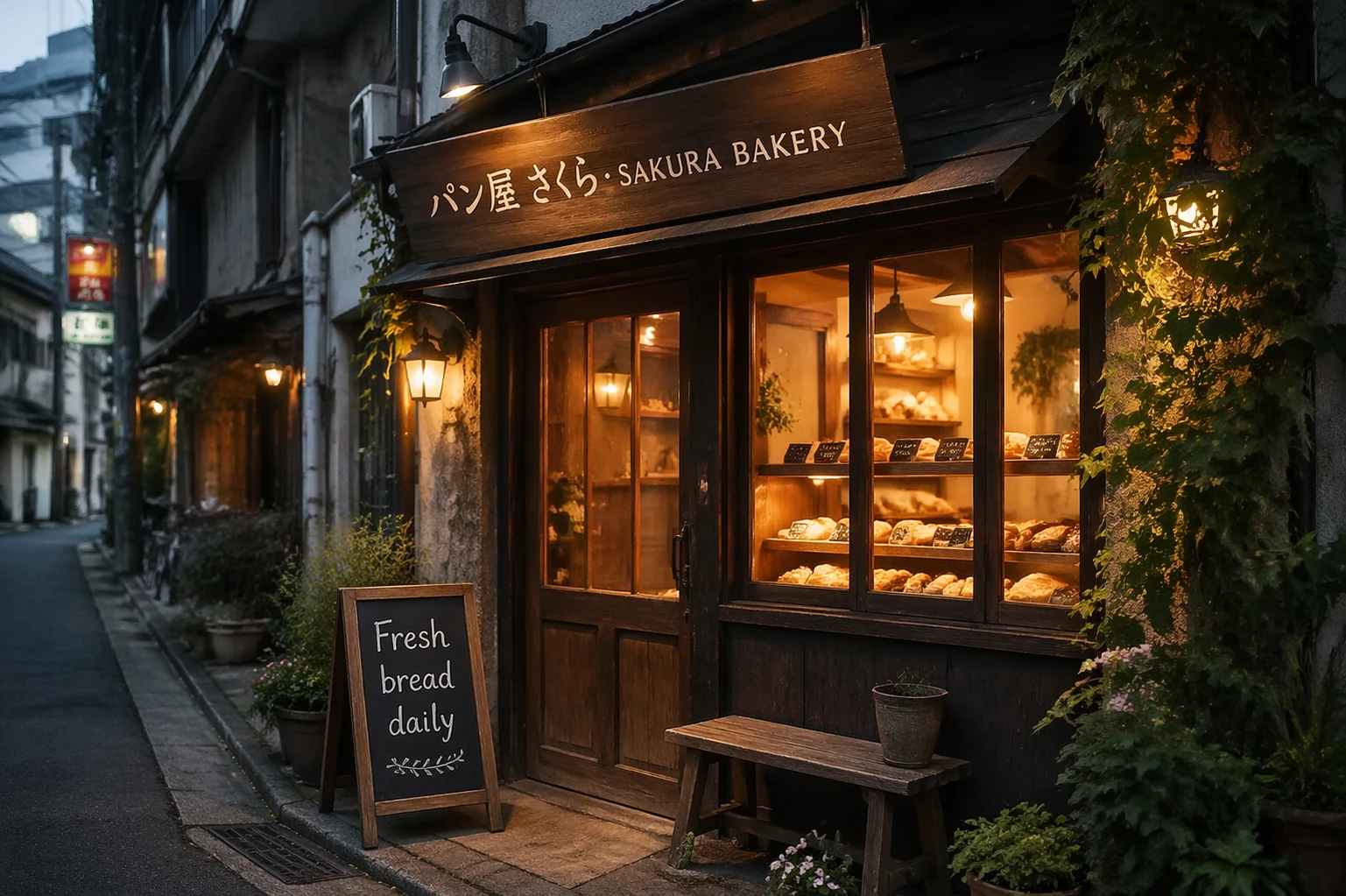
  • Multilingual prompt understanding: Accepts prompts in various languages and can render non-Latin characters inside images in many cases.
  • Consistency across iterations: Better stability in style and layout enables repeatable creative direction with minimal prompt changes.
  • Production-friendly sizing: RunComfy exposes curated sizes so teams can quickly target 1:1 or vertical/horizontal outputs without manual tuning.

Parameters


ParameterRequiredTypeDefaultRange / OptionsDescription
prompt*Yes (*)string——The positive prompt for the generation.
sizeNostring1024*102410241024, 10241536, 1536*1024The size of the generated media in pixels (width*height).

Pricing


On RunComfy, GPT Image 2 is billed per image.


Billing UnitPriceNotes
Per image$0.10Sizes: 1024×1024, 1024×1536, 1536×1024

How to Use


  1. Open the model page on RunComfy and select GPT Image 2 from the Models catalog.
  2. Choose an output size (1024×1024, 1024×1536, or 1536×1024) to match your target aspect ratio.
  3. Write a clear prompt describing subject, setting, lighting, style, and any required text to render.
  4. Add constraints like camera angle, composition, or color palette to guide the model without overloading the prompt.
  5. Click Generate to create an image with GPT Image 2; review the preview when it’s ready.
  6. Iterate by adjusting only a few words at a time to isolate the impact of your changes.
  7. Download the result or trigger another run via the RunComfy interface or API as available for GPT Image 2.

Prompt & Reference Tips


  • Be explicit about the main subject, environment, and mood so GPT Image 2 can prioritize the right visual elements.
  • For embedded text, put the exact words in quotes and keep them short to improve legibility.
  • If you need multilingual text inside the image, specify the language and script (e.g., Japanese kana) to reduce ambiguity.
  • Use compositional terms (rule of thirds, close-up, aerial view) to anchor framing decisions and reduce surprises.
  • When you need multiple variations, keep the core directive stable and change only one attribute so GPT Image 2 can stay consistent.
  • Avoid conflicting instructions (e.g., “no text” while also requesting a sign) and overly long lists of styles.
  • If editing workflows are later enabled on RunComfy, use precise masks and short edit prompts so GPT Image 2 focuses on the intended area.

How GPT Image 2 compares to other models


  • Compared to GPT Image 1.5, GPT Image 2 delivers stronger prompt adherence, more reliable text/logo rendering, and generally reported support for larger native resolutions in some provider contexts (details can vary by platform).
  • Key Improvements: Better multilingual handling, improved layout precision, and higher consistency across repeats have been commonly noted by users and documentation.
  • Ideal Use Case: Choose GPT Image 2 when you need brand-safe, text-aware images that follow instructions closely and remain consistent across iterations.
  • Versus style-first models (e.g., Flux 2) or photorealism leaders (e.g., Nano Banana Pro), this model emphasizes precise control, layout, and embedded text accuracy; select alternatives when you prioritize extreme stylization or niche portrait photorealism.

In short, GPT Image 2 on RunComfy offers a balanced mix of quality, control, and dependable text rendering for production workflows.


More Models to Try


  • GPT Image 1.5 — Previous generation; useful for comparison runs or lighter prompts.
  • Flux 2 — Stronger stylization and artistic variance for illustrative looks.
  • Seedream 4.5 — Cinematic storytelling and moody aesthetics across scenes.
  • Nano Banana Pro — Excellent photorealism, especially for portraits and products.
  • Z-Image-Turbo — Faster, lightweight option when you need quick drafts.

Official Resources


  • OpenAI Model Documentation: https://developers.openai.com/api/docs/models/gpt-image-2
  • OpenAI GitHub: https://github.com/openai

Related Models

flux-2/lora

Advanced text-to-image system with LoRA adapters, style control, and photoreal accuracy for design professionals.

ideogram-v3/replace-background

Replace a photo’s background with a new scene using Ideogram 3.

ideogram-v3/text-to-image

Sync image edits, remixes, reframe, and background swaps for film.

ideogram-v3/edit

Edit images by masking areas and prompting changes with Ideogram 3.

z-image/turbo/controlnet/lora

Fast bilingual image creation engine with depth and pose guidance for precise, photoreal visual design.

flux-2/flex/edit

High-accuracy image transformation model with color control and creative precision for visual professionals.

Frequently Asked Questions

What are the key improvements of GPT Image 2 compared to previous text-to-image models?

GPT Image 2 introduces enhanced instruction following, support for up to 4K resolution, and significantly better text rendering within images. This text-to-image model also supports multilingual prompts, offering creators more flexibility across languages and visual detail than earlier GPT Image versions.

What are the technical limitations of GPT Image 2 for text-to-image generation?

GPT Image 2 supports up to ~8.3 million total pixels (approximately 4K resolution) and a minimum limit of around 655,360 pixels per image. Aspect ratios are flexible, but extremely wide or tall frames are auto-resized. Prompt token limits follow standard OpenAI API constraints—typically a few thousand tokens for text-to-image tasks.

How many reference images can I use with GPT Image 2 during a text-to-image workflow?

At present, GPT Image 2 allows a single reference image input for inpainting or editing, but does not officially support multiple concurrent image inputs like a full ControlNet stack would. However, advanced wrappers or layer-based approaches may simulate dual input reference for text-to-image consistency.

How can I move from trying GPT Image 2 on RunComfy Playground to deploying it via API in production?

You can start with the RunComfy Playground at https://www.runcomfy.com/playground to experiment with GPT Image 2 using free trial credits. For production, switch to the RunComfy API layer, which uses similar endpoints to the playground. Authentication and model selection parameters remain consistent—simply set the model parameter to 'gpt-image-2-2026-04-21' for consistent text-to-image results.

Does GPT Image 2 create more photorealistic results than other text-to-image systems?

Yes. GPT Image 2 is competitive in photorealism, particularly in product, studio, and branding use cases. While some rivals like Nano Banana Pro remain slightly ahead in hyperrealistic portraits, GPT Image 2 excels in layout accuracy, multilingual text inclusion, and faithful reproduction of logos—all key for high-end text-to-image workflows.

How does GPT Image 2 handle text and logo rendering inside images for text-to-image prompts?

GPT Image 2’s architecture is optimized for accurate layout and sharpness when generating embedded text or logos. This means that signage, captions, or brand marks appear more naturally integrated—a major step forward for text-to-image generation consistency.

Can GPT Image 2 understand and output non-English languages in text-to-image tasks?

Yes. GPT Image 2 supports multilingual understanding and rendering, including Japanese, Korean, Chinese, Hindi, and Bengali, enabling native-language captions or labels to appear inside generated imagery without manual post-processing.

How does GPT Image 2’s intelligent routing layer improve text-to-image efficiency?

The intelligent routing layer in GPT Image 2 automatically chooses optimal generation settings—resolution, composition ratio, and resource allocation—based on your text-to-image prompt. This reduces trial-and-error and ensures consistent quality for both prototyping and high-throughput production.

What types of tasks does GPT Image 2 perform best in compared to cinematic or artistic models?

GPT Image 2 performs best when instructions, structure, and clarity are vital—such as product photography, advertising, UI mockups, or scientific illustrations. While artistic models like Flux 2 may excel in stylized imagery, GPT Image 2 leads in precise, directive text-to-image generation and consistent visual logic.

Follow us
  • LinkedIn
  • Facebook
  • Instagram
  • Twitter
Support
  • Discord
  • Email
  • System Status
  • Affiliate
Video Models
  • Wan 2.6 Flash
  • Wan 2.6
  • Seedance 1.0 Pro Fast
  • Seedance 2.0 Pro
  • Wan 2.7 Reference to Video
  • Wan 2.2
  • View All Models →
Image Models
  • Flux 2 Dev
  • seedream 4.0
  • Nano Banana 2 Edit
  • Nano Banana Pro
  • Qwen Image Edit 2511 LoRA
  • Flux 2 Pro
  • View All Models →
Legal
  • Terms of Service
  • Privacy Policy
  • Cookie Policy
RunComfy
Copyright 2026 RunComfy. All Rights Reserved.

RunComfy is the premier ComfyUI platform, offering ComfyUI online environment and services, along with ComfyUI workflows featuring stunning visuals. RunComfy also provides AI Models, enabling artists to harness the latest AI tools to create incredible art.
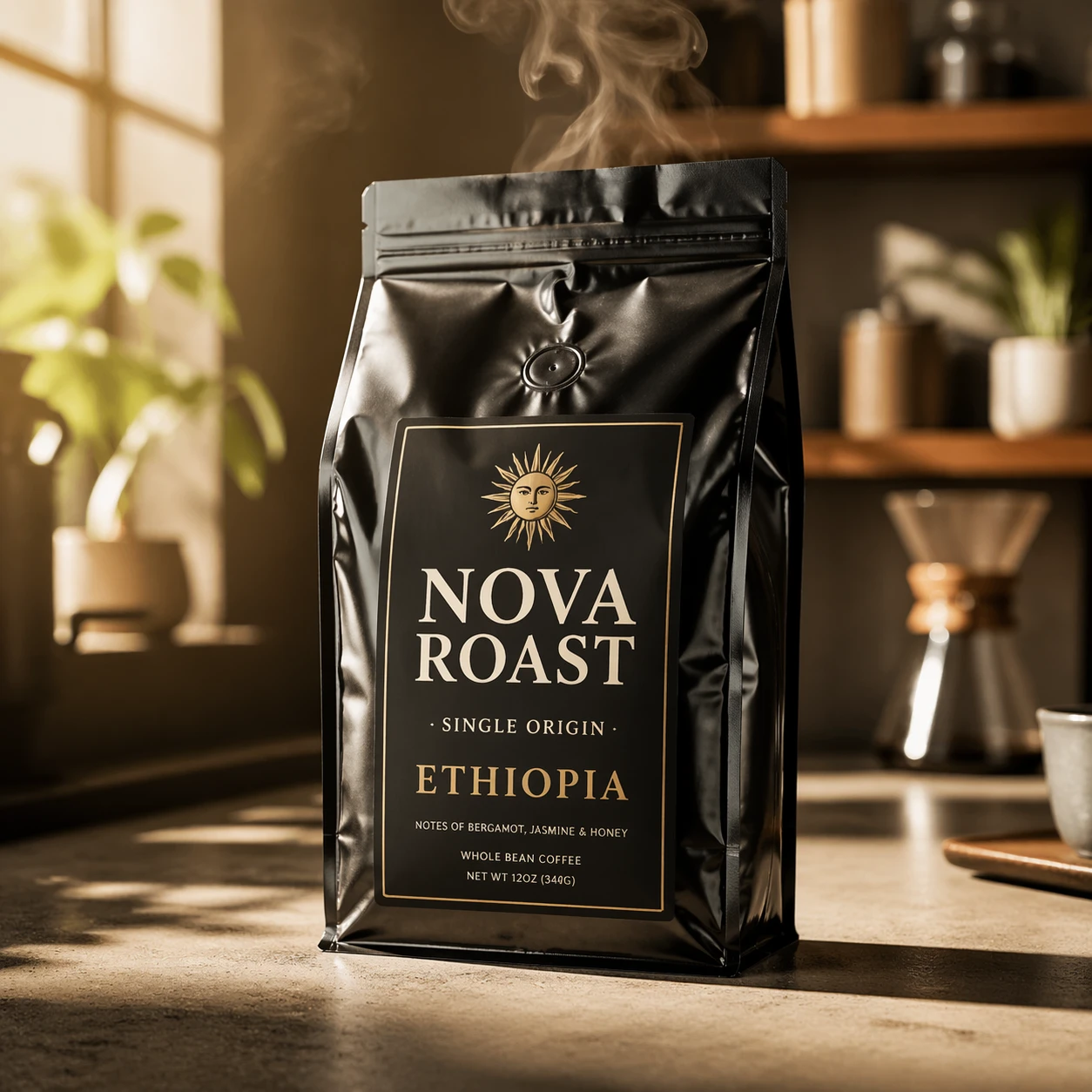
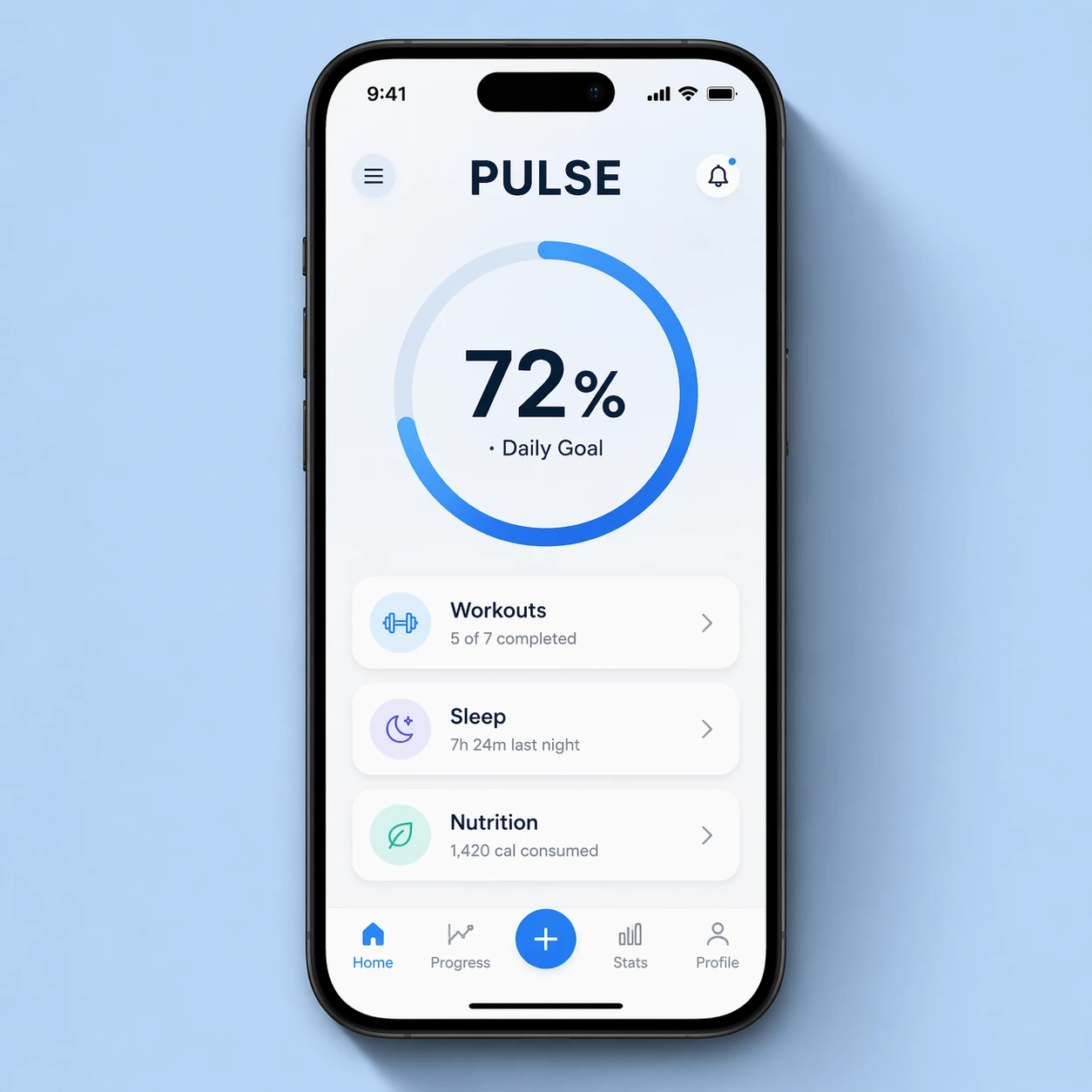
Examples Of GPT Image 2 Outputs