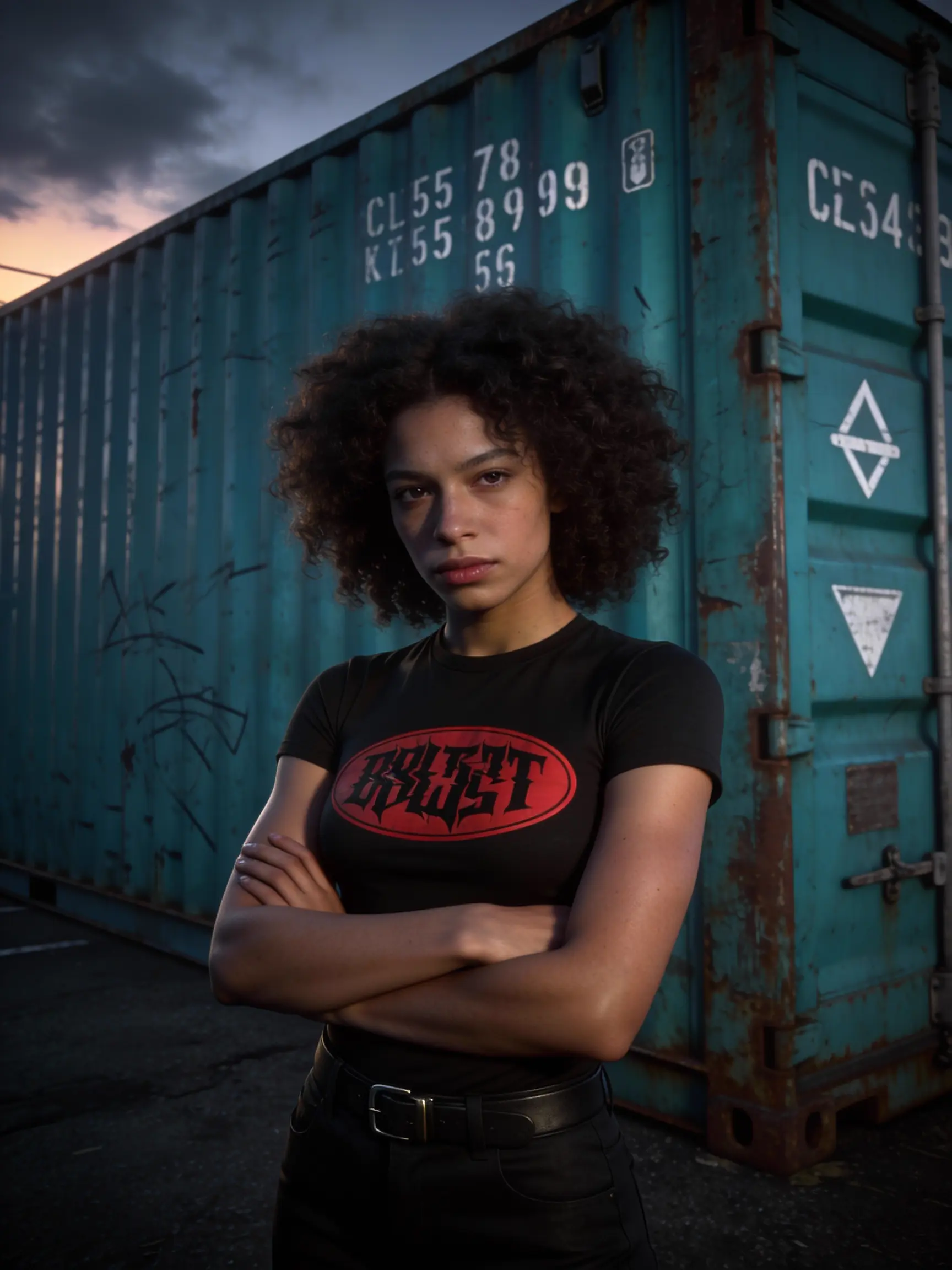
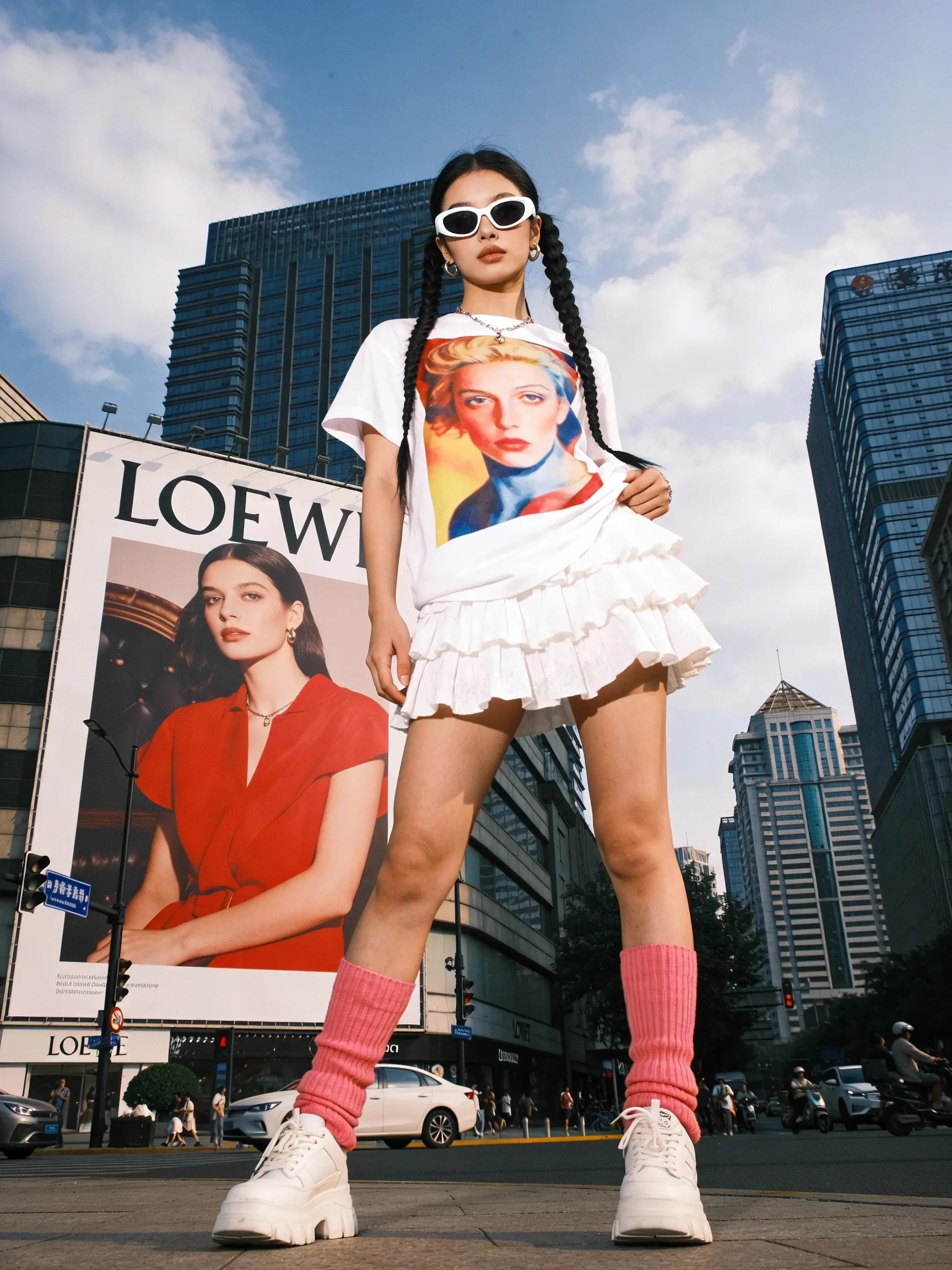
qwen-image-3.0/pro/edit
Qwen Image 3.0 Pro Edit: pro instruction-based image editing
Qwen Image 3.0 Pro Edit: pro instruction-based image editing

Generate 4K visuals with precise edits and style control for designers.

Fast bilingual image creation engine with depth and pose guidance for precise, photoreal visual design.

AI-driven editor for coherent image transformations with natural realism and precise control.

Transforms reference visuals into layout-accurate, style-consistent designs for creative workflows.
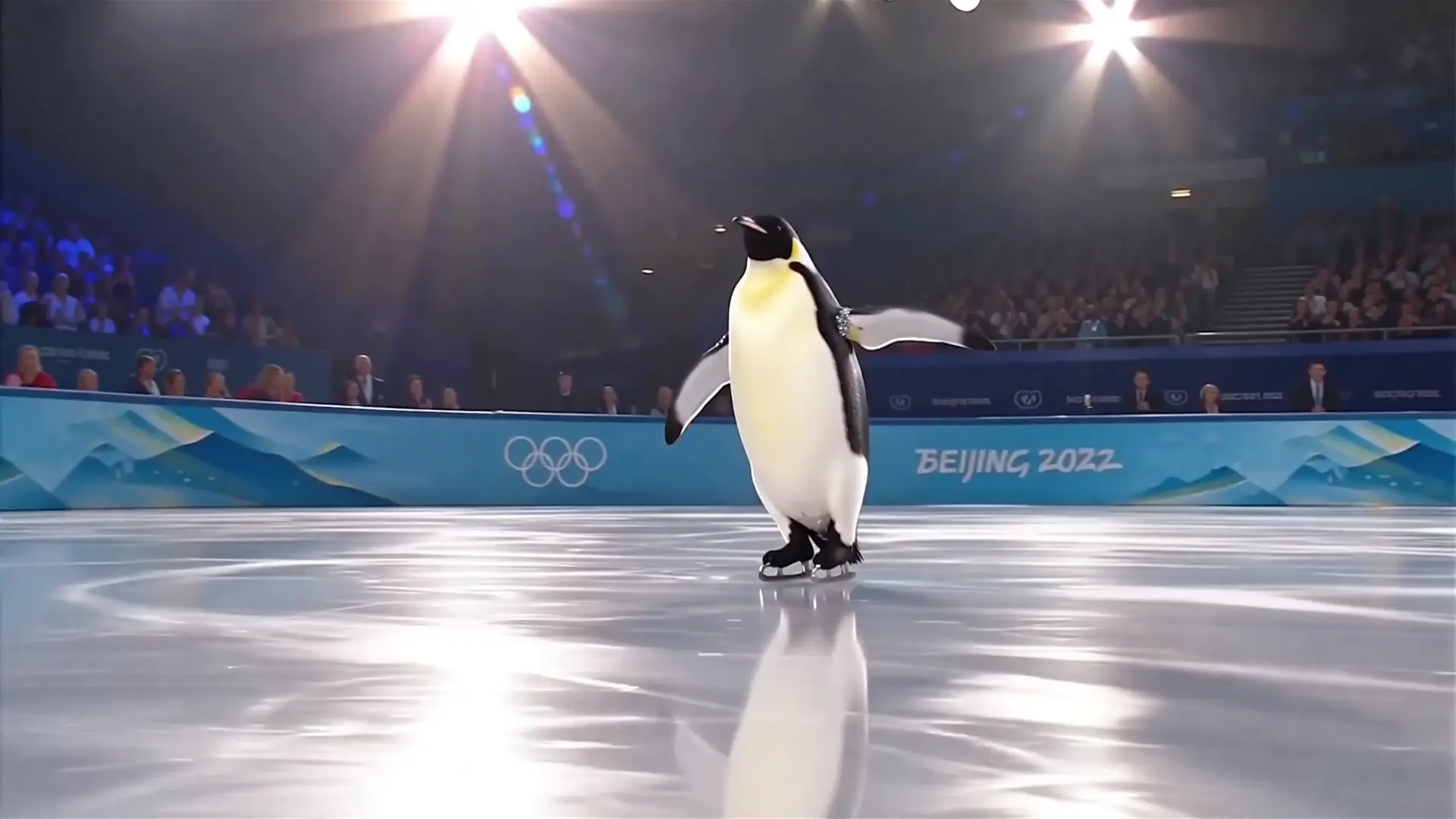
Generate images from text prompts with Wan 2.5 Preview.
Seedream 4.5 sequential images is ByteDance’s advanced version of its text-to-image AI model designed to create coherent visuals across multiple frames. It builds on earlier versions by improving quality, consistency, and fidelity for users who need multi-scene generation.
Seedream 4.5 sequential images significantly improves background and subject consistency, lighting stability, and text rendering compared to Seedream 4.0/4.1. Its upgraded text-to-image engine ensures smoother visual sequences with less identity drift or artifacting.
Seedream 4.5 sequential images is ideal for professionals in advertising, e-commerce, design, and media who need reliable multi-image outputs. Its text-to-image capability allows them to maintain consistent looks across storyboards, campaigns, or editorial visuals.
Seedream 4.5 sequential images operates on a credit-based model via Runcomfy’s AI playground. Users receive free credits upon registration and can purchase more to keep generating images with the text-to-image system once the trial balance runs out.
Yes, Seedream 4.5 sequential images is optimized for complex prompts and multilingual text, producing reliable layouts through its refined text-to-image architecture. It preserves fonts, rare scripts, and realistic visuals even in multi-language compositions.
You can use Seedream 4.5 sequential images through CapCut and Runcomfy’s web-based interface. Both platforms support mobile browsers, giving users convenient access to high-quality text-to-image generation from any device.
While Seedream 4.5 sequential images produces impressive quality, extremely complex scene compositions or rare object styles may still require prompting adjustments. Its underlying text-to-image model continues to evolve for more fine-grained control and realism.
Yes. With Seedream 4.5 sequential images, users can refine results by adding or removing elements or changing layout and style directly through text-to-image prompting, enabling iterative creative workflows.
Seedream 4.5 sequential images uses improved model design to maintain identity, lighting, and style across frames. Its text-to-image engine ensures that characters, backgrounds, and branding remain coherent across image batches or story sequences.
RunComfy is the premier ComfyUI platform, offering ComfyUI online environment and services, along with ComfyUI workflows featuring stunning visuals. RunComfy also provides AI Models, enabling artists to harness the latest AI tools to create incredible art.