logo
RunComfy
  • ComfyUI
  • TrainerNew
  • Models
  • API
  • Pricing
discord logo
MODELS
Explore
All Models
LIBRARY
Generations
MODEL APIS
API Docs
API Keys
ACCOUNT
Usage

Seedream 5.0 Lite text to image: Precise Text-to-Image with Layout Control | RunComfy

bytedance/seedream-5/lite/text-to-image

Generate high-fidelity visuals from text or reference images with precise layout, multilingual text accuracy, and real-time style control for brand, product, and marketing design tasks.

The recommended length is no more than 600 English words. If the prompt is too long, the information may become scattered. The model might ignore details and only concentrate on the main points, resulting in a image with missing elements.
For 2K and 3K options, it will let the model determine the width and height. You should describe its aspect ratio, shape, or purpose in the prompt using natural language. For other options, you can choose the width and height you want.
Enable this option to generate images sequentially.
The maximum number of images to generate. Only effective when sequential_image_generation is set to auto.
The format of the output images. This will determine the format of the output images.
Set the mode for the prompt optimization feature. standard: Higher quality, longer generation time.
Idle
The rate is $0.028 per image.

Introduction To Seedream 5.0 Lite Text To Image

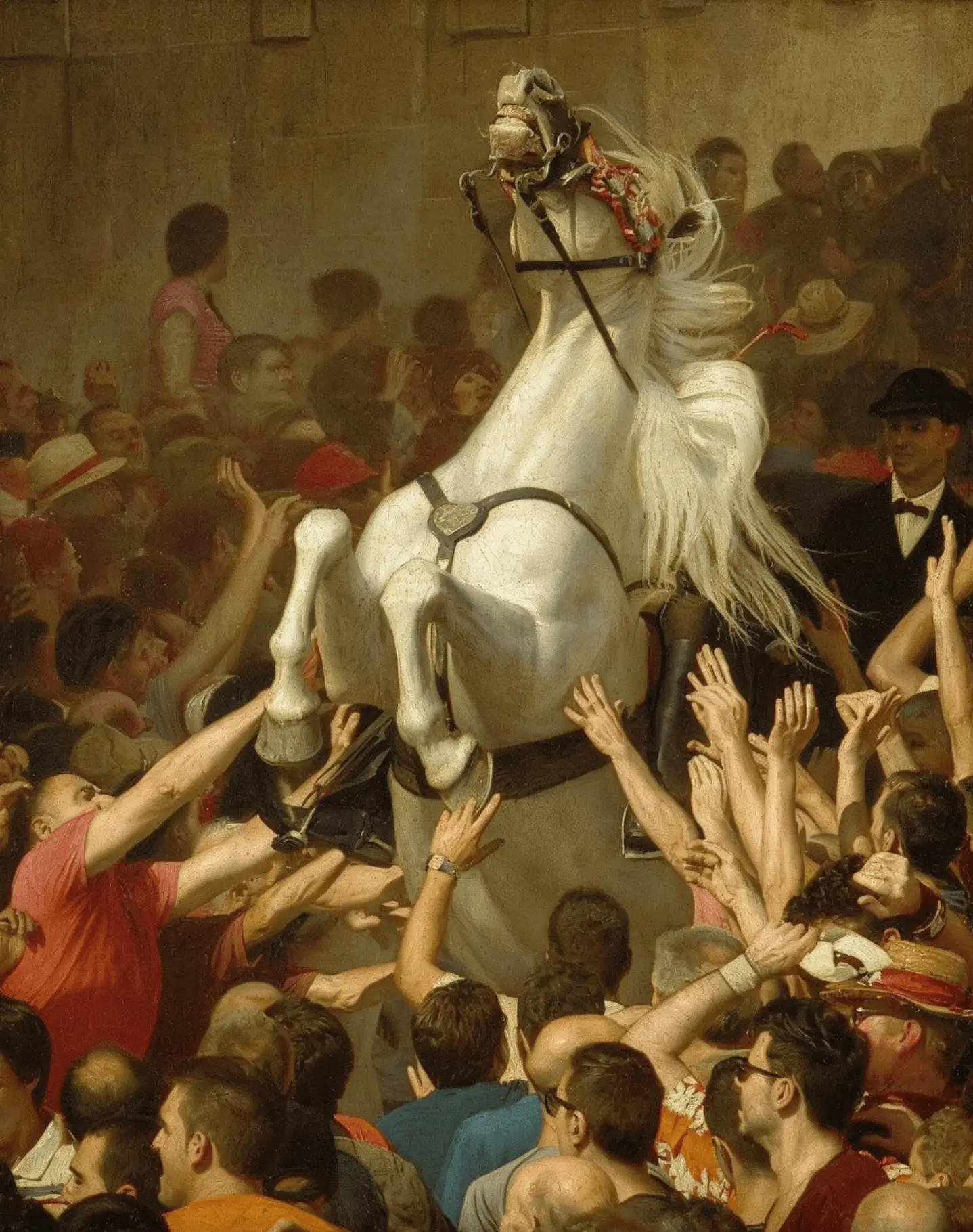
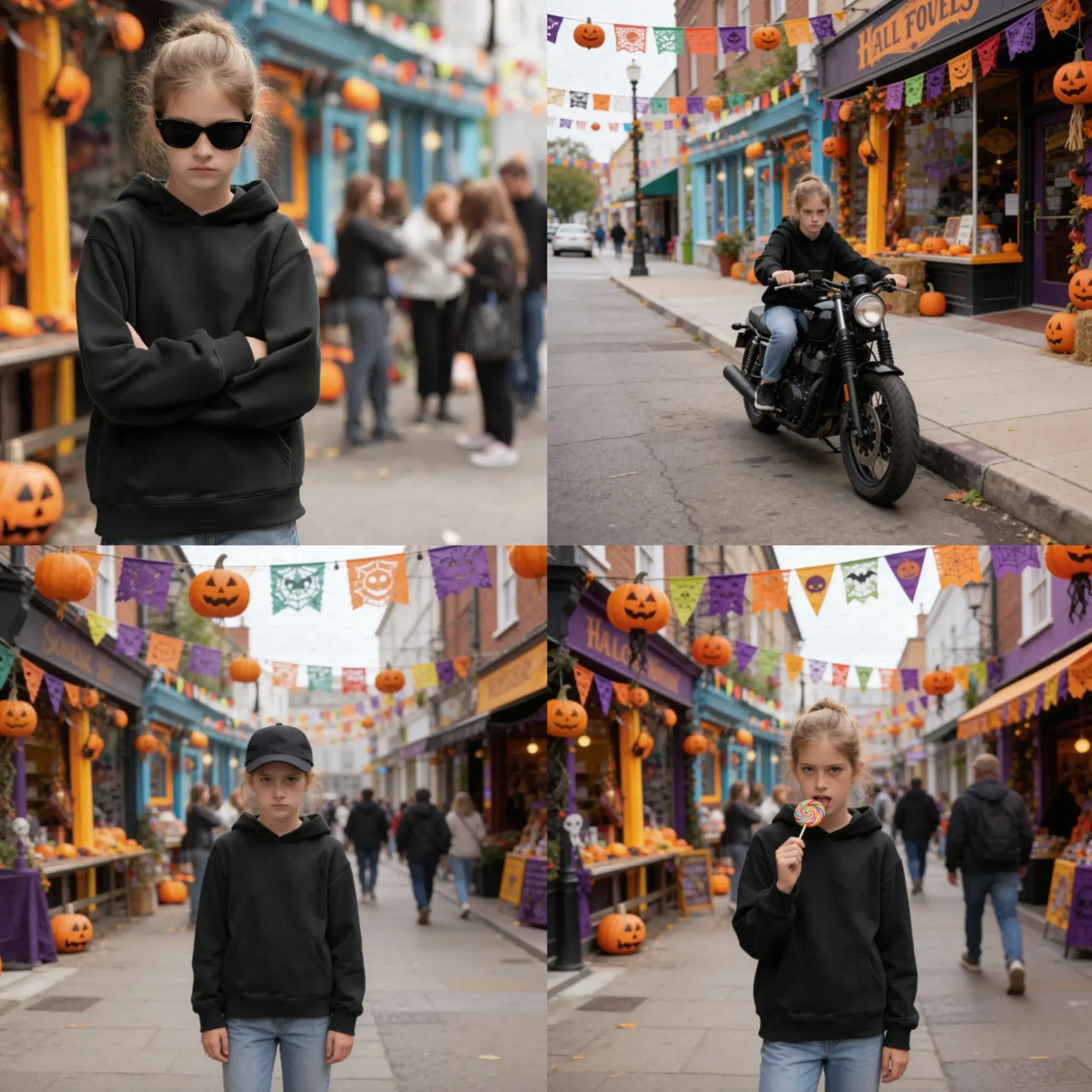
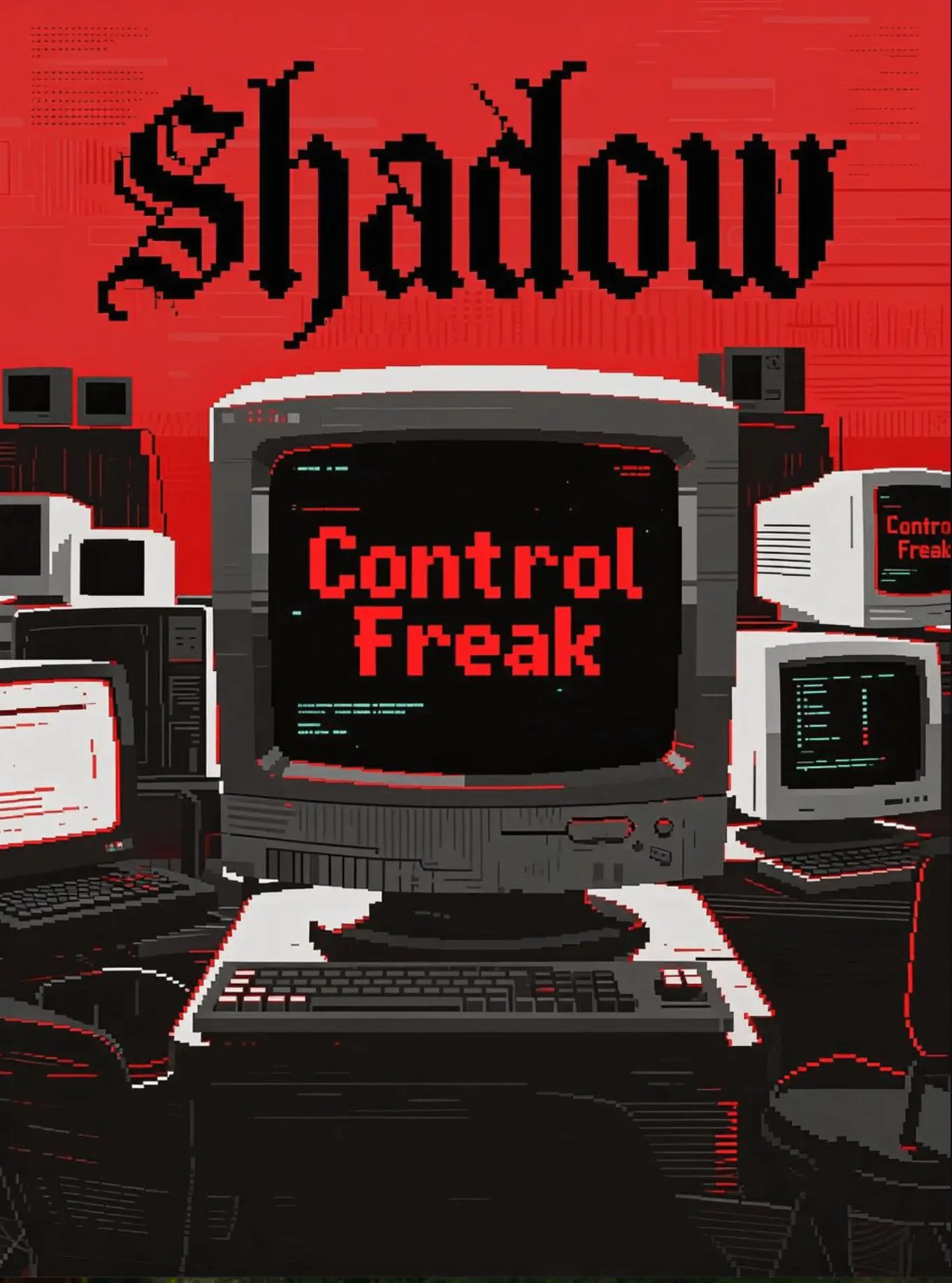
ByteDance's Seedream 5.0 lite text to image converts prompts and reference images into high-fidelity visuals at $0.028 per image, with precise style and layout control anchored by real-time retrieval.
Ideal for: Campaign Key Visual Development | Brand-Consistent Product Imagery | Multilingual Poster and Infographic Layouts

Seedream 5.0 Lite Text To Image On X

Related Models

z-image/turbo/inpainting

Precision-driven tool for photo retouching and visual reconstruction

sam-3/image-to-image

Advanced concept-driven image editing with unified segmentation and detection for creators.

flux-1-1-pro/ultra/text-to-image

Dive into 2K worlds of photorealism.

gpt-image-1-5/text-to-image

Turn written concepts into detailed visuals with precise image synthesis for creative teams.

nano-banana/text-to-image

Seamlessly craft, edit, and fuse images for storytelling, branding, and beyond

qwen-edit-2509/lora/edit-skin

Redefine creative edits with dual-input precision and adaptive control for design professionals

Frequently Asked Questions

How does Seedream 5.0 Lite text to image perform compared to competitive models like Nano Banana Pro or Flux 2?

Seedream 5.0 Lite text to image matches the competitors in stylistic control and text clarity. It excels at layout precision, multilingual typography, and retrieval-based accuracy. While Nano Banana Pro may slightly outperform in realism and skin detail, Seedream 5.0 Lite offers the advantage of smaller model size and built-in real-time grounding—ideal for scalable applications or lightweight deployments.

Does Seedream 5.0 Lite text to image support generating multilingual or branded text accurately?

Yes. Seedream 5.0 Lite text to image’s upgraded text rendering engine allows reliable reproduction of bilingual or branded text layouts. In text-to-image mode, it follows typography cues tightly, minimizing distortions common in earlier versions. It's particularly beneficial for ad creatives or product visuals with vector-like sharpness.

Can Seedream 5.0 Lite text to image create stylistically consistent series, such as a set of campaign visuals?

Absolutely. By using reference image fusion, Seedream 5.0 Lite text to image maintains style and subject consistency across outputs. The text-to-image algorithm aligns colors, composition, and mood, making it ideal for multi-asset campaigns or themed visual packs.

What’s the best type of project for Seedream 5.0 Lite text to image?

Seedream 5.0 Lite text to image excels in visually precise and semantically grounded use cases—such as e-commerce visuals, editorial design, and localized social campaigns. The text-to-image backbone offers faster reasoning and stable style reproduction even with limited hardware.

Follow us
  • LinkedIn
  • Facebook
  • Instagram
  • Twitter
Support
  • Discord
  • Email
  • System Status
  • Affiliate
Video Models
  • HappyHorse 1.0
  • Wan 2.6 Flash
  • Wan 2.7 Image to Video
  • Seedance 2.0 Pro
  • Seedance 1.0 Pro Fast
  • Hailuo 02
  • View All Models →
Image Models
  • seedream 4.0
  • Nano Banana 2 Edit
  • Nano Banana Pro
  • Qwen Image Edit 2511 LoRA
  • Flux 2 Flash Edit
  • Seedream 5.0 Lite
  • View All Models →
Legal
  • Terms of Service
  • Privacy Policy
  • Cookie Policy
RunComfy
Copyright 2026 RunComfy. All Rights Reserved.

RunComfy is the premier ComfyUI platform, offering ComfyUI online environment and services, along with ComfyUI workflows featuring stunning visuals. RunComfy also provides AI Models, enabling artists to harness the latest AI tools to create incredible art.
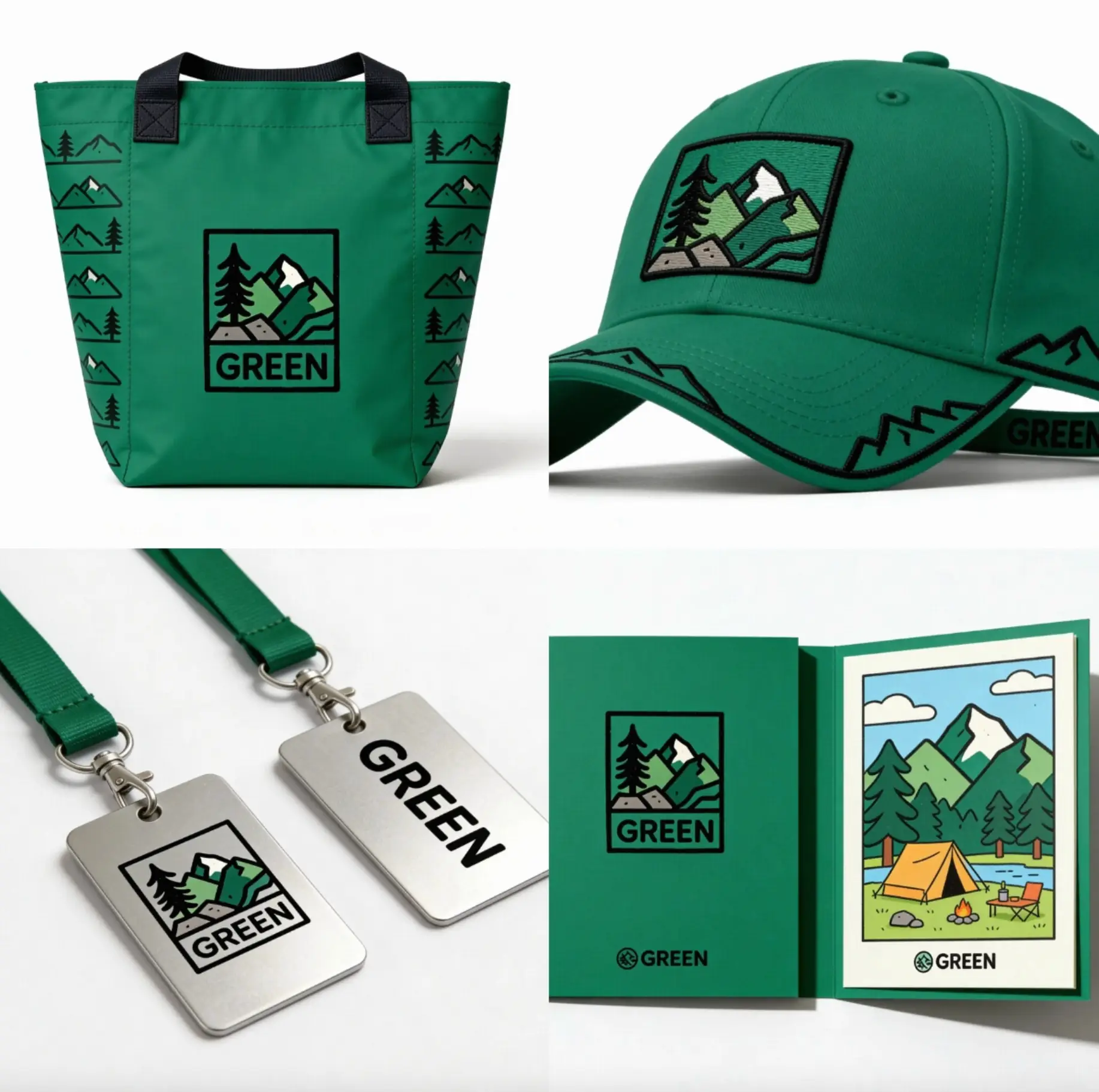

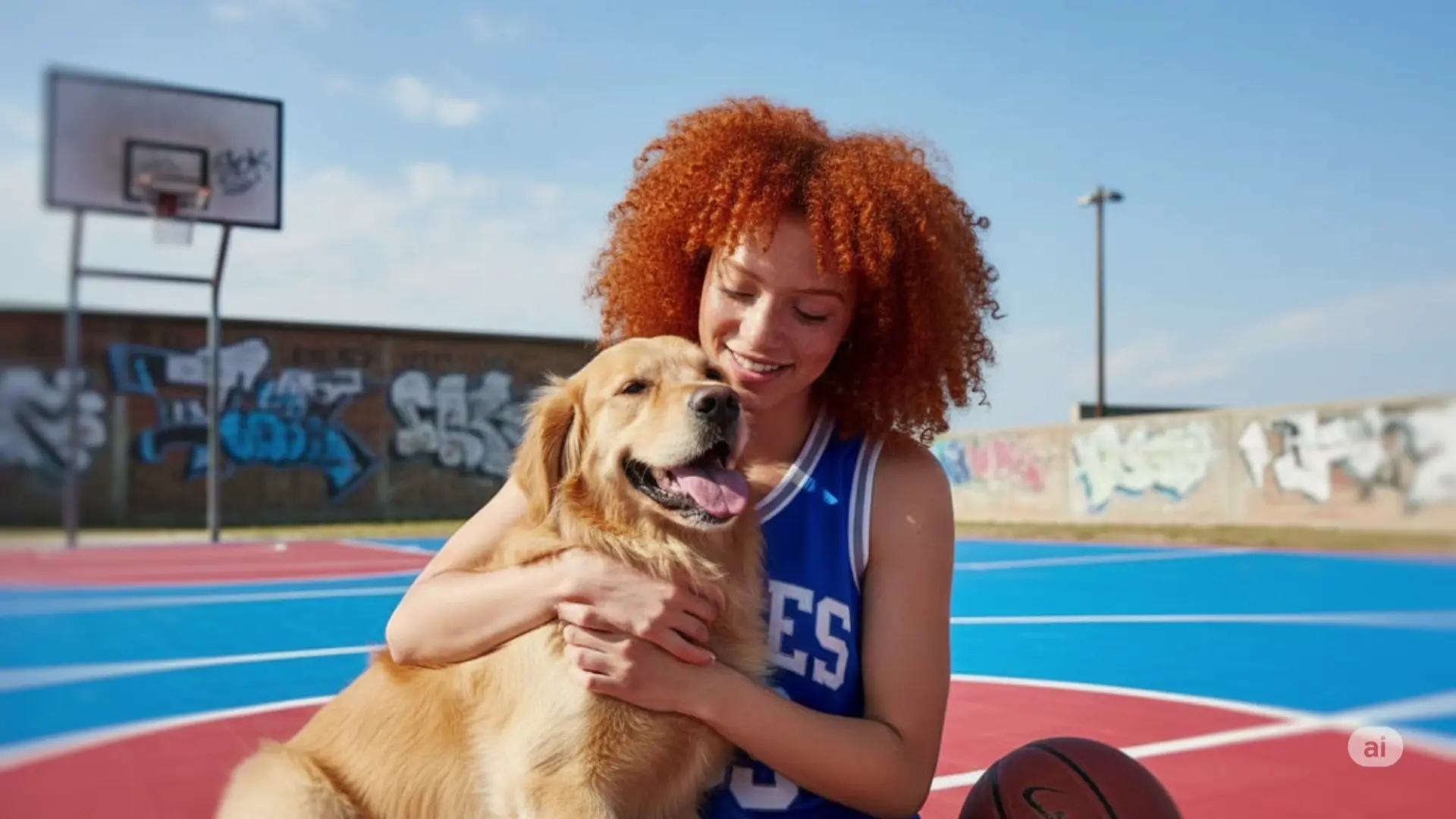
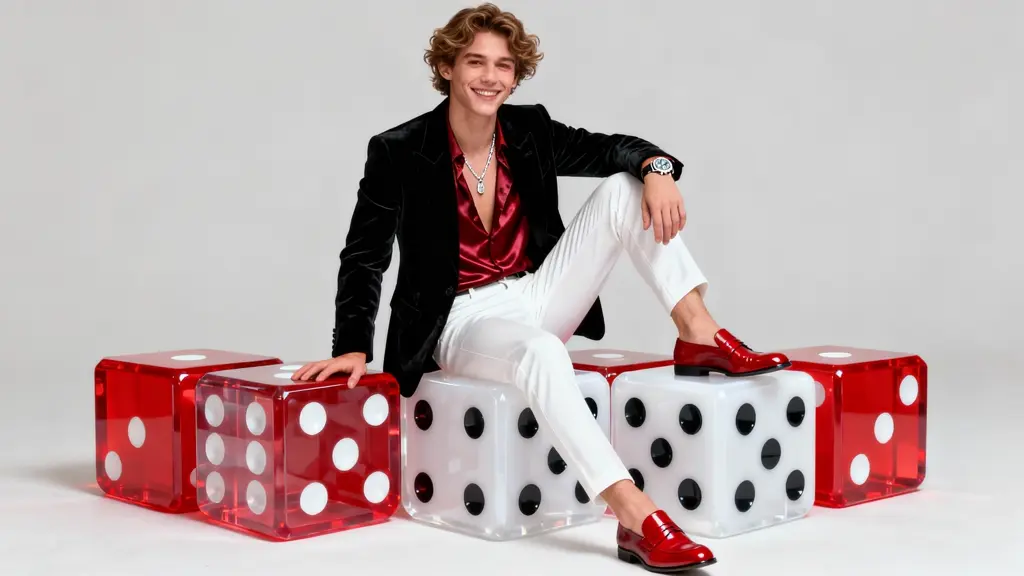
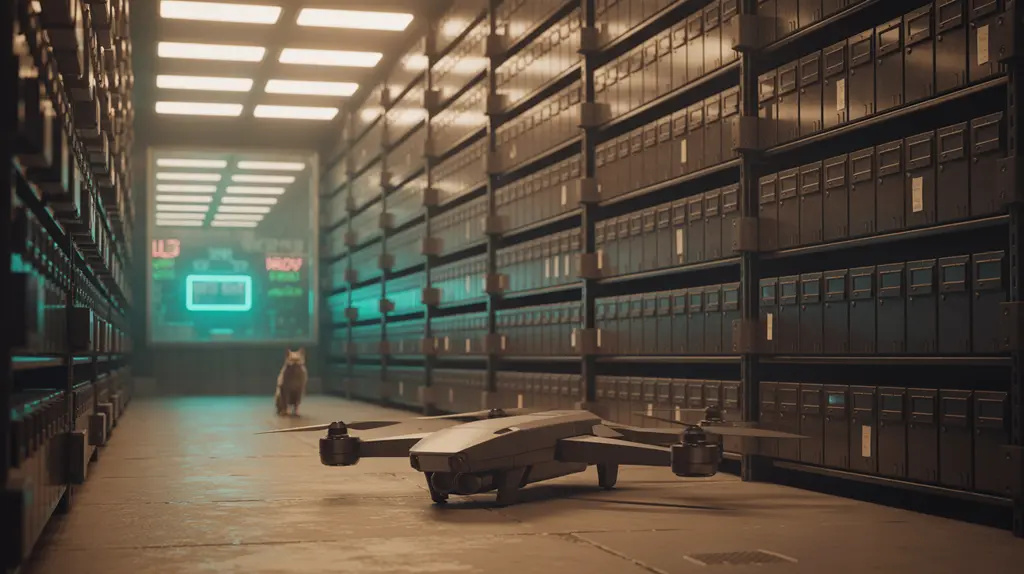
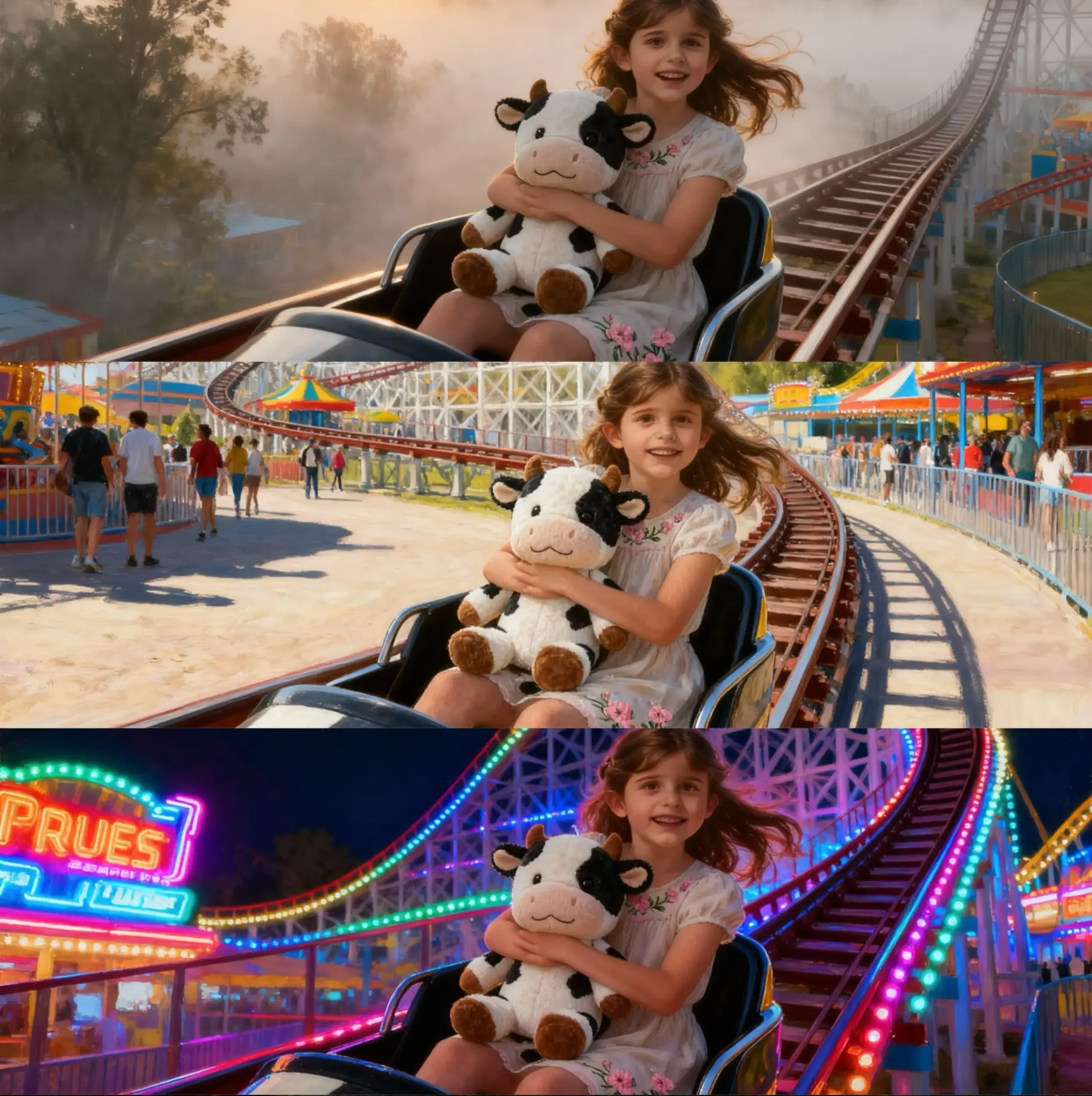
Examples Of Seedream 5.0 Lite Text To Image