Advanced open-weight model enabling refined image transformation and consistent visual editing.
Z Image Turbo Inpaint: Seamless Object Editing & Scene Restoration | RunComfy
Z Image Inpainting generates clean, photorealistic results from edited images with seamless object removal, background restoration, and structural precision for e-commerce, design, and creative retouching workflows.
Introduction to Z Image Inpainting
Z Image Inpainting is an advanced image-to-image diffusion model optimized for seamless object editing, background restoration, and structural consistency in photorealistic visuals. Trading complex manual mask work for accelerated precision, it empowers e-commerce teams, creative agencies, and developers to refine or reconstruct visuals with minimal steps using Z Image Inpainting. For developers, Z Image Inpainting on RunComfy can be used both in the browser and via an HTTP API, so you don’t need to host or scale the model yourself.
Ideal for: Product Photo Retouching | Scene Reconstruction | Design Localization
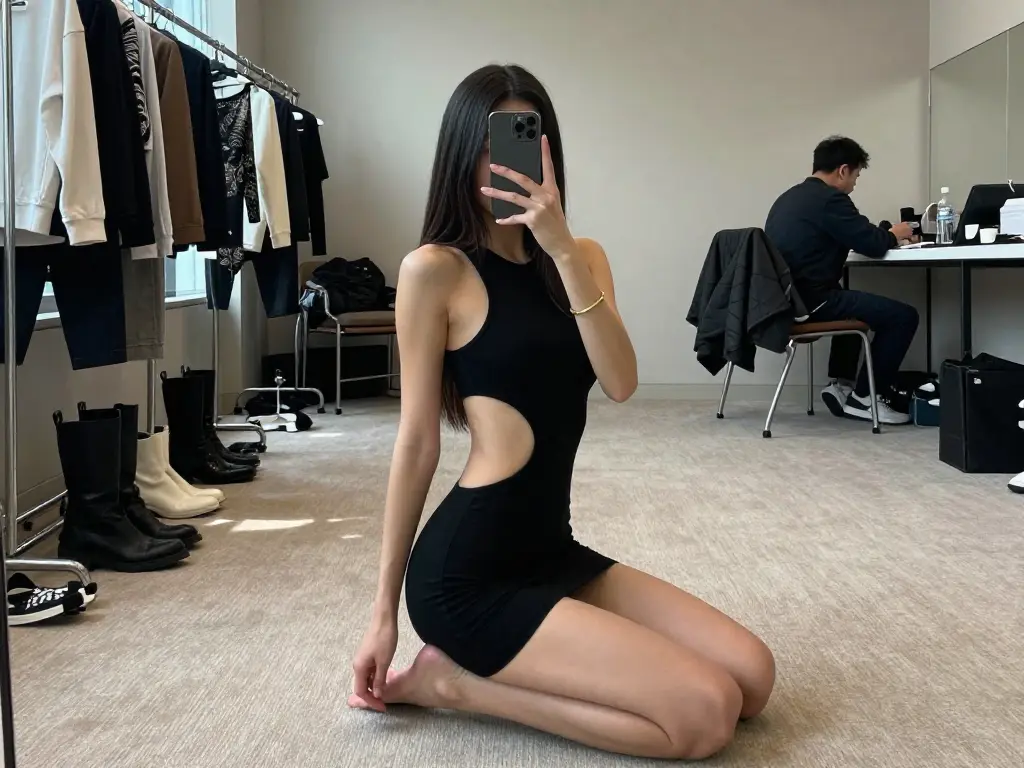
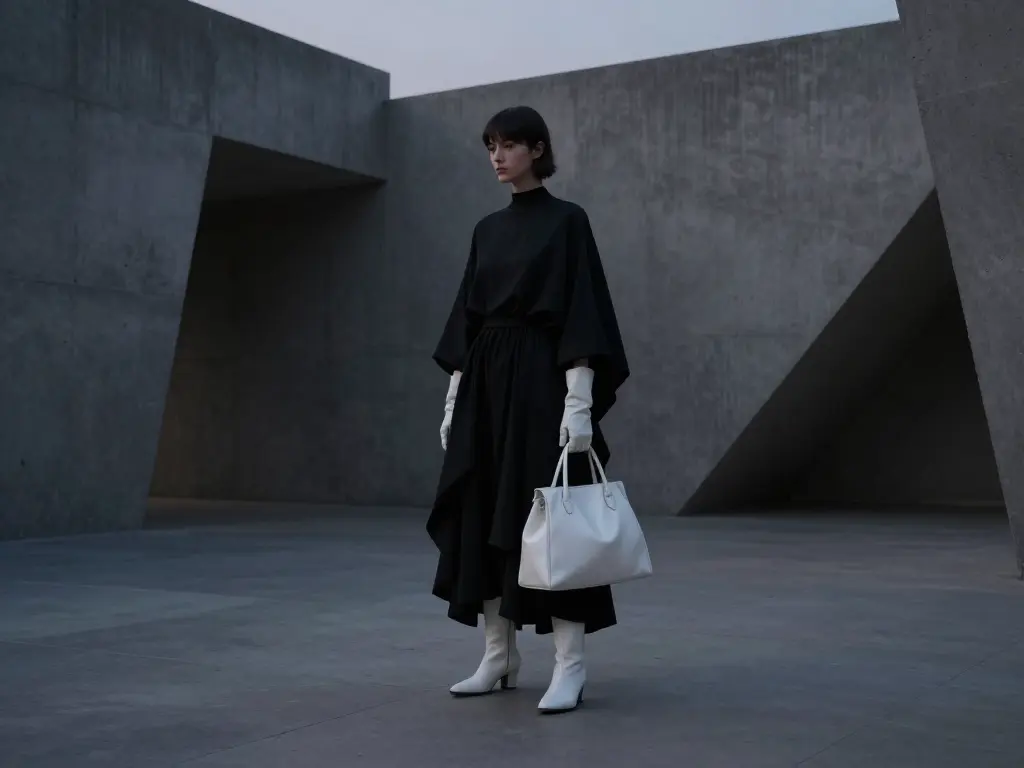
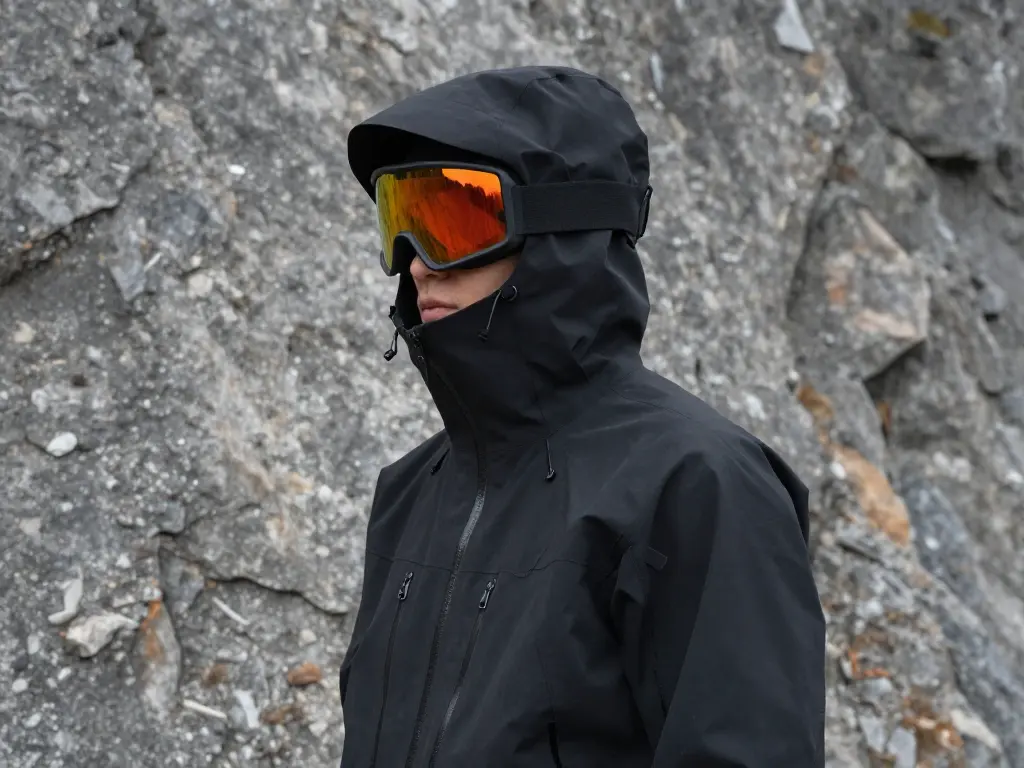
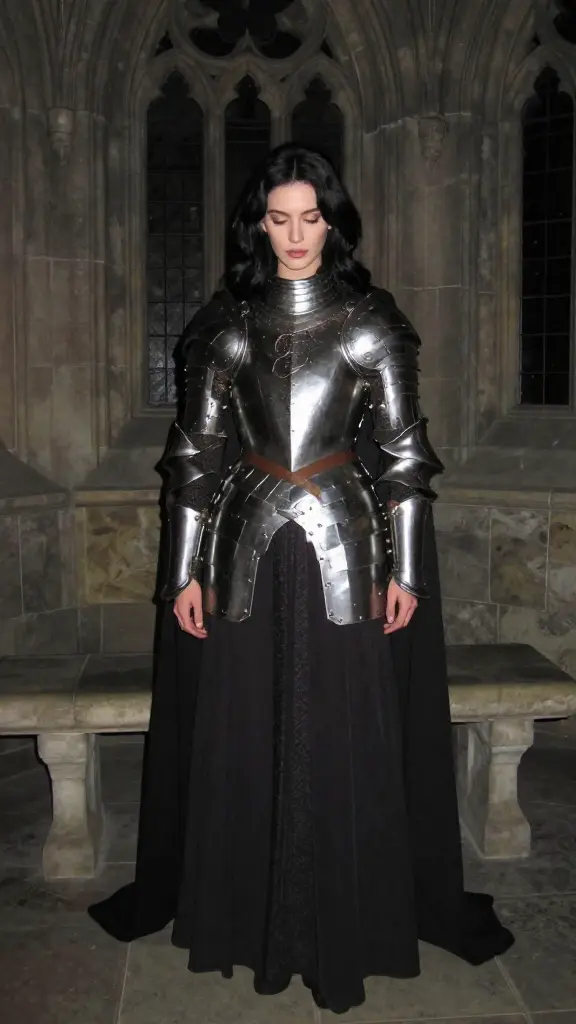
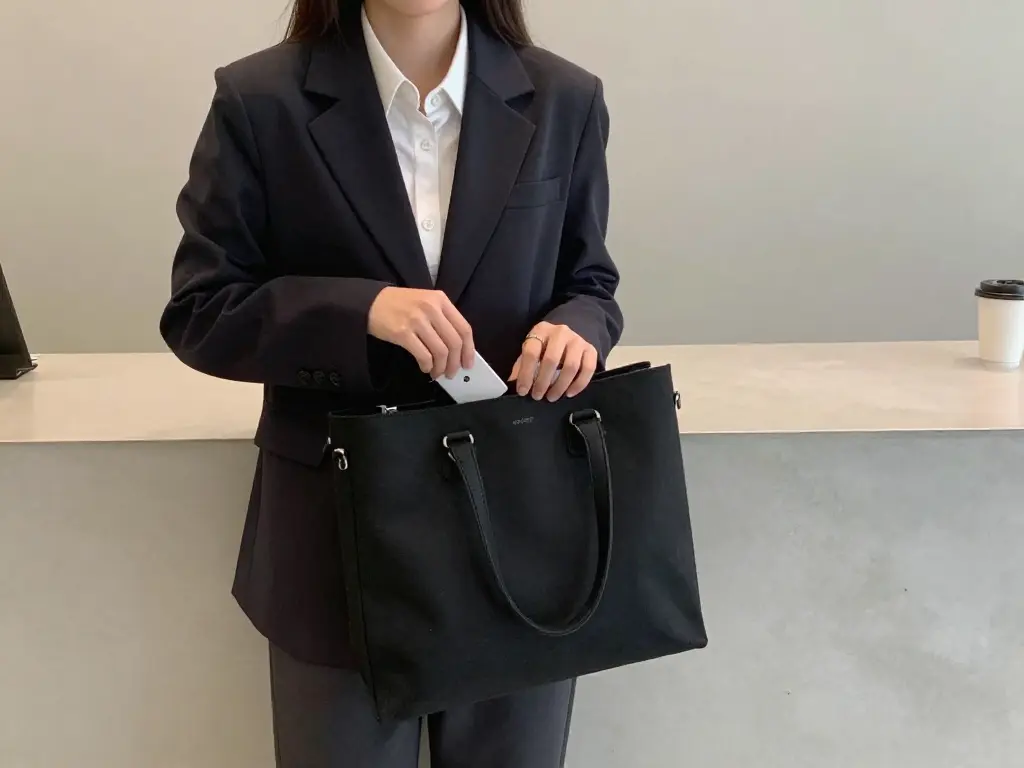
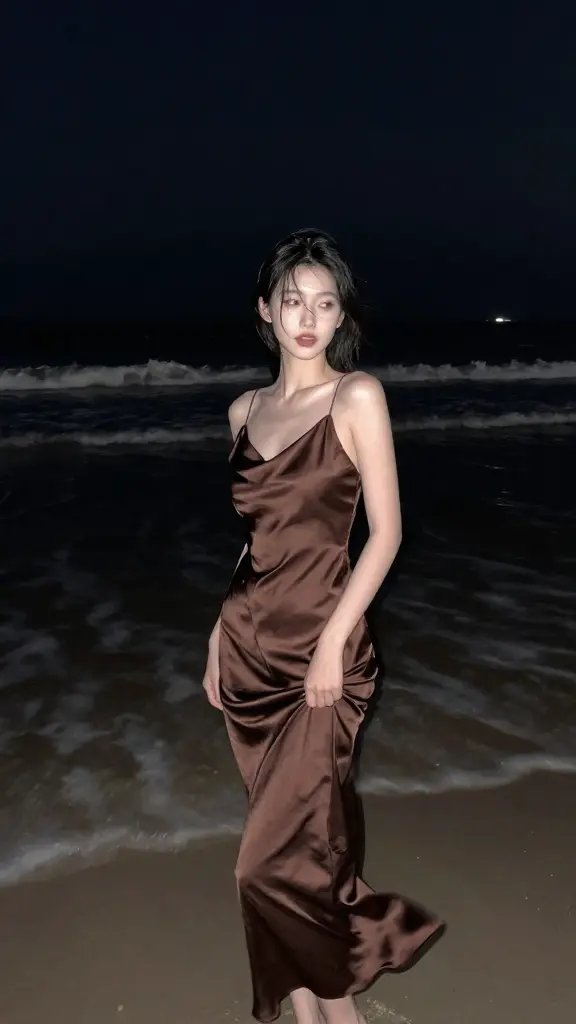
Examples of Z Image Inpainting in Action


What makes Z Image Inpainting stand out
Image-to-image in Z Image Inpainting performs constrained synthesis inside masked regions, letting teams remove objects, restore backgrounds, and refine surfaces while preserving scene geometry and materials. By aligning control with layout cues, Z Image Inpainting delivers stable, edge-consistent results across diverse product and creative shots.
Examples:
- Z Image Inpainting localized removal: remove overhead cables; preserve rooflines and sky gradient; thin mask over wires.
- In Z Image Inpainting, restore a scuffed wall: match brick pattern and mortar tone; keep lighting neutral; mask only damaged area.
- Product cleanup: clean dust on a glossy phone; do not alter logo; strength 0.5-0.7; steps 20-24.
- Background simplification: replace busy backdrop with smooth light gray studio paper; mask background only.
- Add small prop: add a folded beige towel on the left shelf; match perspective and contact shadows; mask target zone.
Pro tips:
- Be explicit about what to preserve vs what to change; name subjects and surfaces.
- Use spatial language and scale cues: left shelf, upper-right quadrant, 20 percent of frame.
- Start concise, iterate in short passes; refine with seed held constant for A-B comparisons.
- Tune strength for nuance: 0.3-0.6 for retouching, 0.7-1.0 for full replacement; control_scale 0.6-0.9 for firm guidance.
- For compliant pipelines, keep enable_safety_checker on and prefer PNG for lossless masks and outputs.
Note: Alongside Z Image Inpainting, you can explore the turbo playground for text-to-image experimentation at Z Image Turbo or the Z Image Inpainting LoRA playground.
Related Models
8-step Turbo model enabling rapid, high-quality visual edits for creators
Sync image edits, remixes, reframe, and background swaps for film.
Produce high-fidelity visuals with clear text, fast generation, and professional design control.
Replace a photo’s background with a new scene using Ideogram 3.
Create cohesive visual sequences with precise style and continuity control.
Frequently Asked Questions
What is Z Image Turbo Inpainting and what does it do?
Z Image Turbo Inpainting is a high-performance AI model designed for editing and completing images through advanced diffusion processes. It supports image-to-image workflows by allowing users to repair, modify, or enhance parts of an image while maintaining visual consistency and realistic results.
How does Z Image Turbo Inpainting handle image-to-image editing tasks?
Z Image Turbo Inpainting performs image-to-image editing by analyzing the visual structure of a source image and applying context-aware diffusion over selected regions. This means users can fill in missing parts, remove objects, or swap backdrops while keeping the overall style and lighting coherent.
Is Z Image Turbo Inpainting free to use or based on a credit system?
Z Image Turbo Inpainting can be accessed through Runcomfy’s AI playground, where users typically spend credits to generate or edit images. New users receive complimentary credits for testing image-to-image tasks before deciding on a purchase plan.
What are the main advantages of using Z Image Turbo Inpainting compared to other models?
Z Image Turbo Inpainting offers fast inference with high-quality visual fidelity and supports bilingual prompt understanding, making it unique among diffusion models. Its efficient architecture allows smoother image-to-image generation even on consumer GPUs, with reduced artifacts and better consistency.
Who can benefit most from Z Image Turbo Inpainting?
Designers, marketers, photographers, and digital artists can all benefit from Z Image Turbo Inpainting. Its image-to-image functions are ideal for those who need quick visual edits, background replacements, or localized adjustments while maintaining professional-level quality.
Does Z Image Turbo Inpainting work on mobile browsers?
Yes, Z Image Turbo Inpainting can be accessed via its website through mobile browsers. Users can log into Runcomfy’s AI playground and conduct image-to-image operations on supported phones or tablets without needing a desktop setup.
What kind of outputs can I expect from Z Image Turbo Inpainting?
With Z Image Turbo Inpainting, outputs generally show strong texture continuity, realistic lighting, and accurate perspective handling. The model’s advanced image-to-image processing ensures that edited regions blend naturally into the original artwork or photograph.
Are there any limitations to Z Image Turbo Inpainting?
While highly capable, Z Image Turbo Inpainting may struggle with very fine details such as hair edges or intricate skin textures. Users performing image-to-image work should use moderate denoise parameters and smooth mask transitions for optimal results.
How can I improve the results I get with Z Image Turbo Inpainting?
To get the best results from Z Image Turbo Inpainting, structure clear prompts and apply proper mask blurring during image-to-image tasks. Maintaining moderate diffusion strength helps ensure image coherence and prevents unwanted artifacts or style mismatches.
RunComfy is the premier ComfyUI platform, offering ComfyUI online environment and services, along with ComfyUI workflows featuring stunning visuals. RunComfy also provides AI Models, enabling artists to harness the latest AI tools to create incredible art.