logo
RunComfy
  • ComfyUI
  • TrainerNew
  • Models
  • API
  • Pricing
discord logo
MODELS
Explore
All Models
LIBRARY
Generations
MODEL APIS
API Docs
API Keys
ACCOUNT
Usage

Wan 2.7 Pro: Premium Text-to-Image AI Generation | RunComfy

wan-ai/wan-2.7/pro/text-to-image

Generate Wan 2.7 Pro stills with the same ergonomic controls as the standard model—bilingual prompts, negative prompt, presets, batch up to five images—priced around **$0.075 per image** on RunComfy for the Pro tier.

Text prompt describing the desired output. Supports Chinese and English.
Content to avoid in the generated image. Max 500 characters.
Output size preset. Where supported, a custom `{width, height}` object may be sent instead of a preset string.
Maximum number of images to generate (1–5). Default 1.
Random seed for reproducibility (0–2147483647).
Idle
The rate is $0.075 per image.

Introduction To Wan 2.7 Pro Text-to-Image

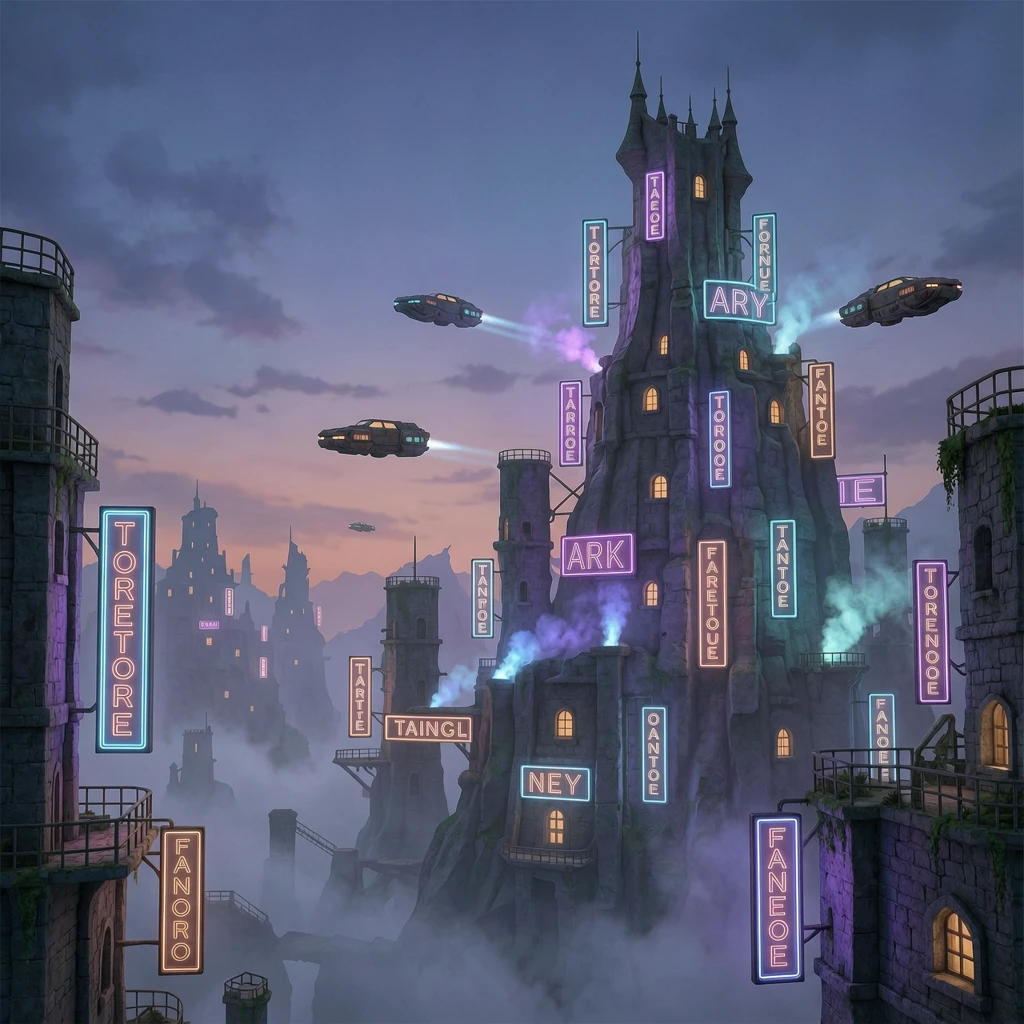
Wan 2.7 Pro text-to-image is the higher-fidelity tier in Alibaba’s Wan 2.7 still-image family: aimed at hero frames, lookbooks, and large-format layouts where detail and prompt adherence matter most. Choose Pro when you need maximum resolution and polish relative to the standard text-to-image model. On RunComfy this route uses the same input keys as the standard tier (prompt, negative_prompt, image_size, max_images, seed, enable_safety_checker).
Ideal for: print and OOH | premium e-commerce heroes | key art | final-grade marketing stills after rapid drafts on the standard tier

Wan 2.7 Pro Text-to-Image


Overview


Wan 2.7 Pro text-to-image on RunComfy targets higher output fidelity than the standard tier while using the same input fields. Standard and Pro share parameter names so you can move a draft from the non-Pro model to Pro. Confirm exact pixel ceilings against the current RunComfy model limits.


Response fields


Each run returns an images array with one to five files per request, optional generated_text, and seed in the response.


Key features


  • Pro-focused quality: Use when standard Wan 2.7 text-to-image is not enough for final delivery.
  • Same controls as standard: Identical parameter names keep iteration straightforward.
  • Bilingual prompts and negative_prompt (≤500 chars).
  • image_size presets for common aspect buckets; advanced {width, height} objects may be available in custom integrations.
  • max_images 1–5 for controlled variation batches.
  • Safety checker toggles input/output moderation.

Parameters

ParameterRequiredTypeDefaultRange / OptionsDescription
prompt*Yesstring——Scene, style, lighting, layout.
negative_promptNostring""max 500 charsUndesired content.
image_sizeNostringsquare_hdenum presetsOutput size preset.
max_imagesNointeger11–5Images per job.
seedNointeger—0–2147483647Repeatability.
enable_safety_checkerNobooleantrueon / offModeration.

Pricing

BillingRate
Per generated image$0.075

Total run cost scales with max_images.


How to use


  1. Start from a proven prompt on the standard Wan 2.7 text-to-image model when possible, then switch here for the final render.
  2. Keep negative_prompt short and specific.
  3. Choose the image_size preset closest to your deliverable aspect ratio.
  4. Fix seed while tweaking wording so you can isolate prompt effects.
  5. Use multiple max_images sparingly on Pro to manage spend.

Prompt tips


  • Add material and lighting detail to justify the Pro tier (textures, reflections, fine typography requests).
  • Mention print intent (for example, “clean edges for large-format”) when you need extra crispness.
  • Avoid contradictory art-direction cues that force the model to compromise detail.

Related Wan 2.7 models


  • Wan 2.7 Text-to-Image (standard) on RunComfy — lower per-image cost for ideation.
  • Wan 2.7 Image Edit Pro on RunComfy — multi-reference edits at Pro quality.

Related Models

dreamina-4-0/text-to-image

Next-gen AI visual tool merging text-driven image creation with precision editing.

chrono-edit/lora/upscaler

Refine texture, geometry, and lighting with chrono-edit upscaler for realistic image upscaling.

dreamina-4-0/edit

Generate 4K visuals with precise edits and style control for designers.

qwen-image/qwen-image-edit-2511/lora

LoRA-based visual editing model offering structure-aware asset transformation for creative pros

wan-2-6/image-to-image

Instruction-based AI for seamless visual editing and scalable style adaptation

qwen-edit-2509/multi-image-edit-plus

Advanced image editing model for detailed, consistent visual creation and precise design workflows.

Frequently Asked Questions

How is Wan 2.7 Pro text-to-image different from standard Wan 2.7 text-to-image?

Wan 2.7 Pro targets higher output fidelity than the standard tier. On RunComfy it costs $0.075 per generated image, while standard is lower for draft work. Both tiers expose the same field names, so you can move a prompt from standard to Pro without relearning controls.

What is the Wan 2.7 Pro text-to-image price per image on RunComfy?

$0.075 per generated image. If you request more than one image in a single job (max_images greater than 1), multiply by the number of images returned.

Do Wan 2.7 Pro and standard text-to-image use the same inputs?

Yes. Both use prompt, negative_prompt, image_size, max_images, seed, and enable_safety_checker on RunComfy. Quality and list price are what change between tiers.

How do I find the maximum output resolution for Wan 2.7 Pro text-to-image?

Pixel ceilings can change when the provider or RunComfy deployment updates. Before you promise a print size, check the current RunComfy model limits or your workspace documentation.

How can I iterate prompts without random variation between runs?

Keep seed fixed while you adjust wording, change one creative variable at a time, and compare outputs. Raise max_images when you want several alternatives from the same settings.

Follow us
  • LinkedIn
  • Facebook
  • Instagram
  • Twitter
Support
  • Discord
  • Email
  • System Status
  • Affiliate
Video Models
  • Wan 2.6 Flash
  • Seedance 1.0 Pro Fast
  • Seedance 1.0
  • Seedance 1.5 Pro
  • Wan 2.6
  • Hailuo 2.3 Fast Standard
  • View All Models →
Image Models
  • Wan 2.6 Image to Image
  • Nano Banana 2 Edit
  • Nano Banana Pro
  • Flux 2 Flash Edit
  • seedream 4.0
  • ImagineArt 1.5
  • View All Models →
Legal
  • Terms of Service
  • Privacy Policy
  • Cookie Policy
RunComfy
Copyright 2026 RunComfy. All Rights Reserved.

RunComfy is the premier ComfyUI platform, offering ComfyUI online environment and services, along with ComfyUI workflows featuring stunning visuals. RunComfy also provides AI Models, enabling artists to harness the latest AI tools to create incredible art.


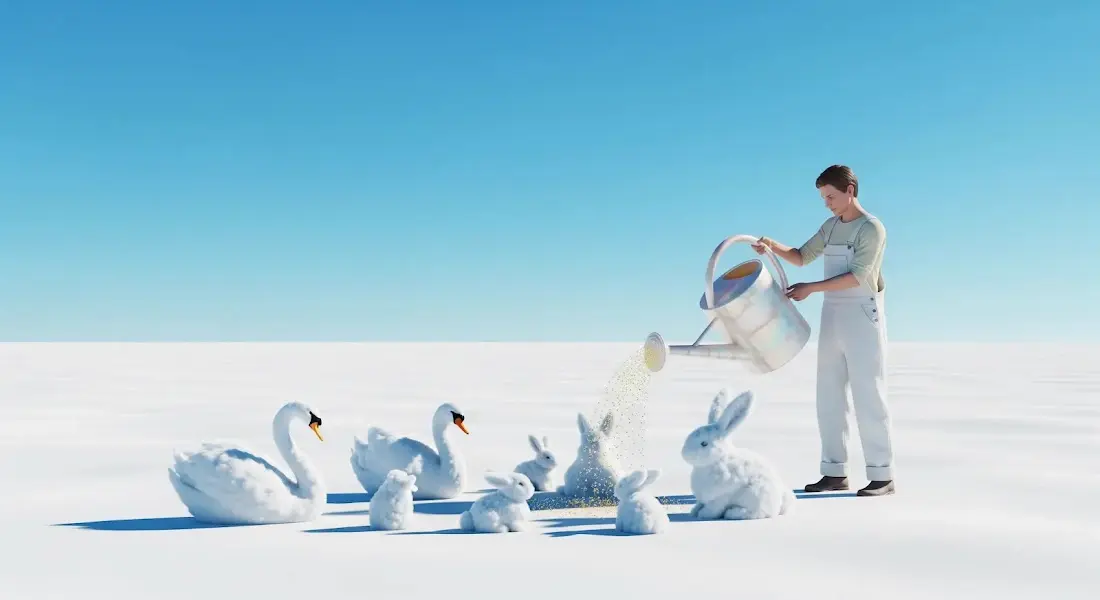
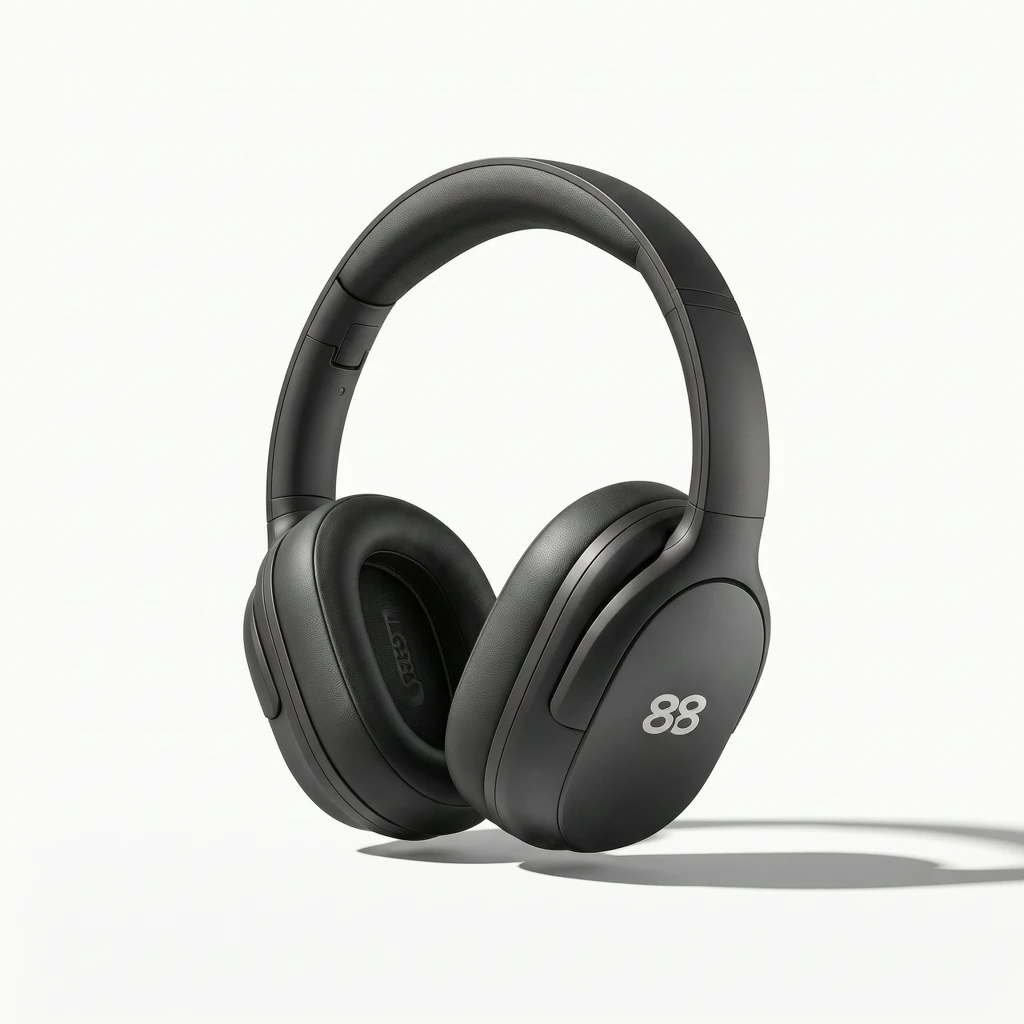
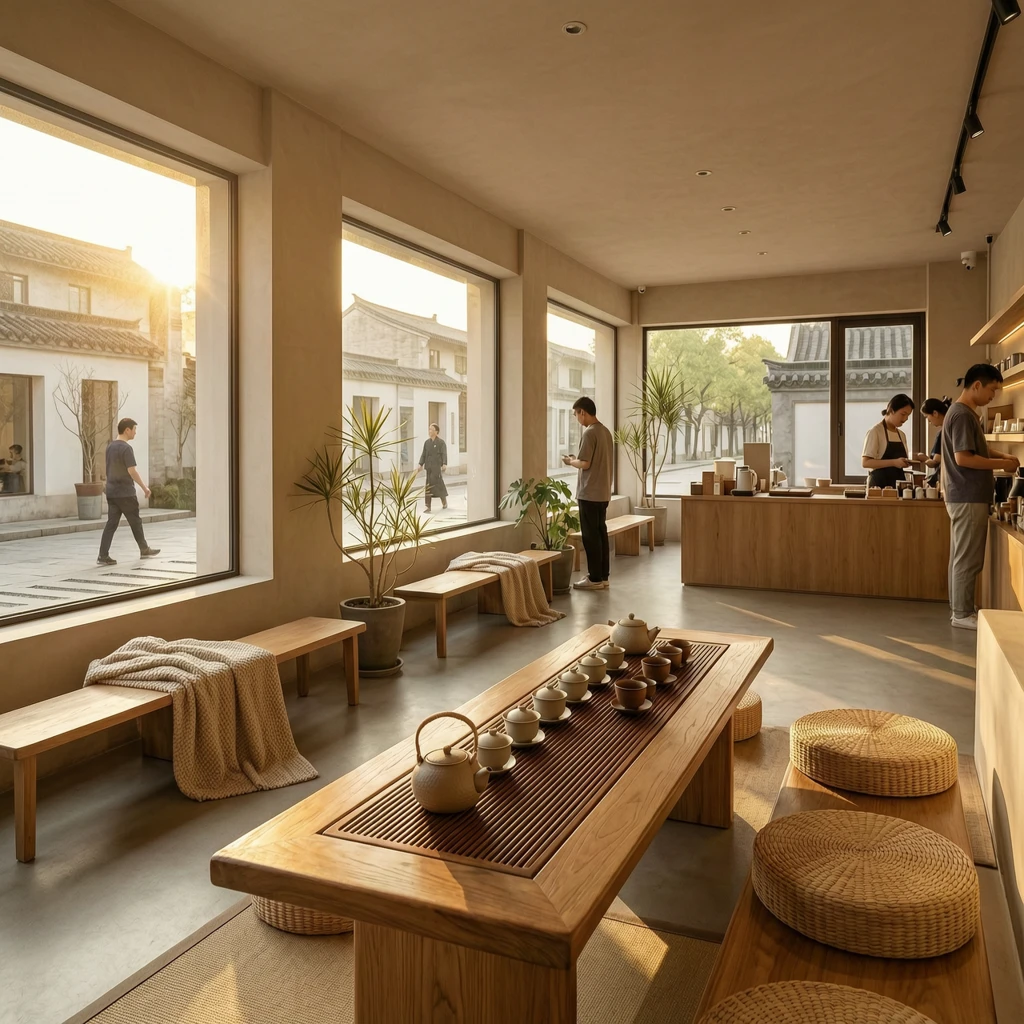
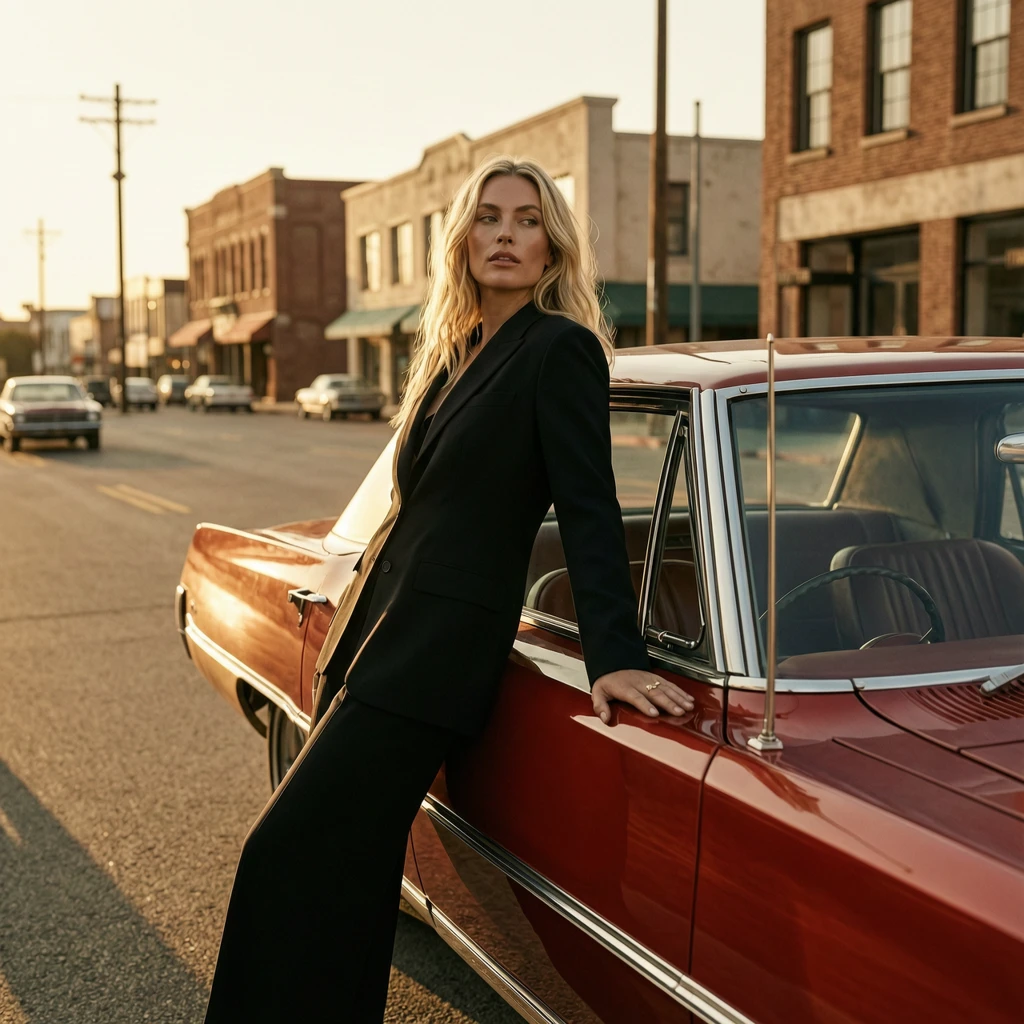
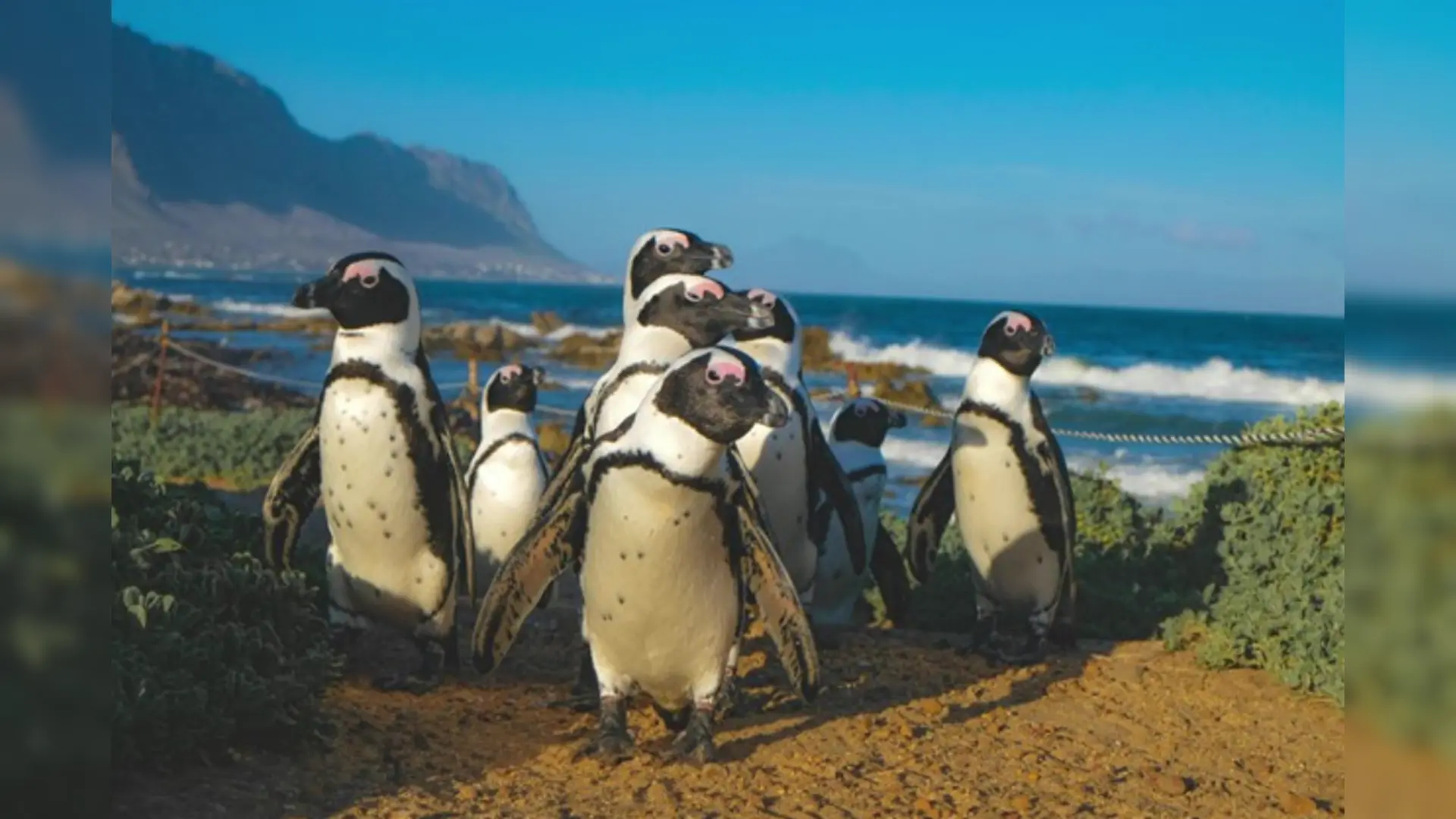
Examples Of Wan 2.7 Pro Text-to-Image