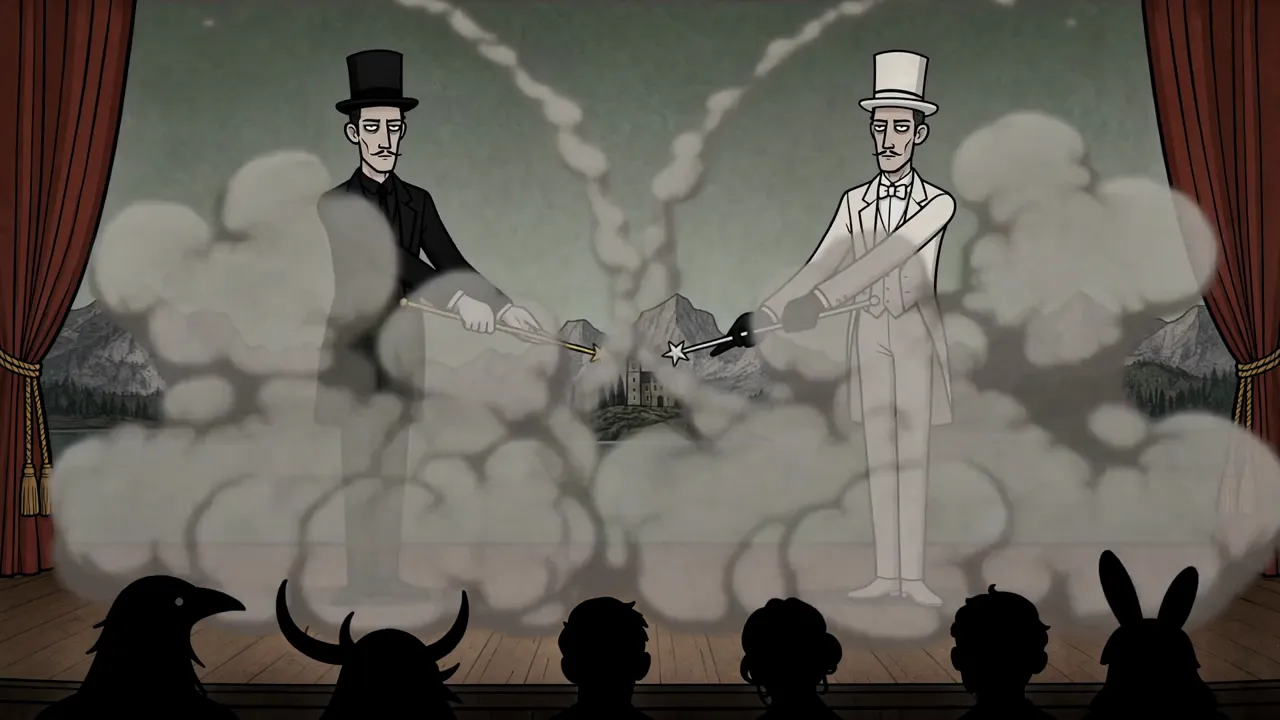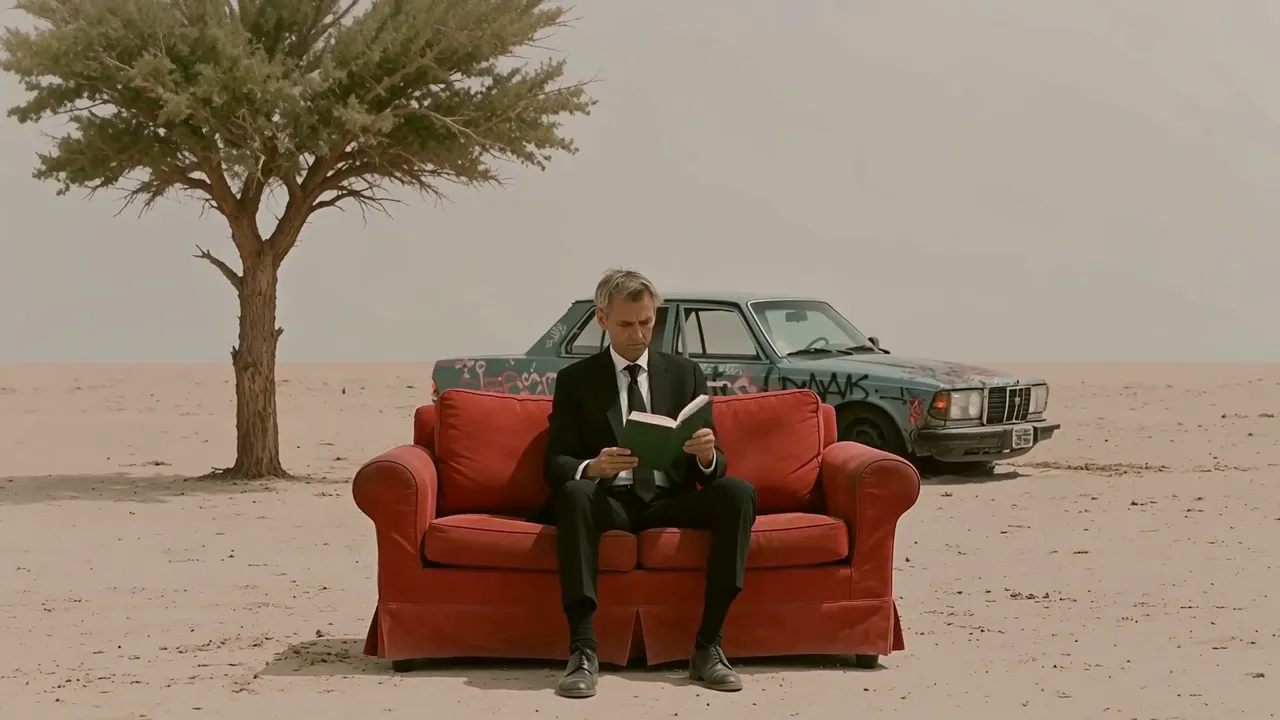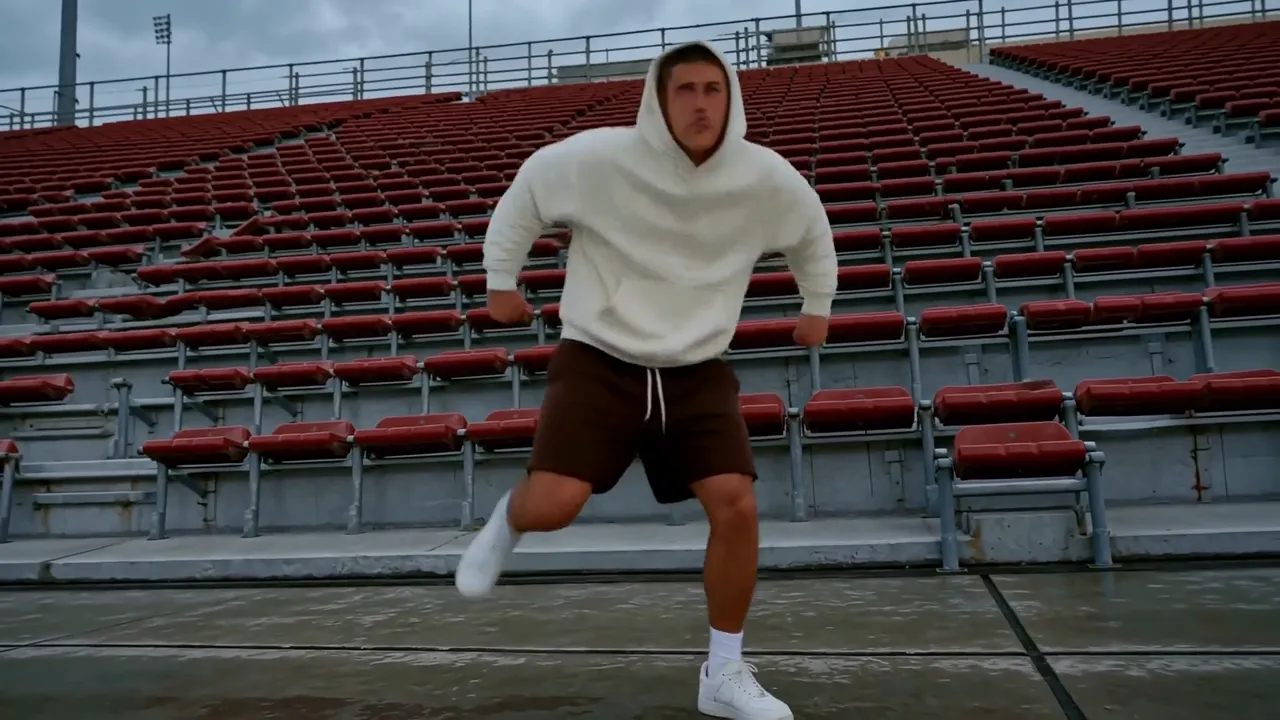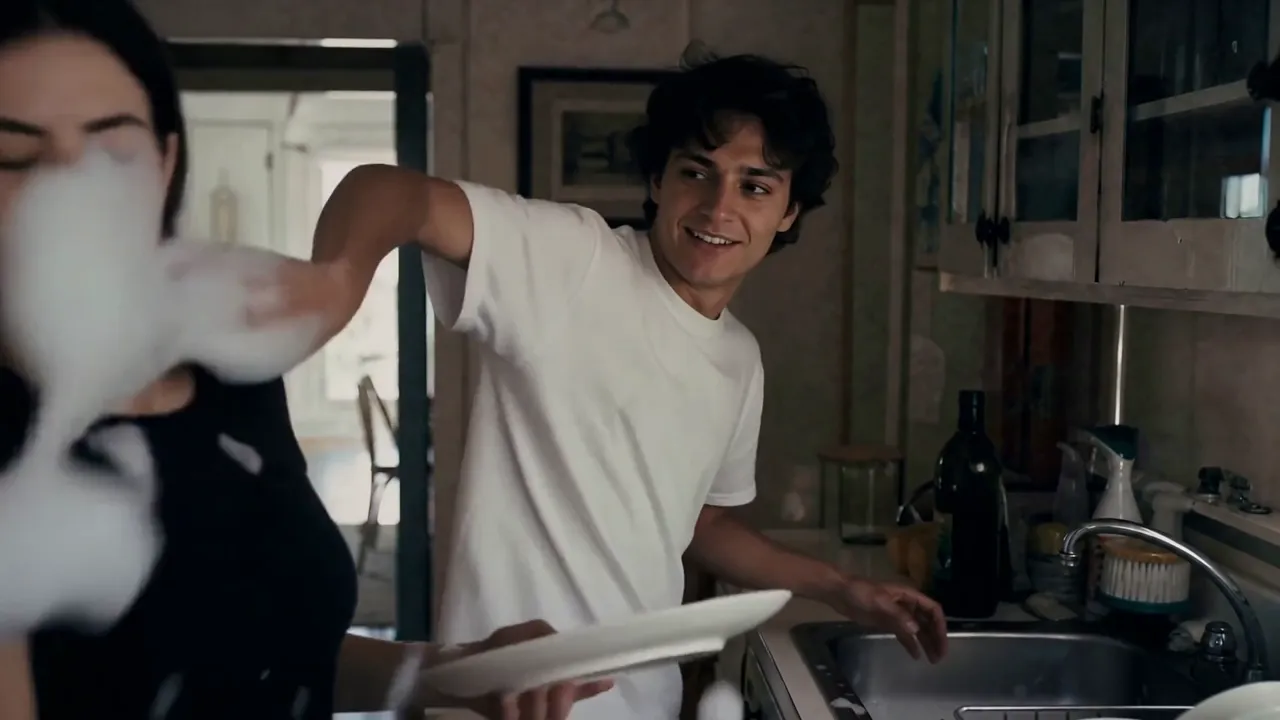
kling-2-5/turbo/text-to-video
Crea un vídeo con Kling 2.5 Turbo desde un prompt y elige duración, relación de aspecto y prompt negativo.
MiniMax H3 Open Reference To Video de MiniMax crea un clip de 480p o 768p a partir de un resumen escrito más los medios de referencia que usted adjunta, renderizando imágenes y audio estéreo nativo en una sola pasada.
Cambiando el casting de imitaciones, los tableros de estilo y la coincidencia de movimiento manual por referencias que el modelo lee directamente, MiniMax H3 Open Reference To Video ayuda a los equipos de marca, agencias y artistas de previsualización a mantener estable el lenguaje de un personaje, producto o cámara en todas las tomas.
Para los desarrolladores, MiniMax H3 Open Reference To Video en RunComfy se puede utilizar tanto en el navegador como a través de una API HTTP, por lo que no es necesario alojar ni escalar el modelo usted mismo.
Ideal para: Coherencia del carácter | Revelaciones de productos | Combinación de estilos
Esta página ejecuta la ruta de referencia de pesos abiertos en la familia MiniMax H3. Adjunte los medios que desea que siga el modelo, describa la escena y MiniMax H3 Open Reference To Video devolverá un MP4 con audio estéreo nativo a 480p o 768p.
La idea es simple: las imágenes fijan cómo se ven las cosas, los videos fijan cómo se mueven las cosas y el audio guía el sonido. Consulte cada entrada en su mensaje y diga qué trabajo hace, de modo que el modelo lleve un tema, estilo o movimiento de una toma a otra en lugar de adivinar.
1) Adjunte sus referencias: imágenes para identidad o estilo, clips para movimiento, audio opcional para una voz o pista coincidente.
2) Escriba una línea de tiempo con tiempos con marca de tiempo y nombre lo que proporciona cada referencia.
3) Establezca explícitamente el idioma de la cámara, incluido cuándo mantenerla en espera.
4) Agregue una línea Audio: para señales de entrada y ambiente.
5) Elija la relación de aspecto, la resolución y la duración, luego genere y refine una referencia o cláusula a la vez.
Para el nivel de referencia a video de MiniMax H3 de mayor resolución, consulte los modelos MiniMax H3 relacionados en RunComfy.
Crea un vídeo con Kling 2.5 Turbo desde un prompt y elige duración, relación de aspecto y prompt negativo.
Convierte imágenes en videos fluidos y cinematográficos con IA

Crea videos cinematográficos en segundos con Veo 3.1 Fast, impulsado por texto y control creativo instantáneo.

Seedance 2.5 Reference to Video 4K: clips multireferencia 4K

Wan 3.0 Prime Text To Video crea clips a partir de indicaciones rápidamente

Lea texto sin formato en voz alta y devuelva un archivo WAV.
MiniMax H3 Open Reference To Video crea un clip corto a partir de un mensaje más un medio de referencia, de modo que un tema, producto, estilo o movimiento se mantenga consistente en todas las tomas. Se adapta a la continuidad de los personajes, las revelaciones de productos y la combinación de estilos, donde la apariencia debe seguir referencias reales en lugar de solo una redacción inmediata.
MiniMax H3 Open Reference To Video acepta hasta 9 imágenes de referencia, 3 videos de referencia y 3 audios de referencia. Se requiere al menos una imagen o vídeo de referencia y el audio no se puede proporcionar por sí solo. Nombra cada referencia en el mensaje para que el modelo sepa lo que proporciona.
MiniMax H3 Open Reference To Video es la ruta de peso abierto con salida de 480p y 768p. El modelo oficial de referencia a video MiniMax H3 en RunComfy utiliza una escala de resolución diferente, como 768p y 2K. Elija la ruta de pesos abiertos para los niveles y precios que se muestran en esta página.
Sí. MiniMax H3 Open Reference To Video genera audio estéreo nativo junto con la imagen en una sola pasada. La propia banda sonora de un vídeo de referencia se utiliza automáticamente y puedes agregar audios de referencia independientes o una línea Audio: en el mensaje para controlar el ambiente, el diálogo o una voz coincidente.
Escriba las indicaciones de MiniMax H3 Open Reference To Video como una línea de tiempo con tiempos con marca de tiempo y asigne una tarea a cada referencia: cuál proporciona identidad, cuál proporciona estilo y cuál proporciona movimiento. Indique explícitamente el idioma de la cámara, incluido cuándo mantenerla presionada, y mantenga el texto legible en pantalla entre comillas.
Sí. Haga un prototipo en la interfaz de usuario del modelo RunComfy, luego llame a la misma plantilla MiniMax H3 Open Reference To Video a través de la API RunComfy con parámetros idénticos. El envío devuelve una identificación de tarea; encuesta hasta que se complete y lea el video de salida. Ambos caminos consumen usd/créditos.
MiniMax H3 Open Reference To Video se factura por segundo generado: $0,049 por segundo a 480p y $ 0,124 por segundo a 768p, más cargos por referencia: $0,03 por imagen de referencia, $0,03 por audio de referencia y $0,06 por segundo de video de referencia. Por ejemplo, un clip de 480p de 10 segundos con 2 imágenes de referencia y un vídeo de referencia de 5 segundos cuesta 10 × 0,049 dólares + 2 × 0,03 dólares + 5 × 0,06 dólares = 0,85 dólares.
MiniMax H3 Open Reference To Video produce 480p o 768p a 24 fps, con duraciones de 5 a 15 segundos y siete relaciones de aspecto. Los vídeos de referencia solo se admiten con salida de 480p y comparten un presupuesto total de 15 segundos; Los audios de referencia independientes se recortan a 15 segundos cada uno.
RunComfy es la principal ComfyUI plataforma, ofreciendo ComfyUI en línea entorno y servicios, junto con flujos de trabajo de ComfyUI con impresionantes imágenes. RunComfy también ofrece AI Models, permitiendo a los artistas aprovechar las últimas herramientas de AI para crear arte increíble.