logo
RunComfy
  • Models
  • ComfyUI
  • TrainerNew
  • API
  • Pricing
discord logo
MODELS
Explore
All Models
LIBRARY
Generations
MODEL APIS
API Docs
API Keys
ACCOUNT
Usage

Kling O1 reference video to video: Film-Grade Video-to-Video Editing on playground and API | RunComfy

kling/kling-video-o1/video-to-video/reference

Transform reference videos into cinematic new clips with precise motion preservation, natural prompt-based styling, and seamless scene extension for film-grade, multimodal video creation.

Use @Element1, @Element2 to reference elements and @Image1, @Image2 to reference images in order.
Only .mp4/.mov formats supported, 3�?0 seconds duration, 720�?160px resolution, max 200MB.
Elements 1
The frontal image of the element (main view).Max file size: 10.0MB, Min width: 300px, Min height: 300px, Min aspect ratio: 0.40, Max aspect ratio: 2.50, Timeout: 20.0s
Image 1
Additional reference images from different angles. 1-4 images supported. At least one image is required.
Provide characters/objects to include. Reference in prompt as @Element1, @Element2, etc. Maximum 4 total across elements + reference images + start image.
Image 1
Reference images for style/appearance. Reference in prompt as @Image1, @Image2, etc. Maximum 4 total (elements + reference images) when using video.
Aspect ratio of the generated video frame. If 'auto', it will follow the closest match to the input video's ratio.
Video duration for the generated output.
Determines whether to keep the original audio from the input video.
Idle
The rate is $0.168 per second.

Introduction To Kling O1 Reference Video To Video

Built as part of the Kling O1 Omni engine, it merges text, image, and subject-driven creation into a single framework capable of dynamic video editing and continuation. With its refined motion preservation, camera style control, and scene continuity, this video-to-video model brings film-grade editing tools directly to creators. Through official support on platforms such as fal.ai, you gain access to high-resolution video generation, content addition or removal, and seamless multi-reference workflows that keep your creative style consistent across every frame.
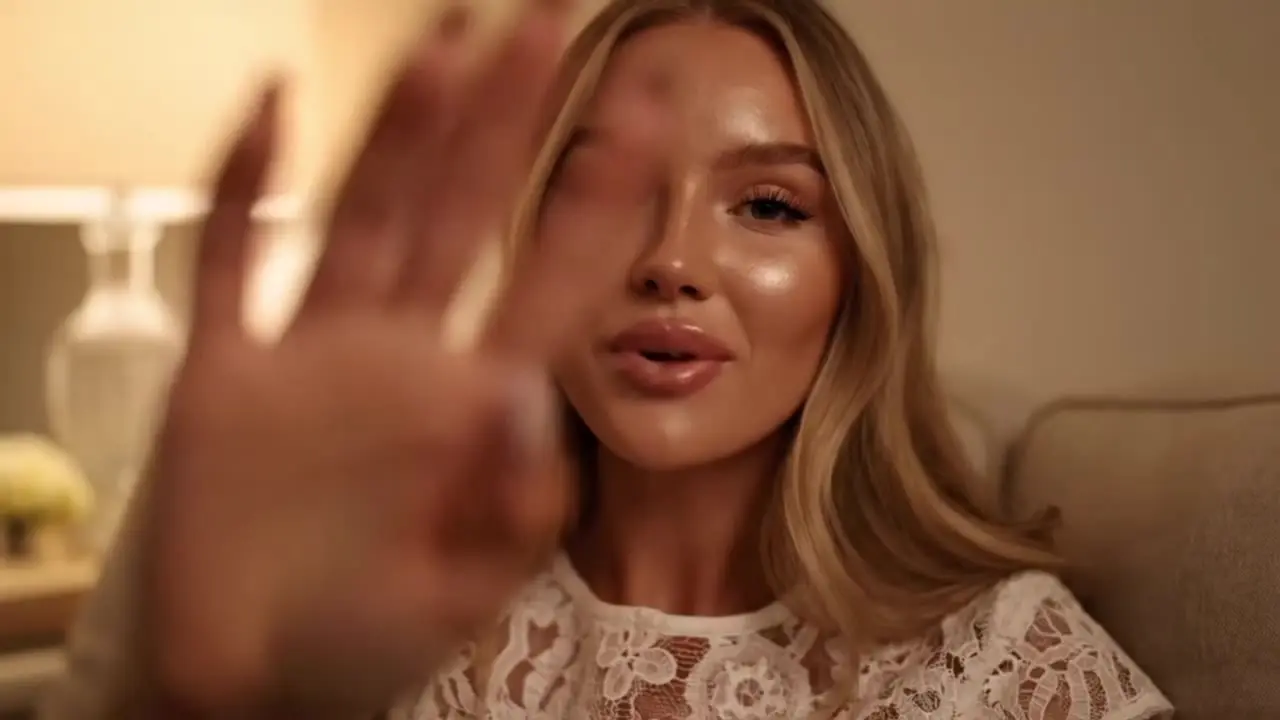
Kling O1 reference video to video empowers you to transform reference footage into new, visually matched clips using its advanced video-to-video generation technology. Designed for filmmakers, advertisers, and digital artists, this tool outputs cinematic short videos that maintain the look and motion of your reference scenes while letting you extend, restyle, or enhance them with natural language prompts.

Examples Of Kling O1 Reference Video To Video

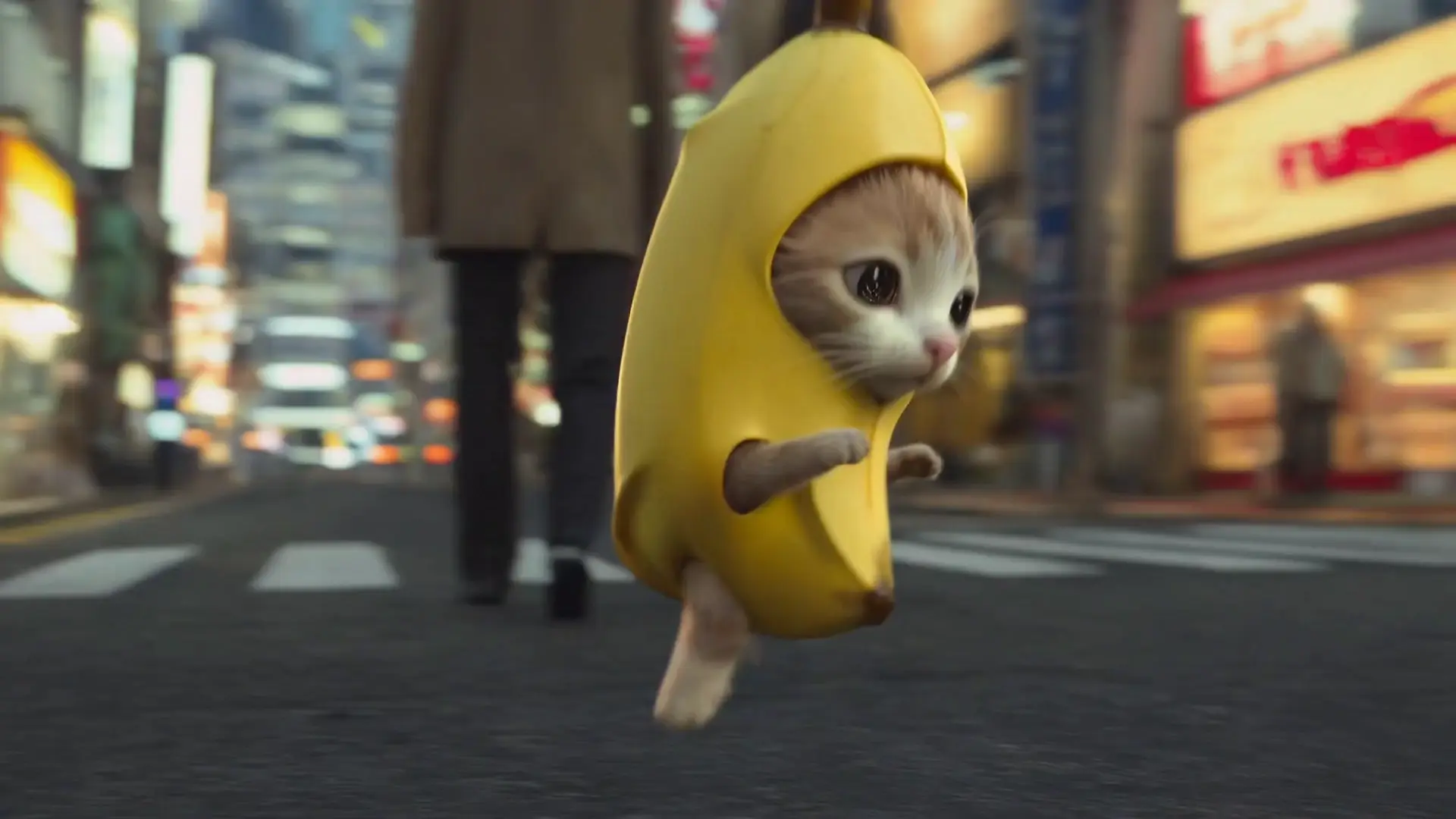
Video thumbnail
Loading...
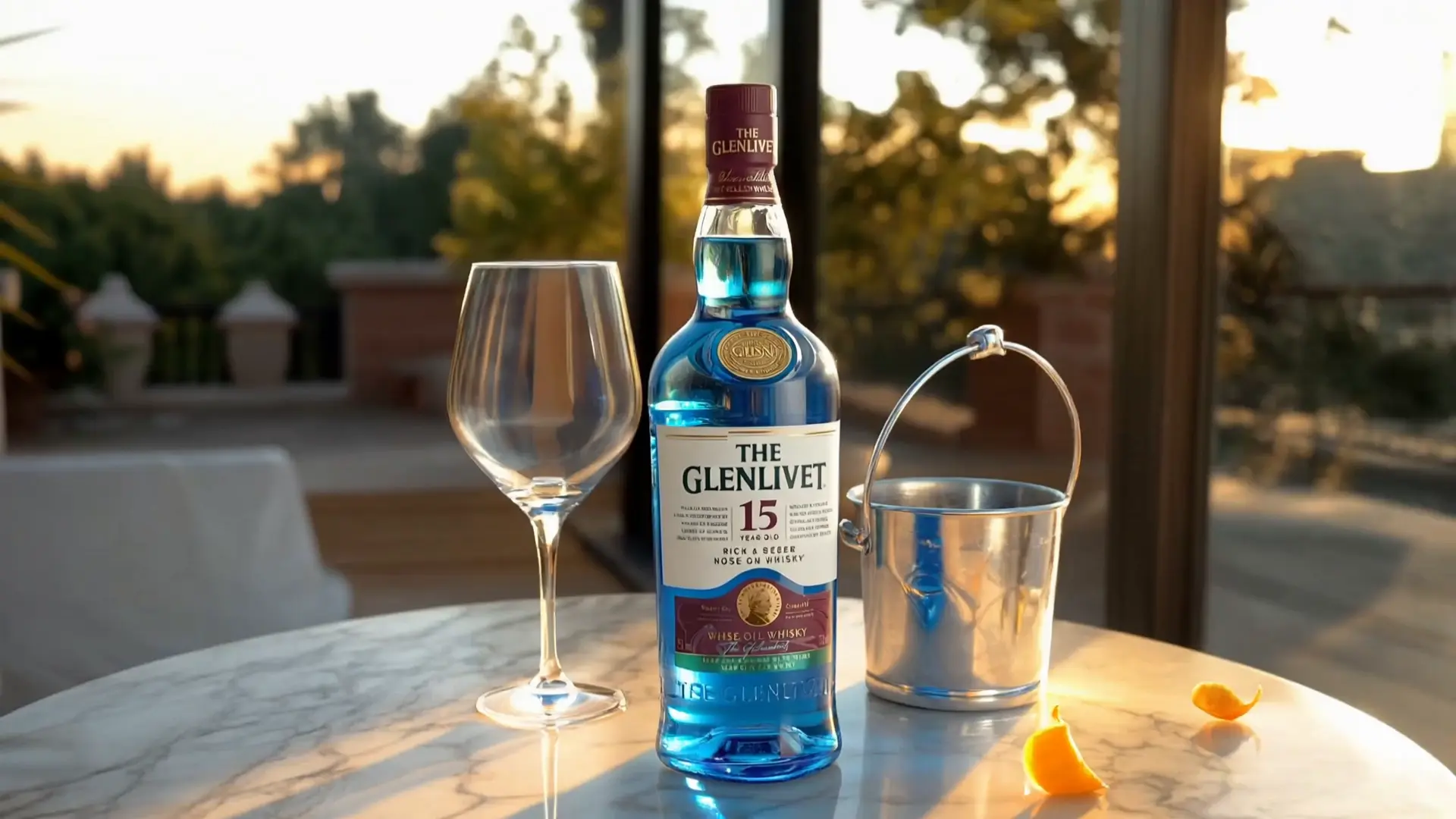
Video thumbnail
Loading...
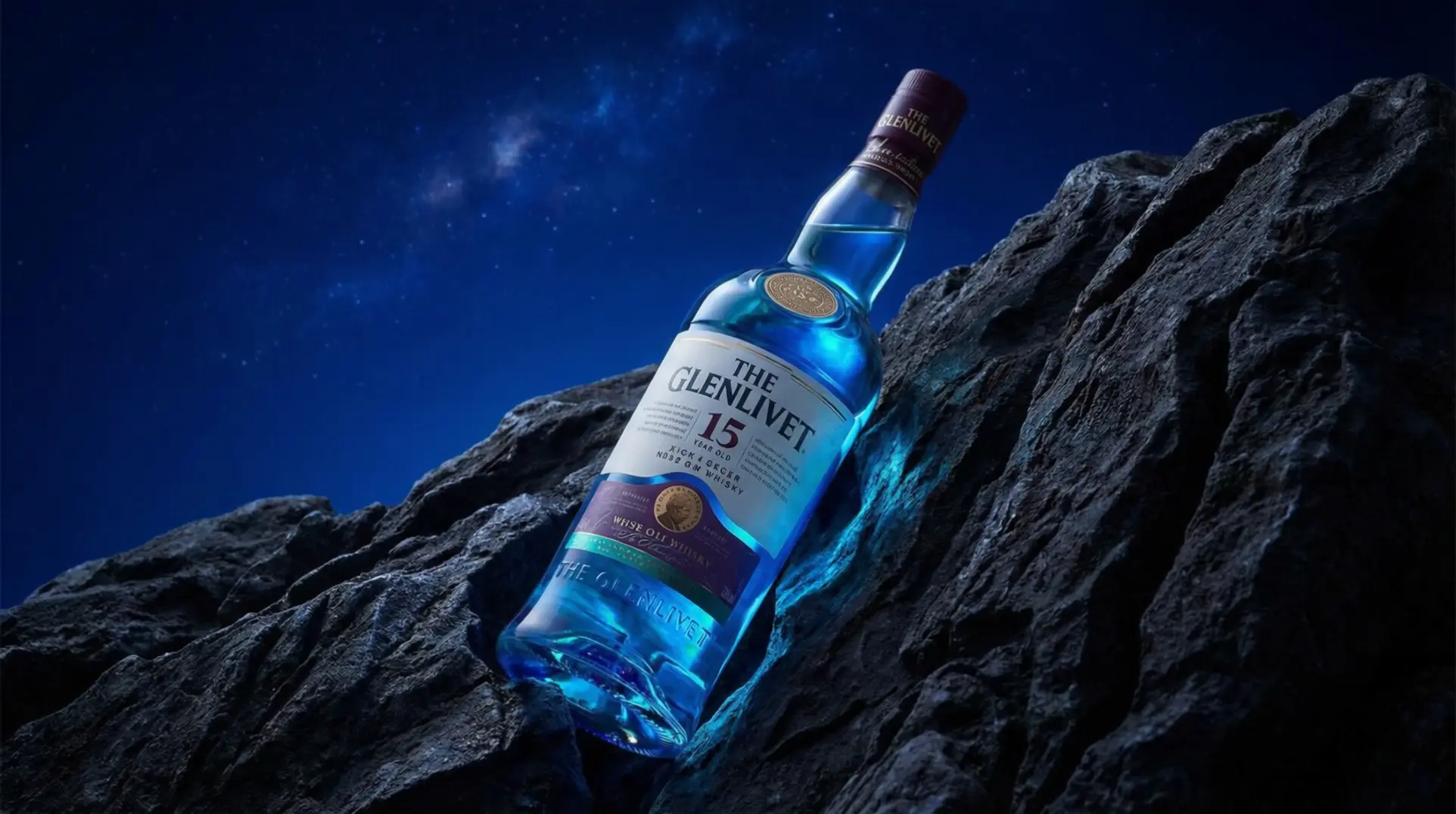
Video thumbnail
Loading...
Video thumbnail
Loading...
Video thumbnail
Loading...
Video thumbnail
Loading...

Key capabilities:

  • Structure-preserving edits: retains pose, layout, depth, and camera path across frames.
  • Temporal realism: Kling O1 reference video to video keeps motion continuity, reflections, and shadows coherent under heavy restyling.
  • Prompt-based styling: natural language controls grade, materials, and mood with optional @Image references.
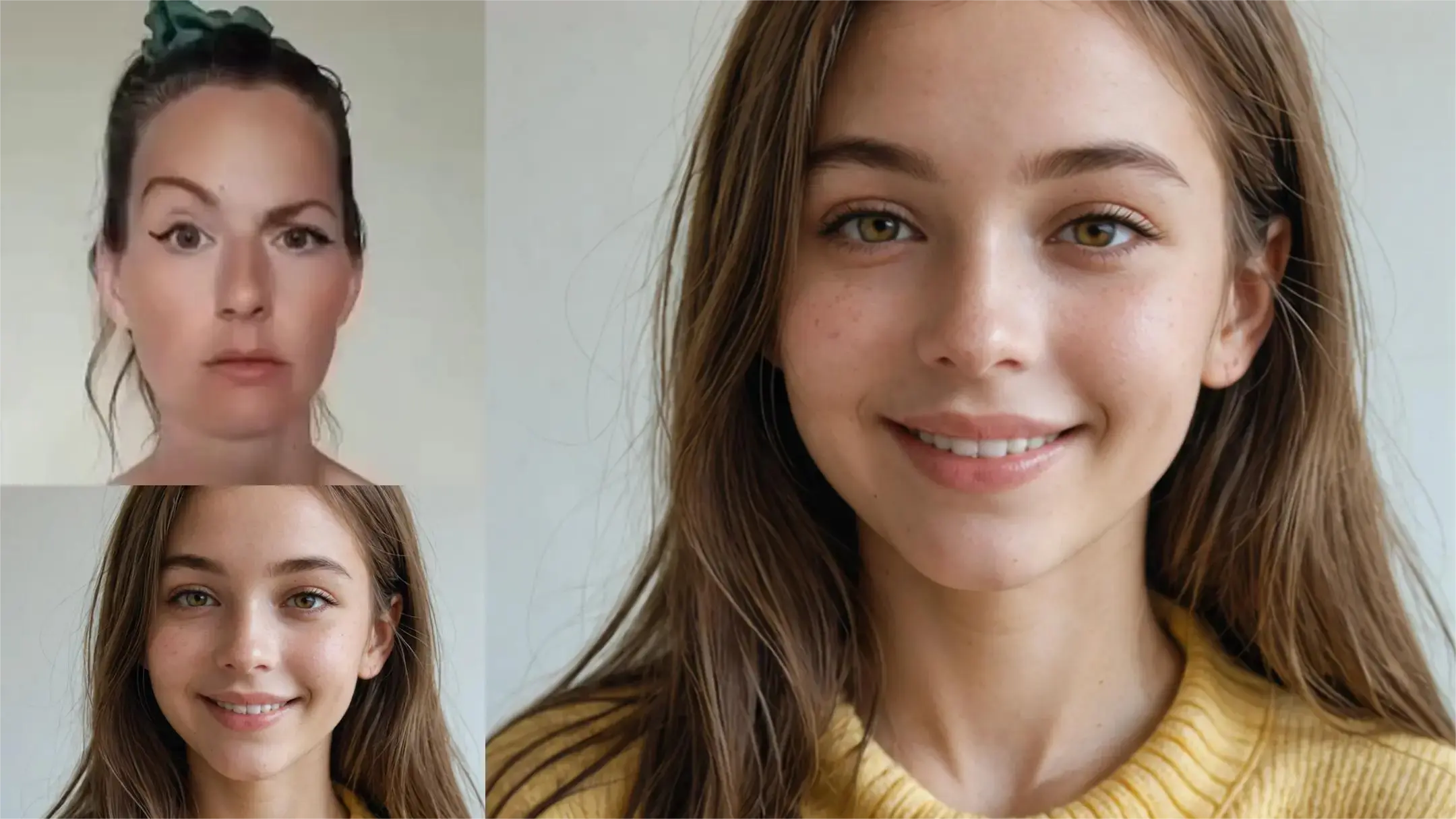
  • Multi-reference elements: Kling O1 reference video to video fuses @Element and @Image cues to uphold identity while varying wardrobe or texture.
  • Scene extension and reframing: Kling O1 reference video to video extends shots, adjusts aspect ratio, and re-centers subjects without destabilizing layout.
  • Production-ready constraints: 3-10 s inputs, 720-2160 px, <200 MB; Kling O1 reference video to video offers predictable outcomes for iteration.

Prompting guide for Kling O1 reference video to video

Provide a 3-10 s .mp4 or .mov clip and a clear prompt that states what to change and what to preserve. Reference images or elements using @Image1, @Element1, and set keep_audio, aspect_ratio, and duration. Kling O1 reference video to video interprets spatial instructions like background only or keep subject pose while applying style from your references. When adding characters, pass an elements JSON array with reference_image_urls and optional frontal_image_url, then call them in the prompt. Kling O1 reference video to video maintains base motion and composition while restyling materials, lighting, or palette. For robust conditioning, respect the four-total cap of elements plus images when using video so Kling O1 reference video to video remains stable.

Examples:

  • Stylize only the environment: preserve actor identity @Element1 and camera motion; apply @Image1 color grade and foggy atmosphere.
  • Replace wardrobe using Kling O1 reference video to video: keep pose and choreography; set @Element1 to wear a red leather jacket with subtle specular highlights.
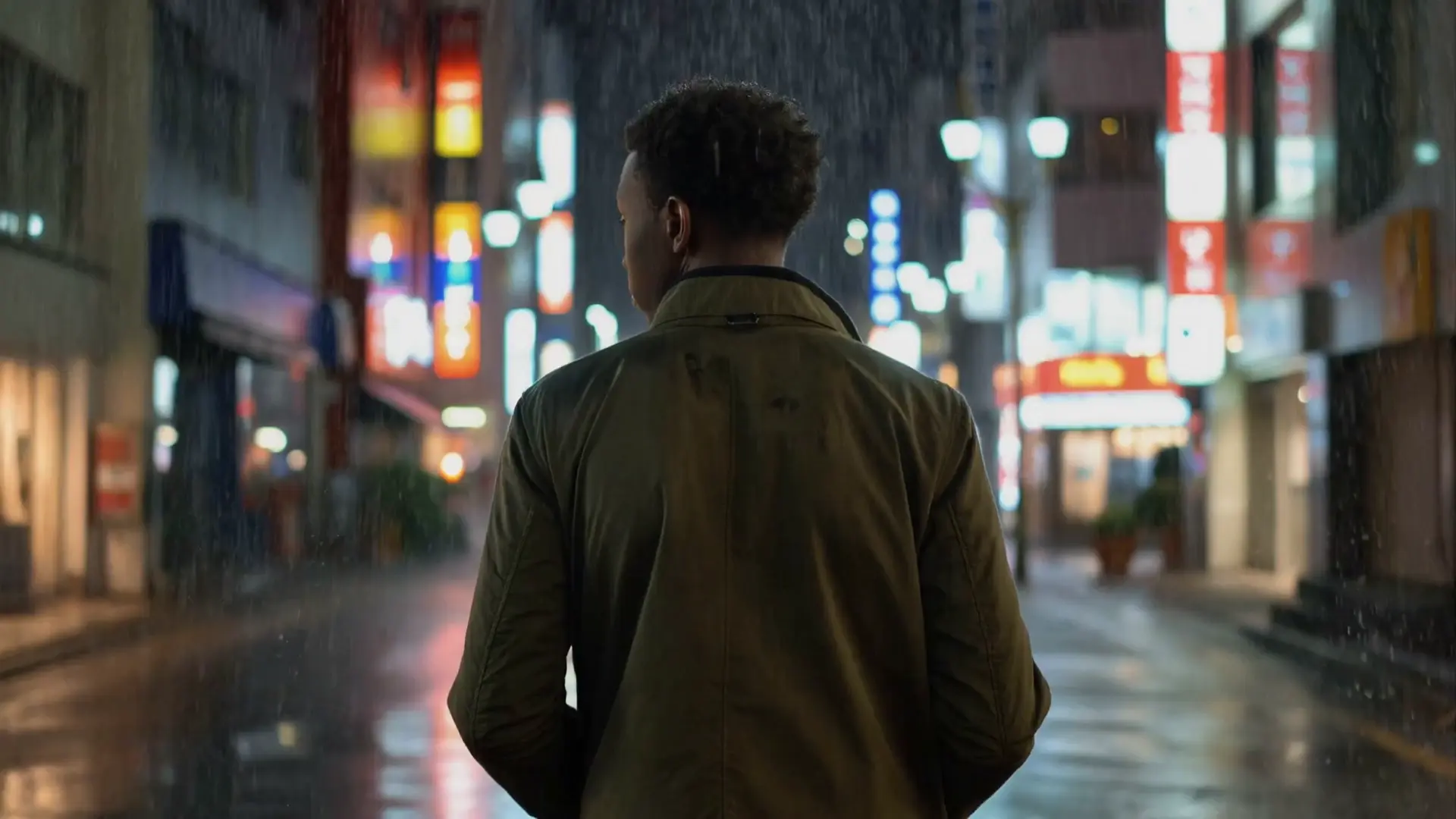
  • Extend the shot: continue the forward dolly, maintain lighting and reflections, introduce light snowfall without changing subject timing.
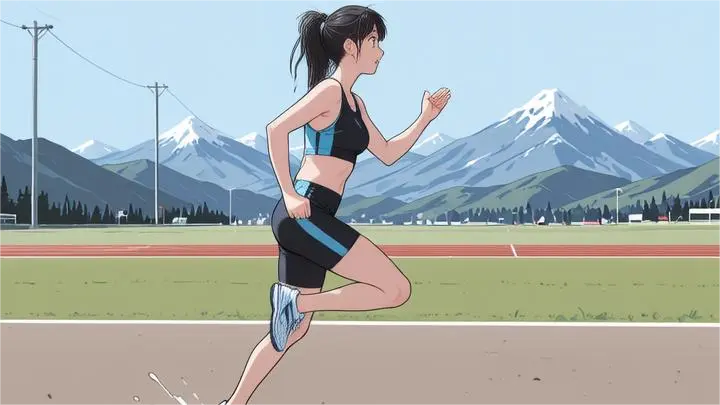
  • Anime restyle: background only, keep actor skin tones natural, follow @Image2 palette, no change to pacing, duration 10.
  • Product close-up: preserve layout and hand motion; swap material to brushed aluminum; aspect_ratio 16:9; keep_audio true.

Pro tips:

  • State constraints first: what to preserve vs what to change so Kling O1 reference video to video prioritizes structure.
  • Use spatial language: left side, background only, subject face unchanged, upper-right quadrant.
  • Keep references tight and on-topic; crop irrelevant regions; limit to four total elements plus images with video.
  • Provide high-detail reference frames for identity; include frontal_image_url for stable faces; Kling O1 reference video to video will track them across time.
  • Iterate with concise updates; prefer a few strong descriptors over many competing adjectives.

Note: You can also try the video-to-video model in the RunComfy Playground at Kling Video to Video playground.


Related Playgrounds

kling-video-o1/standard/video-edit

Smart editing tool for refined video transfers and motion-based scene adjustments.

veo-3-1/fast/text-to-video

Create cinematic clips in seconds with Veo 3.1 Fast, built for instant text-driven motion and creative control.

wan-2-1/lora

Easily add custom LoRA for unique styles and effects.

steady-dancer

Animate static portraits with smooth, identity-true motion using Steady Dancer's video-driven generation.

wan-2-2/animate/video-to-video

Transforms input clips into synced animated characters with precise motion replication.

kling-video-o1/image-to-video

Transform static visuals into cinematic motion with Kling O1's precise scene control and lifelike generation.

Frequently Asked Questions

What is Kling O1 reference video to video?

Kling O1 reference video to video is a feature of the Kling O1 Omni AI model that allows users to generate or edit short clips based on an existing reference video. This video-to-video capability preserves the cinematic motion, style, and continuity of the original footage while letting you apply creative modifications or extensions.

How does Kling O1 reference video to video differ from traditional video editing tools?

Unlike traditional tools that rely on manual editing, Kling O1 reference video to video uses AI to automatically reproduce scene continuity and camera style. Its video-to-video engine ensures consistent characters, lighting, and motion even across different shots, saving creators significant post-production time.

What are the main features of Kling O1 reference video to video?

Key features of Kling O1 reference video to video include scene extension, style transfers, subject consistency, and content addition or removal. The model’s video-to-video mode supports multimodal inputs such as text, images, and videos, enabling natural language control and seamless transitions in generated clips.

Who can benefit most from using Kling O1 reference video to video?

Kling O1 reference video to video is designed for creators in film, marketing, social media, and e-commerce who need consistent visual storytelling. This video-to-video model helps professionals maintain unified character appearances and scene styles across short clips or promotional content.

Is Kling O1 reference video to video free to use?

Access to Kling O1 reference video to video usually requires credits via platforms like Runcomfy’s AI playground. However, new users often receive free trial credits to explore the video-to-video generation features before purchasing additional usage rights.

What types of input and output does Kling O1 reference video to video support?

The Kling O1 reference video to video system accepts text, images, and video as inputs and outputs clips in resolutions from 720p up to 2160p. Its video-to-video generation is optimized for short durations, typically between 3 and 10 seconds per shot.

How is Kling O1 reference video to video better than earlier Kling versions?

Compared to older versions, Kling O1 reference video to video integrates text-to-video, image-to-video, and editing functions in one unified model. This advanced video-to-video capability provides higher visual consistency and smoother transitions across scenes.

Does Kling O1 reference video to video include audio in generated clips?

Yes, Kling O1 reference video to video allows creators to choose whether to keep or remove audio from input footage. This flexibility makes the video-to-video mode useful for projects that either require silent motion shots or synchronized sound.

What are the limitations of Kling O1 reference video to video?

The main limitations of Kling O1 reference video to video include short maximum clip durations (typically 10 seconds) and size constraints for inputs. Additionally, while the video-to-video model maintains strong style consistency, detailed long-form editing may still require traditional tools.

Where can I access Kling O1 reference video to video?

Users can access Kling O1 reference video to video on Runcomfy’s website or AI playground after logging in. The video-to-video model also has API availability through services like fal.ai, enabling integration with other creative workflows.

Follow us
  • LinkedIn
  • Facebook
  • Instagram
  • Twitter
Support
  • Discord
  • Email
  • System Status
  • Affiliate
Video Models/Tools
  • Wan 2.6
  • Wan 2.6 Text to Video
  • Veo 3.1 Fast Video Extend
  • Seedance Lite
  • Wan 2.2
  • Seedance 1.0 Pro Fast
  • View All Models →
Image Models
  • GPT Image 1.5 Image to Image
  • Flux 2 Max Edit
  • GPT Image 1.5 Text To Image
  • Gemini 3 Pro
  • seedream 4.0
  • Nano Banana Pro
  • View All Models →
Legal
  • Terms of Service
  • Privacy Policy
  • Cookie Policy
RunComfy
Copyright 2025 RunComfy. All Rights Reserved.

RunComfy is the premier ComfyUI platform, offering ComfyUI online environment and services, along with ComfyUI workflows featuring stunning visuals. RunComfy also provides AI Models, enabling artists to harness the latest AI tools to create incredible art.