logo
RunComfy
  • Models
  • ComfyUI
  • TrainerNew
  • API
  • Pricing
discord logo
MODELS
Explore
All Models
LIBRARY
Generations
MODEL APIS
API Docs
API Keys
ACCOUNT
Usage

OpenAI Sora 2 Prompt Guide & Image-to-Video Playground (Unofficial) | RunComfy

openai/sora-2/image-to-video

OpenAI's Sora 2 creates immersive videos with realistic motion, synchronized dialogue and ambience, and versatile styles, producing polished, cohesive outputs from natural instructions.

Image format must be: jpg, jpeg, png, webp, gif, avif.
Idle
The rate is $0.10 per second.

OpenAI Sora 2 Prompt Guide + Image-to-Video Playground

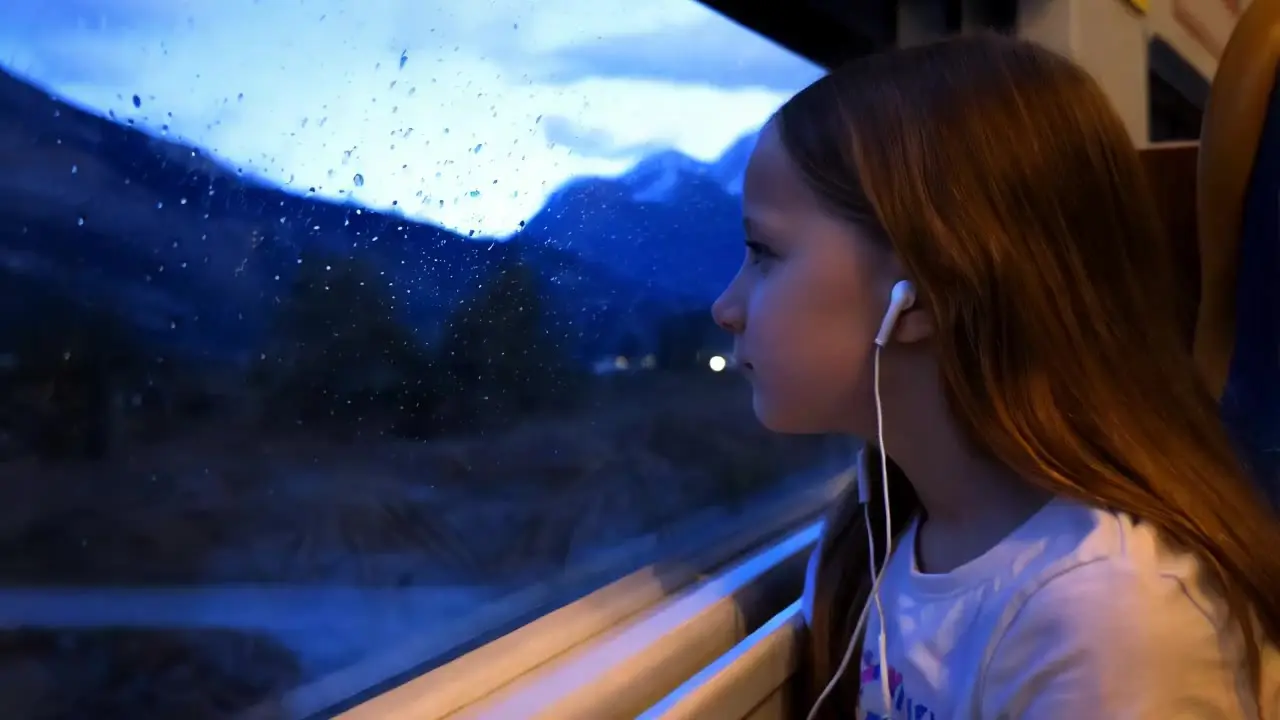
OpenAI has unveiled Sora 2 & Sora 2 Pro, its latest advancement in media generation technology. Building on the capabilities of its predecessor, OpenAI Sora 2 introduces stunningly realistic video motion, cinematic audio, and the ability to generate diverse, high-quality visuals from text prompts or images, all in one seamless tool.

Image-to-Video Features

Video thumbnail
Loading...

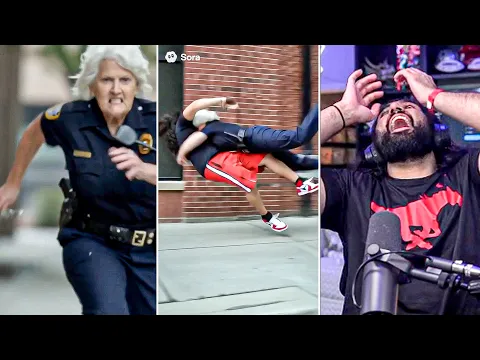
Realistic Motion and Physics

Using the generation tool in OpenAI's Sora 2, you can create videos where object motion and physics behave just like real life. From bouncing balls to realistic flips, Sora 2 ensures accuracy and believability in every frame. This brings a new level of immersion and helps simulate detailed world states with ease. OpenAI Sora 2 AI enhances realism and dynamic storytelling.

Video thumbnail
Loading...

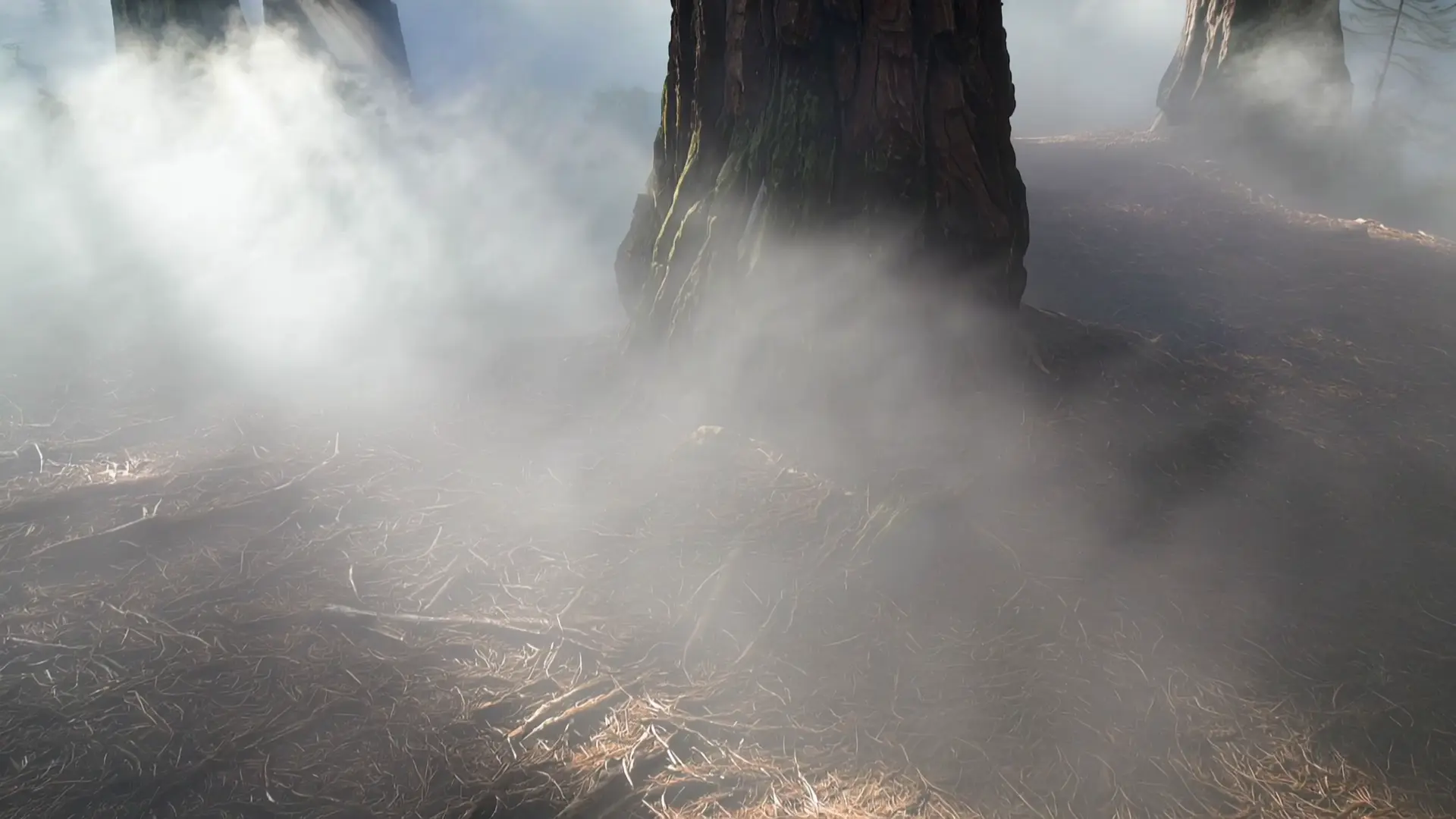
Cinematic Audio and Dialogue Generation

With OpenAI's Sora 2, your videos are no longer silent or disconnected. The tool generates dialogue, ambient audio, and sound effects that are perfectly synchronized with visual content. OpenAI Sora 2 blends sound and picture together from the start, so you spend less time editing and more time creating engaging, high-quality video generation projects.

Video thumbnail
Loading...

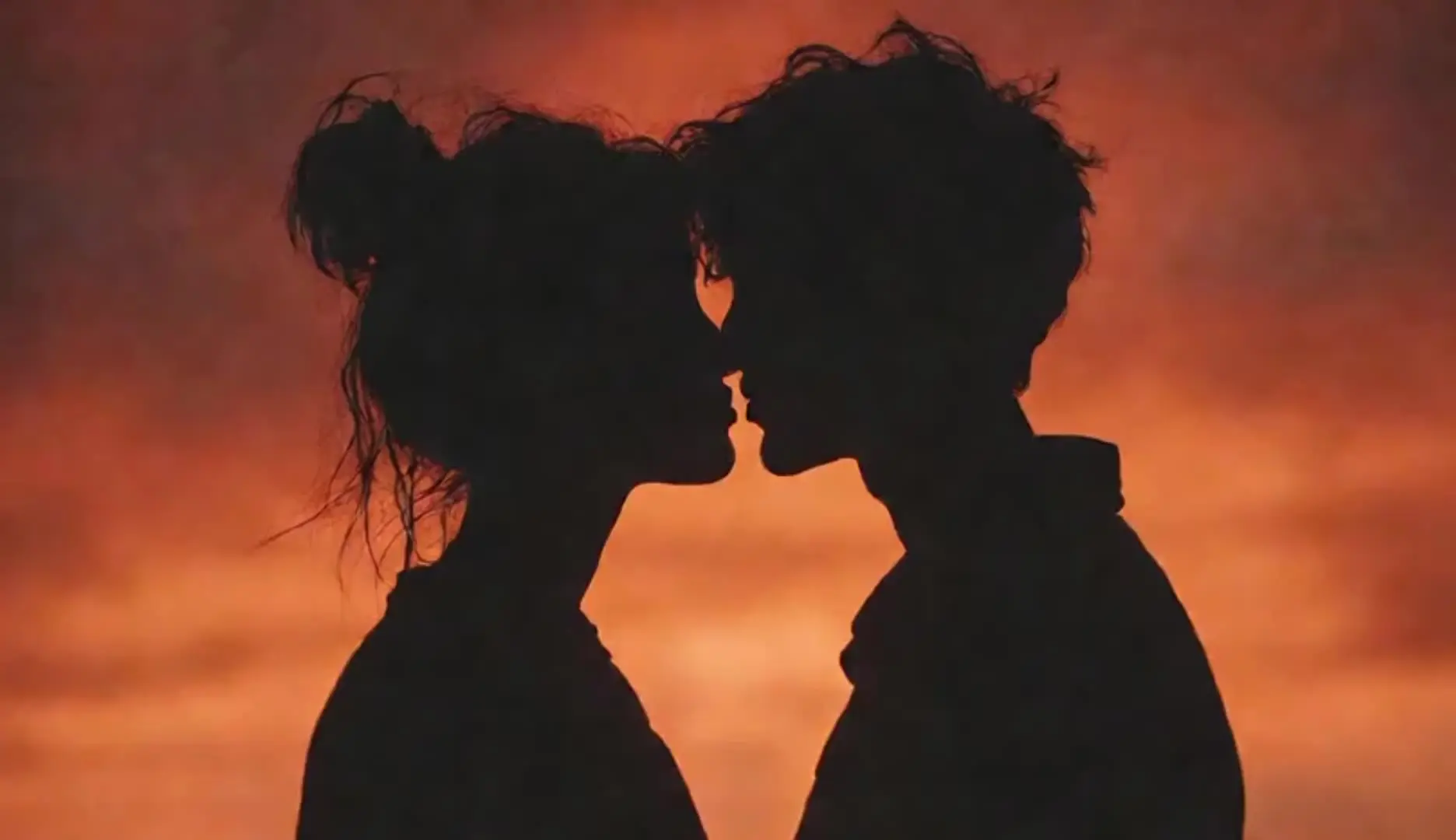
Diverse Visual Styles and Creatives

OpenAI Sora 2 supports multiple formats and aesthetics, from anime to photorealism. This tool is perfect for creators across marketing, education, and digital art to explore new ideas quickly. With OpenAI Sora 2, you can test different visual styles and switch formats easily, making every generation both versatile and creatively impactful.

OpenAI Sora 2 on X: Community Insights and Updates

OpenAI Sora 2's YouTube Videos: Demos and Reviews

YouTube preview
YouTube preview
YouTube preview

Related Playgrounds

hailuo-2-3/standard/image-to-video

Transform images into motion-rich clips with Hailuo 2.3's precise control and realistic visuals.

veo-3/fast/text-to-video

Create fast, audio-enhanced visuals from text prompts

hailuo-2-3/standard/text-to-video

Create expressive AI videos from prompts with smooth motion and vivid detail.

ai-avatar/v2/pro

Turn static photos into lifelike videos with style, motion, and full creative control.

wan-2-1/lora

Easily add custom LoRA for unique styles and effects.

bytedance/upscale/video

Transform and restyle clips to 4K using fast, precise ByteDance-powered generation.

OpenAI Sora 2 Prompt Guide: Tips and User Techniques

Frequently Asked Questions

What is Sora 2 and what does it do?

Sora 2 is OpenAI's latest video and audio generation model that creates detailed, dynamic video clips with synchronized sound using natural language or image inputs. Designed for realism and creativity, Sora 2 and Sora 2 Pro simulates cinematic experiences with accurate motion, consistent physics, and lifelike dialogue.

What are the main features of Sora 2 AI?

Sora 2 includes advanced video motion and physics simulation, synchronized audio generation including dialogue and sound effects, and support for a variety of visual styles—from photorealism to anime. These features make Sora 2 a versatile tool for storytellers, educators, and marketers alike.

Is Sora 2 AI free to use?

Sora 2 & Sora 2 Pro offers a free trial or complimentary credits for new users upon registration through Runcomfy's AI playground. However, continued use requires purchasing additional credits, with detailed pricing available in the 'Generation' section of the platform.

Who should use Sora2 and for what purposes?

Sora 2 is ideal for content creators, educators, marketers, and developers who want to generate cinematic-quality videos quickly. Whether you're crafting product promotions, instructional clips, art pieces, or storytelling content, Sora 2 provides flexibility and visual sophistication.

What makes Sora 2 different from the original version?

Compared to the original release, Sora 2 features improved realism in video motion, more accurate physics, better world consistency, and audio generation including synchronized dialogue and effects. These advancements create a much more immersive and controllable output.

How does Sora 2 handle input and output formats?

Sora 2 generates video from either text prompts or images, seamlessly combining audio and visuals in the output. The tool supports a variety of visual styles, making it suitable for everything from realistic footage to stylized animation like anime.

On which platforms can I access Sora 2 and Sora 2 Pro?

You can access Sora 2 through Runcomfy's AI playground via its website. The platform is mobile-browser friendly, so you can use Sora 2 conveniently on smartphones, tablets, and desktops.

Does Sora 2 generate audio along with video?

Yes, Sora 2 creates fully synchronized audio such as character dialogue, ambient sounds, and effects that match the on-screen action—creating cinematic results without needing extra editing.

Are there any limitations to using Sora 2 and Sora 2 Pro?

While Sora 2 offers stunning output, its use is credit-based and may require purchasing credits for ongoing use. Additionally, users should expect some variation in output quality depending on the complexity of input prompts or images.

How can I give feedback or report issues with Sora 2 AI?

If you're experiencing issues or have suggestions to improve Sora 2 AI ability, you can send feedback directly via email to hi@runcomfy.com. The developers value user input to help enhance the experience.

Is RunComfy’s "Sora 2" page an official OpenAI product or partnership?

No. This page and the RunComfy playground are provided by RunComfy and are not affiliated with, endorsed by, or sponsored by OpenAI. The term "Sora 2" is used here as a descriptive reference to help users find community discussions and prompting examples, and does not indicate an official relationship.

Is "Sora 2 Pro" on RunComfy an official OpenAI plan?

No. Any "Pro" wording on RunComfy refers only to RunComfy’s own usage tiers/compute tiers (for example, higher resolution or longer duration settings) and is not an OpenAI subscription, plan, or product.

Where can I find official information about OpenAI’s Sora products?

For official announcements, product availability, and documentation, please refer to OpenAI’s official website and official channels. RunComfy cannot confirm or represent official OpenAI product availability.

Follow us
  • LinkedIn
  • Facebook
  • Instagram
  • Twitter
Support
  • Discord
  • Email
  • System Status
  • Affiliate
Video Models/Tools
  • Wan 2.6
  • Wan 2.6 Text to Video
  • Veo 3.1 Fast Video Extend
  • Seedance Lite
  • Wan 2.2
  • Seedance 1.0 Pro Fast
  • View All Models →
Image Models
  • GPT Image 1.5 Image to Image
  • Flux 2 Max Edit
  • GPT Image 1.5 Text To Image
  • Gemini 3 Pro
  • seedream 4.0
  • Nano Banana Pro
  • View All Models →
Legal
  • Terms of Service
  • Privacy Policy
  • Cookie Policy
RunComfy
Copyright 2025 RunComfy. All Rights Reserved.

RunComfy is the premier ComfyUI platform, offering ComfyUI online environment and services, along with ComfyUI workflows featuring stunning visuals. RunComfy also provides AI Models, enabling artists to harness the latest AI tools to create incredible art.