sora-2/pro/image-to-video
Animate an image into a high quality video with OpenAI Sora 2 Pro.
PixVerse 5.5 effects is an image-to-video engine that converts a single reference frame into a stable, cinematic clip while preserving subject identity, layout, and material cues. By driving motion from effect presets rather than full resynthesis, PixVerse 5.5 effects retains geometry and texture fidelity across frames, minimizing drift and flicker. Temporal attention and consistent camera paths let PixVerse 5.5 effects introduce pans, pushes, and parallax without breaking composition. With controllable duration, resolution, and guardrails via negative prompts, PixVerse 5.5 effects adapts to editorial, ad, and social workflows. Auto prompt optimization helps PixVerse 5.5 effects interpret intent, and an image-first pipeline keeps edits coherent. The result: PixVerse 5.5 effects delivers believable motion grounded in the provided image.
Key capabilities:
Start by providing a high-quality image via "image_url" and selecting an "effect" preset that defines motion and styling. PixVerse 5.5 effects reads the frame as ground truth, then animates with camera moves aligned to the chosen preset. Set "resolution" and "duration" to match the target platform; use "negative_prompt" to suppress artifacts or unwanted objects. When precision matters, state constraints clearly so PixVerse 5.5 effects infers motion without altering identity. For rapid iteration, keep "thinking_type=auto" so PixVerse 5.5 effects can refine ambiguous constraints; switch to "disabled" for deterministic runs.
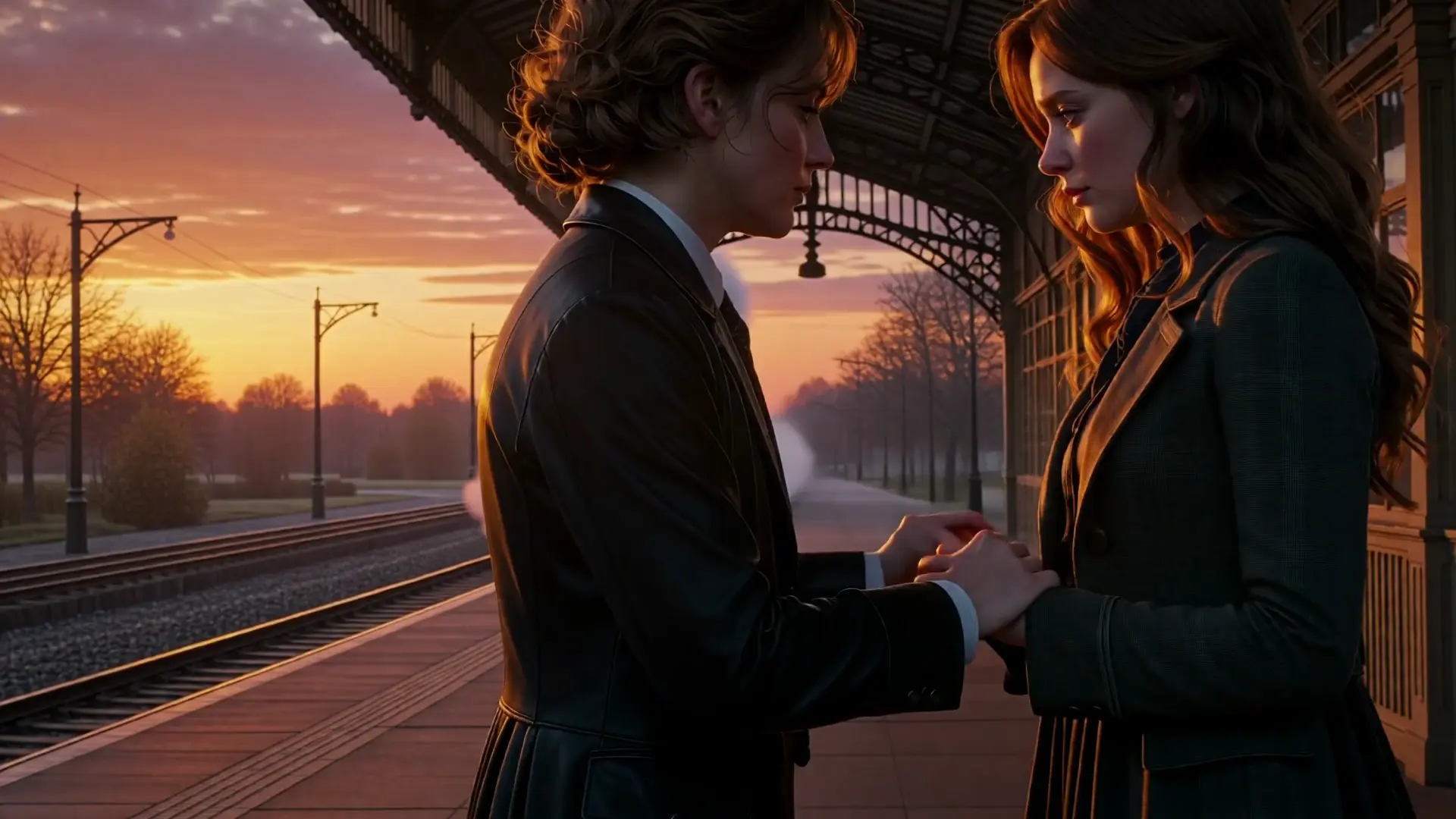
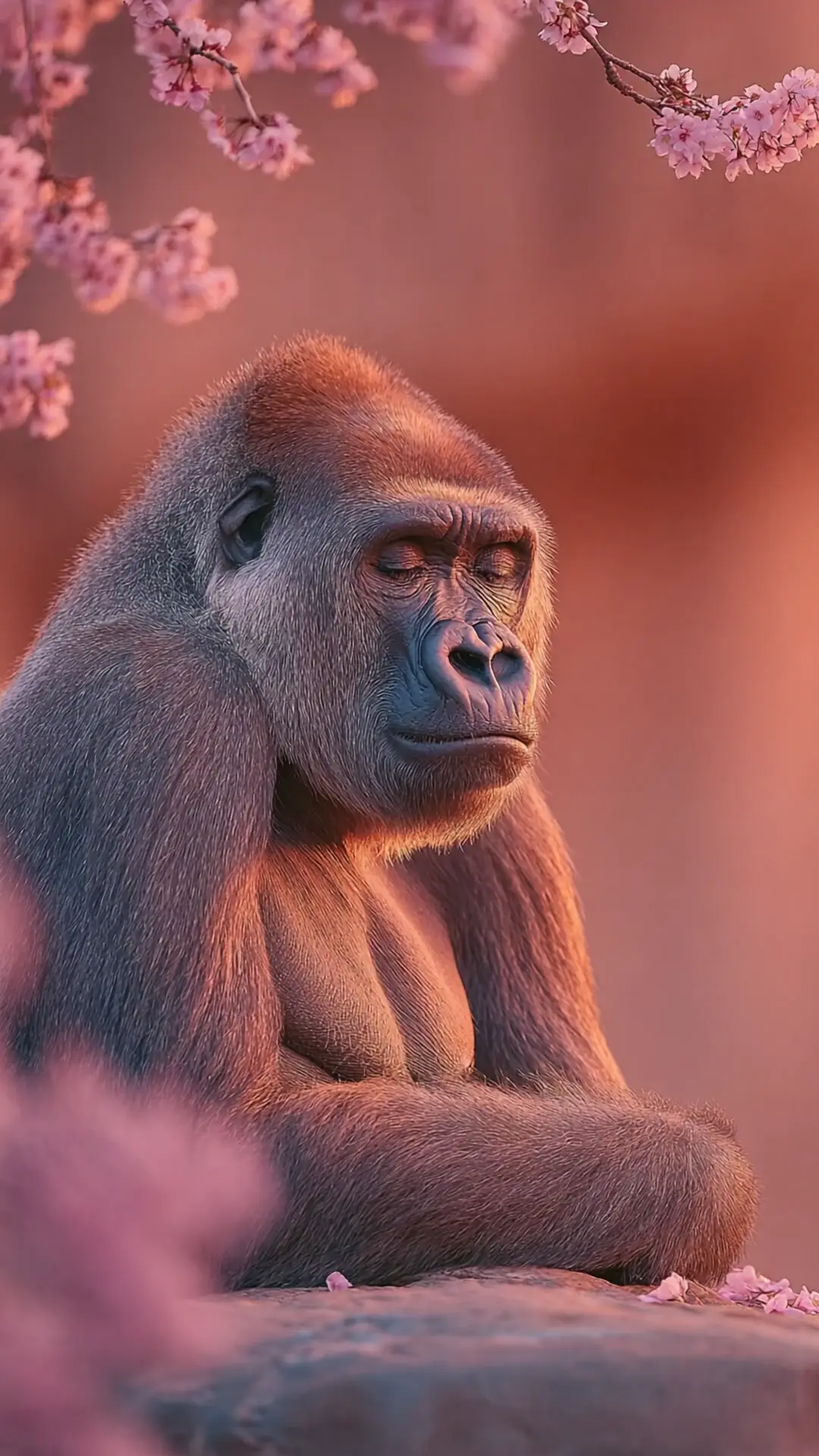
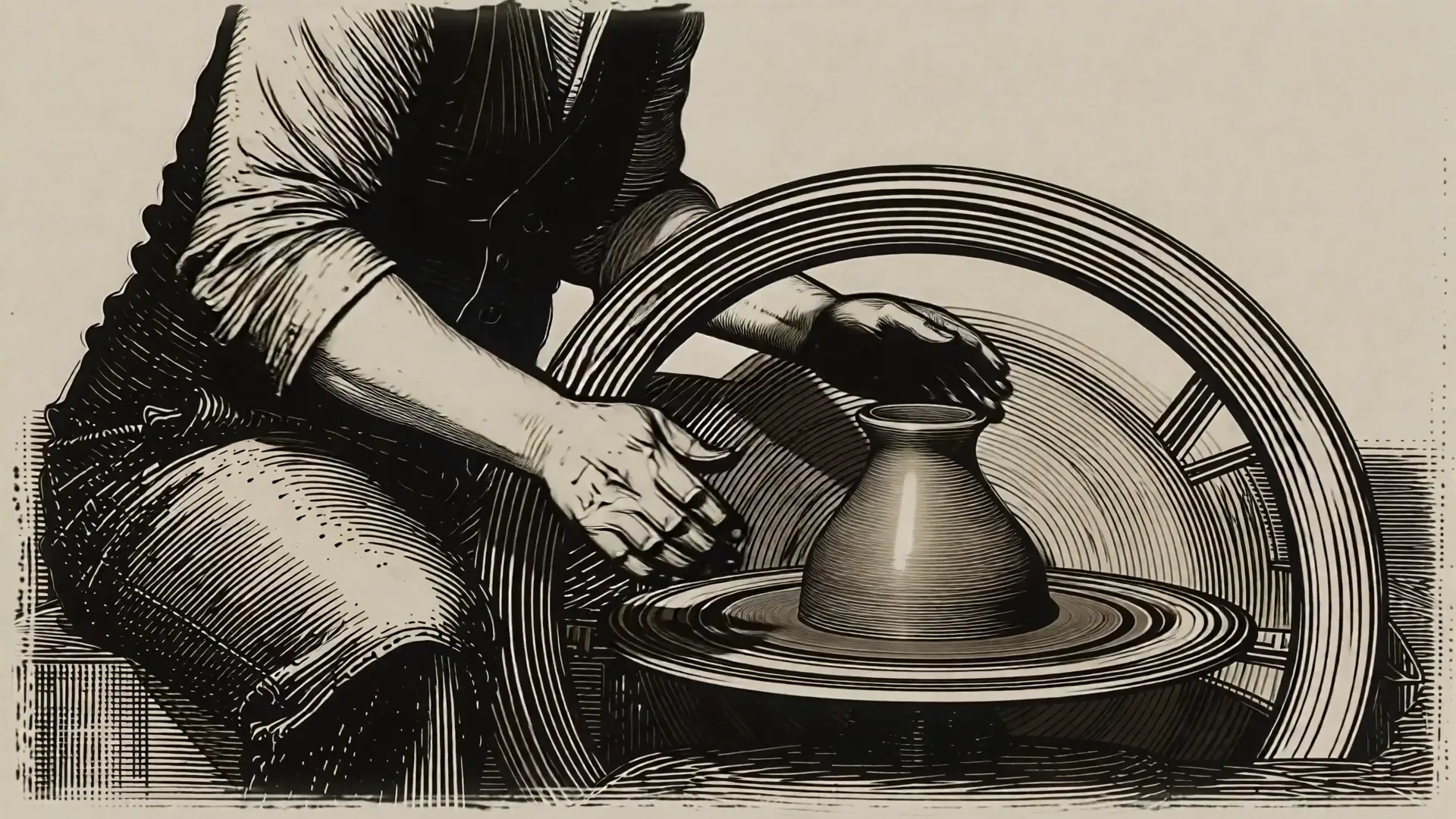
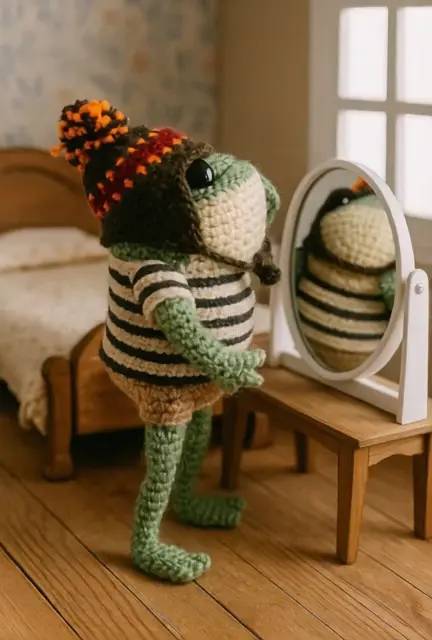
Examples
Pro tips
- Note: If you requires generating video through image, please use the PixVerse 5.5 Image-to-Video model, which is specifically optimized for instruction-based image manipulation.
Animate an image into a high quality video with OpenAI Sora 2 Pro.
Interpolates start-end frames with refined motion control presets

FLUX 3 Draft Keyframes: Fast multi-keyframe video previews at 720p

AI model for dynamic dubbing and expressive video creation from voice or footage.

Create lifelike speech-synced visuals from scripts or clips with Kling Lipsync for precise facial animation and realistic results.

Seedance 2.5 480p: Fast, low-cost text-to-video drafts from prompts
PixVerse 5.5 effects refer to the enhanced visual and audio functions built into PixVerse 5.5, an advanced image-to-video model. These effects allow creators to transform text or static images into dynamic short videos complete with lip-sync, sound, and scene transitions.
PixVerse 5.5 effects are powered by the new MVL (Multimodal Vision-Language) architecture, which ensures tighter audio-visual synchronization and multi-camera scene transitions. Compared to earlier image-to-video versions, the results now feature smoother motion, clearer narrative flow, and integrated sound design.
PixVerse 5.5 effects are ideal for creators, marketers, educators, and small businesses seeking to produce short-form, story-driven videos. Its automated image-to-video process saves time for users without advanced editing skills while delivering polished, ready-to-share videos.
PixVerse 5.5 effects are accessible through the Runcomfy AI playground using a credit-based system. Users receive free trial credits upon registration, after which additional credits can be purchased for extended image-to-video generation sessions.
PixVerse 5.5 effects offer one-click video generation, synchronized voiceovers, background music, ambient sound, and automatic multi-camera scene changes that enhance storytelling in image-to-video projects.
PixVerse 5.5 effects currently allow users to export videos of 5, 8, or 10 seconds in length, optimized for social sharing. The generated videos from the image-to-video pipeline include synchronized motion, voice, and audio effects.
You can access PixVerse 5.5 effects through the Runcomfy website’s AI playground after logging in. Simply enter a text prompt or upload an image to initiate the image-to-video generation process using your available credits.
While PixVerse 5.5 effects deliver highly realistic results, complex or long scripts may not generate consistently coherent sequences. Additionally, current image-to-video outputs are limited to short clips under ten seconds.
PixVerse 5.5 effects integrate a new audio engine that ties voiceovers, ambient sound, and movement through an automatic lip-sync system, ensuring every image-to-video scene maintains perfect sound-to-motion alignment.
RunComfy is the premier ComfyUI platform, offering ComfyUI online environment and services, along with ComfyUI workflows featuring stunning visuals. RunComfy also provides AI Models, enabling artists to harness the latest AI tools to create incredible art.