dreamina-3-0/text-to-video
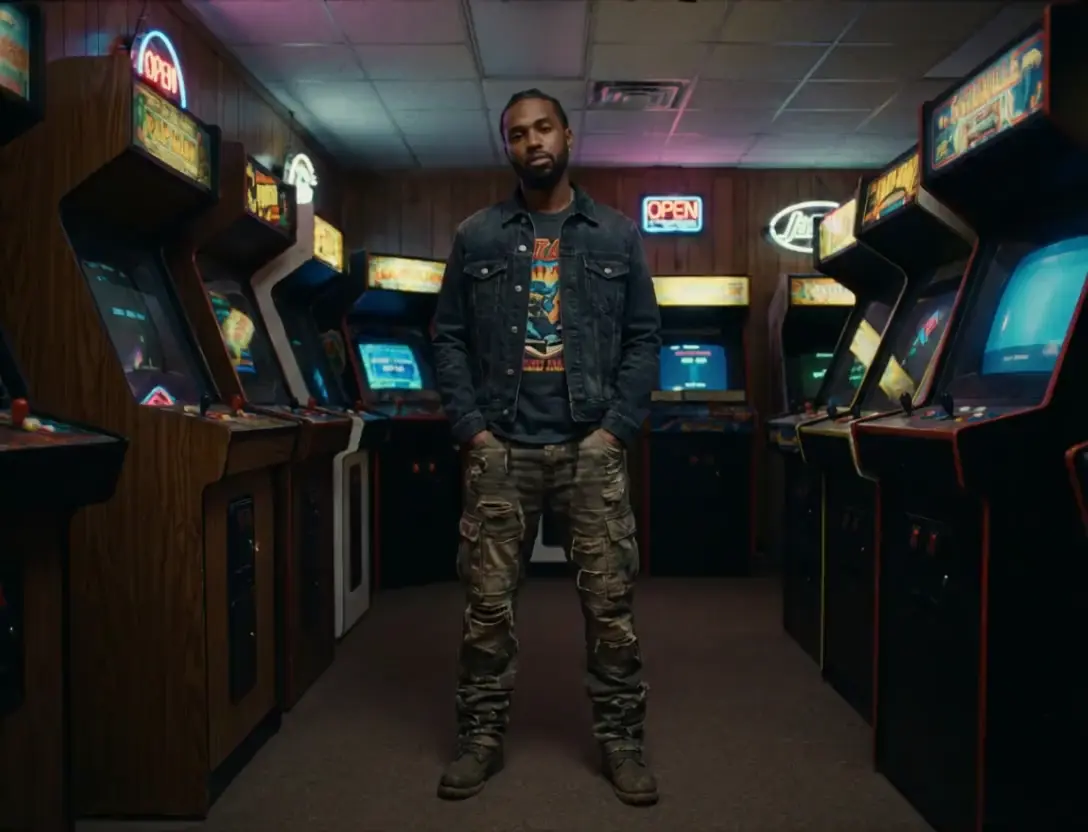
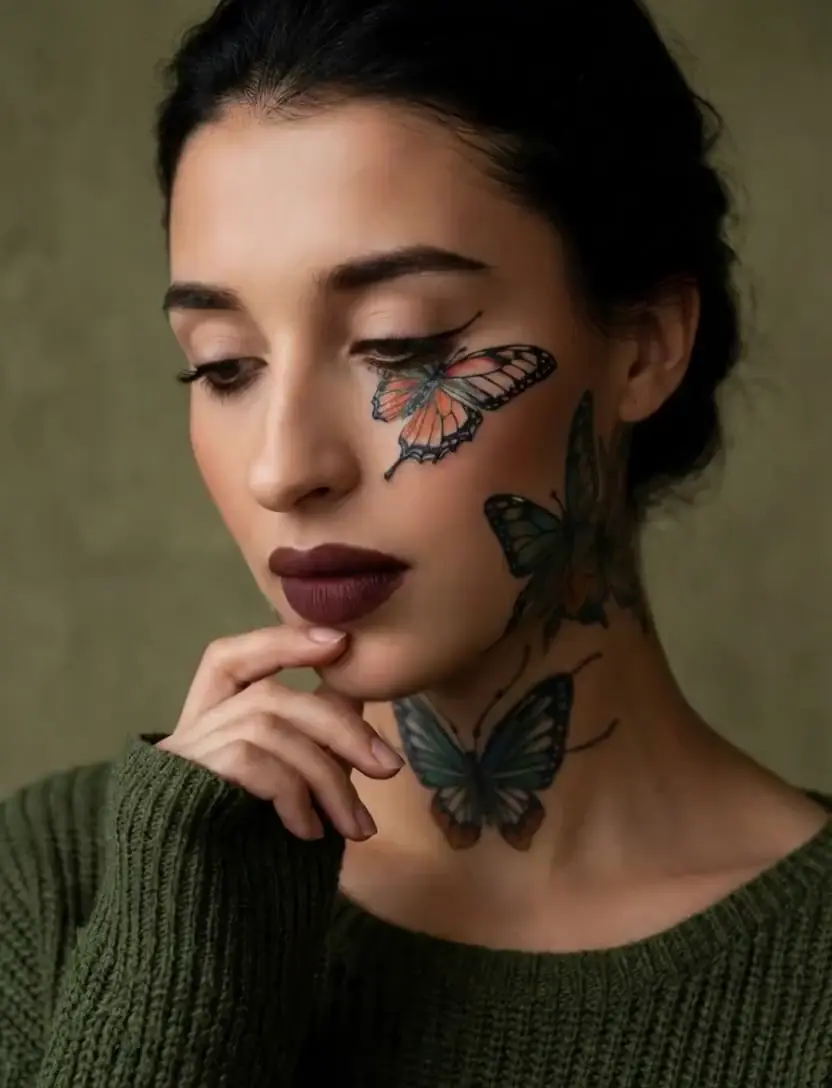
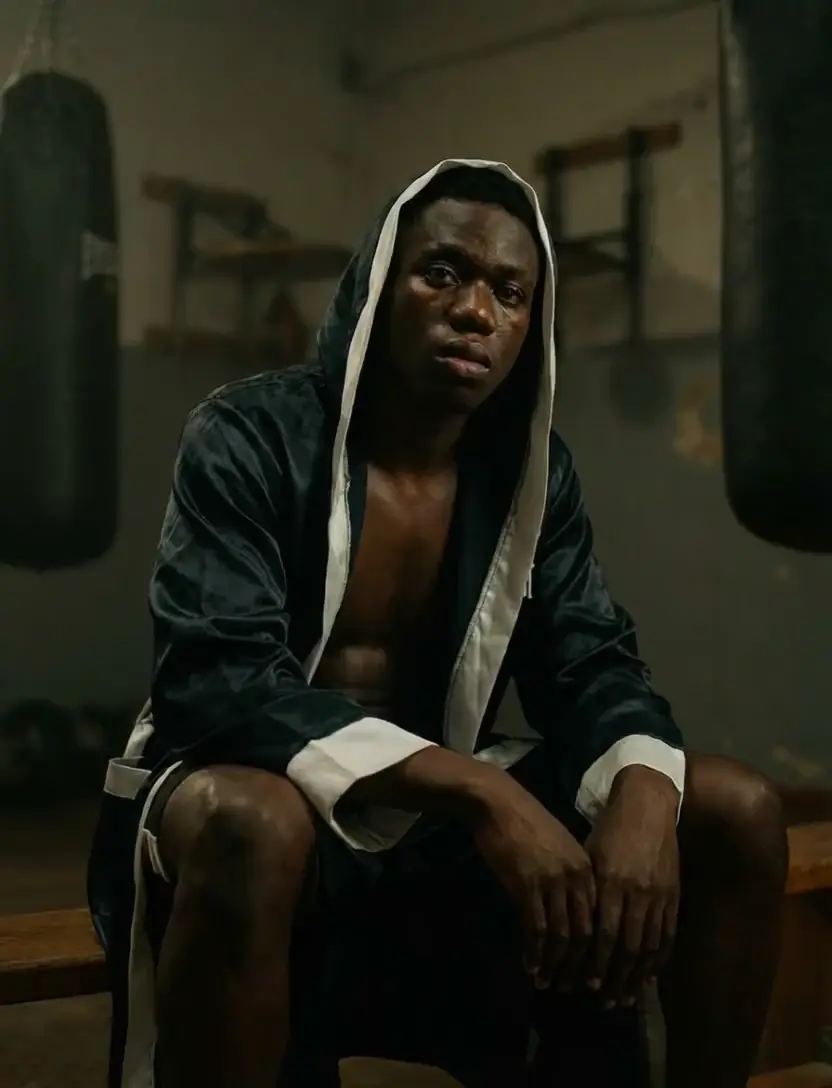
Generate lifelike motion visuals fast with Dreamina 3.0 for designers.
| Parameter | Type | Default/Range | Description |
|---|---|---|---|
| image_url | string (URL) | — | Publicly accessible URL to the reference image used to create the avatar. |
| audio_url | string (URL) | — | Publicly accessible URL to the audio (speech or song) that drives lip-sync and motion. |
| prompt | string | "" | Optional text to guide high-level style or mood of the video. |
| Parameter | Type | Default/Range | Description |
|---|---|---|---|
| guidance_scale | float | Default: 1 | Controls adherence to the text prompt; higher values increase prompt influence. |
| audio_guidance_scale | float | Default: 2 | Controls adherence to the audio; higher values increase sync strength and motion following the audio. |
| Parameter | Type | Default/Range | Description |
|---|---|---|---|
| resolution | string | 480p, 720p (Default: 720p) | Output video resolution. Choose 480p for speed/size or 720p for higher detail. |
Developers can integrate Creatify Aurora via the RunComfy API using standard HTTP requests for submitting image and audio URLs, polling job status, and retrieving outputs. The workflow is designed for quick adoption into pipelines or web apps, with straightforward parameters for guidance and resolution.
Note: API Endpoint for Creatify Aurora
Generate lifelike motion visuals fast with Dreamina 3.0 for designers.

HappyHorse 1.0 Reference to Video fuses up to 9 reference images and a prompt into a coherent multi-character clip with stable identity.

Create lifelike talking visuals with AI that matches voice and motion seamlessly.

Generate cinematic clips from stills with sound, morph control, and stylistic flexibility.

Generate video between start and end frames with optional audio

Create lifelike 1080p clips from text with synced audio and flexible ratios.
Creatify Aurora currently supports up to approximately 1080p resolution output for both image-to-video and audio-to-video modes. The duration limit is tied to the input audio length, generally capped around 60 seconds per generation request when using the Creatify API. These limits balance generation speed, quality, and credit consumption.
Creatify Aurora operates in a zero-shot mode, requiring only one reference image and one audio input clip. Unlike diffusion-based ControlNet approaches, it doesn’t accept multi-view or multi-frame references for improved efficiency in image-to-video or audio-to-video generation.
You can prototype directly in the RunComfy Playground with Creatify Aurora and its image-to-video or audio-to-video options. For production, you’ll need to integrate through RunComfy’s REST API using your account key. The same model IDs and parameters available in the playground (like model_version: 'aurora_v1' or 'aurora_v1_fast') are supported for scalable automation and CI/CD workflows.
Creatify Aurora produces full-body, emotionally expressive avatars directly from a single image and an audio clip. Its multimodal architecture provides superior temporal coherence and body gesture realism compared to earlier image-to-video and audio-to-video systems, which often exhibit flicker or motion inconsistencies.
Creatify Aurora employs a diffusion transformer backbone with audio-driven temporal alignment, enabling precise lip-sync, breathing, blinking, and nuanced gestures. This makes its audio-to-video generation notably consistent across long-form inputs like podcast narrations or songs.
Creatify Aurora excels in avatar-based video storytelling, brand spokesperson videos, and singing performer animations. Its image-to-video and audio-to-video processing handles tasks such as marketing videos, e-learning avatars, and multilingual dubbing where timing and character consistency are crucial.
Yes. One of Creatify Aurora’s key advancements is temporal coherence across extended durations. In audio-to-video workflows, even multi-minute audio inputs yield stable facial identity, gaze direction, and emotional continuity, outperforming many competing models in sustained performance.
Compared to early Creatify models, Aurora v1 integrates enhanced cross-modal fusion and has improved lighting and gesture realism for both image-to-video and audio-to-video outputs. Unlike many other systems that rely on static 2D talking heads, Aurora delivers expressive full-body movement with industry-level video realism.
Commercial use of Creatify Aurora outputs is generally permitted under Creatify.ai’s service terms, covering both image-to-video and audio-to-video results. However, developers should review the official licensing details at Creatify.ai to confirm usage rights, especially for branded avatars or redistribution.
Yes. The 'aurora_v1' variant delivers higher visual fidelity in image-to-video and audio-to-video creation, while 'aurora_v1_fast' trades off some fine detail for faster render times and lower credit costs. Both models maintain temporal consistency and realistic motion but vary in generation latency and credit pricing.
RunComfy is the premier ComfyUI platform, offering ComfyUI online environment and services, along with ComfyUI workflows featuring stunning visuals. RunComfy also provides AI Models, enabling artists to harness the latest AI tools to create incredible art.