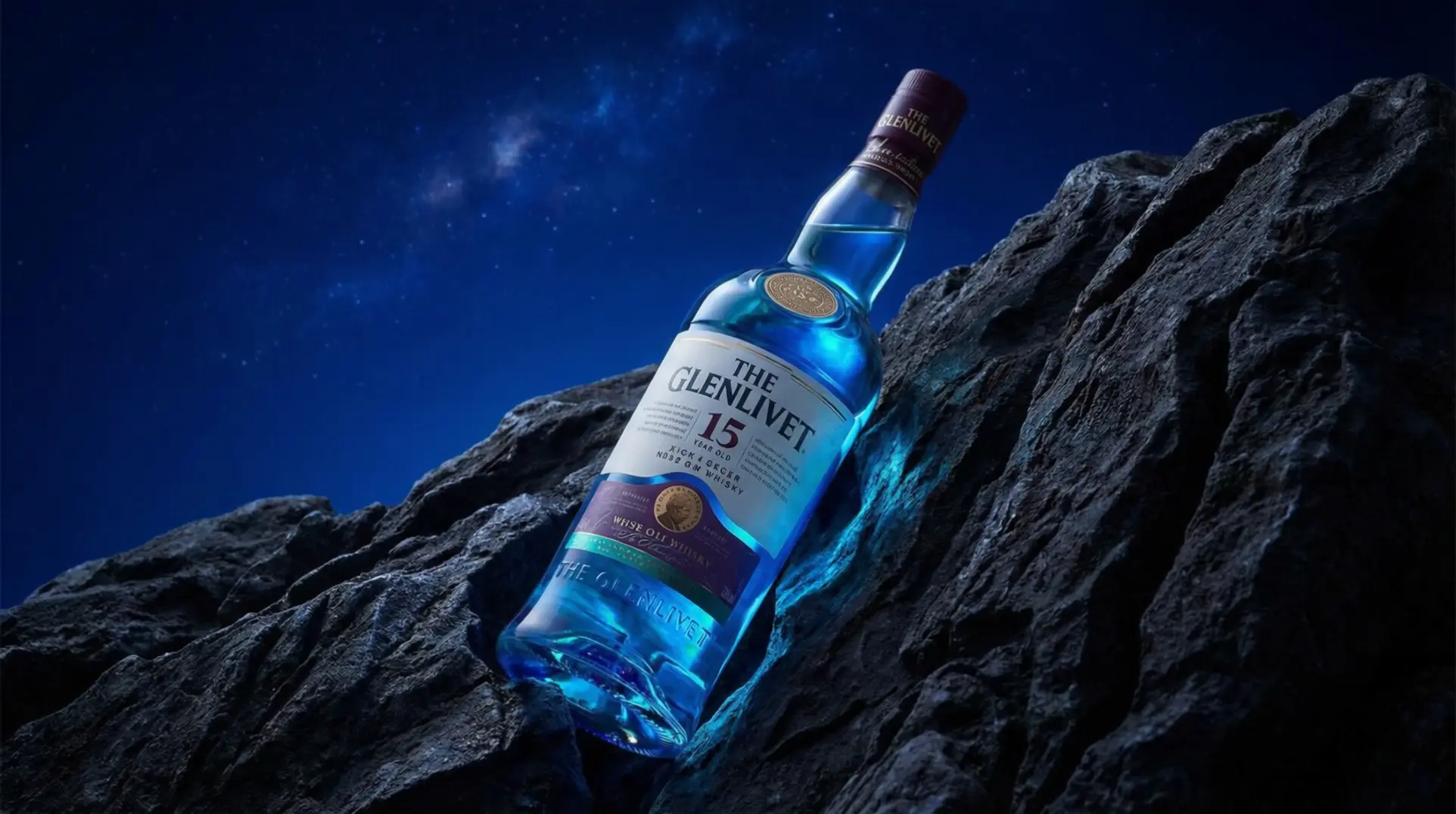
dreamina-3-0/pro/text-to-video
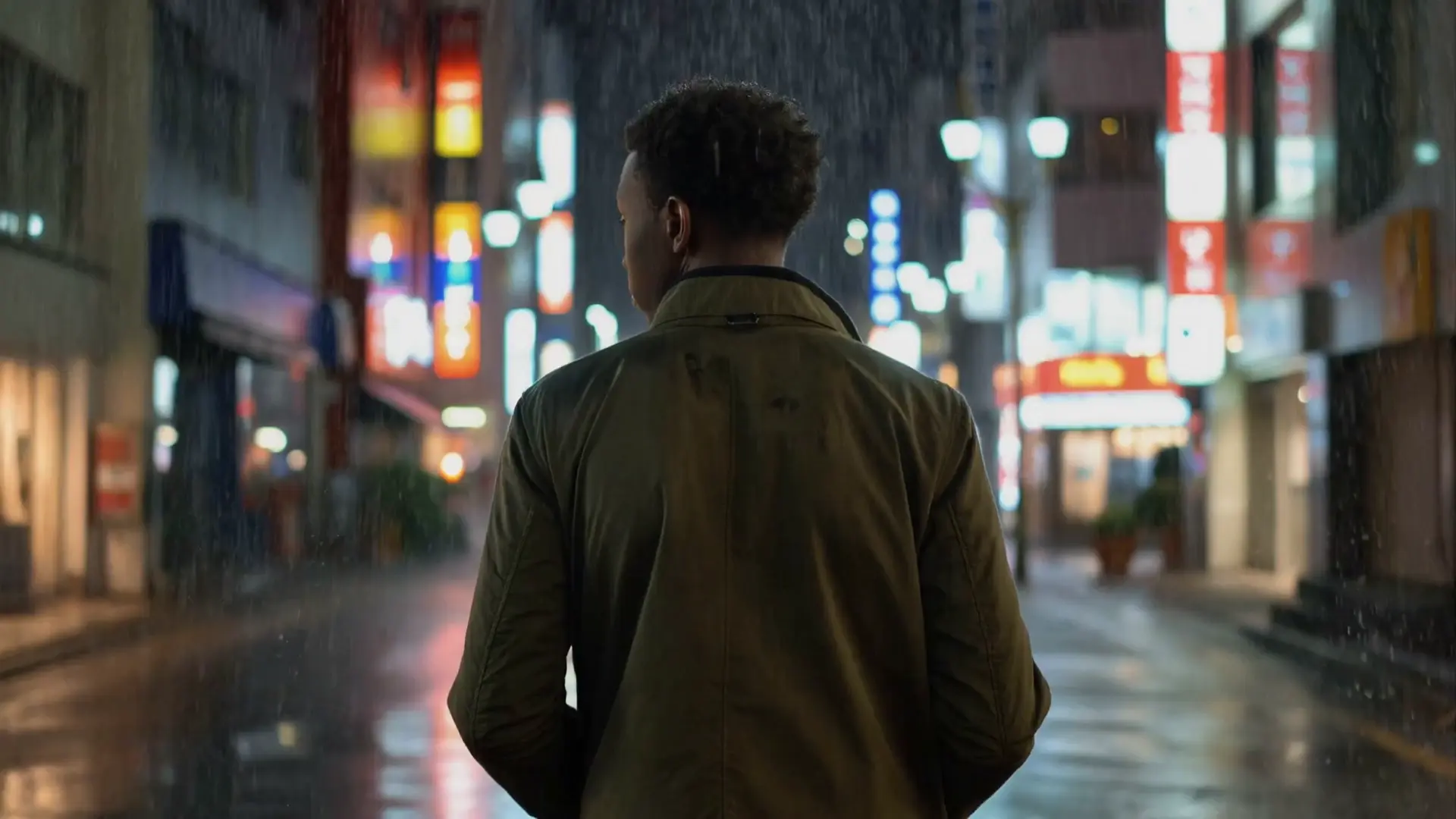
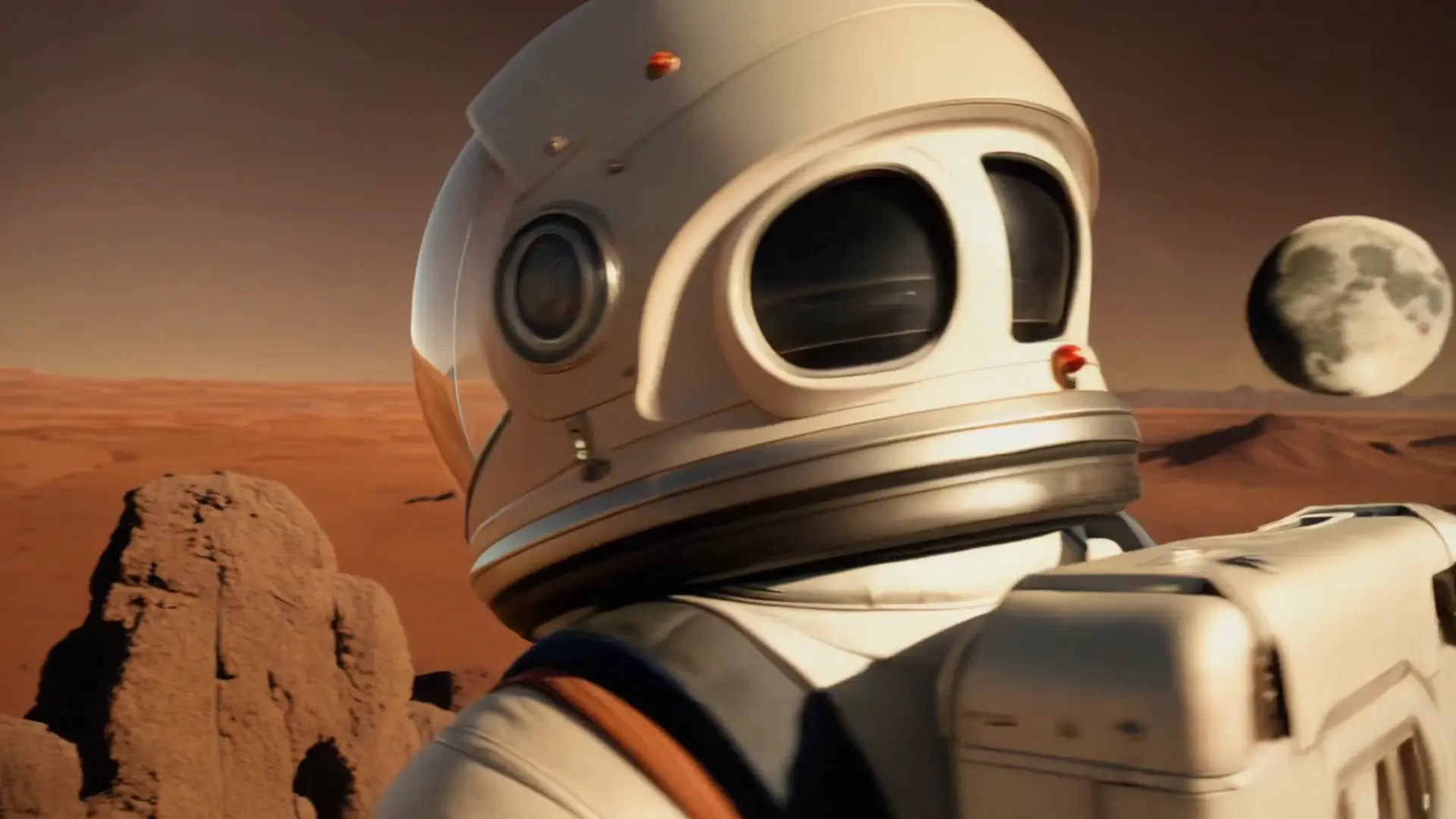
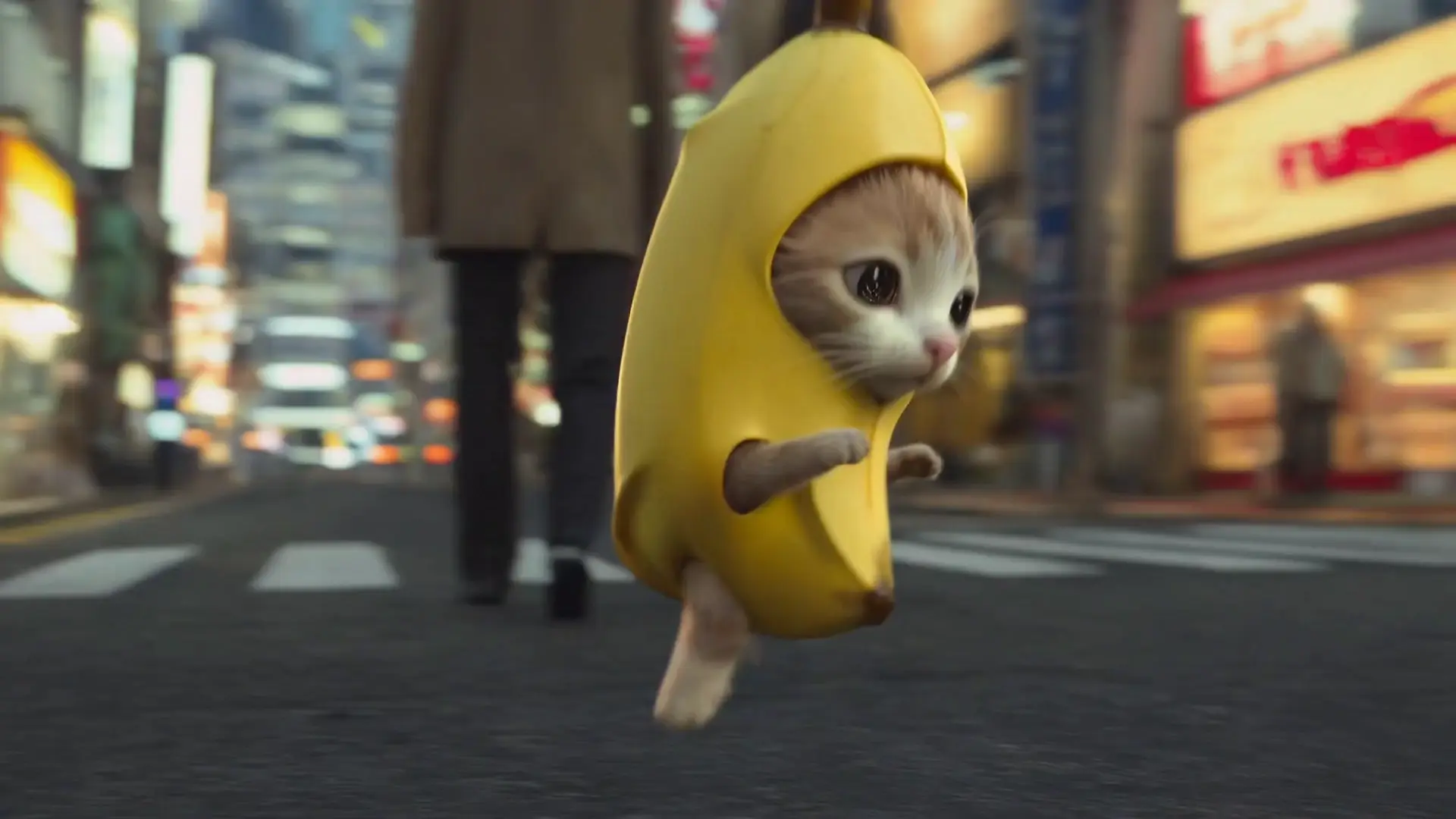
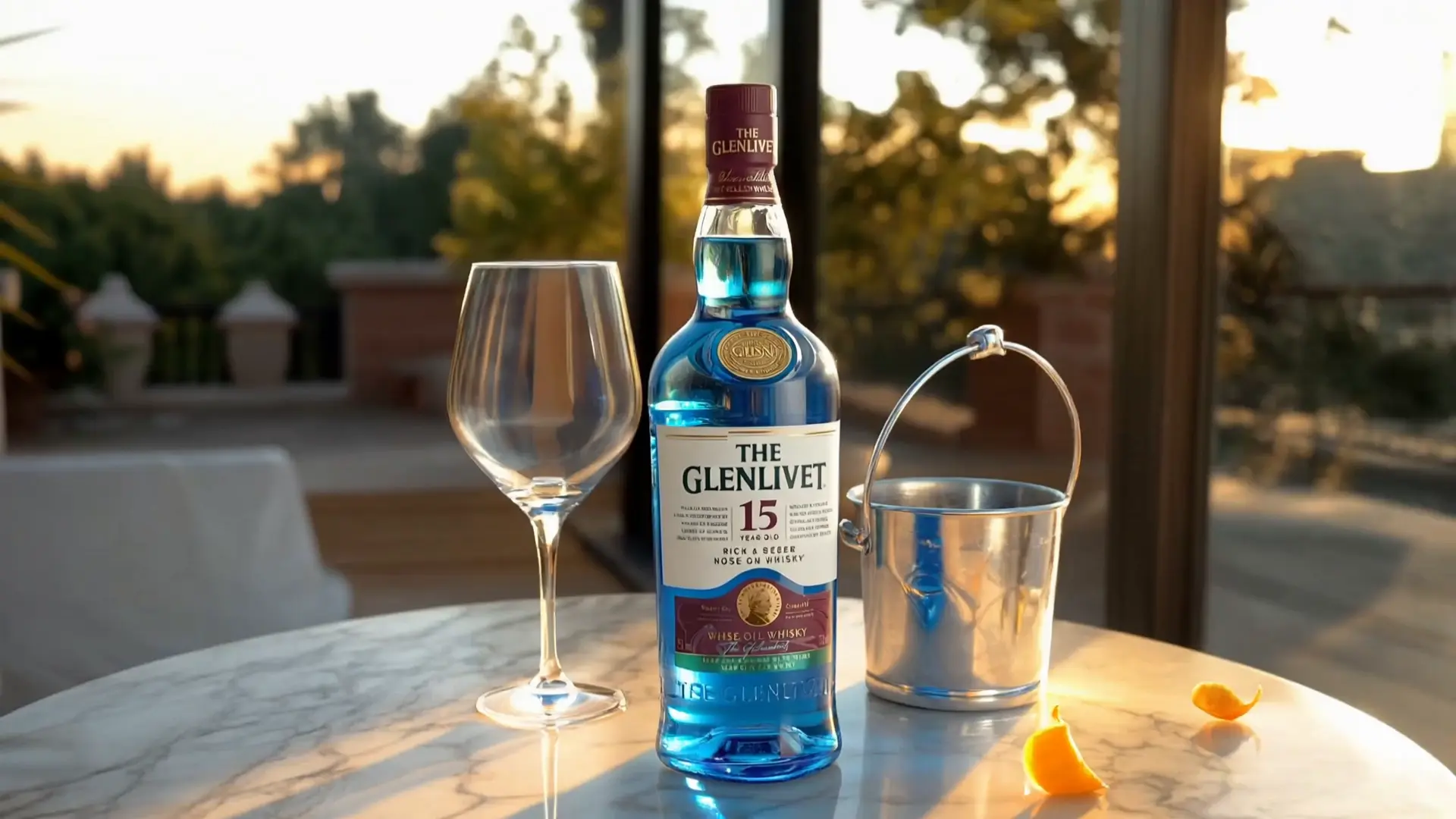
Dreamina 3.0으로 텍스트를 생생한 영화 장면처럼 변환해 정교한 영상을 빠르게 만들어 보세요.
Kling O1 비디오 투 비디오 편집은 모션 및 프레이밍을 위해 소스 클립을 사용하는 동안 기존 비디오를 변경합니다. 텍스트 prompt에는 무엇을 보존하고 무엇을 변경해야 하는지 명시되어 있습니다. 선택 사항인 elements 및 image_urls는 순서가 지정된 문자, 개체, 모양 또는 스타일 참조를 추가합니다.
이 엔드포인트는 prompt, video_url, keep_audio, image_urls 및 elements만 노출합니다. 별도의 aspect_ratio, duration 또는 출력 해상도 컨트롤을 제공하지 않습니다.
| 매개변수 | 유형 | 기본값/범위 | 설명 |
|---|---|---|---|
| prompt | string | Required; example prefilled | 주요 편집 지침. 위치별로 항목을 참조하려면 @Element1, @Element2 및 @Image1, @Image2를 사용합니다. |
| video_url | string (video_uri) | Required; .mp4/.mov; 3–10 s; 720p–2160p input; ≤200 MB | 모션과 프레이밍을 안내하는 소스 비디오입니다. |
| keep_audio | boolean | Optional; default: false | true인 경우 입력 비디오의 원본 오디오를 유지합니다. false일 때 무음 출력을 요청합니다. |
| image_urls | array of strings (image_uri) | Required; 0–4 items; one example prefilled | 모양이나 스타일에 대한 외형이나 스타일을 위한 순서가 있는 참조 이미지입니다. |
| elements | array | Required; 0–7 items; one example element prefilled | @ElementN로 참조되는 정렬된 인물 또는 물체 항목입니다. |
각 elements 항목에는 다음이 포함됩니다.
| 필드 | 유형 | 기본값/범위 | 설명 |
|---|---|---|---|
| frontal_image_url | string (image_uri) | Default: empty; ≤10.0 MB; minimum 300 × 300 px; aspect ratio 0.40–2.50; timeout 20.0 s | 요소의 기본 정면 이미지입니다. |
| reference_image_urls | array of strings (image_uri) | 1–4 items; at least one required | 동일한 요소의 추가 보기입니다. |
스키마는 elements에 최대 7개의 항목, image_urls에 최대 4개의 항목을 허용합니다. 또한 필드 설명에 따르면 비디오 요청의 경우 요소 및 참조 이미지를 합친 것이 4개를 초과해서는 안 됩니다. 요청을 보내기 전에 어레이 제한과 결합 제한을 모두 확인하십시오.
elements의 항목에는 @Element1, @Element2 등을 사용합니다.image_urls의 항목에는 @Image1, @Image2 등을 사용합니다.keep_audio를 true로 설정하세요.RunComfy 모델 인터페이스에서 소스 클립, 참조 및 프롬프트를 함께 테스트하세요. 애플리케이션 통합의 경우 Kling O1 Video to Video Edit API를 통해 동일한 필드를 전송합니다. 요청이 처리되는 동안 모든 미디어 URL에 접근할 수 있도록 유지하고, 참조 횟수를 확인하고, 애플리케이션의 작업 상태 및 오류를 처리하세요.
위의 미디어 제한은 허용되는 입력을 설명합니다. 출력 해상도나 완료 시간에 대한 약속은 아닙니다. 가격, 가용성 및 사용 권한은 현재 제품 및 공급자 조건에 따라 다릅니다.
Dreamina 3.0으로 텍스트를 생생한 영화 장면처럼 변환해 정교한 영상을 빠르게 만들어 보세요.

한 장의 사진을 프롬프트로 부드러운 720P 또는 1080P 영상으로 만듭니다.
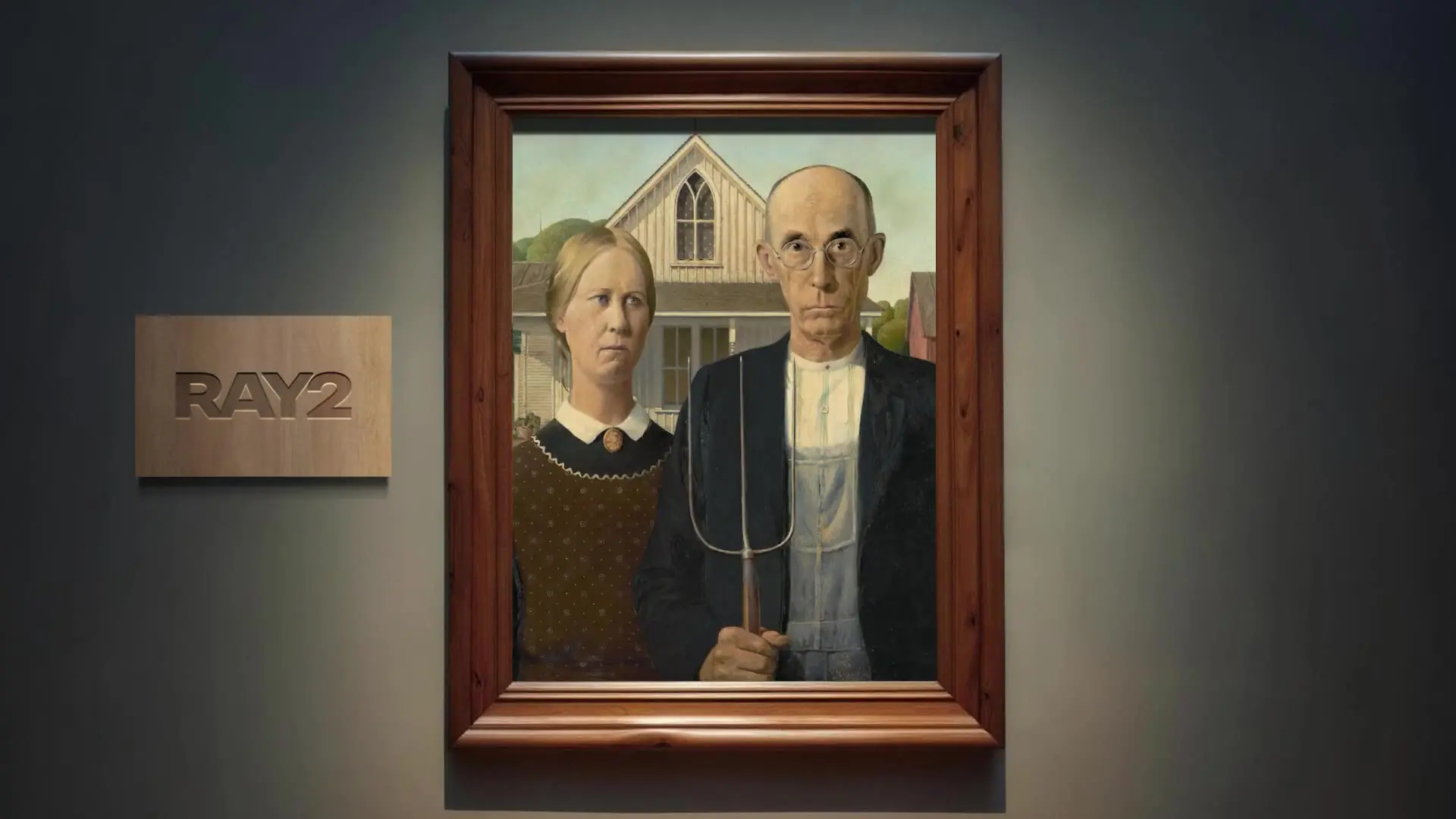
필수 텍스트 프롬프트로 동영상을 생성합니다. 여섯 가지 화면 비율, `540p`/`720p`/`1080p`, `5`초/`9`초, 반복 재생 여부를 선택할 수 있습니다.

이미지와 프롬프트로 5초 또는 8초 동영상을 480p나 720p로 생성합니다.
이미지를 영화 같은 영상으로 변환하는 AI 창작 도구, 디자이너를 위한 혁신적인 워크플로.

LTX 2.5: 동기화된 오디오를 사용하여 스틸을 4K 비디오에 애니메이션으로 적용
상업적 사용은 현재 제공자 및 RunComfy 약관과 소스 비디오, 오디오, 프롬프트, 참조 이미지 및 출력에 대한 귀하의 권리에 따라 달라집니다. 이 페이지에는 무제한 라이센스 부여가 명시되어 있지 않습니다. 결과를 게시하거나 수익을 창출하기 전에 해당 약관을 검토하세요.
사용에는 현재 공급자 및 플랫폼 약관이 적용됩니다. RunComfy를 통한 관리형 액세스는 해당 약관을 대체하거나 제3자 영상, 오디오 또는 이미지에 대한 권리를 양도하지 않습니다. 귀하가 사용하는 액세스 채널의 현재 약관을 확인하세요.
이 페이지에는 고정된 완료 시간이나 처리량이 기록되어 있지 않습니다. 처리는 소스 비디오, 참조 수, 서비스 로드 및 계정 한도에 따라 달라질 수 있습니다. 자체 워크플로에서 대표 요청을 측정하고 비동기 작업 상태 및 실패를 처리합니다.
소스 비디오는 .mp4 또는 .mov, 3–10초, 720p–2160p 입력 및 최대 200 MB를 지원합니다. image_urls는 0~4개의 항목을 허용하고 elements는 0~7개의 항목을 허용합니다. 필드 설명은 추가로 비디오 요청에 대해 요소 및 참조 이미지를 4개로 제한합니다. 각 요소에는 하나의 frontal_image_url과 1~4개의 reference_image_urls가 있습니다.
먼저 RunComfy 모델 인터페이스에서 동일한 prompt, video_url, keep_audio, image_urls 및 elements 값을 검증합니다. 그런 다음 모델 API를 통해 해당 필드를 보내고, 미디어 URL에 접근할 수 있도록 유지하고, 배열 및 결합 제한을 적용하고, 애플리케이션에서 작업 상태 및 오류를 처리합니다.
동일한 소스 클립, 프롬프트, 참조 및 평가 기준을 사용하십시오. 모션 보존, 편집 정확도, 주제 일관성, 프레이밍 및 오디오 처리를 비교하십시오. 이 페이지는 검증된 벤치마크나 다른 모델에 비해 보편적인 품질 이점을 제공하지 않습니다.
이 페이지에는 RunComfy를 통한 브라우저 및 HTTP API 액세스가 기록되어 있습니다. 다운로드 가능한 모델 가중치, 로컬 설치 단계 또는 하드웨어 요구 사항은 문서화하지 않습니다. 관리형 액세스가 로컬 배포가 가능하다는 것을 의미한다고 가정하지 마십시오.
이 페이지는 무료 제공량이나 고정 가격을 약속하지 않습니다. 크레딧, 가격, 가용성 및 계정 한도는 변경될 수 있습니다. 사용을 계획하기 전에 RunComfy 계정에 표시된 현재 정보를 확인하세요.
비디오 및 이미지 URL에 직접 연결할 수 있는지, 소스 비디오가 문서화된 형식 및 크기 제약 조건을 충족하는지, 참조 배열이 한도 내에 있는지, 모든 @ElementN 또는 @ImageN 토큰이 기존 항목과 일치하는지 확인하세요. 문제가 계속되면 작업 ID와 간략한 오류 설명을 포함하여 hi@runcomfy.com에 문의하세요. 개인 미디어나 자격 증명을 이메일로 보내지 마십시오.
RunComfy는 최고의 ComfyUI 플랫폼으로서 ComfyUI 온라인 환경과 서비스를 제공하며 ComfyUI 워크플로우 멋진 비주얼을 제공합니다. RunComfy는 또한 제공합니다 AI Models, 예술가들이 최신 AI 도구를 활용하여 놀라운 예술을 창조할 수 있도록 지원합니다.