hailuo-2-3/fast/pro/image-to-video
Enhanced 1080p image motion conversion for expressive, fluid video creation
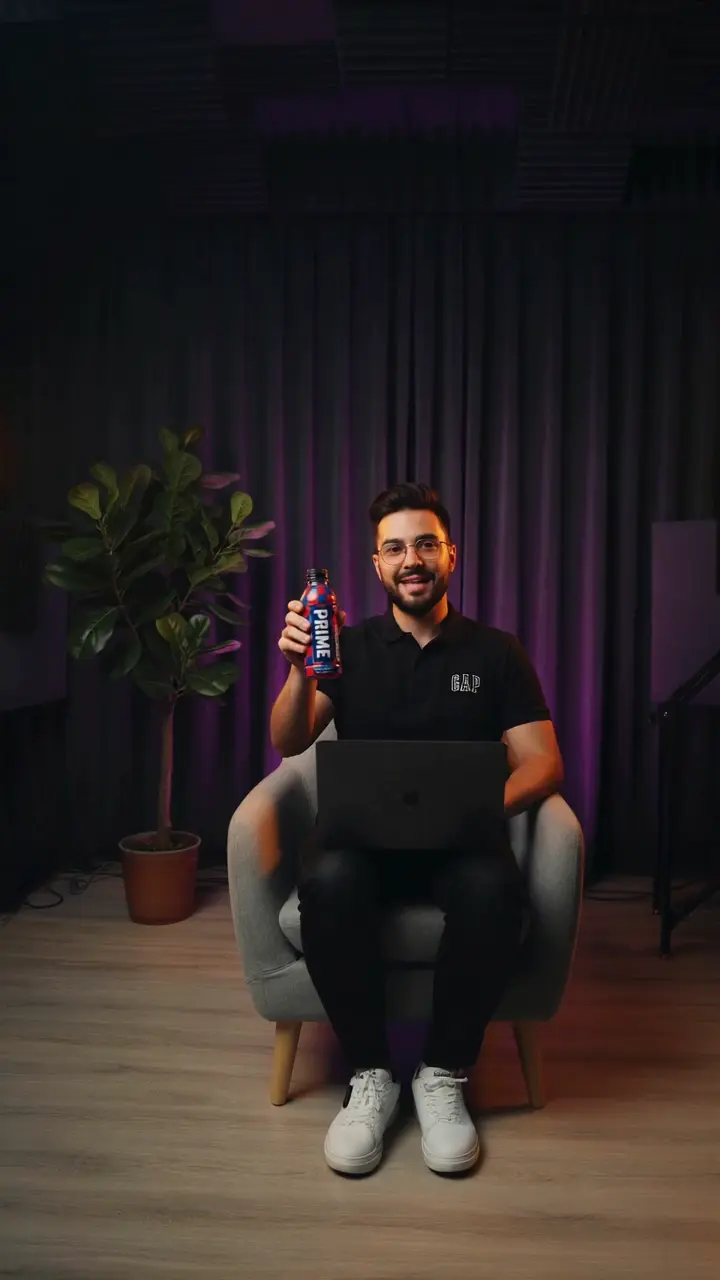
Sync Lipsync/v2 delivers zero-shot video-to-video lip-sync that aligns any speech with any face while preserving the speaker’s distinctive style. Its hallmark is visual fidelity: facial features, skin texture, teeth, and micro-movements are retained, so the edited video looks like the original performance, just speaking new words. This consistency extends across live-action footage, animations, and AI-generated characters, enabling realistic audio-to-video outcomes without speaker-specific training. In practical use, Sync Lipsync produces convincing articulation that avoids the uncanny valley and maintains the on-screen identity.
Key capabilities with Sync Lipsync:
remap, loop, bounce, silence, cut_off to manage duration mismatches.Provide a clear base video and a clean target audio track. Sync Lipsync will adapt lip motion to the audio while preserving identity, framing, and lighting.
Input preparation for Sync Lipsync:
cut_off: end both when the shorter one finishes.
loop: loop the shorter stream to match the longer.
bounce: forward-then-backward looping to reduce repetition artifacts.
silence: pad audio tail with silence for extra video duration.
remap: retime lip motion to fit longer audio with minimal drift.
With thoughtful inputs and the right mode selection, Sync Lipsync produces natural, temporally coherent lip motion that holds up from 1080p to 4K, making Sync Lipsync a dependable choice for creators, studios, and brands.
Enhanced 1080p image motion conversion for expressive, fluid video creation

AI effects for engaging social & entertainment clips.

Create synchronized prompt-based motion clips with precise audio and LoRA style control.

Prompt-driven video editing at $0.126 per second of output.

Create identity-stable motions from photos using fast, alignment-free motion retargeting for designers and animators.

Prompt-driven Pro-tier video editing at $0.168 per second.
Sync Lipsync is an AI-powered lip synchronization model that aligns spoken audio with facial movements in a video. Its audio-to-video engine can generate realistic lip motion for any speaker or avatar, even without retraining, making content look naturally dubbed and fluent.
Yes, Sync Lipsync supports both image-to-video and audio-to-video generation. You can start from still images or short clips, then apply a new audio track—such as dialogue or translation—to create lifelike speaking footage.
Sync Lipsync can be accessed on Runcomfy’s AI playground using credits. Each generation (including image-to-video or audio-to-video lip syncing) consumes a specific number of credits, but new users receive free credits as a trial to explore its capabilities.
Sync Lipsync is ideal for creators, filmmakers, localization teams, and educators who need fast, accurate audio-to-video synchronization. It ensures natural lip motion whether you’re producing multilingual dubs or character re-animation from image-to-video sources.
Sync Lipsync stands out with its zero-shot design—no fine-tuning required per speaker—and high-fidelity audio-to-video performance. It preserves facial details like teeth and expressions, ensuring that even image-to-video conversions feel authentic and seamless.
Absolutely. Sync Lipsync’s audio-to-video pipeline retains the original speaker’s identity, facial details, and expressive style, ensuring consistent and believable output across re-dubs or image-to-video conversions.
Sync Lipsync supports high-resolution video outputs up to 4K. Whether you’re starting with a static image or a recorded clip, the model’s image-to-video and audio-to-video modes handle standard formats like MP4, MOV, or GIF smoothly.
While Sync Lipsync produces impressive audio-to-video results, optimal quality comes from input videos with clear, front-facing views. Heavy facial obstructions or extremely dynamic angles may reduce precision, especially in complex image-to-video scenarios.
Yes, Sync Lipsync runs well in mobile browsers through Runcomfy’s website. You can upload your audio and image or video files and quickly generate image-to-video or audio-to-video lip-synced outputs directly from your phone or tablet.
RunComfy is the premier ComfyUI platform, offering ComfyUI online environment and services, along with ComfyUI workflows featuring stunning visuals. RunComfy also provides AI Models, enabling artists to harness the latest AI tools to create incredible art.