wan-3.0/image-to-video
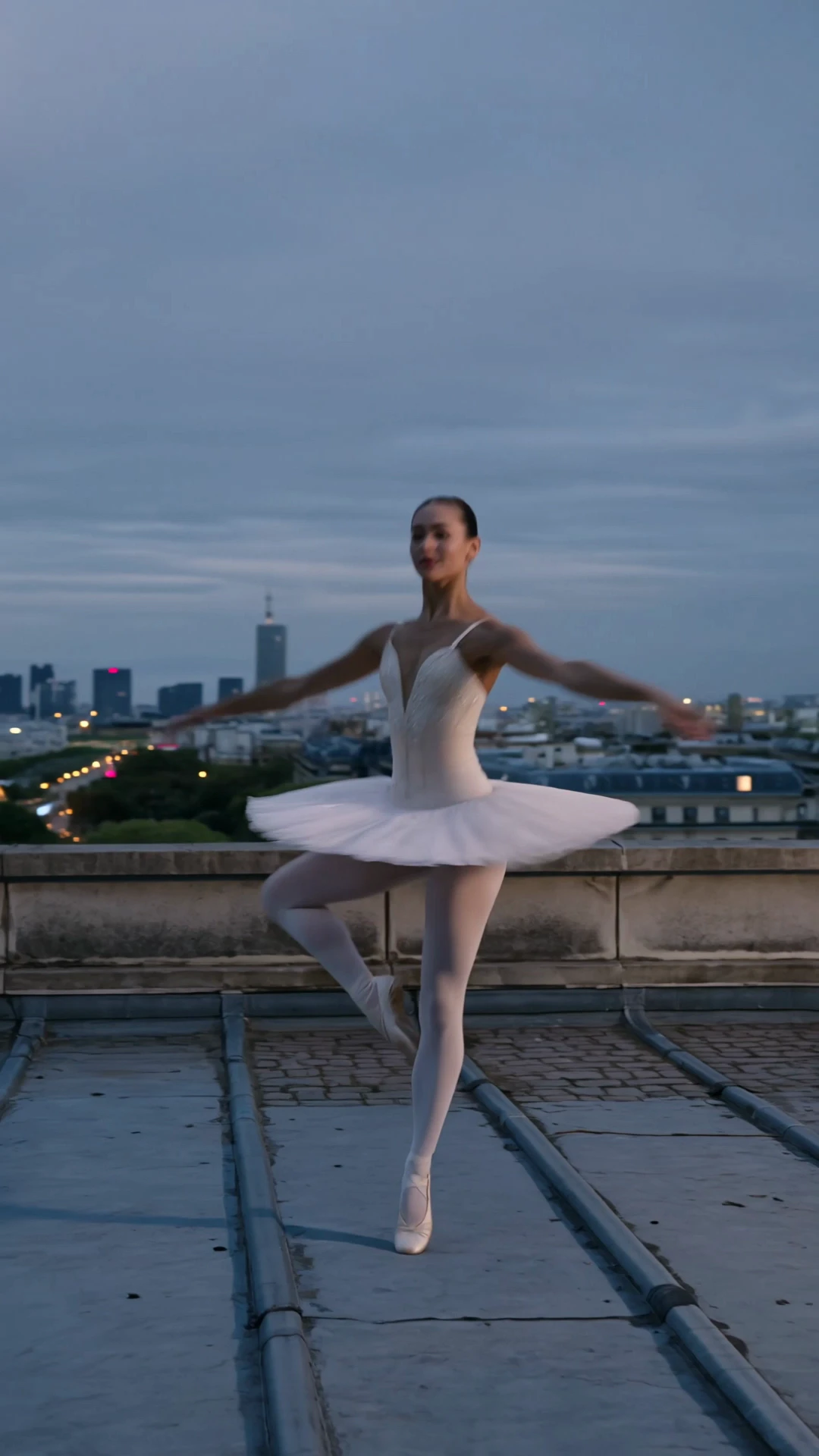
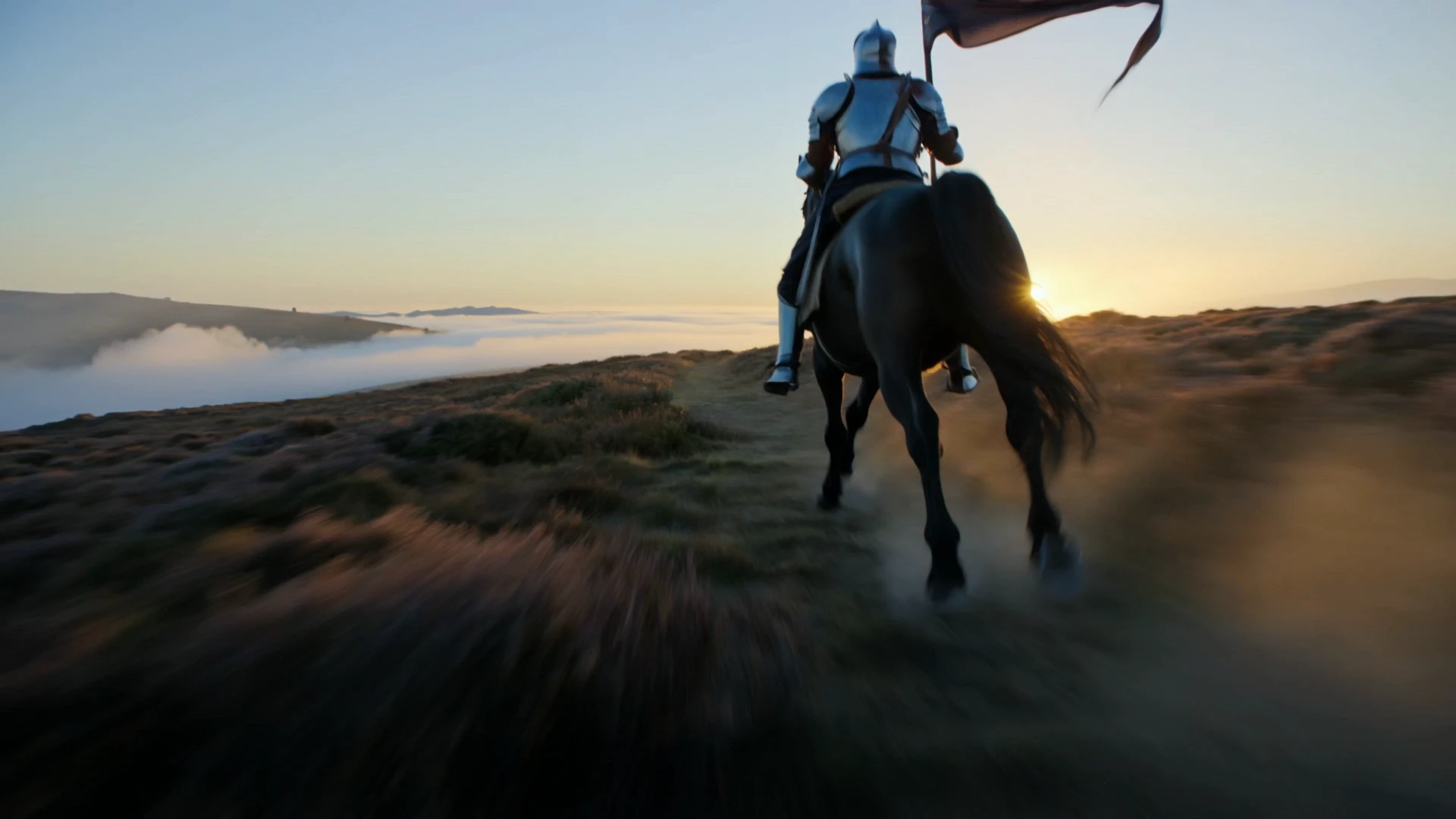
Wan 3.0 turns a first-frame image into cinematic video with sound
This is Kuaishou's top-tier O3-generation editing model, tuned for final-render quality. Send a short clip plus a written instruction and get back a clean edited version that preserves the original motion, framing, and scene structure while applying the requested object, background, weather, lighting, or style change.
It fits teams that need broadcast-grade clip changes without timeline editing, masks, or reshoots.
Wan 3.0 turns a first-frame image into cinematic video with sound

Animate a start image into video with optional native audio

FLUX 3 Draft FLF: Fast start-end frame video previews at 720p

Create camera-controlled, audio-synced clips with smooth multilingual scene flow for design pros.

Transform still images and voice tracks into lifelike talking avatars with precise motion control.

Turn photos into expressive videos with synced voice motion.
Kling Video O3 Pro Video Edit is Kuaishou's top-tier O3-generation video editing model. You upload a short clip and describe the change you want in plain language, and the model returns an edited video with preserved motion, framing, and structure. It is built for prompt-driven object swaps, background changes, restyles, and lighting or weather shifts without manual masking, with Pro-grade quality suited to final renders.
Kling Video O3 Pro Video Edit handles localized 3 to 10 second transformations — replacing or removing objects, swapping backgrounds, restyling scenes, and changing weather, lighting, or time of day. It also accepts up to 4 reference images to steer the look of a target element or style, and supports an element list for locking specific characters or props across the clip. Edits maintain strong temporal consistency, so motion and structure carry through without obvious flicker.
Compared to the O3 Standard video edit tier, Kling Video O3 Pro Video Edit targets a higher fidelity ceiling intended for hero spots, brand cuts, and final renders, based on available provider information. Standard is positioned for iteration and high-volume social work at a lower per-second price. The control surface — prompt, video, references, audio toggle, shot type — is the same, so prompts and reference images transfer cleanly between the two.
Brand and agency creatives, e-commerce video producers, product marketing teams, and storytelling editors can use Kling Video O3 Pro Video Edit to deliver polished variants from a single source clip — different props, backgrounds, seasons, or lighting setups — without reshoots. Post-production teams use it to refine atmosphere or replace elements during final cut. For developers, it slots into automated content pipelines that turn a brief and a source clip into a finished, broadcast-ready video.
Kling Video O3 Pro Video Edit requires a prompt and a publicly accessible source video URL. Reference images are optional and capped at 4, keep_original_sound is a boolean, and shot_type accepts customize or intelligent. Source video duration cannot exceed 10 seconds, and billed output duration is clamped between 3 and 10 seconds. For any other constraints such as resolution or file format, check the current RunComfy parameter panel for the exact limits, since they may vary by provider settings.
Yes. You can prototype Kling Video O3 Pro Video Edit in the RunComfy AI Playground Web UI — dialing in the prompt, reference images, audio toggle, and shot type until the edit matches your target. Once stable, call the same model via the RunComfy API with identical parameters from your backend or content pipeline. This keeps creative iteration in the browser while production runs in code, without changing how the model behaves.
Kling Video O3 Pro Video Edit generations consume usd / credits from your RunComfy balance, billed at $0.167 per second of output based on available provider information. Billed duration is clamped between 3 and 10 seconds, so the minimum is around $0.501 (3 s), 5 seconds is around $0.835, and 10 seconds is around $1.670. New users typically get a free trial usd amount to experiment; refer to the Generation section of the model page for the latest rates.
Kling Video O3 Pro Video Edit responds best to clear, specific prompts that name what should change and what should stay the same — for example, "replace the bouquet with a teddy bear, keep the original camera move". Concrete cues like "overcast soft key", "golden hour rim light", or "snowy street" anchor lighting and weather edits better than vague mood words. When using references, pick images that clearly isolate the target element or style so the model has unambiguous guidance.
RunComfy is the premier ComfyUI platform, offering ComfyUI online environment and services, along with ComfyUI workflows featuring stunning visuals. RunComfy also provides AI Models, enabling artists to harness the latest AI tools to create incredible art.