logo
RunComfy
  • Models
  • ComfyUI
  • TrainerNew
  • API
  • Pricing
discord logo
MODELS
Explore
All Models
LIBRARY
Generations
MODEL APIS
API Docs
API Keys
ACCOUNT
Usage

LTX-2 19B Text-to-Video LoRA: Realistic Prompt-to-Video Generation with Audio Sync | RunComfy

ltx/ltx-2-19b/text-to-video/lora

Transform text prompts into synchronized video with audio using LoRA-driven style control, 4K clarity, and smooth motion for cinematic ads, storytelling, and brand-consistent short videos.

Output resolution
Output format
Video length in seconds (5-20, default: 5)
List of LoRAs to apply (maximum 3).
Random seed for reproducibility (-1 for random)
Idle
The rate is $0.015 per second for 480p, $0.020 per second for 720p, and $0.030 per second for 1080p.

Introduction To LTX-2 19B Text-to-Video LoRA

Lightricks' LTX-2 19B text to video LoRA turns prompts into synchronized video with audio, priced at $0.015 per second for 480p, $0.02 per second for 720p, and $0.03 per second for 1080p, with support up to native 4K at 50 fps and 5 to 20 second durations, delivering single-pass synchronized audio-video generation and LoRA-based style control. Trading manual frame editing, separate audio post, and masking-heavy compositing for modality-aware control, camera-motion and IC-LoRA guidance, and consistent character styling, LTX-2 19B Text-to-Video LoRA streamlines short-form production and eliminates resync steps for filmmakers, VFX teams, game studios, educators, and marketing workflows.
Ideal for: High-Conversion Video Ads | Cinematic Previsualization | Brand-Consistent Social Shorts

Lightricks / LTX-2 19B text to video LoRA


LTX-2 19B Text-to-Video LoRA is a 19B-parameter, LoRA-adaptable diffusion transformer for generating short videos with synchronized audio directly from text. It accepts prompts and optional LoRA adapters and outputs coherent, styled video clips with audio in multiple resolutions, durations, and aspect ratios suitable for brand content, social media, animation, and rapid prototyping.


Output format: 480p–1080p / duration 5–20s / aspect ratio 16:9 or 9:16 / audio included


Highlights

  • LoRA-powered customization: LTX-2 19B Text-to-Video LoRA applies up to three adapters for style, character, or motion cues while preserving scene intent.
  • Single-pass audio-video: Generates visuals and sound together for natural synchronization of ambience, effects, or dialogue.
  • Flexible output controls: Choose 480p, 720p, or 1080p; 16:9 or 9:16; and 5–20 second durations for different channels and placements.
  • Reproducible iteration: Use a fixed seed to lock results and refine prompts with predictable updates.
  • Consistent identity and motion: The model commonly maintains subject coherence and smooth temporal transitions across frames.
  • Efficient pipelines: Integrates with RunComfy for no-infrastructure workflows and fast, API-friendly iteration.

Parameters


ParameterRequiredTypeDefaultRange / OptionsDescription
prompt*Yes (*)string——Text description of the scene, action, and audio cues
resolutionNoenum720p480p, 720p, 1080pOutput resolution
aspect_ratioNoenum16:916:9, 9:16Output format
durationNonumber55–20 (seconds)Video length in seconds
lorasNolist—up to 3List of LoRA adapters to apply
seedNointeger-1-1 for randomRandom seed for reproducibility

Pricing


Usage of LTX-2 19B Text-to-Video LoRA is billed per generated second by resolution.


ResolutionPrice per secondBilling unit
480p$0.015Per generated second
720p$0.02Per generated second
1080p$0.03Per generated second

How to Use


1) Select the model on RunComfy: Choose LTX-2 19B Text-to-Video LoRA from the Models catalog.

2) Write your prompt: Describe the subject, actions, setting, camera movement, lighting, and key audio cues (ambience, effects, or dialogue).

3) Add adapters (optional): In the loras field, reference up to three LoRA adapters to steer style or identity; LTX-2 19B Text-to-Video LoRA will blend them during generation.

4) Set output controls: Pick resolution (480p/720p/1080p), aspect ratio (16:9 or 9:16), and duration (5–20s) to match the target channel.

5) Reproducibility: Set seed to a fixed integer to recreate a result, or -1 for exploration with new variations.

6) Generate: Submit the job and preview the clip with synchronized audio; LTX-2 19B Text-to-Video LoRA outputs a single video file.

7) Review and iterate: Adjust the prompt or LoRA list, tweak duration/ratio if framing is off, and re-run with the same seed for controlled changes.

8) API-friendly: Use RunComfy’s API endpoints to automate batch jobs without managing infrastructure or GPU provisioning.


Prompt & Reference Tips


  • Start concrete: For LTX-2 19B Text-to-Video LoRA, specify subject, action verb, shot type (e.g., “wide tracking shot”), and audio intent (“soft rain, distant traffic”).
  • Keep styles consistent: Don’t mix conflicting aesthetics; one strong style or character LoRA per clip typically yields cleaner results.
  • Calibrate duration: Shorter clips (5–8s) often improve motion tightness; extend toward 20s only when your narrative needs it.
  • Iterative seeds: Lock a seed to tweak the prompt in small steps; this stabilizes comparisons and makes changes easier to judge with LTX-2 19B Text-to-Video LoRA.
  • Frame for platform: Use 9:16 for vertical social formats and 16:9 for landscape; match resolution to your distribution channel.
  • Avoid overload: Too many simultaneous actions or sound effects can muddle coherence; prioritize the most important beats.
  • Common fixes: If outputs look cramped, reduce duration or switch aspect ratio; if style dominates, remove a LoRA or reduce its influence in your adapter settings.

More Models to Try


If LTX-2 19B Text-to-Video LoRA isn’t a fit, consider:


  • LTX-2 19B Image-to-Video LoRA
  • LTX-2 19B Video-to-Video LoRA

Official Resources


  • Official website: https://app.ltx.studio/ltx-2-playground/t2v
  • Official GitHub: https://github.com/Lightricks/LTX-2/tree/main
  • Official Hugging Face: https://huggingface.co/Lightricks/LTX-2

Related Models

ltx-2/pro/text-to-video

Generate cinematic 4K clips from prompts with audio sync and pro control

kling-1-6/pro/image-to-video

Precise prompts, lifelike motion, vivid video quality.

dreamina-3-0/pro/image-to-video

Turn static images into vivid motion with precise text and 2K detail.

veo-3-1/fast/first-last-frame-to-video

Convert visuals to cinematic videos quickly with Veo 3.1 Fast image-to-video for seamless creative control.

pika-2-2/text-to-video

Create high quality videos from text prompts using Pika 2.2.

kling-2-1/master/image-to-video

Turn images and text into motion-accurate HD videos fast.

Frequently Asked Questions

What are the technical limitations of LTX-2 19B Text-to-Video LoRA regarding output resolution and aspect ratio?

LTX-2 19B Text-to-Video LoRA supports output up to native 4K (3840×2160) at 50 fps, with user-selectable 480p, 720p, and 1080p presets. Supported aspect ratios include 16:9 and 9:16. The current text-to-video token limit for prompts is approximately 512 tokens per generation.

How many reference adapters can I apply simultaneously in LTX-2 19B Text-to-Video LoRA?

Up to three LoRA modules can be simultaneously loaded in LTX-2 19B Text-to-Video LoRA. This includes optional IC-LoRAs for control signals such as pose, depth, or edge guiding, which improve structural coherence in text-to-video composition.

How should I transition from using LTX-2 19B Text-to-Video LoRA in the RunComfy Models to production deployment?

Start by prototyping with the browser-based RunComfy Models to refine your LTX-2 19B Text-to-Video LoRA prompts and settings. When ready for production, use the RunComfy API. This allows automated text-to-video generation, style adapter loading, and post-processing in your pipeline. Pricing uses the same usd-based credit system as the playground.

What types of content generation tasks benefit most from LTX-2 19B Text-to-Video LoRA?

LTX-2 19B Text-to-Video LoRA excels at marketing clips, educational explainers, animated character dialogues, and stylized short-form videos where high frame rate and synchronized audio enhance quality. Its text-to-video coherence and configurable LoRAs make it ideal for brand consistency and creative media production.

How does LTX-2 19B Text-to-Video LoRA achieve synchronized audio and visual fidelity?

LTX-2 19B Text-to-Video LoRA uses a Diffusion Transformer (DiT) backbone that jointly models visual frames and the corresponding audio waveform. The model performs text-to-video inference in one step, ensuring dialogue timing, lip sync, and ambient sound alignment without separate audio synthesis.

Can I train custom LoRAs for LTX-2 19B Text-to-Video without retraining the entire model?

Yes, LTX-2 19B Text-to-Video LoRA supports lightweight LoRA training pipelines, letting developers fine-tune style, motion, or character representations efficiently. These adapters plug into the main pipeline, preserving text-to-video consistency while enabling unique creative identities or brand looks. You can use RunComfy Trainer to train your own LoRAs.

Follow us
  • LinkedIn
  • Facebook
  • Instagram
  • Twitter
Support
  • Discord
  • Email
  • System Status
  • Affiliate
Video Models
  • Seedance 1.0
  • Seedance 1.5 Pro
  • Seedance 1.0 Pro Fast
  • Wan 2.2
  • LTX 2 Fast
  • Wan 2.6 Text to Video
  • View All Models →
Image Models
  • Qwen Image 2512 LoRA
  • Nano Banana Pro
  • Wan 2.6 Image to Image
  • seedream 4.0
  • Seedream 4.5 Edit sequential
  • Seedream 4.0 Edit sequential
  • View All Models →
Legal
  • Terms of Service
  • Privacy Policy
  • Cookie Policy
RunComfy
Copyright 2026 RunComfy. All Rights Reserved.

RunComfy is the premier ComfyUI platform, offering ComfyUI online environment and services, along with ComfyUI workflows featuring stunning visuals. RunComfy also provides AI Models, enabling artists to harness the latest AI tools to create incredible art.
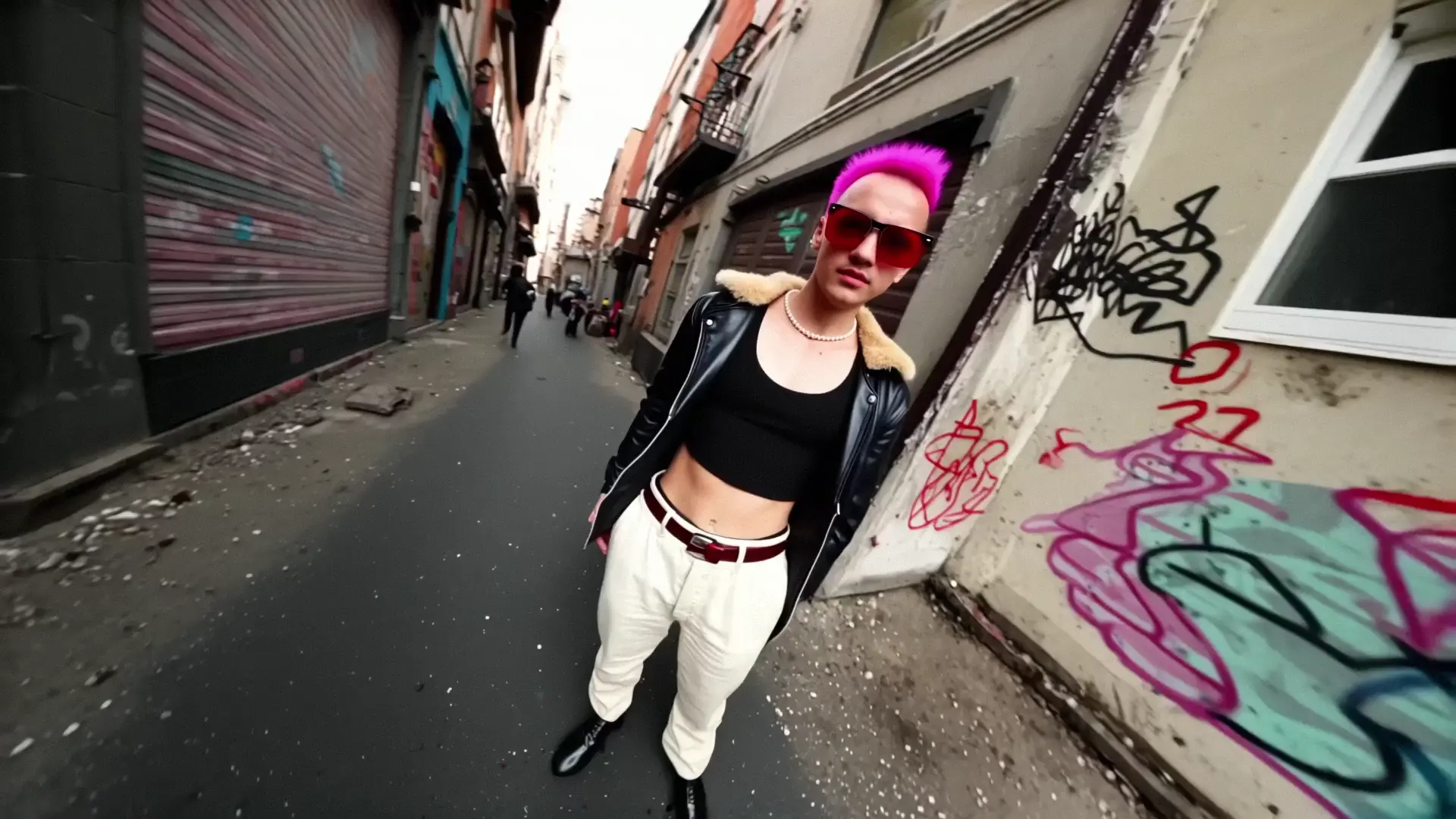
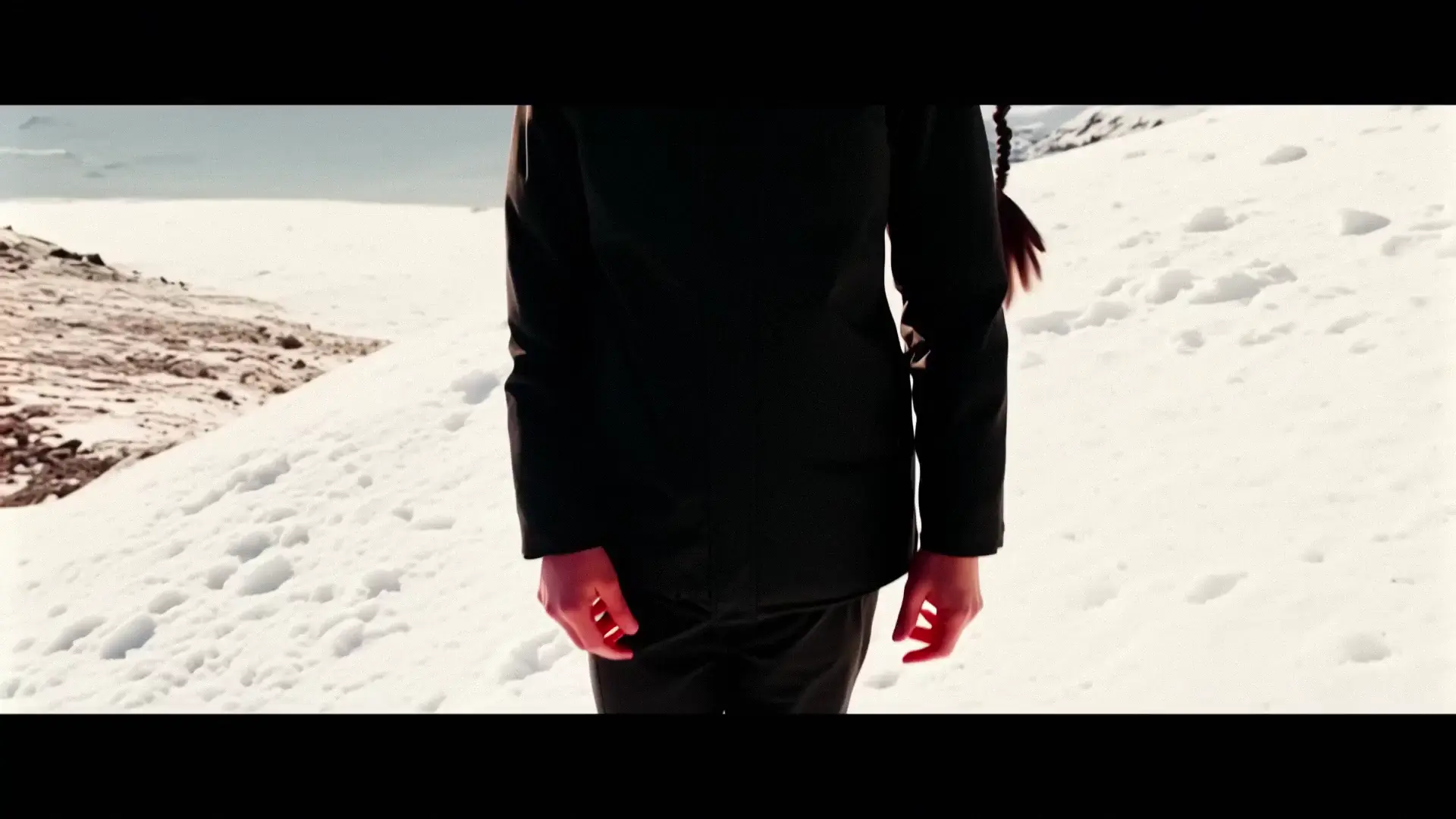
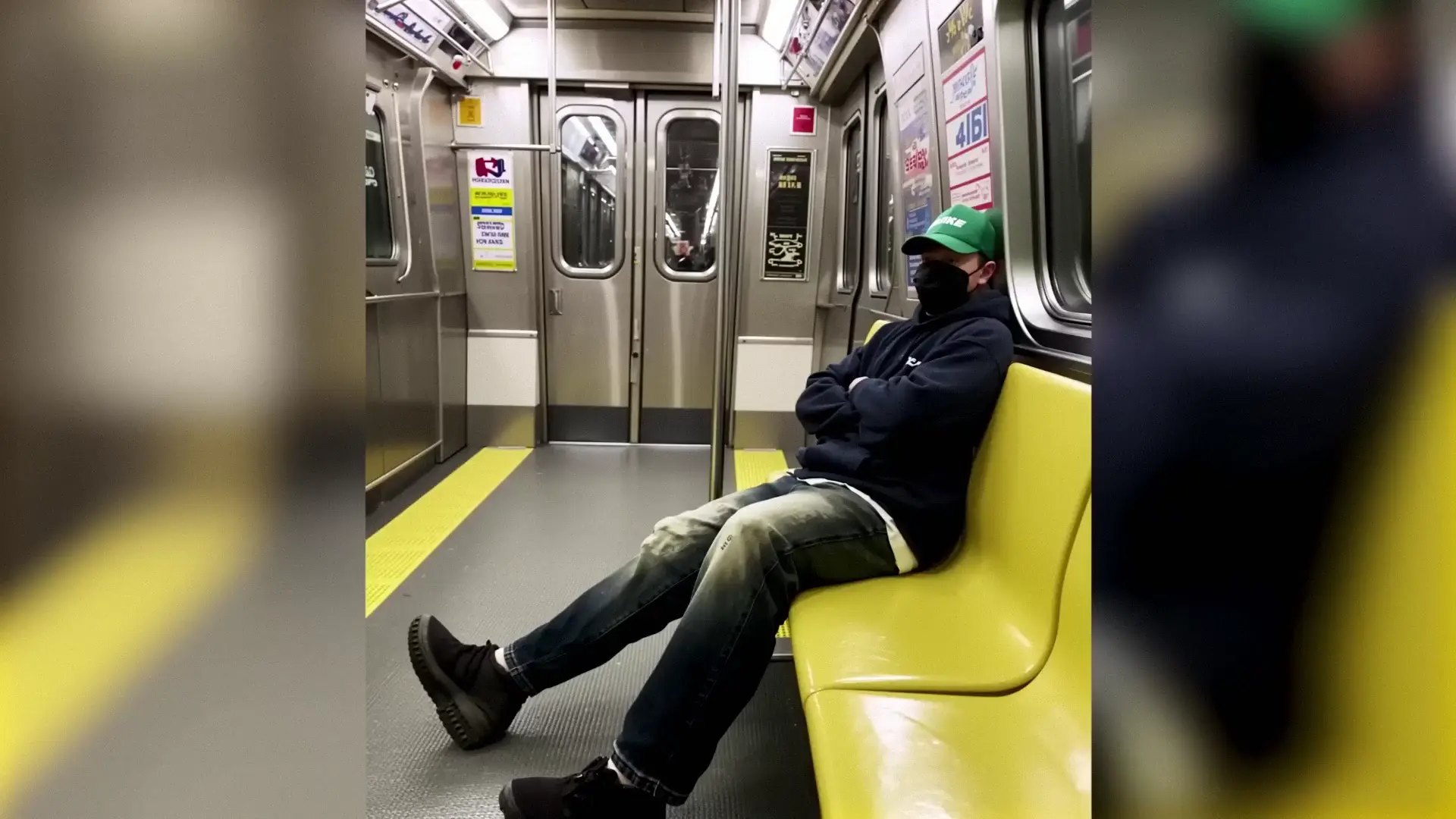
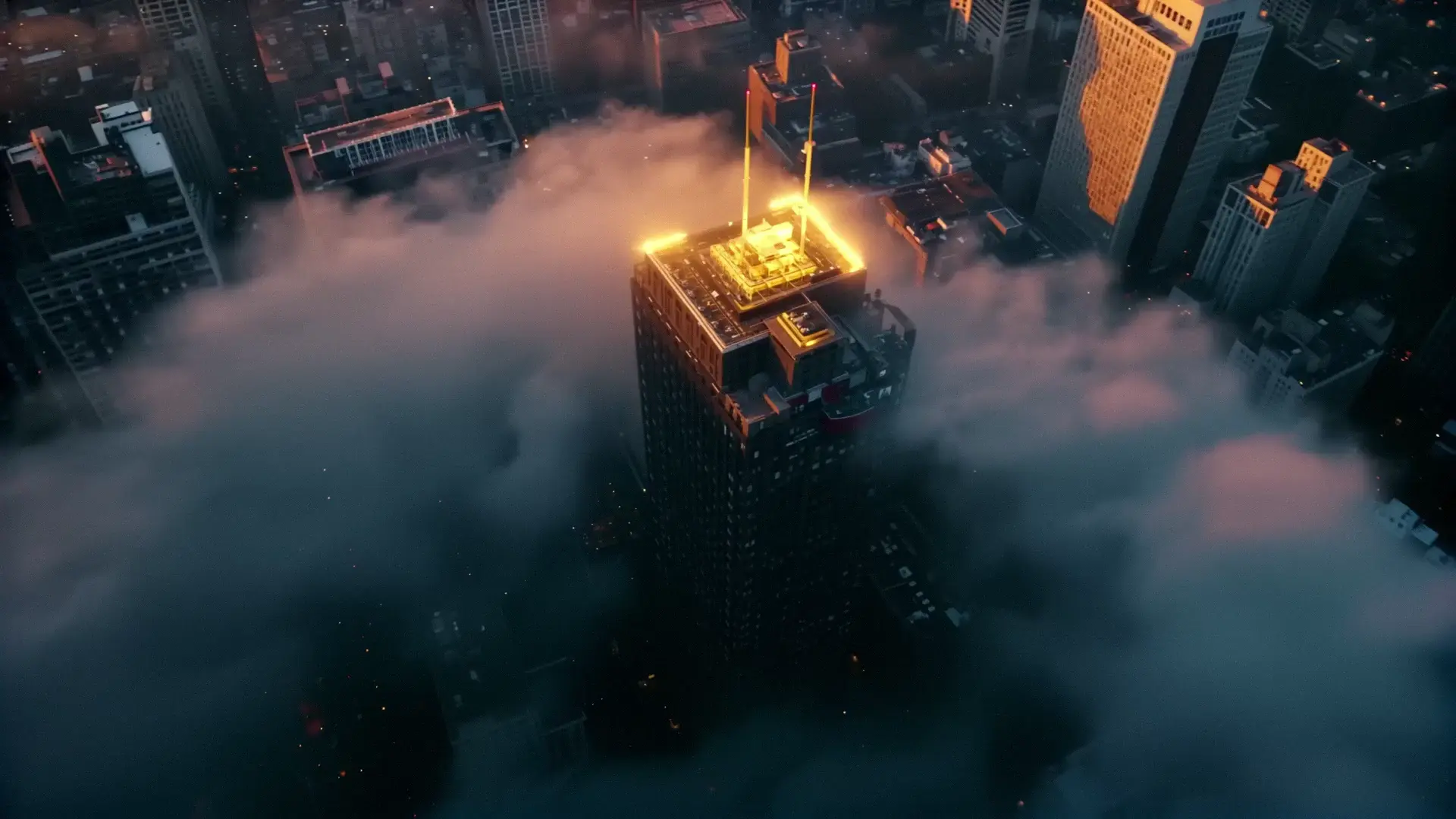
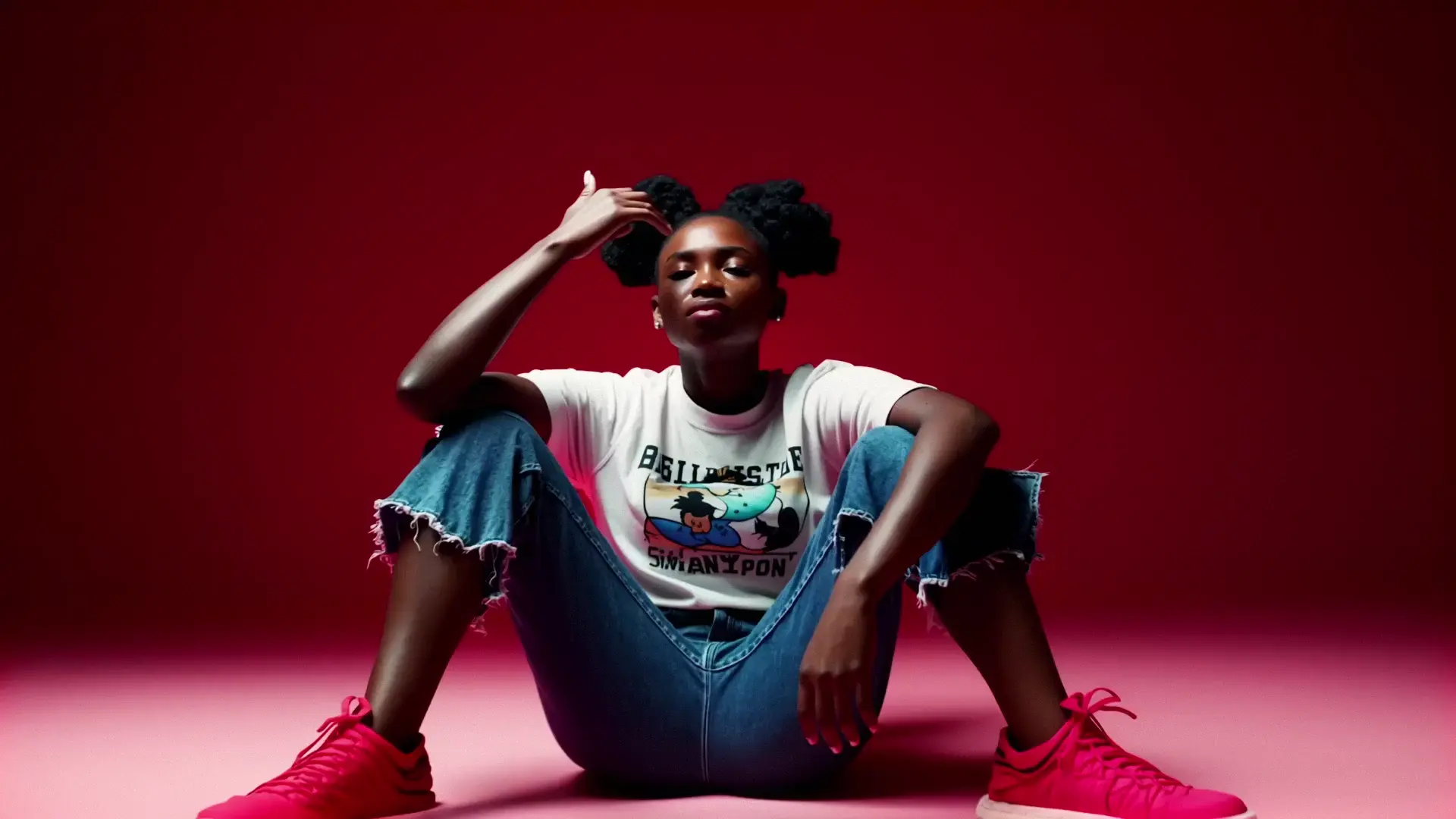
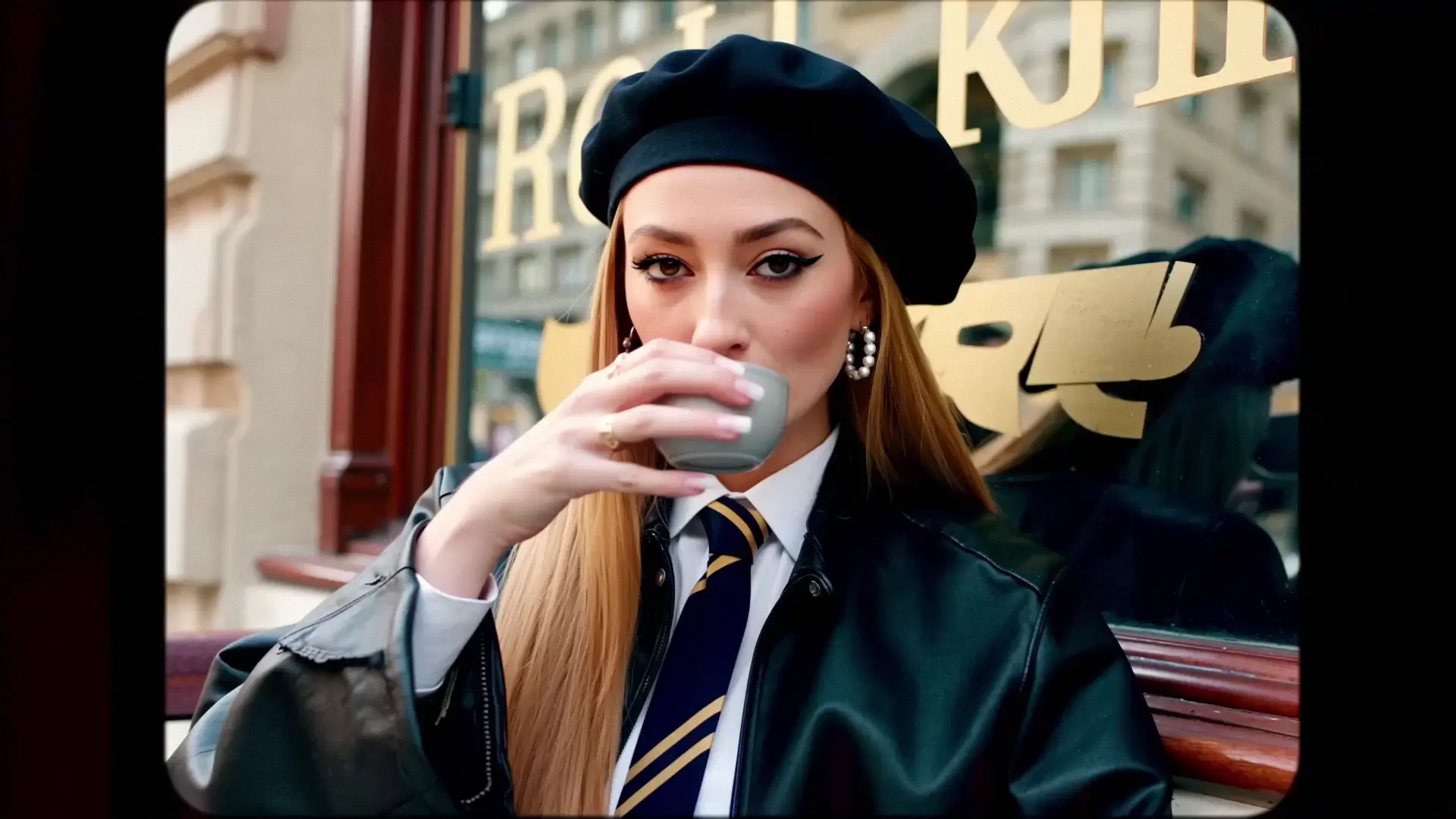
Examples Of LTX-2 19B Text-to-Video LoRA

Video thumbnail
Loading...
Video thumbnail
Loading...
Video thumbnail
Loading...
Video thumbnail
Loading...
Video thumbnail
Loading...
Video thumbnail
Loading...