wan-2-5/image-to-video
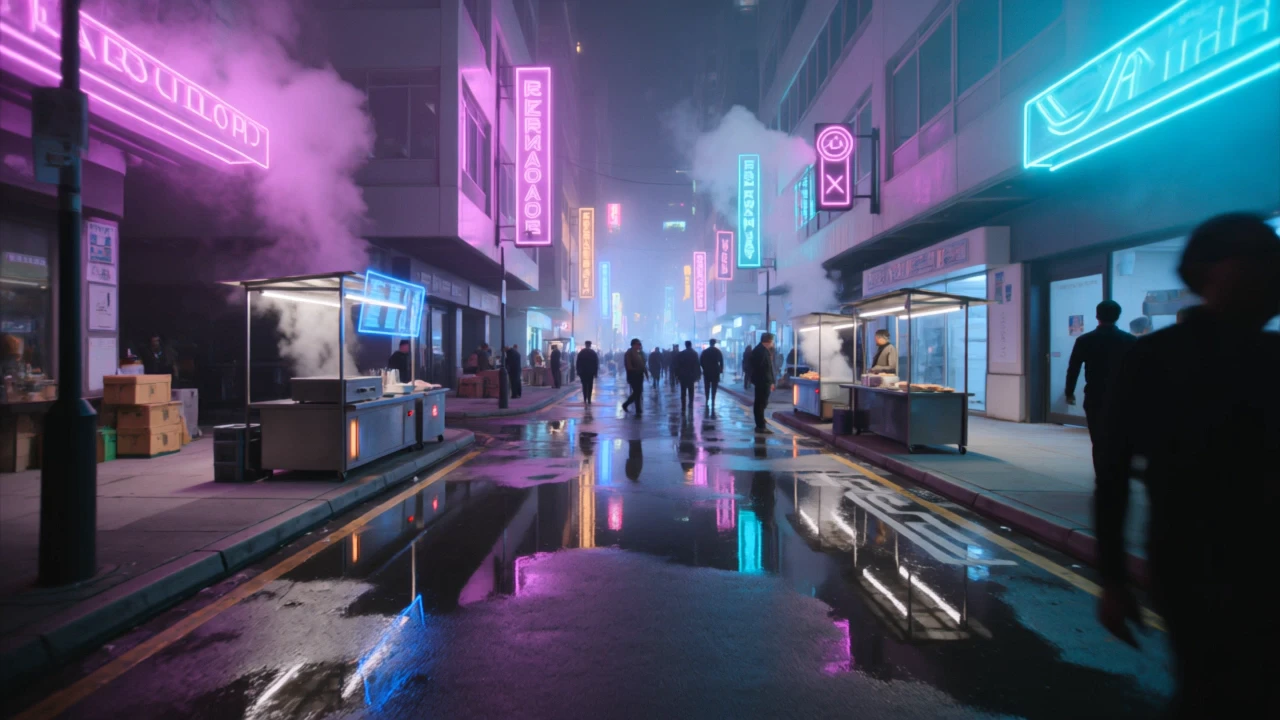
Generate clips with fluid motion and audios for creatives
This is Kuaishou's cost-efficient O3-generation editing model, designed to take a short clip plus a written instruction and return a clean edited version. The model preserves the original motion, framing, and structure while applying the requested object, background, weather, lighting, or style change.
It fits teams that need quick, targeted clip changes without timeline editing, masks, or reshoots.
Generate clips with fluid motion and audios for creatives
Create fluid, expressive animations with multi-shot storytelling features.
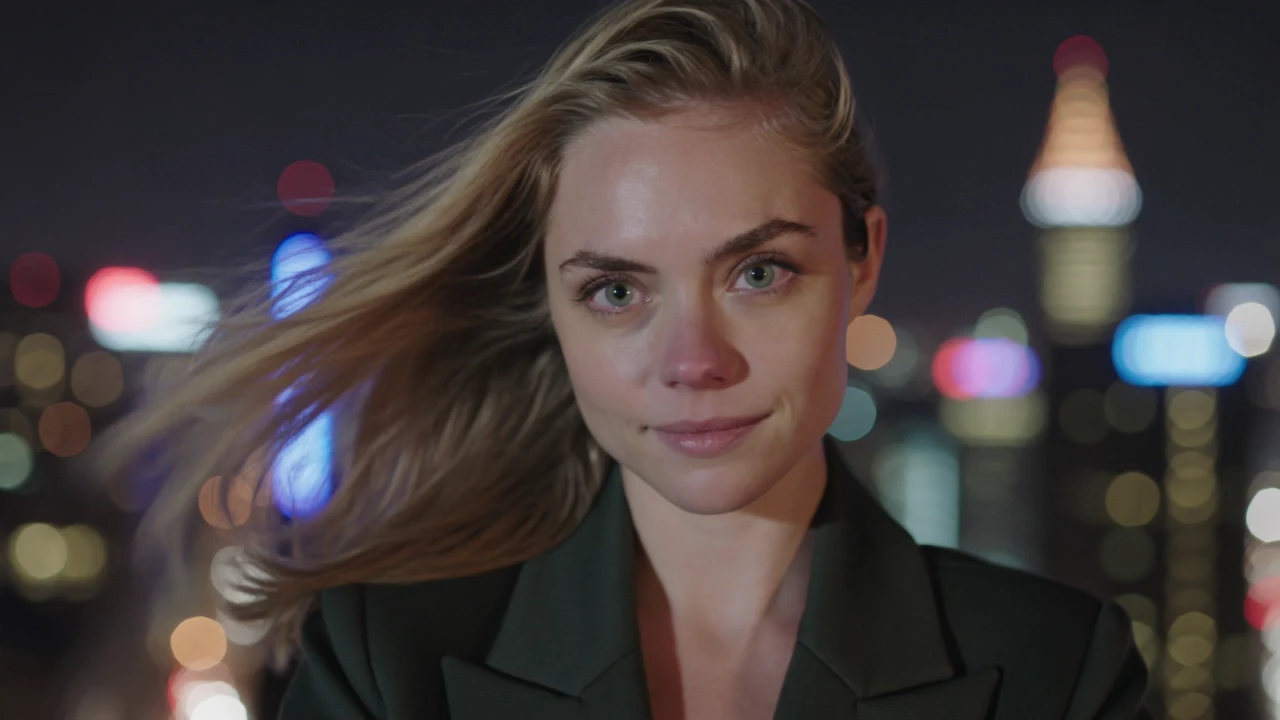
Turn text prompts into high quality videos with Tencent Hunyuan Video.

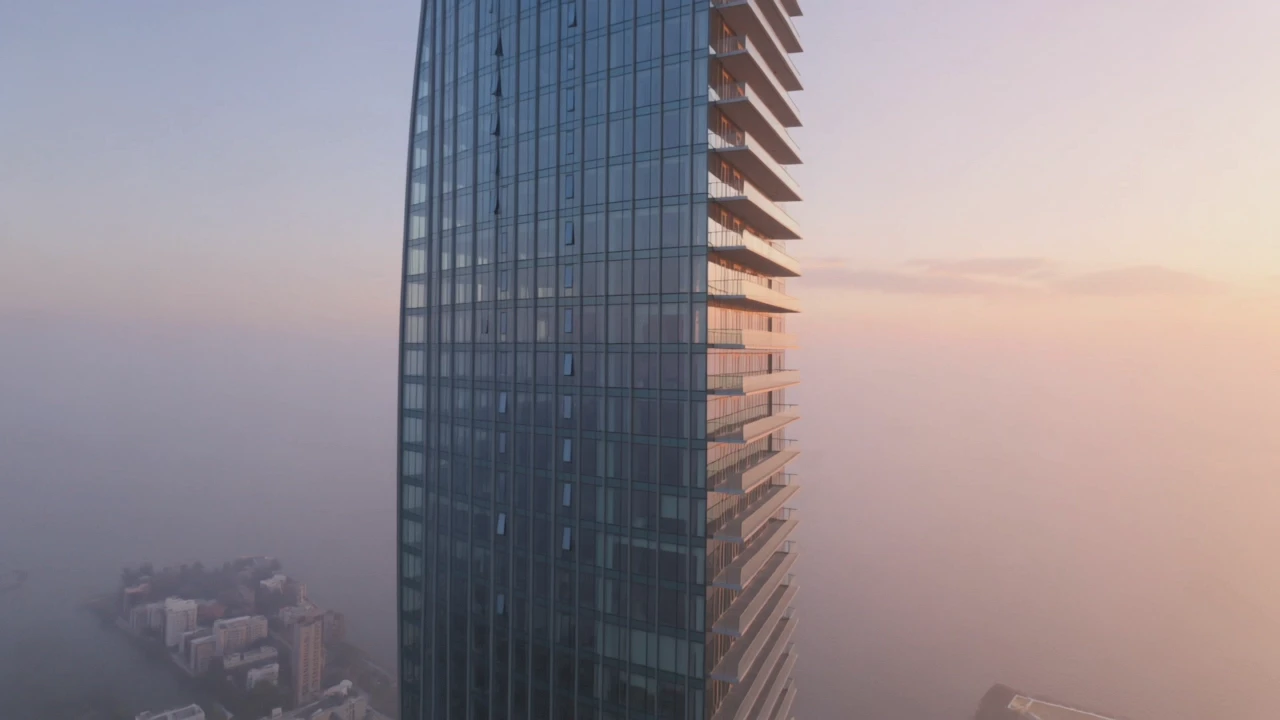
Turn still visuals into motion-synced, high-detail video content with flexible control.

Streamline video refinements with seamless scene continuity for creators.

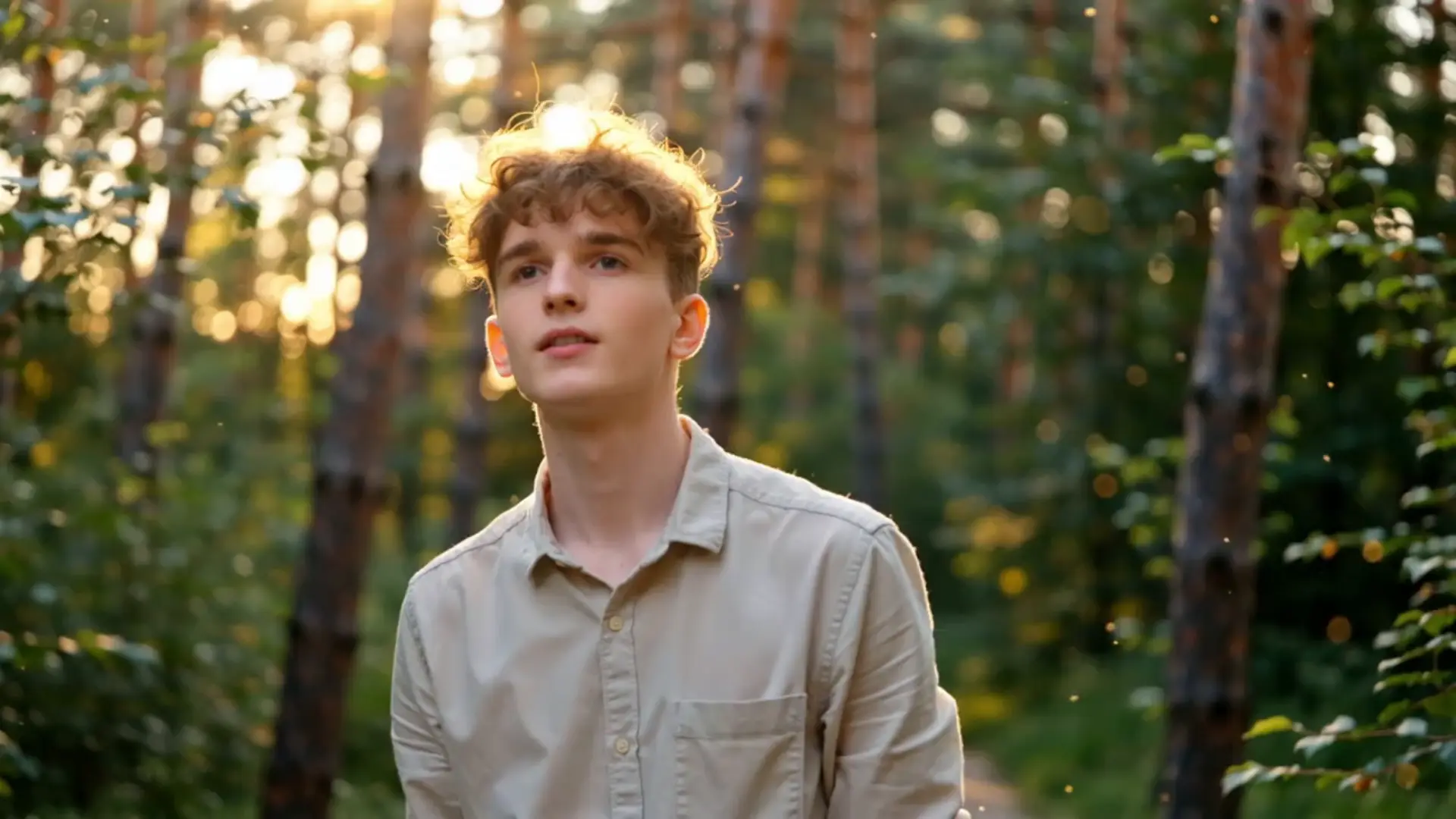
Transforms visual or audio cues into HD clips with precise motion control.
Kling Video O3 Standard Video Edit is Kuaishou's cost-efficient O3-generation video editing model. You upload a short clip and describe the change you want in plain language, and the model returns an edited video with preserved motion, framing, and structure. It is built for prompt-driven object swaps, background changes, restyles, and lighting or weather shifts without manual masking.
Kling Video O3 Standard Video Edit handles localized 3 to 10 second transformations — replacing or removing objects, swapping backgrounds, restyling scenes, and changing weather, lighting, or time of day. It also accepts up to 4 reference images to steer the look of a target element or style. Edits maintain strong temporal consistency, so motion and structure carry through without obvious flicker.
Compared to the O3 Pro video edit tier, Kling Video O3 Standard Video Edit targets a lower per-second price while keeping the O3 visual language, which is helpful for iteration and high-volume social or e-commerce work. Pro is positioned for top-end fidelity on final renders based on available provider information, while Standard is well-suited to drafting and short-form output. The control surface — prompt, video, references, audio toggle, shot type — is the same, so prompts transfer easily.
Social creators, ad teams, e-commerce video producers, and design studios can use Kling Video O3 Standard Video Edit to spin variants from a single source clip — different props, settings, lighting, or seasons — without reshoots. Concept artists and storyboarders also use it to quickly preview how a scene would look with an alternate element or mood. For developers, it slots into automated content pipelines that turn a brief and a source clip into a finished cut.
Kling Video O3 Standard Video Edit requires a prompt and a publicly accessible source video URL. Reference images are optional and capped at 4, keep_original_sound is a boolean, and shot_type accepts customize or intelligent. Source video duration cannot exceed 10 seconds, and billed output duration is clamped between 3 and 10 seconds. For any other constraints such as resolution or file format, check the current RunComfy parameter panel for the exact limits, since they may vary by provider settings.
Yes. You can prototype Kling Video O3 Standard Video Edit in the RunComfy AI Playground Web UI — dialing in the prompt, reference images, audio toggle, and shot type until the edit matches your target. Once stable, call the same model via the RunComfy API with identical parameters from your backend or content pipeline. This keeps creative iteration in the browser while production runs in code, without changing how the model behaves.
Kling Video O3 Standard Video Edit generations consume usd / credits from your RunComfy balance, billed at $0.126 per second of output based on available provider information. Billed duration is clamped between 3 and 10 seconds, so the minimum is around $0.378 (3 s), 5 seconds is around $0.630, and 10 seconds is around $1.260. New users typically get a free trial usd amount to experiment; refer to the Generation section of the model page for the latest rates.
Kling Video O3 Standard Video Edit responds best to clear, specific prompts that name what should change and what should stay the same — for example, "replace the bouquet with a teddy bear, keep the original camera move". Concrete cues like "overcast soft key", "golden hour rim light", or "snowy street" anchor lighting and weather edits better than vague mood words. When using references, pick images that clearly isolate the target element or style so the model has unambiguous guidance.
RunComfy is the premier ComfyUI platform, offering ComfyUI online environment and services, along with ComfyUI workflows featuring stunning visuals. RunComfy also provides AI Models, enabling artists to harness the latest AI tools to create incredible art.