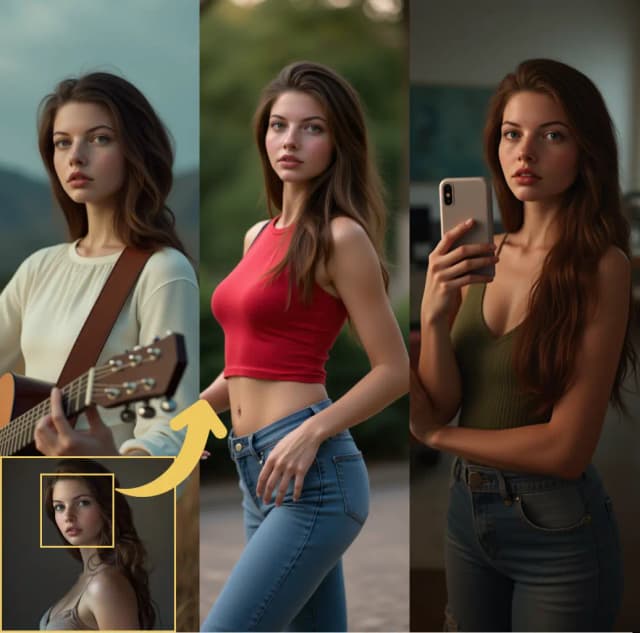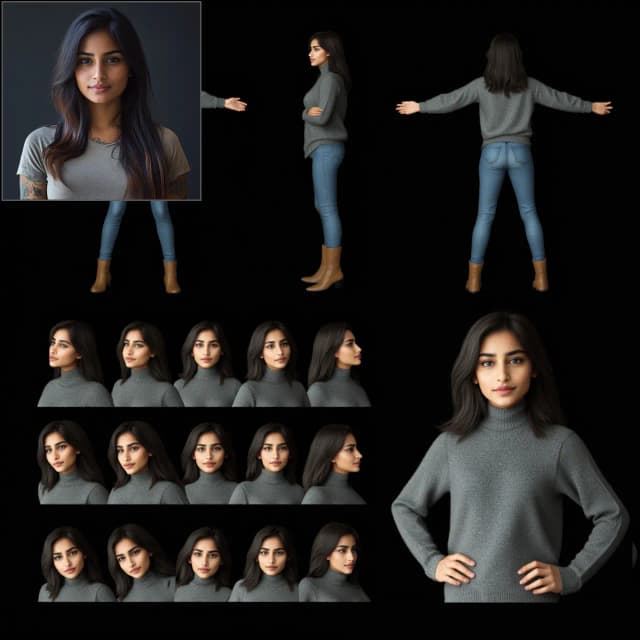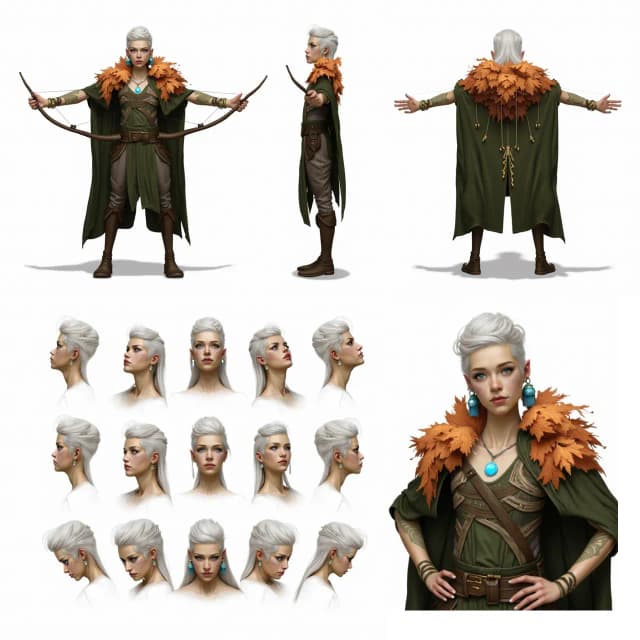
FLUX Redux ACE Face Swap ComfyUI Workflow#
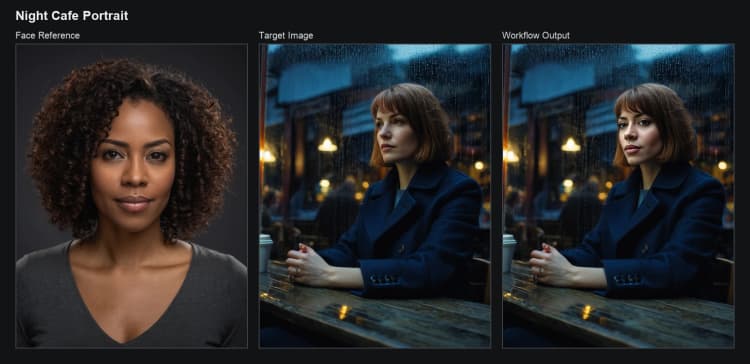
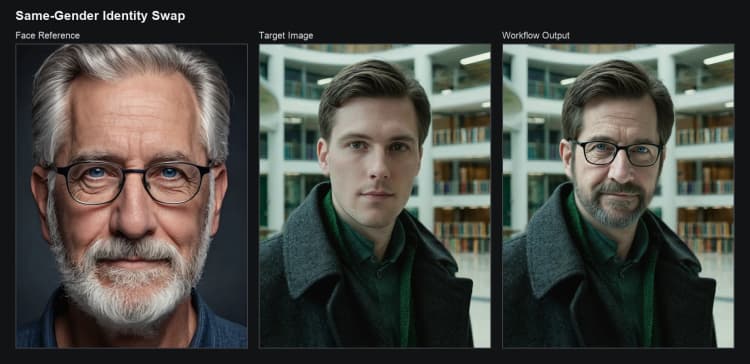
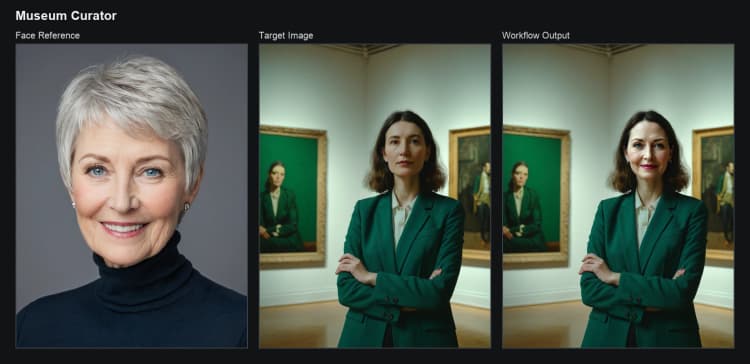
FLUX Redux ACE Face Swap is a reference‑guided face‑swapping workflow for ComfyUI that combines FLUX.1 Fill inpainting with FLUX.1 Redux identity/style guidance. Provide a clean face reference and a target/background image, and the workflow transfers identity while preserving pose, clothing, lighting, composition, and scene.
Built for creators who need repeatable, photoreal face replacement, the FLUX Redux ACE Face Swap pipeline handles detection, smart masking, inpaint conditioning, Redux‑based visual guidance, and a final detail pass. You can steer results with a short prompt, or leave it empty for pure identity transfer.
Key models in Comfyui FLUX Redux ACE Face Swap workflow#
- Black Forest Labs FLUX.1‑Redux‑dev. Adapter that extracts style and identity cues from an image to guide edits; used here to keep the reference face consistent across generations. Model card
- Black Forest Labs FLUX.1‑Fill‑dev. Rectified‑flow transformer specialized for inpainting; fills the masked face region while following your prompt and Redux guidance. Model card
- Black Forest Labs FLUX.1‑dev text encoders and autoencoder. The CLIP‑L and T5‑XXL text encoders and the AE used for latent encoding/decoding in the FLUX family. Model card
- InsightFace face analysis models. Robust face detection and alignment used to localize the reference face for guidance. GitHub
- CLIP Vision (SigLIP, ViT patch14 @ 384). Vision encoder used by the Redux guidance step to compare image features and stabilize identity/style cues. Model card
How to use Comfyui FLUX Redux ACE Face Swap workflow#
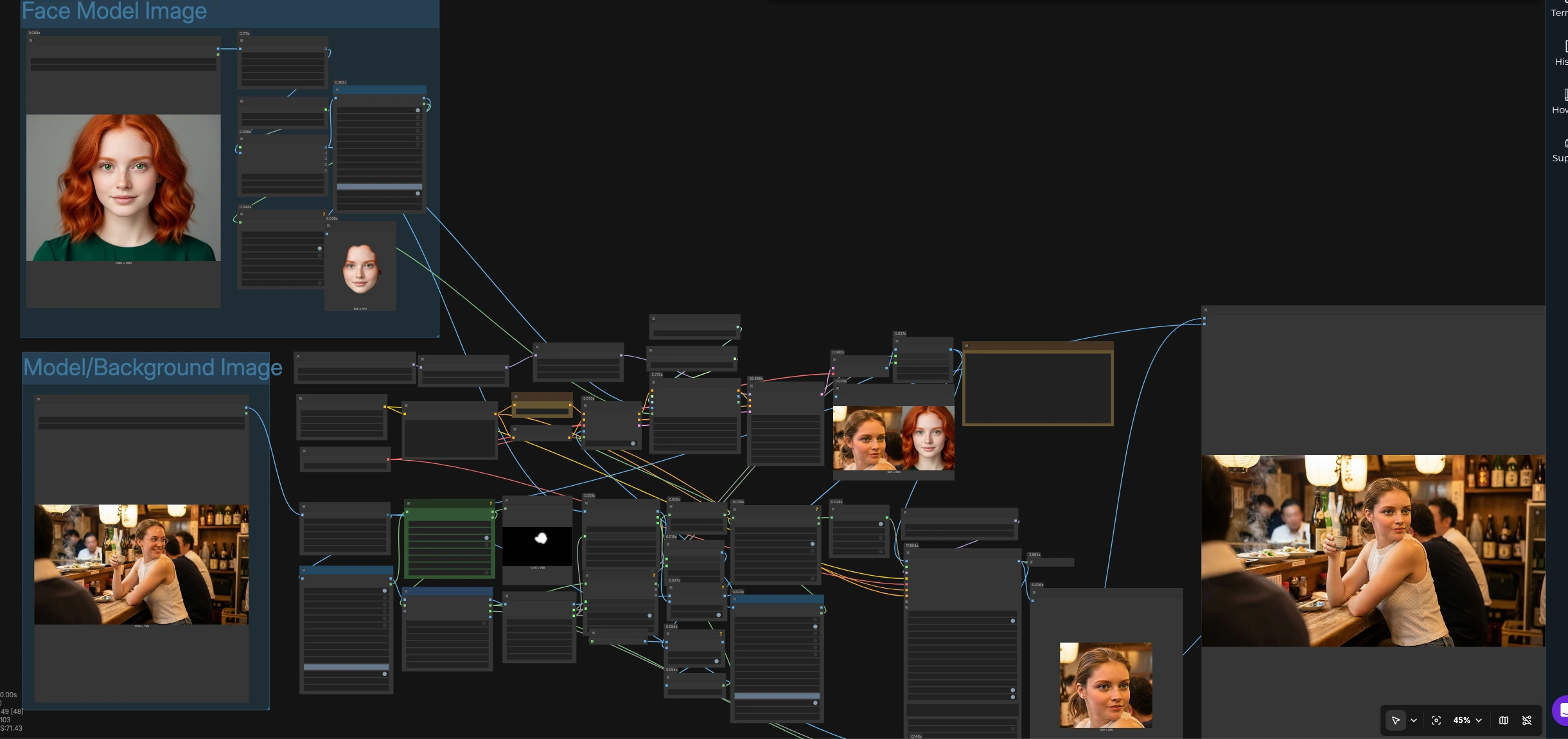
The workflow runs two coordinated tracks: a reference face track to extract identity cues, and a target image track to prepare an editable face region. They converge into FLUX inpainting with Redux guidance, then a per‑region detail pass and final restore.
Reference face setup
- Drop your face reference into
LoadImage(#19). The pipeline constrains size for stability, thenFaceAnalysisModels(#39) andFaceBoundingBox(#38) find the face.LayerMask: PersonMaskUltra V2(#72) creates a clean face mask andGrowMaskWithBlur(#44) softens edges for natural blending. - This reference image and mask feed
ReduxAdvanced(#40) together with CLIP‑Vision. Redux extracts visual features that define identity, hairline, and local style, producing conditioning that will guide the swap.
Target image setup
- Drop the target/background image into
LoadImage(#86). The workflow segments the subject withLayerMask: PersonMaskUltra V2(#69), expands and cleans the mask viaGrowMaskWithBlur(#70), thenCropByMask V2(#64) isolates a precise edit region. - The target crop is resized (
ImageResize+(#32)), and the reference face is resized to match (ImageResize+(#10)). Two helper nodes (ImageConcanate(#21) and (#11)) assemble a paired canvas and a corresponding mask image that defines the editable area for inpainting.
Identity‑aware inpaint guidance
CLIPTextEncode(#26) accepts an optional prompt to influence style or scene (for example: “preserve lighting and background, natural blend”).FluxGuidance(#27) andConditioningZeroOut(#35) shape positive/negative conditioning for inpainting.InpaintModelConditioning(#16) turns the target crop, mask, and VAE into a latent with aligned conditioning. That conditioning, combined with Redux conditioning fromReduxAdvanced(#40), forms the “ACE” guidance that keeps the reference identity while respecting the target composition.
Generate and refine
KSampler(#28) runs FLUX.1‑Fill‑dev through the masked region to replace the face while following the Redux cues. The decoded result is cropped back to the working area (ImageCrop(#17)) for a high‑quality refinement.DetailerForEach(#50) uses SEGS from the target mask (MaskToSEGS(#52)) to apply a per‑region enhancement pass with the FLUX model, improving skin, eyes, and hair edges for a convincingly integrated swap.
Restore and save
RestoreCropBox(#66) composites the refined face region back onto the original target frame with the original crop box, ensuring a seamless blend.PreviewImage(#80) andImage Comparer (rgthree)(#77) help you check A/B differences, andSaveImage(#81) writes the final output.
Key nodes in Comfyui FLUX Redux ACE Face Swap workflow#
ReduxAdvanced (#40)
- Central to identity consistency, this node consumes the reference image, its mask, and CLIP‑Vision features with the FLUX.1‑Redux‑dev style model. Increase its influence if the swap drifts from the reference; decrease it if the target’s lighting or makeup needs more freedom. Use masked mode for face‑only guidance or expand the mask to include hairline when needed. Repo, Redux model
InpaintModelConditioning (#16)
- Builds the latent, mask, and conditioning package for FLUX.1‑Fill‑dev. For clean edges, keep a soft mask with a few pixels of blur; tighten it when the swap must avoid touching hair or accessories. If the prompt is optional, rely on Redux guidance; add a short prompt only when you need styling or scene direction.
KSampler (#28)
- Drives the actual face replacement with FLUX.1‑Fill‑dev using the latent from
InpaintModelConditioningand the Redux‑enhanced positive conditioning. Use moderate denoise to respect pose and lighting; raise it only when the target face needs stronger redraw. Seed locking helps reproduce a chosen identity match across shots. Fill model
DetailerForEach (#50)
- Performs a region‑wise enhancement pass on the generated crop. It uses SEGS derived from the target mask to focus on key facial areas. Increase detail strength for skin texture and eye clarity; lower it for a softer, beauty‑grade blend. Impact Pack
FaceBoundingBox (#38)
- Detects and isolates the reference face. If the workflow grabs the wrong region in multi‑person shots, raise the confidence threshold or pre‑crop your reference for clarity. ComfyUI_FaceAnalysis, InsightFace
LayerMask: PersonMaskUltra V2 (#69)
- Generates person/face masks for both reference and target tracks. Grow the mask slightly for safer blending; shrink it to avoid hairline spill or earrings. Clean masks here translate directly to fewer artifacts later. Repo
LayerUtility: RestoreCropBox (#66)
- Reassembles the refined face back into the original frame using the stored crop box. Adjust feathering at this stage only if you see a visible edge between the edited region and the background.
Optional extras#
- Use a sharp, front‑facing reference with neutral expression and similar lighting to the target for best identity transfer.
- Keep prompts short and descriptive; let FLUX Redux ACE Face Swap carry identity while FLUX.1 Fill respects composition.
- If you prefer a specific portrait look, swap in your own LoRA before sampling; subtle strengths usually blend best.
- For faster iteration while prototyping, enable a caching or acceleration node compatible with your setup, then switch back to full‑quality settings for finals.
- Always have rights and consent for the faces you process, and follow the FLUX.1 [dev] license terms on the model cards linked above.
Acknowledgements#
This workflow implements and builds upon the following works and resources. We gratefully acknowledge RunningHub for the RunningHub workflow source, Black Forest Labs for the FLUX.1-Redux-dev model, and Black Forest Labs for the FLUX.1-Fill-dev model for their contributions and maintenance. For authoritative details, please refer to the original documentation and repositories linked below.
Resources#
- RunningHub/RunningHub workflow source
- Docs / Release Notes: runninghub.ai post
- black-forest-labs/FLUX.1-Redux-dev
- Hugging Face: black-forest-labs/FLUX.1-Redux-dev
- black-forest-labs/FLUX.1-Fill-dev
- Hugging Face: black-forest-labs/FLUX.1-Fill-dev
Note: Use of the referenced models, datasets, and code is subject to the respective licenses and terms provided by their authors and maintainers.