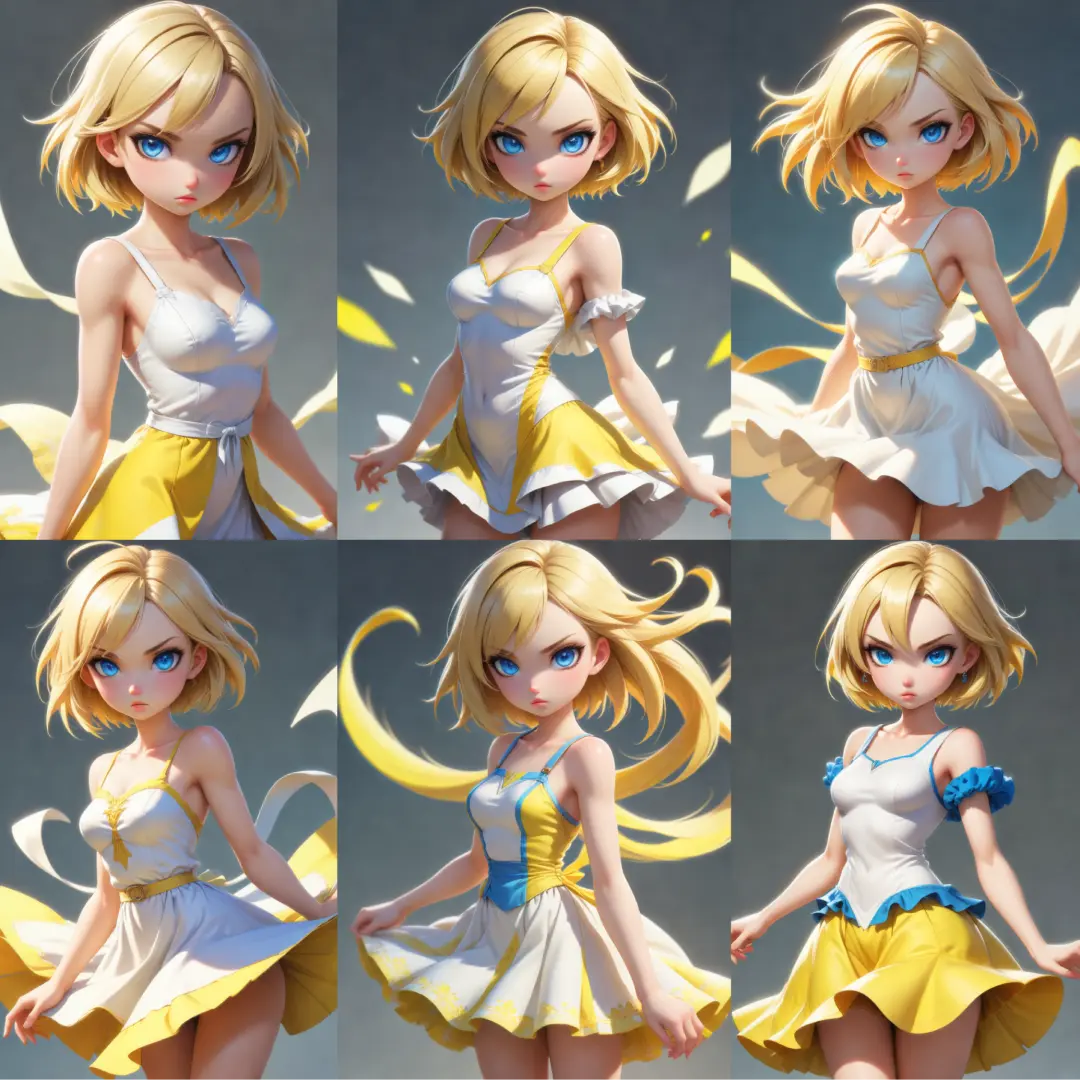
Shared characters (plain text):
MossMangaCharacters creates a shared cast of two or three characters for a manga workflow, keeping each character’s identity paired with a reusable visual description. Rather than generating artwork, it organizes character information so compatible downstream nodes can reuse the same definitions across panels. This helps you maintain consistent character descriptions without rewriting them for every scene, although the final visual consistency still depends on the generation workflow. The node removes surrounding whitespace, checks that every included character has a name and appearance description, and rejects duplicate names. It also lets you leave the third character unused, making the same setup suitable for either a two-person or three-person cast.
Shared characters (plain text) Input Parameters:
人物1_名前
A required STRING that sets the first character’s name. Its default is 漫画家 (“manga artist”). You can enter a name in any language; it identifies the character in the shared cast and must differ from the other included characters’ names. Leading and trailing whitespace is removed before validation, so a field containing only spaces is treated as empty and causes an error. There is no defined numeric minimum, maximum, character-count limit, or fixed list of options, but the trimmed value must contain text.
人物1_外見
A required multiline STRING that describes the first character’s appearance. Its default is the text stored in core.DEFAULT_CAST['漫画家']; the supplied source does not reveal the actual wording of that description. This text becomes the first character’s reusable appearance definition for downstream manga processing. Describe the appearance in English, as requested by the node’s validation guidance, or connect a compatible text output from “Character appearance (image / text).” For example, you could write “Woman with a rounded face, straight black shoulder-length hair, round glasses, and a white collared blouse.” Leading and trailing whitespace is removed, and an empty result causes an error. No minimum or maximum text length or fixed options are specified beyond requiring a nonempty value; the node does not itself verify the language or descriptive quality.
人物2_名前
A required STRING that sets the second character’s name. Its default is 編集者 (“editor”). Names may use any language, but the trimmed name must be nonempty and different from every other included character’s name. This allows downstream processing to distinguish the second character from the rest of the cast. Leading and trailing whitespace is removed, meaning 編集者 and the same name with surrounding spaces are treated as identical. There is no defined numeric minimum, maximum, character-count limit, or fixed list of options.
人物2_外見
A required multiline STRING containing the second character’s reusable appearance description. Its default is the text stored in core.DEFAULT_CAST['編集者']; the exact wording is not included in the supplied source. Use an English description of recognizable visual features, such as hairstyle, face shape, glasses, clothing, and accessories, or connect compatible text from “Character appearance (image / text).” For example, “Man with short light hair, rectangular glasses, a dark suit, and a plain tie” provides a clear visual definition. The node removes surrounding whitespace and rejects an empty result, but does not impose a maximum length, provide fixed options, or check that the text is English.
人物3_名前
An optional STRING that sets the third character’s name, with an empty-string default of "". Leave this field and 人物3_外見 empty to keep a two-character cast. Entering text in either third-character field activates the requirement to complete both; supplying only the name causes an error. When included, this name may use any language and must be different from the first two names after surrounding whitespace is removed. No numeric range, character-count limit, or fixed options are specified; the allowed state is either empty alongside an empty third appearance, or nonempty alongside a completed third appearance.
人物3_外見
An optional multiline STRING containing the third character’s appearance description, with an empty-string default of "". Leave it empty together with 人物3_名前 when you do not need a third character. If you enter an appearance description, you must also provide the third character’s name, and vice versa. Use English text describing stable visual features, or connect compatible text from “Character appearance (image / text),” just as for the first two characters. The node removes surrounding whitespace; whitespace-only text counts as empty. No minimum or maximum length or fixed options are specified, but a nonempty description is required whenever the third character is included.
Shared characters (plain text) Output Parameters:
Shared characters
A single output of type MOSS_MANGA_CAST containing the validated shared character definitions. The value is a structured collection keyed by 人物1 and 人物2, with 人物3 added only when both third-character fields are completed. Each entry contains a name and an appearance, both stored with surrounding whitespace removed. Character order remains first, second, then third when present; names do not change those slot assignments. Connect this output to a compatible cast input, such as 人物設定 on MossPanelDatasetFlexible, so downstream processing can associate panel characters with their shared appearance descriptions. This output is character data, not an image or a generated manga page.
Shared characters (plain text) Usage Tips:
- Write appearance descriptions in English and focus on recognizable features that should remain consistent, such as hair length and style, facial features, glasses, clothing, and accessories.
- Keep scene-specific actions, expressions, camera angles, and backgrounds in your panel descriptions rather than the shared appearance descriptions. This makes the cast easier to reuse across different scenes.
- Use “Character appearance (image / text)” when you want help preparing an appearance description, then connect its compatible text output to the corresponding appearance field. MossMangaCharacters itself does not analyze reference images.
- For a two-character cast, leave both third-character fields completely empty. For a three-character cast, complete both fields and give the third character a unique name.
- Keep character slot assignments consistent throughout your workflow. If
人物1is your protagonist here, select that same slot when assigning the protagonist’s appearances or dialogue in compatible panel nodes. - You must define the first two characters even if an individual panel shows only one person or no people. Use the panel node’s character selection to control who appears in that panel rather than clearing required cast fields.
- Use distinct names rather than relying on extra spaces to distinguish characters. The node trims surrounding whitespace before checking for duplicates.
Shared characters (plain text) Common Errors and Solutions:
"Character 1 name" is empty. Enter a name (any language).
- Explanation:
人物1_名前is empty or contains only whitespace. The first character is always required. - Solution: Enter a nonempty name in any language and make sure it differs from the other included character names.
"Character 2 name" is empty. Enter a name (any language).
- Explanation:
人物2_名前is empty or becomes empty after surrounding whitespace is removed. The second character cannot be omitted. - Solution: Enter a unique name for the second character. If a panel needs only one character, control that in the panel node instead of removing the second cast definition.
"Character 1 appearance" is empty. Describe the appearance in English, or connect the output of "Character appearance (image / text)".
- Explanation:
人物1_外見contains no usable text after whitespace is removed. - Solution: Enter an English appearance description or connect a compatible text output from “Character appearance (image / text).” Include recognizable details such as hairstyle, clothing, and accessories.
"Character 2 appearance" is empty. Describe the appearance in English, or connect the output of "Character appearance (image / text)".
- Explanation:
人物2_外見is empty or contains only whitespace, so the node cannot complete the second character’s definition. - Solution: Supply an English appearance description for the second character or connect a compatible appearance-text output.
To use character 3, fill in both "Character 3 name" and "Character 3 appearance". "Character 3 name" is empty. Leave both empty if you do not use character 3.
- Explanation: You supplied a third-character appearance description without a third-character name. The optional character must be fully defined or fully omitted.
- Solution: Add a unique name in
人物3_名前to include the third character, or clear人物3_外見as well to keep a two-character cast.
To use character 3, fill in both "Character 3 name" and "Character 3 appearance". "Character 3 appearance" is empty. Leave both empty if you do not use character 3.
- Explanation: You supplied a third-character name without an appearance description. A whitespace-only description also triggers this error.
- Solution: Complete
人物3_外見with an English appearance description, or clear人物3_名前as well if you do not need the third character.
The character name "…" is used more than once. Give each character a different name.
- Explanation: Two or more included characters have the same name after surrounding whitespace is removed. The actual message lists the duplicated name or names.
- Solution: Give every included character a distinct name. Check all three name fields when the third character is enabled, and do not rely on leading or trailing spaces to make names different.