
Krea 2 multi-image reference editing ComfyUI workflow#
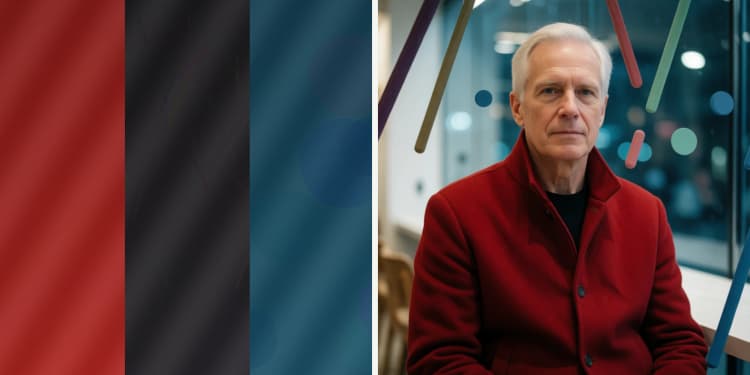
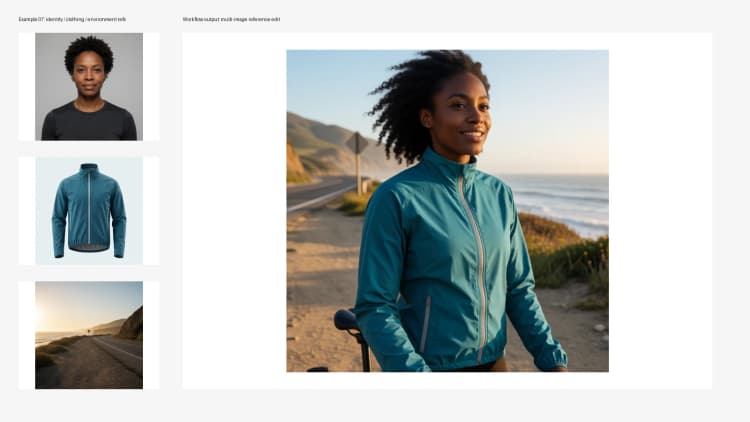
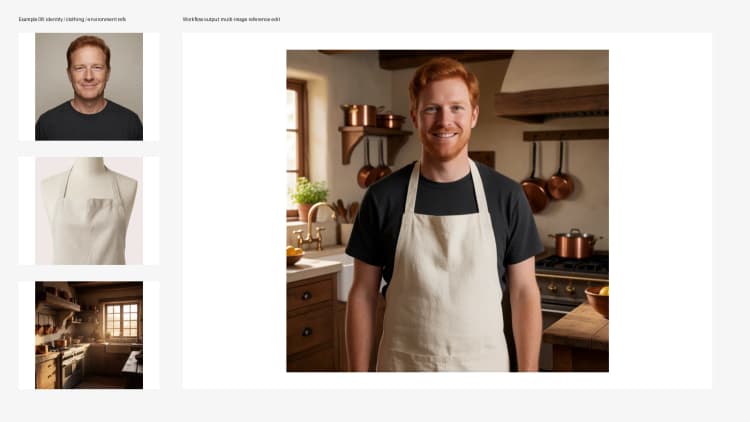
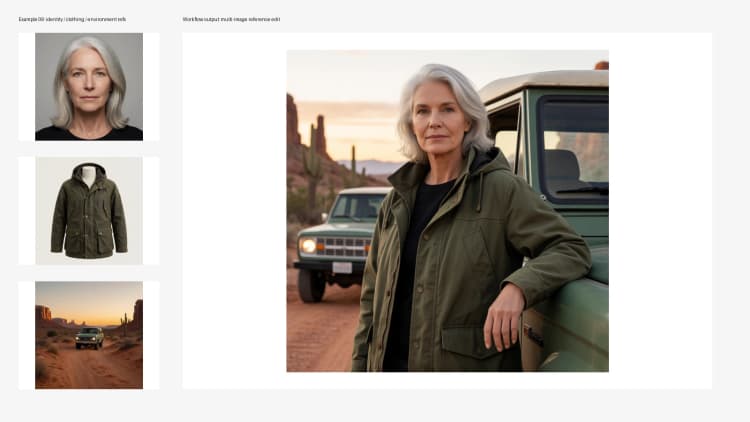
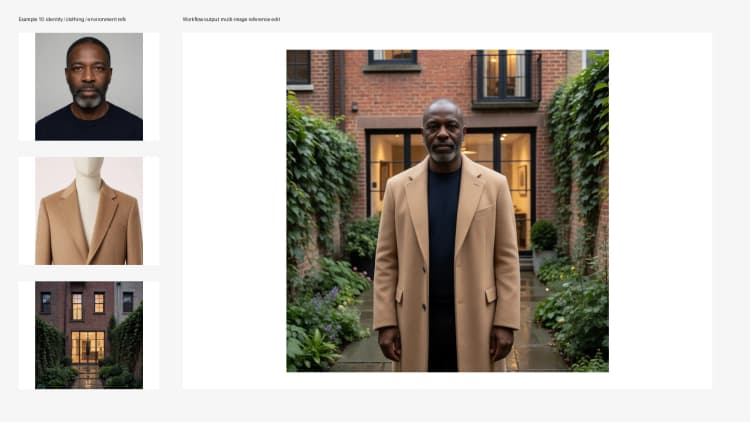
This RunComfy-ready graph turns multiple visual references into one coherent, photoreal edit. The Krea 2 multi-image reference editing ComfyUI workflow lets you blend identity, wardrobe, product, and environment images while steering style and intent with a concise prompt. It is powered by Krea-2 Turbo for fast, high-quality synthesis, a Qwen-VL series encoder for text and image understanding, the Qwen Image VAE for high-fidelity latents, and the Krea2EditRebalance conditioner for precise control over how each reference influences the result.
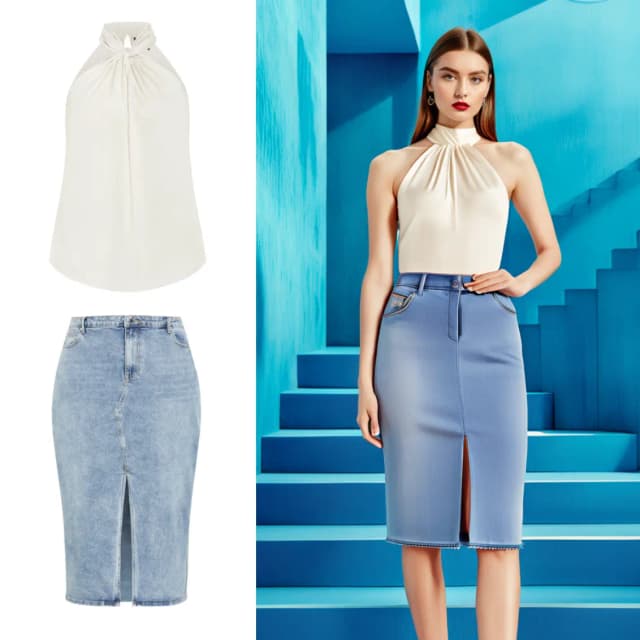
Use it to swap outfits, place products, preserve character identity across shots, transfer lighting or environments, and build campaign-style composites from multiple sources. The graph is compact, reproducible, and tuned for rapid iteration so you can test creative directions quickly without sacrificing consistency.
Key models in the Krea 2 multi-image reference editing ComfyUI workflow#
- Krea-2 Turbo. The diffusion backbone that synthesizes the final image with strong photorealism and fast convergence. It is designed for iterative editing and high-throughput generation. See the official model card for details and updates: krea/Krea-2-Turbo and the codebase at krea-ai/krea-2.
- Qwen-VL series text-image encoder (Qwen3-VL 4B variant in this graph). Encodes the prompt and visual references into a shared space the model can follow, improving alignment between text intent and image cues. Explore the family here: Qwen on Hugging Face.
- Qwen Image VAE. Handles latent-space encode/decode with high perceptual quality, preserving fine details when converting between pixels and latents. ComfyUI-packaged weights are available with Krea 2 assets: Comfy-Org/Krea-2.
How to use the Krea 2 multi-image reference editing ComfyUI workflow#
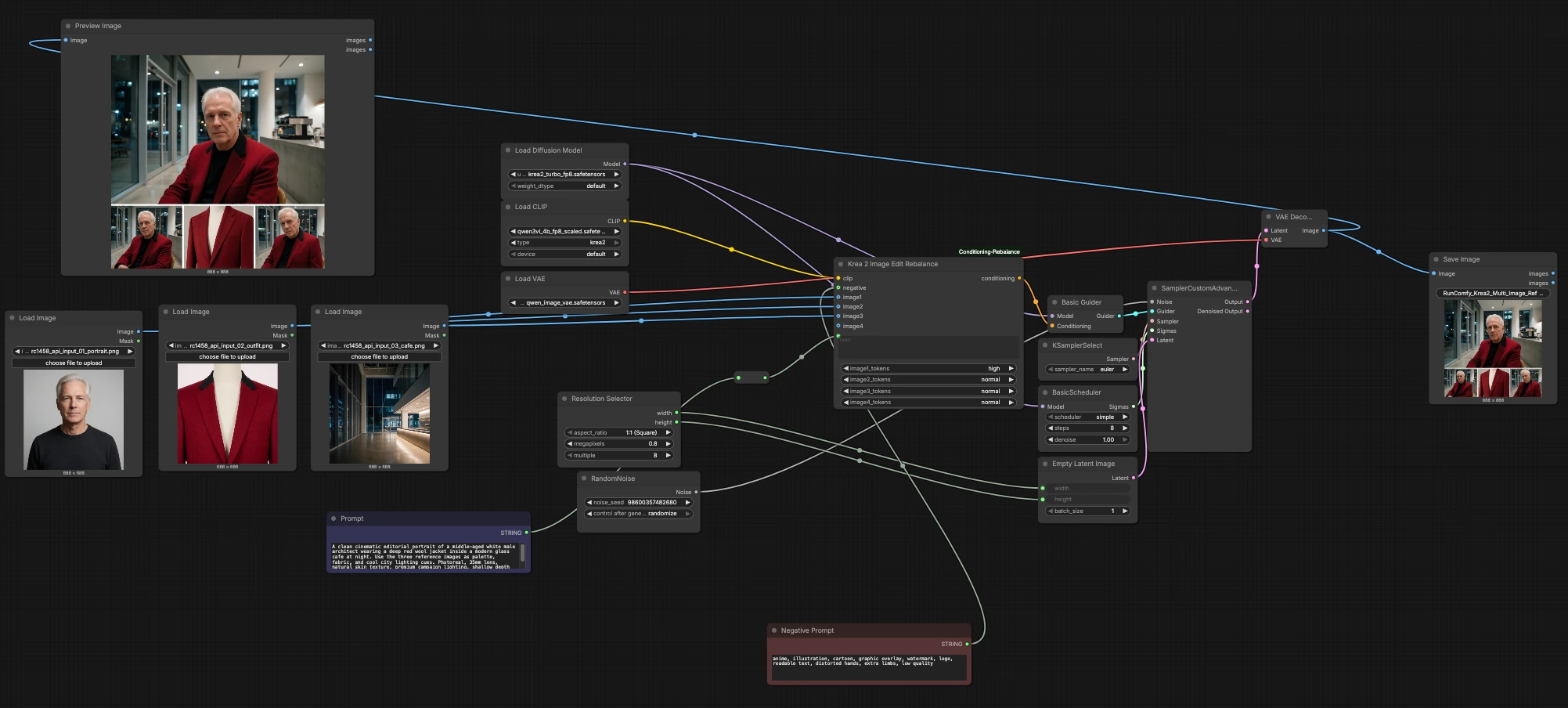
The workflow moves from reference intake and prompt encoding to conditioning, sampling, and decode. Stages are organized by purpose so you can focus on creative inputs first, then iterate on fidelity and style.
Reference images intake#
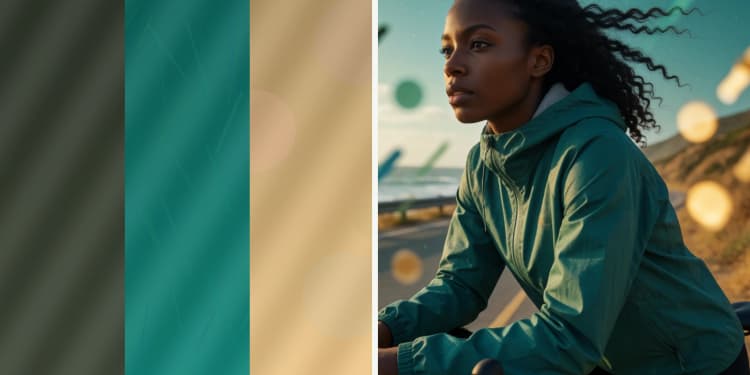
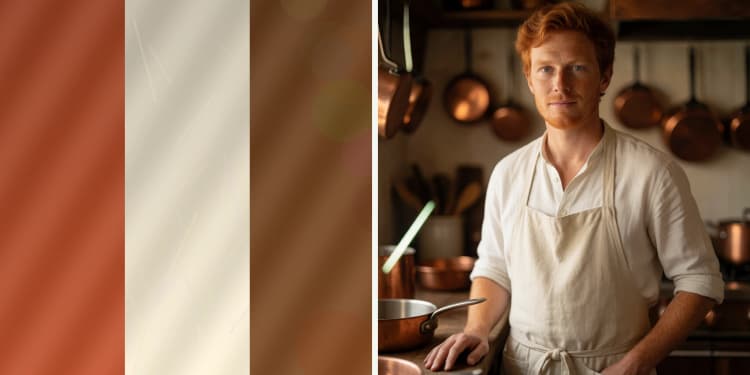
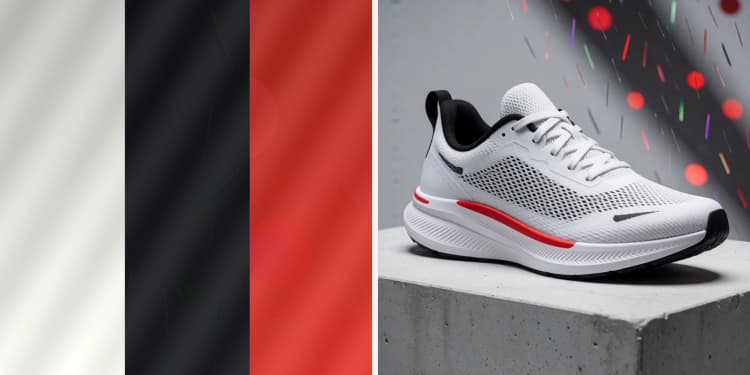
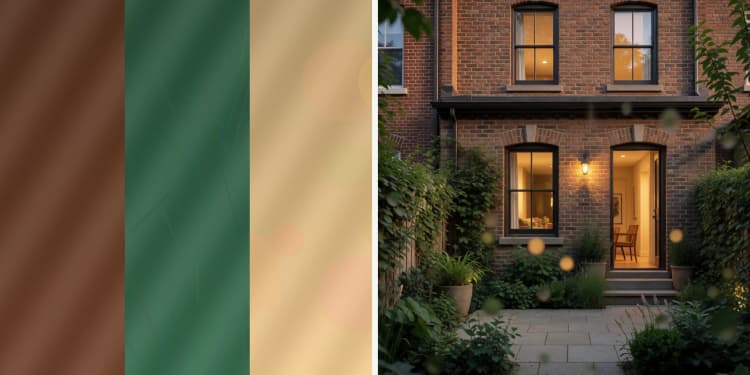
Load up to three core references: identity, outfit/product, and environment using LoadImage (#2, #34, #35). Image 1 typically anchors identity or hero subject, Image 2 carries clothing or product cues, and Image 3 sets lighting or scene ambience. You can optionally add a fourth reference when needed via Krea2EditRebalance (#41). High-quality, front-facing, and well-lit images make the conditioning more stable and reduce artifacts.
Prompt and negatives#
Write your creative direction in Prompt (#19) and guardrails in Negative Prompt (#36). The prompt should describe shot type, mood, and any must-have attributes while letting references lead the exact look. Negatives help avoid unwanted styles or artifacts and keep the result photoreal. The CLIPLoader (#38) embeds both the prompt and the visual references for the conditioner.
Conditioning with Krea2EditRebalance#
Krea2EditRebalance (#41) fuses prompt text with all reference images, letting you rebalance how strongly each image influences the final look. The imageN_tokens selectors let you emphasize identity, outfit/product, or environment so the model follows your priorities. Start with balanced settings, then nudge emphasis if identity drifts or if wardrobe or lighting is underrepresented. This targeted reweighting is what makes multi-image reference editing reliable for campaign-style consistency. Learn more about the node here: nova452/ComfyUI-Conditioning-Rebalance.
Resolution and latent setup#
Pick aspect ratio and size in ResolutionSelector (#40), which feeds EmptyLatentImage (#47) to define the canvas. Use square or portrait for single-subject frames, or wider formats for product and environment-heavy compositions. The size you choose affects detail, composition tightness, and render time. RandomNoise (#10) seeds the generation so you can lock a look for reproducibility or re-randomize to explore variations.
Sampling, scheduler, and model#
UNETLoader (#37) loads Krea-2 Turbo, while BasicGuider (#42) applies the conditioner to the model during sampling. Choose a sampler in KSamplerSelect (#43) and configure step behavior in BasicScheduler (#44); together they control the path the image takes from noise to final pixels. SamplerCustomAdvanced (#45) ties noise, guider, sampler, scheduler, and latents together, producing the final latent result. For quick creative passes, favor lighter schedules; for polish, increase refinement gradually and reuse the same seed.
Decode, preview, and save#
VAELoader (#39) and VAEDecode (#46) convert the final latent into an image using the Qwen Image VAE for crisp details. Inspect the output in PreviewImage (#18) and capture results with SaveImage (#68) using a clear filename prefix for versioning. Keep each exploration thread consistent by saving seeds and short notes on which references and emphasis settings you used.
Key nodes in the Krea 2 multi-image reference editing ComfyUI workflow#
Krea2EditRebalance (#41)#
Balances the influence of prompt and multiple references. Adjust image1_tokens, image2_tokens, image3_tokens, and optional image4_tokens to prioritize identity, wardrobe/product, or environment. If identity fidelity slips, increase the first image’s emphasis; if outfit or lighting underperforms, nudge their tokens up. This node is part of the Conditioning Rebalance custom package: nova452/ComfyUI-Conditioning-Rebalance.
UNETLoader (#37)#
Loads the synthesis backbone, Krea-2 Turbo, which determines baseline style and capability. Keep this fixed for consistency across a campaign and change only when you intend a different rendering character. Official weights and notes: krea/Krea-2-Turbo and krea-ai/krea-2.
KSamplerSelect (#43)#
Selects the sampling algorithm, which shapes texture and edge behavior. Use it to trade speed for crispness or softer gradients depending on your subject. Pair choices here with scheduler adjustments for predictable, repeatable improvements rather than wholesale resets.
BasicScheduler (#44)#
Controls step scheduling and overall denoise strength. Lower total refinement can keep more of the reference look; higher refinement pushes the model to reinterpret content more strongly. Tune this in tandem with sampler choice and conditioning emphasis to reach the desired balance of faithfulness and creativity. For general guidance on sigma scheduling concepts, see diffusion scheduling research like Karras et al. on arXiv.
ResolutionSelector (#40)#
Sets aspect ratio and size that feed the latent canvas. Match resolution to subject scale and output use (portrait, product hero, or scene). Larger sizes can resolve more texture but may require increased refinement to stabilize details.
RandomNoise (#10)#
Seeds generation for reproducibility or exploration. Lock the seed to iterate lighting, wardrobe, or prompt tweaks on the same composition; change it to audition fresh framings and microtextures without touching other settings.
VAELoader (#39)#
Loads the Qwen Image VAE used for decoding. Keep VAE selection consistent with the model family to avoid color or sharpness shifts. Packaged assets are available here: Comfy-Org/Krea-2.
Optional extras#
- Map references consistently: Image 1 for identity, Image 2 for outfit or product, Image 3 for environment or lighting.
- Keep prompts concise and descriptive; let references carry exact textures, logos, and palette.
- If faces drift, increase Image 1 emphasis first before raising steps; it preserves look without overcooking style.
- For product placement, use a clean packshot as Image 2 and call it out in the prompt with its context.
- Maintain similar camera angles across references to reduce geometry conflicts.
- Lock a seed while you iterate text and token emphasis; change the seed only when exploring new compositions.
- Save small batches per variation and note which references and tokens produced the best campaign-consistent results.
Acknowledgements#
This workflow implements and builds upon the following works and resources. We gratefully acknowledge Krea (krea-ai) for the Krea-2-Turbo model and the krea-2 repository, Comfy-Org for the Krea-2 ComfyUI weights, and RunningHub and nova452 for the workflow reference and the ComfyUI Conditioning Rebalance custom node for their contributions and maintenance. For authoritative details, please refer to the original documentation and repositories linked below.
Resources#
- RunningHub/Workflow reference
- Docs / Release Notes: RunningHub workflow reference
- krea/Krea-2-Turbo
- Hugging Face: krea/Krea-2-Turbo
- krea-ai/krea-2
- GitHub: krea-ai/krea-2
- Comfy-Org/Krea-2
- Hugging Face: Comfy-Org/Krea-2
- nova452/ComfyUI-Conditioning-Rebalance
Note: Use of the referenced models, datasets, and code is subject to the respective licenses and terms provided by their authors and maintainers.