logo
RunComfy
  • Models
  • ComfyUI
  • TrainerNew
  • API
  • Pricing
discord logo
MODELS
Explore
All Models
LIBRARY
Generations
MODEL APIS
API Docs
API Keys
ACCOUNT
Usage

seedream-4-0/edit

image-to-image

Edit and fuse images into high quality results with Seedream 4.0.

wan-2-6/image-to-video

image-to-video

Turn still visuals into motion-synced, high-detail video content with flexible control.

wan-2-6/flash/image-to-video

image-to-video

Craft lifelike video scenes from stills with motion, dialogue sync, and flexible creative control.

seedream-4-0/text-to-image

text-to-image

Generate sharp 4K visuals with flexible multi-input and fusion tools

seedance-1-0/pro/image-to-video

image-to-video

Create fluid, expressive animations with multi-shot storytelling features.

seedream-4-5/text-to-image

text-to-image

Generate refined visuals with accurate lighting and text control for design work.

qwen-image-edit-2511/lora

image-to-image

LoRA-based visual editing model offering structure-aware asset transformation for creative pros

seedance-v1.5-pro/image-to-video

image-to-video

Transform still visuals into cinematic motion clips with smooth, realistic transitions and creative flexibility.

ltx-2/fast/image-to-video

image-to-video

Transform visuals into smooth 4K motion clips with sync audio and rapid rendering.

gemini-3-pro-image-preview/edit

image-to-image

Generate studio-grade visuals with 4K clarity, creative control, and smart adaptive lighting

nano-banana/pro/text-to-image

text-to-image

Generate detailed multilingual visuals with 4K clarity and creative control.

wan-2-2/image-to-video

image-to-video

Refined AI visuals, real-time control, and pro FX for creators

hailuo-02/image-to-video

image-to-video

Produces crisp 1080p AI videos with smart motion logic and speed

flux-2/flash/edit

image-to-image

Accelerate visual editing with dynamic precision and open-weight adaptability for brand-consistent designs.

kling-2-6/pro/image-to-video

image-to-video

Turns static visuals into cinematic motion with synced audio and natural camera flow

seedream-4-0/edit-sequential

image-to-image

Create cohesive visual sequences with precise style and continuity control.

flux-2/dev/text-to-image

text-to-image

[100% FREE NOW] Generate it free in both Playground + API access. Limited time only! Flux 2 dev is an open-weight model for precise visual creation, color control, and consistent style rendering.

seedream-4-5/edit-sequential

image-to-image

Create consistent visual stories with advanced image editing and multi-scene control.

nano-banana/edit

image-to-image

Edit and blend images with prompts using Google Nano Banana.

flux-2/flash/text-to-image

text-to-image

Generate accurate design visuals with refined control and repeatable detail.

AI Emoji Generator

Turn concepts into unique, expressive emojis with precise control.

100% FreeFully PrivacyNo Login RequiredEasy To Start
Image Prompts 0/3
🎉5 FREE IMAGES LEFT TODAY
Sample PromptsPrompt Template
Render the pile of poo emoji as a whimsical chocolate mousse dessert with realistic swirled texture and a glossy finish, topped with shiny candy eyes. Center it on a transparent background, using warm, inviting light for a humorous and appetizing look.
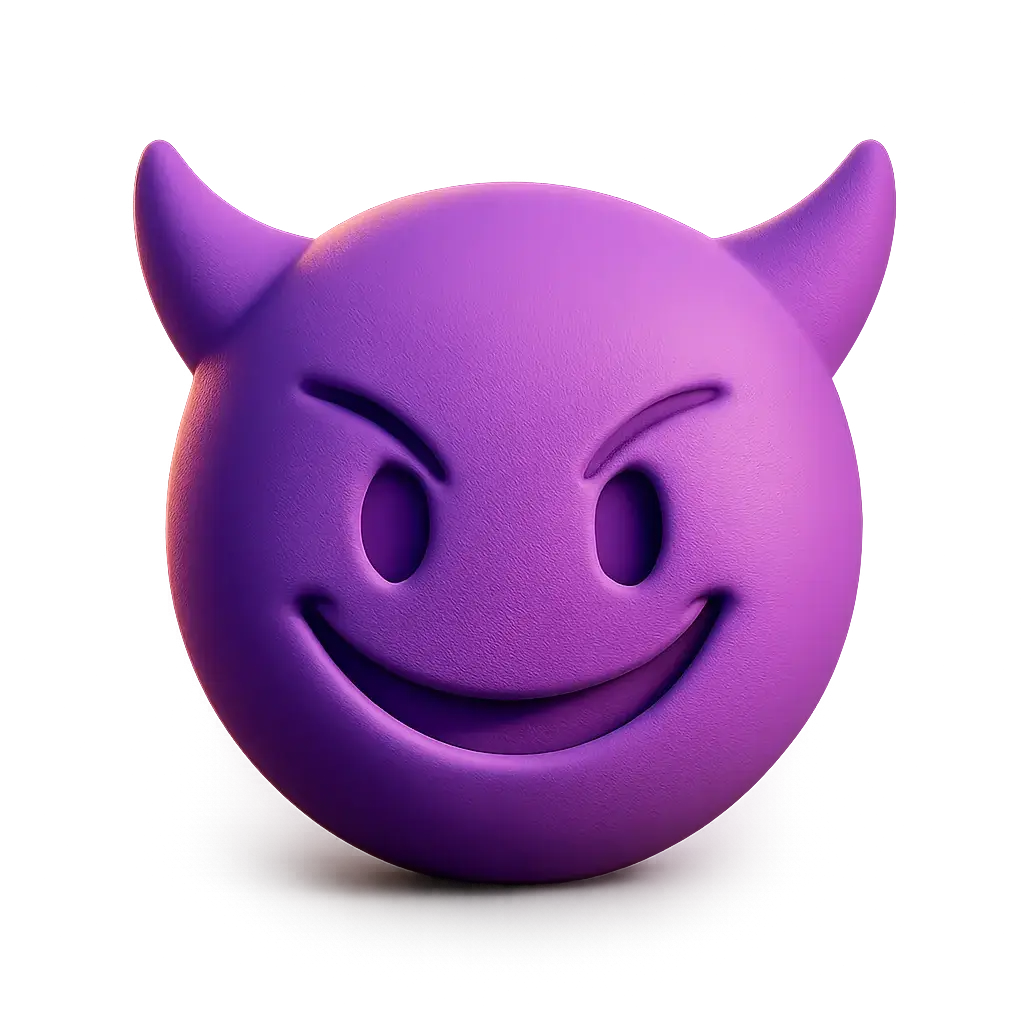
Produce a 3D illustration of the smiling devil emoji as a smooth, purple silicone figure with mischievous horns, a soft matte finish, and expressive features. Center the figure on a transparent background, using dramatic, playful lighting for a cheeky, fun result.
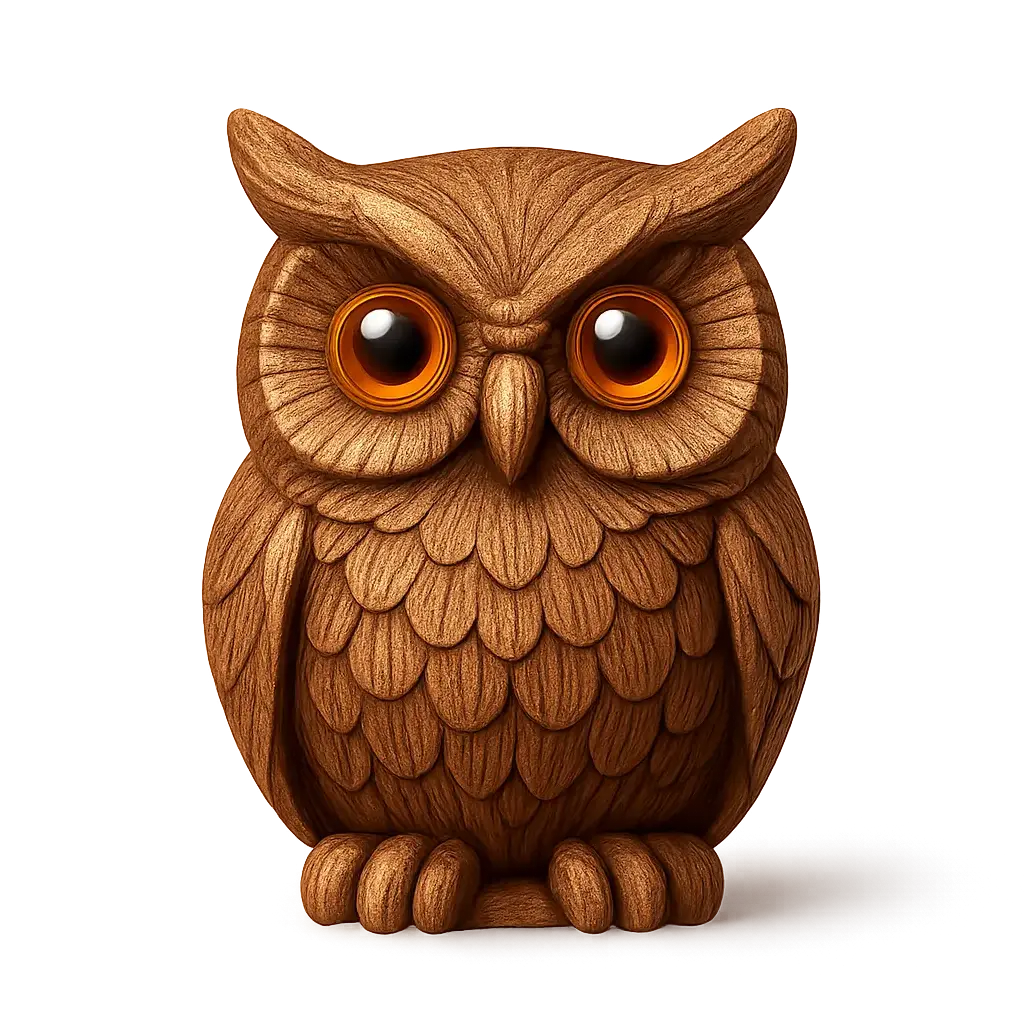
Render the owl emoji as a hand-carved wooden figurine, with intricate feather textures and polished amber eyes. Center the owl on a transparent background, using soft, warm lighting to create an inviting, artisan feel.
Generation History
Idle

Introduction to the AI Emoji Generator

The AI Emoji Generator is a creativity-first tool built for artists, content creators, designers, and anyone looking to craft unique emoji visuals. It transforms your text or text-and-image prompts into expressive, one-of-a-kind emojis—whether you're building brand assets, punchy social icons, or playful digital stickers.
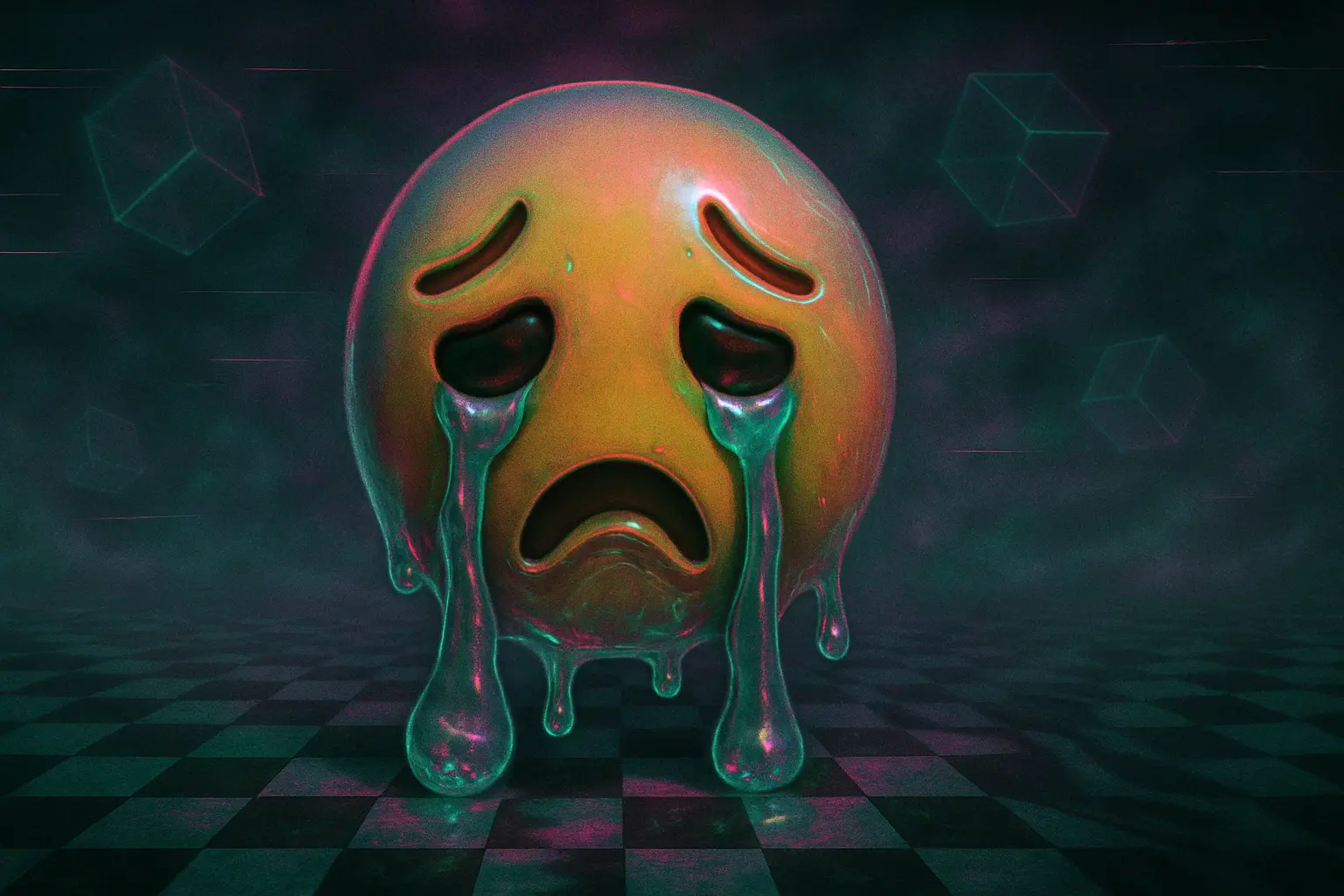
Its beauty is in the emotional precision: this ai emoji generator captures your weird, wonderful, wildly specific ideas—and brings them to life with layered visual flair. From neon glitch bunnies to melancholy moonfaces, the ai emoji generator doesn't just speed creation. It makes your inner world legible, one emoji at a time.

Features of the AI Emoji Generator

Customize Emojis for Any Aesthetic

When standard emoji sets don't cut it, your style deserves more. This ai emoji generator lets you shape unique emoji designs from your own text prompts, giving you total control over look, color, vibe, and format. Whether you're going maximalist, minimalist, or something in between, the ai emoji generator delivers endless custom visual options designed for brand expression, digital identity, and storytelling.

Stand Out with Fresh, AI-Generated Icons

Tired of blending in with generic emoji packs? This ai emoji generator spins everyday emotions, moods, and ideas into never-before-seen visual gems—in seconds. Using cutting-edge AI-generated imagery, it helps you craft playful or poetic icons that feel personal, not preloaded. Get share-worthy content, social-friendly assets, and visual originality, twice as fast with the ai emoji generator.

Explore Wild Visual Directions, Fast

Need ten variations of a ghost with disco boots? Or a mango with mysterious energy? The ai emoji generator thrives on visual experimentation—turning your oddest prompts into aesthetic gold. It's not just playful, it's wildly productive, helping you explore emoji design ideas rapidly while supporting creative workflows in social media, app UI, and digital branding. The ai emoji generator is your weirdest moodboard, unleashed.

Why Use the AI Emoji Generator

Express Your Identity

When standard emojis don't capture who you are, an ai emoji generator empowers you to design expressions that reflect your uniqueness, allowing you to communicate in a way that's personal, meaningful, and unmistakably you.

Fuel Creative Moments

Whether you're crafting a message, post, or digital story, the ai emoji generator gives you a playful canvas to dream up original icons that spark imagination and bring your ideas vividly to life.

Tailor Every Interaction

Skip overused symbols and shape emojis that match your moment exactly. With the ai emoji generator, you create expressions that feel right—perfect for making conversations more engaging and authentically yours.

AI Emoji Generator That's Fast and Free

Free to use

Free to use

Unlock powerful art tools at zero cost, making it easy for anyone to create and innovate without barriers.

Fully Private

Fully Private

Your creations and data stay confidential, guaranteeing your artistic work remains safe and secure.

Easy to Start

Easy to Start

Built for ease of use, so you can jump in and thrive—no matter your skill level or experience.

How to Use the AI Emoji Generator

Step1

Open the generator

Click our emoji tool. You don't need to download or install anything on your device.

Step2

Add prompt or image

Describe or upload the image your want to turn into emoji artwork from your device or your Gallery.

Step3

Wait

The Image Generation process will start automatically. Simply wait a moment for your image to be generated or restyled.

Frequently Asked Questions

What is an AI emoji generator and how does it work?

An AI emoji generator is a creative tool that turns your ideas into unique visual emojis using artificial intelligence. You simply add a text prompt—or a text plus image—and the generator automatically produces an emoji-style image based on your input. There's no setup needed, and inspiration examples are available to help you get started quickly.

Is the AI emoji generator free to use?

Yes, the AI emoji generator offers 5 free generations daily without requiring you to log in. If you'd like to create more than that, you can upgrade your use by adding credits for additional generations. This allows creative flexibility without requiring an account right away.

Do I need to download anything to use the AI emoji generator?

No, there's nothing to download or install. The AI emoji generator works directly online, so you can use it instantly on your device. Just visit the site, enter a prompt or image, and let the generator transform your idea into a custom visual emoji.

Can I upload an image when using the AI emoji generator?

Yes, the AI emoji generator lets you upload up to 3 images as references per generation. You can pair these with a text description to guide the style or vibe you're after. This makes it easier to get personalized and expressive emoji results.

Why use this AI emoji generator instead of searching for stock emojis?

The AI emoji generator gives you full creative control—so instead of choosing from standard sets, you can generate an image that's quirky, specific, or totally one-of-a-kind. It's perfect when basic emojis can't express your unique idea or mood.

How do I write a good prompt for the AI emoji generator?

To make the most of the AI emoji generator, try using clear, detailed prompts that describe what you want. You can include moods, settings, colors, or objects. If you're stuck, check out the site's example prompts and use the 'Make it yours' button to remix great ideas with your own twist.

What makes this AI emoji generator different from other visual generators?

Unlike some generators, this AI emoji generator focuses on playful, expressive image creation using both text and optional image prompts. You'll also find curated starting points, easy access without downloads, and free usage built right in—making it fun, simple, and ready for daily inspiration bursts.

Can I use the AI emoji generator on my phone or tablet?

Yes, the AI emoji generator works smoothly on phones and tablets through any modern browser. There's no setup needed.

What if I want to share feedback or report an issue with the AI emoji generator?

We'd love to hear from you! If something's not working right or you have ideas to improve the AI emoji generator, just send your feedback to hi@runcomfy.com. Hearing from users like you helps keep the experience fun and useful for everyone.

What if my result from the AI emoji generator looks wild or different than I expected?

That's part of the fun! The AI emoji generator is meant to spark creative surprises. If something turns out more eccentric than planned, try tweaking your prompt or changing your reference image. Sometimes the most expressive results come from unexpected combinations.

Follow us
  • LinkedIn
  • Facebook
  • Instagram
  • Twitter
Support
  • Discord
  • Email
  • System Status
  • Affiliate
Video Models
  • LTX-2 19B Image-to-Video LoRA
  • LTX-2 19B Video-to-Video LoRA
  • LTX-2 19B Text-to-Video LoRA
  • Seedance 1.0
  • Seedance 1.5 Pro
  • LTX 2 Fast
  • View All Models →
Image Models
  • Nano Banana Pro
  • Wan 2.6 Image to Image
  • seedream 4.0
  • Seedream 4.5 text to image
  • Qwen Image Edit 2511 LoRA
  • Gemini 3 Pro
  • View All Models →
Legal
  • Terms of Service
  • Privacy Policy
  • Cookie Policy
RunComfy
Copyright 2026 RunComfy. All Rights Reserved.

RunComfy is the premier ComfyUI platform, offering ComfyUI online environment and services, along with ComfyUI workflows featuring stunning visuals. RunComfy also provides AI Models, enabling artists to harness the latest AI tools to create incredible art.
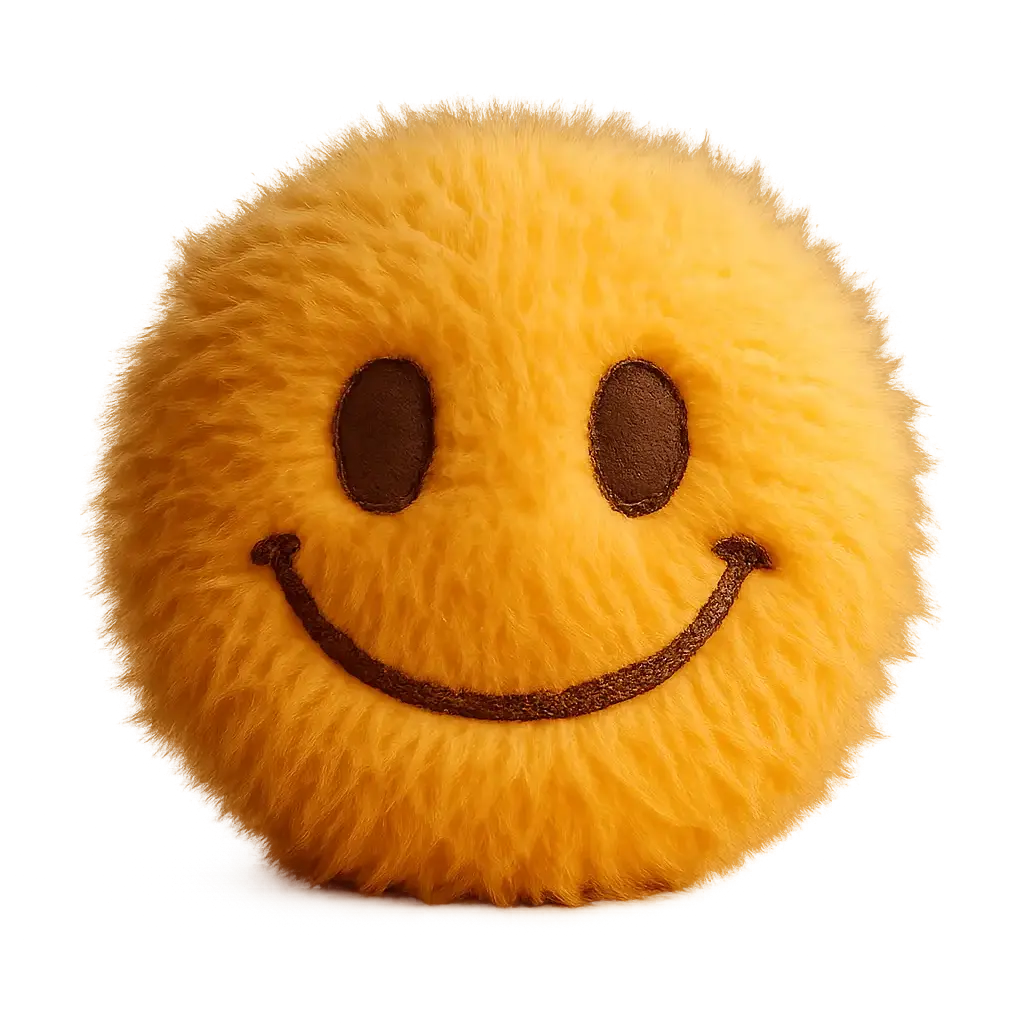
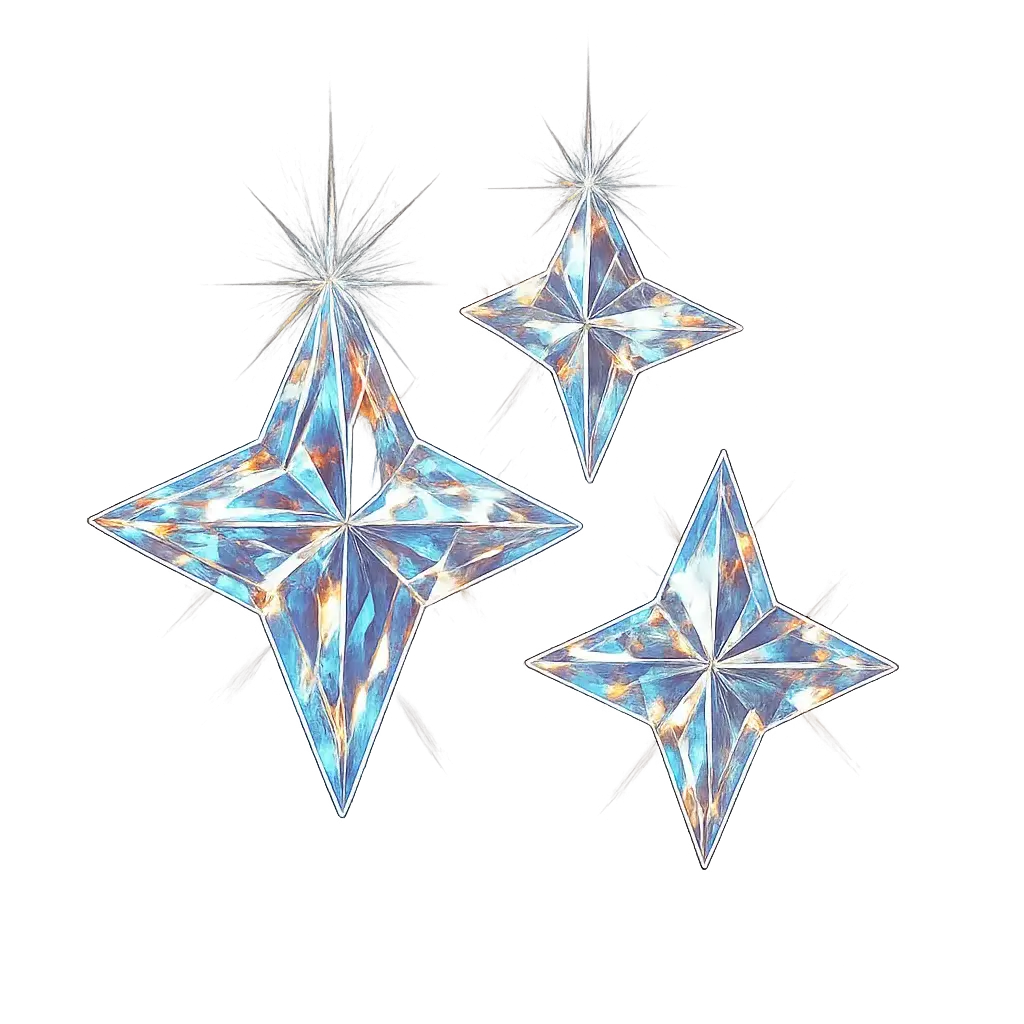
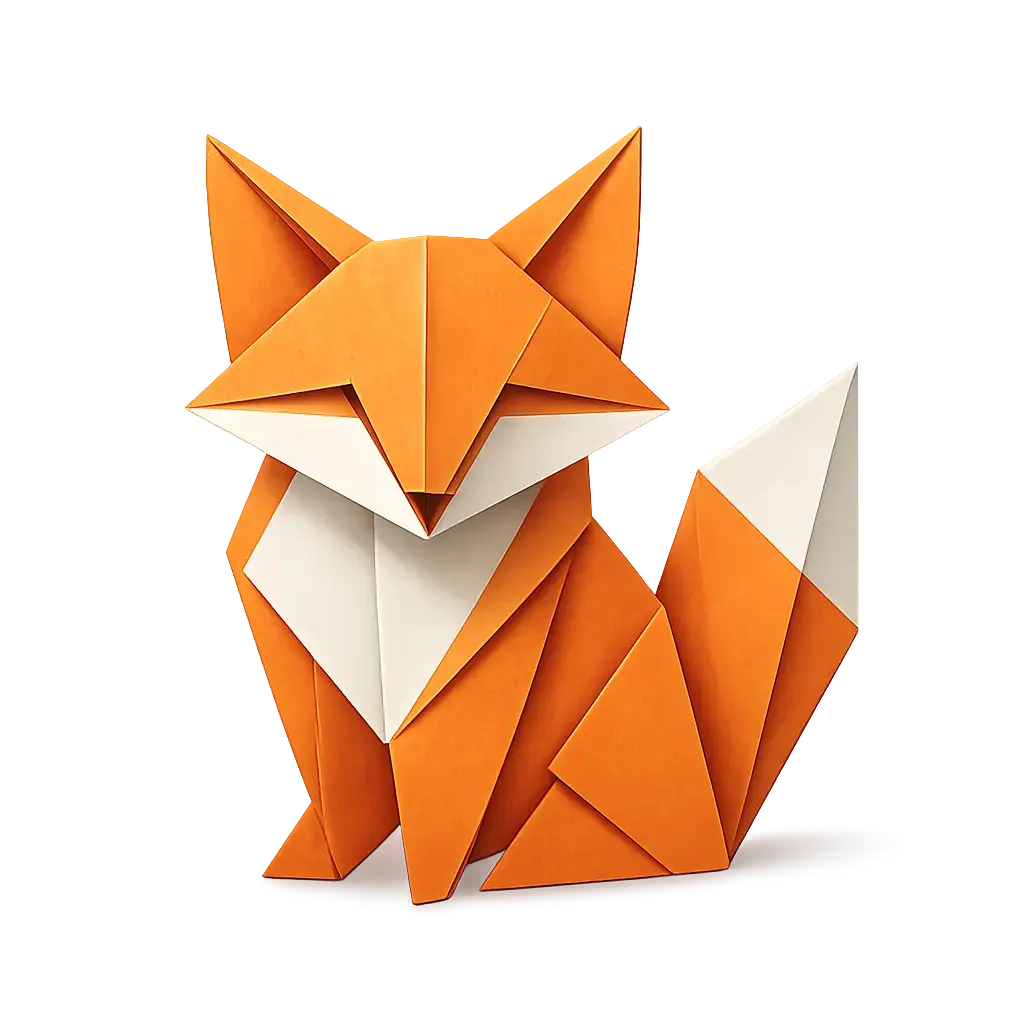
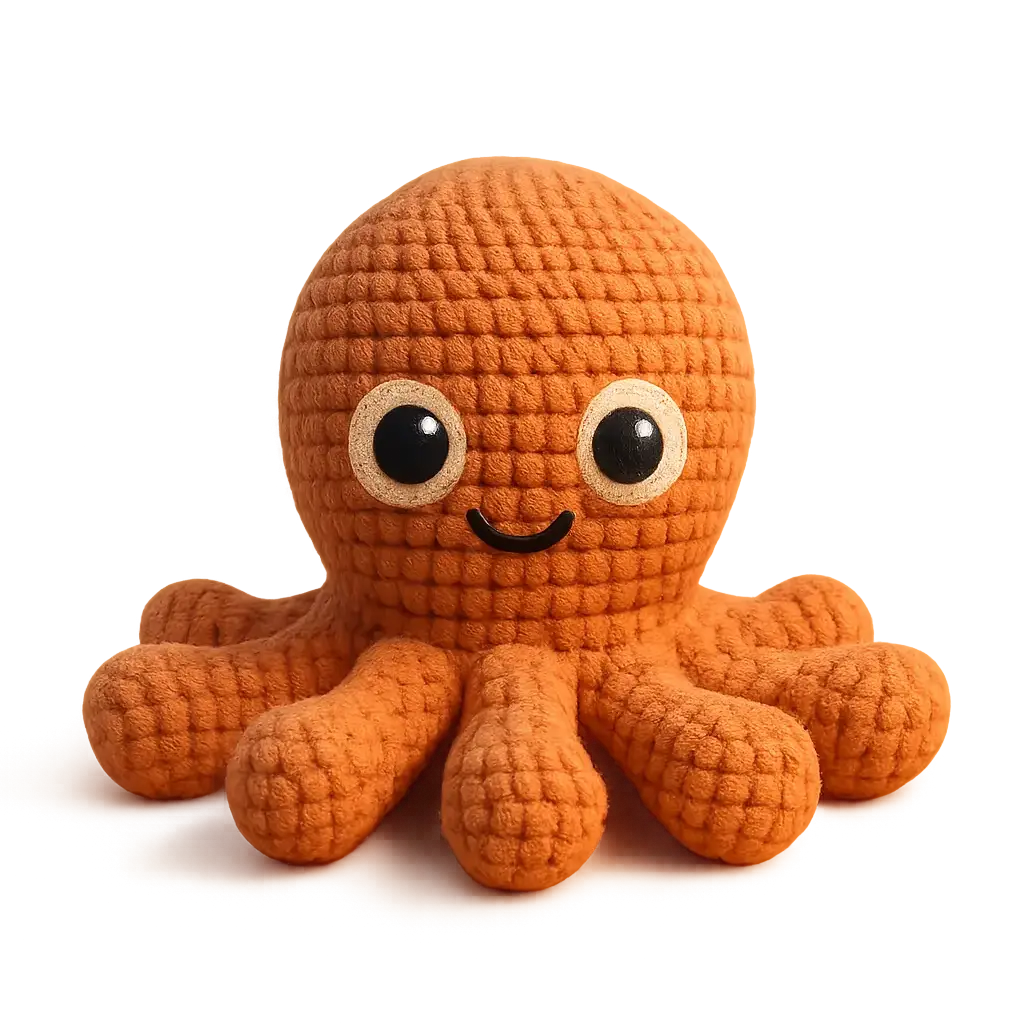
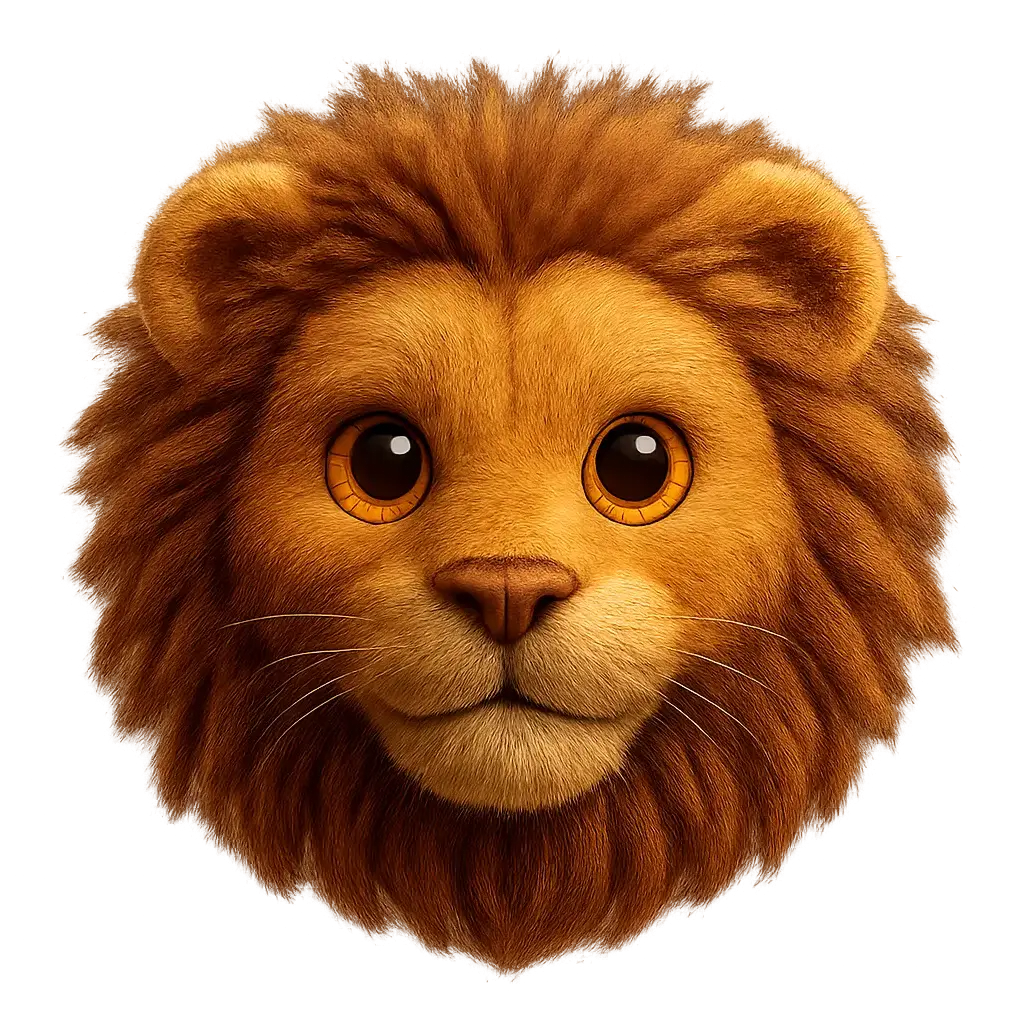
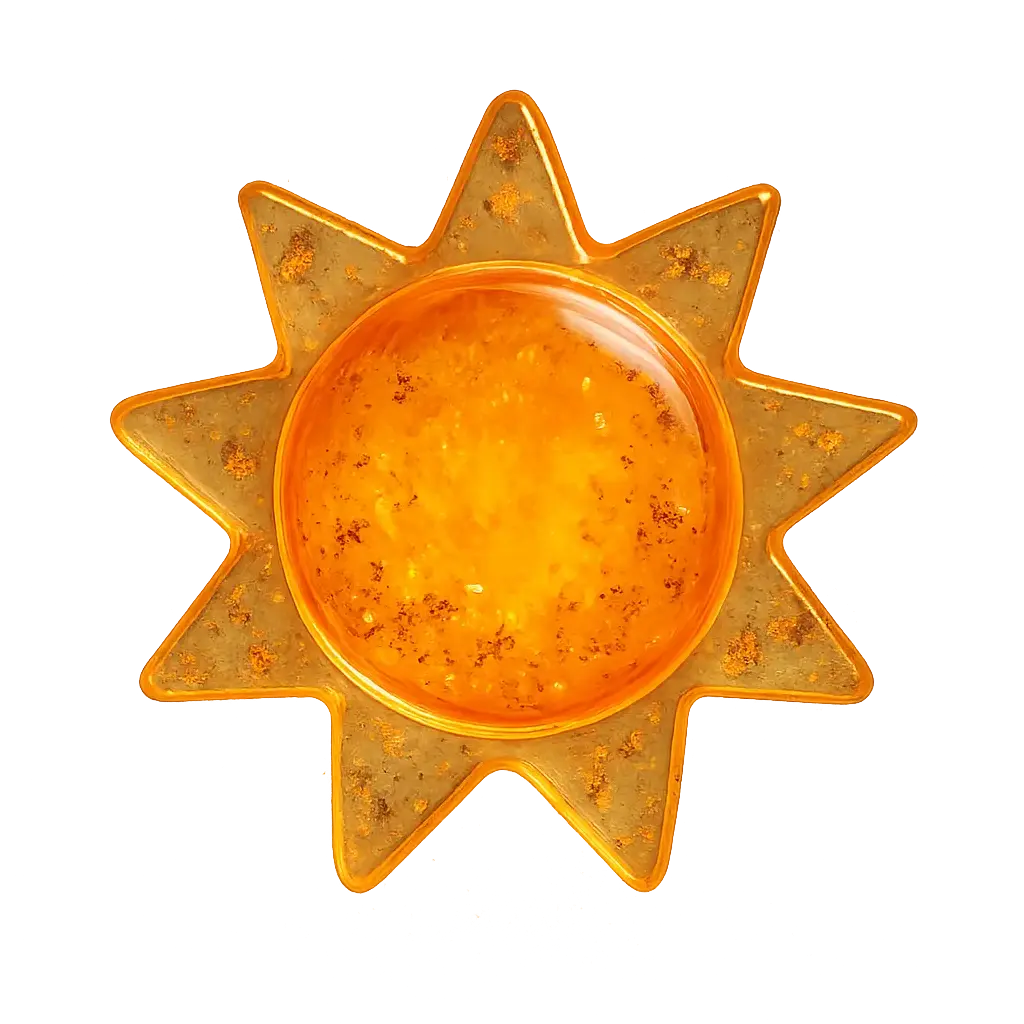
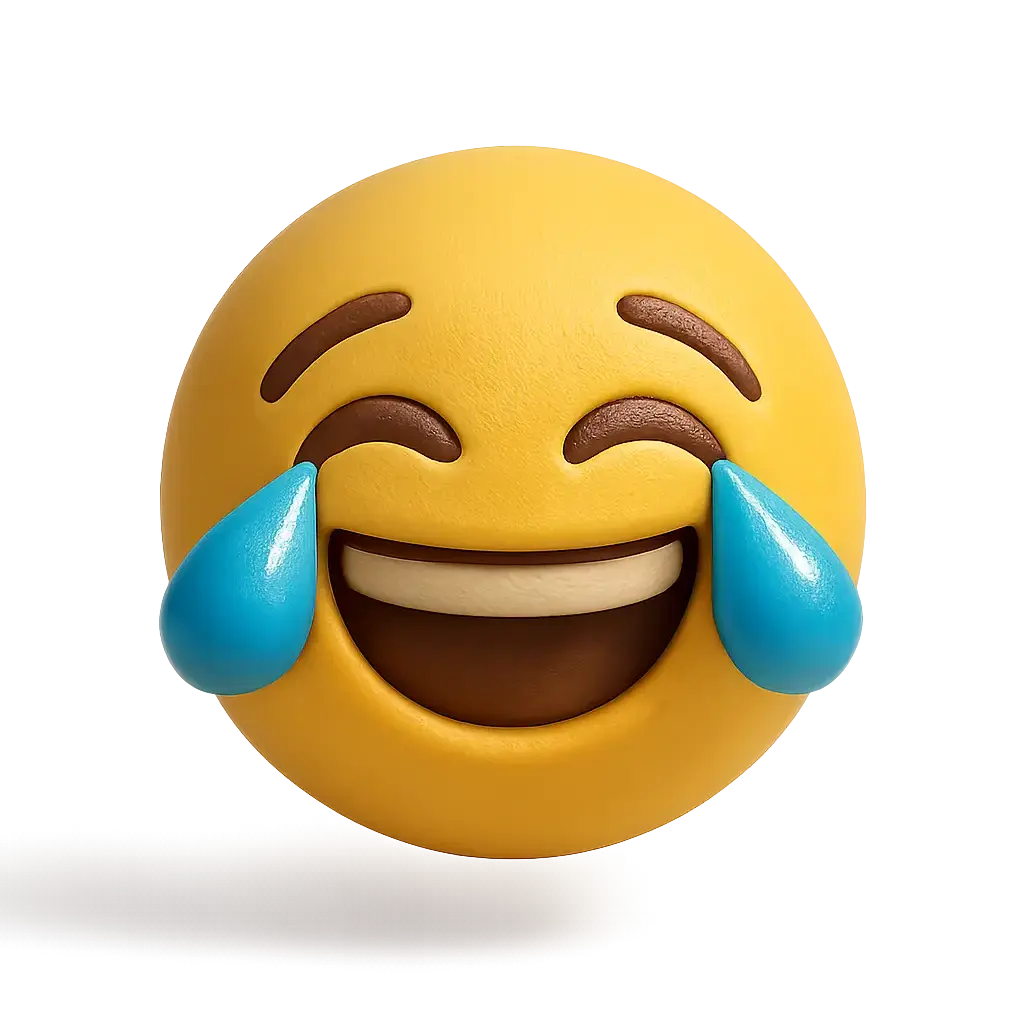
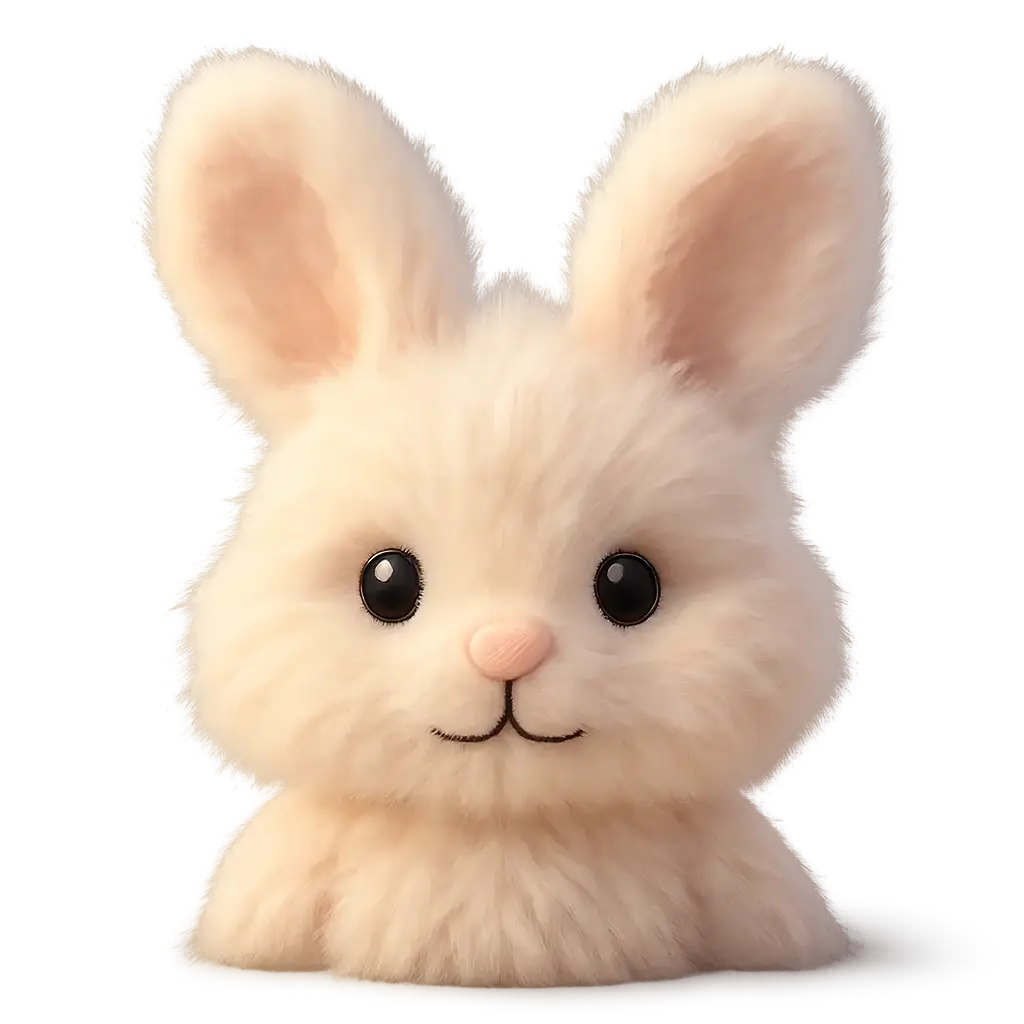
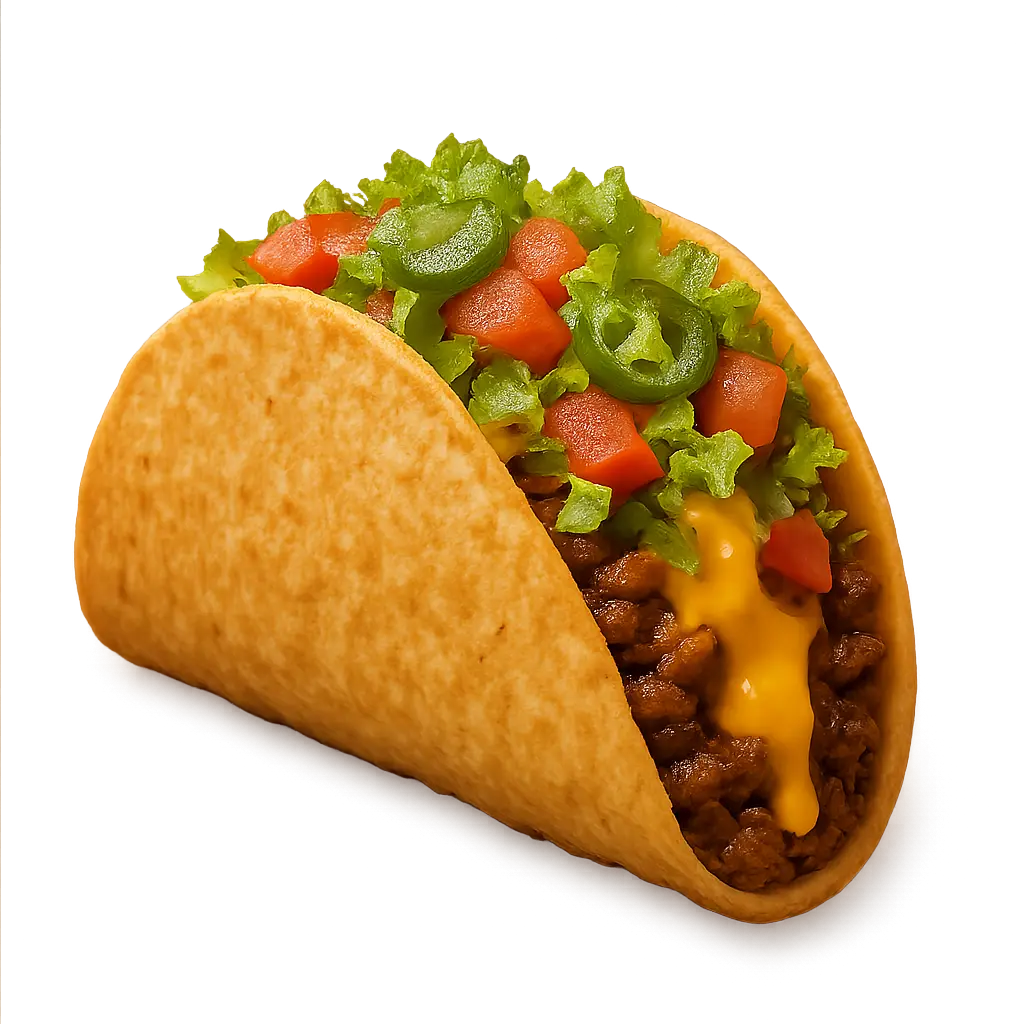
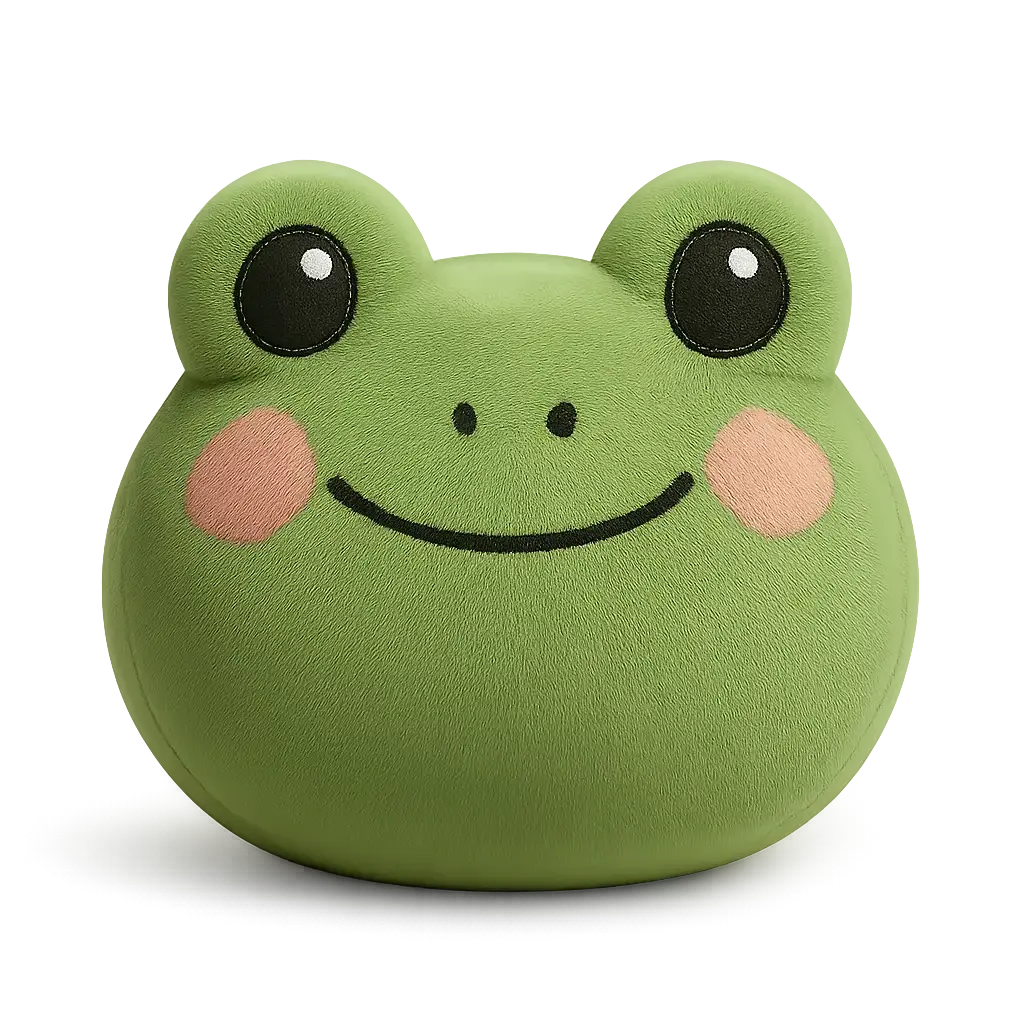
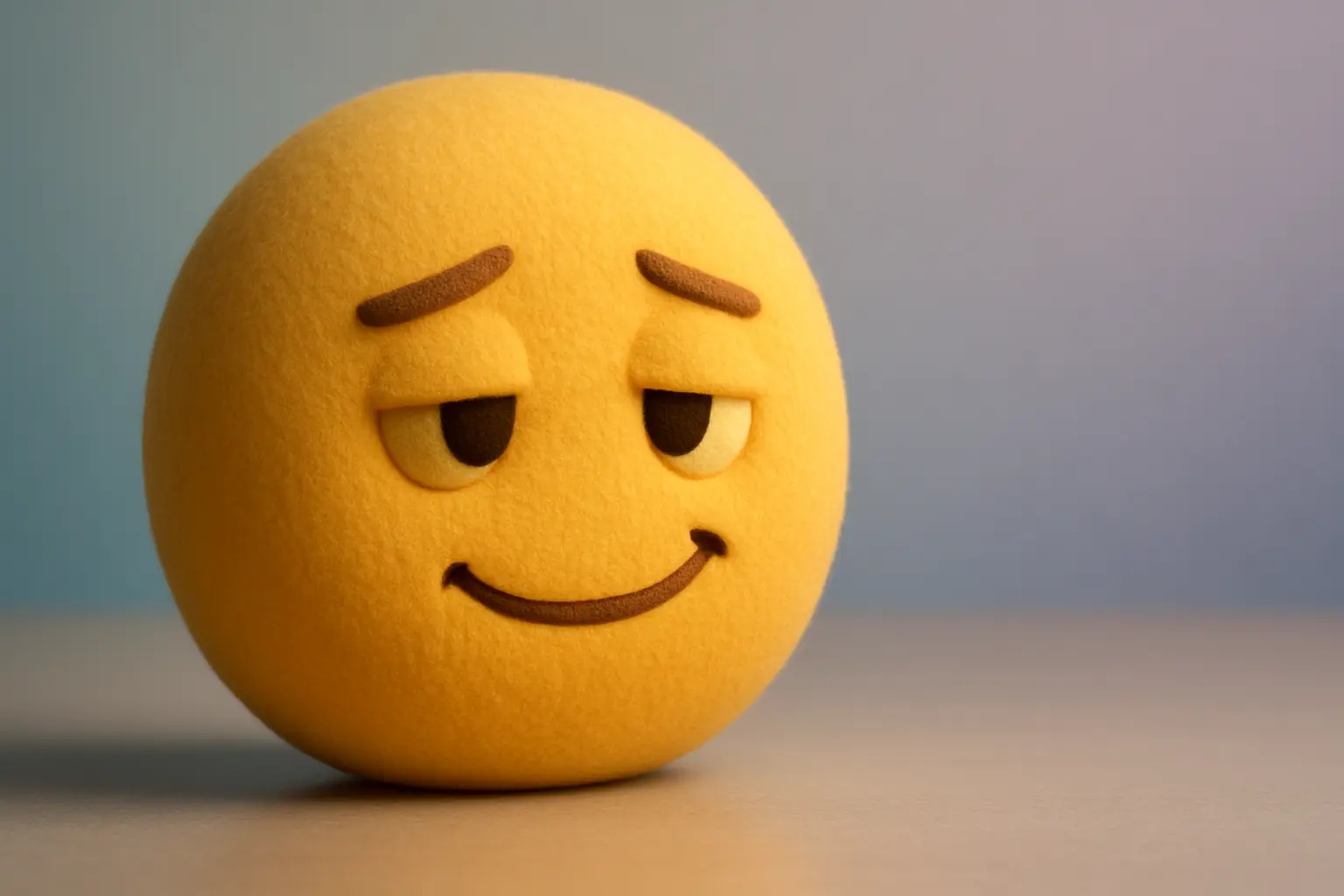
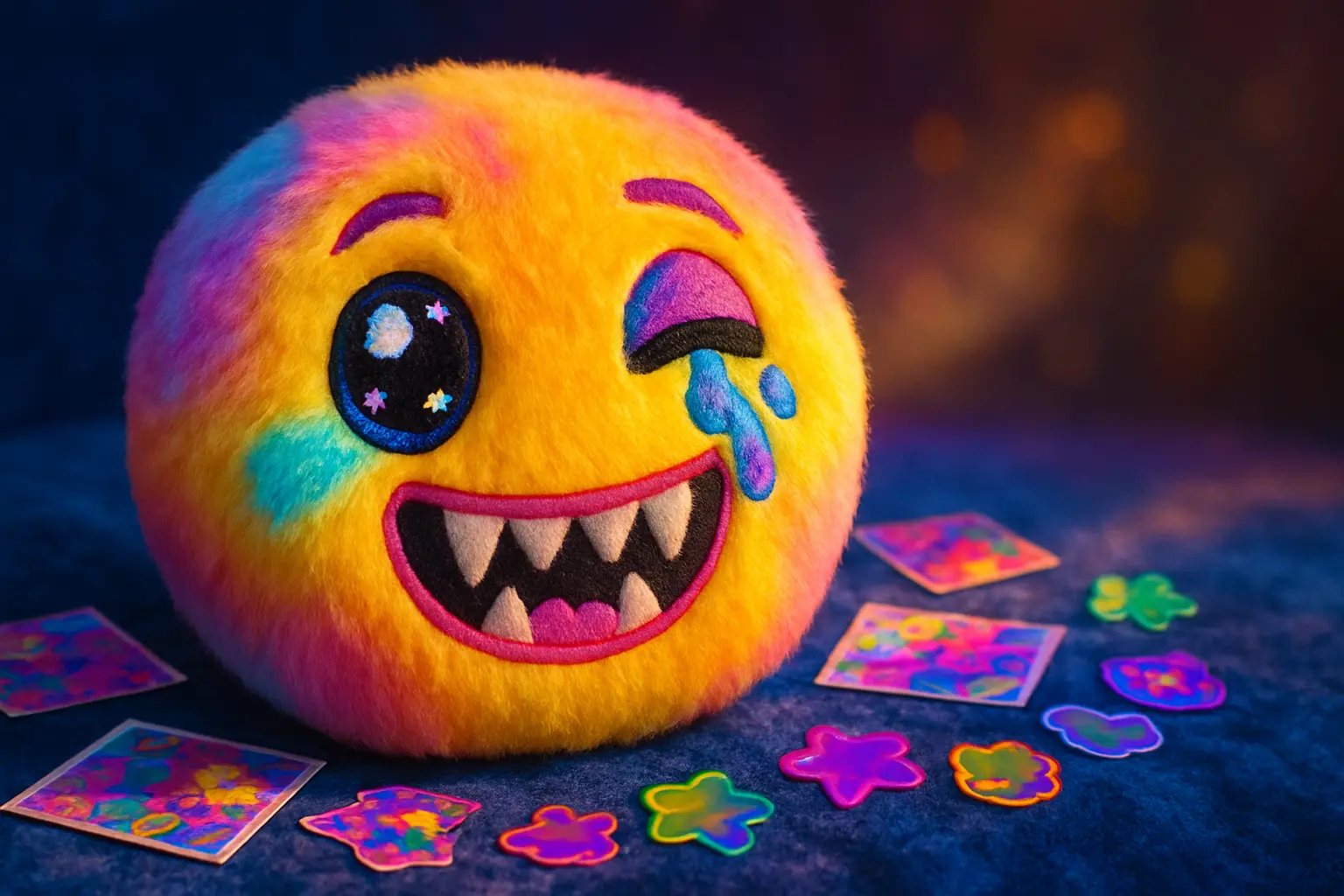
Explore Results of AI Emoji Generator