logo
RunComfy
  • ComfyUI
  • TrainerNew
  • Models
  • API
  • Pricing
discord logo
MODELS
Explore
All Models
LIBRARY
Generations
MODEL APIS
API Docs
API Keys
ACCOUNT
Usage

Wan 2.7 Pro: High-Fidelity AI Image Editing | RunComfy

wan-ai/wan-2.7/pro/edit

Run Wan 2.7 Pro image edits with full control fidelity: up to four ordered references, negative prompts, size presets, optional prompt expansion, and batched outputs—about $0.075 per image on RunComfy.

Image 1
Reference images for editing (1–4). Order matters: refer to image 1, image 2, image 3, image 4 in your prompt.
Text prompt describing the desired image edit. Supports Chinese and English.
Content to avoid in the generated image. Max 500 characters.
Output image size preset; mapped to the provider’s internal size format.
Number of images to generate (1–4). Default 1.
Enable DashScope prompt expansion (image edit mode). Default true.
Random seed for reproducibility (0–2147483647).
Idle
The rate is $0.075 per image.

Introduction To Wan 2.7 Pro Image Edit

Wan 2.7 Pro image edit targets the same instruction-based workflow as the standard editor—ordered reference images, bilingual prompts, optional automatic prompt expansion—but tuned for higher output fidelity suitable for print-ready product work and detailed style transfers. Use Pro when you need higher-resolution or more refined edits than the standard Wan 2.7 image edit model. On RunComfy the Pro route mirrors the non-Pro edit inputs (image_urls 1–4, prompt, negative_prompt, image_size, num_images, enable_prompt_expansion, seed, enable_safety_checker).
Ideal for: high-resolution retouching | premium lookbooks | packaging mock edits | intricate multi-reference fusion where standard edit lacks bite

Wan 2.7 Pro Image Edit


Overview


Wan 2.7 Pro image edit on RunComfy uses the same request shape as the standard edit route while targeting sharper, higher-fidelity results at a higher list price. Confirm output limits against the current RunComfy deployment.


Response fields


The response includes images plus seed, matching the standard edit response shape.


Key features


  • Pro quality target: Choose this route when standard Wan 2.7 edit is not enough for final delivery.
  • 1–4 image_urls: Use explicit “image 1” and “image 2” language in prompts.
  • enable_prompt_expansion: Helpful for sparse prompts; turn off for strict, deterministic art direction.
  • Safety and bilingual support match the standard edit route.

Parameters

ParameterRequiredTypeDefaultRange / OptionsDescription
image_urls*Yesarraysample URI1–4Reference ordering matters.
prompt*Yesstring——Transformation + preservation clauses.
negative_promptNostring""≤500 charsAvoid list.
image_sizeNostringsquare_hdpresetsOutput framing.
num_imagesNointeger11–4Variations.
enable_prompt_expansionNobooleantrueon / offAuto expand prompts.
seedNointeger—0–2147483647Repeatability.

Pricing

BillingRate
Per generated image$0.075

Total cost scales with num_images.


How to use


  1. Curate references in the correct order before writing the prompt.
  2. Split instructions: “Change …” and “Keep … unchanged.”
  3. Run quick tests on the standard Wan 2.7 edit model, then promote winning prompts here for Pro output.
  4. Turn off enable_prompt_expansion when you need strict adherence to concise creative direction.
  5. Combine seed with small prompt changes for disciplined iteration.

Prompt tips


  • For color transfer, describe both donor and target regions explicitly.
  • When editing typography or logos, add “do not warp letterforms.”
  • If textures look soft, request specific material descriptors (brushed metal, matte paint, and similar).

Related Wan 2.7 models


  • Wan 2.7 Image Edit (standard) on RunComfy — cost-efficient iteration.
  • Wan 2.7 Pro Text-to-Image on RunComfy — text-only Pro stills.

Related Models

wan-2.7/edit

WAN 2.7 image edit: text-guided edits with 1–4 reference images, optional prompt expansion, bilingual instructions, and preset output sizes.

Frequently Asked Questions

When should I use Wan 2.7 Pro image edit instead of standard Wan 2.7 image edit?

Use Wan 2.7 Pro image edit when you need higher fidelity than the standard Wan 2.7 image edit route—for example large print assets, tricky multi-reference work, or client delivery. Pro is priced at $0.075 per output image on RunComfy.

What is the Wan 2.7 Pro image edit price per image on RunComfy?

$0.075 per image. Multiply by num_images when you request several variations in one job.

Are the input fields the same for Wan 2.7 Pro image edit and standard Wan 2.7 image edit?

Yes. On RunComfy both playgrounds use image_urls, prompt, negative_prompt, image_size, num_images, enable_prompt_expansion, and seed. Output quality and price differ; the form matches so you can promote a tested prompt from standard to Pro.

Why choose Wan 2.7 Pro image edit over standard image edit?

Choose Pro when you need maximum detail retention—such as large-format print, complex color matching across references, or final delivery. Use standard edit for quicker, lower-cost exploration.

What is the maximum number of reference images for Wan 2.7 Pro image edit?

You must keep image_urls between one and four entries. Going outside that range can cause request errors.

How do I stop unwanted changes to faces or logos in Wan 2.7 Pro image edit?

Add explicit preservation lines (“do not alter the facial features”, “keep the logo sharp”), shorten the prompt when the model over-edits, and consider a fixed seed while you refine wording.

Follow us
  • LinkedIn
  • Facebook
  • Instagram
  • Twitter
Support
  • Discord
  • Email
  • System Status
  • Affiliate
Video Models
  • Wan 2.6 Flash
  • Seedance 1.0 Pro Fast
  • Seedance 1.0
  • Seedance 1.5 Pro
  • Wan 2.6
  • Hailuo 2.3 Fast Standard
  • View All Models →
Image Models
  • Wan 2.6 Image to Image
  • Nano Banana 2 Edit
  • Nano Banana Pro
  • Flux 2 Flash Edit
  • seedream 4.0
  • ImagineArt 1.5
  • View All Models →
Legal
  • Terms of Service
  • Privacy Policy
  • Cookie Policy
RunComfy
Copyright 2026 RunComfy. All Rights Reserved.

RunComfy is the premier ComfyUI platform, offering ComfyUI online environment and services, along with ComfyUI workflows featuring stunning visuals. RunComfy also provides AI Models, enabling artists to harness the latest AI tools to create incredible art.


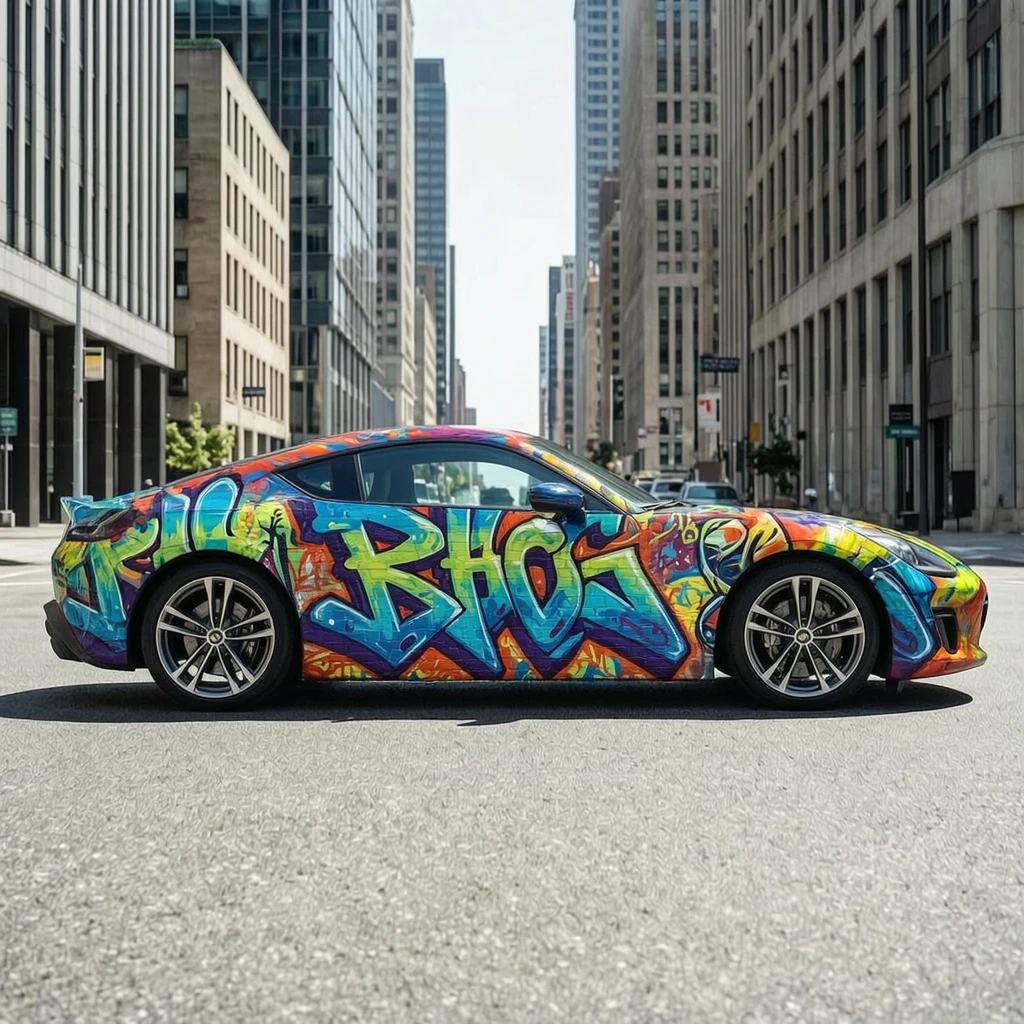
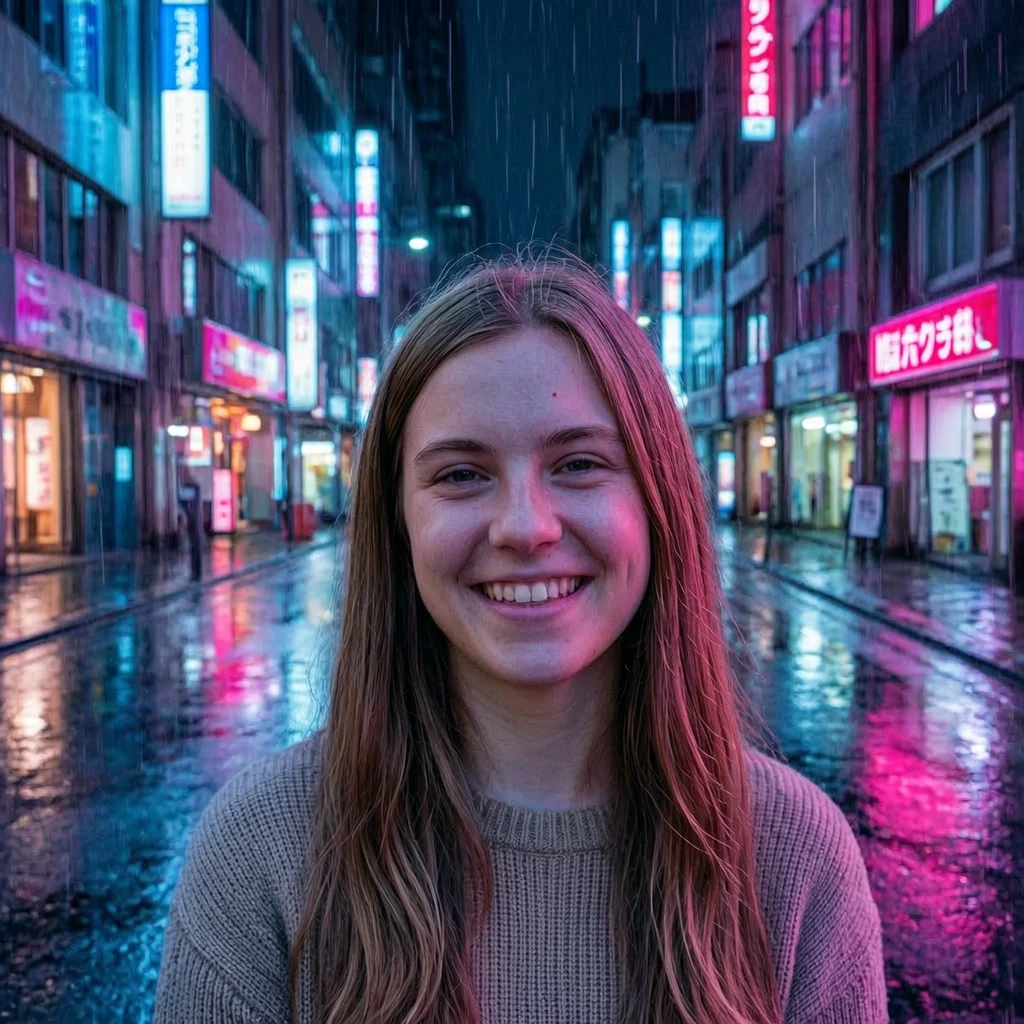
Examples Of Wan 2.7 Pro Image Edit