flux-2/pro/edit
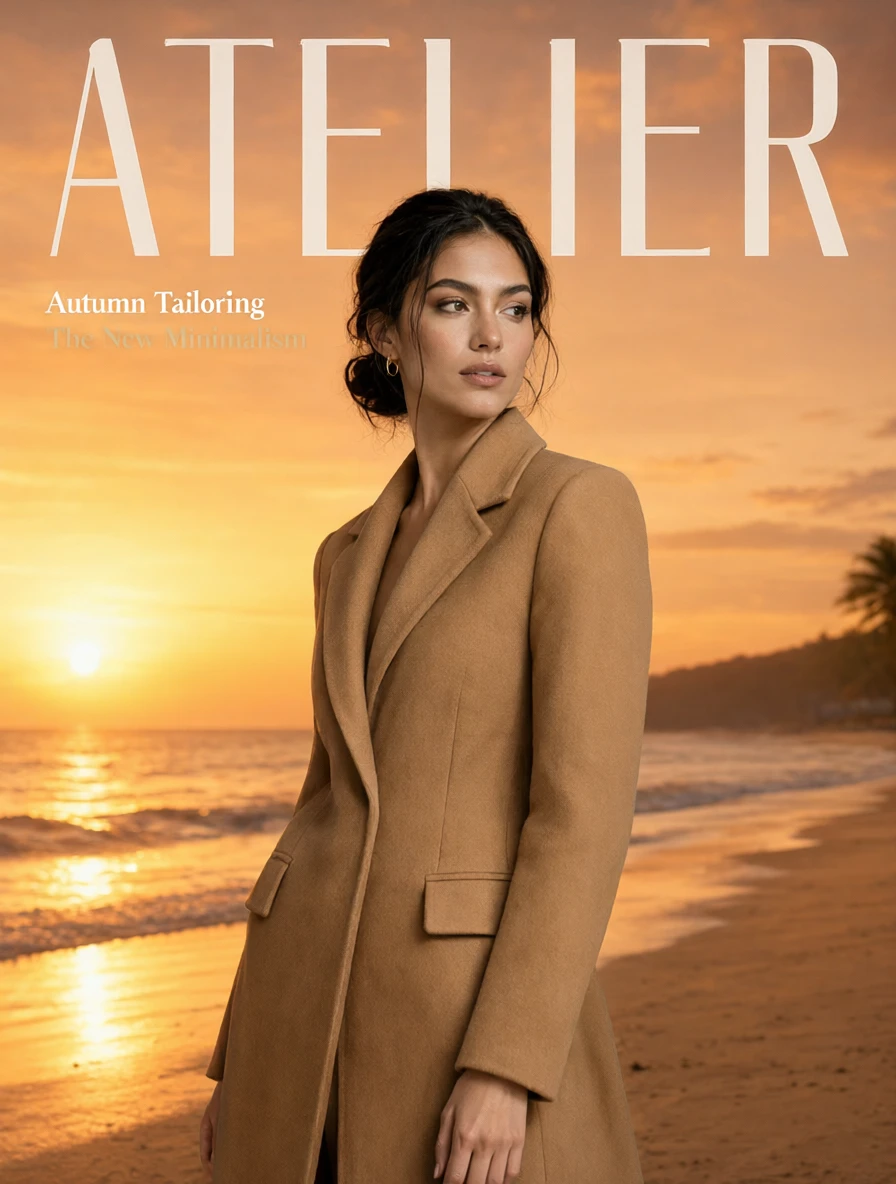
Edit detailed visuals fast with layout-aware, multi-reference control for brand-ready results.
This compact stills model both writes a new picture from text and revises photos you already have. One set of Qwen Image 2.1 weights covers text-to-image and image-to-image, at 1K or 2K, with optional native transparency.
Prompt-only generation needs no upload. Editing adds one to ten reference images plus an instruction. This page runs the Qwen Image 2.1 reference workflow; a sibling page runs prompt-only generation.
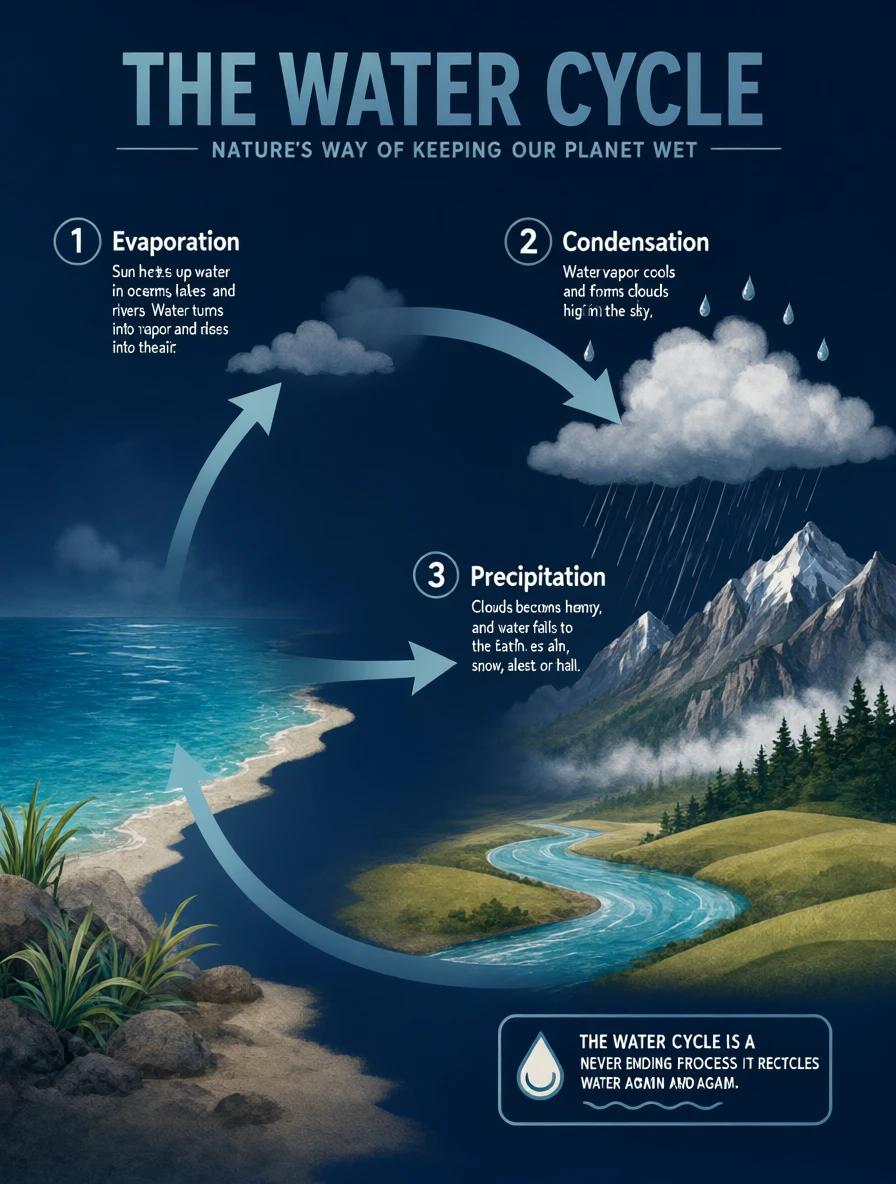
Wider jobs also work with Qwen Image 2.1: expanding a selfie into a panorama, turning a product photo into an infographic, or building a storyboard from a three-view character sheet.
On this page, Qwen Image 2.1 runs image-to-image. Text-to-image uses the same resolution, ratio, background, format, prompt rewrite, and seed choices, without reference images or a mask.
| Parameter | Required | Type | Default | Range / Options | Description |
|---|---|---|---|---|---|
image_urls* | Yes (*) | Array | Sample image | 1–10 images | Reference images in prompt order. JPEG, PNG, or WebP; each file up to 30MB and 25MP. Keep to four or fewer when identity must stay sharp. |
prompt* | Yes (*) | String | Example instruction | Up to 5,000 characters | Describe the new still or the edit. Quote any on-image text. With a mask, describe what should appear in the white area. |
mask_url | No | String (image) | — | Optional | Black-and-white local-edit mask. White changes, black stays. Requires exactly one reference. Aspect ratio and prompt rewrite are ignored. Cannot pair with a transparent background. |
aspect_ratio | No | String | auto | auto, 1:1, 4:3, 3:4, 3:2, 2:3, 16:9, 9:16, 21:9, 9:21 | auto snaps to the first reference. Ignored in mask mode. Text-to-image defaults to 1:1. |
resolution | No | String | 1K | 1K, 2K | 1K is faster; 2K has about four times the pixels and takes longer, especially with references. |
background | No | String | opaque | opaque, transparent | transparent writes a real alpha channel for new stills or cutouts. Describe only the subject. Cannot pair with JPEG. |
output_format | No | String | png | png, webp, jpeg | PNG and WebP can carry alpha. JPEG cannot. |
enhance_prompt | No | Boolean | true | true, false | Rewrites a short prompt before generating or editing. Turn off when it is already exact. Ignored in mask mode. |
seed | No | Integer | -1 | -1 or 0–2147483647 | Fix a seed to reproduce a result; use -1 for a new variation. |
On this image-to-image page, Qwen Image 2.1 is $0.029 per 1K image and $0.119 per 2K image. Text-to-image is $0.020 per 1K image and $0.079 per 2K image on its own page. Extra references do not add a listed surcharge. For a batch, multiply the selected-tier rate by the number of outputs.
Qwen Image 2.1 accepts mixed Chinese and English prompts. Short, concrete nouns beat long mood boards.
If Qwen Image 2.1 is not the right starting point, compare these models on RunComfy:
Edit detailed visuals fast with layout-aware, multi-reference control for brand-ready results.

Produce high-fidelity visuals with clear text, fast generation, and professional design control.

Advanced image-to-image tool with geometry-aware edits and consistent identity control for creative workflows.

Create reliable, studio-grade visuals with precise color and layout control.

Blend and refine visuals with advanced image editing, depth control, and multilingual design precision.

Qwen Image 3.0 Pro Edit: pro instruction-based image editing
Qwen Image 2.1 revises photos from a written instruction while keeping identity, product shape, and layout. Typical jobs include background swaps, virtual try-on, group composites, local inpainting, and transparent product cutouts.
You can upload one to ten reference images. Qwen Image 2.1 reads them in array order, so "the first image" and "the second image" in the prompt map to that list. Keep the count at four or fewer when faces or logos must stay sharp.
Yes. Set background to transparent so Qwen Image 2.1 writes a real alpha channel, or ask it to lift a subject from a regular RGB photo onto a clear layer. Use PNG or WebP; JPEG cannot carry alpha, and a mask cannot be combined with a transparent background.
Qwen Image 2.1 can follow circles, painted marks, or a separate black-and-white mask (white changes, black stays). Mask mode needs exactly one reference, follows that image's ratio, and ignores aspect ratio and prompt rewrite. Describe what should appear in the white area.
Qwen Image 2.1 offers 1K or 2K output and aspect ratios including auto, 1:1, 4:3, 3:4, 3:2, 2:3, 16:9, 9:16, 21:9, and 9:21. auto snaps to the first reference. Check the current RunComfy parameter panel for the exact options.
Yes. The same Qwen Image 2.1 weights handle text-to-image and image-to-image. This page is the Edit / reference workflow; a separate text-to-image page generates from a prompt without uploading photos.
Yes. Prototype an edit in the RunComfy model UI, then call the same Qwen Image 2.1 model via the RunComfy HTTP API with identical parameters. You do not need to host or scale the model yourself.
Generations consume usd or credits. Qwen Image 2.1 is billed at $0.029 per 1K output image and $0.119 per 2K output image. Extra references do not add a listed surcharge on this page; new users typically get a free trial amount to test with.
RunComfy is the premier ComfyUI platform, offering ComfyUI online environment and services, along with ComfyUI workflows featuring stunning visuals. RunComfy also provides AI Models, enabling artists to harness the latest AI tools to create incredible art.