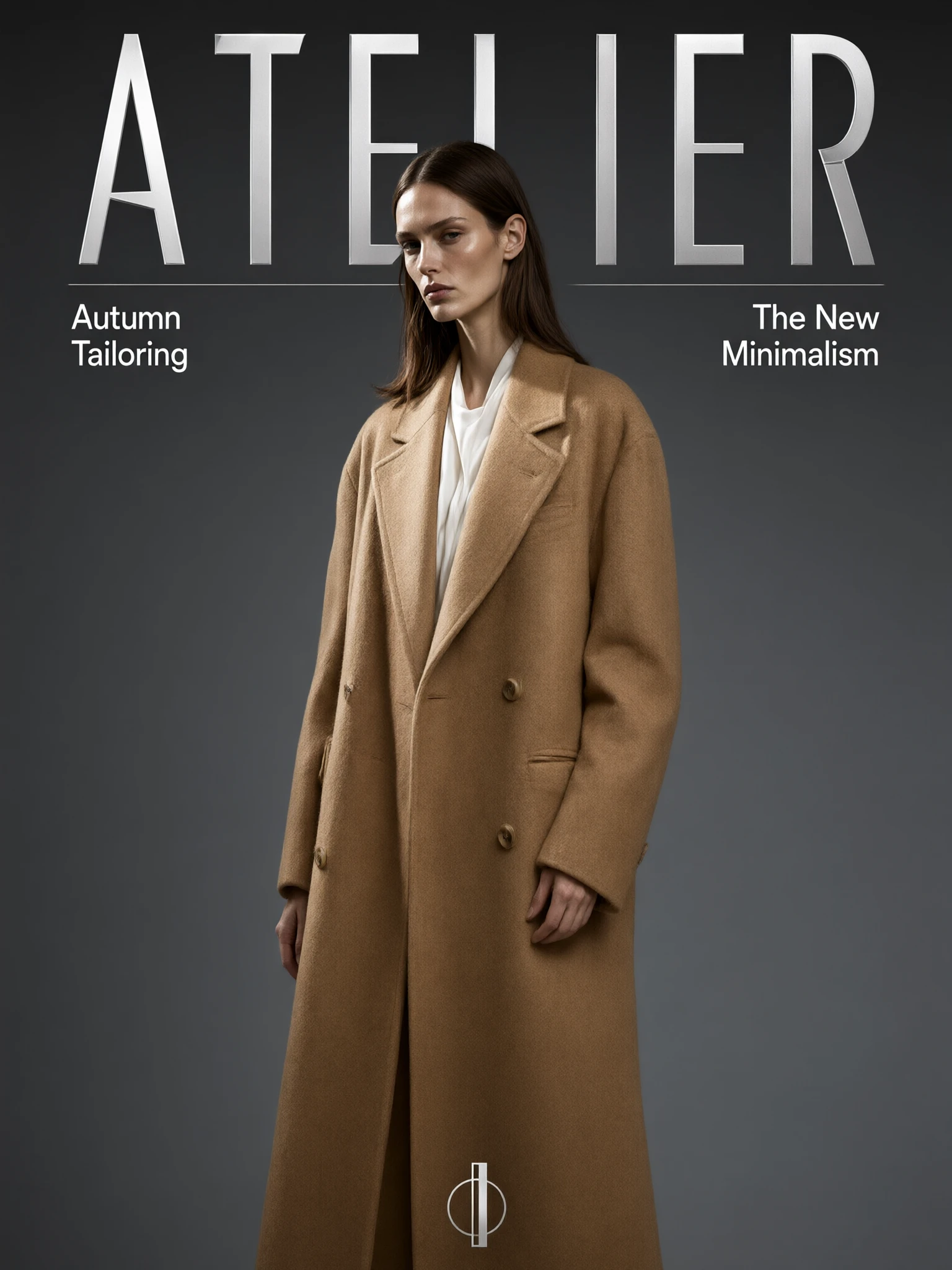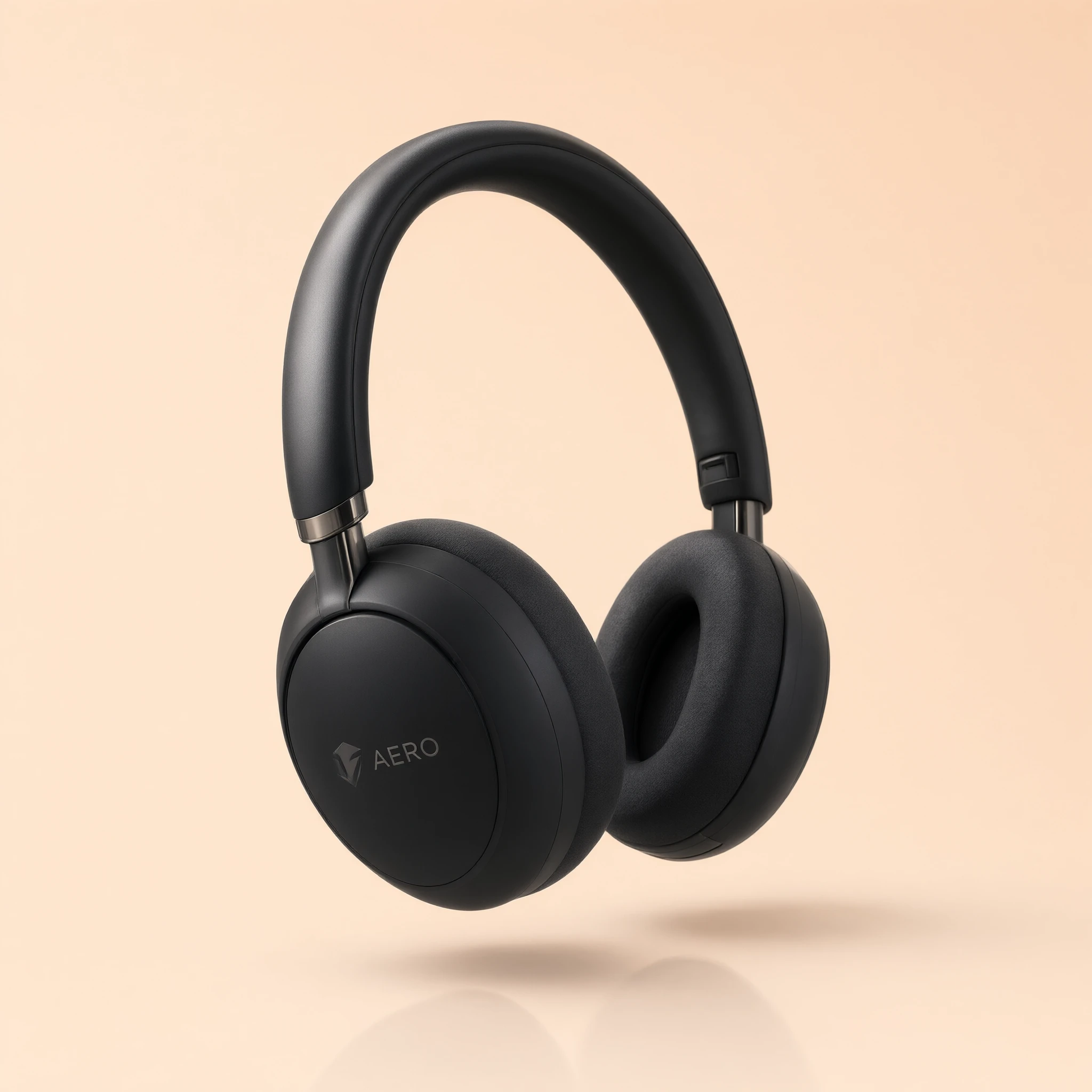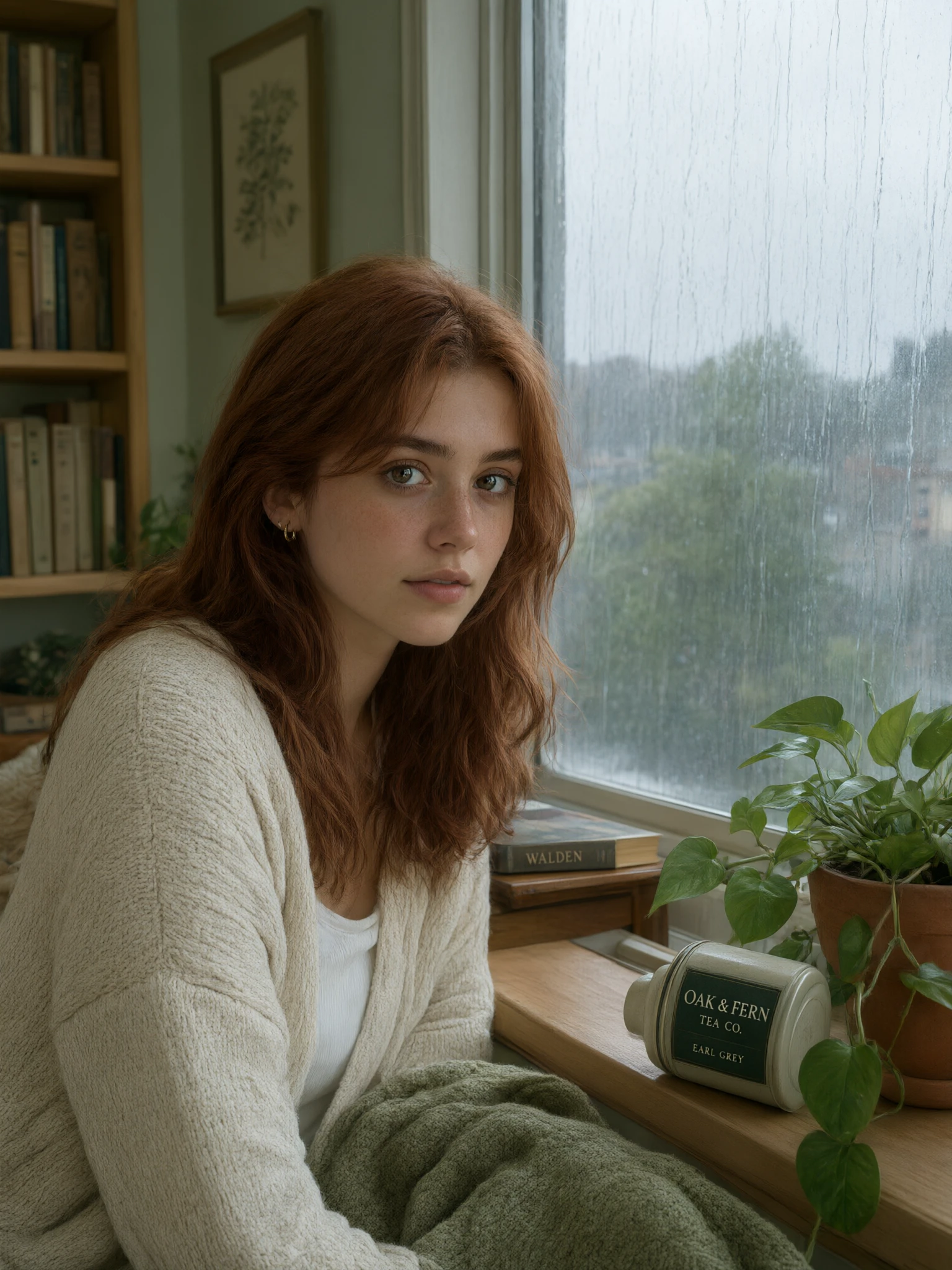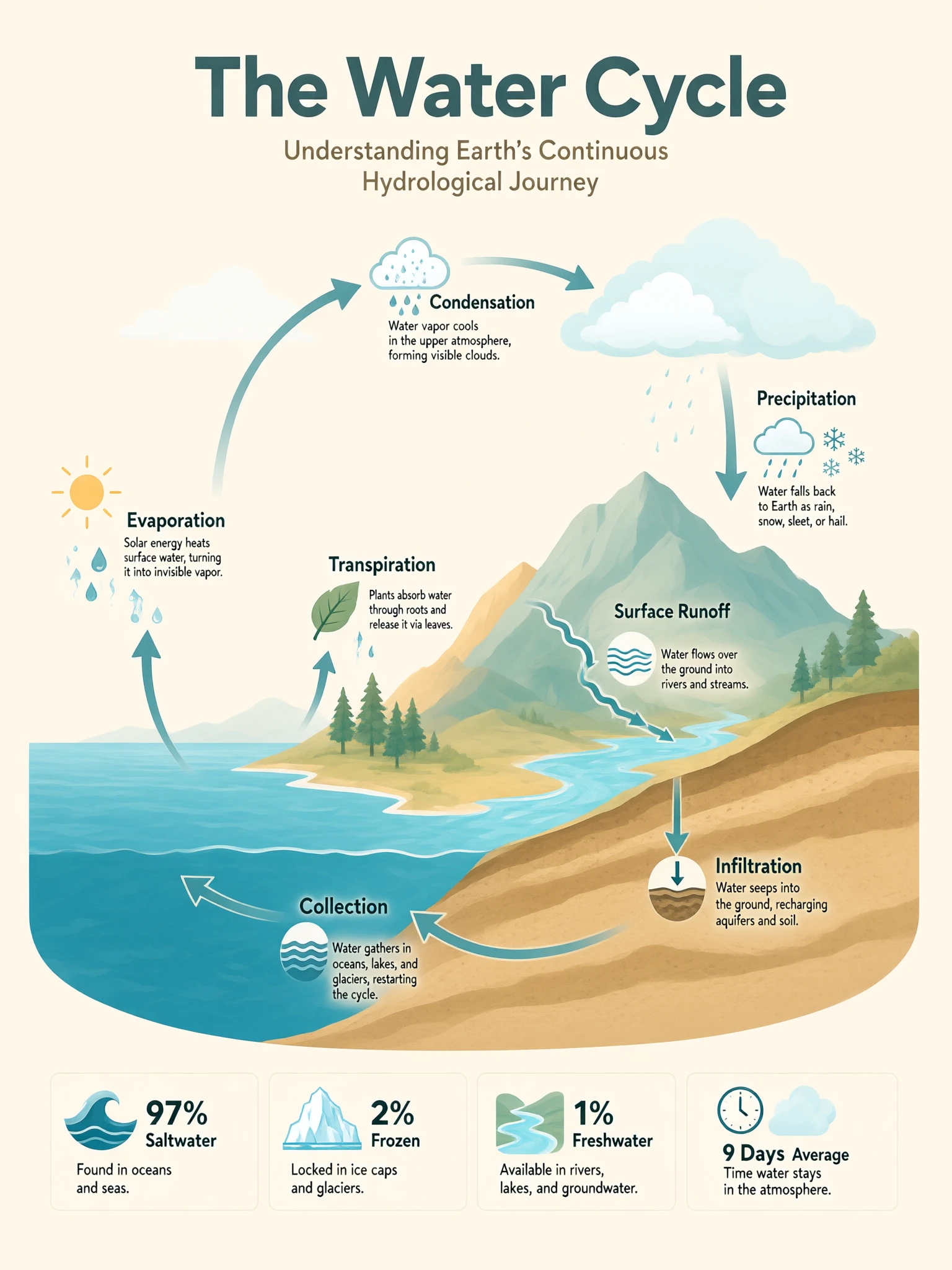
nano-banana/edit
Modifica o combina da 1 a 10 immagini con un prompt e scegli proporzioni, formato e numero di risultati.
Qwen Image 3.0 Edit richiede da una a tre immagini sorgente più un'istruzione scritta e restituisce il risultato modificato. Questi controlli modellano ogni esecuzione di modifica di Qwen Image 3.0.
| Parametro | Obbligatorio | Digitare | Predefinito | Gamma / Opzioni | Descrizione |
|---|---|---|---|---|---|
URL_immagine* | Sì (*) | Matrice | Immagine di esempio | 1-3 immagini | Le immagini di origine da modificare; la modella mantiene il resto dell'immagine. |
prompt* | Sì (*) | Stringa | Esempio di istruzione | Fino a ~4.500 token | Istruzioni di modifica in linguaggio semplice. Citare qualsiasi testo per renderlo letterale. |
risoluzione | No | Stringa | 2k | 1k, 2k | Livello dei dettagli di output: "1k" o "2k". |
rapporto_aspetto | No | Stringa | 1:1 | 1:1, 16:9, 9:16, 4:3, 3:4 | Proporzioni di output per l'immagine modificata. |
abilita_prompt_espansione | No | Booleano | vero | vero, falso | Arricchisci una breve istruzione prima della modifica; spegnere quando è già preciso. |
seme | No | Intero | -1 | -1 o 0-2147483647 | Correggi un seme per riprodurre una modifica; usa "-1" per nuove variazioni. |
Qwen Image 3.0 Edit costa $0.028 per immagine di output (1K o 2K), più $0.0028 per immagine di input. In un batch, il costo è la tariffa per output × il numero di output più il costo dell'immagine di input; Qwen Image 3.0 Edit addebita solo ciò che generi.
Modifica o combina da 1 a 10 immagini con un prompt e scegli proporzioni, formato e numero di risultati.

Modifica immagine GPT Image 2 di OpenAI: modifiche da immagine a immagine con controllo preciso del testo e pittura in-out
Genera un'immagine da un prompt richiesto di meno di 2000 caratteri. Aggiungi un prompt negativo opzionale e scegli tra 13 dimensioni di output.

Genera da 1 a 4 immagini da un prompt obbligatorio, con 10 rapporti d’aspetto, risoluzione 1K, 2K o 4K, tre formati di file e restituzione sincrona facoltativa.
Crea immagini coerenti e sequenze visive fluide da testo con AI.

Modifica guidata da riferimenti con controllo del layout, separazione dei livelli e testo multilingue
Qwen Image 3.0 Edit rielabora un'immagine caricata in base a istruzioni in linguaggio semplice. Invece di mascherare e sovrapporre manualmente i livelli, descrivi il cambiamento - scambia uno sfondo, ricolora un oggetto, rimonta un prodotto o rinnova un ritratto - e Qwen Image 3.0 Edit lo applica mantenendo coerente il resto dell'immagine.
Puoi fornire da una a tre immagini sorgente. Qwen Image 3.0 Edit li legge insieme, il che è utile per combinare elementi o mantenere un argomento coerente durante una modifica. Aggiungi un'istruzione chiara che descriva il risultato desiderato.
Sii specifico su cosa dovrebbe cambiare e cosa dovrebbe rimanere. Assegna un nome all'oggetto, il nuovo aspetto e qualsiasi cosa da preservare, ad esempio "sostituisci il cielo con un tramonto, mantieni l'edificio invariato". Metti qualsiasi testo sull'immagine tra virgolette in modo che Qwen Image 3.0 Edit lo riproduca alla lettera.
Qwen Image 3.0 Edit offre un livello di dettaglio 1K o 2K e proporzioni di 1:1, 16:9, 9:16, 4:3 e 3:4. Scegli 1K per iterazioni rapide e 2K per dettagli pronti per la consegna; controlla il pannello RunComfy corrente per le opzioni esatte.
SÌ. Imposta un seme fisso per riprodurre un risultato di modifica Qwen Image 3.0 con la stessa immagine e istruzione oppure usa -1 per ottenere una nuova variazione a ogni esecuzione. L'impostazione opzionale di espansione del prompt arricchisce brevi istruzioni prima della modifica.
Qwen Image 3.0 Edit viene fatturato a $ 0,028 per immagine di output sia per 1K che per 2K, più $ 0,0028 per ogni immagine di input fornita. Per un batch, il totale è la tariffa per output moltiplicata per il numero di risultati più il costo dell'immagine in input.
Qwen Image 3.0 Edit costa $0.028 per immagine di output per 1K e 2K, più $0.0028 per ogni immagine di input. Per un batch, il totale è la tariffa per output × il numero di risultati più il costo dell'immagine di input.
RunComfy è la piattaforma principale ComfyUI che offre ComfyUI online ambiente e servizi, insieme a workflow di ComfyUI con visuali mozzafiato. RunComfy offre anche AI Models, consentire agli artisti di sfruttare gli ultimi strumenti di AI per creare arte incredibile.