ideogram-v3/reframe
Change an image’s aspect ratio cleanly with Ideogram 3 Reframe.
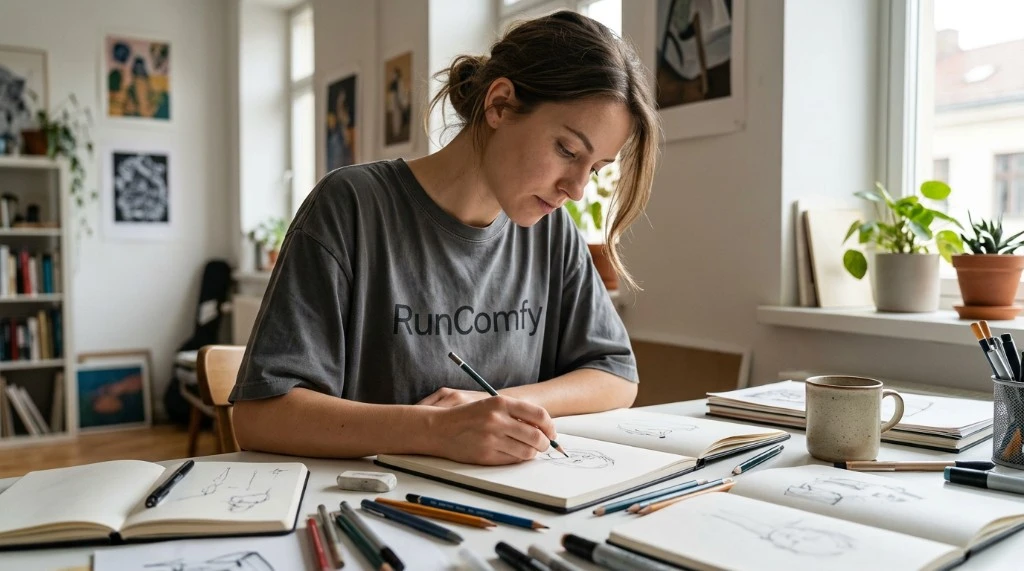
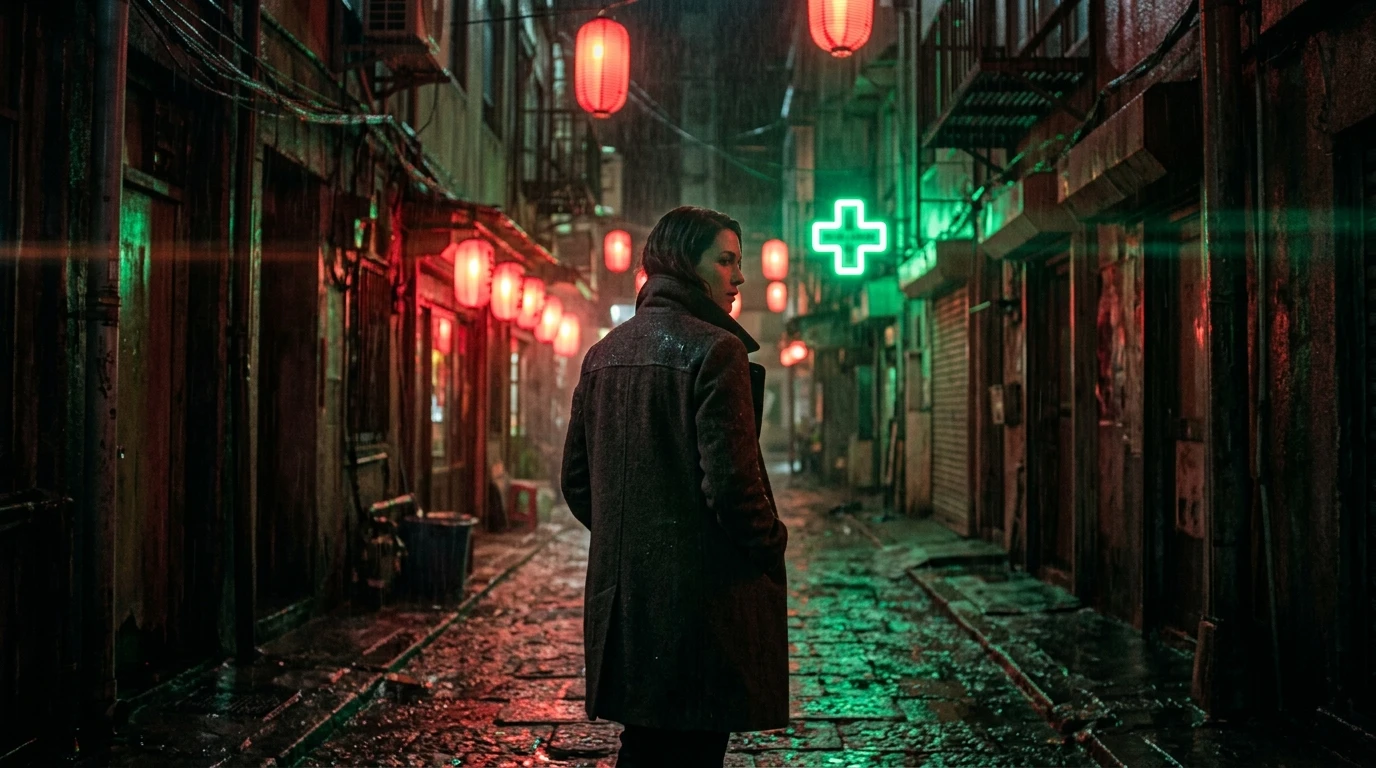
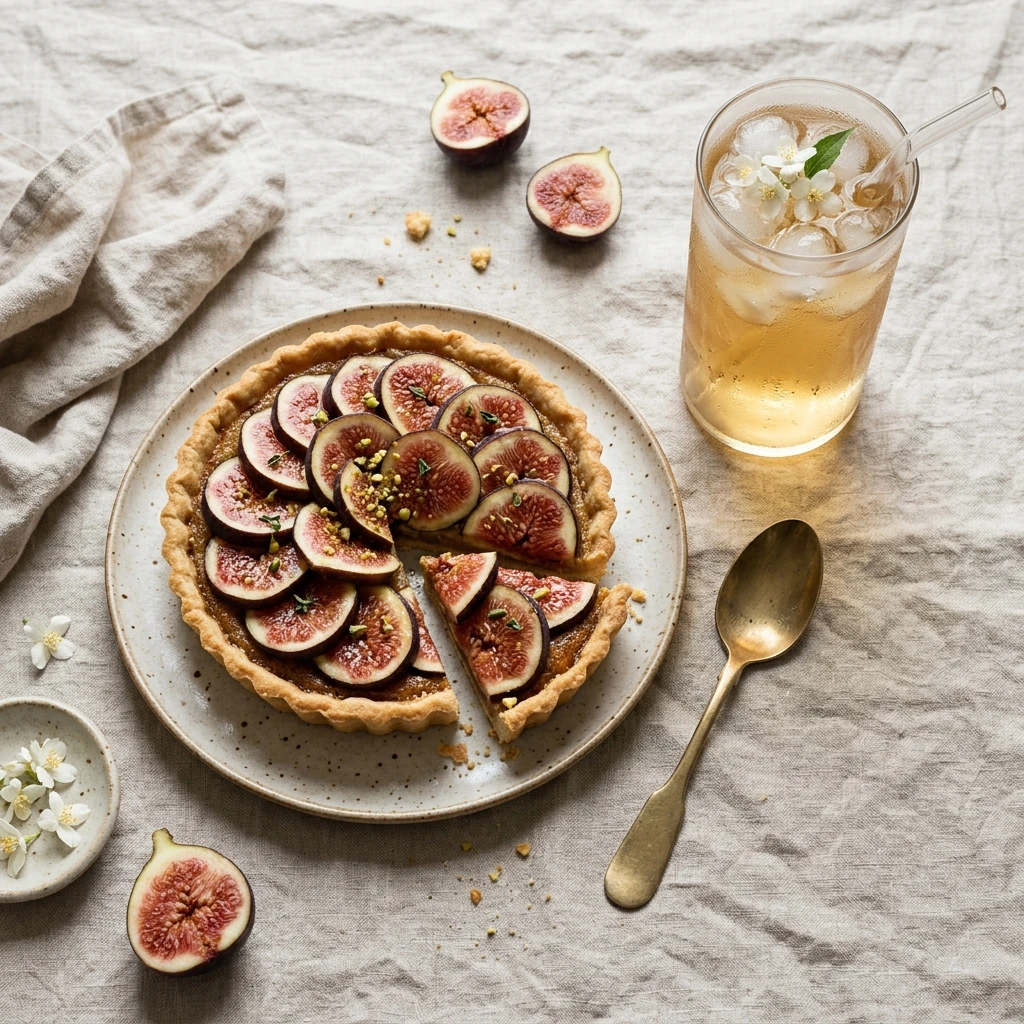
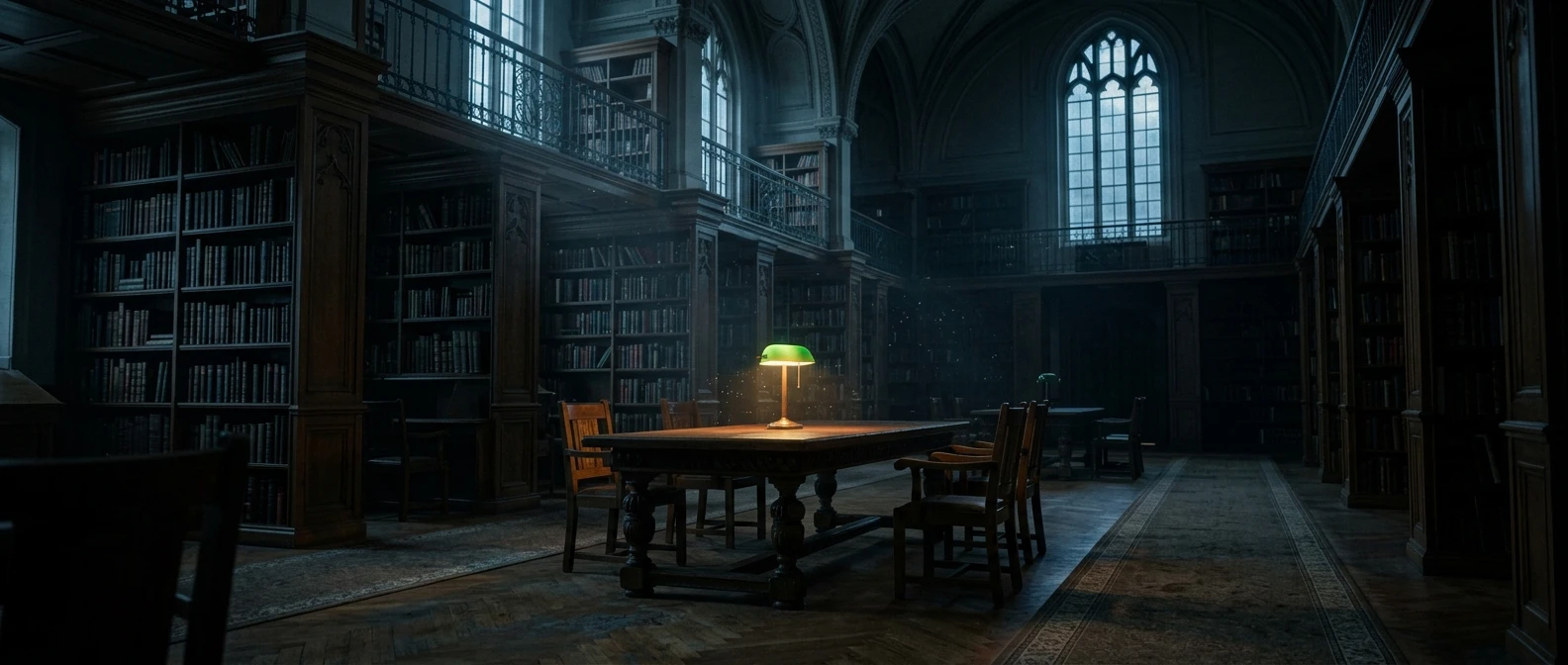
Google built this still-image model on Gemini 3.6 Flash. It is the next step after Nano Banana 2, and the lighter choice beside Nano Banana Pro. You describe the frame, and Nano Banana 2.1 returns one picture: a poster, a product photo, a labeled diagram, or a scene that looks photographed. Google's side-by-side tests preferred it for overall look, infographic layout, and graphics that keep their facts straight.
The picture is meant to look assembled, not sketched.
| What you notice | What that means on a job |
|---|---|
| The layout stays put | Headlines, labels, and the objects in the scene land where the brief placed them. A poster or a package mockup is a better fit than a loose decorative scene. |
| Short type is readable | A headline or a few callouts hold together. Tiny print and long paragraphs still blur at 1K, so those jobs belong at 2K or 4K. |
| The frame can be a banner | Squares, phone stories, and wide or tall strips are included, through 1:4, 4:1, 1:8, and 8:1. Leave the ratio on auto when the prompt should pick the frame. |
Nano Banana 2.1 works from the prompt alone here, and this page has no photo input. Bring a picture you already have to the edit model.
These are the controls on this Nano Banana 2.1 text-to-image page. There is no 0.5K size, and seed is not available.
| Parameter | Required | Type | Default | Range / Options | Description |
|---|---|---|---|---|---|
prompt* | Yes (*) | String | Example prompt | Text | Subject, setting, light, style, and any exact words that should appear in the image. |
aspect_ratio | No | String | auto | auto, 21:9, 16:9, 3:2, 4:3, 5:4, 1:1, 4:5, 3:4, 2:3, 9:16, 1:4, 4:1, 1:8, 8:1 | auto lets the model choose the frame. Pick a ratio when the placement is fixed. |
resolution | No | String | 1K | 1K, 2K, 4K | Higher sizes add detail and raise the per-image price. |
Nano Banana 2.1 charges per generated image, and the price depends only on the output size.
| Item | Price |
|---|---|
| 1K | $0.039 |
| 2K | $0.059 |
| 4K | $0.125 |
Ten 2K images cost 10 × $0.059 = $0.59.
Change an image’s aspect ratio cleanly with Ideogram 3 Reframe.
Generate images fast from text prompts with Wan 2.2 Flash.

Qwen Image 2.1 T2I: 1K/2K stills with native transparency

Qwen Image 3.0 Pro: production-grade text-to-image generation

Qwen Image 3.0 Edit: instruction-based AI image editing at up to 2K

Delivers refined image remastering and brand-consistent visual edits with scalable control.
Nano Banana 2.1 turns a written brief into a single still at 1K, 2K, or 4K. It is a fit for posters, product concepts, and simple diagrams where short in-image text and framing matter. Banner and story frames run from square to 8:1 and 1:8.
Nano Banana 2.1 is the newer high-efficiency still model, with 1K, 2K, and 4K output and no 0.5K size. It adds extreme aspect ratios such as 1:4, 4:1, 1:8, and 8:1. Nano Banana 2 no longer offers a 0.5K draft size either.
Nano Banana 2.1 outputs 1K, 2K, or 4K. Aspect choices include auto, common frames such as 1:1, 16:9, and 9:16, plus 1:4, 4:1, 1:8, and 8:1. Auto lets the model pick the frame when you do not set one.
Not on this page. Nano Banana 2.1 works only from the prompt you write, so spell out any current fact, name, or detail the picture depends on.
Nano Banana 2.1 does not offer a 0.5K size, and it rejects seed, temperature, and top-p if you send them. The prompt is required. File and safety limits follow the current RunComfy parameter panel and Google's model rules.
Prototype Nano Banana 2.1 in the RunComfy Playground, then call the same model through the RunComfy API with the same parameters. Generations spend usd credits. This does not promise a response-time SLA or unlimited concurrency.
Nano Banana 2.1 is $0.039 per image at 1K, $0.059 at 2K, and $0.125 at 4K. There are no add-on fees, so ten 2K images cost $0.59.
Draft at 1K while the layout and wording settle, then rerun the same prompt at 2K or 4K. Nano Banana 2.1 keeps short headlines readable at 1K, but small labels and dense type need the larger sizes.
RunComfy is the premier ComfyUI platform, offering ComfyUI online environment and services, along with ComfyUI workflows featuring stunning visuals. RunComfy also provides AI Models, enabling artists to harness the latest AI tools to create incredible art.