logo
RunComfy
  • ComfyUI
  • TrainerNew
  • Models
  • API
  • Pricing
discord logo
MODELS
Explore
All Models
LIBRARY
Generations
MODEL APIS
API Docs
API Keys
ACCOUNT
Usage

wan-2-6/image-to-image

image-to-image

Instruction-based AI for seamless visual editing and scalable style adaptation

nano-banana-2/edit

image-to-image

Prompt-driven image editing with Nano Banana 2 Edit, with multi-image input plus aspect ratio, resolution, safety tolerance, and output controls.

nano-banana/pro/edit

image-to-image

Turn sketches into precise 2K-4K visuals with smart correction and seamless creative control.

gpt-image-2/edit

image-to-image

OpenAI's GPT Image 2 Image Edit: Image-to-image edits with precise text control and in-out painting

gpt-image-2/text-to-image

text-to-image

Generate branded visuals with accurate in-image text and logos.

wan-2-6/flash/image-to-video

image-to-video

Craft lifelike video scenes from stills with motion, dialogue sync, and flexible creative control.

hailuo-2-3/fast/standard/image-to-video

image-to-video

Turn static visuals into smooth motion with Hailuo 2.3 for rapid, realistic video creation.

nano-banana-2/text-to-image

text-to-image

Fast, high-quality text-to-image generation with Nano Banana 2, with aspect ratio, safety tolerance, and output format controls.

seedance-v1.5-pro/image-to-video

image-to-video

Transform still visuals into cinematic motion clips with smooth, realistic transitions and creative flexibility.

qwen-image-edit-2511/lora

image-to-image

LoRA-based visual editing model offering structure-aware asset transformation for creative pros

seedance-2.5/image-to-video/coming-soon

image-to-video

Seedance 2.5 Coming Soon: Animate a still image into cinematic AI video

flux-2/flash/edit

image-to-image

Accelerate visual editing with dynamic precision and open-weight adaptability for brand-consistent designs.

seedream-5.0-pro/text-to-image

text-to-image

Text-to-image and image editing with layout and layer control

wan-2-2/image-to-video

image-to-video

Refined AI visuals, real-time control, and pro FX for creators

gemini-3-pro-image-preview/edit

image-to-image

Generate studio-grade visuals with 4K clarity, creative control, and smart adaptive lighting

wan-2-6/image-to-video

image-to-video

Turn still visuals into motion-synced, high-detail video content with flexible control.

flux-2-klein/9b/text-to-image

text-to-image

High-fidelity 4-step text-to-image with sharp text rendering

kling-video-o3/pro/image-to-video

image-to-video

Pro-tier image animation: 3-15s cinematic clips from $0.112 per second.

wan-2.7/edit

image-to-image

WAN 2.7 image edit: text-guided edits with 1–4 reference images, optional prompt expansion, bilingual instructions, and preset output sizes.

seedance-1.0/pro-fast/image-to-video

image-to-video

Create lifelike video motion fast with Seedance Pro for design pros

AI YouTube Thumbnail Generator

Generate bold, scroll-stopping thumbnails with flexible AI tools

100% FreeFully PrivacyNo Login RequiredEasy To Start
Image Prompts 0/3
🎉5 FREE IMAGES LEFT TODAY
Sample PromptsPrompt Template
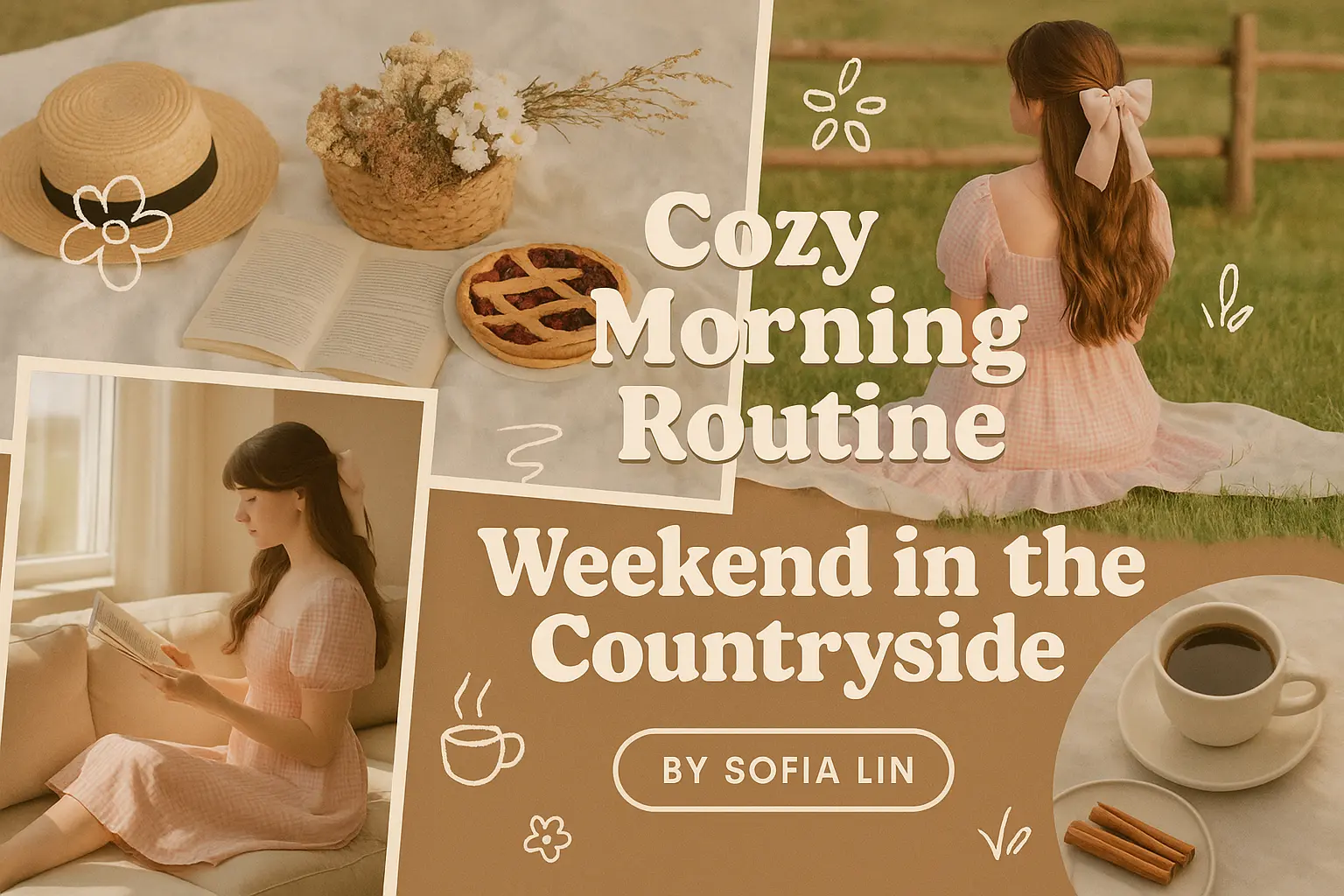
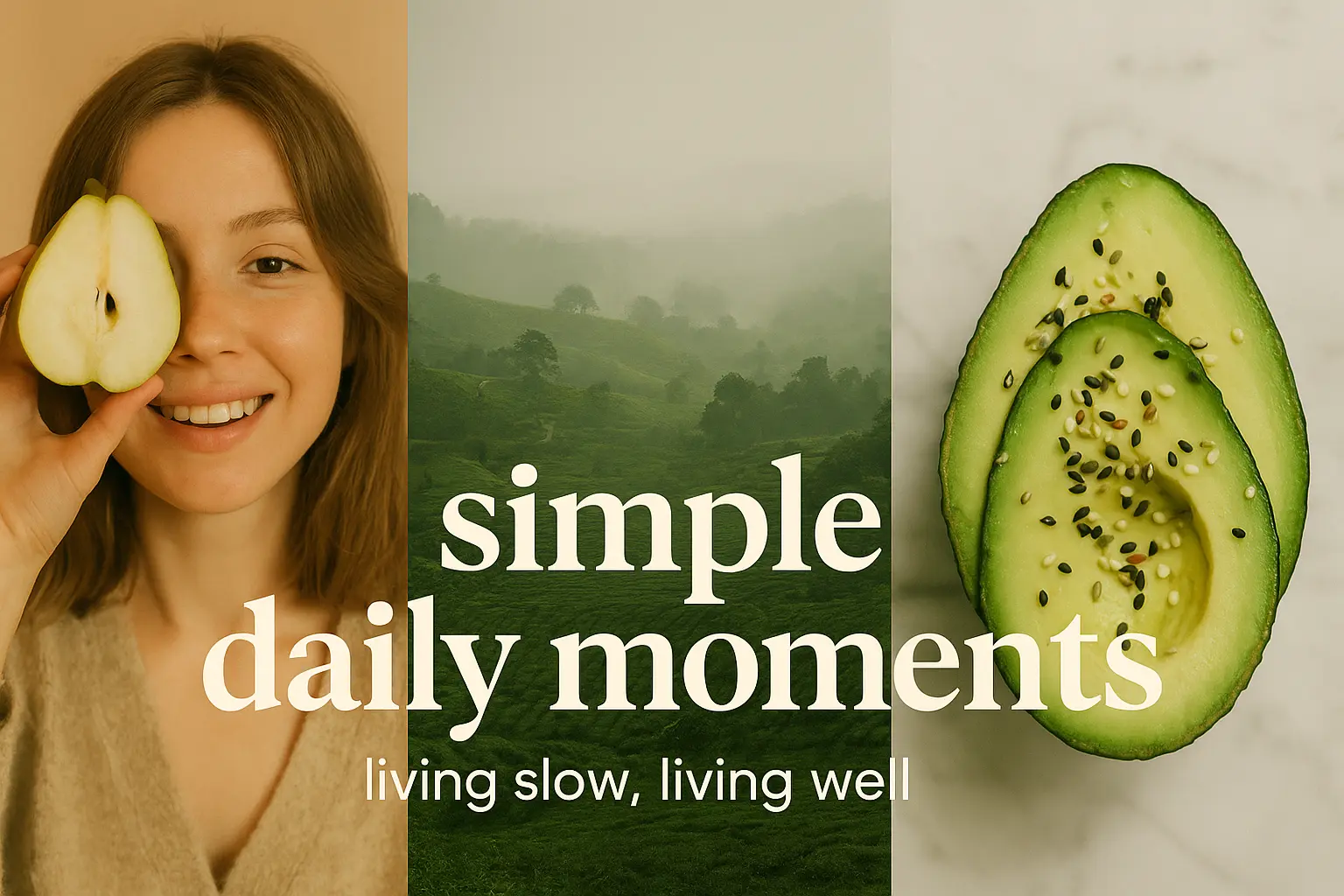
A trending 3:2 YouTube thumbnail featuring a lifestyle vlog theme in a natural and modern collage style, capturing a warm and personal mood. The thumbnail is split into three vertical collage panels: the left panel shows a close-up of a woman holding a pear half over one eye against a soft indoor background with warm lighting; the center panel displays a misty, green tea plantation landscape with distant trees and hills in subdued tones; the right panel features a top-down view of a sliced avocado sprinkled with seeds on a white marble surface with soft shadows. Bold white text reading “simple daily moments” is centered across the panels in a large serif font, with a smaller subheading underneath in a clean sans-serif reading “living slow, living well.” The composition uses a harmonious green and beige color palette with natural textures and soft lighting for a cozy, organic feel. Ensure the layout preserves the precise proportions and alignment of each visual element, with text centrally overlaid and ample negative space for balance.
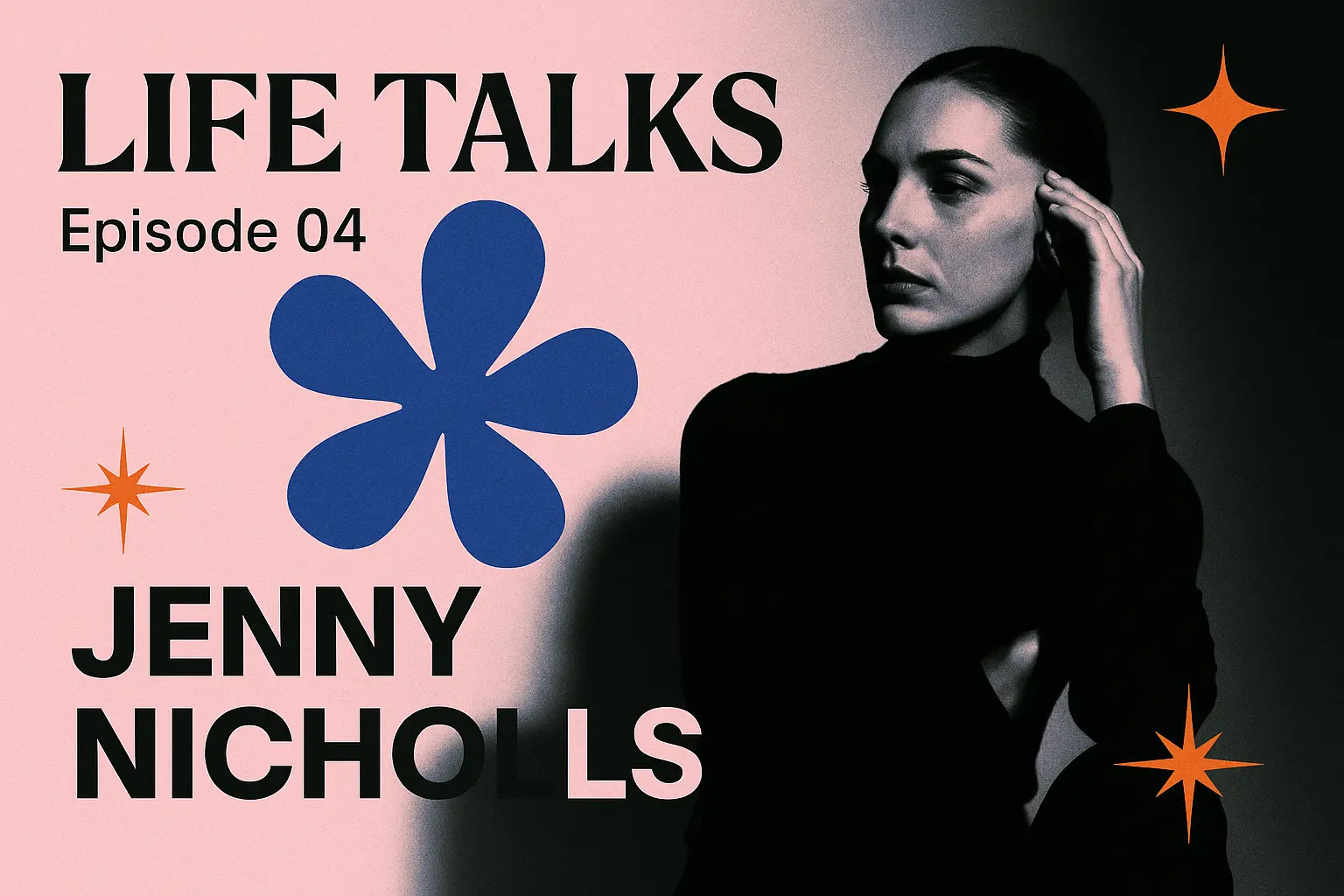
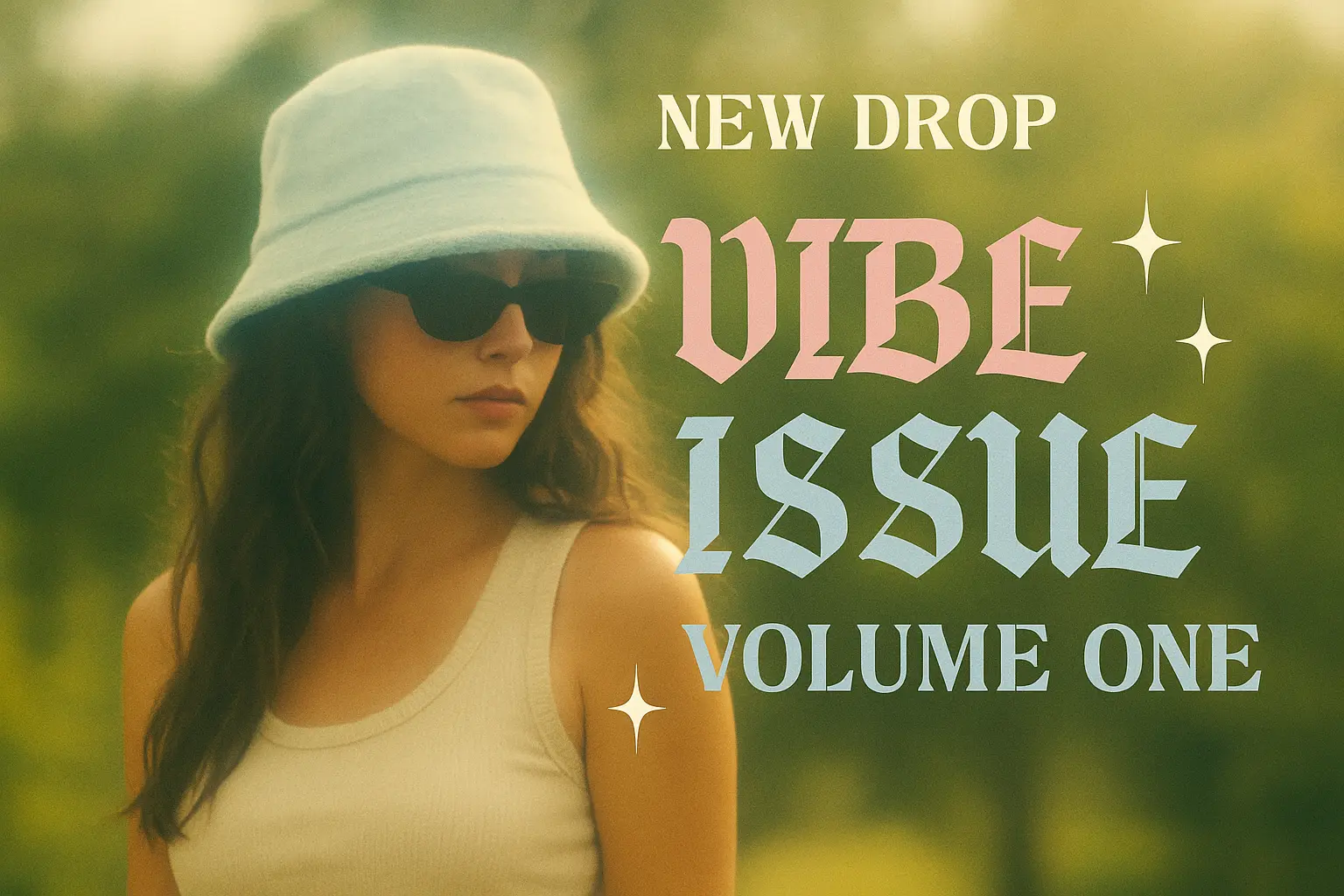
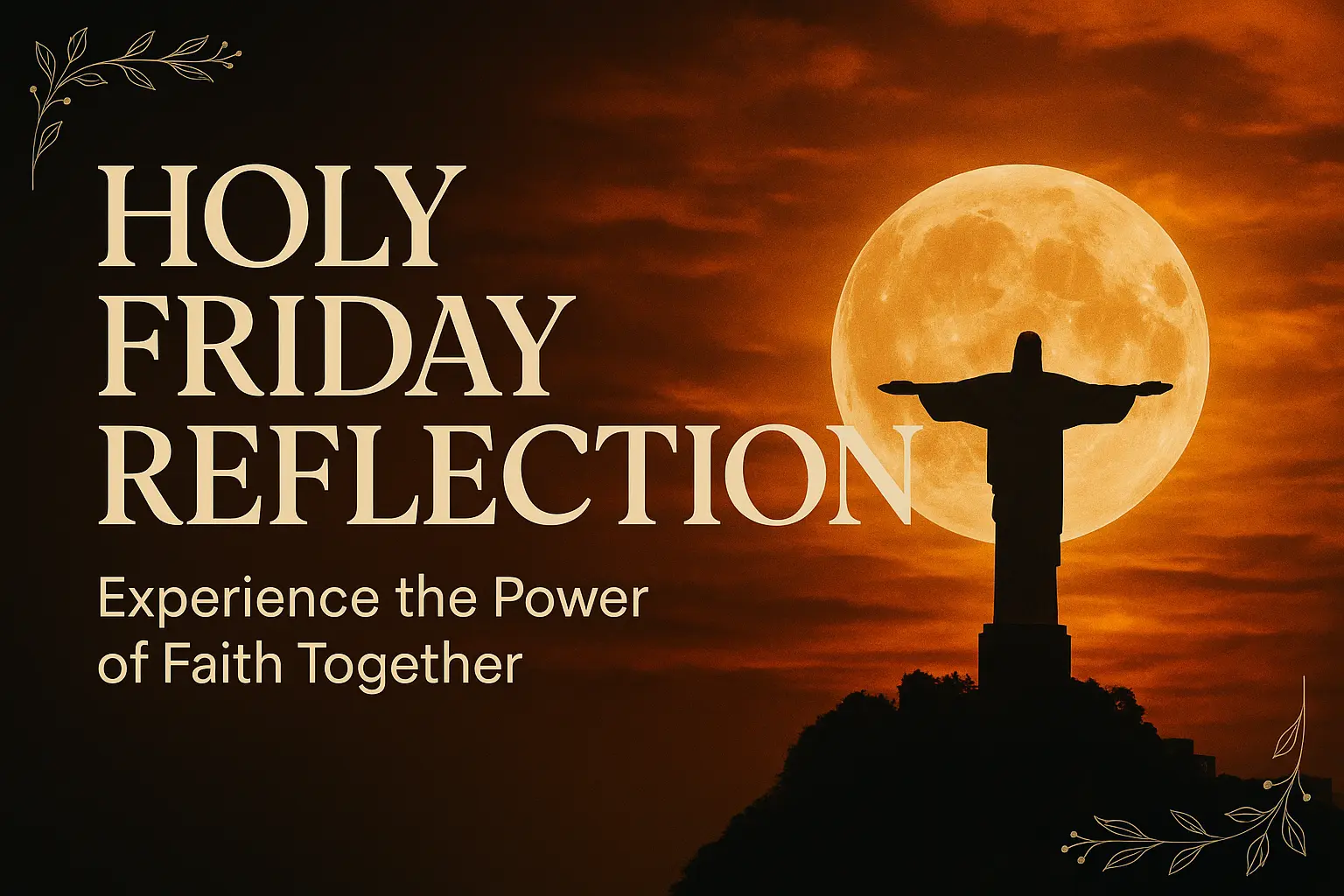
A trending 3:2 YouTube thumbnail featuring a stylish woman wearing a pale blue bucket hat and black sunglasses, in a dreamy, vintage outdoor setting with lush greenery in the blurred background, capturing a relaxed and mysterious mood. The subject should be prominently placed slightly left of center in the frame, with her upper torso visible and her face turned to the side, partially obscured by the hat. Dynamic soft lighting with a hazy glow adds to the retro aesthetic. Use a bold, high-contrast text overlay in a split-style Old English font reading “Vibe Issue” in gradient pink on the left and “Volume One” in gradient blue on the right, placed across the center of the frame. Above the main title, include the label “NEW DROP” in a white, military stencil font. Add twinkling star icons around the text to enhance the nostalgic glamor. The background should retain its natural green hues with a soft, de-focused depth effect that complements the dreamy style. Ensure the overall composition is balanced with clear focal points and clean space for readability. Generate a clean, flat design without mockup elements.
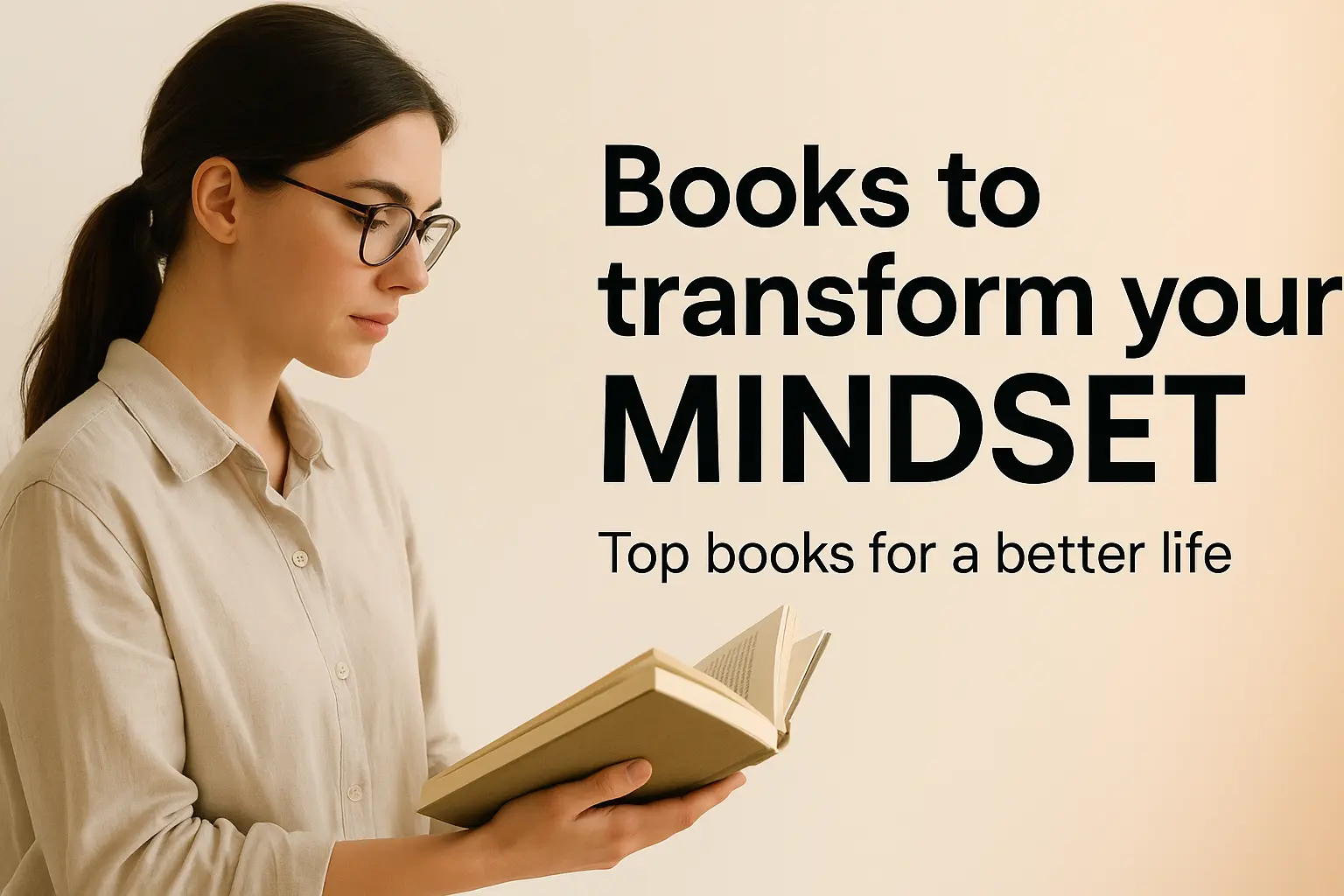
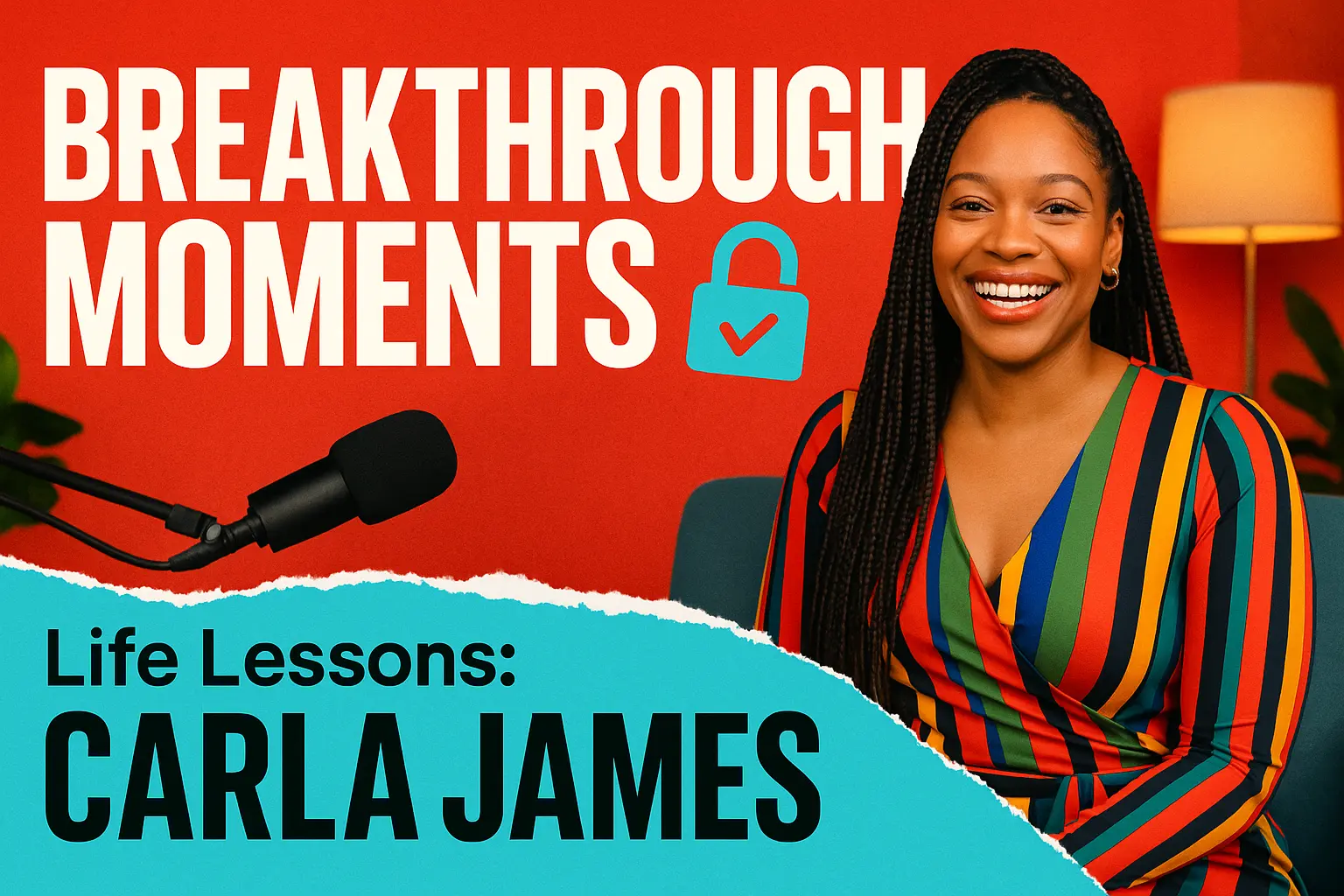
A trending 3:2 YouTube thumbnail featuring a thoughtful man centered in the foreground in a dramatic split-color setting, capturing a contemplative and strategic mood. On the left side, a blue background with clouds and a white-red house illustration is shown, with a hand in a suit dropping a gold coin into the roof, overlaid with a bold blue checkmark. On the right side, a red gradient background frames a stylized red-faced angry businessman in a black suit and red tie, hands on hips, overlaid with a bold white X inside a red circle. The central figure is a man with brown hair, resting his chin on clasped hands, wearing a light blue striped shirt, highlighted by a subtle vignette glow. Use a bold, high-contrast text overlay at the top reading “SMART WEALTH CHOICES” in a clear, modern sans-serif font, with “THE EDGE” in smaller yellow text above it. The background color splits vertically between blue and red to create visual tension and focus. Ensure the overall composition is balanced with a clean, flat design and strong focal separation.
Generation History
Idle

Introduction to AI YouTube Thumbnail Generator

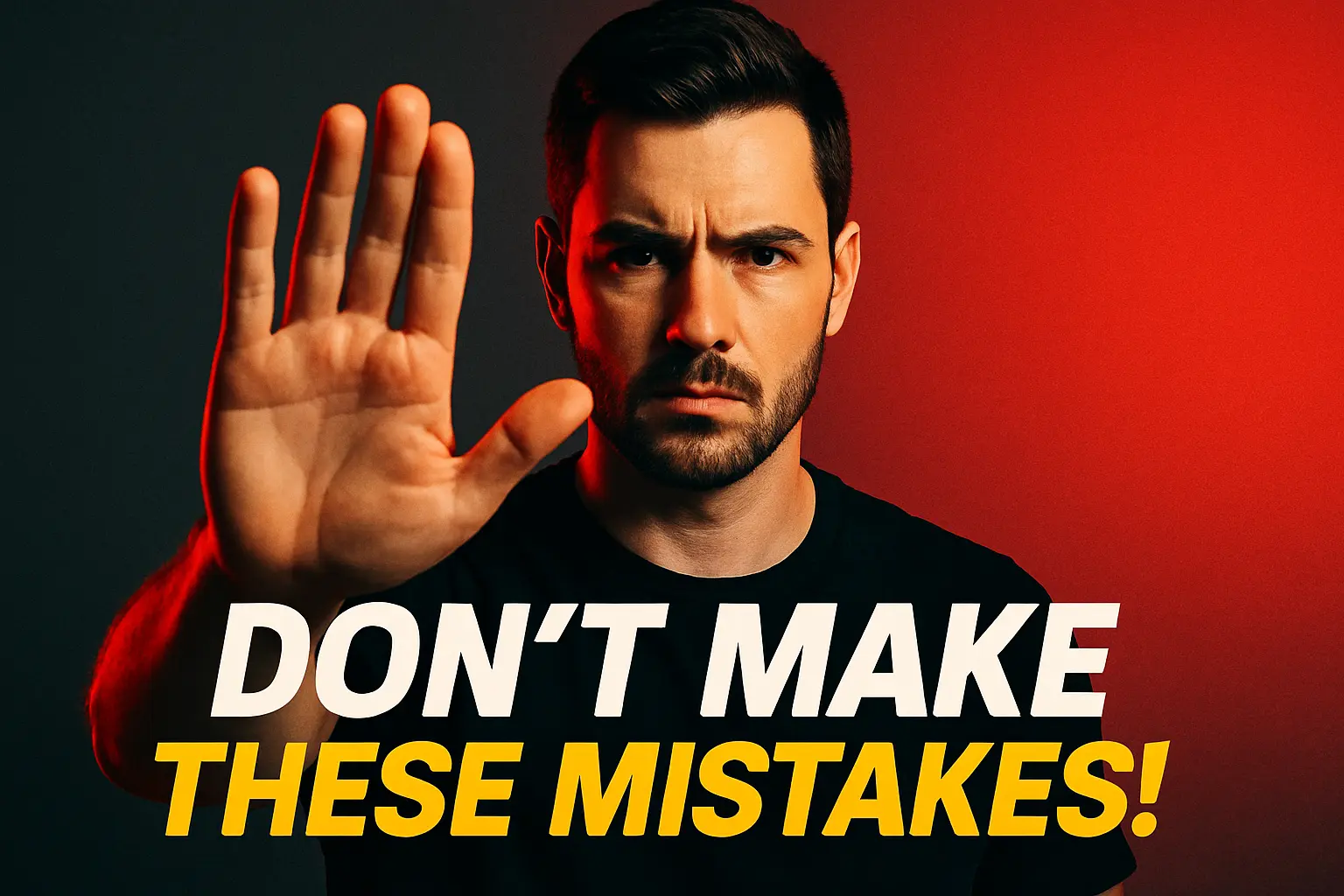
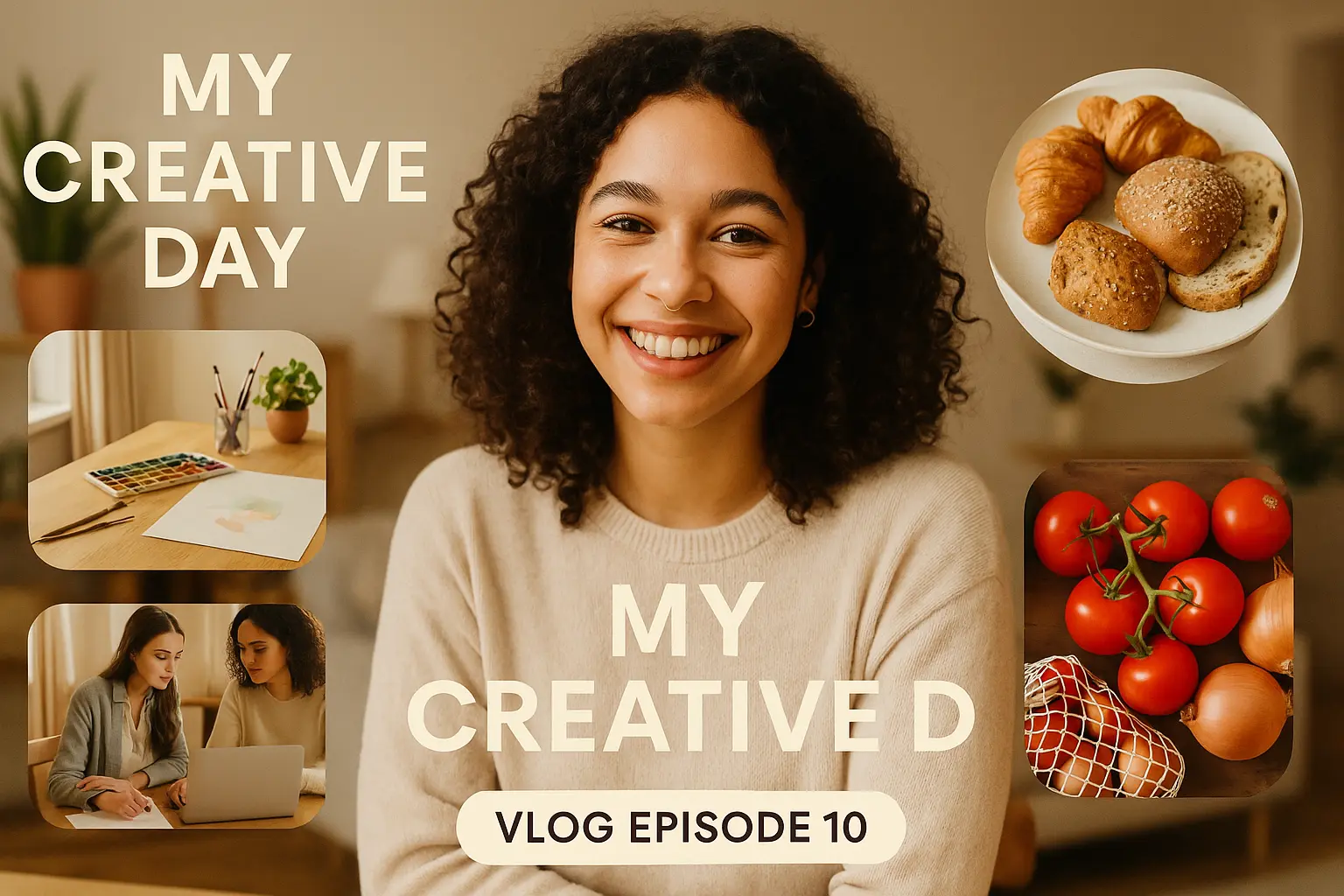
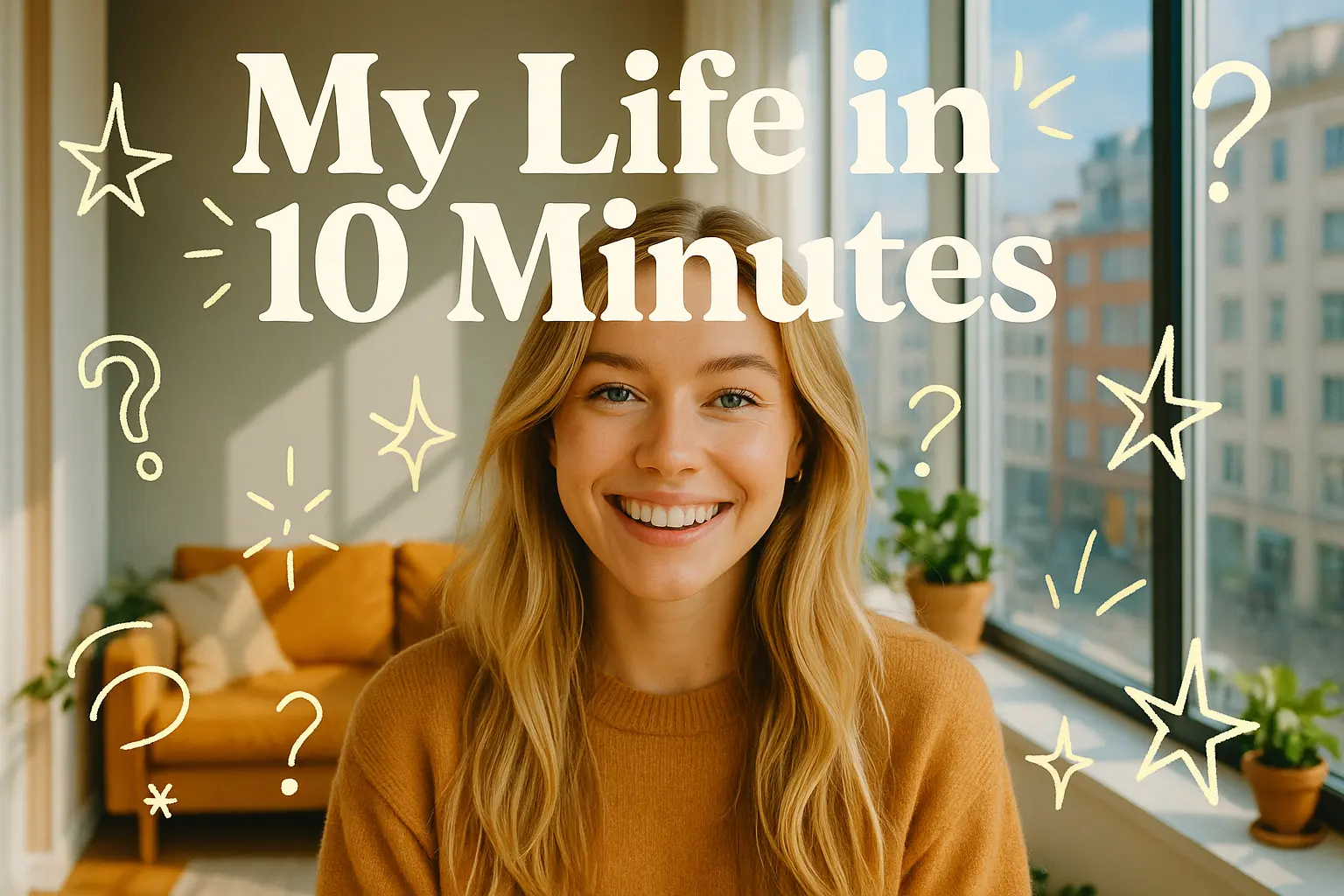
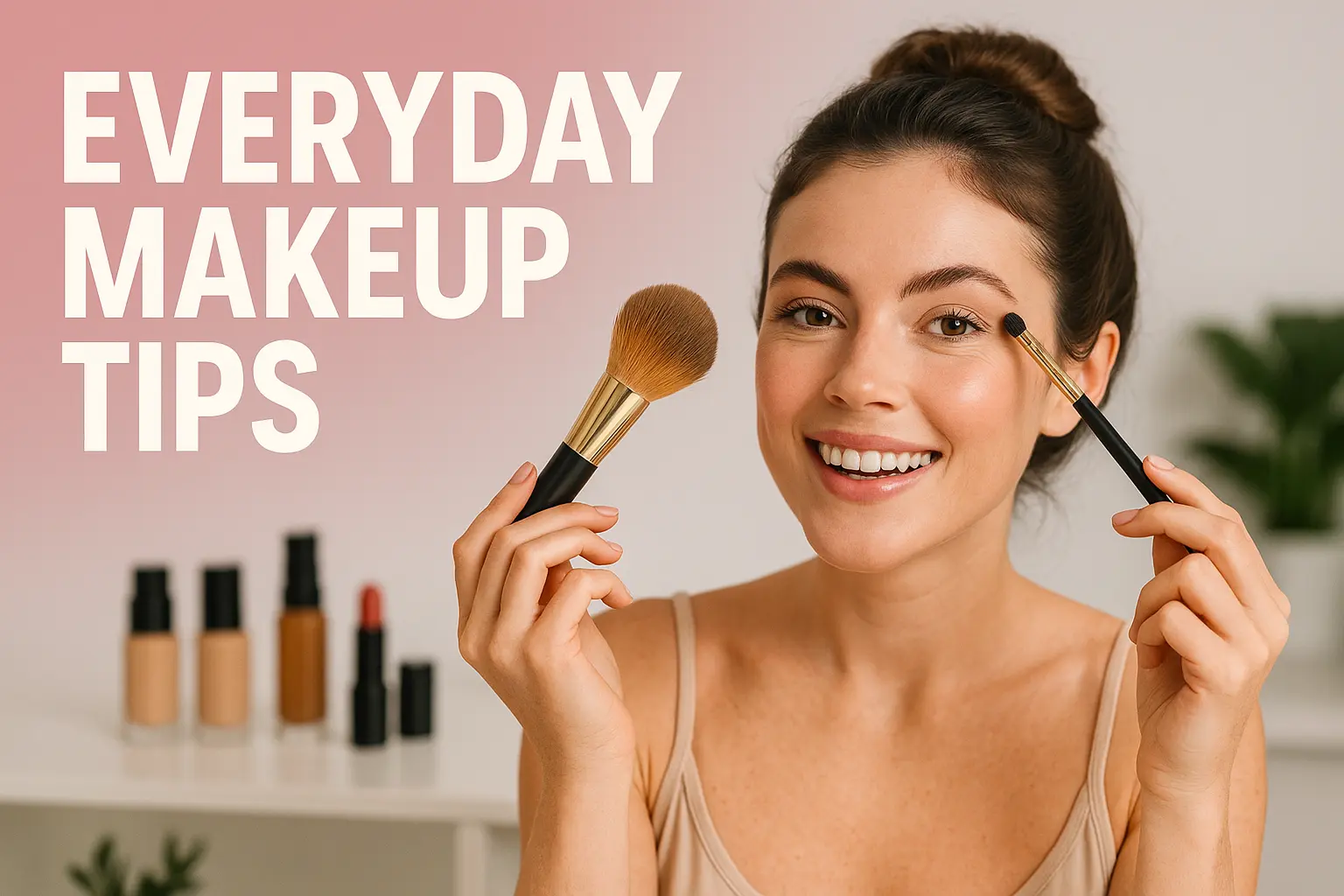
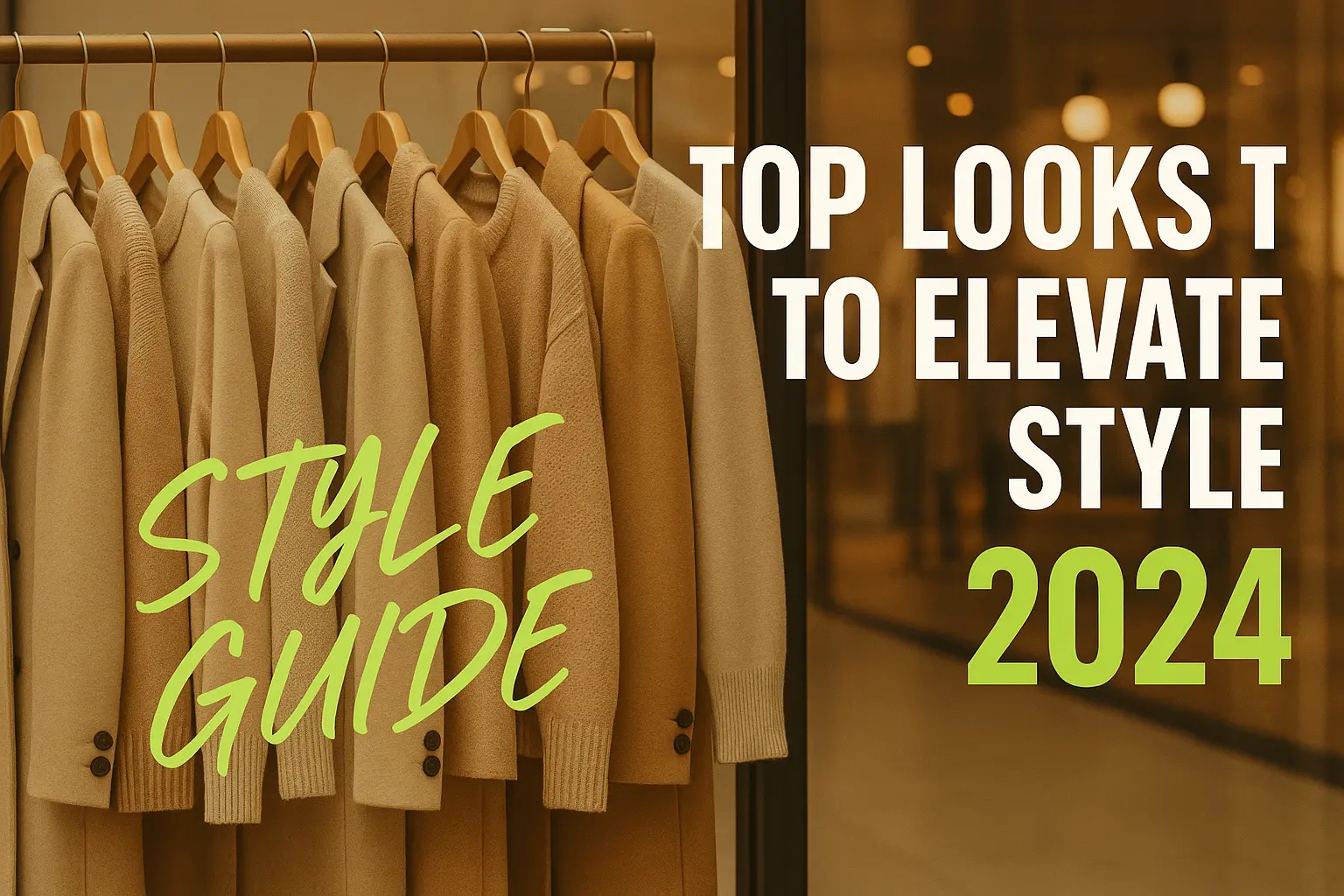
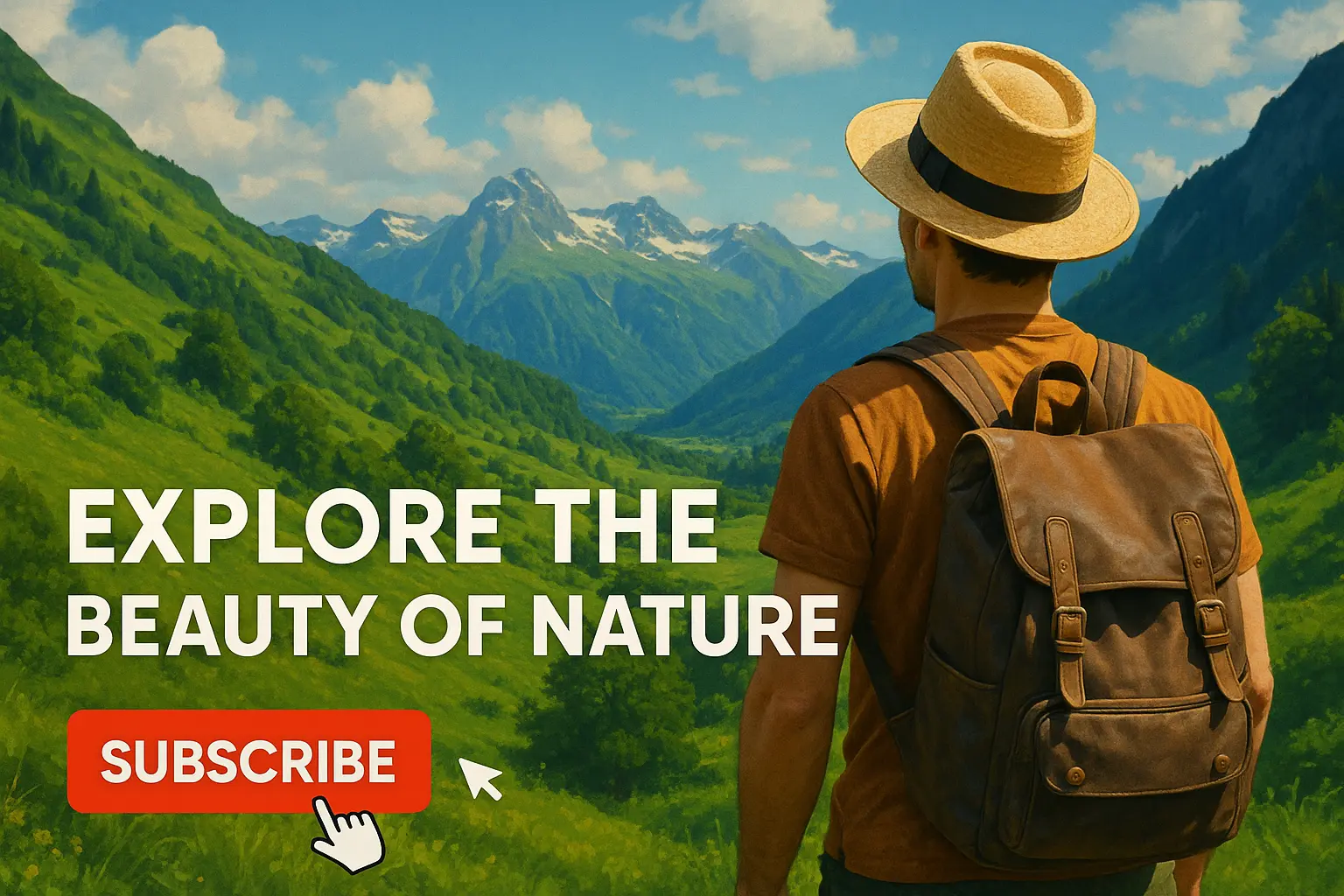
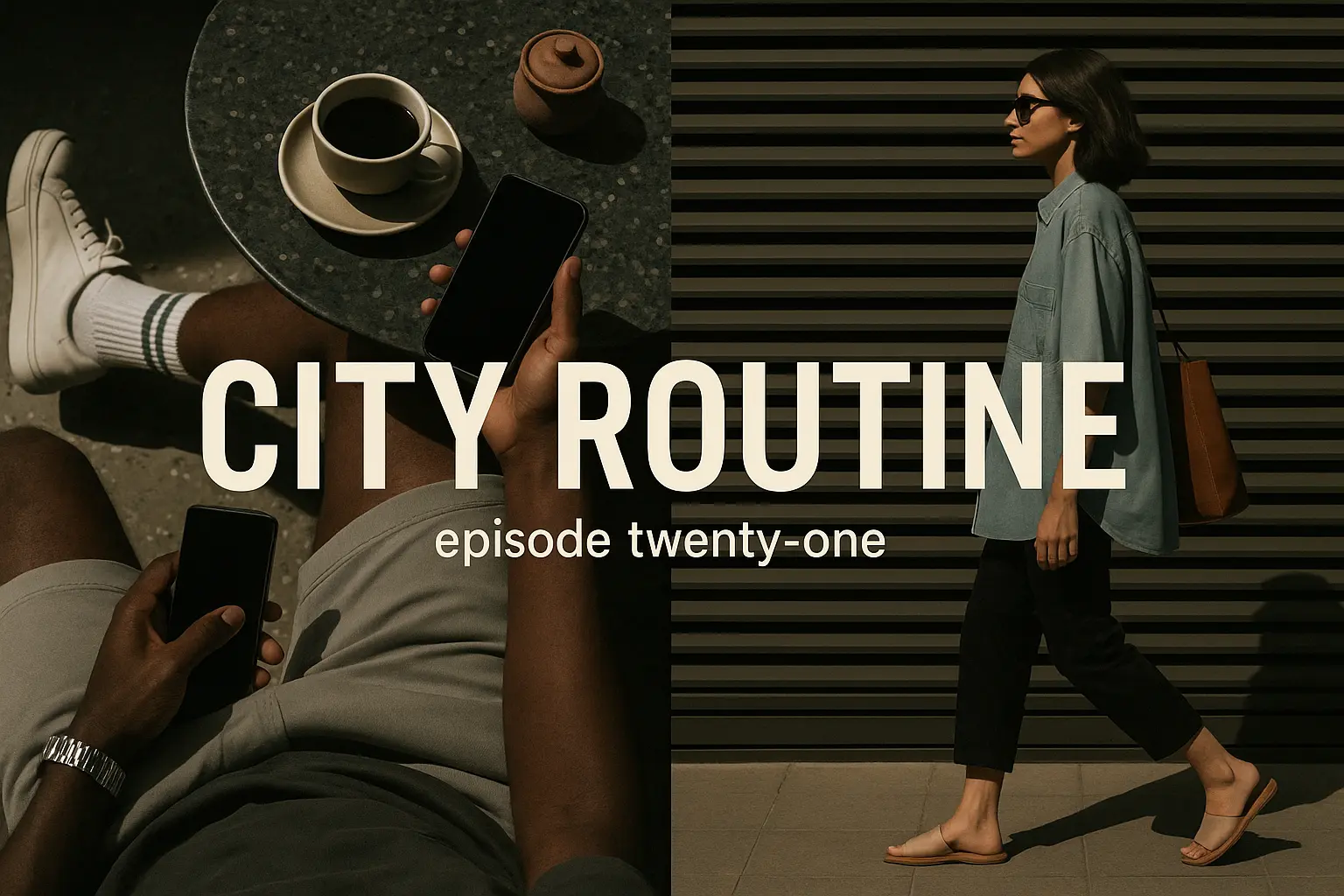
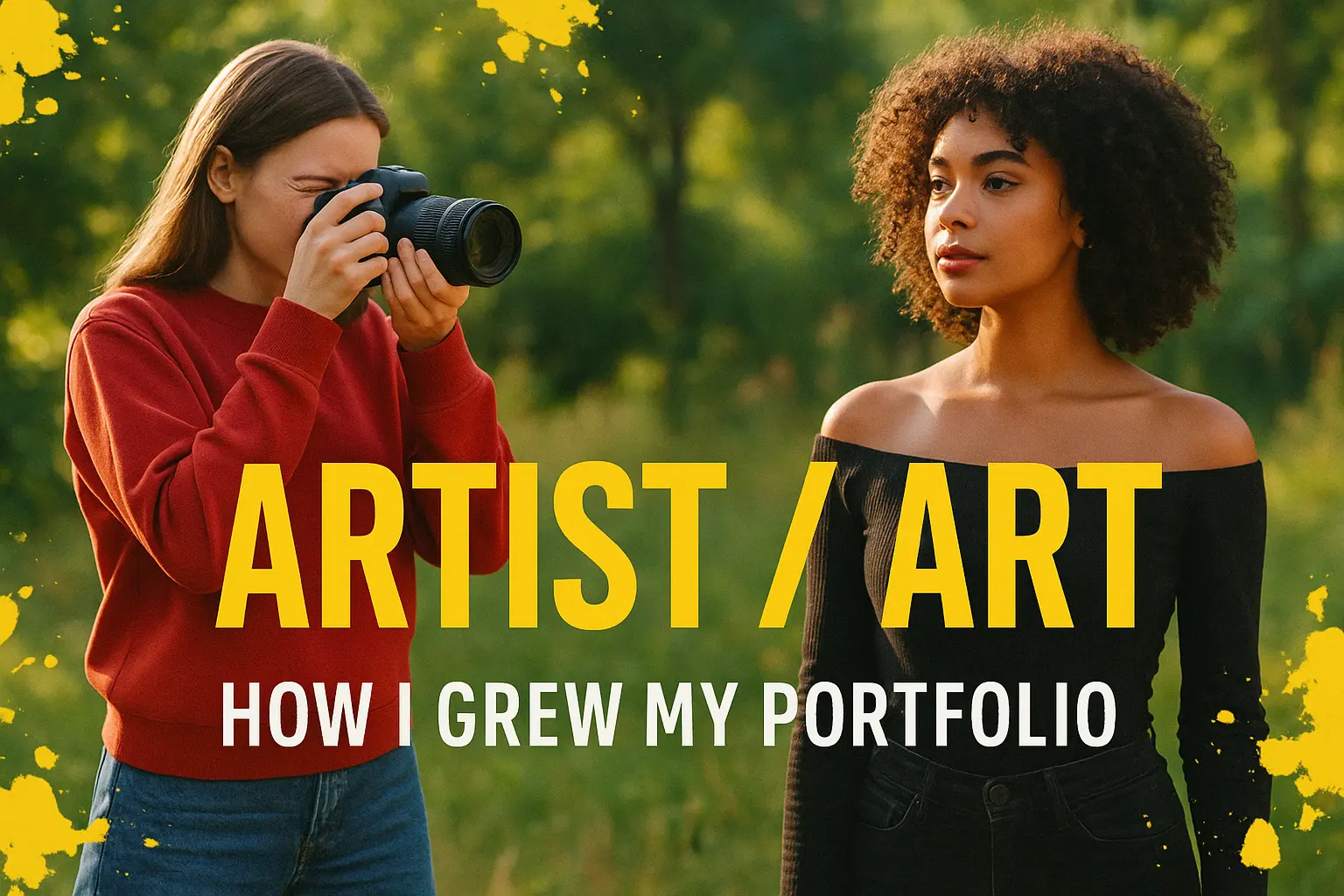
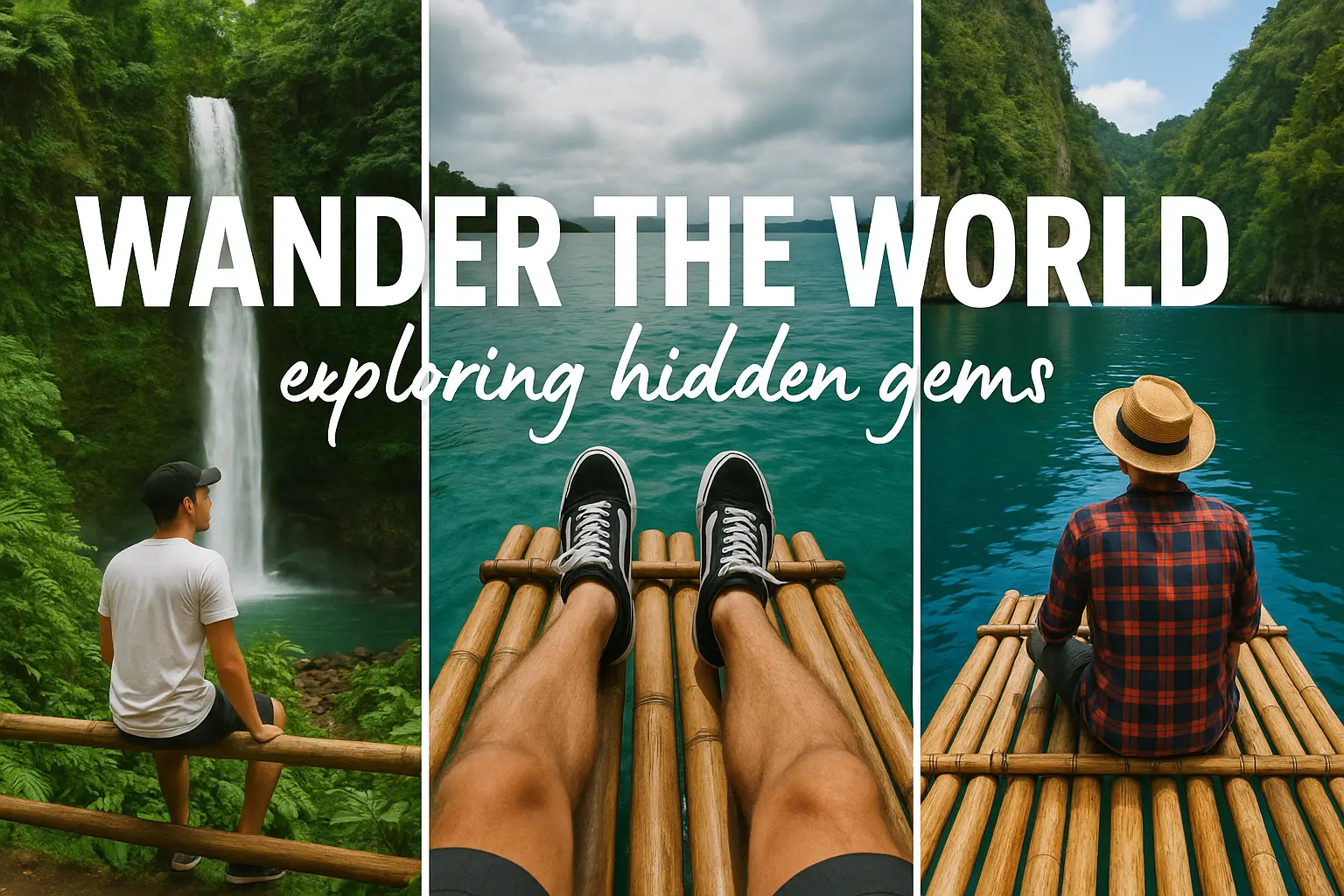
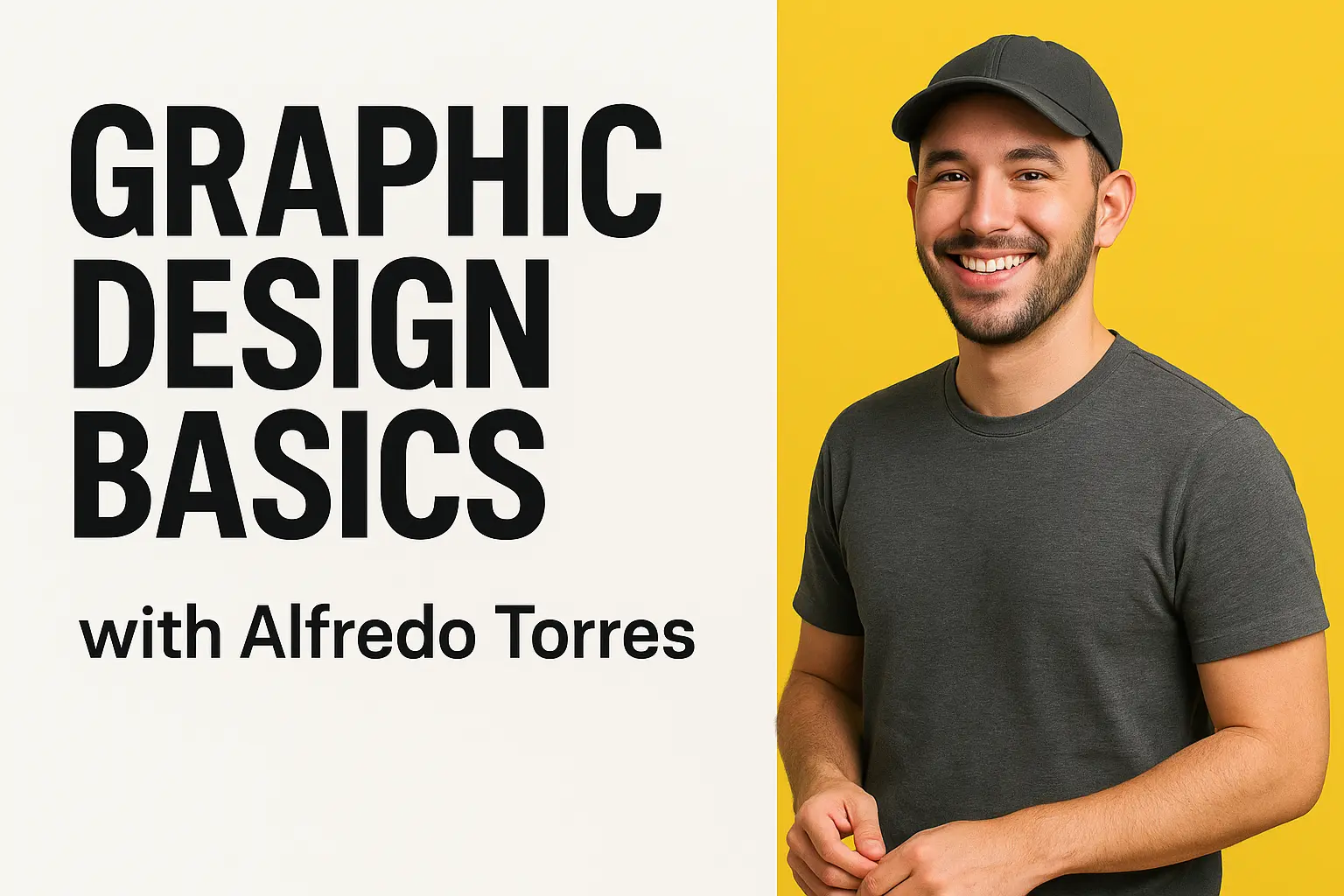
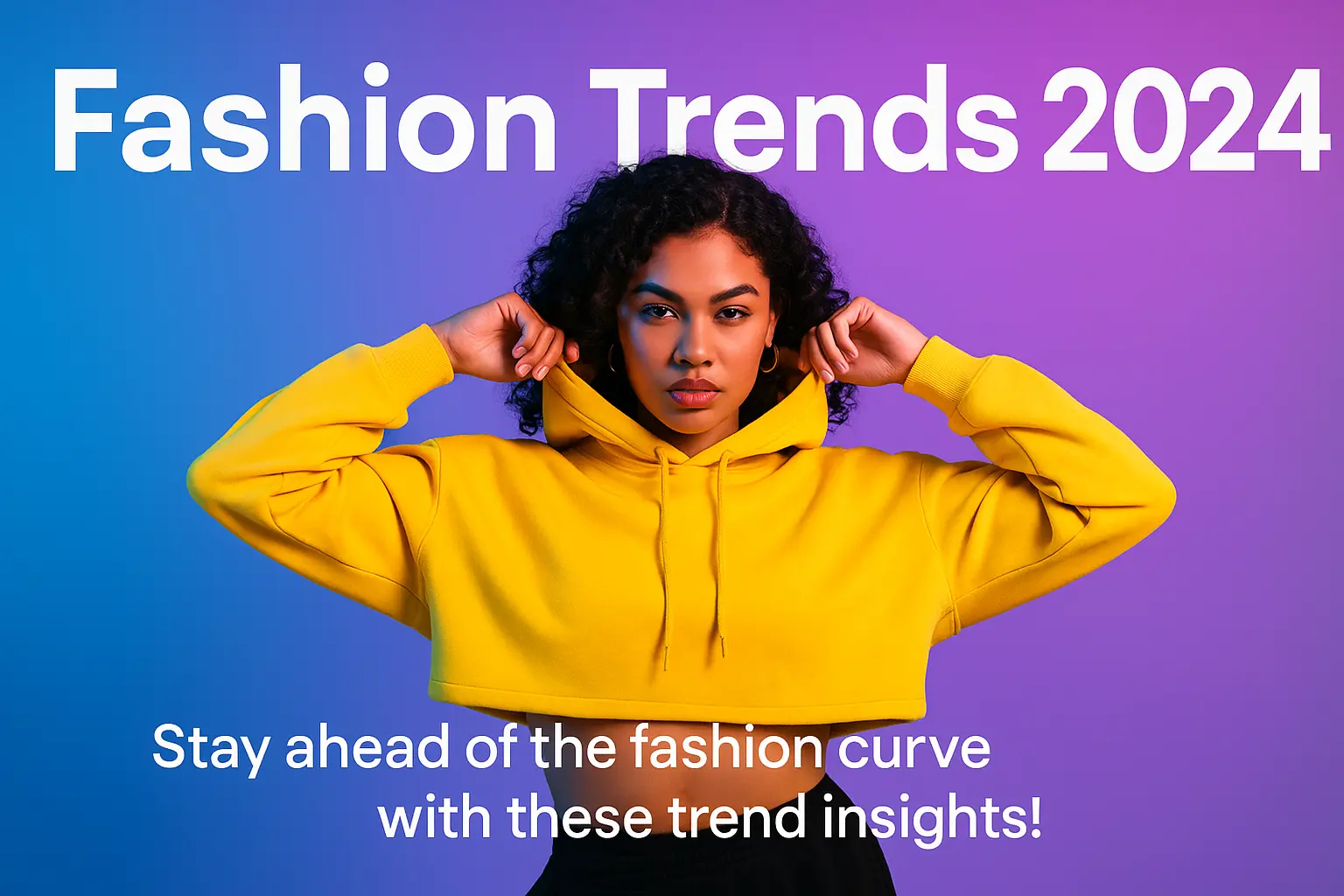
The AI YouTube Thumbnail Generator is built for creators who want to stop the scroll. Whether you are launching how-to tutorials, product reviews, or music videos, this generator helps you create attention-grabbing, eye-catching thumbnails in minutes—no design degree needed. Tailor visual concepts with text prompts, explore variations instantly, and elevate click-worthiness effortlessly.
In a world where milliseconds decide whether viewers click or scroll, the ai youtube thumbnail generator serves one deep creative goal: turning hesitation into imagination. No more staring at a blank canvas. With every prompt you enter, this ai youtube thumbnail generator answers back with possibility—bold color, cinematic drama, or offbeat charm. Your vision, amplified.

Features of AI YouTube Thumbnail Generator

Stand Out Instantly With Scroll-Stopping Visuals

In a sea of thumbnails, first impressions win. The ai youtube thumbnail generator helps you create bold images that break patterns and demand attention. With styles that range from cinematic to playful, this ai youtube thumbnail generator gives you visuals that pop in any feed—boosting visibility and elevating your channel's first look.

Jumpstart Creativity—Even When You Feel Stuck

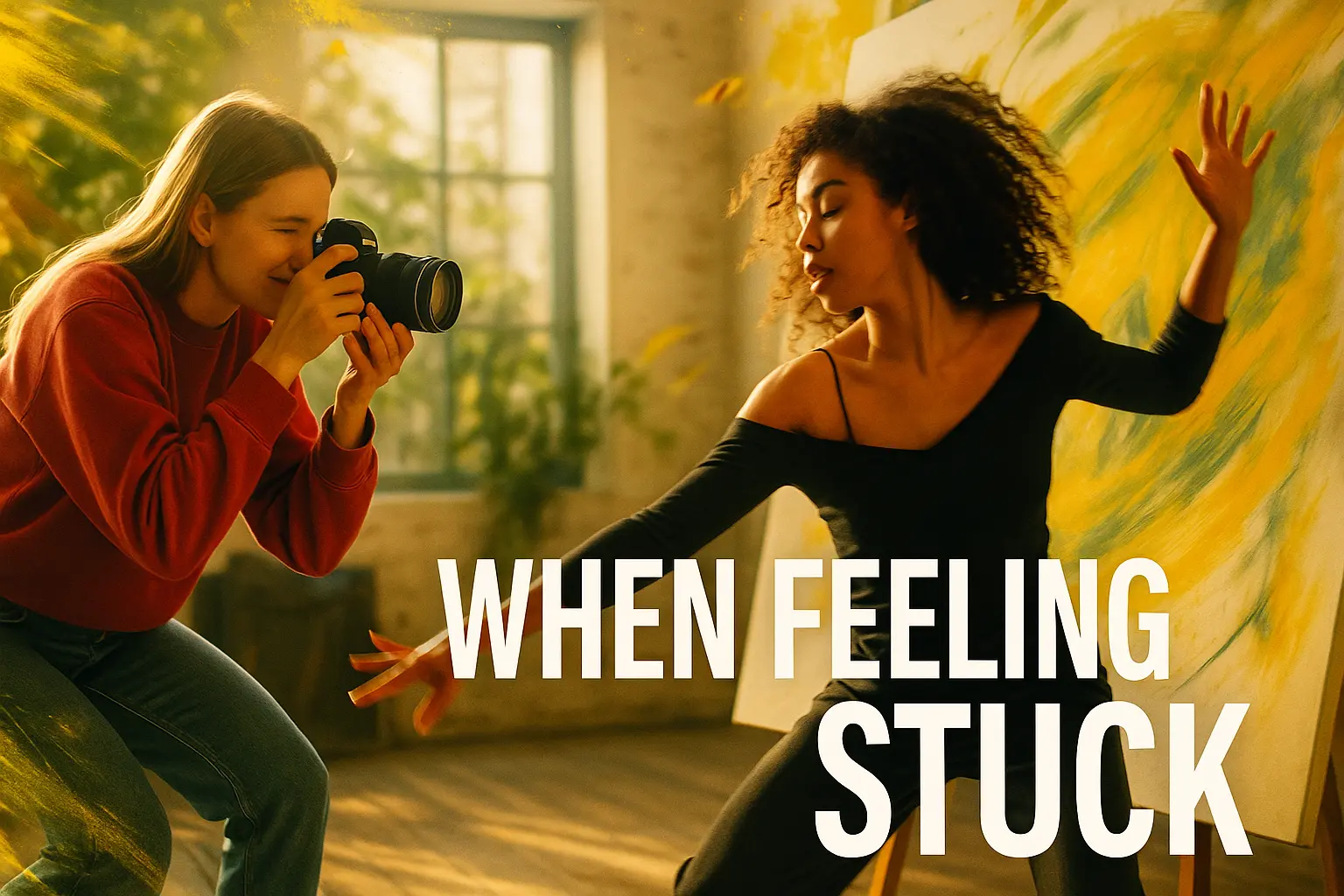
When ideas run dry, a creative nudge means everything. The ai youtube thumbnail generator takes your prompt—or even your vibe—and spins it into visual inspiration within seconds. It is your rapid-fire moodboard, instantly suggesting AI-generated concepts that unblock your direction and lift you out of thumbnail limbo.

Know What Clicks—Explore Concepts Instantly

If you are unsure what drives clicks—bold text, dramatic faces, or subtle composition—the ai youtube thumbnail generator lets you test visual ideas instantly. Generate multiple styles side by side with this ai youtube thumbnail generator and make decisions based on insight, not guesswork. Style tweaks, title swaps, visual trails—it is all at your fingertips.

Why Use an AI YouTube Thumbnail Generator

Stand Out Instantly

When you're competing for attention on YouTube, first impressions matter. An ai youtube thumbnail generator helps you craft bold, personalized visuals that reflect your unique voice and hook viewers before they even hit play.

Unlock Creative Flow

Whether you're on your tenth upload or your hundredth, the ai youtube thumbnail generator can spark new visual ideas, helping you experiment with colors, text, and layout without stalling your momentum or overthinking your design.

Save Time, Stay You

Between filming, editing, and publishing, you've got enough on your plate. The ai youtube thumbnail generator quickly translates your content style into captivating thumbnails—so you can stay consistent without creative burnout.

AI YouTube Thumbnail Generator You Can Trust

Free to use

Free to use

Unlock powerful art tools at zero cost, making it easy for anyone to create and innovate without barriers.

Fully Private

Fully Private

Your creations and data stay confidential, guaranteeing your artistic work remains safe and secure.

Easy to Start

Easy to Start

Built for ease of use, so you can jump in and thrive—no matter your skill level or experience.

How to Use AI YouTube Thumbnail Generator

Step1

Open the generator

Click our youtube thumbnail tool. You don't need to download or install anything on your device.

Step2

Add prompt or image

Describe or upload the image your want to turn into youtube thumbnail artwork from your device or your Gallery.

Step3

Wait

The Image Generation process will start automatically. Simply wait a moment for your image to be generated or restyled.

Frequently Asked Questions

What is an AI YouTube thumbnail generator and how does it work?

An AI YouTube thumbnail generator uses artificial intelligence to create eye-catching thumbnails based on your text description or a combination of text and image. Just open the generator online, enter your prompt—or upload up to 3 reference images—and watch it transform your input into a custom thumbnail. There's no setup needed, and results appear in moments.

Is the AI YouTube thumbnail generator free to use?

Yes, the AI YouTube thumbnail generator lets anyone try up to 5 free generations per day without needing to log in. If you want to generate more thumbnails, you can sign in and add credits for additional generations.

Can I use my own image with the AI YouTube thumbnail generator?

Yes, you can upload up to 3 images as reference when using the AI YouTube thumbnail generator. The tool will factor these visuals into your result, along with your prompt, to generate a personalized thumbnail design.

How can I get better results from the AI YouTube thumbnail generator?

To get stronger results from the AI YouTube thumbnail generator, try using clear, vivid prompts. Describe the style or mood you're aiming for. If you’re not sure where to start, explore the example prompts available inside the generator and click 'Make it yours' to build from them instantly.

What makes this AI YouTube thumbnail generator different from other tools?

What sets this AI YouTube thumbnail generator apart is its simplicity and creativity. You don’t need any software skills or downloads—just describe what you want, and it quickly visualizes your idea. It’s also built around ease of use with curated prompt examples and image upload support to spark better results.

Why should I use the AI YouTube thumbnail generator instead of designing thumbnails manually?

Using the AI YouTube thumbnail generator saves time and helps you discover styles you might not have considered manually. Instead of wrestling with design apps, you describe your idea and let AI do the visual lifting—perfect for when you're short on time or out of creative steam.

Can I access the AI YouTube thumbnail generator on my phone or tablet?

Yes, the AI YouTube thumbnail generator works smoothly on phones and tablets. Since there’s nothing to install, you can open it in your mobile browser and start using it immediately from anywhere.

What kind of prompts should I write for the AI YouTube thumbnail generator?

Great prompts for the AI YouTube thumbnail generator are short but descriptive. Mention colors, emotions, characters, or themes—like 'energetic science tutorial with lightning bolts' or 'calm cooking scene with soft beige background.' You can tweak example prompts shown inside the tool to get inspired.

How does the AI YouTube thumbnail generator handle user feedback or issues?

The creators of the AI YouTube thumbnail generator welcome user feedback. If you encounter any issues or want to suggest improvements, you can email the support team at hi@runcomfy.com. Your input directly helps shape the future of the tool.

What if I’m terrible at writing prompts for the AI YouTube thumbnail generator?

You’re not alone—prompt-writing can be tricky! Luckily, the AI YouTube thumbnail generator includes curated examples designed to get you started. Just click the 'Make it yours' button next to any generation example, and the tool will instantly apply it, helping you build confidence and creative momentum.

Follow us
  • LinkedIn
  • Facebook
  • Instagram
  • Twitter
Support
  • Discord
  • Email
  • System Status
  • Affiliate
Video Models
  • Wan 2.6 Flash
  • Wan 2.6 Text to Video
  • Hailuo 2.3 Fast Standard
  • Happy Horse 1.1 reference to video
  • Seedance 2.5 Reference to Video
  • Seedance 2.0 Pro
  • View All Models →
Image Models
  • Seedream 5.0 Pro Image Edit
  • seedream 4.0
  • Flux 2 Flash Edit
  • Nano Banana Pro
  • Nano Banana 2 Edit
  • GPT Image 2 Image Edit
  • View All Models →
Legal
  • Terms of Service
  • Privacy Policy
  • Cookie Policy
RunComfy
Copyright 2026 RunComfy. All Rights Reserved.

RunComfy is the premier ComfyUI platform, offering ComfyUI online environment and services, along with ComfyUI workflows featuring stunning visuals. RunComfy also provides AI Models, enabling artists to harness the latest AI tools to create incredible art.

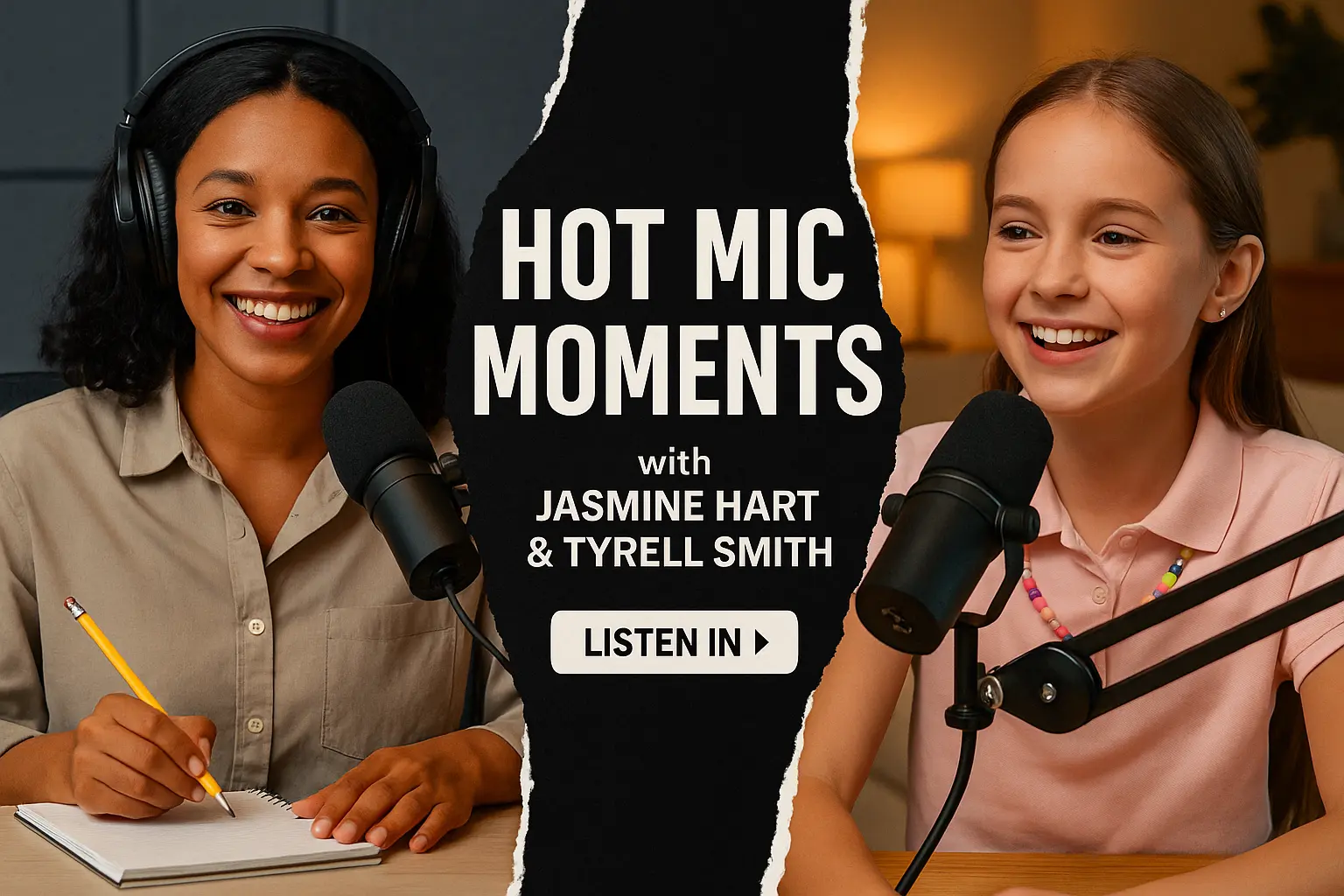
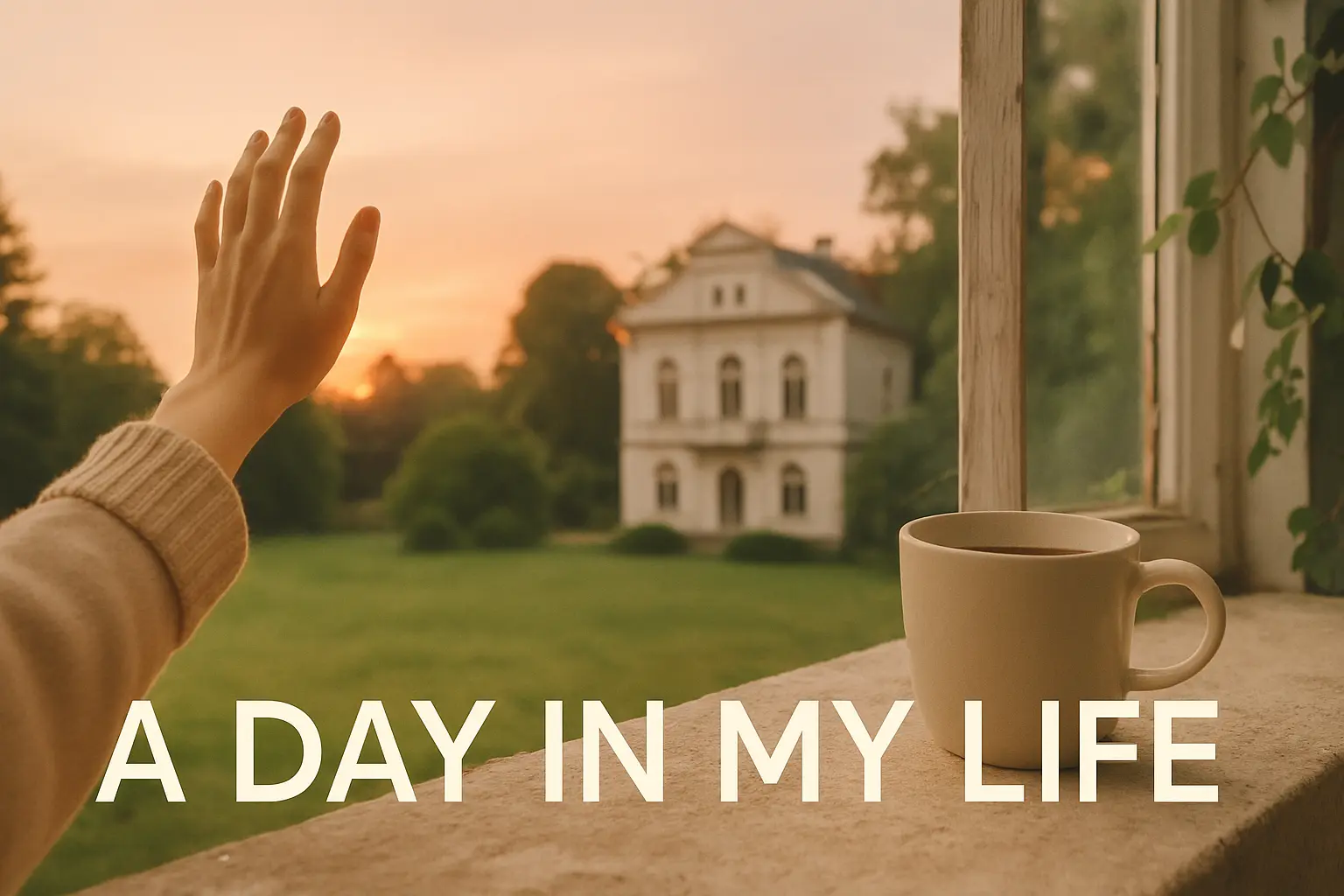
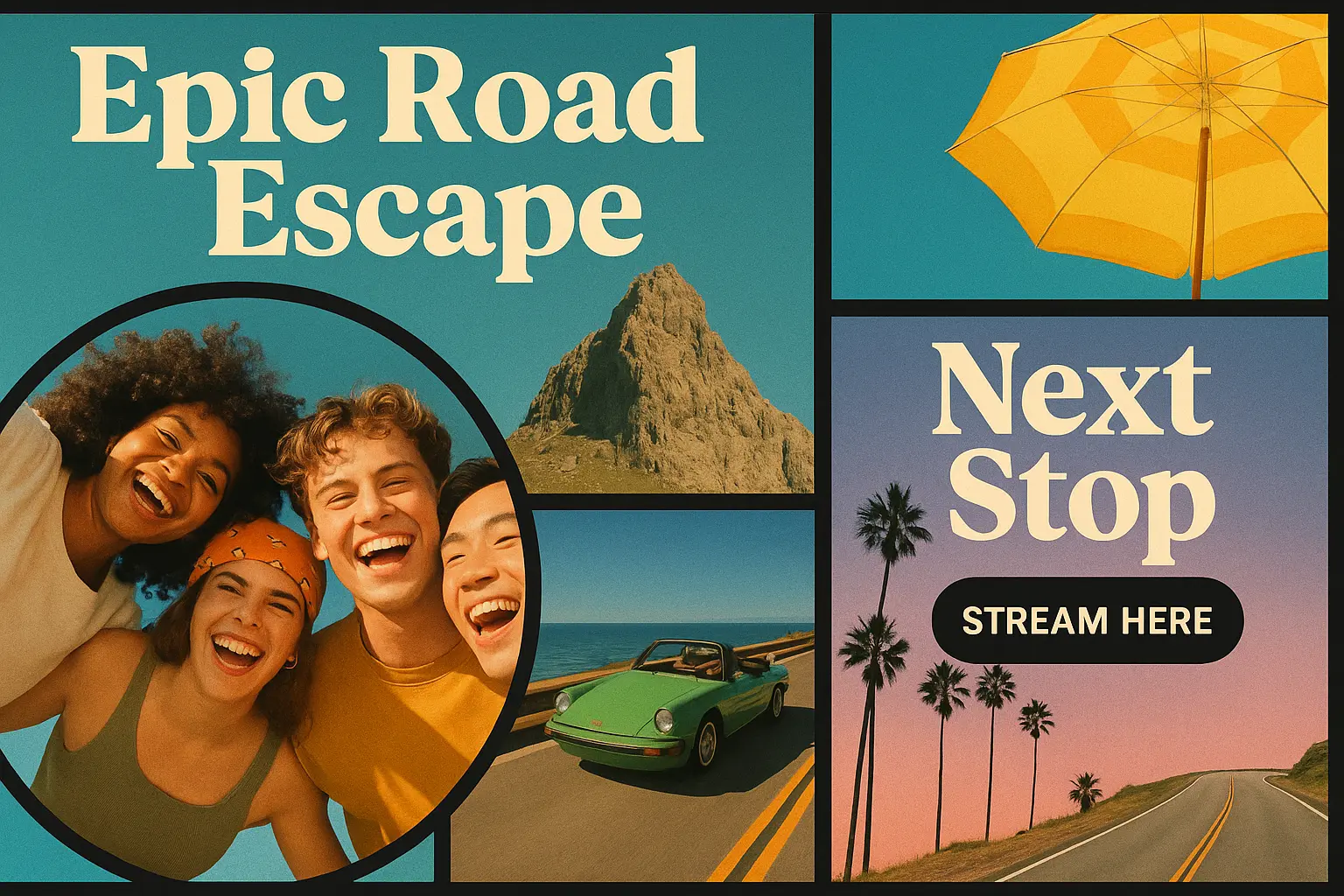
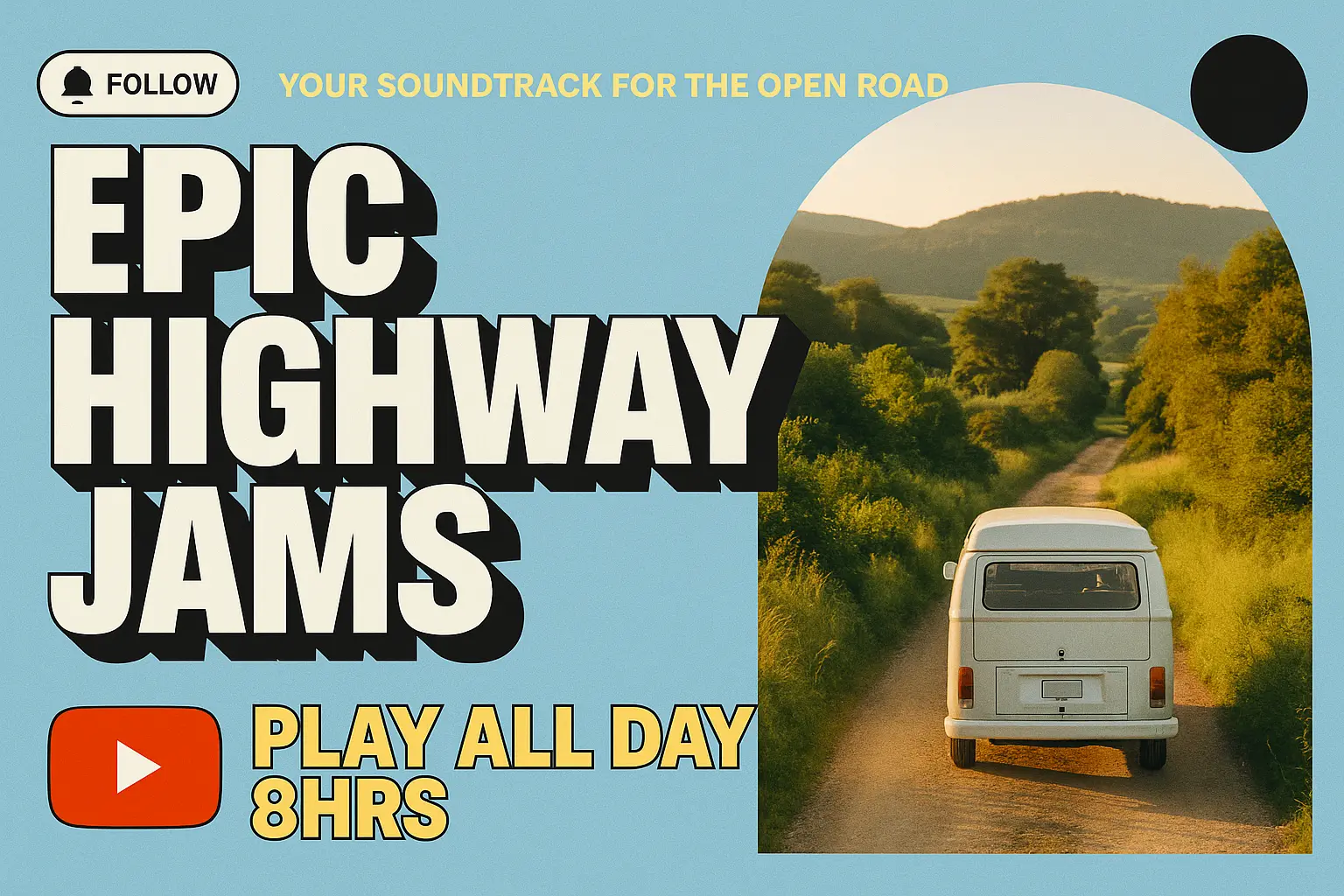
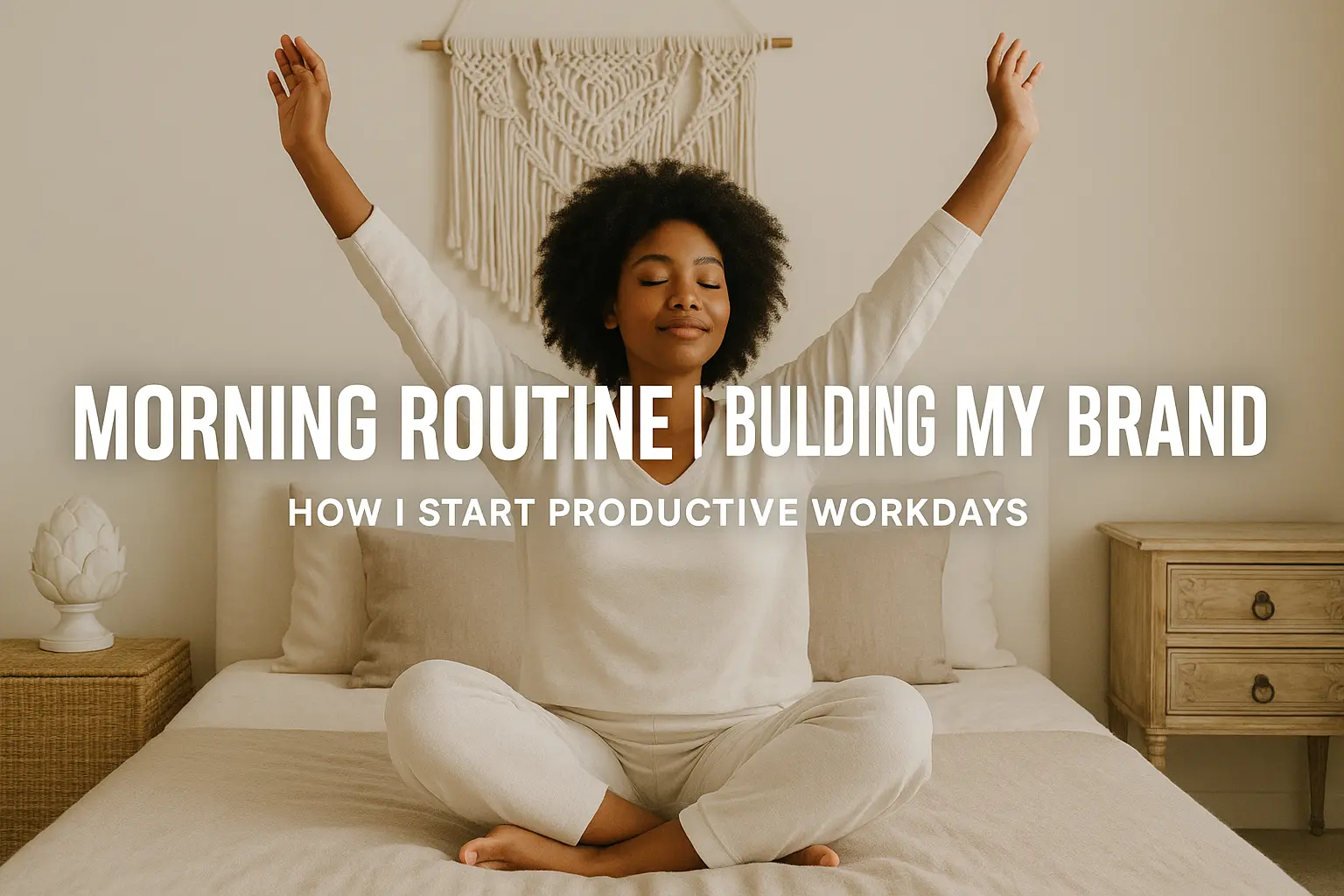
Explore AI YouTube Thumbnail Generator Results