seedream-5.0-pro/image-to-image
image-to-image
Reference-guided image editing with layout, layer separation, and multilingual text
Reference-guided image editing with layout, layer separation, and multilingual text

Generate studio-grade visuals with 4K clarity, creative control, and smart adaptive lighting

Edit up to ten images from a written instruction at 1K, 2K, or 4K.

Generate detailed visuals from text swiftly with high fidelity and dual-language control.
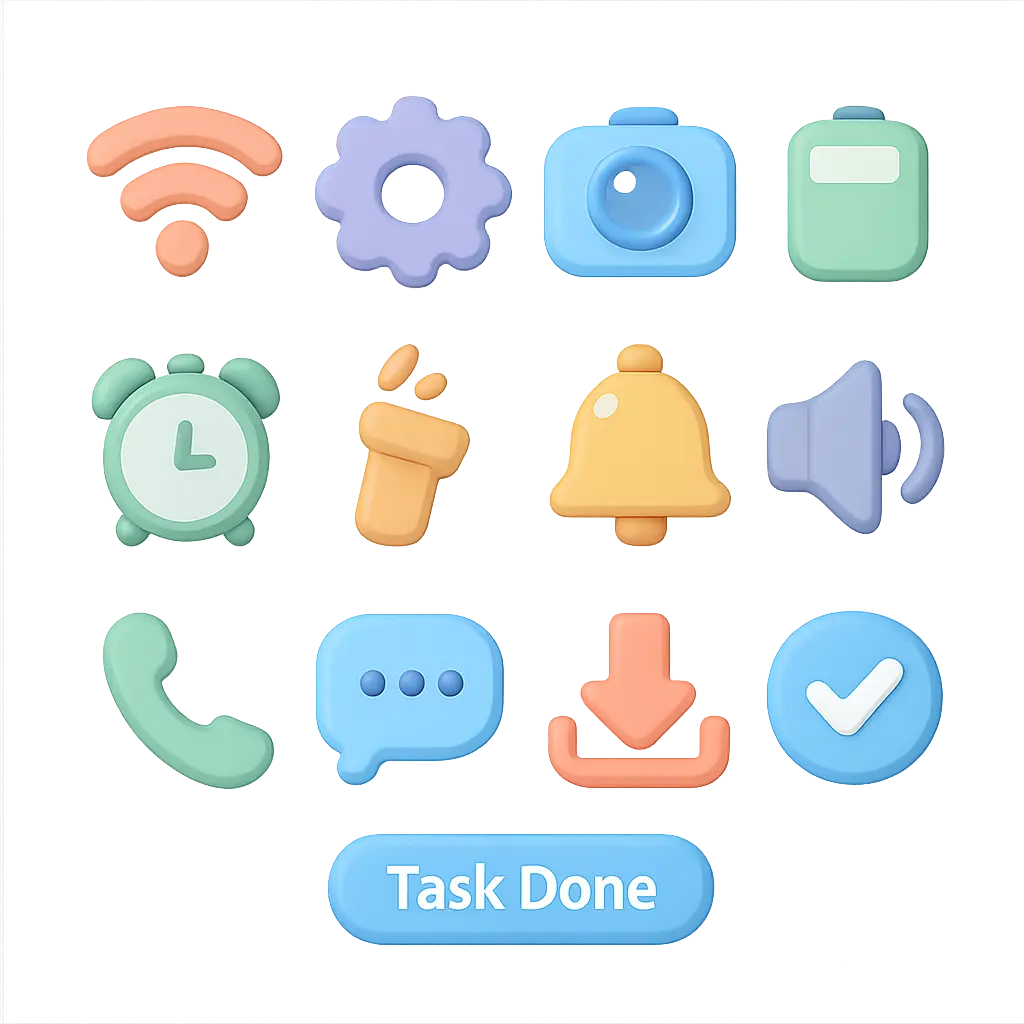
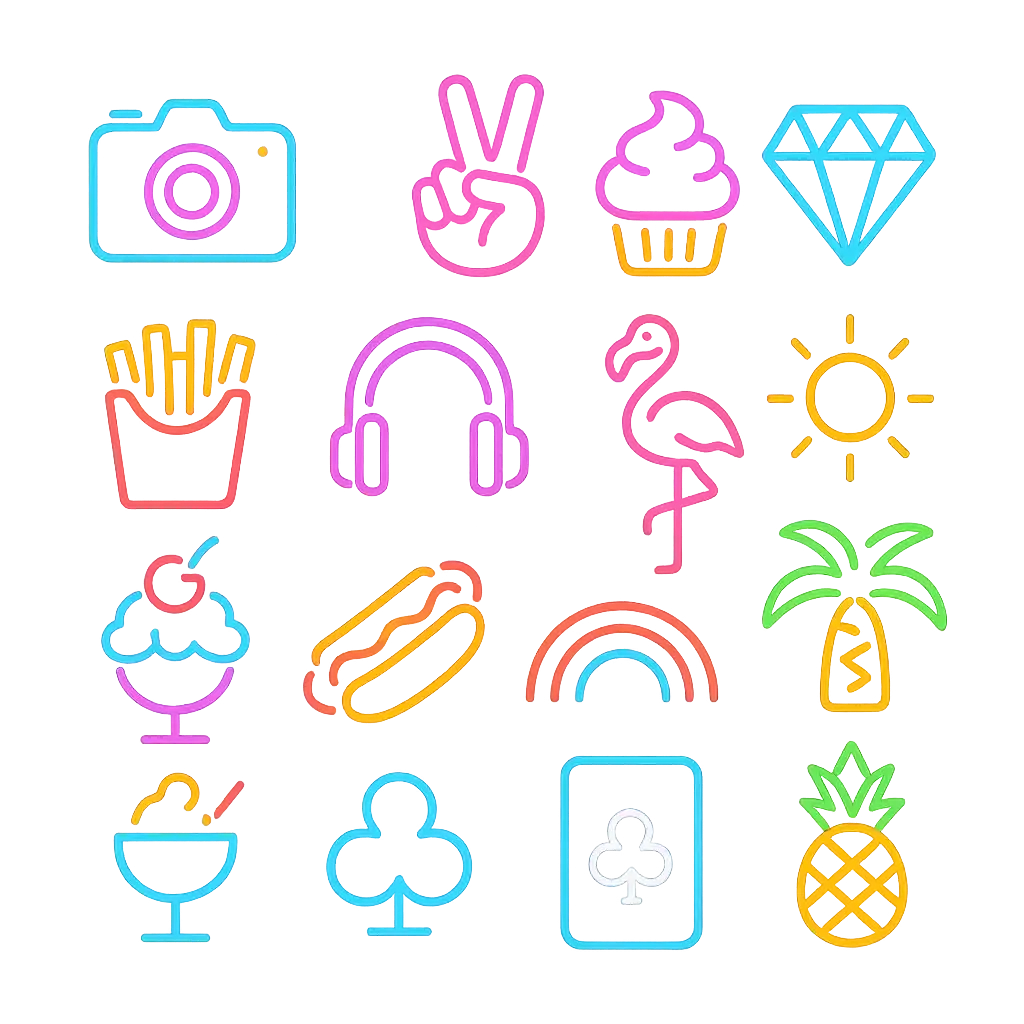
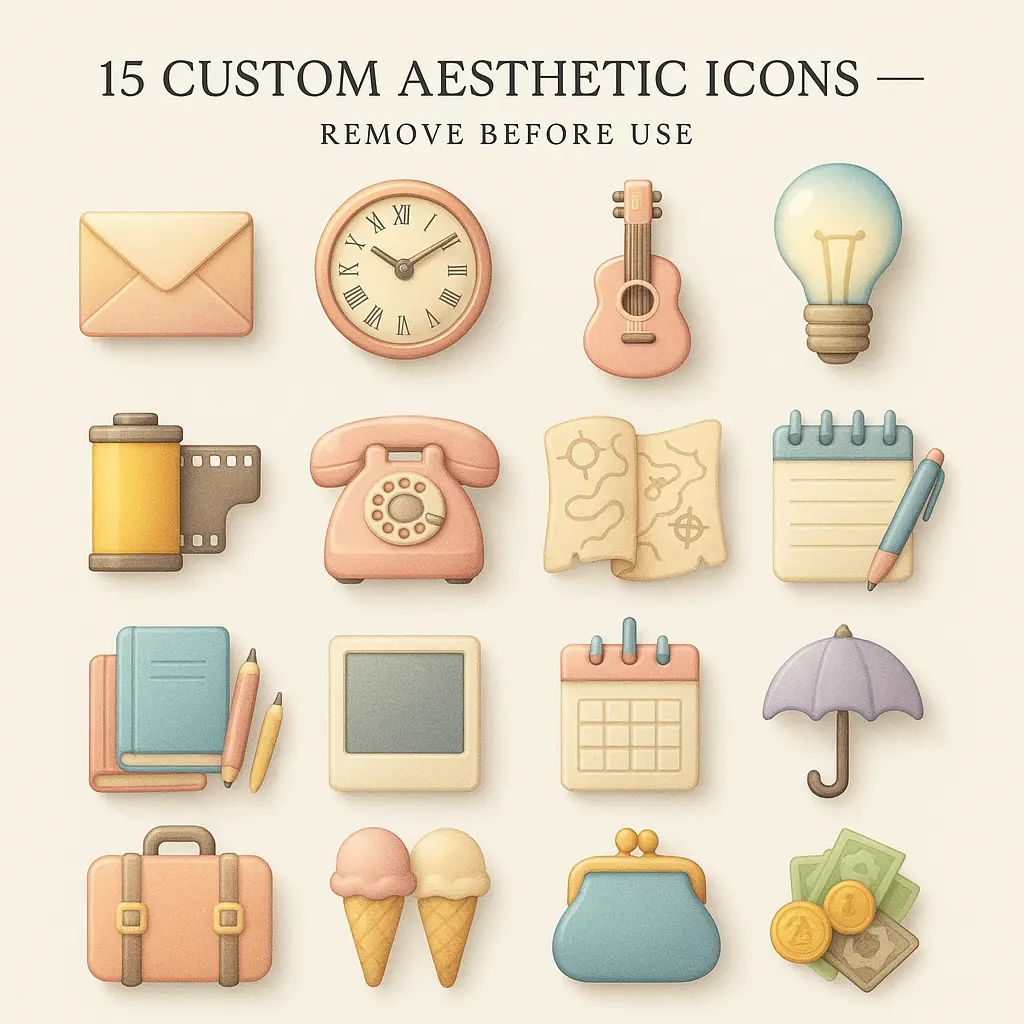
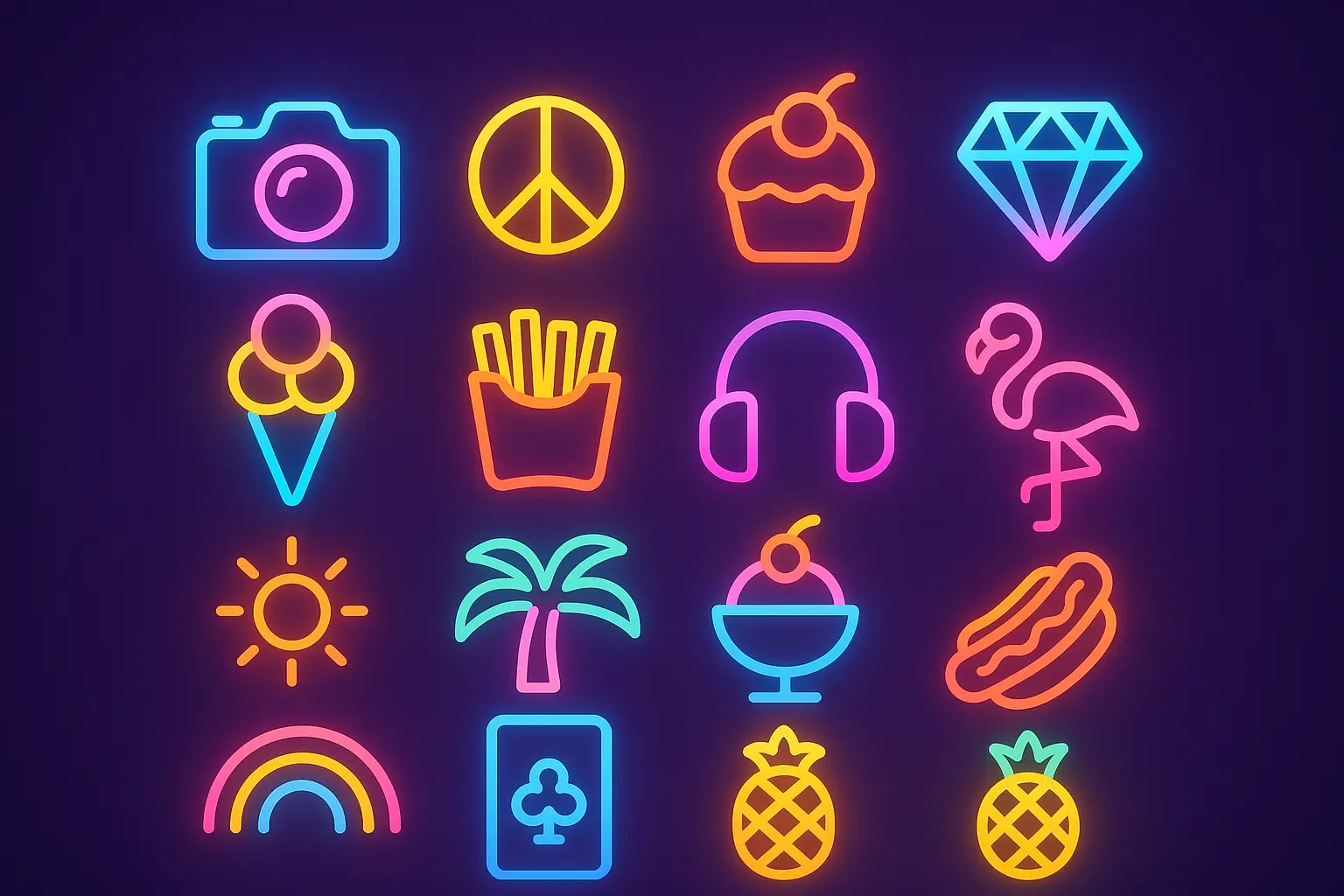
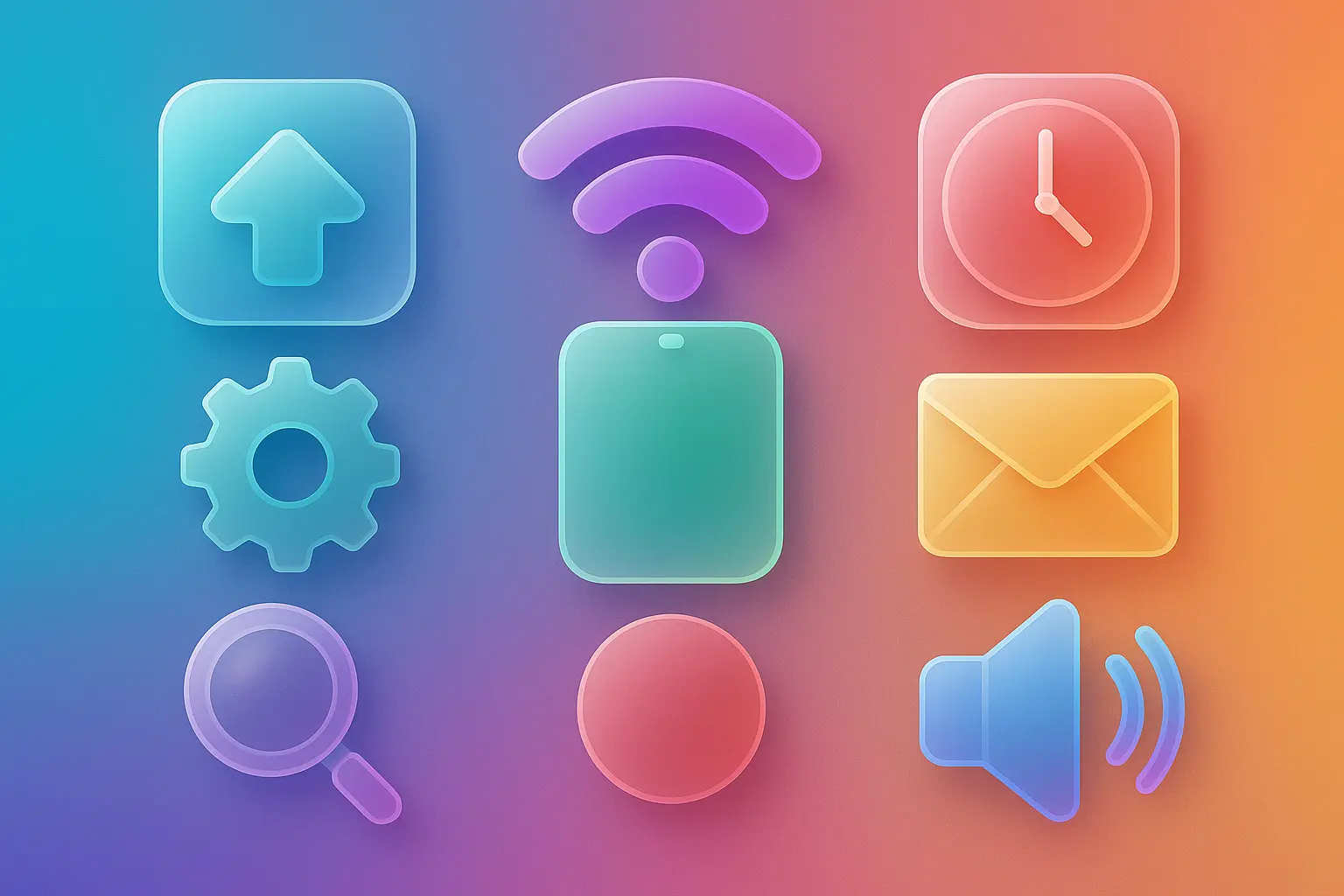
Crafting your own icon lets you showcase who you are at a glance—whether you're launching a brand, posting on socials, or building a portfolio. Your icon becomes a unique imprint of your personality and purpose.
With endless options and instant results, you can explore different styles, moods, and shapes to bring your ideas to life. Every icon you generate is a chance to reimagine how you represent your creativity.
Skip the long design process and get icons that look like they were made just for you. Whether you're updating an app or refreshing a blog, your icon stays personal—and your workflow stays smooth.

Unlock powerful art tools at zero cost, making it easy for anyone to create and innovate without barriers.

Your creations and data stay confidential, guaranteeing your artistic work remains safe and secure.

Built for ease of use, so you can jump in and thrive—no matter your skill level or experience.
Click our icon tool. You don't need to download or install anything on your device.
Describe or upload the image your want to turn into icon artwork from your device or your Gallery.
The Image Generation process will start automatically. Simply wait a moment for your image to be generated or restyled.
An AI icon generator creates visual assets like icons based on your text prompts or a mix of text and image references. With this AI icon generator, you simply open it online—no setup needed—add your prompt or prompt plus up to 3 reference images, and wait as your custom icon is generated automatically.
Yes, the AI icon generator gives every user 5 free generations each day without needing to log in. If you want to create more, you can sign in and add credits to continue using the generator for additional images.
No, the AI icon generator runs fully online. There's no need to download or install anything—just visit the site and you can start generating icons instantly with your ideas.
To get great results from the AI icon generator, try being specific about style, mood, or subject. If you're unsure where to start, the generator provides example prompts. You can even use them directly by clicking 'Make it yours' to quickly shape your own unique icon.
This AI icon generator is tuned for simplicity and speed—no logins required for daily use, no setup, and it works with both text and image prompts. It also offers curated examples to spark creativity, letting users easily remix ideas into custom visuals without technical steps.
Using an AI icon generator accelerates creative workflows, especially when you need fast, fresh visuals without starting from scratch. Instead of spending hours sketching, you can turn ideas into icons in seconds, freeing up your time for refining or sharing designs.
Yes, the AI icon generator is fully accessible through mobile browsers, so you can create icons on the go using your phone or tablet—no special setup required. It behaves smoothly across devices.
You can upload up to 3 reference images per generation when using the AI icon generator. These images help influence the output along with your text prompt for a more customized result.
If something isn't working or you have suggestions, you can contact the support team directly at hi@runcomfy.com. Your feedback helps improve the AI icon generator and ensures the experience stays effective and fun for users.
Absolutely. The AI icon generator is built to handle all kinds of prompts, from simple to wild. The more playful or unique your input, the more interesting your result might be. It’s part of the fun—no idea is too odd to try.
RunComfy is the premier ComfyUI platform, offering ComfyUI online environment and services, along with ComfyUI workflows featuring stunning visuals. RunComfy also provides AI Models, enabling artists to harness the latest AI tools to create incredible art.