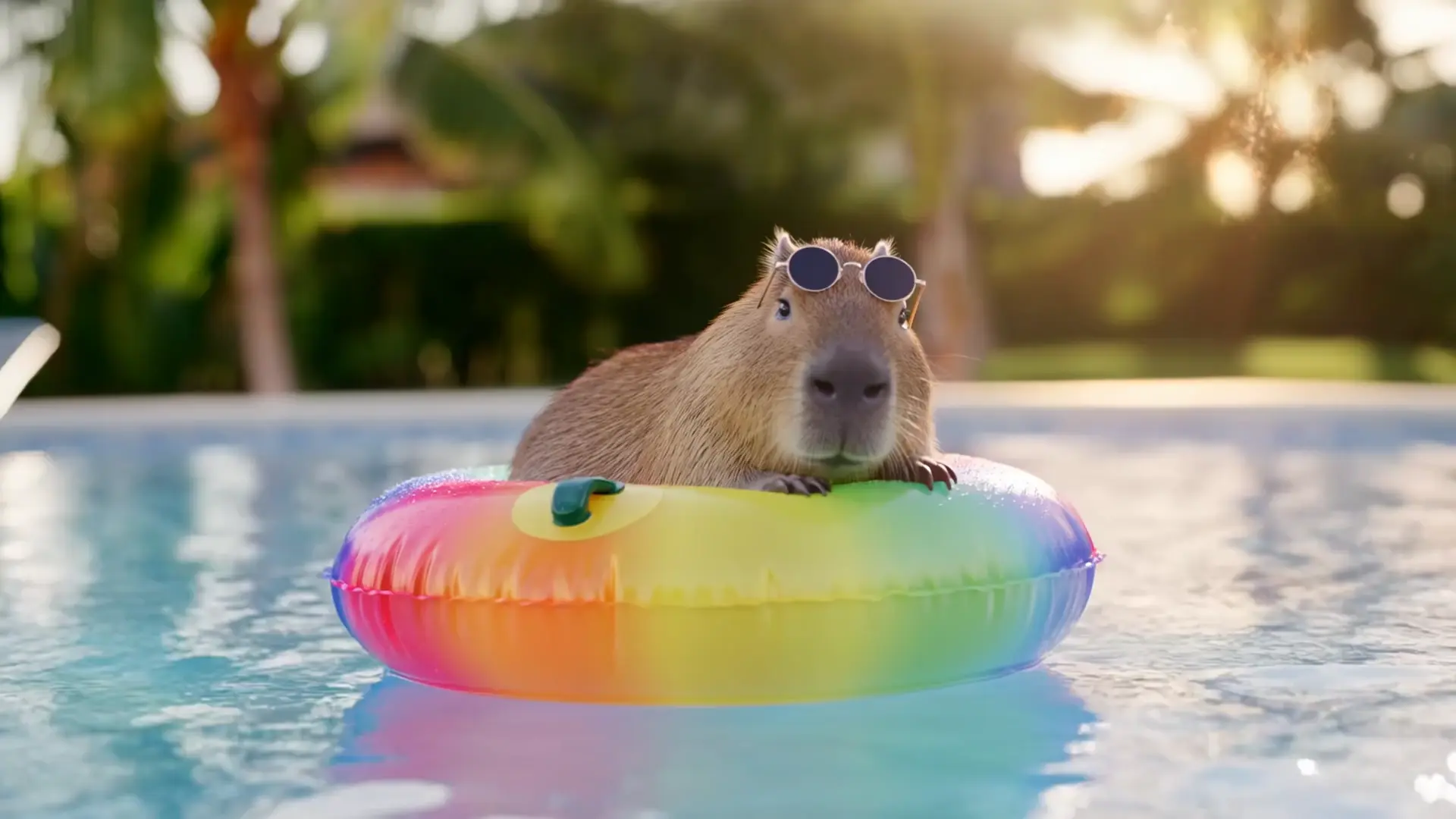
hailuo-2-3/pro/text-to-video
AI-powered video creation tool offering 1080p motion and natural expression for precise, artistic storytelling.
| Parameter | Required | Type | Default | Range / Options | Description |
|---|---|---|---|---|---|
| prompt* | Yes (*) | string | — | — | Motion and camera description for the still |
| image* | Yes (*) | string (image URI) | — | — | Input still to animate |
| duration | No | integer | 5 | 4–30 (seconds) | Clip length |
| generate_audio | No | boolean | true | true / false | Native synchronized audio |
Billing follows generated video length:
AI-powered video creation tool offering 1080p motion and natural expression for precise, artistic storytelling.

FLUX 3 Draft FLF: Fast start-end frame video previews at 720p
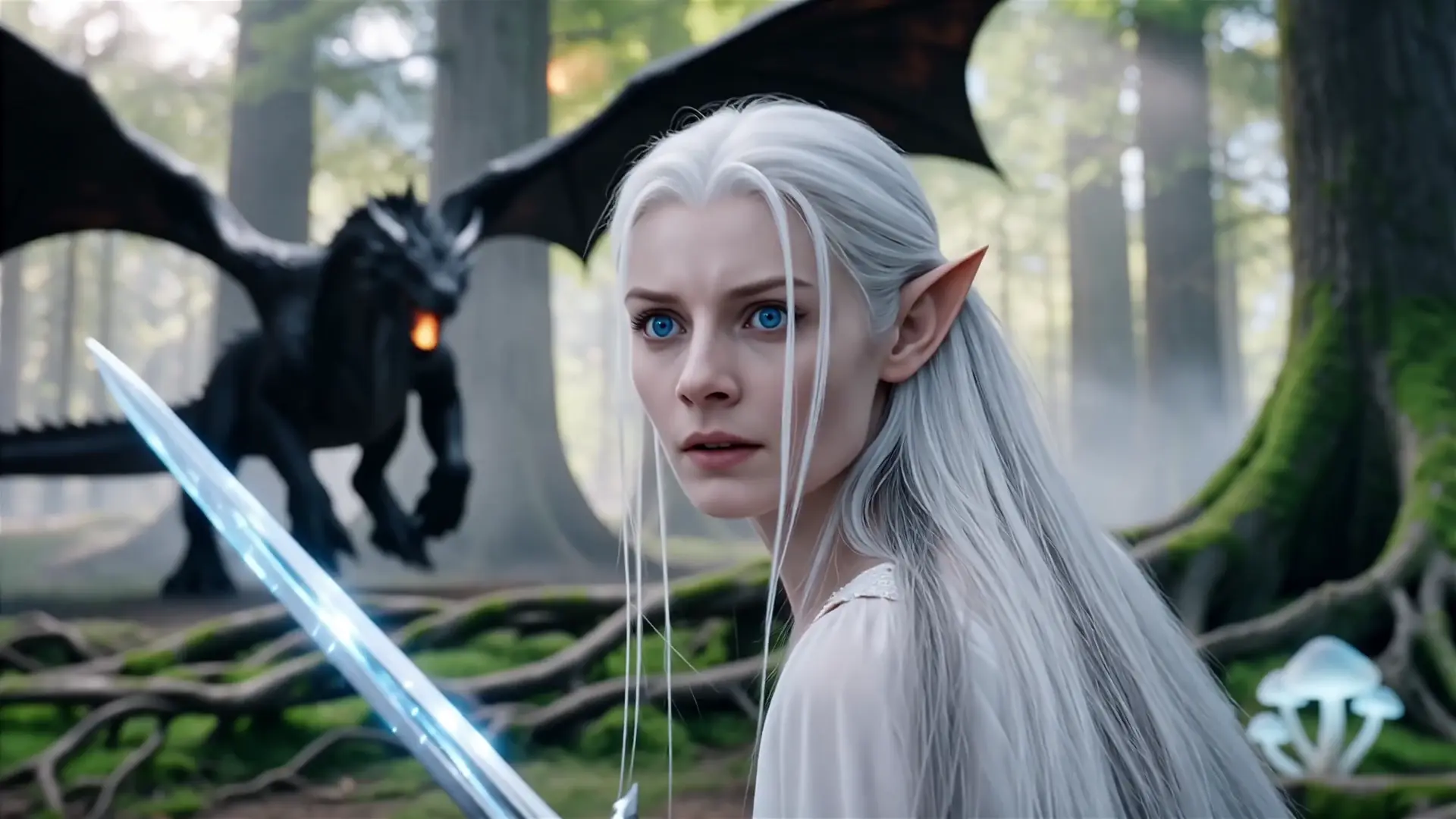
Generate videos from text prompts with audio using Wan 2.5 Preview.

Seedance 2.5 Reference to Video 1080p: Multi-reference 1080p cinematic clips

Create photo-based, speech-aligned videos with natural motion

Premium cinematic text-to-video with the highest visual fidelity in the Kling V3.0 family.
Seedance 2.5 1080p is a ByteDance image-to-video endpoint that animates one still into a fixed 1080p clip. It fits delivery-ready product shots, character motion, and brand clips where edge detail and natural light matter.
Seedance 2.5 1080p keeps the same still-plus-prompt workflow but locks output at 1080p for sharper finals. Use 480p or 720p for cheaper drafts, then reuse the winning still and prompt here.
Seedance 2.5 1080p requires a prompt and an input image. Duration spans 4 to 30 seconds (default 5). Output aspect follows the input image; generate_audio can add synchronized native audio.
No. Seedance 2.5 1080p is fixed at 1080p by design. Choose a different Seedance 2.5 playground when you need 480p or 720p drafts.
Yes. Prototype in the RunComfy model UI, then call the same Seedance 2.5 1080p template through the RunComfy API with matching parameters. Generations consume usd / credits on both paths.
Seedance 2.5 1080p is billed at $0.57 per second of generated video. Longer durations scale linearly with the length you select.
Stay on Seedance 2.5 1080p for client delivery, grading, and high-detail subjects. Use 480p or 720p first when you are still iterating prompts or camera direction.
RunComfy is the premier ComfyUI platform, offering ComfyUI online environment and services, along with ComfyUI workflows featuring stunning visuals. RunComfy also provides AI Models, enabling artists to harness the latest AI tools to create incredible art.