steady-dancer
Animez une image de référence à partir du mouvement d’une vidéo pilote.
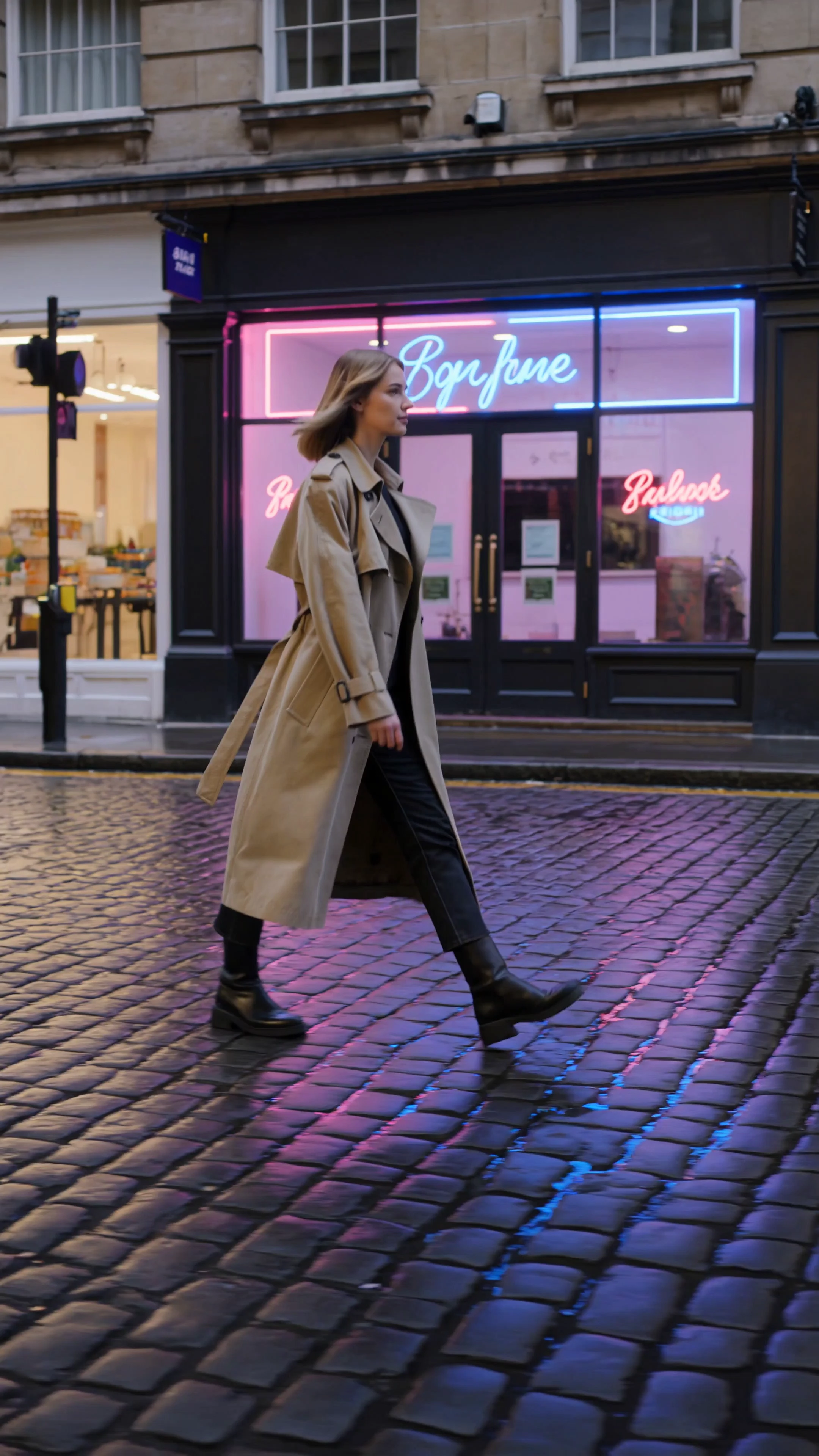
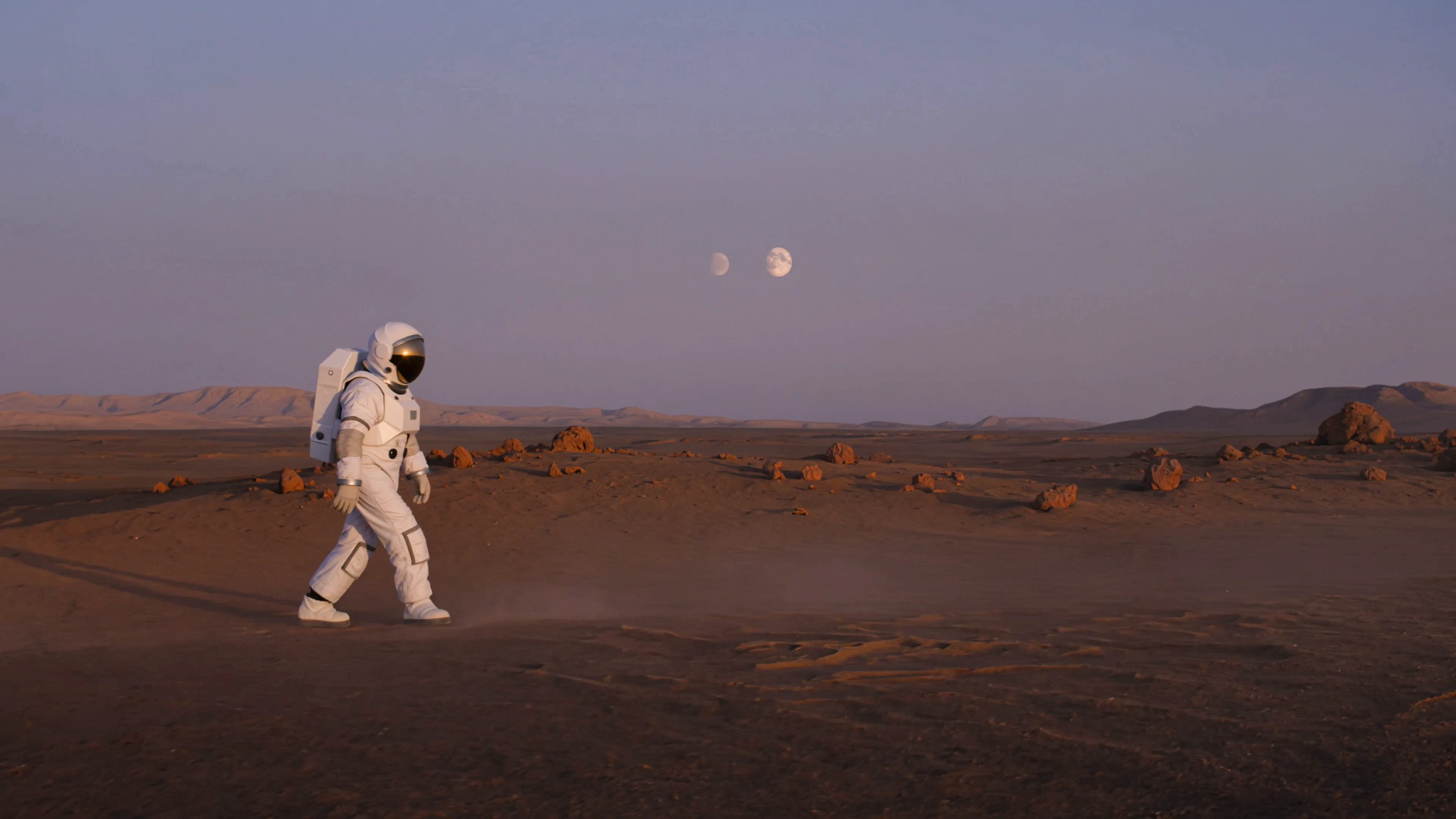
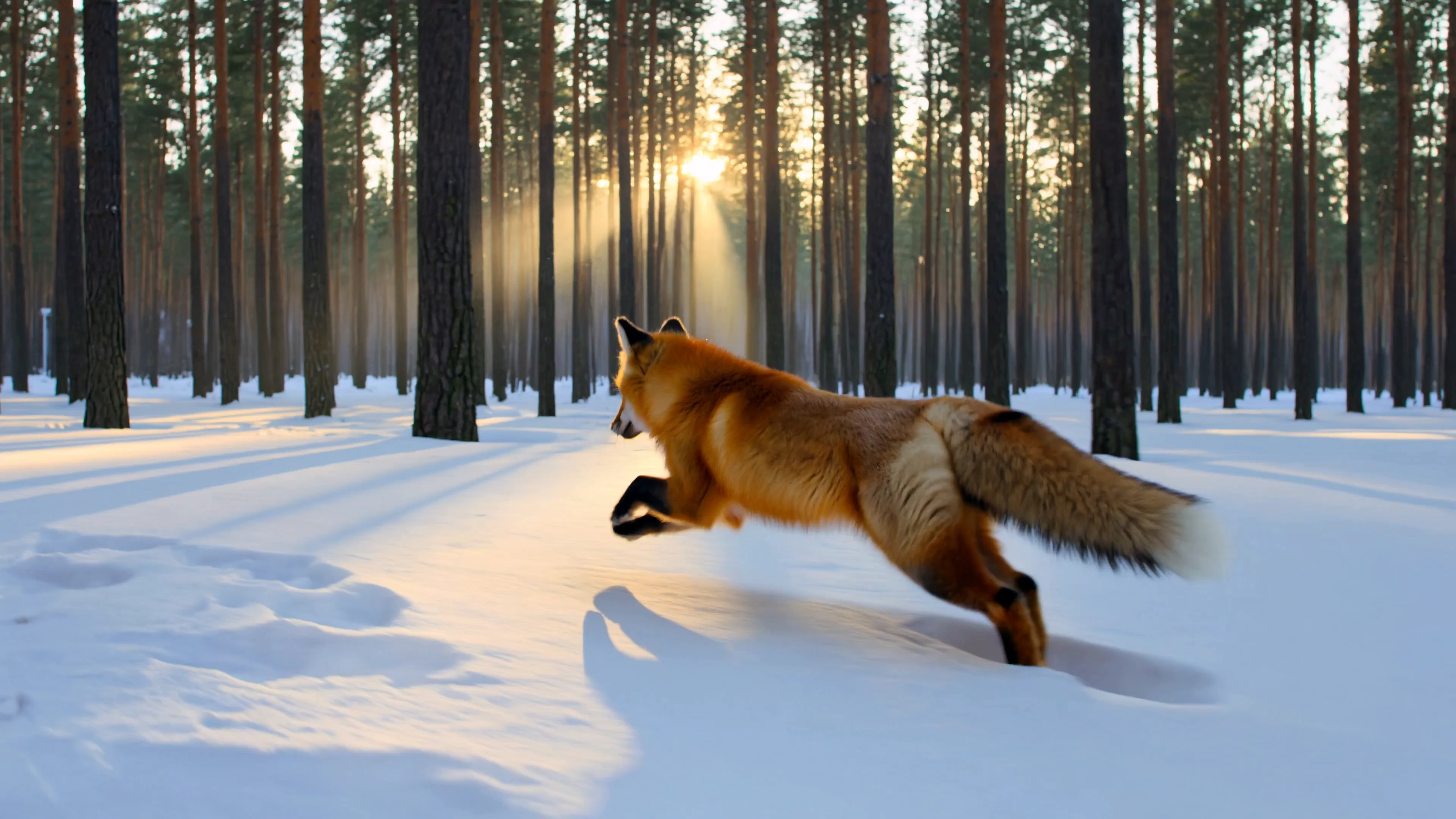
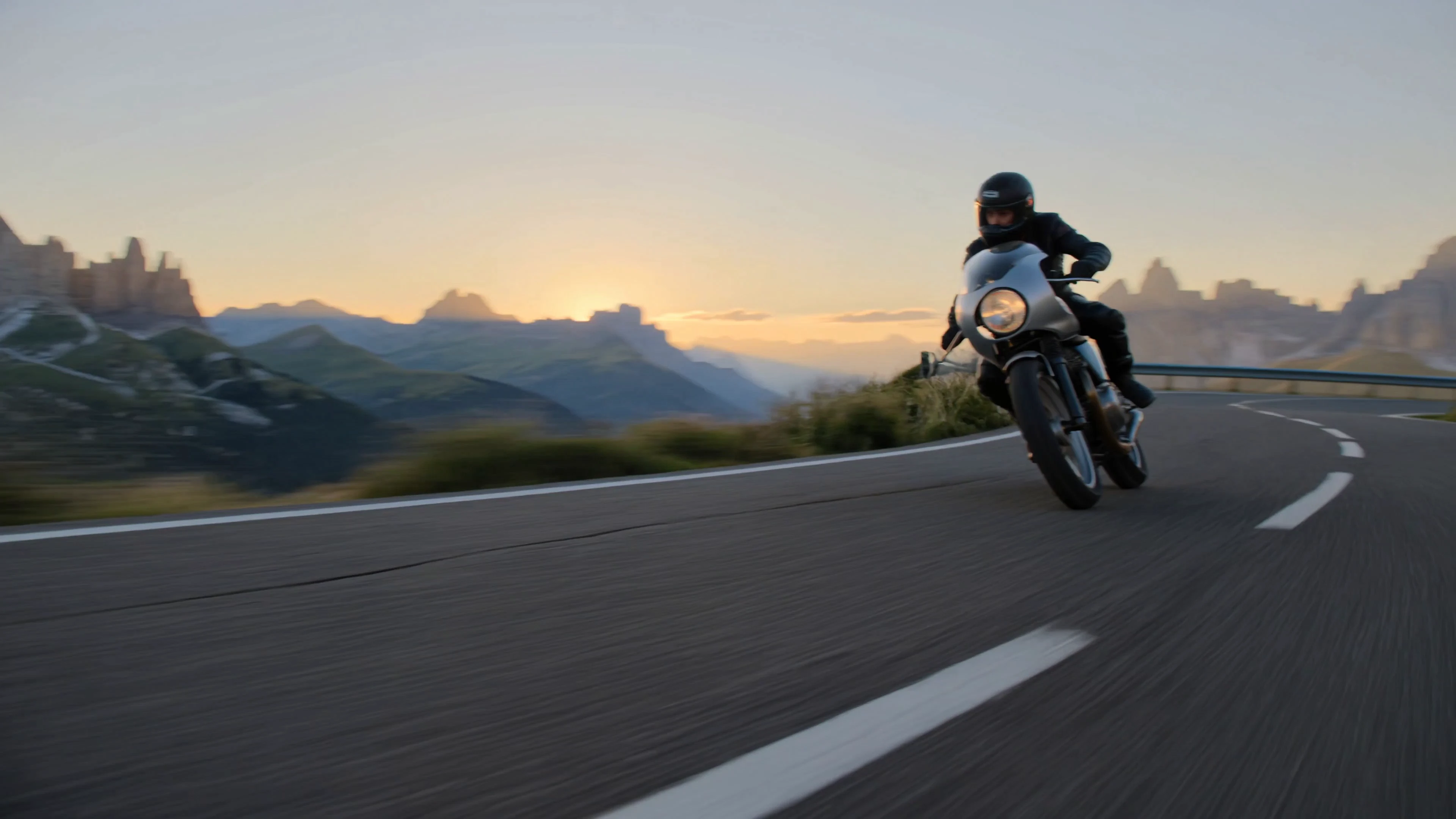
Kling Video O3 4k Text To Video est le modèle 4K le plus avancé de la gamme O3 de Kuaishou, optimisé pour la qualité des rendus finaux à la résolution la plus élevée. Une seule description de scène produit un clip 4K de 3 à 15 secondes avec mouvements physiquement réalistes, cadrage maîtrisé et piste audio correspondante en option.
Il convient aux équipes qui souhaitent créer des séquences 4K de qualité professionnelle à partir de langage naturel, sans tournage, compositing ni hébergement du modèle.
| Paramètre | Obligatoire | Type | Par défaut | Plage / Options | Description |
|---|---|---|---|---|---|
| prompt* | Oui (*) | string | — | Texte libre | Scène, sujet, action, caméra, éclairage et ambiance. |
| aspect_ratio | Non | string | 16:9 | 16:9, 9:16, 1:1 | Format de sortie. |
| duration | Non | integer | 5 | 3 à 15 | Durée du clip en secondes ; la facturation augmente linéairement. |
| sound | Non | boolean | false | true / false | Génère un son synchronisé adapté à la vidéo. |
| shot_type | Non | string | customize | customize, intelligent | Mode de montage ; intelligent décide automatiquement, customize suit le prompt. |
Animez une image de référence à partir du mouvement d’une vidéo pilote.
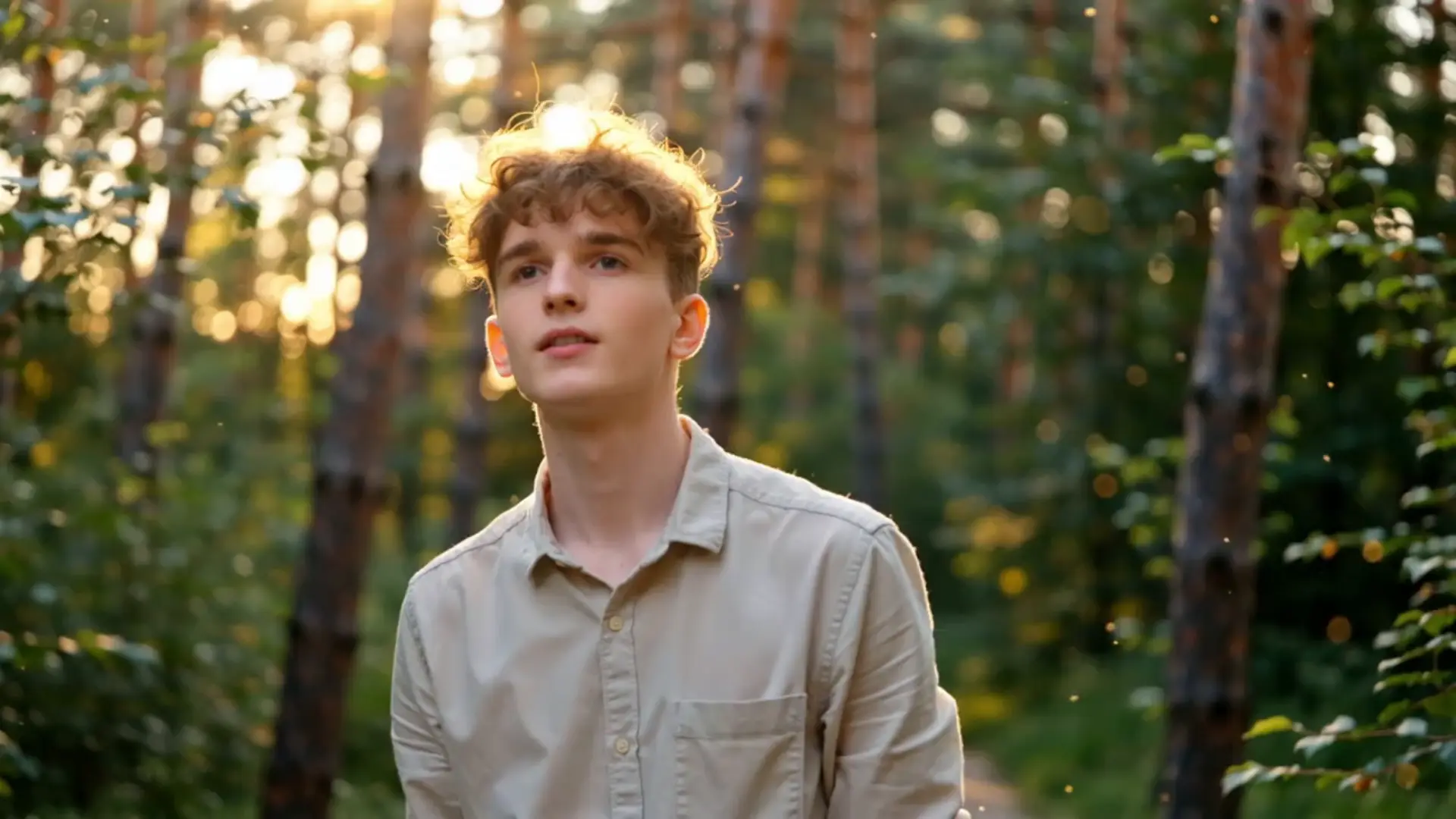
Créez des vidéos fluides et réalistes à partir d’images statiques
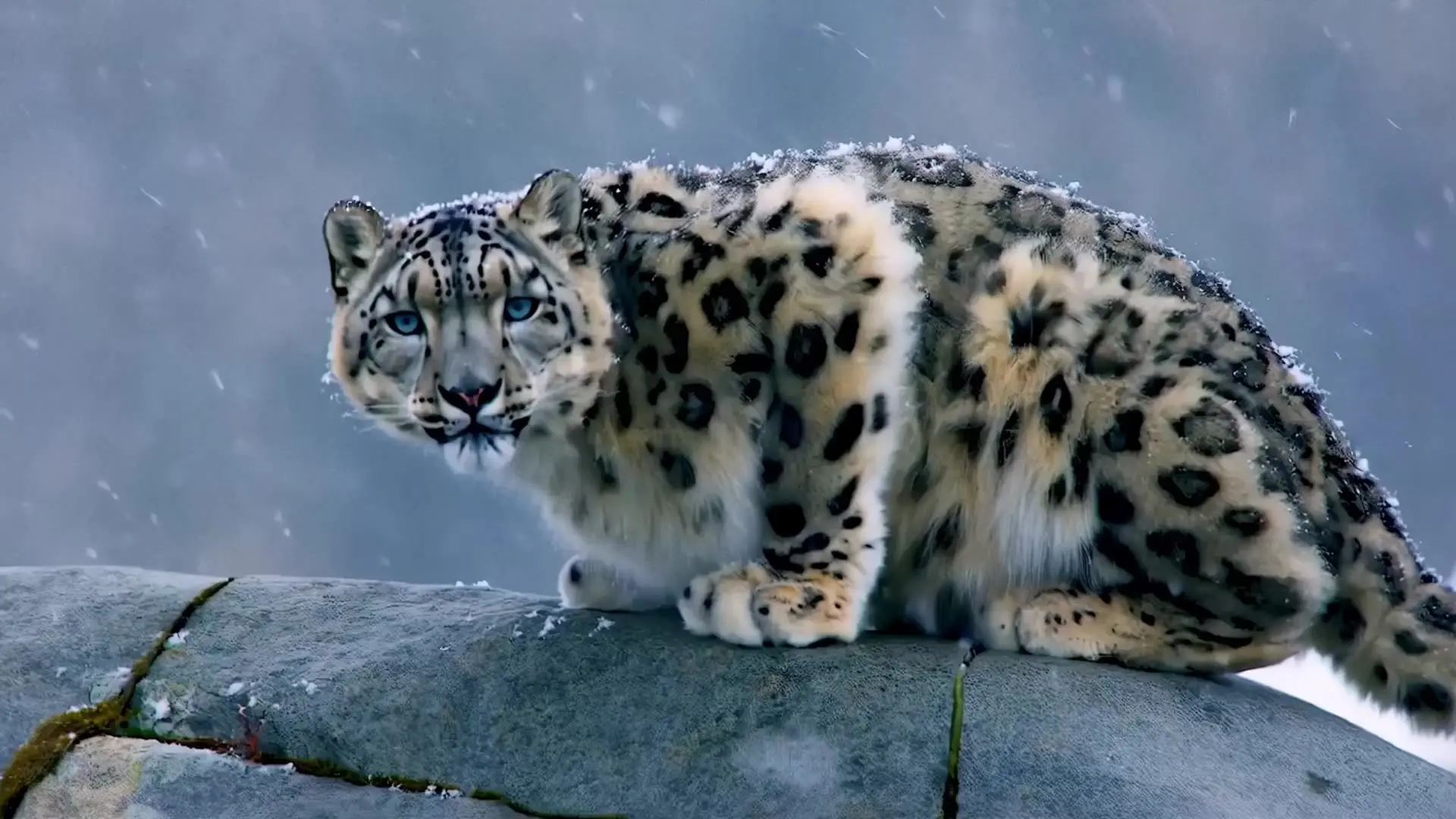
Créez des vidéos réalistes à partir d’images avec fluidité et style.

Seedance 2.5 Reference to Video 4K : clips 4K multi-références

Modifiez une portion précise d’un morceau tout en préservant le reste de l’audio.
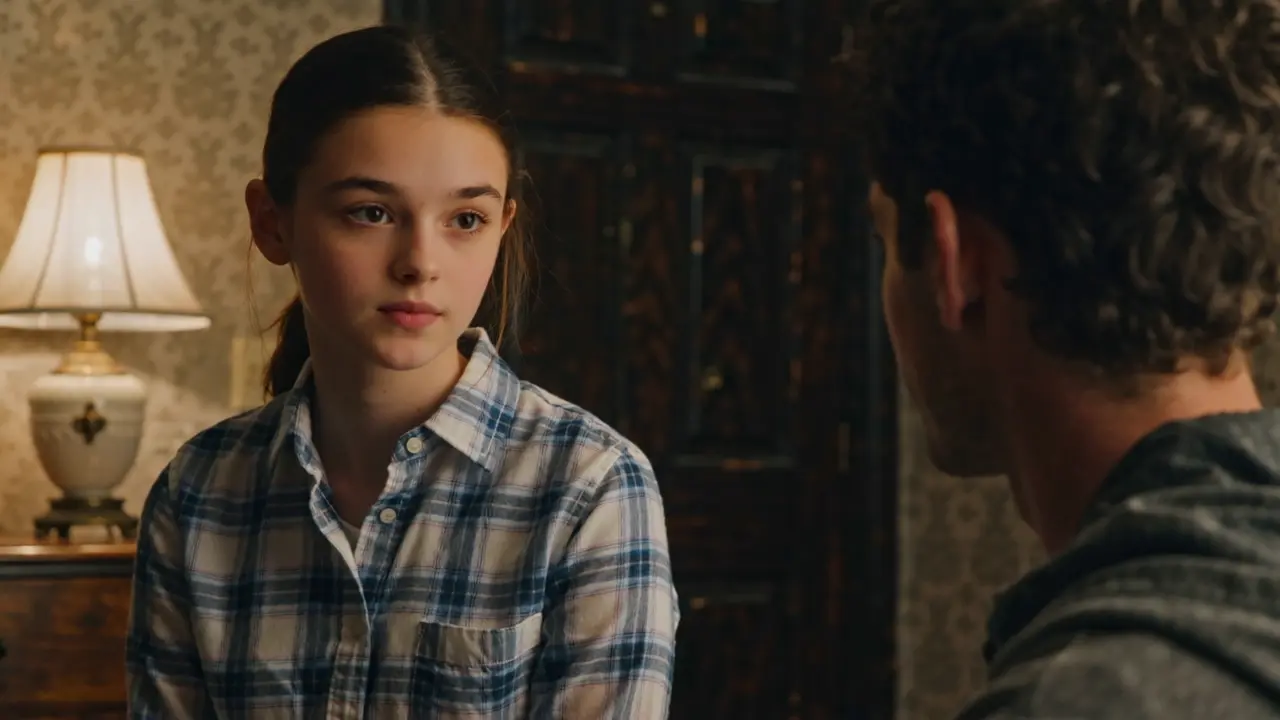
Créez avec Wan 2.2 Plus une vidéo de cinq secondes depuis un prompt et choisissez format, seed et extension du prompt.
Kling Video O3 4k Text To Video est le modèle text-to-video 4K le plus avancé de Kuaishou. Il génère à partir d’un seul prompt des clips cinématographiques de 3 à 15 secondes. Ses mouvements physiquement réalistes, son éclairage maîtrisé et ses détails 4K conviennent aux films de marque haut de gamme, aux reels conceptuels premium et aux campagnes destinées aux grands écrans.
Kling Video O3 4k Text To Video offre la résolution et le niveau de détail final les plus élevés de la gamme O3. D’après les informations publiques disponibles, la version Pro est moins chère par seconde et vise une sortie HD ; Standard coûte encore moins et convient aux brouillons et aux itérations en volume.
Oui. L’option audio de Kling Video O3 4k Text To Video génère, lors du même traitement, une ambiance sonore et des effets adaptés. Elle est désactivée par défaut. Le tarif reste identique, avec ou sans son.
Kling Video O3 4k Text To Video interprète correctement les prompts structurés. Le sujet, l’action, le mouvement de caméra, l’ambiance lumineuse et l’atmosphère influencent le résultat. Utilisez plusieurs segments de prompt pour faire progresser la scène et une liste d’éléments pour conserver personnages, accessoires ou styles pendant tout le clip 4K.
Kling Video O3 4k Text To Video prend en charge 16:9, 9:16 et 1:1 pour les usages cinéma, vertical et carré. La durée se règle de 3 à 15 secondes par incréments d’une seconde. Consultez le panneau des paramètres RunComfy pour les limites à jour.
Seul prompt est obligatoire. aspect_ratio, duration, sound, shot_type, multi_prompt et element_list sont facultatifs. Respectez les règles d’utilisation des contenus de Kuaishou et consultez le panneau RunComfy pour les éventuelles limites du fournisseur.
Oui. Testez d’abord Kling Video O3 4k Text To Video dans l’interface du modèle RunComfy, puis appelez le même modèle depuis votre backend avec les mêmes paramètres via l’API HTTP RunComfy. Aucun hébergement de GPU ni travail de mise à l’échelle du modèle n’est nécessaire.
Kling Video O3 4k Text To Video coûte 0,47 $ par seconde de vidéo générée, avec ou sans son. Un clip de 5 secondes coûte environ 2,35 $ et un clip de 15 secondes environ 7,05 $. Les coûts sont débités de votre solde RunComfy en USD/crédits et les nouveaux utilisateurs reçoivent généralement un crédit d’essai gratuit.
RunComfy est la première ComfyUI plateforme, offrant des ComfyUI en ligne environnement et services, ainsi que des workflows ComfyUI proposant des visuels époustouflants. RunComfy propose également AI Models, permettant aux artistes d'utiliser les derniers outils d'IA pour créer des œuvres d'art incroyables.