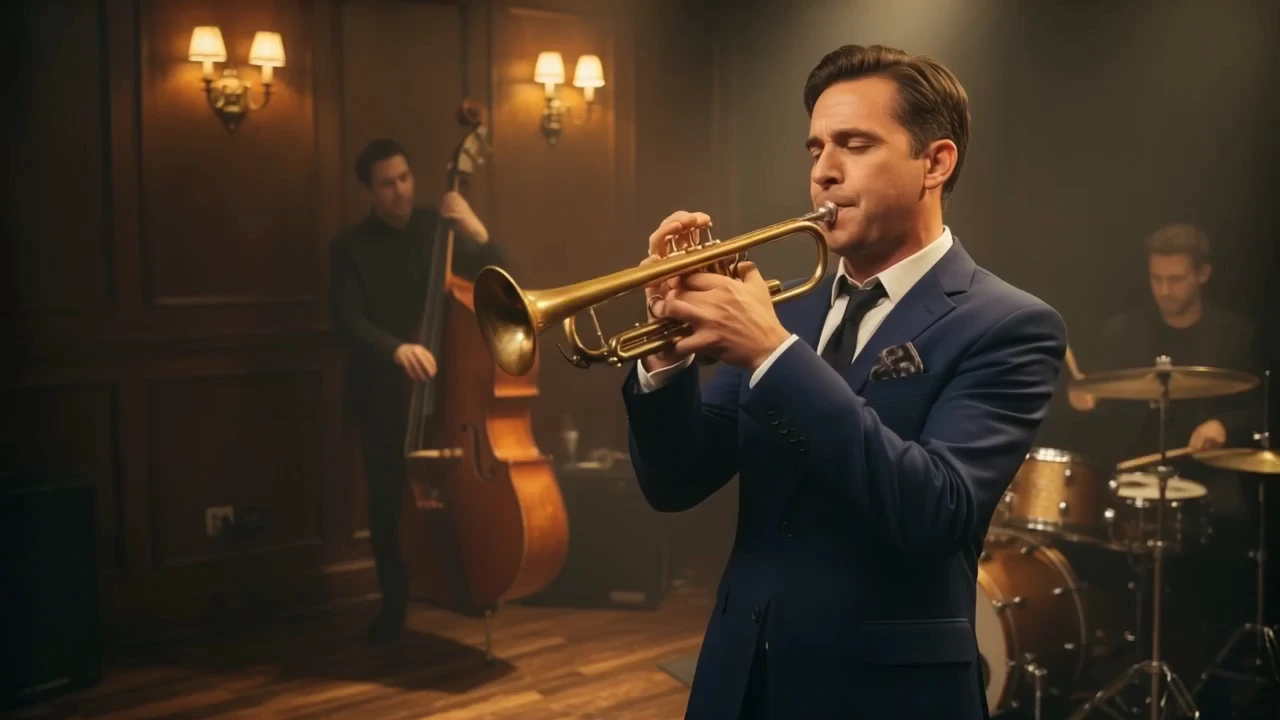
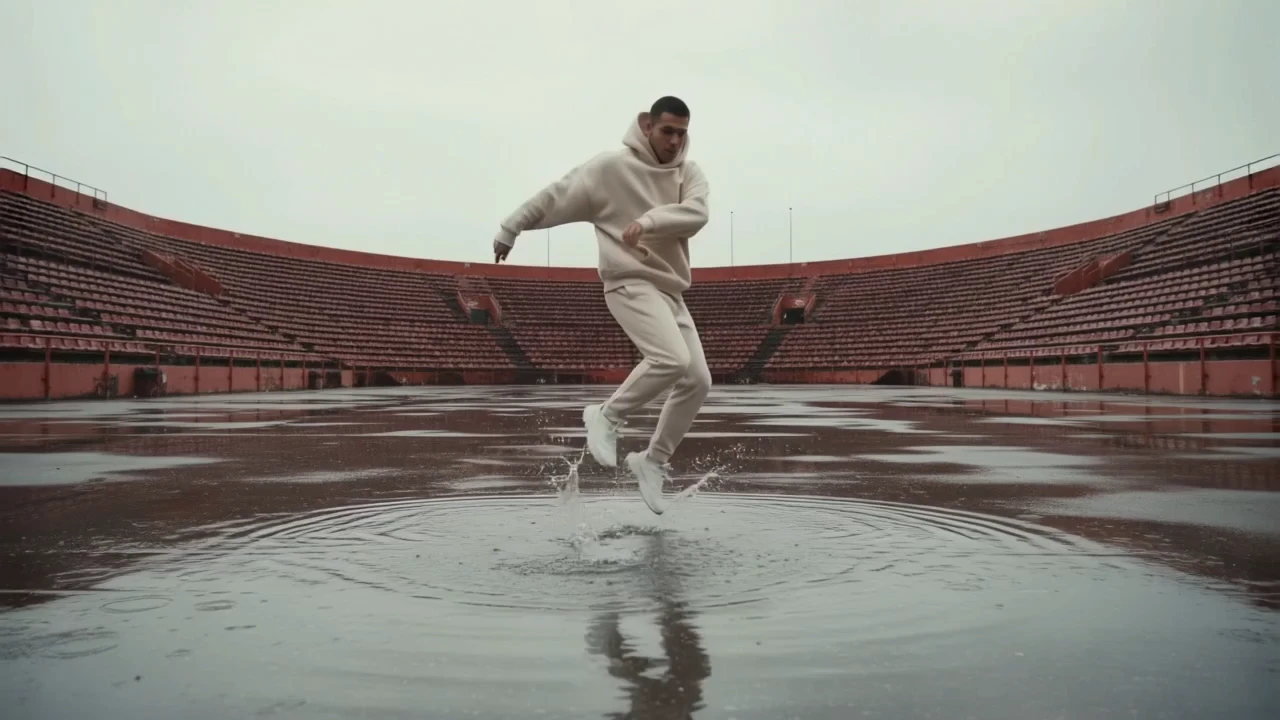
pixverse-v6/text-to-video
Generate directed multi-clip videos from prompts with optional audio.
Controls on this LTX 2.5 Pro Text To Video page:
| Parameter | Required | Type | Default | Range / Options | Description |
|---|---|---|---|---|---|
prompt* | Yes (*) | String | Example prompt | Up to 5,000 characters | Subject, action, camera, setting, style, and audio. |
duration | No | String | 10 | auto, 6, 8, 10 | Fixed seconds or auto for model-chosen length. |
resolution | No | String | 1080p | 720p, 1080p | Pro delivery resolutions. |
aspect_ratio | No | String | 16:9 | 16:9, 9:16 | Landscape web/ads or vertical social. |
fps | No | Integer | 25 | 24, 25, 50 | Editorial cadence or smoother motion. |
generate_audio | No | Boolean | true | true / false | On for synced sound; off for silent plates. |
camera_motion | No | String | — | dolly_in, dolly_out, dolly_left, dolly_right, jib_up, jib_down, static, focus_shift | Optional prescribed camera path. |
LTX 2.5 Pro Text To Video is billed per second of generated video. Native audio is included.
| Resolution | Price per second | 6s | 8s | 10s |
|---|---|---|---|---|
| 720p | $0.132 | $0.792 | $1.056 | $1.32 |
| 1080p | $0.19 | $1.14 | $1.52 | $1.90 |
For batches, total ≈ duration × per-second rate × output count. When duration is auto, billing follows the actual generated length.
Generate directed multi-clip videos from prompts with optional audio.

Add a person or object into an existing video with smart compositing.

Create dynamic, sound-synced motion clips from visuals for rich storytelling.
Animate a single image into a smooth video with Kling 2.1 Standard.

AI-driven motion conversion tool enabling precise, stable animation creation
AI-powered video creation tool offering 1080p motion and natural expression for precise, artistic storytelling.
LTX 2.5 Pro Text To Video turns a written prompt into a synchronized audio-video clip in a quality-focused mode. It is ideal for locking look, motion, and sound from text when you need delivery-oriented fidelity.
This page is text-only: there are no image or audio reference inputs. Use LTX 2.5 Pro Text To Video for prompt-first finals, then switch to Image-to-Video Pro when a still must lock composition or identity.
You can set duration to auto or 6/8/10 seconds, resolution to 720p or 1080p, aspect ratio 16:9 or 9:16, FPS of 24/25/50, optional camera motion presets, and generate_audio on or off.
Yes. When generate_audio is enabled, picture and sound are produced together, and native audio is included in the per-second price. Disable audio for silent plates.
Prompts can be up to 5,000 characters. Clear structure—subject, one main action, camera, lighting, style, and audio—usually matters more than filling the limit.
Yes. Prototype settings in the RunComfy Web UI, then reuse the same LTX 2.5 Pro Text To Video parameters through the HTTP API for batch jobs and product integrations.
Billing is per second of generated video: $0.132 at 720p and $0.19 at 1080p. Auto duration is charged by the actual generated length. Generations consume USD/credits; new users typically receive a free trial amount.
Choose LTX 2.5 Pro Text To Video when you need higher-fidelity finals at 720p/1080p. Prefer Fast when you need longer clips, 4K drafts, or cheaper rapid iteration first.
RunComfy is the premier ComfyUI platform, offering ComfyUI online environment and services, along with ComfyUI workflows featuring stunning visuals. RunComfy also provides AI Models, enabling artists to harness the latest AI tools to create incredible art.