logo
RunComfy
  • ComfyUI
  • TrainerNew
  • Models
  • API
  • Pricing
discord logo
MODELS
Explore
All Models
LIBRARY
Generations
MODEL APIS
API Docs
API Keys
ACCOUNT
Usage

Cinematic Video Generator: Hollywood-Quality Seedance 2.0 Grade Results | RunComfy

community/cinematic-video-generator

Transform text, images into Seedance 2.0 grade clips with camera-accurate motion, consistent characters, and natural lip sync for marketing, e-commerce, and educational storytelling. The dedicated Seedance 2.0 page is coming soon to RunComfy — start creating at that level today.

Detailed description of the cinematic scene
Reference images for style/character guidance (max: 4)
Output format options corresponding to common aspect ratios: 16:9 (default), 9:16, 4:3, 3:4
Video length options: 5 (default), 10, 15 seconds
Idle
The rate is $0.184 per second. This model may take longer to generate videos than other models (around 5 minutes or longer).

Introduction To Cinematic Video Generator

With the official Seedance 2.0 set to launch soon on RunComfy, Cinematic Video Generator already delivers Seedance 2.0 level visual fidelity today — the kind of cinematic depth and polish once reserved for Hollywood post-production studios. It converts text, image references into short-form videos up to 15 seconds at $0.184 per video second, with native audio-video synchronization. Trading manual storyboarding, frame-by-frame cleanup, and separate ADR/SFX passes for multimodal reference control, camera-accurate motion transfer, and consistent characters via natural-language @-mentions, Seedance 2.0 grade production streamlines output while eliminating complex masking and reshoots for marketing, e-commerce, and education teams. For developers, Cinematic Video Generator on RunComfy can be used both in the browser and via an HTTP API, so you don’t need to host or scale any model yourself to achieve results comparable to Seedance 2.0.
Ideal for: High-Conversion Video Ads | Brand-Consistent Product Promos | Lip-Synced Presenter Explainers

Cinematic Video Generator

Cinematic Video Generator is a multimodal short-form video creation tool on RunComfy for teams that want a Seedance 2.0 level look and motion language without presenting the workflow itself as Seedance 2.0. It turns detailed prompts and optional image references into polished clips with strong visual consistency and native audio where available, making it a practical way to create Seedance 2.0 grade videos for ads, trailers, explainers, and social content.


Output format: Seedance 2.0 grade clips render in commonly reported public tiers (varies by provider), variable fps, 5–15 seconds, 16:9 / 9:16 / 4:3 / 3:4, audio availability may vary on RunComfy.


Highlights

  • Multimodal prompting with reference control: combine text with up to four images to guide character, style, and framing toward a Seedance 2.0 visual target.
  • Temporal and identity consistency: maintain faces, outfits, and backgrounds across frames for Seedance 2.0 grade output without heavy post-work.
  • Camera and style literacy: recognizes directing terms (e.g., dolly-in, soft key, golden-hour) for the precise look and motion that approaches Seedance 2.0 cinematics.
  • Native audio support (when enabled): lip-sync, ambience, and SFX can reach Seedance 2.0 caliber audio-visual sync in a single pass.
  • Fast iteration for creators: short runs (5–15s) deliver Seedance 2.0 quality previews that help test hooks and polish story beats for rapid content cycles.
  • Reference-friendly workflows: image-to-video and style continuity make it easier to maintain a consistent Seedance 2.0 cinematic standard across multiple takes.

Parameters

ParameterRequiredTypeDefaultRange / OptionsDescription
prompt*Yes (*)string——Detailed description of the cinematic scene
imagesNoup to 4 image files or URLs—0–4Reference images for style/character guidance (max: 4)
aspect_ratioNoenum16:916:9, 9:16, 4:3, 3:4Output format selection
durationNoenum (seconds)55, 10, 15Video length in seconds

Pricing

Billing unitRateExample cost (5s)Example cost (10s)Example cost (15s)
Per video second$0.184$0.92$1.84$2.76

How to Use

1) Write your scene prompt

  • Describe subject, action, setting, lighting, lens/camera intent, and mood to steer Cinematic Video Generator toward a Seedance 2.0 style result.

2) Add reference images (optional)

  • Upload up to four images to anchor Seedance 2.0 level character identity, wardrobe, product angles, or color grade.

3) Choose aspect ratio

  • Pick 16:9 for landscape, 9:16 for vertical, or 4:3 / 3:4 for more classic frames.

4) Set duration

  • Start with 5 seconds for quick previews, then extend to 10–15 seconds once the Seedance 2.0 grade look is dialed in.

5) Review and iterate

  • Adjust prompt phrasing, swap references, and regenerate to refine motion, lighting, and continuity toward Seedance 2.0 quality without reworking everything.

Prompt & Reference Tips

  • Anchor the look with 2–3 high-quality references and reserve the rest for accents to keep the Seedance 2.0 look coherent.
  • Use camera language: “handheld, shallow DOF, 50mm, push-in” to shape Seedance 2.0 level motion, depth, and framing.
  • Call out subject specifics: wardrobe, era, material finishes, and palette to reduce drift.
  • “Follow the reference but change X”: specify what to keep (face, outfit) and what to alter (lighting, background) for controllable creative direction.
  • Keep aspect ratio consistent with your references; mismatches can cause cropping or composition shifts.
  • Avoid conflicting cues (e.g., “no motion blur” and “fast pan”) to prevent artifacts.
  • If outputs look soft, simplify the prompt and rebuild detail incrementally for sharper, cleaner shots closer to Seedance 2.0 standards.

How Cinematic Video Generator compares for Seedance 2.0 style output

  • Vs Seedance 1.0 Pro: For teams aiming at a Seedance 2.0 grade result, Cinematic Video Generator offers stronger temporal consistency, richer multimodal control, and native audio in one pass based on publicly available information.
  • Key Improvements: More reliable prompt adherence, better motion realism, improved identity preservation, and tighter camera/style replication across complex scenes, approaching Seedance 2.0 benchmark levels.
  • Vs Wan 2.5: Compared with Wan 2.5, Cinematic Video Generator emphasizes deeper reference mixing (text+images, and in some workflows video/audio) to pursue Seedance 2.0 level fidelity, at the expense of resolution in certain public tiers.
  • Ideal Use Case: Choose this tool when a Seedance 2.0 quality look, reference-driven iteration, and visual consistency matter more than maximum public-tier resolution.
  • Vs Kling Video 2.6: Compared with Kling Video 2.6, Cinematic Video Generator offers more flexible multimodal conditioning and Seedance 2.0 grade style control, while Kling may emphasize higher public-tier resolution in some reports.
  • Availability Notes: Duration typically caps at ~15s and publicly reported resolution commonly tops out; check your RunComfy workspace for current limits.
  • Summary: On RunComfy, teams needing fast turns with strong control over look and motion can use Cinematic Video Generator to pursue Seedance 2.0 grade results without managing the underlying model themselves.

More Models to Try

  • Seedance 1.5 Pro — earlier generation focused on text/image guidance with lighter multimodal control; use for simpler storyboards.
  • Wan 2.5 — strong one-pass audio-video sync and higher public-tier resolution in some contexts; good for crisp presenter/product shots.
  • Kling Video 2.6 — competitive audio-visual dialogue features and clarity; useful when multilingual dialogue is a priority.

Related Models

wan-2-2/fun-control

First-frame restyle locks cinematic look across full AI video.

ltx-2-19b/video-to-video/lora

Efficient video transformation with cinematic motion and design precision.

kling-2-6/pro/text-to-video

Create lifelike 1080p clips from text with synced audio and flexible ratios.

wan-2-2/lora/text-to-image

Generate cinematic visuals with MoE precision and creative control.

ltx-2/retake-video

LTX 2 retake video modifie the video by the prompt.

pikaffects

Add instant visual effects to a single image and export as a video.

Frequently Asked Questions

Is Cinematic Video Generator the same thing as Seedance 2.0?

No. Cinematic Video Generator is the product name on RunComfy. It is positioned as a practical tool for creators who want a Seedance 2.0-level visual feel, motion quality, and consistency, but it should not be read as the official model page itself.

What kind of premium cinematic videos is Cinematic Video Generator best at producing?

It is strongest for short ads, promo cuts, explainers, social clips, and stylized product storytelling. The workflow is especially useful when you want cinematic framing, cleaner motion, stronger identity consistency, and a polished result that feels close to Seedance 2.0-grade output without overcomplicating production.

Can I create Seedance 2.0-style output from text only, or do I need reference images?

You can start from text alone, and the tool also supports optional reference images when you want tighter control over character identity, wardrobe, product appearance, or overall color direction. This makes it flexible for both quick ideation and more guided creative work.

How many reference images can I use to guide Seedance 2.0-style results?

The current setup supports up to four reference images. A strong workflow is to use two or three core references for subject and style, then use the remaining slots for secondary details such as lighting, props, or composition cues.

What output specs should I expect from Cinematic Video Generator?

The current public setup focuses on short-form generation with 5, 10, or 15 second durations and aspect ratios including 16:9, 9:16, 4:3, and 3:4. Publicly reported output, though exact availability can vary by provider tier and platform updates.

Does Cinematic Video Generator support audio, lip-sync, or sound design in Seedance 2.0-style workflows?

Native audio behavior may be available depending on the RunComfy environment and current rollout, so creators should treat it as a capability that can appear in supported setups rather than a guaranteed control in every run. For production planning, always verify the latest workspace options before promising audio deliverables.

How does Cinematic Video Generator compare with Wan 2.5 or Kling Video 2.6 for this kind of work?

Its main advantage is the balance between multimodal guidance, cinematic motion, and visual consistency. Wan or Kling may be stronger in some public resolution tiers or specialized workflows, but Cinematic Video Generator is a good fit when you care most about controlled, premium-looking short-form output with a Seedance 2.0-style finish.

Follow us
  • LinkedIn
  • Facebook
  • Instagram
  • Twitter
Support
  • Discord
  • Email
  • System Status
  • Affiliate
Video Models
  • Wan 2.6 Flash
  • Seedance 1.0
  • Wan 2.6
  • Sync Lipsync
  • Wan 2.2
  • Seedance 1.5 Pro
  • View All Models →
Image Models
  • Wan 2.6 Image to Image
  • Nano Banana Pro
  • Nano Banana 2 Edit
  • seedream 4.0
  • Nano Banana 2
  • Qwen Image Edit 2511 LoRA
  • View All Models →
Legal
  • Terms of Service
  • Privacy Policy
  • Cookie Policy
RunComfy
Copyright 2026 RunComfy. All Rights Reserved.

RunComfy is the premier ComfyUI platform, offering ComfyUI online environment and services, along with ComfyUI workflows featuring stunning visuals. RunComfy also provides AI Models, enabling artists to harness the latest AI tools to create incredible art.


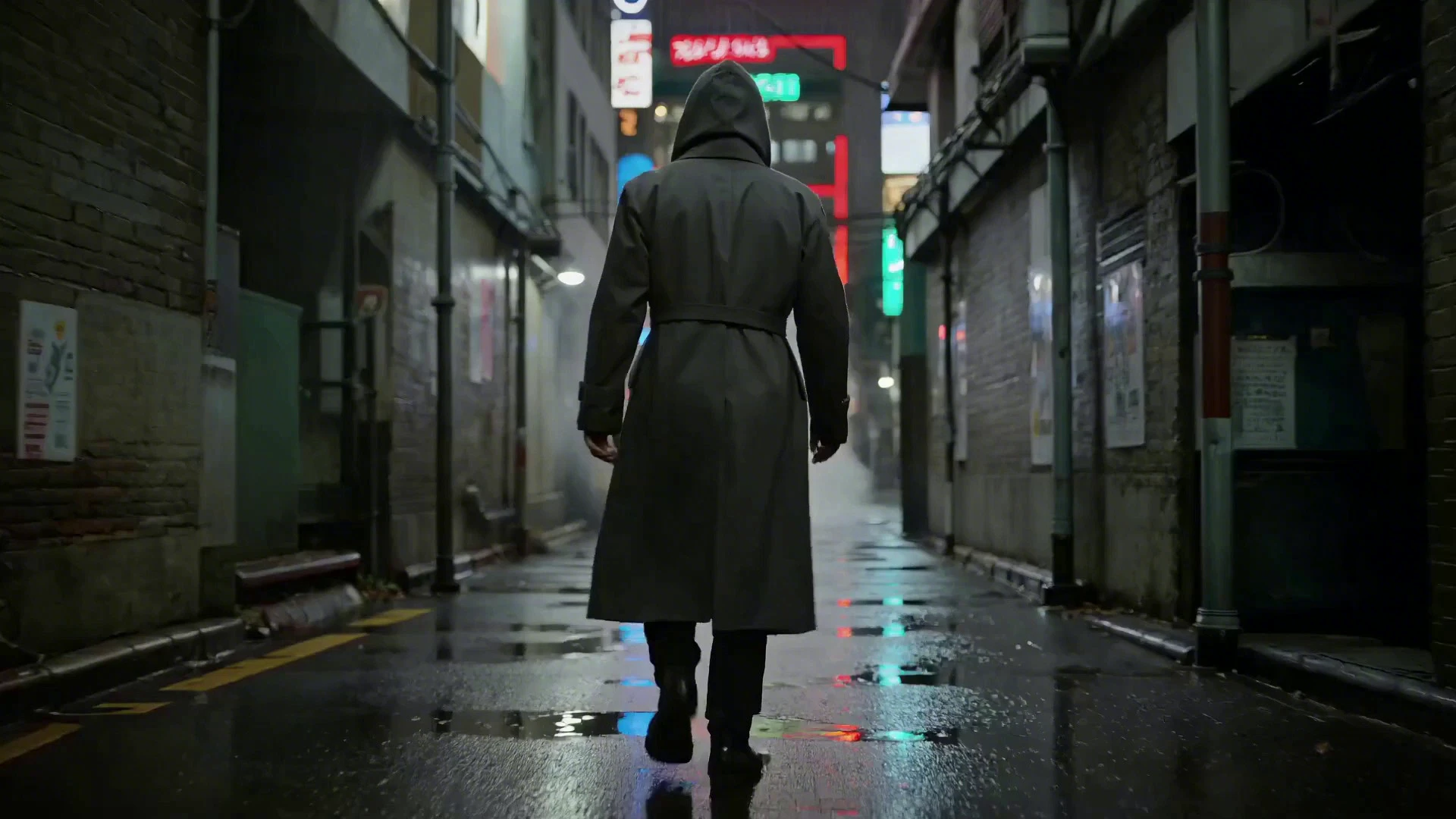
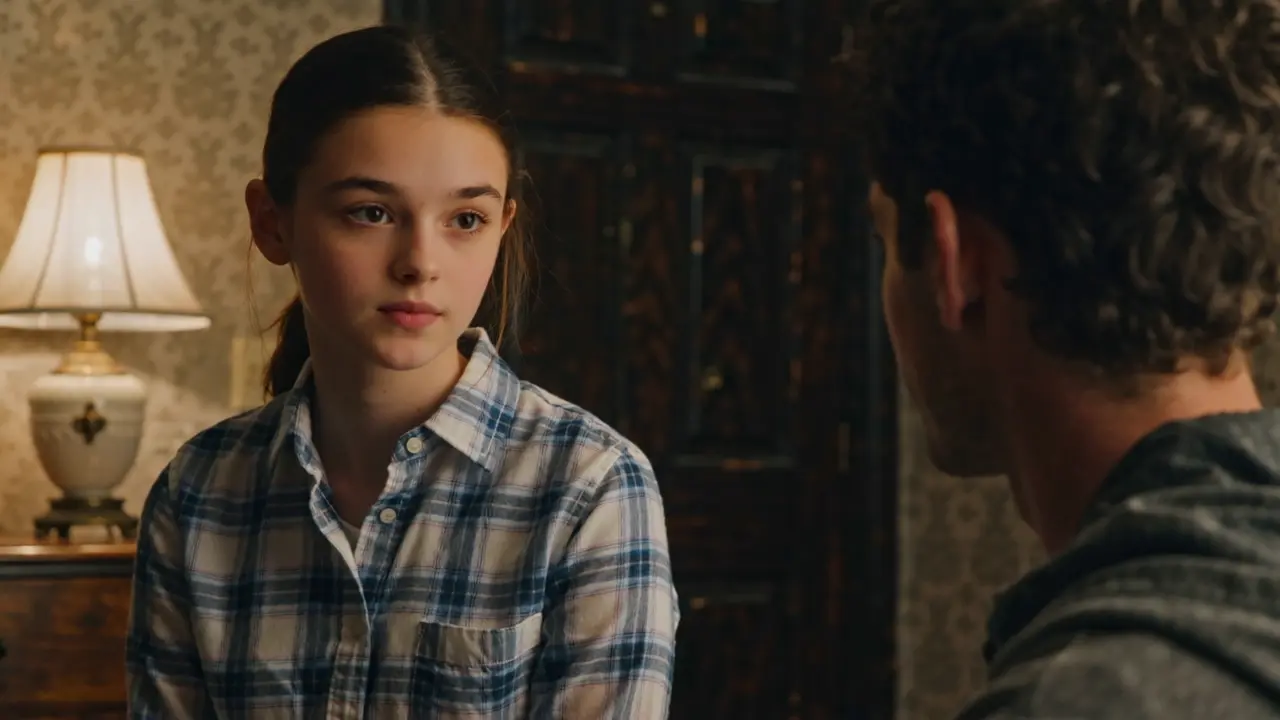
Examples Of Seedance 2.0 Grade Videos

Video thumbnail
Loading...
Video thumbnail
Loading...
Video thumbnail
Loading...
Video thumbnail
Loading...
Video thumbnail
Loading...
Video thumbnail
Loading...