ComfyUI-Trellis2-MultiViewRefiner Introduction
ComfyUI-Trellis2-MultiViewRefiner adds one node to ComfyUI-Trellis2: Trellis2 - Mesh Refiner Multi-View. It refines an existing 3D mesh using a front reference image and, optionally, images of its back, left side, and right side.
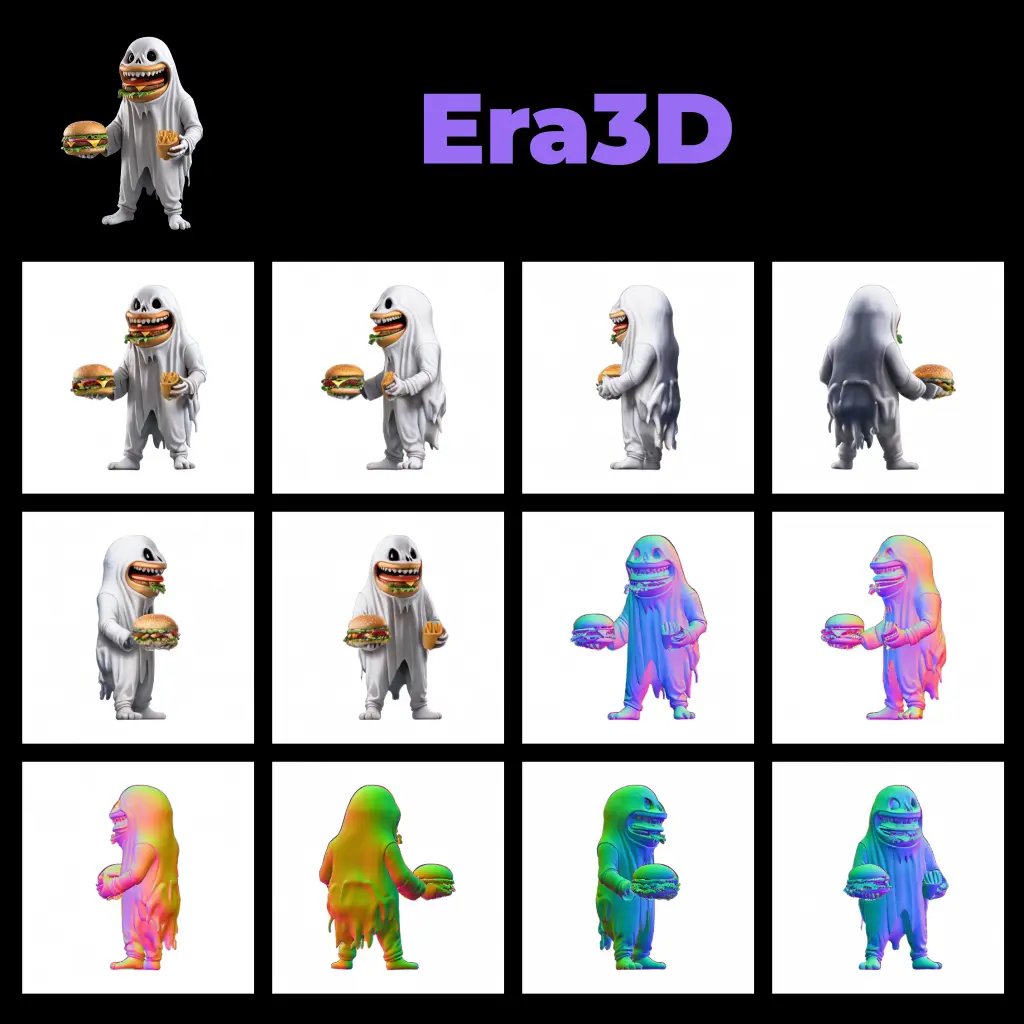
The base Trellis2 Mesh Refiner works from one view. That can leave details in recessed or less-visible areas underrepresented, or cause a feature on one side to influence the other. By considering up to four views during refinement, this add-on aims to improve fine detail in recesses and reduce unwanted bilateral-symmetry bleed. For example, if a character’s left and right sides have different details, side-view references give the refiner more information about that difference.
This is an add-on, not a replacement for ComfyUI-Trellis2. You need the base extension available for the multi-view node to work.
How ComfyUI-Trellis2-MultiViewRefiner Works
Think of the reference images as photographs of an object taken from different directions. A front photograph shows the face of the object clearly, but it may not reveal a recess at the back or a feature on one side. The multi-view refiner uses the views you provide to guide its work on the corresponding parts of the mesh.
The node starts with an existing mesh and a Trellis2 pipeline. It prepares information from each supplied image, encodes the mesh for refinement, and samples an updated shape. During sampling, it blends guidance from the views according to where they apply spatially, rather than treating every image as equally informative everywhere. It can also perform texture sampling when that option is used, before decoding the result.
You do not need all four images. A front image is required; you can add any combination of back, left, and right images. A front-only setup works, while additional views give the refiner more evidence about parts that the front image cannot show.
ComfyUI-Trellis2-MultiViewRefiner Features
- One dedicated workflow node. Look for Trellis2 - Mesh Refiner Multi-View in the
Trellis2Wrappercategory. It is intended to fit into a workflow that already uses a Trellis2 pipeline and produces a mesh. - Flexible view inputs. Supply
front_imagefor every run. Addback_image,left_image, orright_imagewhen you have useful references for those directions. For instance, front and back images may help with details on both faces of an object; adding side images can provide guidance for asymmetric side features. - Shape and optional texture refinement. The node uses shape-sampling controls and supports optional texture sampling. The exact result depends on the mesh, reference images, and sampler settings you provide.
- Resolution choices. The node offers
512,1024, and1536as resolution settings. Choose a setting appropriate to your workflow and available resources; the readme does not establish a guaranteed quality or speed difference between them. - Sampler-aware multi-view guidance. The add-on selects multi-view sampling behavior based on the active base sampler: Euler, Heun, RK4, or RK5. These are sampling methods, not separate models you need to choose for different subjects.
The required inputs are pipeline, trimesh, and front_image, along with the usual shape and texture sampler parameters and a resolution setting. The other three image inputs are optional.
Troubleshooting ComfyUI-Trellis2-MultiViewRefiner
The node does not appear in ComfyUI.
- Check that ComfyUI-Trellis2 is present alongside this add-on in ComfyUI’s
custom_nodes/directory. - Restart ComfyUI and look for Trellis2 - Mesh Refiner Multi-View under
Trellis2Wrapper. - If it is still missing, check ComfyUI’s startup messages. The add-on reports an error at startup if it cannot find the base extension.
A run stops with a compatibility error.
The add-on checks, on first use, that the Trellis2 pipeline and sampler still provide the functions it needs. If the base extension has changed, this check may raise a RuntimeError rather than allowing the generation to fail later. Read the named missing helper or sampler in the error, then check the base extension and this add-on for compatibility information.
A detail from one side seems to appear on the other.
The multi-view approach is designed to reduce this effect, not guarantee its removal. Where you have distinct left- and right-side references, provide both so the refiner has information about each side. Check that each image is connected to the input matching its viewpoint.
Do I need four images?
No. Only front_image is required. Front-only, front-and-back, and other combinations of the optional views are supported.
Does this add-on include a dino_lock guardrail?
No. The author notes that the multi-view sampler does not inherit the DinoLockMixin used by the upstream single-view samplers. This refiner therefore runs without that guardrail; integrating it is not currently planned.
Learn More about ComfyUI-Trellis2-MultiViewRefiner
- ComfyUI-Trellis2 provides the base pipeline and context for the existing Trellis2 workflow.
- The original multi-view refinement proposal contains the author’s in-tree reference implementation and discussion of the drop-in add-on approach. The proposal was described as open in the supplied project information.
- The add-on is licensed under MIT; see its LICENSE file.