logo
RunComfy
  • ComfyUI
  • Trainer
  • Models
  • MCPNew
  • Pricing
  • Seedance 2.5Hot
  • Seedream 5.5New

Workflows by Model

HotMiniMax H3Video with audio from text, images or referencesHotQwen Image 2.1Create images and edit photos with referencesWanVideo from text or images, motion transferFLUXImage generation, editing and character variationsLTXVideo with synced audio from text or imagesQwen Image EditPhoto editing with text and image referencesKrea 2Image creation, style transfer and reference editsZ-ImageFast portraits and concepts from text

Popular & New Workflows

NewMiniMax H3 Character Swap V1.5Swap video characters, keep the original audioNewP-H3-Image Reference EditEdit a photo guided by a reference imageHotMiniMax H3 Image-to-VideoOne image to cinematic video with synced audioHotLTX 2.5 Image-to-VideoOne frame to sharp video with synced audioHotMiniMax H3 Character Swap (SAM3)Swap video characters while following the motionQwen Image 2.1 Multi-Image EditingPrecise scenes from up to 10 reference imagesFLUX Klein Face SwapNatural, lifelike face swapsSeedVR2 Video UpscalerSharp, smooth video upscaling
View More Workflows

Train a Model

NewMOSS-Image BaseImage generation, newly supportedNewFLUX.3 KleinImage generation, newly supportedHotKrea 2The most-trained image modelHotKrea 2 TurboFew-step image generationHotQwen Image 2.1Image generation and editingZ-Image TurboFast portraits and concept imagesMiniMax H3Video with synchronized audio

Train & Deploy

Getting StartedYour first training job with Ostris AI ToolkitDatasetsUpload and manage training datasetsInferenceRun your trained models in a playground or via APIDeploymentsServe your trained models as dedicated endpoints
Train More Models

Image Models

NewGPT Image 2.65% OFF · Detailed text to image, GIF and SVG, up to 4KNewSeedream 5.510% OFF · Text to image up to 2K, with transparent PNGsNewMiniMax H3 Image10% OFF · Text or references to a still up to 4KNewFLUX 3 Image Klein10% OFF · Text or references to a still from 768 to 4KHotSeedream 5.0 Pro41% OFF · Reference edits with multilingual textHotSeedream 4.520% OFF · Photoreal edits with brand consistencyHotWan 2.6 ImageInstruction-based image editingNano Banana Pro77% OFF · Precise 2K to 4K visuals from sketches

Video Models

NewSeedance 2.5 Flash34% OFF · Text, image, or reference to videoNewKling 4.010% OFF · Animate a still into a 3 to 30s clipHotWan 3.0 Prime13% OFF · Fast clips from reference videosHotSeedance 2.536% OFF · Longer, more consistent cinematic videoHotWan 3.0Clips from image, video and audio referencesHotMiniMax H3Animate a first frame into a 5 to 15s clipWan 2.510% OFF · Fluid motion with native audioFLUX 3 MaxClips from text, a still, or keyframes
View More Models

API

Serverless (ComfyUI)Deploy ComfyUI workflows as serverless endpoints.Serverless (LoRA)Deploy LoRAs as serverless endpoints.Model APIRun hosted models on-demand with no deployment.Trainer APITrain, manage, and retrieve LoRAs via API.CLIRun RunComfy models from your terminal.
MODELS
Explore
All Models
LIBRARY
Generations
MODEL APIS
API Docs
API Keys
ACCOUNT
Usage

LTX 2.5 Pro Text To Video: Synced High-Fidelity Clips on Models and API | RunComfy

lightricks/ltx-2.5/text-to-video/pro

LTX 2.5 Pro Text To Video generates 720p or 1080p synced audio-video from a prompt for delivery-ready text-to-video.

Text prompt describing the video scene, motion, and audio.
Length of the generated video in seconds (5–20).
Output resolution of the generated video.
Output aspect ratio of the generated video.
Fixed seed for reproducible results. Use -1 for a random seed.
Idle
The rate is $0.12 per second for 720p or $0.16 per second for 1080p. Native audio is included.

Introduction To LTX 2.5 Pro Text To Video

LTX 2.5 Pro Text To Video builds a cinematic clip with native audio from a written prompt in a quality-focused mode. Trading rapid draft passes for delivery-oriented fidelity, LTX 2.5 Pro Text To Video helps teams finalize look, motion, and sound from text alone. For developers, LTX 2.5 Pro Text To Video on RunComfy can be used both in the browser and via an HTTP API, so you don't need to host or scale the model yourself.

Ideal for: Prompt-led finals | Brand film concepts | Vertical campaign cuts

Parameters#


Controls on this LTX 2.5 Pro Text To Video page:


ParameterRequiredTypeDefaultRange / OptionsDescription
prompt*Yes (*)StringExample promptUp to 5,000 charactersSubject, action, camera, setting, style, and audio.
durationNoInteger105–20Length of the generated video in seconds (5–20).
resolutionNoString1080p720p, 1080pPro delivery resolutions.
aspect_ratioNoString16:916:9, 9:16Landscape web/ads or vertical social.
seedNoInteger-1-1 or a fixed integerUse -1 for a random seed.

  • Required field. This page has no image or audio reference inputs.

Pricing#


LTX 2.5 Pro Text To Video is billed per second of generated video. Native audio is included.


ResolutionPrice per second6s8s10s
720p$0.12$0.72$0.96$1.20
1080p$0.16$0.96$1.28$1.60

For batches, total ≈ duration × per-second rate × output count.


Related Models

minimax-h3-fast/reference-to-video

MiniMax H3 Fast: video from one clip and up to four images

pixverse-v6/text-to-video

Generate directed multi-clip videos from prompts with optional audio.

seedance-2.0-mini/text-to-video

Fast, low-cost multi-shot AI video model with native audio and references.

veo-3-1/text-to-video

Generate cinematic motion clips with precise control and audio sync

seedance-2.5-flash/image-to-video

Seedance 2.5 Flash animates a start image into a 4-30 second 480p or 720p clip.

ltx-2.5/audio-to-video/pro

LTX 2.5 Pro audio-to-video for track-timed 1080p finals

Frequently Asked Questions

What is LTX 2.5 Pro Text To Video used for?

LTX 2.5 Pro Text To Video turns a written prompt into a synchronized audio-video clip in a quality-focused mode. It is ideal for locking look, motion, and sound from text when you need delivery-oriented fidelity.

How is LTX 2.5 Pro Text To Video different from the Image-to-Video Pro page?

This page is text-only: there are no image or audio reference inputs. Use LTX 2.5 Pro Text To Video for prompt-first finals, then switch to Image-to-Video Pro when a still must lock composition or identity.

What output options does LTX 2.5 Pro Text To Video provide?

You can set duration from 5 to 20 seconds, resolution to 720p or 1080p, and aspect ratio to 16:9 or 9:16. Native audio is included.

Does LTX 2.5 Pro Text To Video include native audio?

Yes. Picture and sound are produced together, and native audio is included in the per-second price.

What prompt length should I use with LTX 2.5 Pro Text To Video?

Prompts can be up to 5,000 characters. Clear structure—subject, one main action, camera, lighting, style, and audio—usually matters more than filling the limit.

Can developers call LTX 2.5 Pro Text To Video via the RunComfy API?

Yes. Prototype settings in the RunComfy Web UI, then reuse the same LTX 2.5 Pro Text To Video parameters through the HTTP API for batch jobs and product integrations.

How much does LTX 2.5 Pro Text To Video cost on RunComfy?

Billing is per second of generated video: $0.12 at 720p and $0.16 at 1080p. Generations consume USD/credits; new users typically receive a free trial amount.

When should I choose LTX 2.5 Pro Text To Video over Fast?

Choose LTX 2.5 Pro Text To Video when you need higher-fidelity finals at 720p/1080p. Prefer Fast when you need longer clips, 4K drafts, or cheaper rapid iteration first.

Follow us
  • LinkedIn
  • Facebook
  • Instagram
  • Twitter
Support
  • Discord
  • Email
  • System Status
  • Affiliate
Video Models
  • Seedance 2.5 Flash Text To Video
  • Seedance 2.5 Flash
  • Seedance 2.5 Flash Reference to Video
  • Wan 3.0
  • MiniMax H3 Fast
  • Wan 2.5
  • View All Models →
Image Models
  • Seedream 5.5
  • Seedream 5.5 Edit
  • Seedream 5.5 Layer Decomposition
  • Wan 2.6 Image to Image
  • Nano Banana Pro
  • Seedream 5.0 Pro
  • View All Models →
Legal
  • Terms of Service
  • Privacy Policy
  • Cookie Policy
RunComfy
Copyright 2026 RunComfy. All Rights Reserved.

RunComfy is the premier ComfyUI platform, offering ComfyUI online environment and services, along with ComfyUI workflows featuring stunning visuals. RunComfy also provides AI Models, enabling artists to harness the latest AI tools to create incredible art.
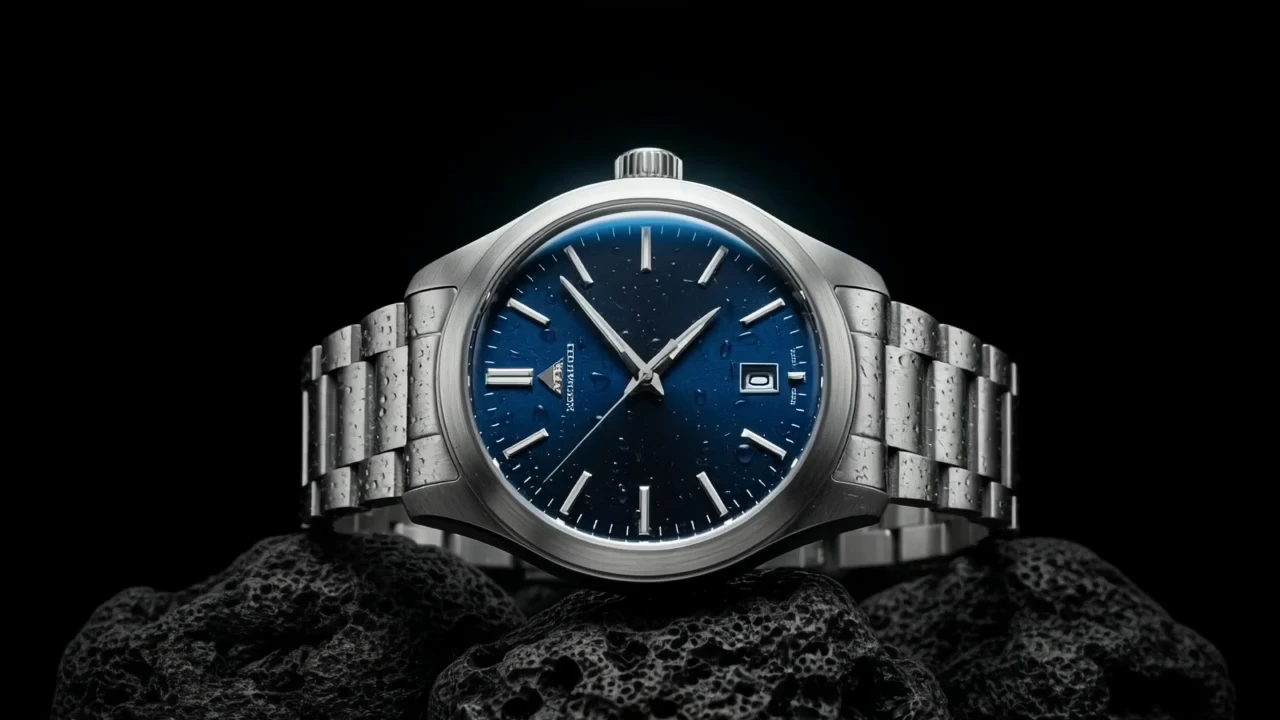

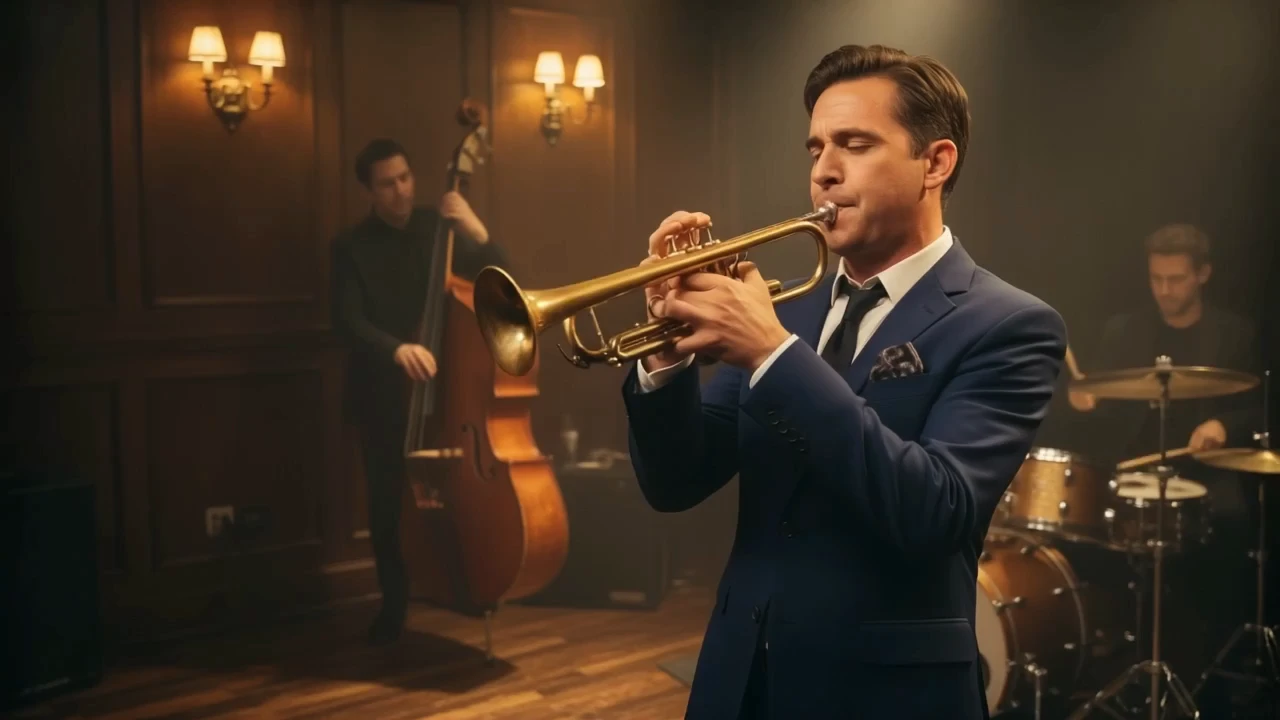
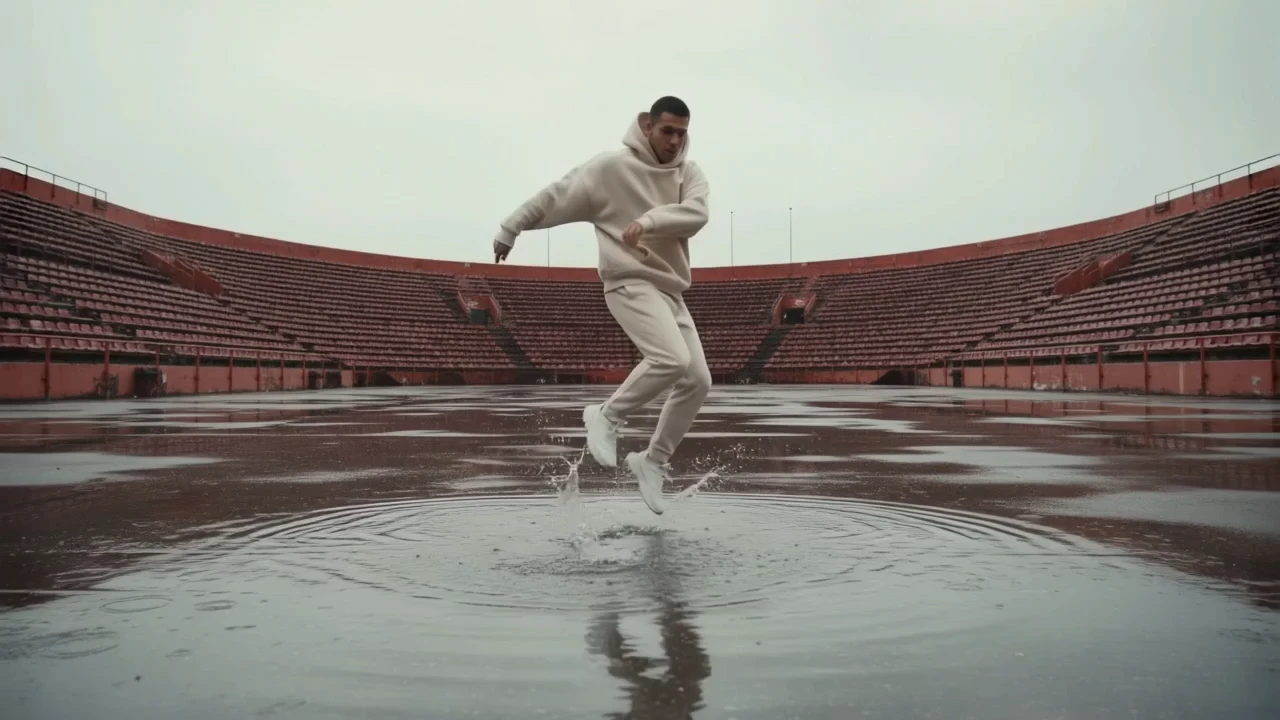
Examples Of LTX 2.5 Pro Text To Video

Video thumbnail
Loading...
Video thumbnail
Loading...
Video thumbnail
Loading...
Video thumbnail
Loading...
Video thumbnail
Loading...
Video thumbnail
Loading...