logo
RunComfy
  • ComfyUI
  • Trainer
  • Models
  • MCPNew
  • Pricing
  • Seedance 2.5Hot
  • Seedream 5.5New

Workflows by Model

HotMiniMax H3Video with audio from text, images or referencesHotQwen Image 2.1Create images and edit photos with referencesWanVideo from text or images, motion transferFLUXImage generation, editing and character variationsLTXVideo with synced audio from text or imagesQwen Image EditPhoto editing with text and image referencesKrea 2Image creation, style transfer and reference editsZ-ImageFast portraits and concepts from text

Popular & New Workflows

NewMiniMax H3 Character Swap V1.5Swap video characters, keep the original audioNewP-H3-Image Reference EditEdit a photo guided by a reference imageHotMiniMax H3 Image-to-VideoOne image to cinematic video with synced audioHotLTX 2.5 Image-to-VideoOne frame to sharp video with synced audioHotMiniMax H3 Character Swap (SAM3)Swap video characters while following the motionQwen Image 2.1 Multi-Image EditingPrecise scenes from up to 10 reference imagesFLUX Klein Face SwapNatural, lifelike face swapsSeedVR2 Video UpscalerSharp, smooth video upscaling
View More Workflows

Train a Model

NewMOSS-Image BaseImage generation, newly supportedNewFLUX.3 KleinImage generation, newly supportedHotKrea 2The most-trained image modelHotKrea 2 TurboFew-step image generationHotQwen Image 2.1Image generation and editingZ-Image TurboFast portraits and concept imagesMiniMax H3Video with synchronized audio

Train & Deploy

Getting StartedYour first training job with Ostris AI ToolkitDatasetsUpload and manage training datasetsInferenceRun your trained models in a playground or via APIDeploymentsServe your trained models as dedicated endpoints
Train More Models

Image Models

NewGPT Image 2.65% OFF · Detailed text to image, GIF and SVG, up to 4KNewSeedream 5.510% OFF · Text to image up to 2K, with transparent PNGsNewMiniMax H3 Image10% OFF · Text or references to a still up to 4KNewFLUX 3 Image Klein10% OFF · Text or references to a still from 768 to 4KHotSeedream 5.0 Pro20% OFF · Reference edits with multilingual textHotSeedream 4.520% OFF · Photoreal edits with brand consistencyHotWan 2.6 ImageInstruction-based image editingNano Banana Pro77% OFF · Precise 2K to 4K visuals from sketches

Video Models

NewSeedance 2.5 Flash34% OFF · Text, image, or reference to videoNewKling 4.09% OFF · Animate a still into a 3 to 30s clipHotWan 3.0 Prime13% OFF · Fast clips from reference videosHotSeedance 2.535% OFF · Longer, more consistent cinematic videoHotWan 3.0Clips from image, video and audio referencesHotMiniMax H3Animate a first frame into a 5 to 15s clipWan 2.510% OFF · Fluid motion with native audioFLUX 3 MaxClips from text, a still, or keyframes
View More Models

API

Serverless (ComfyUI)Deploy ComfyUI workflows as serverless endpoints.Serverless (LoRA)Deploy LoRAs as serverless endpoints.Model APIRun hosted models on-demand with no deployment.Trainer APITrain, manage, and retrieve LoRAs via API.CLIRun RunComfy models from your terminal.
MODELS
Explore
All Models
LIBRARY
Generations
MODEL APIS
API Docs
API Keys
ACCOUNT
Usage

Wan 2.7 Pro: Premium Text-to-Image AI Generation | RunComfy

wan-ai/wan-2.7/pro/text-to-image

Generate Wan 2.7 Pro stills with the same ergonomic controls as the standard model—bilingual prompts, negative prompt, presets, batch up to five images—priced around **$0.075 per image** on RunComfy for the Pro tier.

Text prompt describing the desired output. Supports Chinese and English.
Content to avoid in the generated image. Max 500 characters.
Output size preset. Where supported, a custom `{width, height}` object may be sent instead of a preset string.
Maximum number of images to generate (1–5). Default 1.
Random seed for reproducibility (0–2147483647).
Idle
The rate is $0.075 per image.

Introduction To Wan 2.7 Pro Text-to-Image

Wan 2.7 Pro text-to-image is the higher-fidelity tier in Alibaba’s Wan 2.7 still-image family: aimed at hero frames, lookbooks, and large-format layouts where detail and prompt adherence matter most. Choose Pro when you need maximum resolution and polish relative to the standard text-to-image model. On RunComfy this route uses the same input keys as the standard tier (prompt, negative_prompt, image_size, max_images, seed, enable_safety_checker).

Ideal for: print and OOH | premium e-commerce heroes | key art | final-grade marketing stills after rapid drafts on the standard tier

Wan 2.7 Pro Text-to-Image#


Overview#


Wan 2.7 Pro text-to-image on RunComfy targets higher output fidelity than the standard tier while using the same input fields. Standard and Pro share parameter names so you can move a draft from the non-Pro model to Pro. Confirm exact pixel ceilings against the current RunComfy model limits.


Response fields#


Each run returns an images array with one to five files per request, optional generated_text, and seed in the response.


Key features#


  • Pro-focused quality: Use when standard Wan 2.7 text-to-image is not enough for final delivery.
  • Same controls as standard: Identical parameter names keep iteration straightforward.
  • Bilingual prompts and negative_prompt (≤500 chars).
  • image_size presets for common aspect buckets; advanced {width, height} objects may be available in custom integrations.
  • max_images 1–5 for controlled variation batches.
  • Safety checker toggles input/output moderation.

Parameters#

ParameterRequiredTypeDefaultRange / OptionsDescription
prompt*Yesstring——Scene, style, lighting, layout.
negative_promptNostring""max 500 charsUndesired content.
image_sizeNostringsquare_hdenum presetsOutput size preset.
max_imagesNointeger11–5Images per job.
seedNointeger—0–2147483647Repeatability.
enable_safety_checkerNobooleantrueon / offModeration.

Pricing#

BillingRate
Per generated image$0.075

Total run cost scales with max_images.


How to use#


  1. Start from a proven prompt on the standard Wan 2.7 text-to-image model when possible, then switch here for the final render.
  2. Keep negative_prompt short and specific.
  3. Choose the image_size preset closest to your deliverable aspect ratio.
  4. Fix seed while tweaking wording so you can isolate prompt effects.
  5. Use multiple max_images sparingly on Pro to manage spend.

Prompt tips#


  • Add material and lighting detail to justify the Pro tier (textures, reflections, fine typography requests).
  • Mention print intent (for example, “clean edges for large-format”) when you need extra crispness.
  • Avoid contradictory art-direction cues that force the model to compromise detail.

Related Wan 2.7 models#


  • Wan 2.7 Text-to-Image (standard) on RunComfy — lower per-image cost for ideation.
  • Wan 2.7 Image Edit Pro on RunComfy — multi-reference edits at Pro quality.

Related Models

qwen-image/text-to-image

Precise text rendering & multilingual edits for visual pros

qwen-edit-2509/lora/next-scene

Create seamless cinematic sequences with smooth framing and stable lighting for coherent story visuals.

seedream-5.0-pro/text-to-image

Text-to-image and image editing with layout and layer control

gpt-image-2.6/flare/edit

Fast instruction-based editing of up to 16 images, with mask support.

flux-2/pro/text-to-image

Create reliable, studio-grade visuals with precise color and layout control.

flux-2/turbo/text-to-image

Create detailed visual assets from prompts with scalable, high-speed precision

Frequently Asked Questions

How is Wan 2.7 Pro text-to-image different from standard Wan 2.7 text-to-image?

Wan 2.7 Pro targets higher output fidelity than the standard tier. On RunComfy it costs $0.075 per generated image, while standard is lower for draft work. Both tiers expose the same field names, so you can move a prompt from standard to Pro without relearning controls.

What is the Wan 2.7 Pro text-to-image price per image on RunComfy?

$0.075 per generated image. If you request more than one image in a single job (max_images greater than 1), multiply by the number of images returned.

Do Wan 2.7 Pro and standard text-to-image use the same inputs?

Yes. Both use prompt, negative_prompt, image_size, max_images, seed, and enable_safety_checker on RunComfy. Quality and list price are what change between tiers.

How do I find the maximum output resolution for Wan 2.7 Pro text-to-image?

Pixel ceilings can change when the provider or RunComfy deployment updates. Before you promise a print size, check the current RunComfy model limits or your workspace documentation.

How can I iterate prompts without random variation between runs?

Keep seed fixed while you adjust wording, change one creative variable at a time, and compare outputs. Raise max_images when you want several alternatives from the same settings.

Follow us
  • LinkedIn
  • Facebook
  • Instagram
  • Twitter
Support
  • Discord
  • Email
  • System Status
  • Affiliate
Video Models
  • Seedance 2.5 Flash Text To Video
  • Seedance 2.5 Flash
  • Seedance 2.5 Flash Reference to Video
  • Wan 3.0
  • MiniMax H3 Fast
  • Wan 2.5
  • View All Models →
Image Models
  • Seedream 5.5
  • Seedream 5.5 Edit
  • Seedream 5.5 Layer Decomposition
  • Wan 2.6 Image to Image
  • Nano Banana Pro
  • Seedream 5.0 Pro
  • View All Models →
Legal
  • Terms of Service
  • Privacy Policy
  • Cookie Policy
RunComfy
Copyright 2026 RunComfy. All Rights Reserved.

RunComfy is the premier ComfyUI platform, offering ComfyUI online environment and services, along with ComfyUI workflows featuring stunning visuals. RunComfy also provides AI Models, enabling artists to harness the latest AI tools to create incredible art.


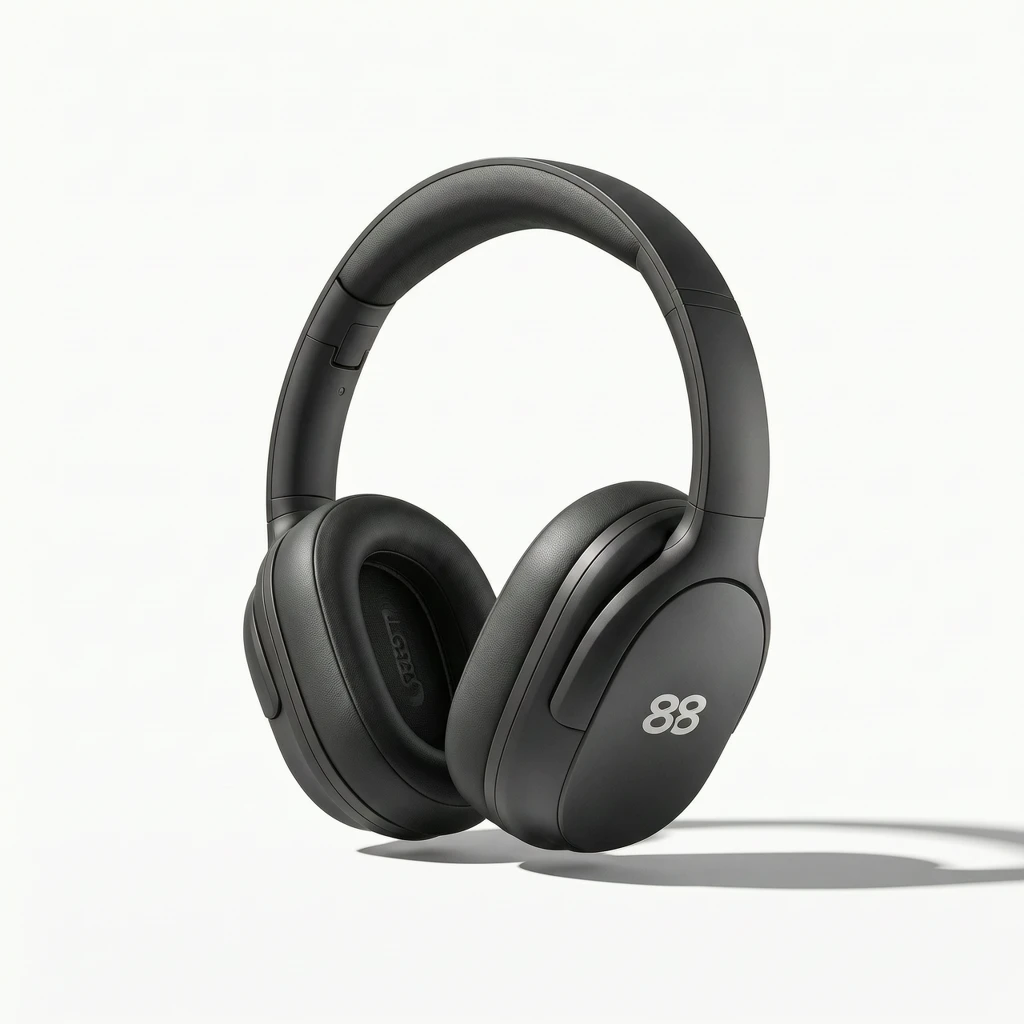
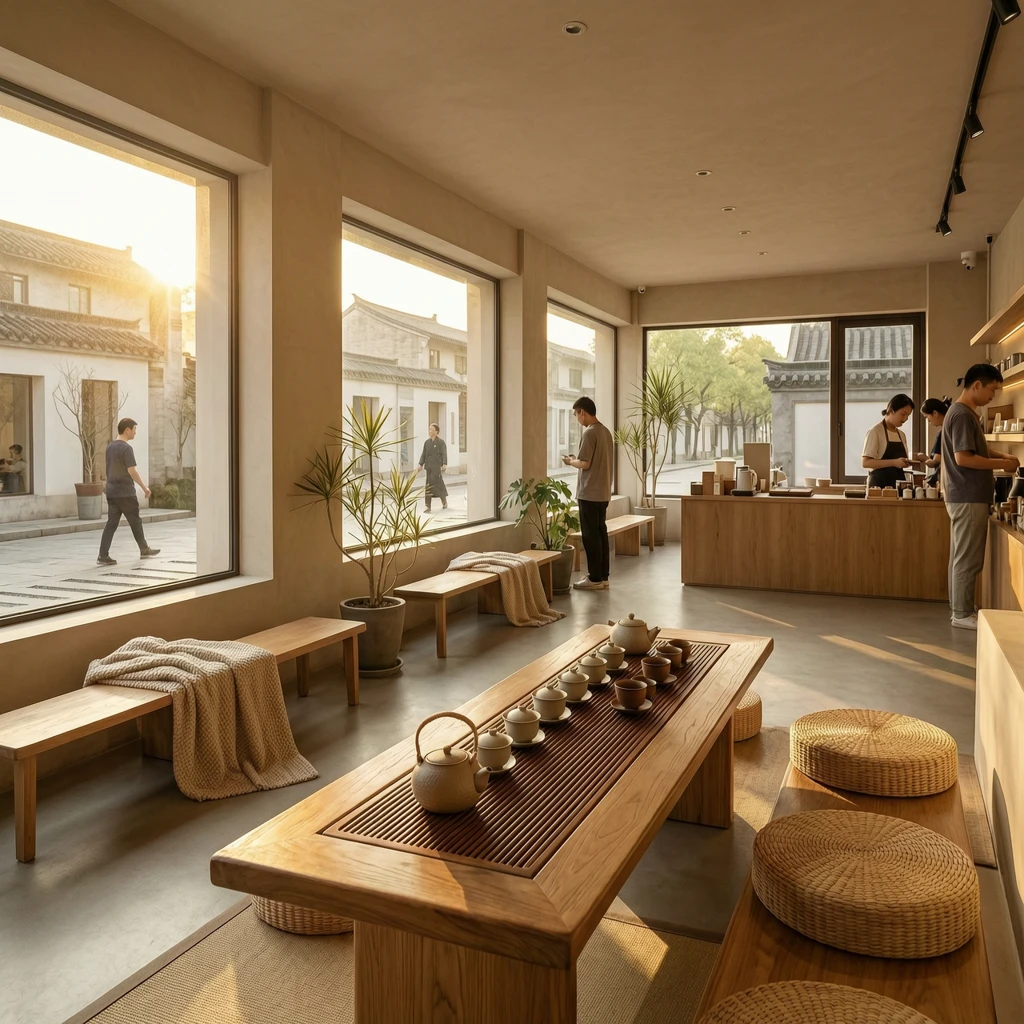
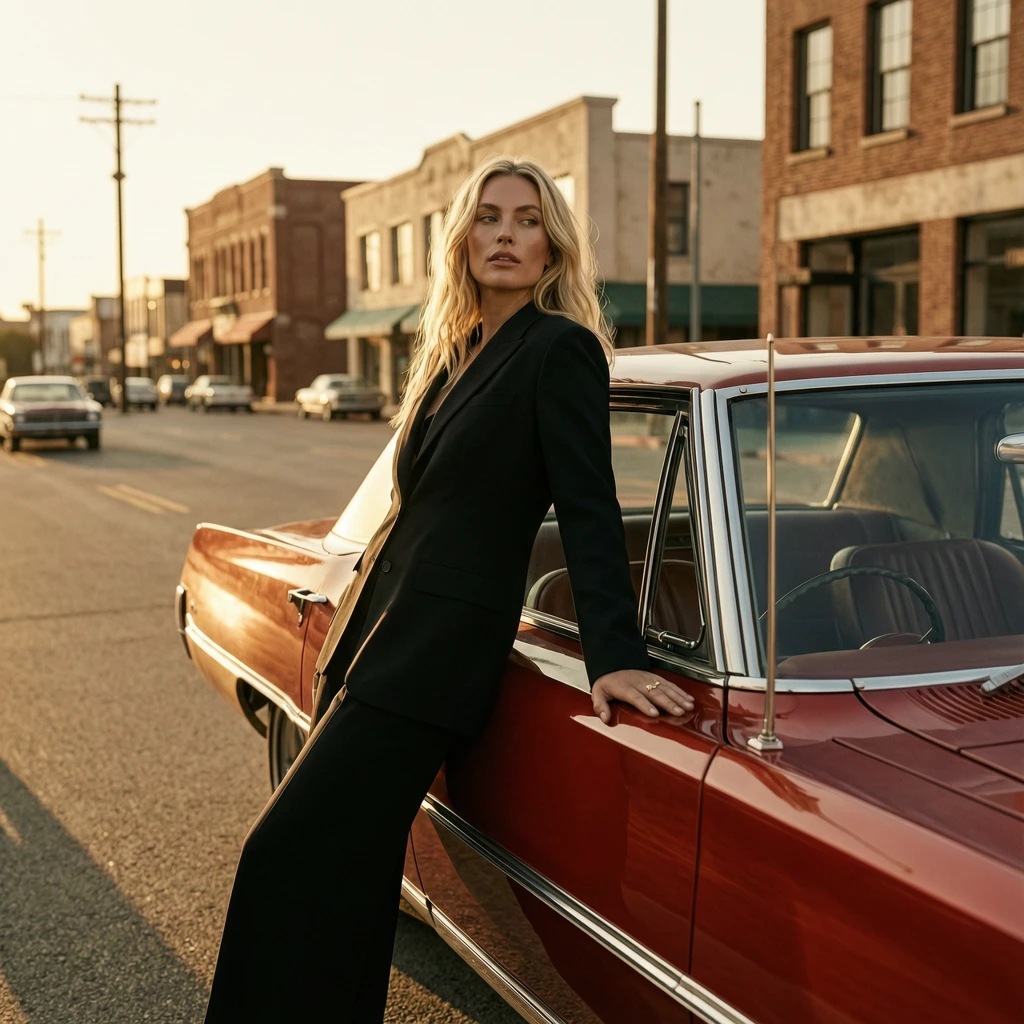
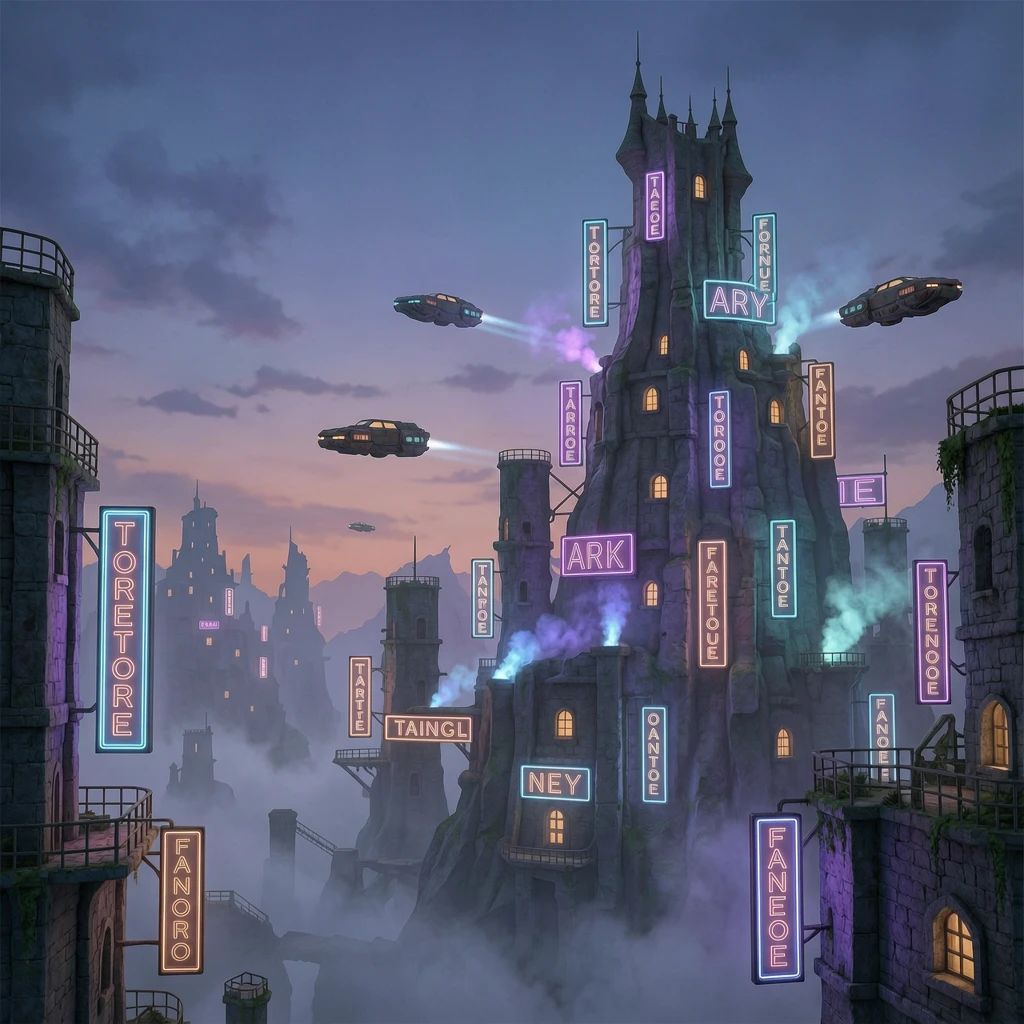
Examples Of Wan 2.7 Pro Text-to-Image