logo
RunComfy
  • ComfyUI
  • Trainer
  • Models
  • MCPNew
  • Pricing
  • Seedance 2.5Hot
  • Seedream 5.5New

Workflows by Model

HotMiniMax H3Video with audio from text, images or referencesHotQwen Image 2.1Create images and edit photos with referencesWanVideo from text or images, motion transferFLUXImage generation, editing and character variationsLTXVideo with synced audio from text or imagesQwen Image EditPhoto editing with text and image referencesKrea 2Image creation, style transfer and reference editsZ-ImageFast portraits and concepts from text

Popular & New Workflows

NewMiniMax H3 Character Swap V1.5Swap video characters, keep the original audioNewP-H3-Image Reference EditEdit a photo guided by a reference imageHotMiniMax H3 Image-to-VideoOne image to cinematic video with synced audioHotLTX 2.5 Image-to-VideoOne frame to sharp video with synced audioHotMiniMax H3 Character Swap (SAM3)Swap video characters while following the motionQwen Image 2.1 Multi-Image EditingPrecise scenes from up to 10 reference imagesFLUX Klein Face SwapNatural, lifelike face swapsSeedVR2 Video UpscalerSharp, smooth video upscaling
View More Workflows

Train a Model

NewMOSS-Image BaseImage generation, newly supportedNewFLUX.3 KleinImage generation, newly supportedHotKrea 2The most-trained image modelHotKrea 2 TurboFew-step image generationHotQwen Image 2.1Image generation and editingZ-Image TurboFast portraits and concept imagesMiniMax H3Video with synchronized audio

Train & Deploy

Getting StartedYour first training job with Ostris AI ToolkitDatasetsUpload and manage training datasetsInferenceRun your trained models in a playground or via APIDeploymentsServe your trained models as dedicated endpoints
Train More Models

Image Models

NewGPT Image 2.65% OFF · Detailed text to image, GIF and SVG, up to 4KNewSeedream 5.55% OFF · Text to image up to 2K, with transparent PNGsNewMiniMax H3 Image10% OFF · Text or references to a still up to 4KNewFLUX 3 Image Klein10% OFF · Text or references to a still from 768 to 4KHotSeedream 5.0 Pro20% OFF · Reference edits with multilingual textHotSeedream 4.520% OFF · Photoreal edits with brand consistencyHotWan 2.6 ImageInstruction-based image editingNano Banana Pro77% OFF · Precise 2K to 4K visuals from sketches

Video Models

NewSeedance 2.5 Flash34% OFF · Text, image, or reference to videoNewKling 4.09% OFF · Animate a still into a 3 to 30s clipHotWan 3.0 Prime13% OFF · Fast clips from reference videosHotSeedance 2.535% OFF · Longer, more consistent cinematic videoHotWan 3.0Clips from image, video and audio referencesHotMiniMax H3Animate a first frame into a 5 to 15s clipWan 2.510% OFF · Fluid motion with native audioFLUX 3 MaxClips from text, a still, or keyframes
View More Models

API

Serverless (ComfyUI)Deploy ComfyUI workflows as serverless endpoints.Serverless (LoRA)Deploy LoRAs as serverless endpoints.Model APIRun hosted models on-demand with no deployment.Trainer APITrain, manage, and retrieve LoRAs via API.CLIRun RunComfy models from your terminal.
MODELS
Explore
All Models
LIBRARY
Generations
MODEL APIS
API Docs
API Keys
ACCOUNT
Usage

ElevenLabs TTS Multilingual V2: Long-Form Text-to-Speech Audio on Models and API | RunComfy

elevenlabs/elevenlabs-tts-multilingual-v2/text-to-audio

ElevenLabs TTS Multilingual V2 speaks pasted text in a preset voice and returns one audio file.

Prose to speak, up to 5000 characters. Spaces and punctuation count.
Preset voice that reads the text.
Lower swings more from phrase to phrase. Higher stays steadier.
How tightly the take stays on the chosen preset.
Extra performance on top of the preset. 0 keeps the usual delivery.
Speech speed. Below 1 slows the line. Above 1 speeds it up.
Optional ISO 639-1 code, such as en. Leave empty to skip.
Idle
The rate is $0.060 per 1,000 characters.

Introduction To ElevenLabs TTS Multilingual V2

ElevenLabs's ElevenLabs TTS Multilingual V2 Text To Audio reads a paragraph aloud at $0.060 per 1,000 characters, with a 5,000 character cap.

Trading a booked booth session for a same-day voice track, ElevenLabs TTS Multilingual V2 suits editors, teachers, and game writers.

For developers, ElevenLabs TTS Multilingual V2 on RunComfy can be used both in the browser and via an HTTP API, so you don't need to host or scale the model yourself.

Ideal for: Audiobook Chapters | Course Narration | Game Dialogue

Why Choose ElevenLabs TTS Multilingual V2#


ElevenLabs TTS Multilingual V2 is the long-form speech pass on this page. Paste a script, pick one of twenty preset voices, and get one audio file back. The cap is 5,000 characters. The rate is $0.060 per 1,000 characters.


A booth day is a calendar hold. With ElevenLabs TTS Multilingual V2, a paragraph can be heard before the edit locks.


Stability, similarity, style, and speed are separate sliders. Leave them at the defaults for a first take of ElevenLabs TTS Multilingual V2. Move one slider when the read feels too flat or too fast.


You choose from the preset list. ElevenLabs TTS Multilingual V2 does not take a recording to invent a private voice.


On RunComfy, play the file in the model UI, then send the same text and voice through the HTTP API.


Best Use Cases#


  • Chapters: A scene of a few paragraphs becomes one ElevenLabs TTS Multilingual V2 take you can drop on a timeline.
  • Lessons: A short explanation stays in one voice from slide to slide.
  • Game lines: Side characters can share a preset on ElevenLabs TTS Multilingual V2 without a new recording session.
  • Product spots: A thirty-second script is short enough to redo when the offer changes. ElevenLabs TTS Multilingual V2 bills the new draft by its character count.
  • Support prompts: Hold messages and menu lines stay consistent when the voice stays put.

How It Works#


  1. Open the text-to-audio template.
  2. Paste the script. Spaces and punctuation count toward the 5,000 character cap on ElevenLabs TTS Multilingual V2.
  3. Choose a preset voice. Sarah is the starting voice.
  4. Leave stability at 0.5, similarity at 0.75, and style at 0 unless you already know the take.
  5. Leave speed at 1. Values from 0.7 to 1.2 slow the line or push it faster.
  6. Add a language code only when you want to name the language, such as en. Leave it empty to skip that field.
  7. Generate, then replay names, dates, and prices.
  8. For production, send text and voice, plus any sliders you changed.

There is no duration control. The paragraph sets the length of ElevenLabs TTS Multilingual V2. A longer script costs more because billing follows the character count, not the clock.


Parameters#


These are the controls on this page.


ParameterRequiredTypeDefaultRange / OptionsDescription
text*Yes (*)StringSample line1–5000 charactersProse to speak. Spaces and punctuation count.
voice*Yes (*)StringSarah - Mature, Reassuring, Confident20 preset voicesSpeaker for this take.
stabilityNoNumber0.50–1, step 0.01Lower swings more. Higher stays steadier.
similarity_boostNoNumber0.750–1, step 0.01How tightly the take stays on the preset.
styleNoNumber00–1, step 0.01Extra performance. 0 keeps the usual delivery.
speedNoNumber10.7–1.2, step 0.01Below 1 slows the line. Above 1 speeds it up.
language_codeNoStringEmptyISO 639-1, up to 500 charactersOptional language tag. Leave empty to skip.

Pricing#


ElevenLabs TTS Multilingual V2 bills $0.060 per 1,000 characters you submit. There is no per-request minimum on this page. A different voice, stability, or speed does not change the rate. The published ElevenLabs API rate for this model is $0.080 per 1,000 characters, so this page is 25% under that list price.


CharactersPrice
200$0.012
1,000$0.060
5,000$0.300

Prompting & Reference Tips#


  • Write the spoken line: ElevenLabs TTS Multilingual V2 reads text as prose. Stage directions in parentheses may be spoken too, so keep those out of the script.
  • Spell odd names the way the line should sound.
  • One idea per take is easier to place in an edit.
  • Start from the defaults before you raise style.
  • Drop speed toward 0.85 when a dense sentence blurs. ElevenLabs TTS Multilingual V2 can thin the tone at the ends of the speed range.
  • Raise stability toward 0.8 when you want a steadier announcer.
  • Replay numbers. Dates, prices, and street numbers are the usual miss.

How It Compares#


Based on publicly available information:


  • Versus a turbo speech model: ElevenLabs TTS Multilingual V2 is the higher-quality long-form pass, not the low-latency turbo.
  • Versus a short voice list: This page offers twenty named presets plus stability, similarity, style, and speed.
  • Versus a music model: ElevenLabs TTS Multilingual V2 speaks a script. It does not compose a song, and it does not take lyrics or a length in seconds.
  • Versus cloning: You pick a preset. This page does not accept a recording to build a private voice.

Related Models

hailuo-02/image-to-video

Produces crisp 1080p AI videos with smart motion logic and speed

kling-video-o3/standard/text-to-video

Generate cinematic 3-15s videos from text with optional sound.

seedance-2.5/first-last-frame/480p

Seedance 2.5 FLF2V 480p: First-last frame draft transitions at lower cost

flux-3/image-to-video

Animate a start image into video with optional native audio

wan-2-2/vace-fun

Prompt-based animating with subject fidelity and smooth motion.

omnihuman/v1.5

Create lifelike avatars via multimodal synthesis with Omnihuman 1.5.

Frequently Asked Questions

What is ElevenLabs TTS Multilingual V2 used for in a text-to-audio workflow?

ElevenLabs TTS Multilingual V2 reads the paragraph you paste in one of twenty preset voices and returns one audio file. It fits chapter reads, lesson audio, game lines, and short product spots. The request is submitted, then polled until the file is ready.

Which voices can I pick in ElevenLabs TTS Multilingual V2?

ElevenLabs TTS Multilingual V2 lists twenty preset voices, from a steady broadcaster to a warm storyteller. Sarah is the starting voice. This page does not upload a recording to build a private voice.

What do stability, similarity, style, and speed do in ElevenLabs TTS Multilingual V2?

ElevenLabs TTS Multilingual V2 stability runs from 0 to 1, and the default is 0.5. Similarity defaults to 0.75, style defaults to 0, and speed defaults to 1 inside 0.7 to 1.2. Change one slider at a time so you can hear what moved.

How long can the ElevenLabs TTS Multilingual V2 text be?

ElevenLabs TTS Multilingual V2 accepts up to 5,000 characters. Spaces and punctuation count. There is no duration slider, because the paragraph sets the length of the audio.

What input limits should I know before using ElevenLabs TTS Multilingual V2?

ElevenLabs TTS Multilingual V2 needs the text and one preset voice. Stability, similarity, style, speed, and an optional language code can stay at their defaults. Spell unusual names the way they should sound, and replay dates and prices after the first take.

Does ElevenLabs TTS Multilingual V2 need a language code?

ElevenLabs TTS Multilingual V2 can take an optional ISO 639-1 code, such as en. Leave the field empty to skip it. Naming a code is useful when you already know the language of the script.

Can I try ElevenLabs TTS Multilingual V2 in the model UI and then call the same model from the API?

Yes. Listen to ElevenLabs TTS Multilingual V2 in the RunComfy model UI, then send the same text, voice, and sliders through the RunComfy HTTP API. The API returns the same kind of audio file. It does not promise a fixed turnaround or unlimited concurrency.

How much does it cost to generate with ElevenLabs TTS Multilingual V2 on RunComfy?

ElevenLabs TTS Multilingual V2 costs $0.060 per 1,000 characters you submit. There is no per-request minimum. One thousand characters cost $0.060, and the voice you pick does not change the rate. Generations consume usd credits.

Follow us
  • LinkedIn
  • Facebook
  • Instagram
  • Twitter
Support
  • Discord
  • Email
  • System Status
  • Affiliate
Video Models
  • Wan 3.0 Reference To Video
  • Wan 2.5
  • Seedance 1.0
  • Wan 3.0 Prime
  • MiniMax H3 Fast
  • Seedance 2.5 Reference to Video 480p
  • View All Models →
Image Models
  • MiniMax H3 Image Edit
  • MiniMax H3 Image
  • FLUX 3 Image Klein
  • Seedream 4.5
  • Seedream 5.0 Pro Image Edit
  • Seedream 5.5
  • View All Models →
Legal
  • Terms of Service
  • Privacy Policy
  • Cookie Policy
RunComfy
Copyright 2026 RunComfy. All Rights Reserved.

RunComfy is the premier ComfyUI platform, offering ComfyUI online environment and services, along with ComfyUI workflows featuring stunning visuals. RunComfy also provides AI Models, enabling artists to harness the latest AI tools to create incredible art.
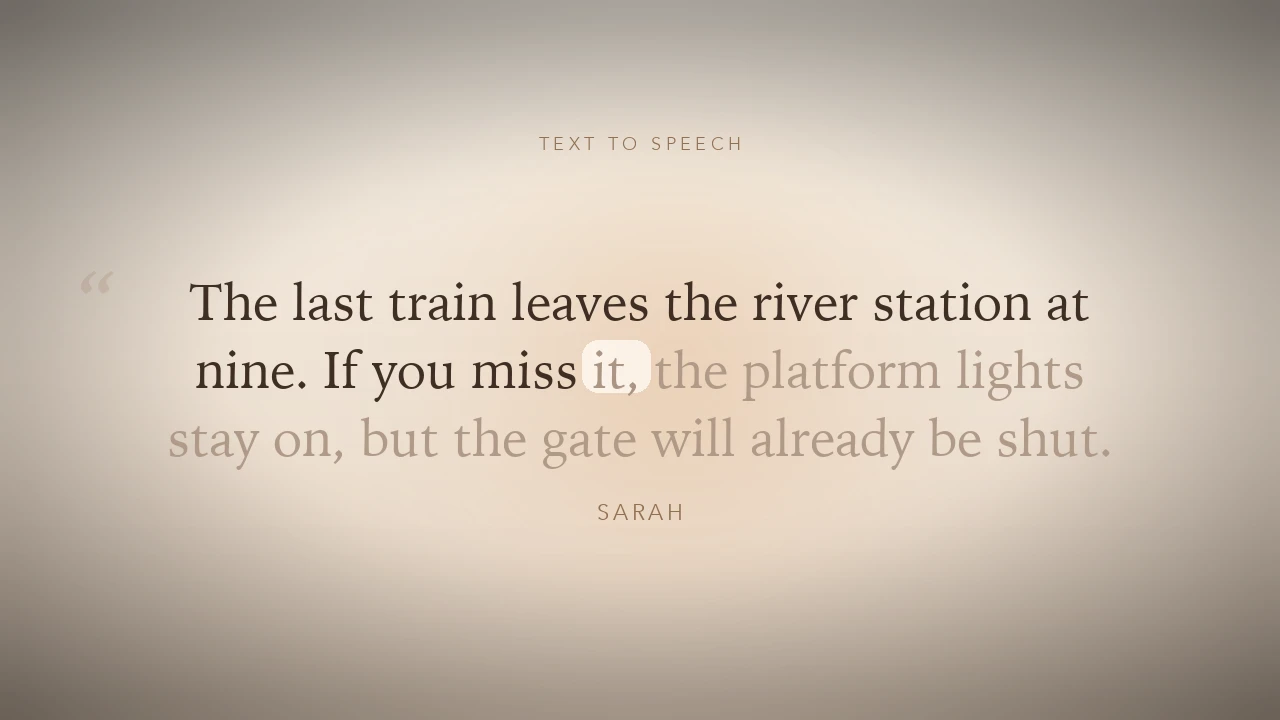
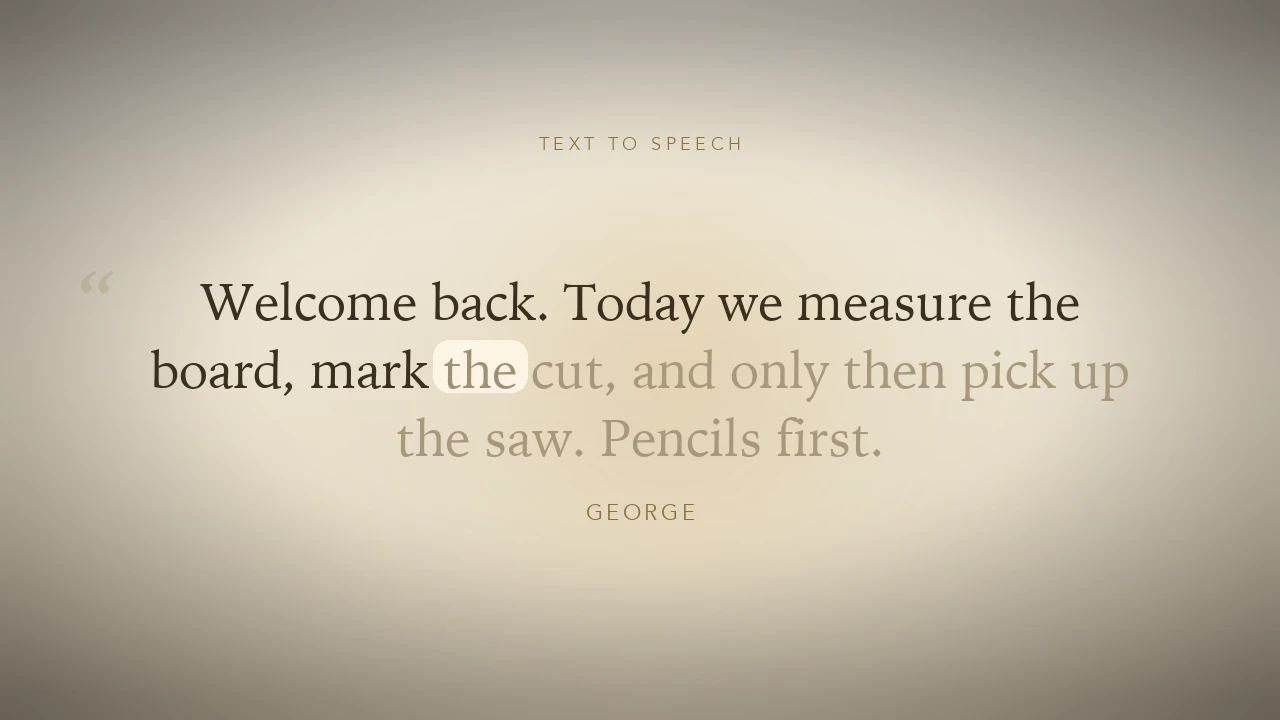
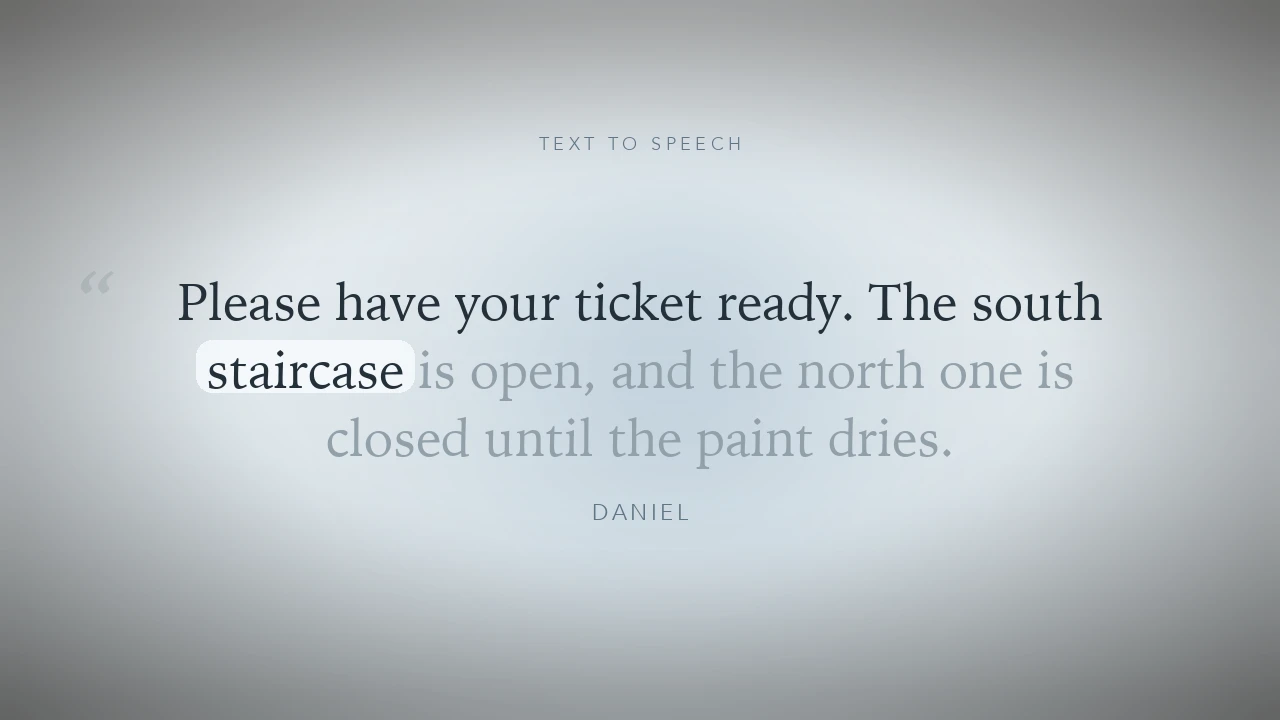
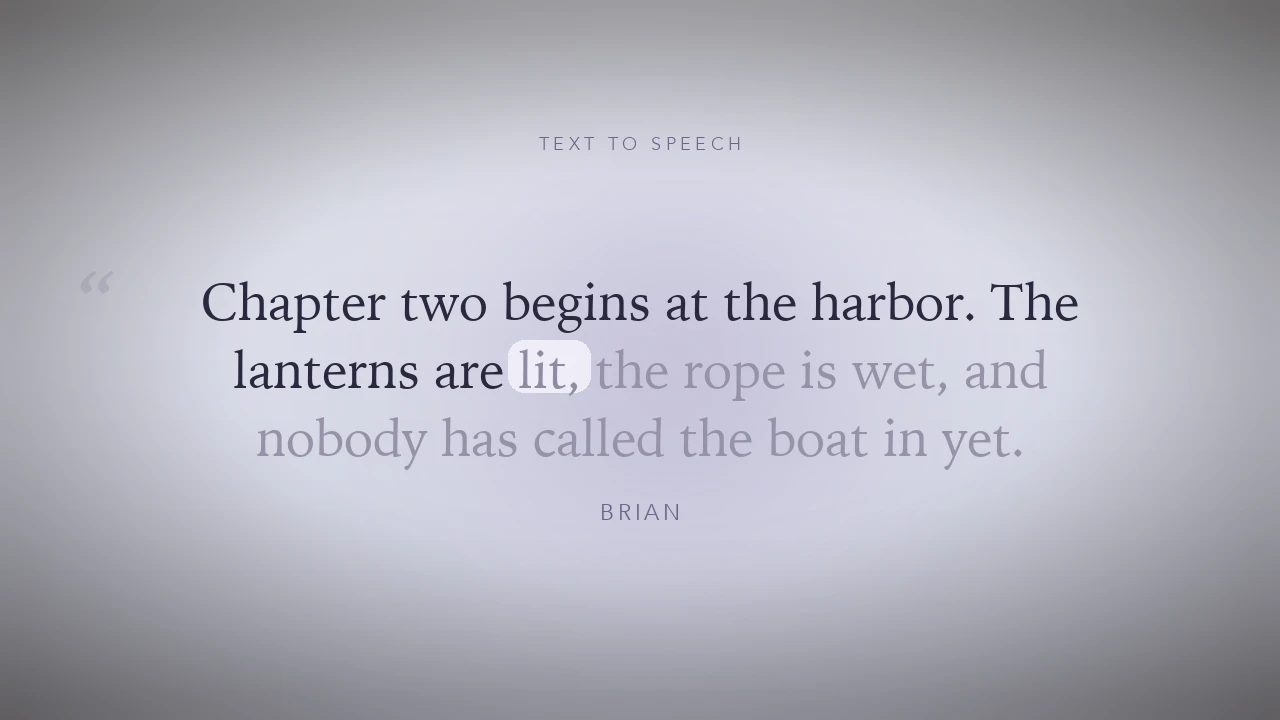
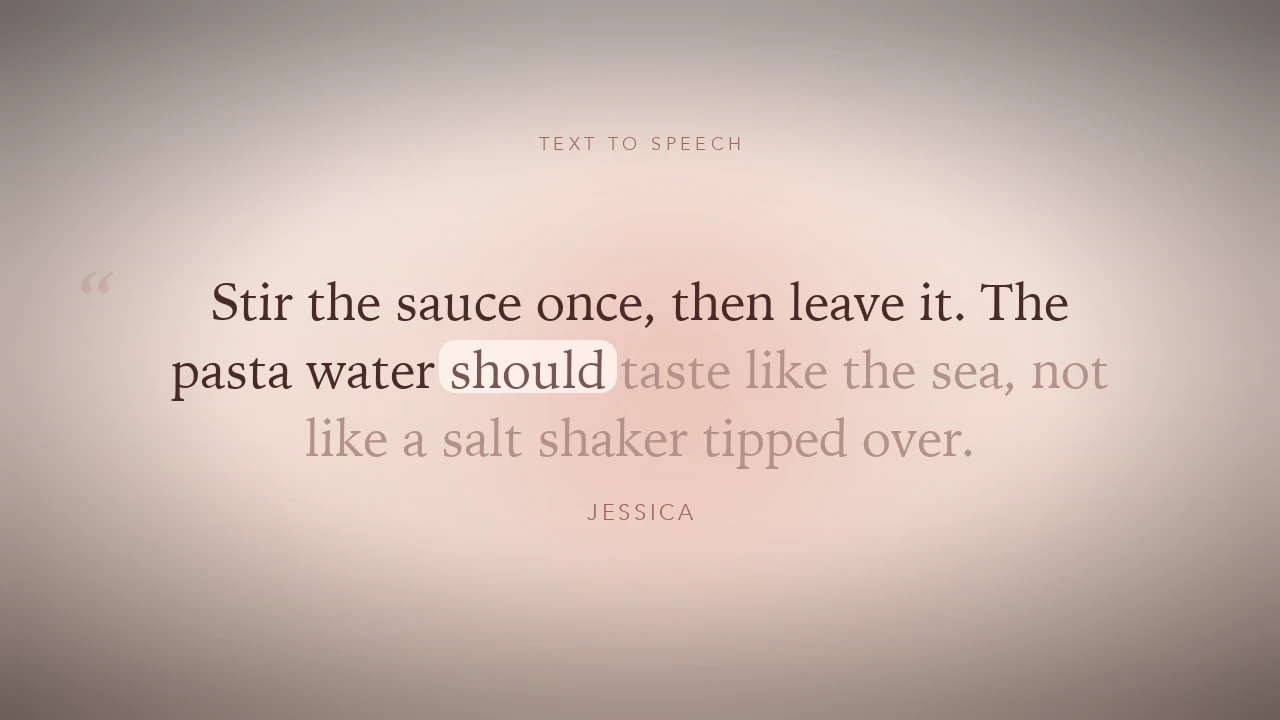
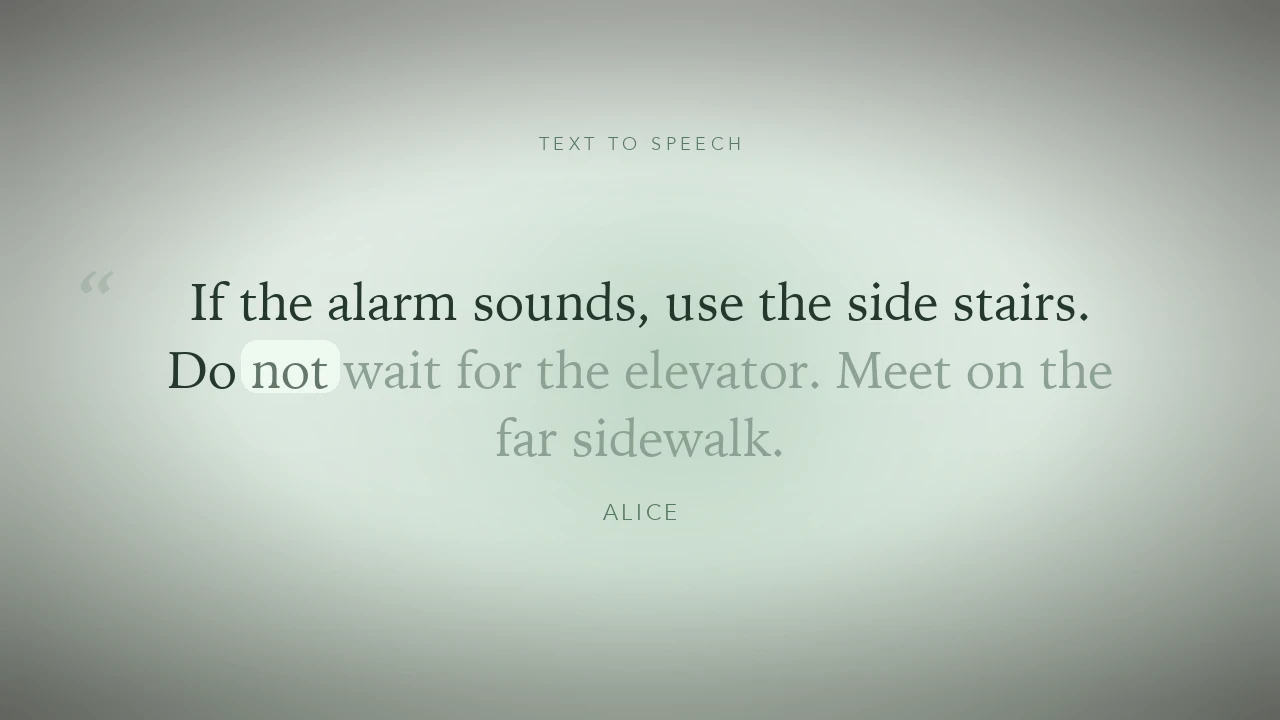
Examples Of ElevenLabs TTS Multilingual V2

Video thumbnail
Loading...
Video thumbnail
Loading...
Video thumbnail
Loading...
Video thumbnail
Loading...
Video thumbnail
Loading...
Video thumbnail
Loading...