logo
RunComfy
  • ComfyUI
  • TrainerNew
  • Models
  • API
  • Pricing
discord logo
MODELS
Explore
All Models
LIBRARY
Generations
MODEL APIS
API Docs
API Keys
ACCOUNT
Usage

Kling Video O3: Cinematic Text-to-Video With Optional Sound on Models and API | RunComfy

kling/kling-video-o3/standard/text-to-video

Turn text prompts into cinematic 3-15 second videos with optional sound, flexible aspect ratios, and Kling Video O3 quality, on RunComfy models and HTTP API.

Text description of the scene, subject, motion, camera, and atmosphere to generate.
Output frame ratio. 16:9 for landscape, 9:16 for vertical social, 1:1 for square.
Length of the generated clip in seconds (3-15).
When enabled, synthesize synchronized sound alongside the video. Adds ~33% to the per-second cost.
Editing scope. Use intelligent to let the model auto-decide cuts and pacing, or customize for manual prompt-driven control.
Additional prompt segments to guide scene transitions and progressions. The sum of durations in multi_prompt must equal to total video duration.
Idle
The rate is $0.084 per second without sound, and $0.112 per second with sound.

Introduction To Kling Video O3

Kuaishou's Kling Video O3 Standard is a text-to-video model that renders cinematic 3 to 15 second clips at $0.084 per second, with optional synchronized sound and 16:9, 9:16, or 1:1 aspect ratios.

Trading shoot scheduling, manual editing, and stock-footage hunts for prompt-controlled Kling Video O3 generations, the model speeds up ideation for video editors, marketing teams, social creators, and product designers.

For developers, Kling Video O3 on RunComfy can be used both in the browser and via an HTTP API, so you don't need to host or scale the model yourself.

Ideal for: Social Reels And TikTok Clips | Marketing And Promo Videos | Concept Visualization Shots

Kuaishou / Kling Video O3 Standard#


This is Kuaishou's O3-family text-to-video model, tuned for cinematic motion, stable subjects, and grounded physics from a single prompt. The Standard tier hits a practical price point while preserving the O3 look, and it ships with optional sound generation so a clip can leave the model already mixed.


It fits teams that need short, on-brief shots fast — without a camera crew, an edit bay, or a license search.


Highlights#


  • O3-tier visuals: Sharper motion fidelity and tighter subject consistency than earlier Kling versions.
  • Optional sound: Toggle synchronized audio on or off per generation; pay the surcharge only when you need it.
  • Flexible length: Any whole-second duration from 3 to 15 seconds for stings, hooks, or scene beats.
  • Multi-format: 16:9, 9:16, and 1:1 framing covers landscape, vertical, and square deliverables in one model.
  • Shot control: Choose customize for manual prompt-driven pacing, or intelligent for auto-handled scope.
  • Multi-prompt narrative: Chain prompt segments to steer scene transitions inside a single clip.

Parameters#


ParameterRequiredTypeDefaultRange / OptionsDescription
prompt*Yes (*)string—Free textScene description covering subject, motion, camera, and atmosphere.
aspect_ratioNostring16:916:9, 9:16, 1:1Frame ratio of the output.
durationNointeger53 – 15Clip length in seconds.
soundNobooleanfalsetrue / falseGenerate synchronized sound with the video.
shot_typeNostringcustomizecustomize, intelligentEditing mode; intelligent auto-decides scope, customize follows the prompt.
multi_promptNoarray—0 – 20 itemsAdditional prompt segments to guide scene transitions; segment durations must sum to total video duration.

Pricing#


The Standard tier bills per second of generated video on RunComfy. Enabling sound adds roughly a 33% surcharge on top of the silent rate.


OutputRate per second
Video without sound$0.084
Video with sound$0.112

Estimated cost examples


DurationWithout soundWith sound
3 s~$0.252~$0.336
5 s (default)~$0.420~$0.560
10 s~$0.840~$1.120
15 s~$1.260~$1.680

How to Use#


1) Open the Kling Video O3 model on RunComfy and reveal the generation panel.

2) Write a prompt that names the subject, action, environment, camera move, and lighting in shot language.

3) Pick an aspect ratio that matches the delivery surface — 16:9 for YouTube, 9:16 for Reels and Shorts, 1:1 for feeds.

4) Set duration between 3 and 15 seconds; start at 3-5s while iterating on the prompt, then extend for the final render.

5) Toggle sound on only when you actually need synchronized audio, since it raises the per-second cost.

6) Choose shot_type — customize for tight prompt control, intelligent when you want the model to handle pacing.

7) Run the generation, preview the result, and download the clip from your job history.

8) For automation, send the same fields to the RunComfy API endpoint and integrate the output URL into your pipeline.


Prompt & Reference Tips#


  • Lead with the shot type and camera move ("wide tracking shot", "slow push-in", "locked tripod") before describing the subject.
  • Name the lighting and time of day explicitly — "golden hour rim light", "overcast soft key", "neon practicals" — to anchor the look.
  • Keep prompts concrete and short; the model responds better to prioritized descriptors than long adjective chains.
  • Match aspect_ratio to composition in Kling Video O3: vertical subjects in 9:16, environment-heavy shots in 16:9.
  • For longer 10-15s clips, describe one clear motion arc rather than several unrelated actions to preserve coherence.
  • Use multi-prompt segments when you want a clean transition between two moments inside one render.
  • Enable sound for ambience and Foley moments; leave it off when you plan to score the clip in post.

How Kling Video O3 compares to other models#


  • Versus the O3 Pro tier: Kling Video O3 Standard trades the very top-end fidelity of Pro for a notably lower per-second rate, which is better for iteration and high-volume social work.
  • Versus Kling V3.0 Standard: Based on publicly available information, the O3 family targets improved motion realism and subject consistency over the V3.0 line, while keeping a similar control surface.
  • Versus image-to-video models: the text-to-video path generates motion directly from a prompt without needing a reference frame, which speeds up early-stage concepting.
  • Versus open-source text-to-video models: this option ships behind a managed API with no self-hosting, GPU provisioning, or model weights to maintain.

More Models to Try#


  • Kling V2.1 Master Text To Video — alternative Kling tier focused on maximum quality.
  • Kling V2.1 Standard Image To Video — animate a reference still instead of starting from text.
  • Hailuo 02 Text To Video — different vendor with strong physics simulation.
  • Wan 2.5 Text To Video — open-weight-style option for prompt-driven clips.

Official Resources#


  • Kling AI (Kuaishou): https://app.klingai.com/
  • Kuaishou: https://www.kuaishou.com/en

Related Models

pikadditions

Add a person or object into an existing video with smart compositing.

wan-2.7/text-to-video

Create 1080p clips with multi-reference and frame control.

hailuo-2-3/standard/image-to-video

Transform images into motion-rich clips with Hailuo 2.3's precise control and realistic visuals.

hunyuan/image-to-video

Features smooth scene transitions, natural cuts, and consistent motion.

kling-3.0/standard/text-to-video

Create multi-scene films with synced dialogue and consistent characters.

aurora

Transform still images and voice tracks into lifelike talking avatars with precise motion control.

Frequently Asked Questions

What is Kling Video O3 and what does it do in a text-to-video workflow?

Kling Video O3 is Kuaishou's O3-family text-to-video model that turns a single prompt into a cinematic clip with stable subjects, natural motion, and grounded physics. In a text-to-video workflow on RunComfy, you describe the scene, camera, and atmosphere, and the model returns a finished video — optionally with synchronized sound. It is built for creators who want fast, prompt-driven generation without manual editing or a camera crew.

What kinds of generation tasks is Kling Video O3 best suited for?

Kling Video O3 is best suited for short cinematic shots: social reels, ad creatives, brand stingers, product visualizations, and concept exploration for design and storyboarding. Flexible 3–15 second durations and 16:9, 9:16, and 1:1 aspect ratios make it easy to deliver to TikTok, Reels, YouTube, and feed placements from one model. The optional sound switch also covers cases where you need a clip that leaves the model already mixed.

How does Kling Video O3 compare to the O3 Pro tier and earlier Kling versions?

Compared to the O3 Pro tier, Kling Video O3 Standard targets a more accessible per-second price while keeping the O3 look, which is helpful when you need to iterate or generate at higher volume. Compared to earlier Kling versions such as the V3.0 line, the O3 family is positioned around improved motion realism and subject consistency based on available provider information. The control surface — prompt, aspect ratio, duration, sound, shot type — stays familiar so existing prompts transfer easily.

Which teams and use cases benefit most from Kling Video O3 in production?

Marketing teams, video editors, social creators, and product designers can use Kling Video O3 to produce on-brief promo clips, animated mood boards, and short-form social videos without booking talent or sourcing stock footage. Developers can wrap the same model into automated pipelines that turn brief metadata into ready-to-publish video assets. For storyboarders and concept artists, the model also speeds up visualizing scenes that would otherwise need a previs pass.

What input limits should I know before using Kling Video O3?

Kling Video O3 takes a required text prompt and supports aspect ratios of 16:9, 9:16, and 1:1, with whole-second durations from 3 to 15 seconds. Sound can be toggled on or off, and shot_type accepts customize or intelligent for editing scope. For any other constraints such as prompt length, multi-prompt segment counts, or render concurrency, check the current RunComfy parameter panel for the exact limits, since they may vary by mode or provider settings.

Can developers use Kling Video O3 through the RunComfy API for production workloads?

Yes. You can prototype Kling Video O3 in the RunComfy AI Playground Web UI, dialing in the prompt, aspect ratio, duration, sound, and shot type until the output matches your target. Once the configuration is stable, call the same model via the RunComfy API with identical parameters from your backend, content pipeline, or CMS to automate generation. This keeps creative iteration in the browser while production runs in code, without changing how the model behaves.

How much does it cost to generate with Kling Video O3 on RunComfy?

Kling Video O3 generations consume usd / credits from your RunComfy balance, and based on available provider information the Standard tier is billed at $0.084 per second without sound and $0.112 per second with sound — roughly a 33% surcharge for enabling audio. A default 5-second silent clip therefore lands around $0.42, while a 15-second clip with sound is around $1.68. New users typically get a free trial usd amount to experiment; refer to the Generation section of the model page for the most current rates.

What prompting style works best with Kling Video O3?

Kling Video O3 responds well to concise, prioritized prompts written in shot language — lead with the camera move and shot type, then name the subject, action, environment, lighting, and time of day. Specific cues like "slow push-in", "golden hour rim light", or "handheld with slight sway" help anchor the motion and look more than long adjective chains. For 10–15 second clips, describe one clear motion arc instead of several unrelated actions to keep the result coherent.

Follow us
  • LinkedIn
  • Facebook
  • Instagram
  • Twitter
Support
  • Discord
  • Email
  • System Status
  • Affiliate
Video Models
  • Wan 2.6 Flash
  • Seedance 1.0 Pro Fast
  • Wan 2.6
  • Seedance 2.0 Pro
  • Wan 2.7
  • Seedance 1.0
  • View All Models →
Image Models
  • seedream 4.0
  • Flux 2 Dev
  • Nano Banana Pro
  • Nano Banana 2 Edit
  • GPT Image 2 Image Edit
  • Flux 2 Flash Edit
  • View All Models →
Legal
  • Terms of Service
  • Privacy Policy
  • Cookie Policy
RunComfy
Copyright 2026 RunComfy. All Rights Reserved.

RunComfy is the premier ComfyUI platform, offering ComfyUI online environment and services, along with ComfyUI workflows featuring stunning visuals. RunComfy also provides AI Models, enabling artists to harness the latest AI tools to create incredible art.

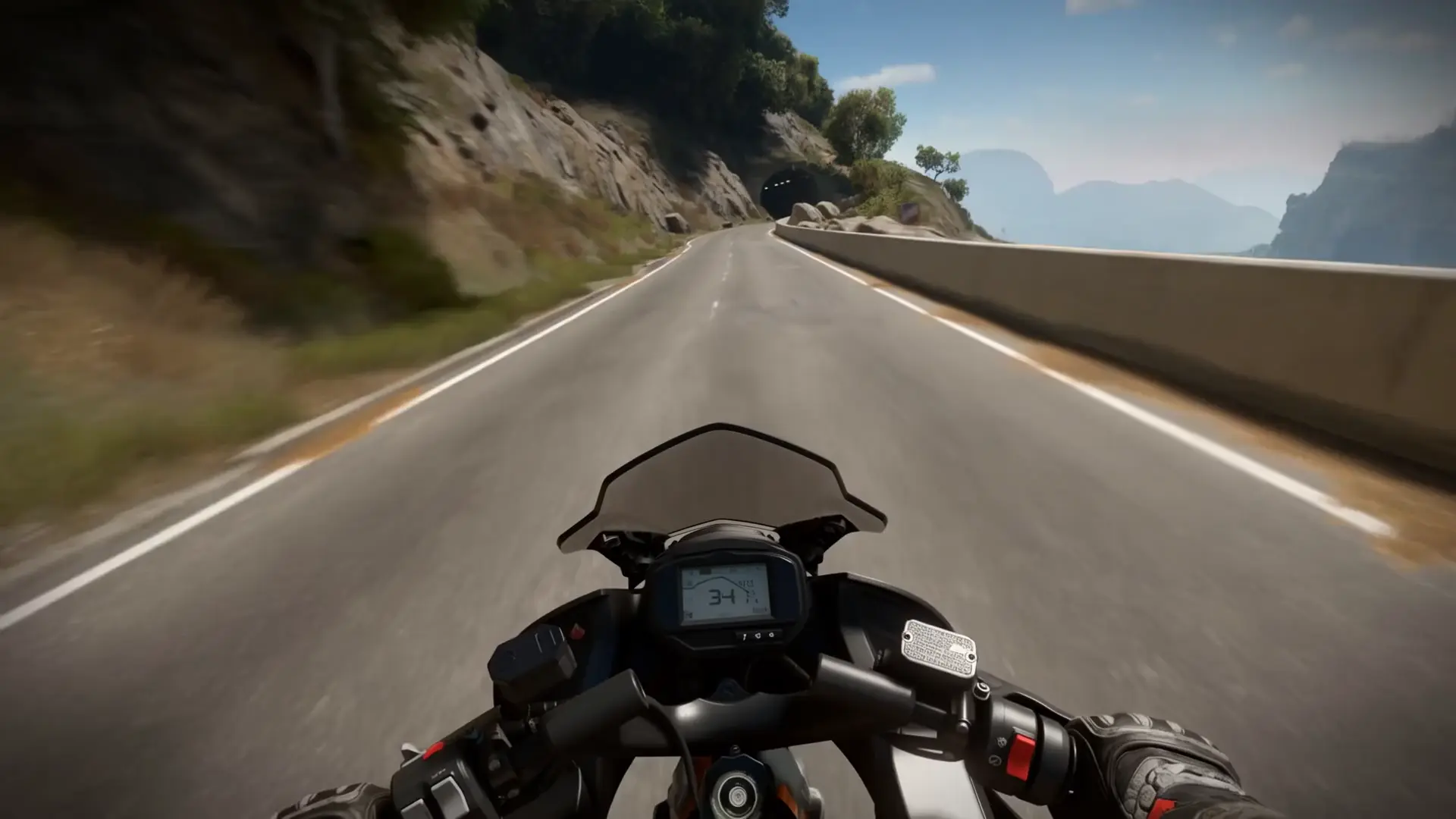
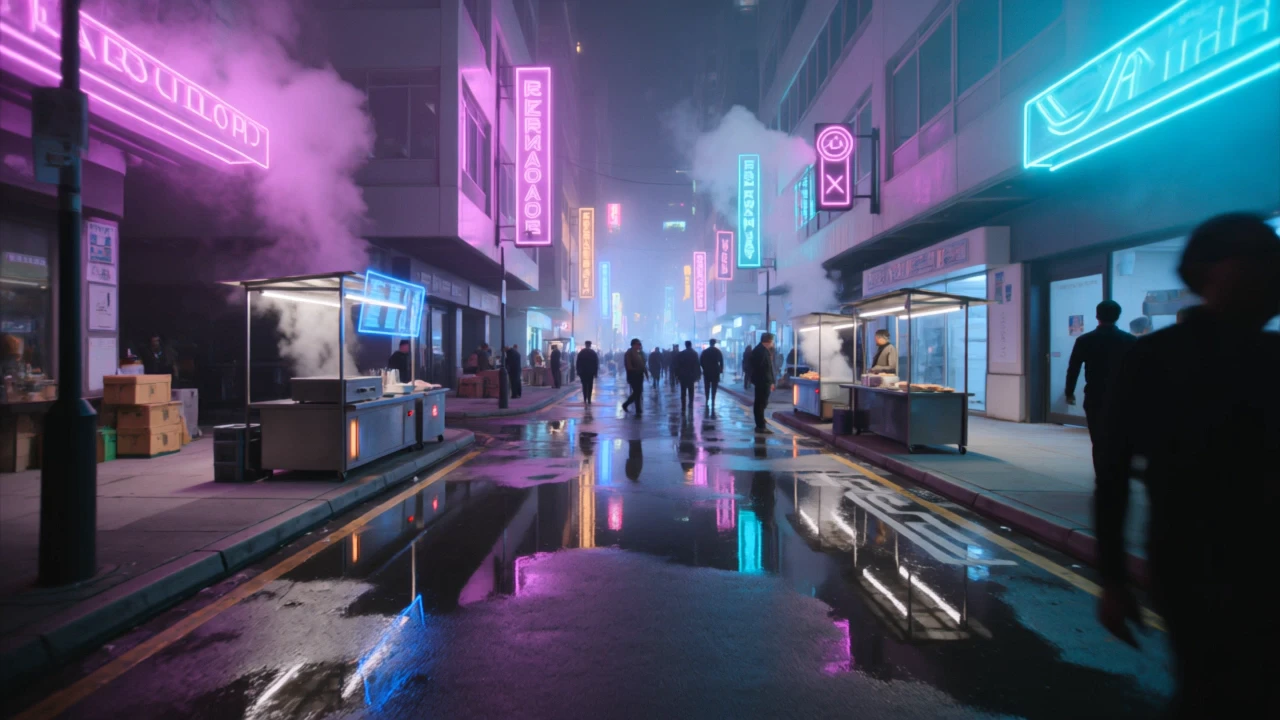
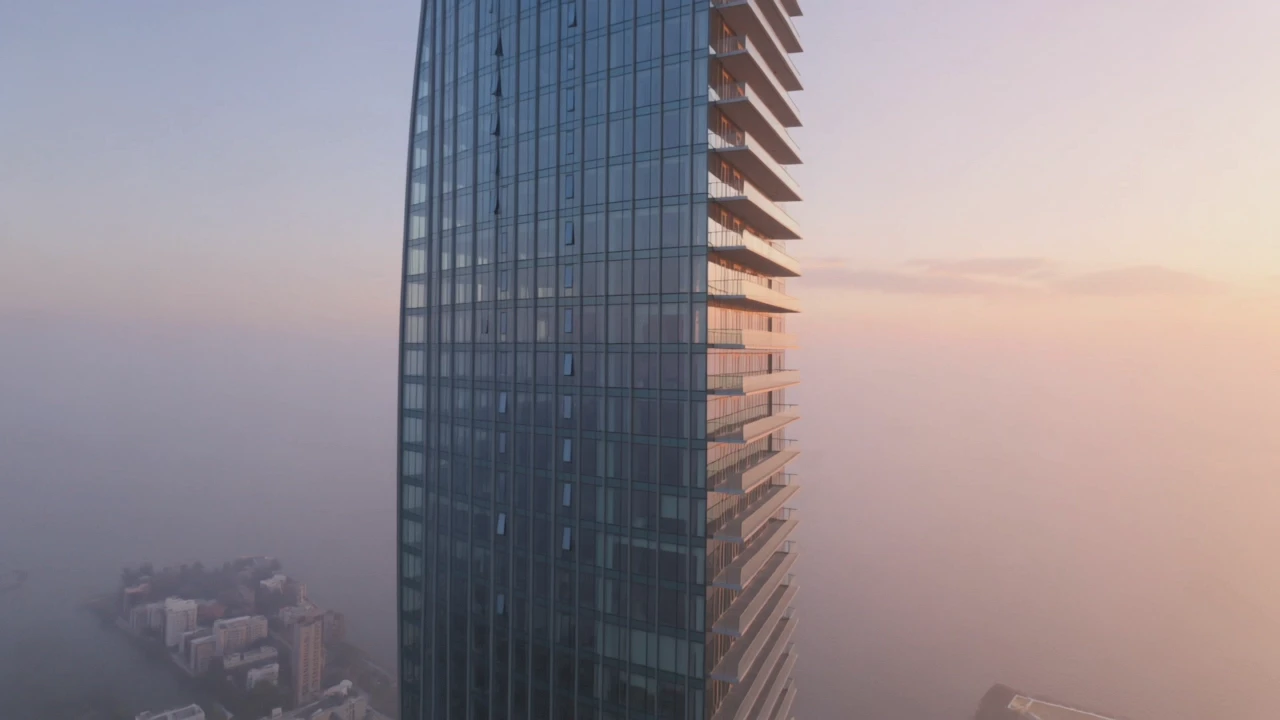
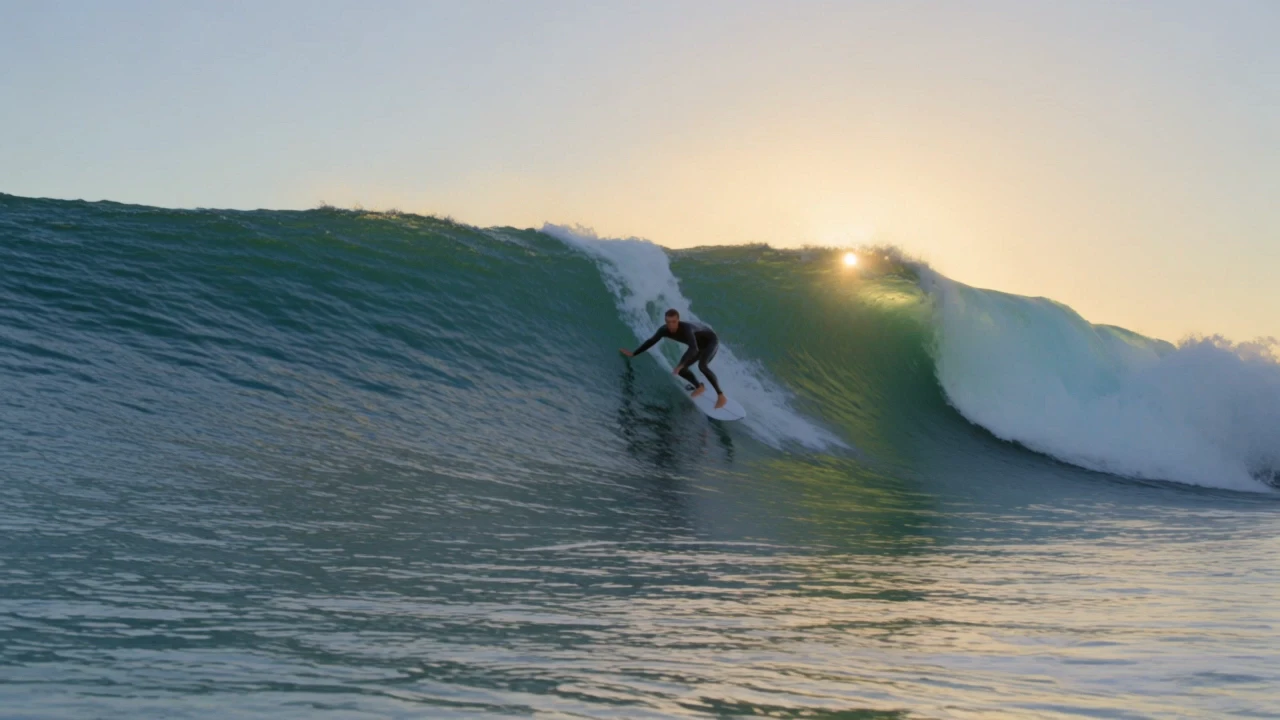
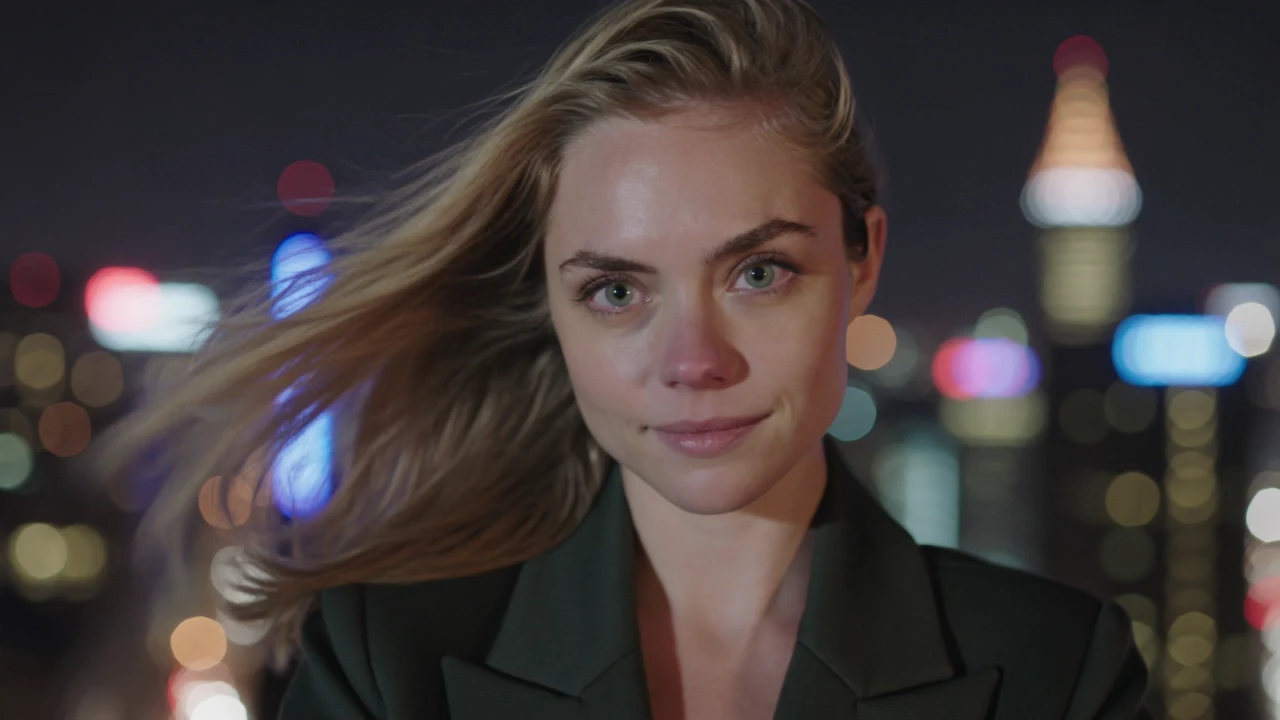
Examples Of Kling Video O3

Video thumbnail
Loading...
Video thumbnail
Loading...
Video thumbnail
Loading...
Video thumbnail
Loading...
Video thumbnail
Loading...
Video thumbnail
Loading...