seedream-4-5/edit
image-to-image
Transform visuals with Seedream 4.5 for coherent, photoreal image creation and precise brand consistency.
Transform visuals with Seedream 4.5 for coherent, photoreal image creation and precise brand consistency.

Flux 2 dev is an open-weight model for precise visual creation, color control, and consistent style rendering. Generate images at just $0.012 each.

Animate a still image into a short video with synchronized audio.

Craft lifelike video scenes from stills with motion, dialogue sync, and flexible creative control.
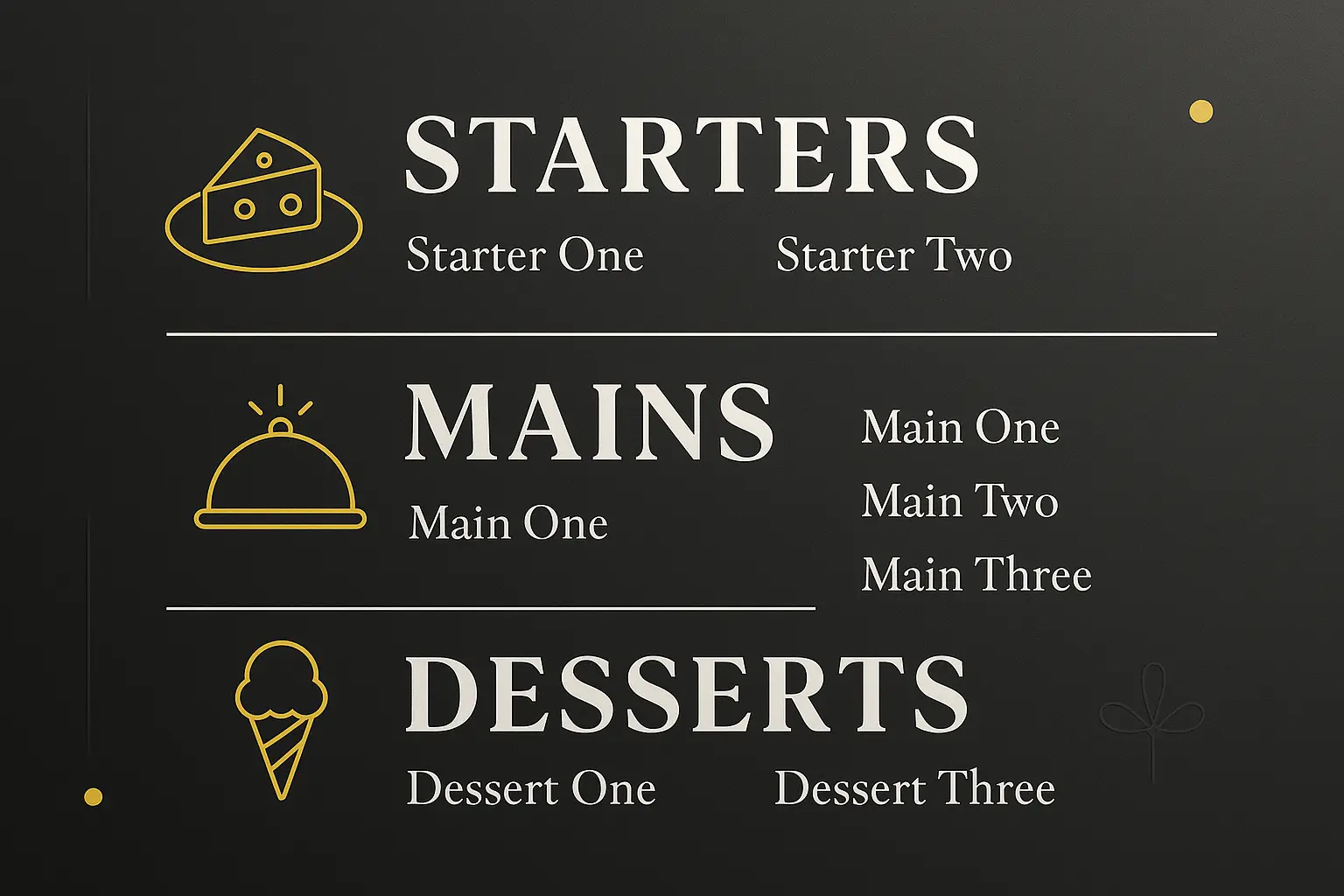
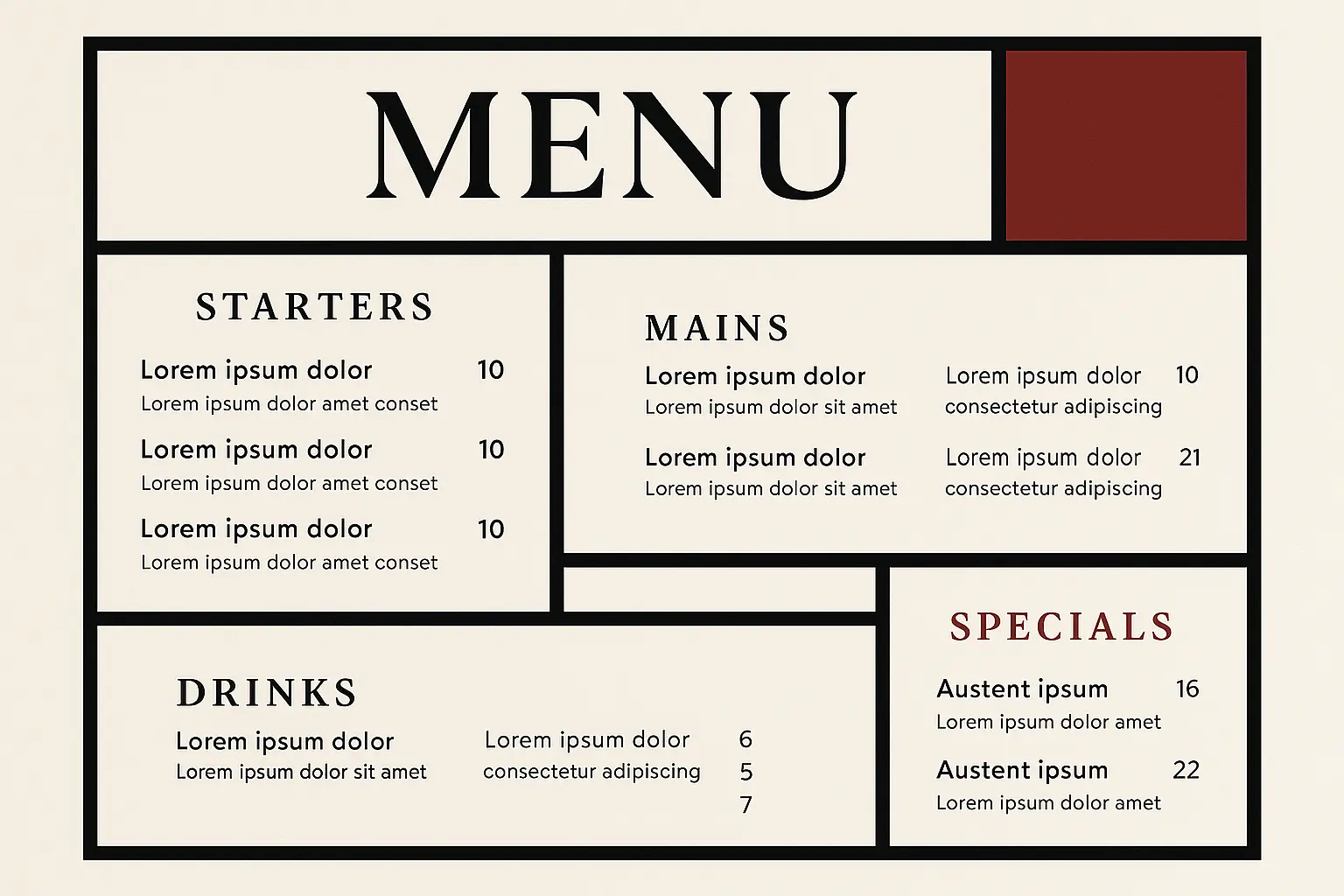
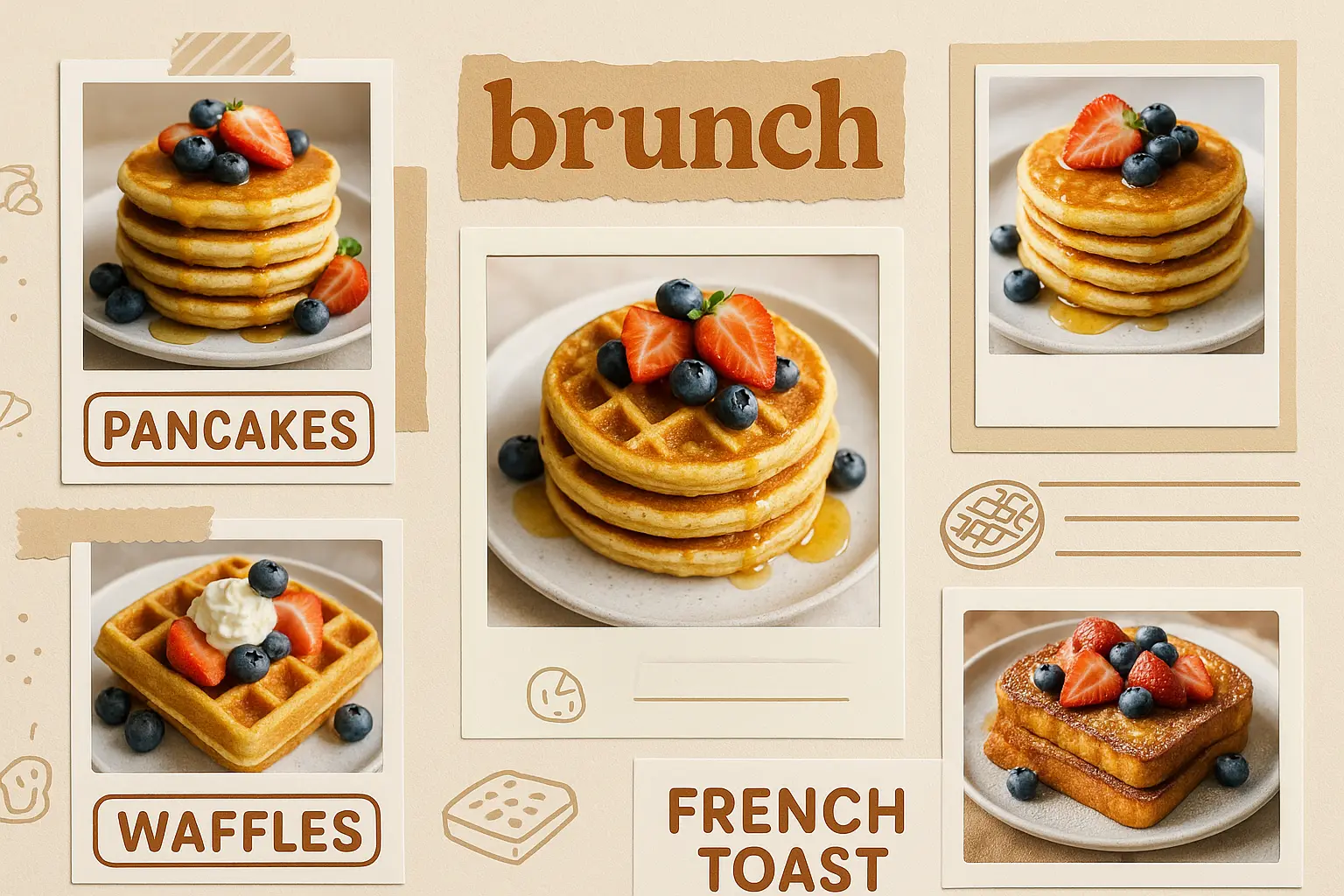
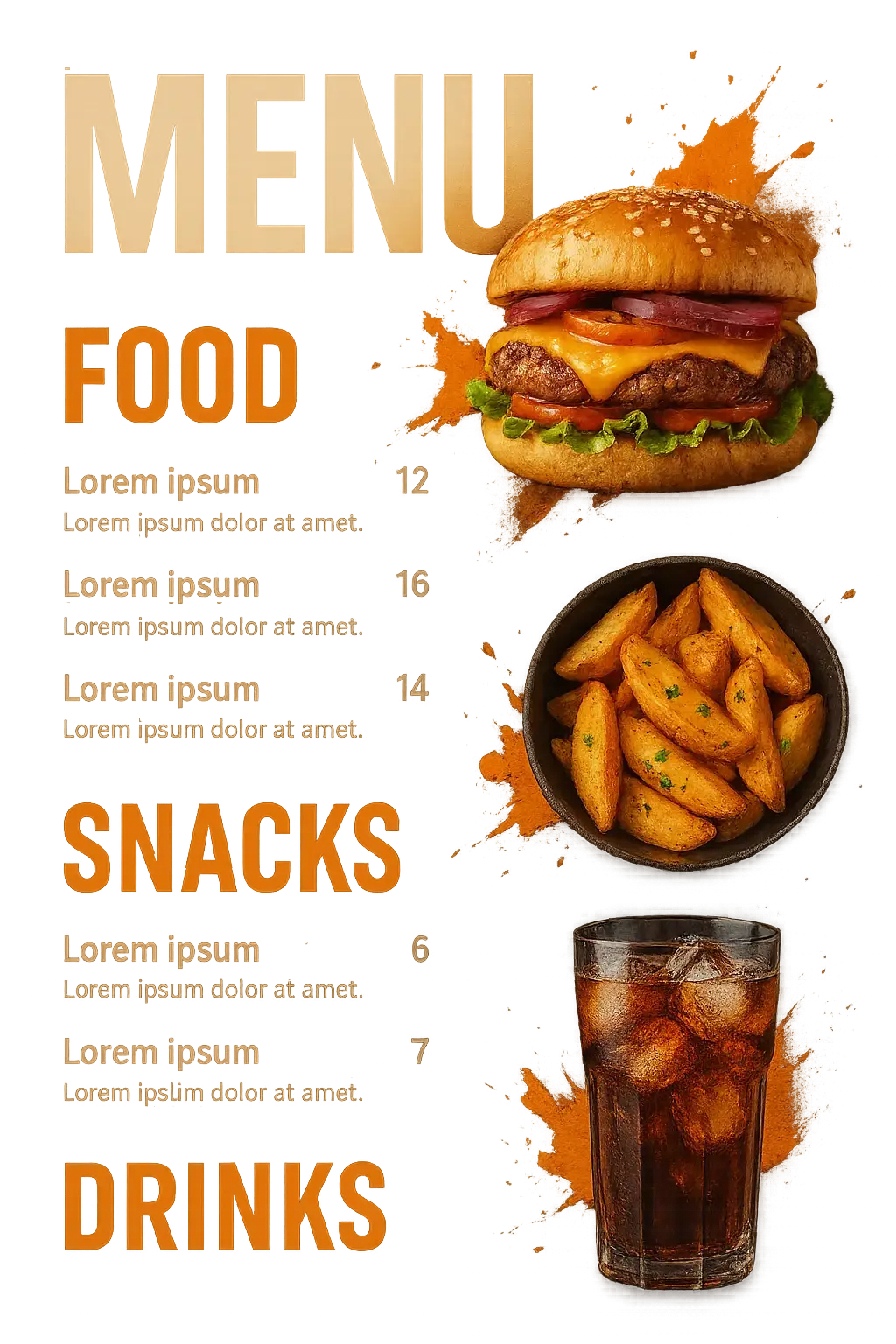
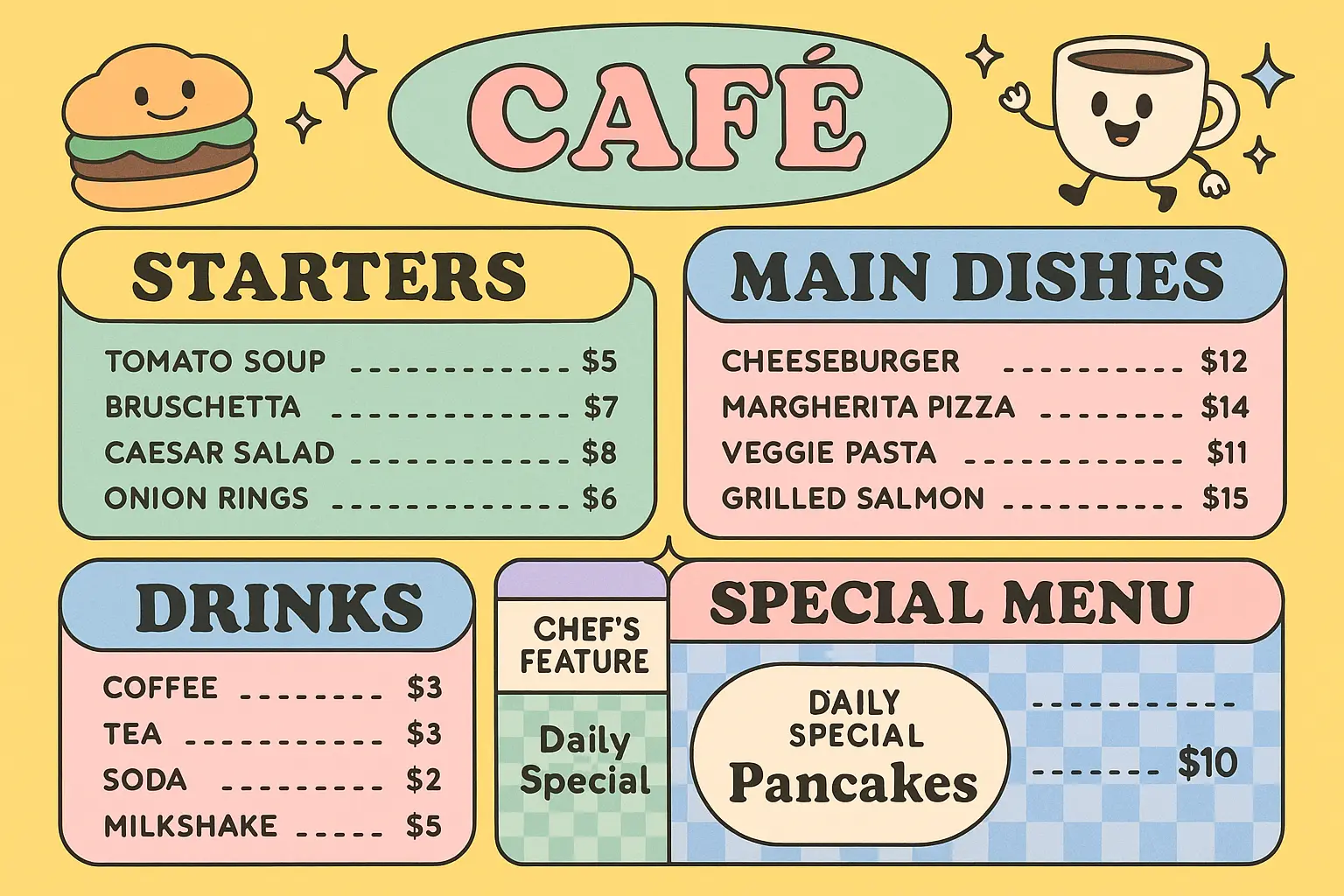
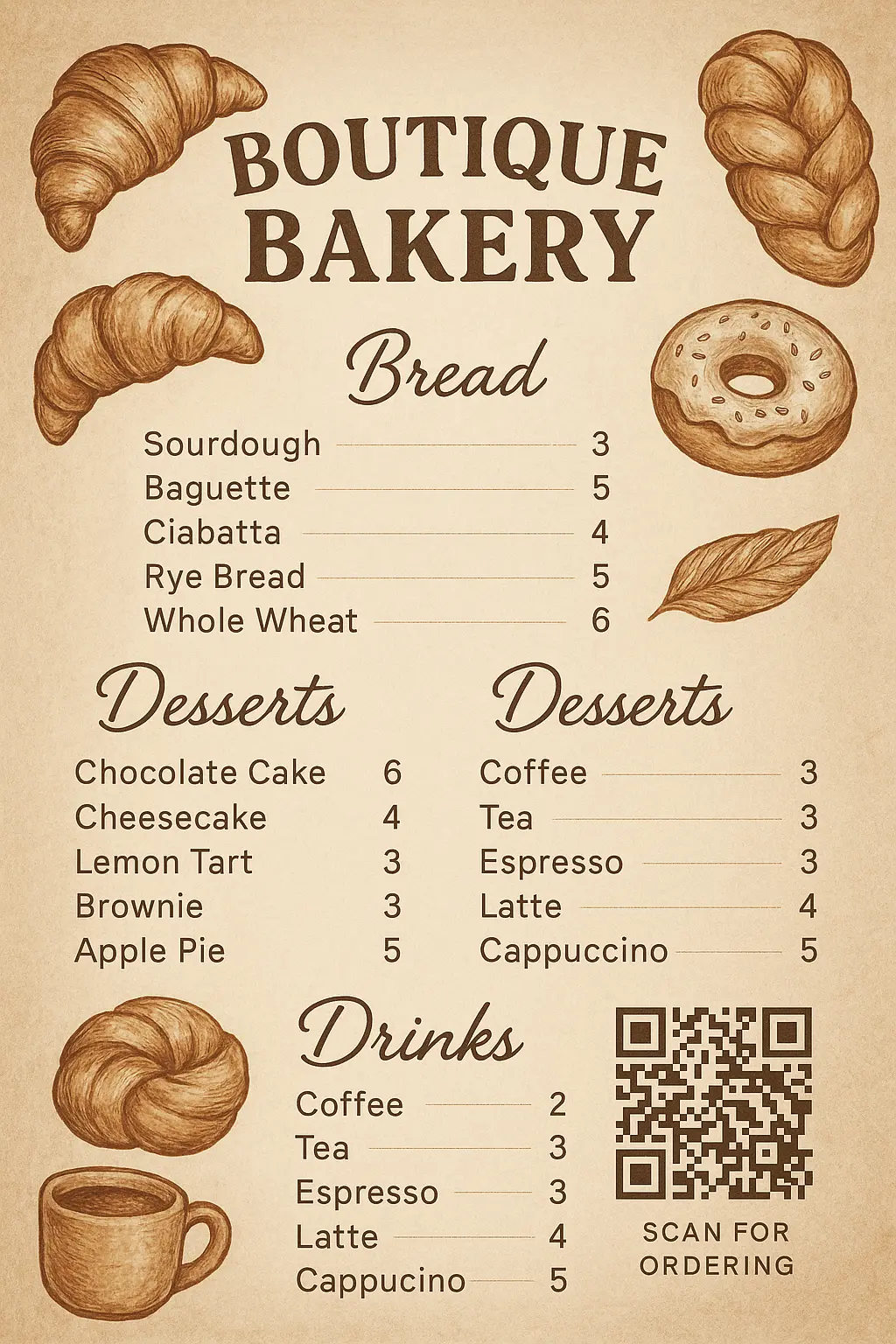
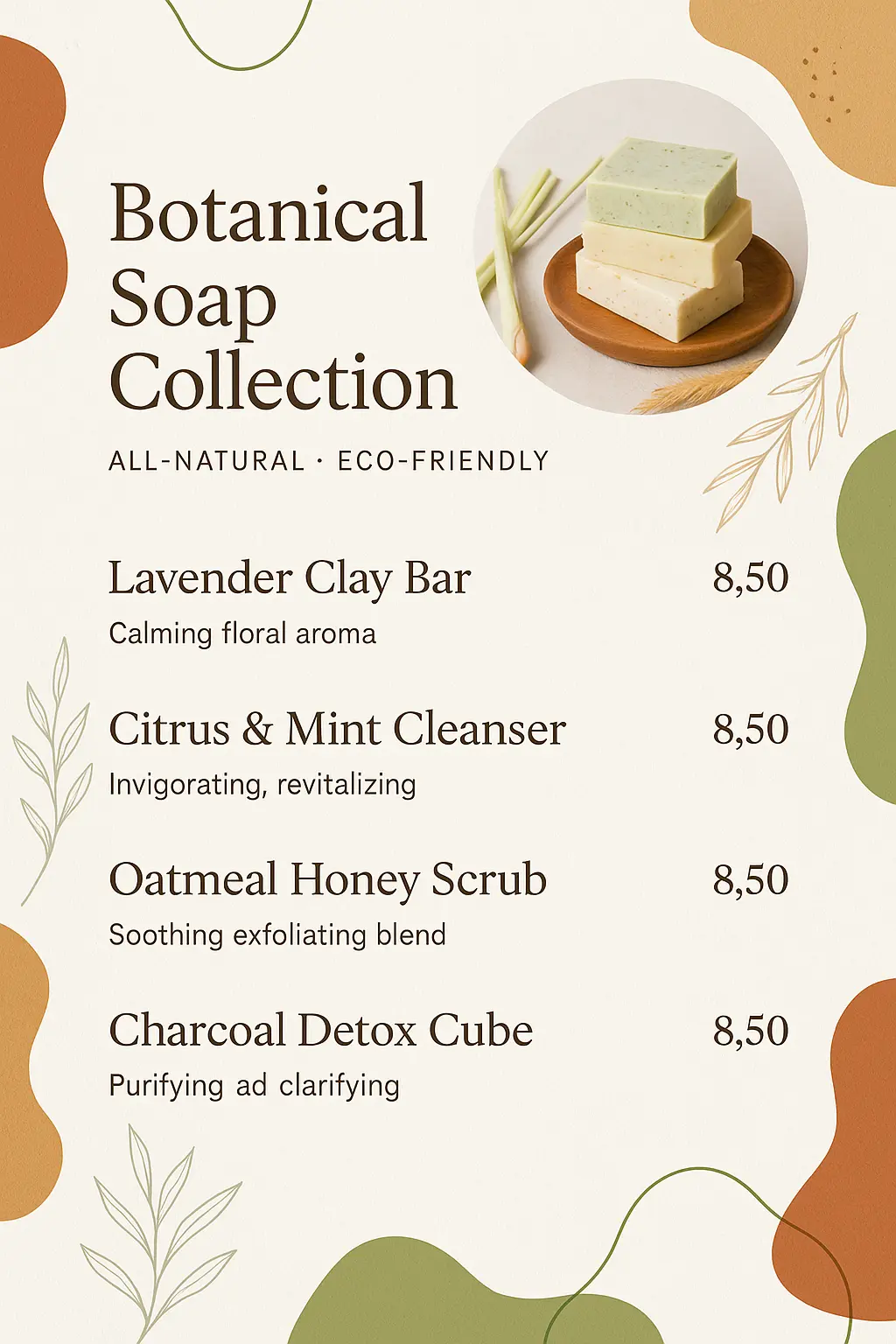
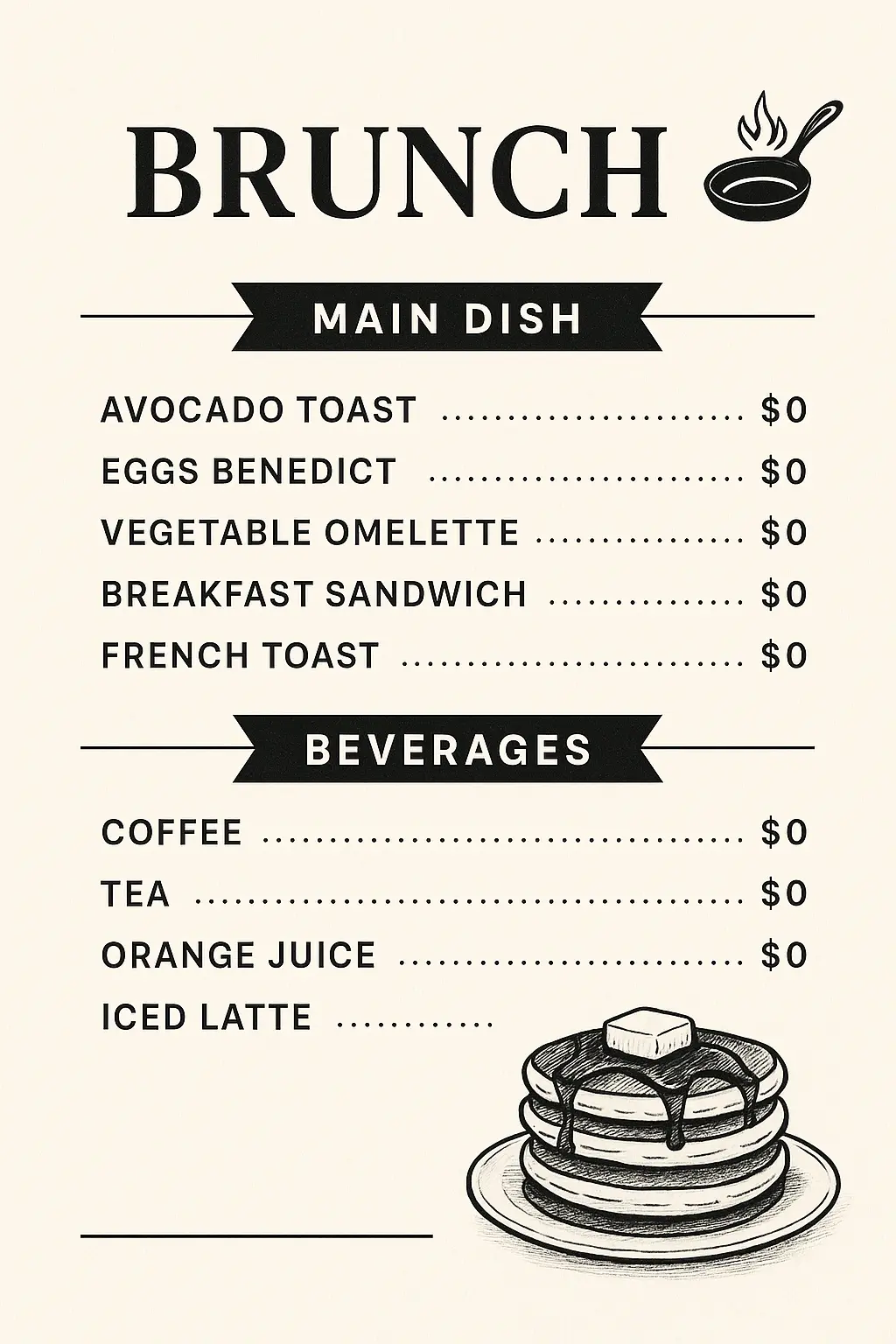
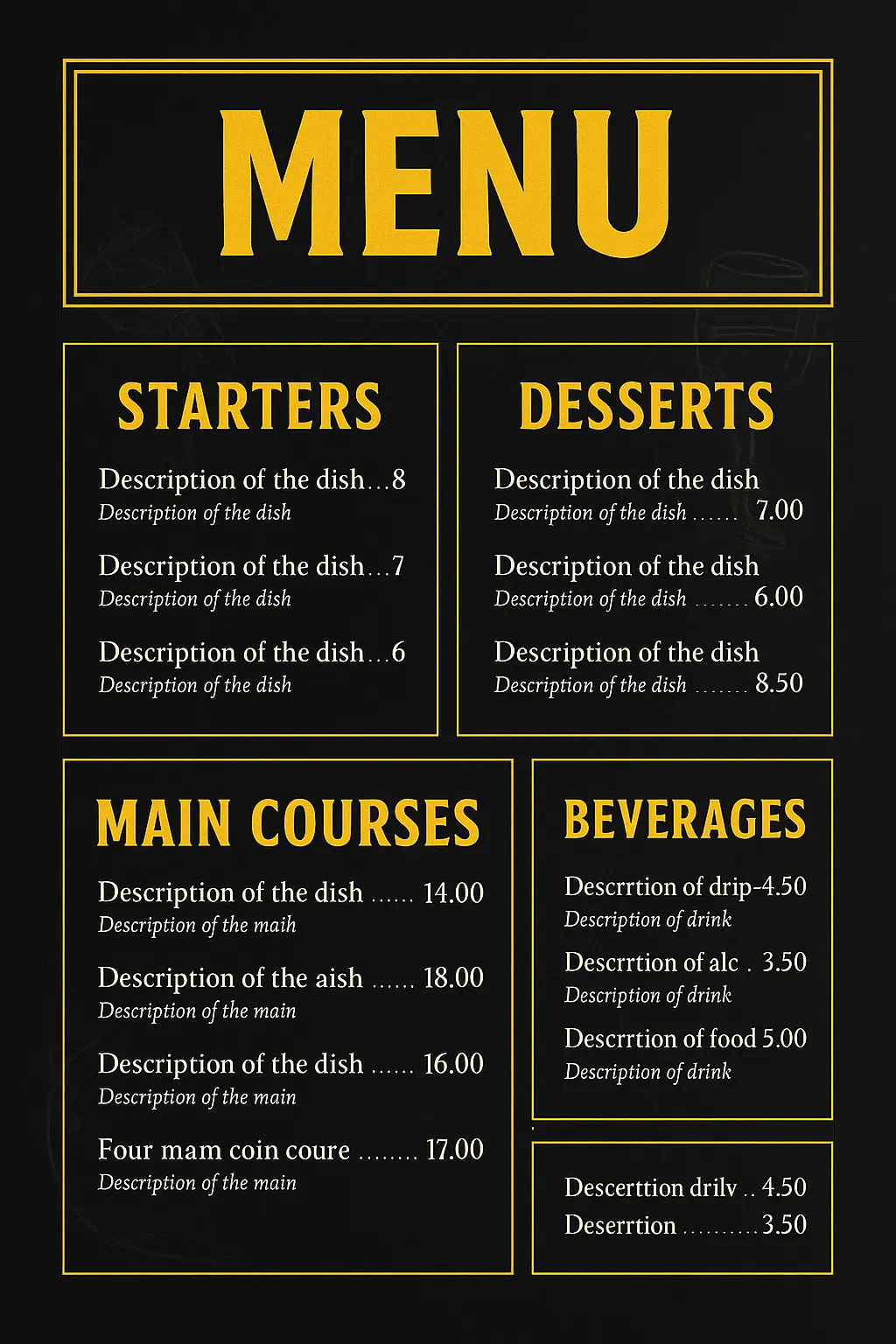
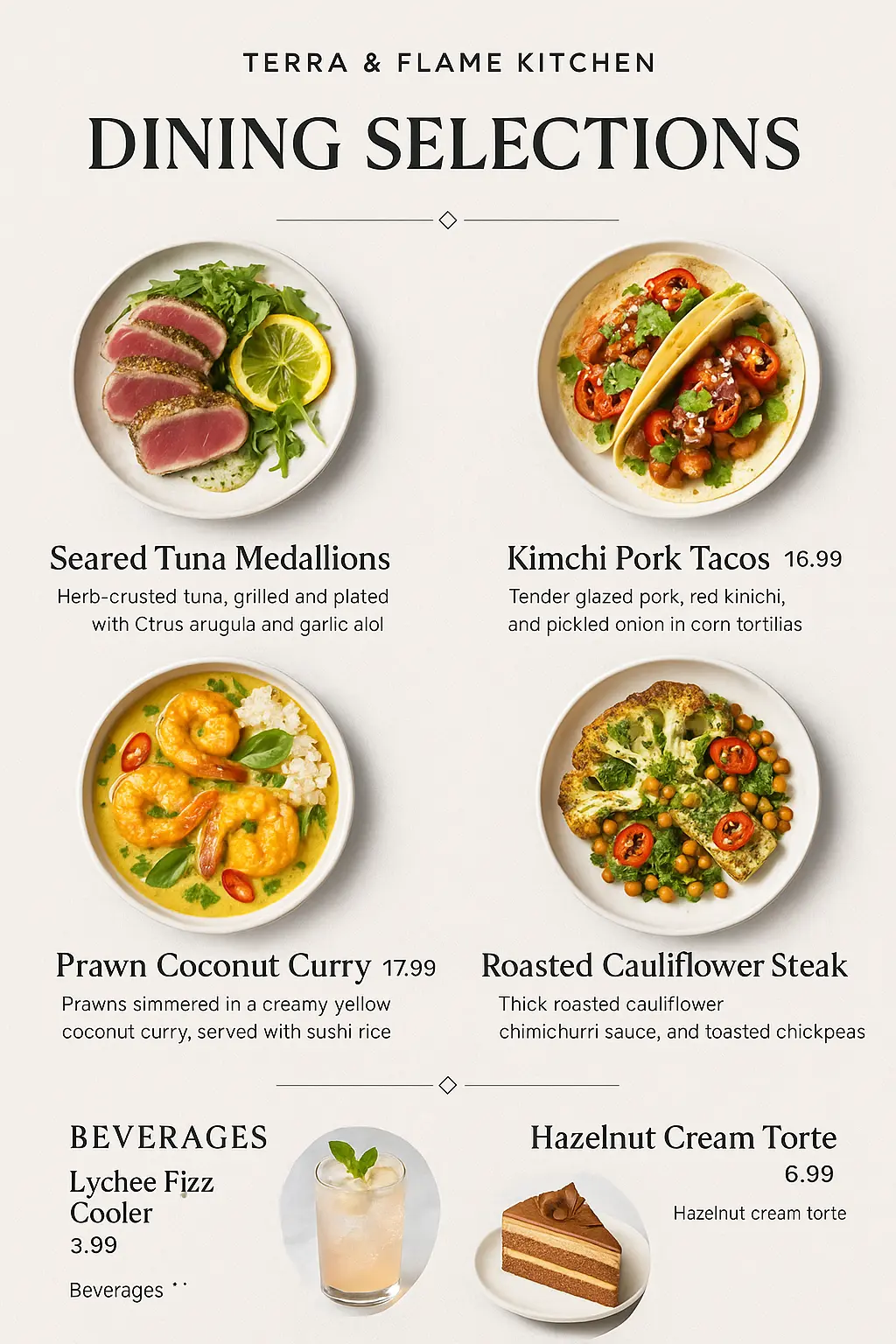
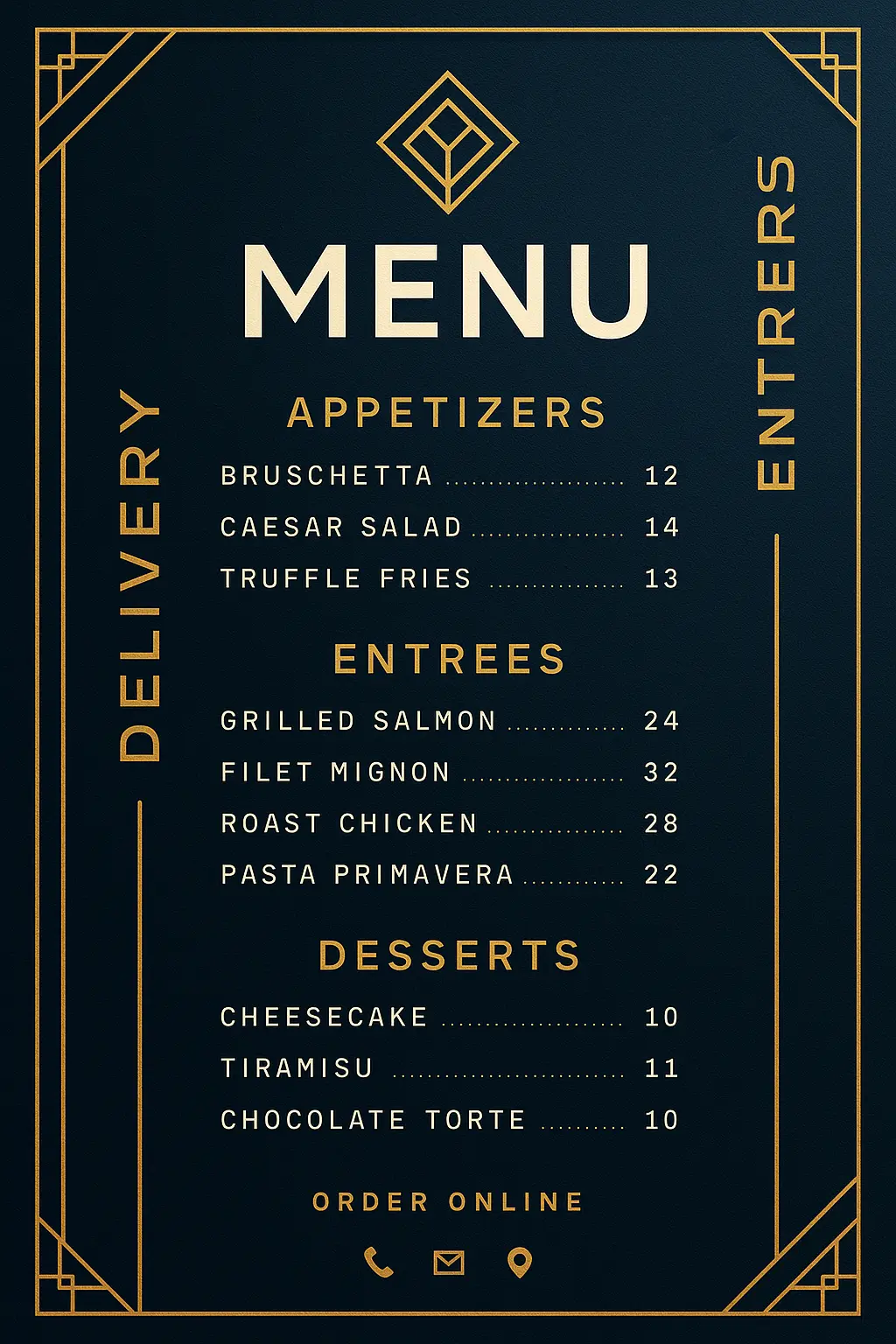
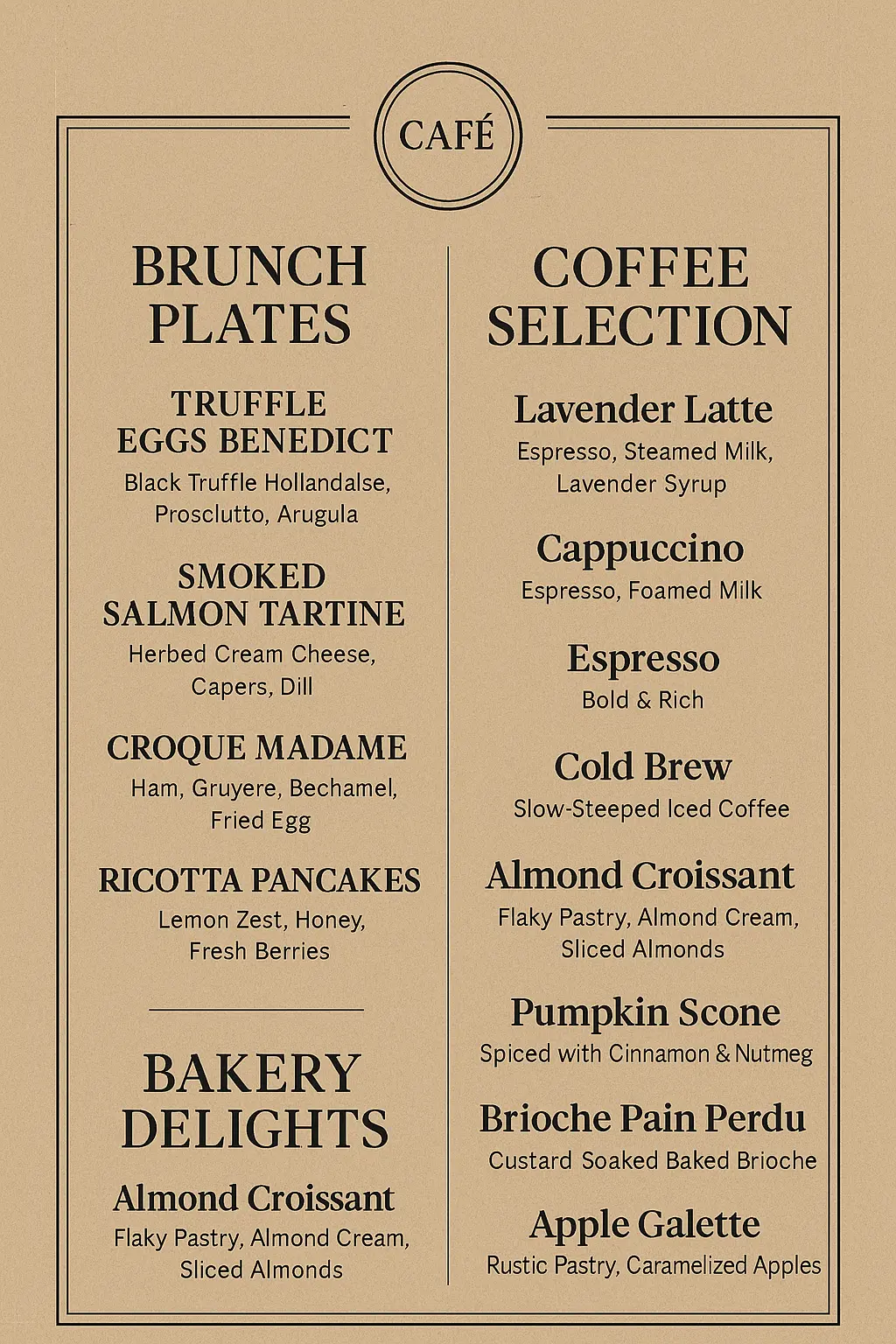
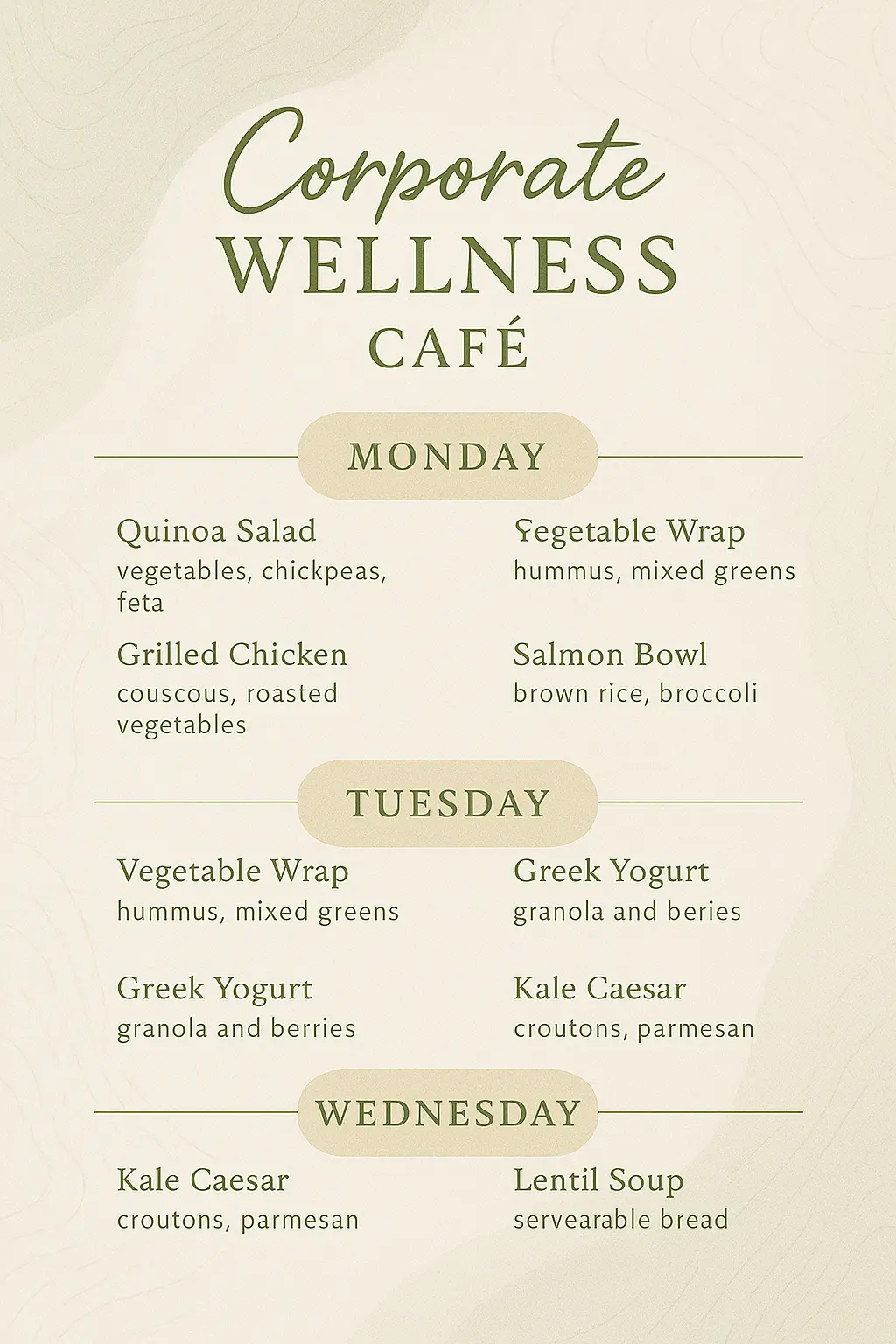
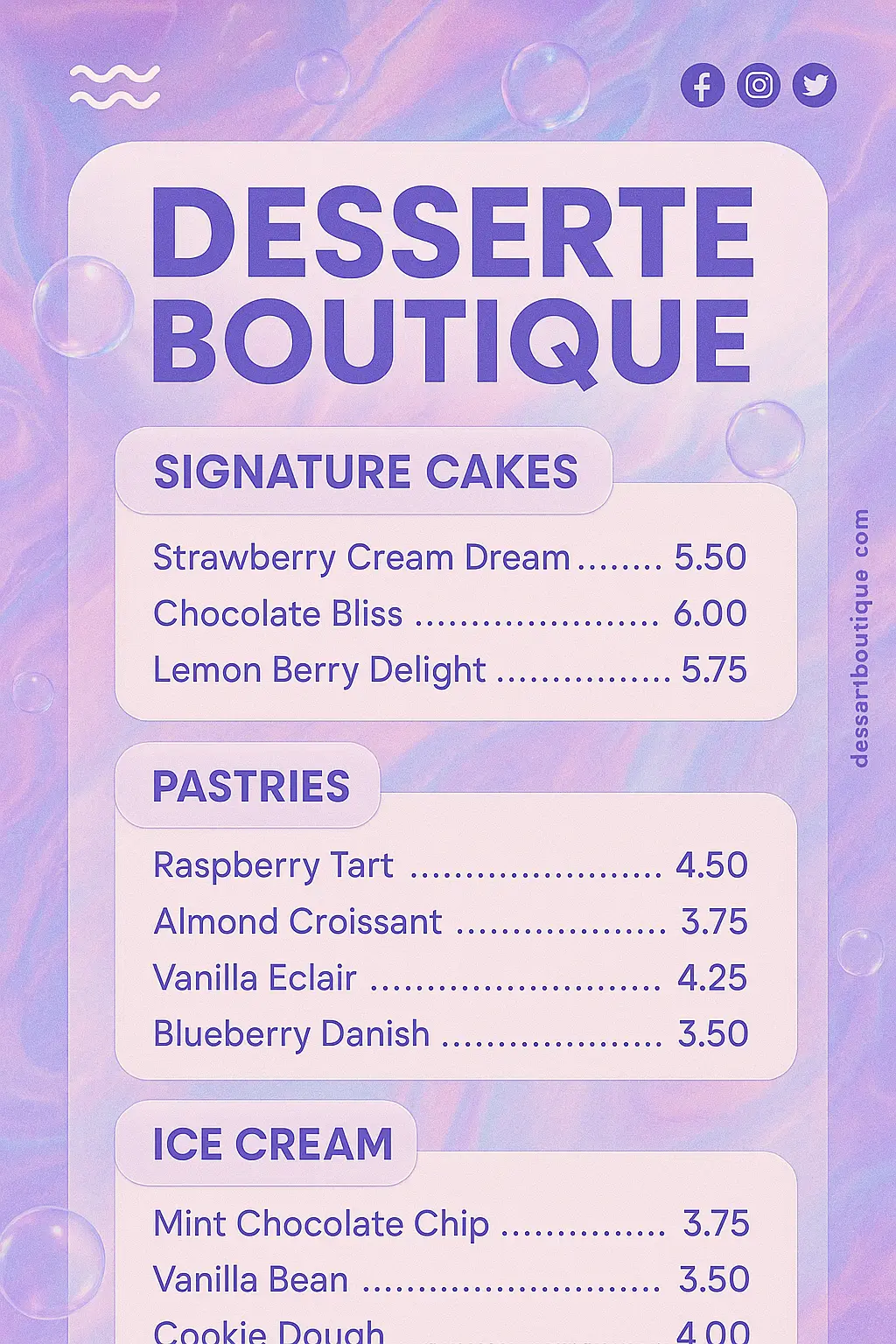
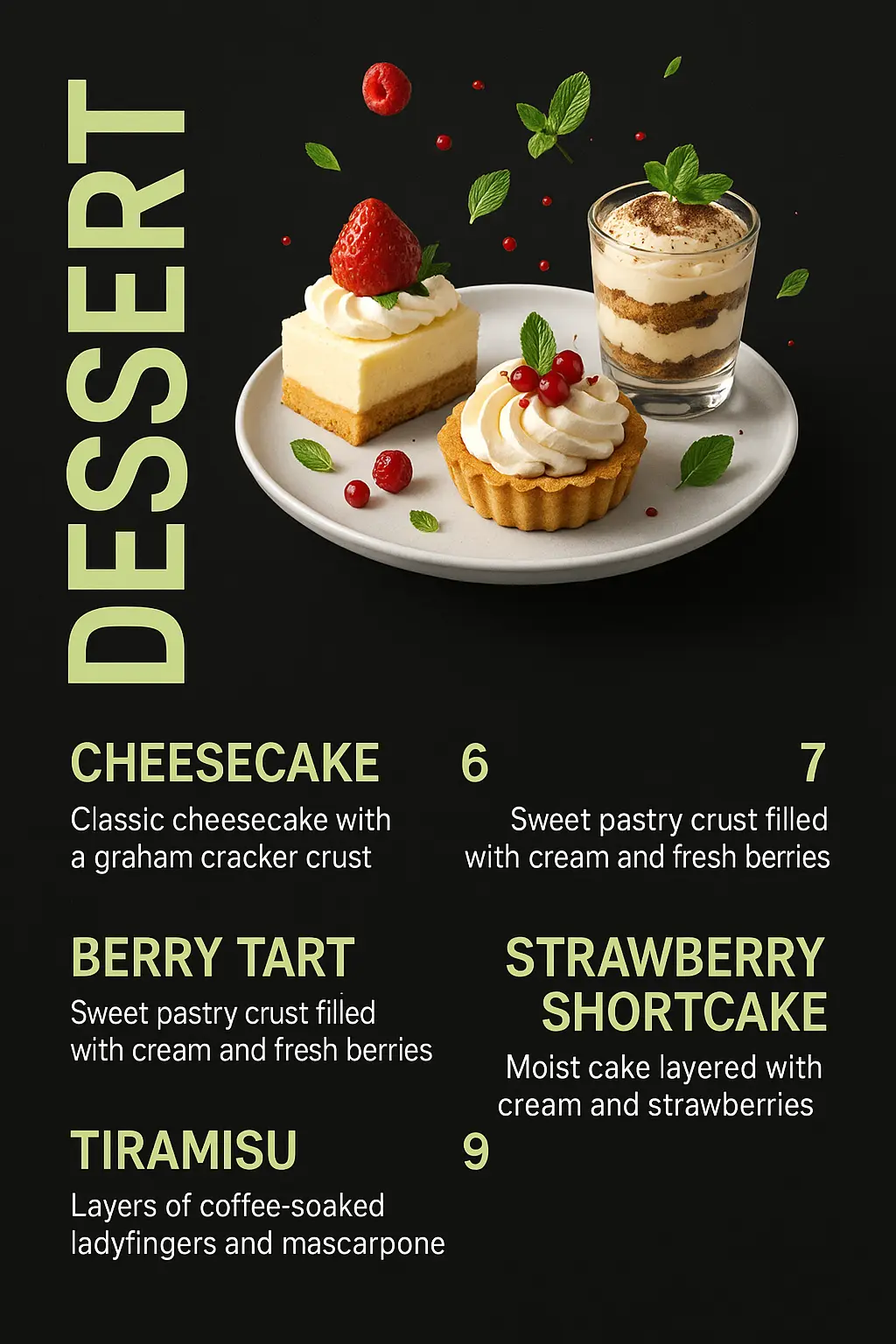
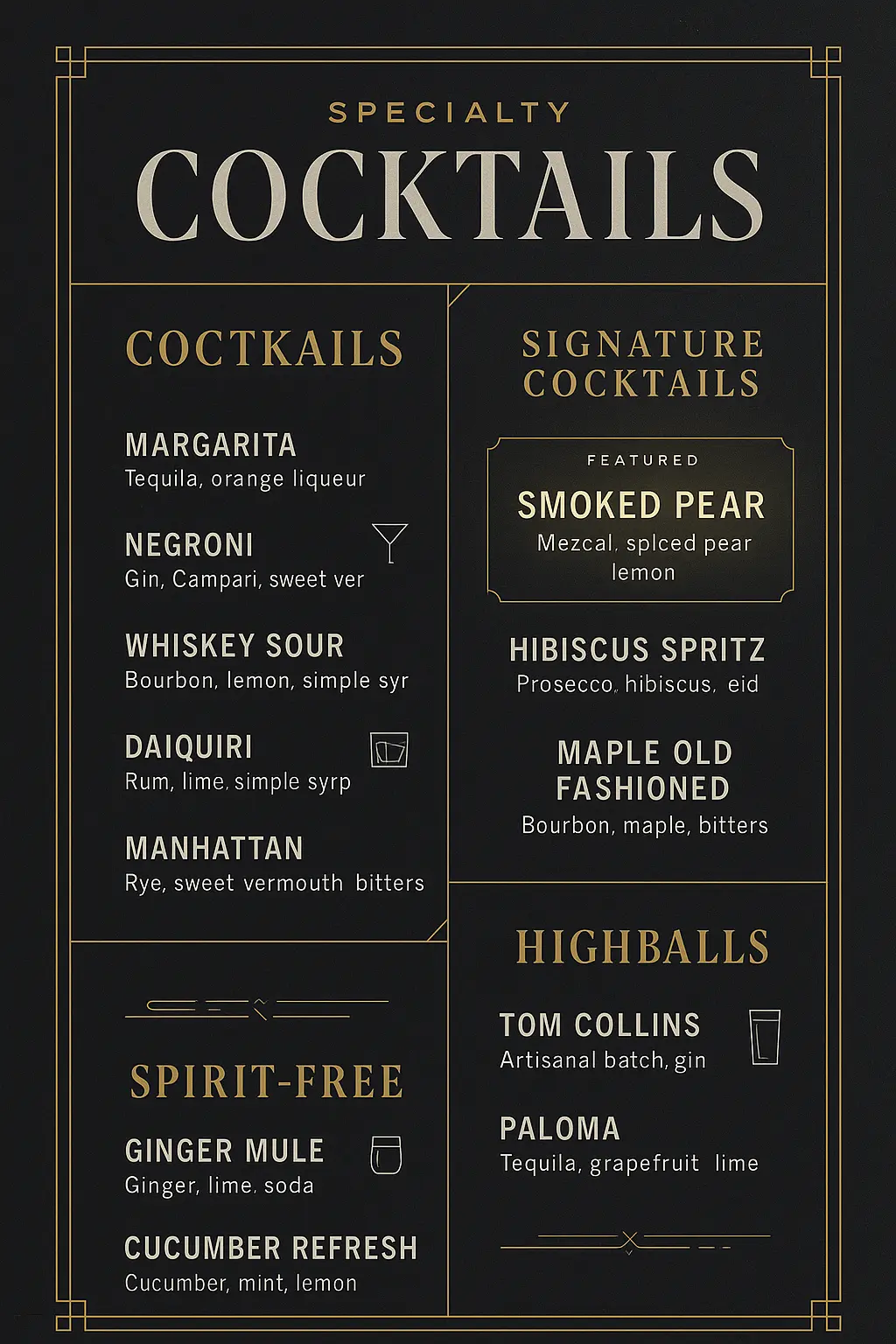
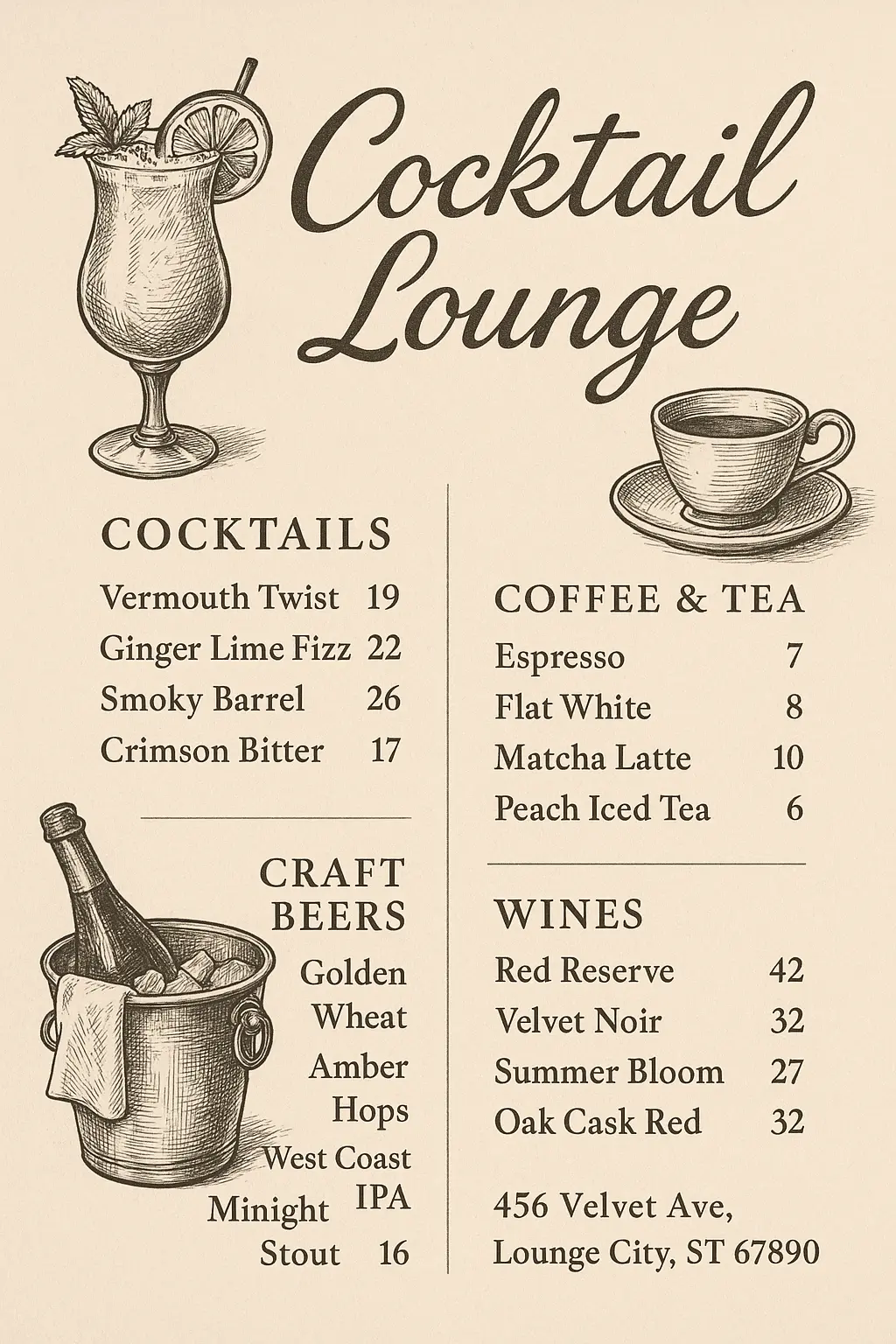
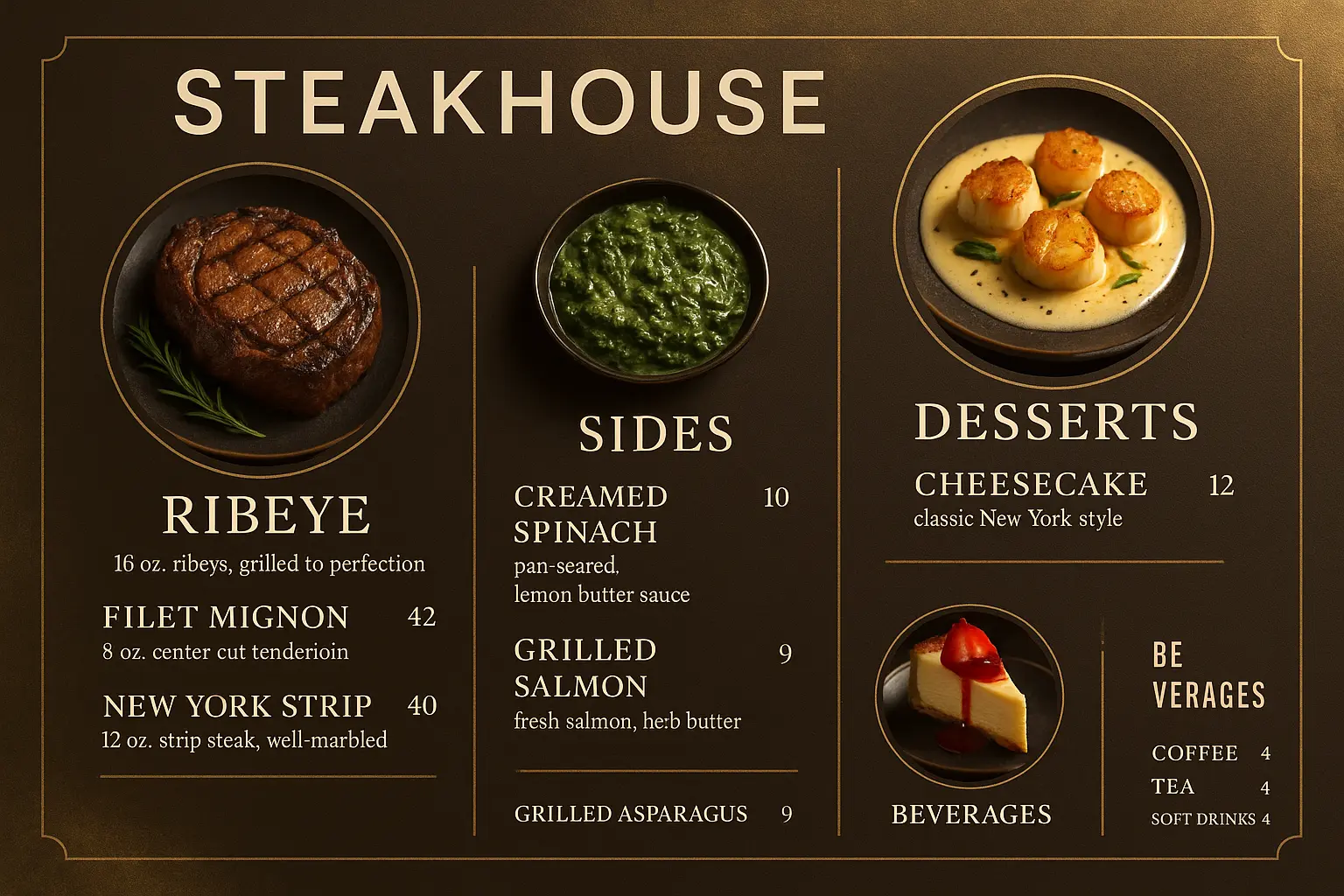
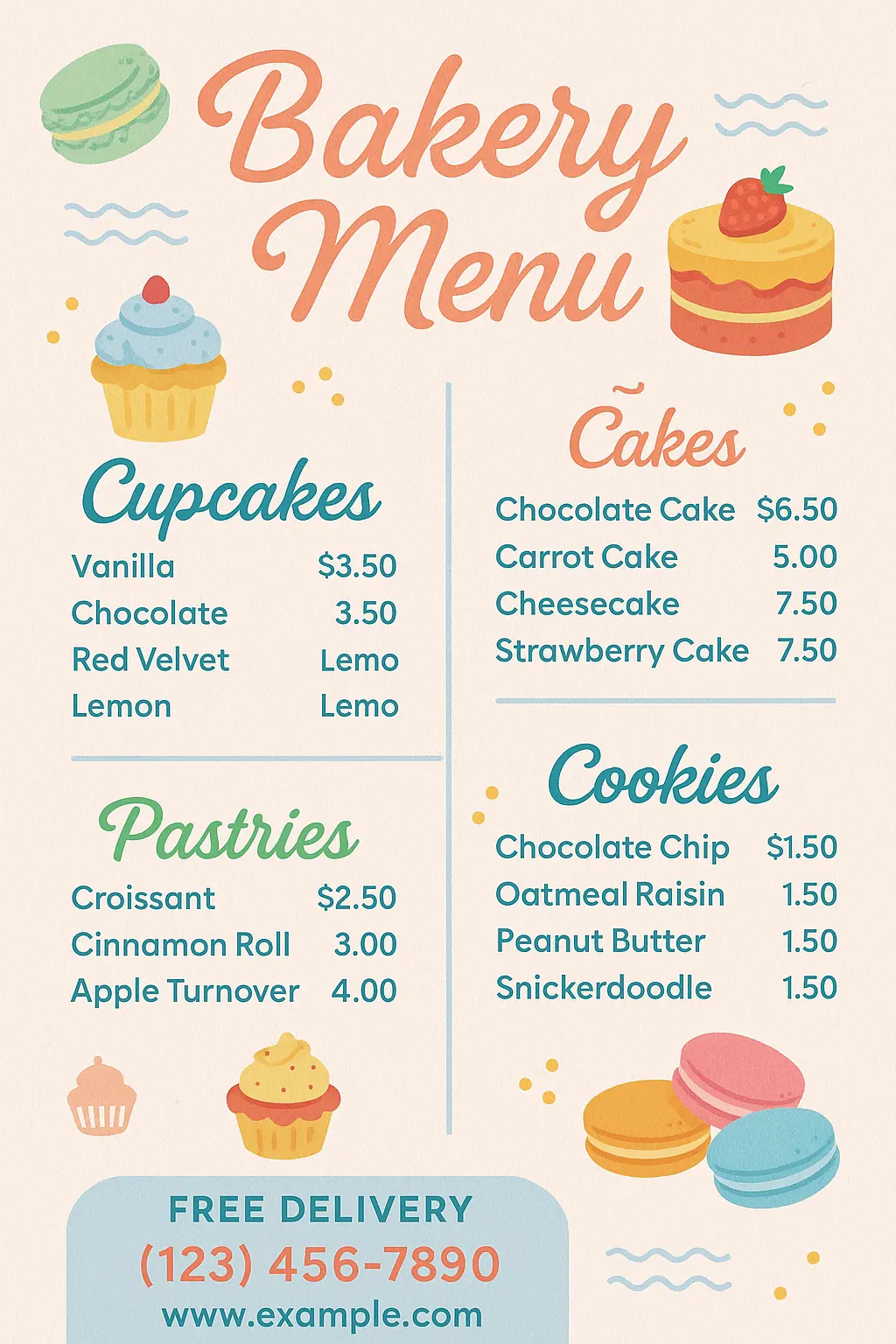
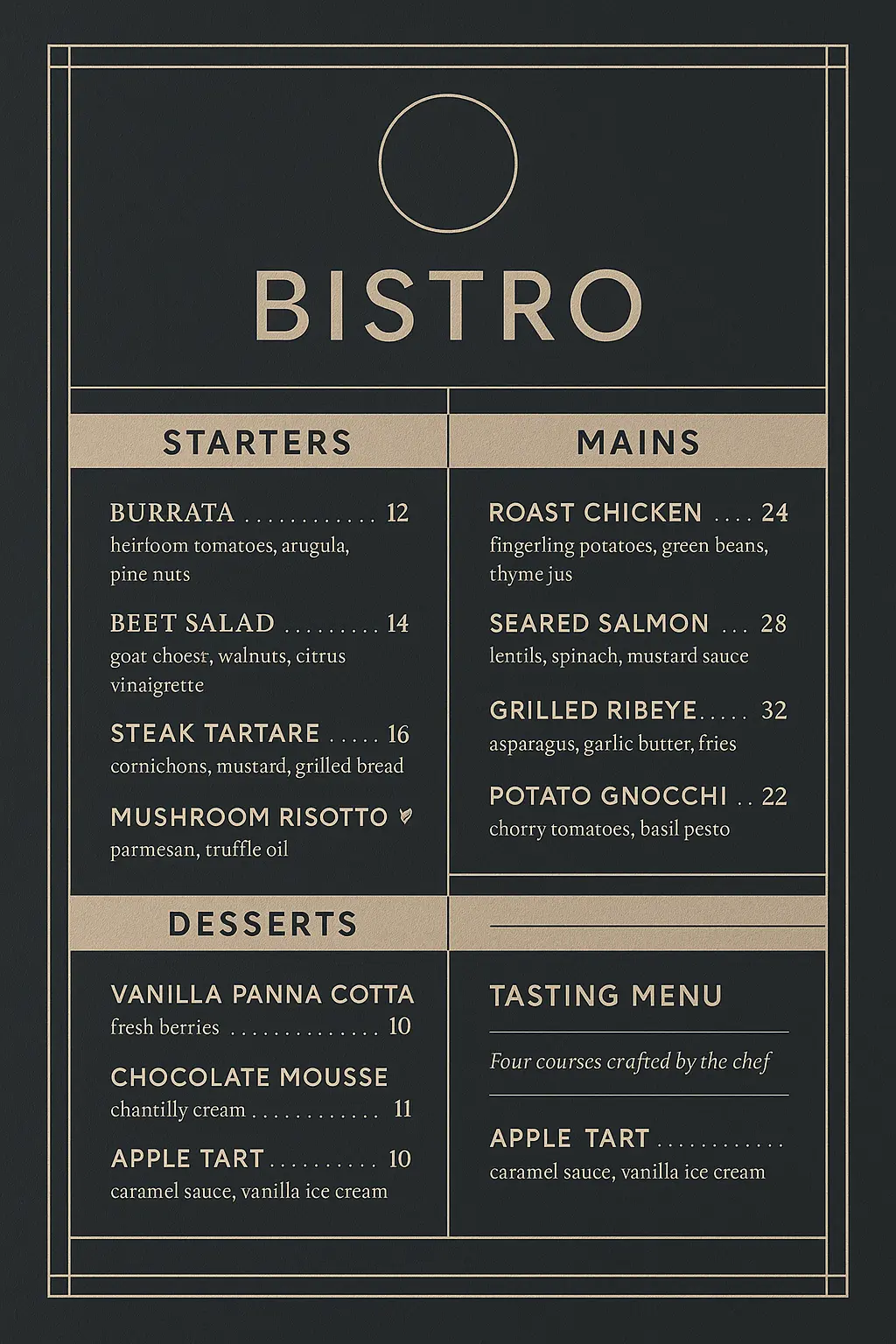
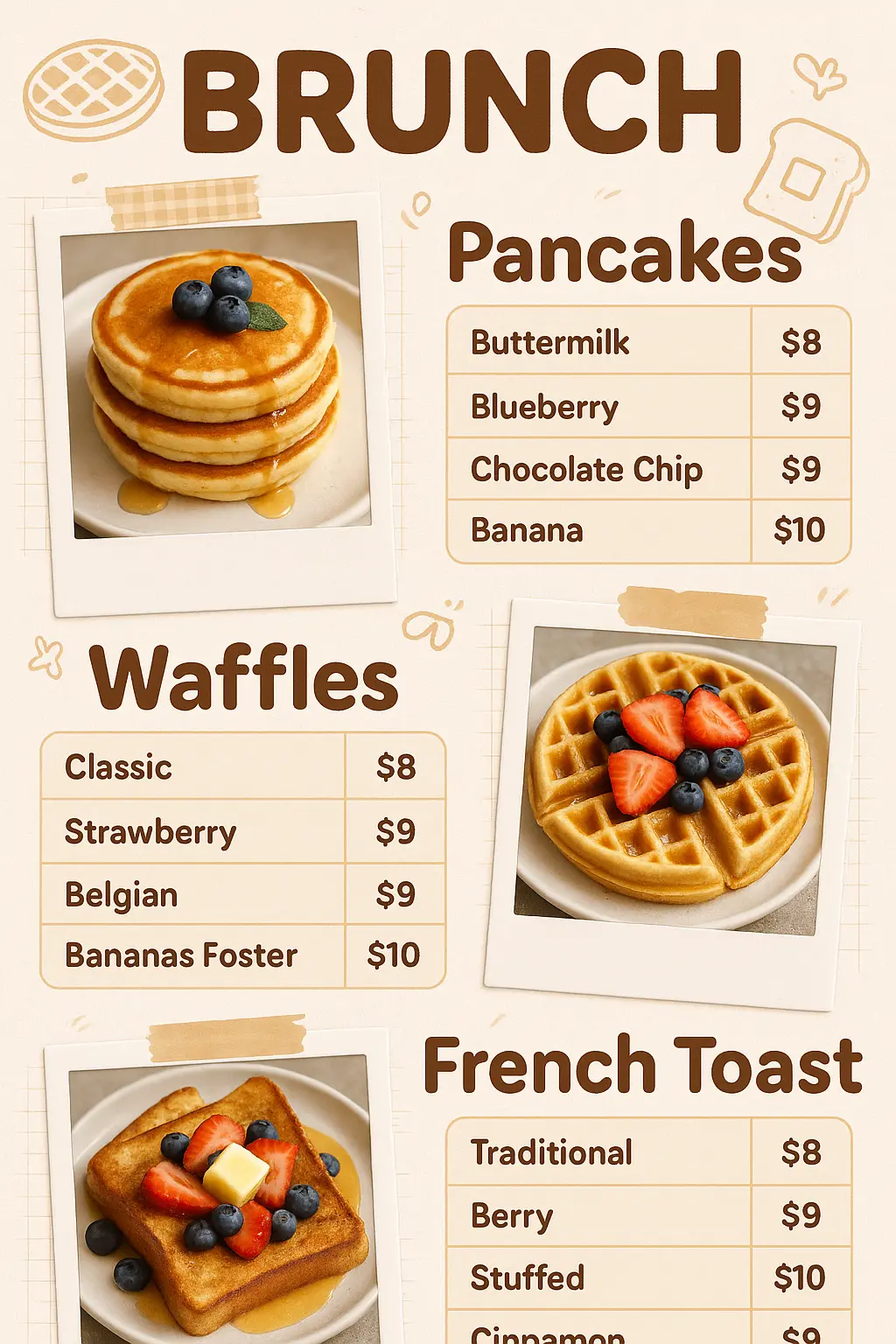
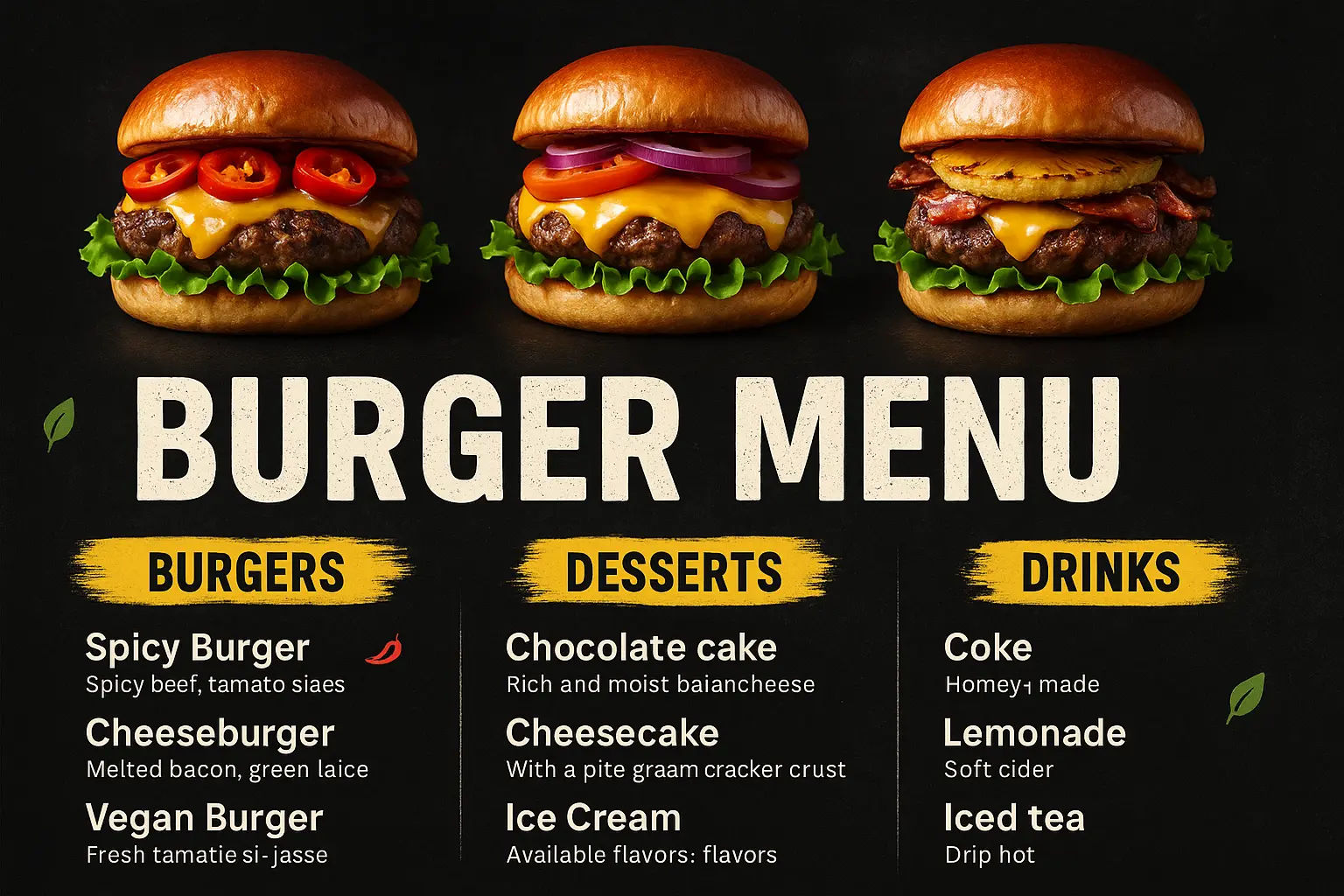
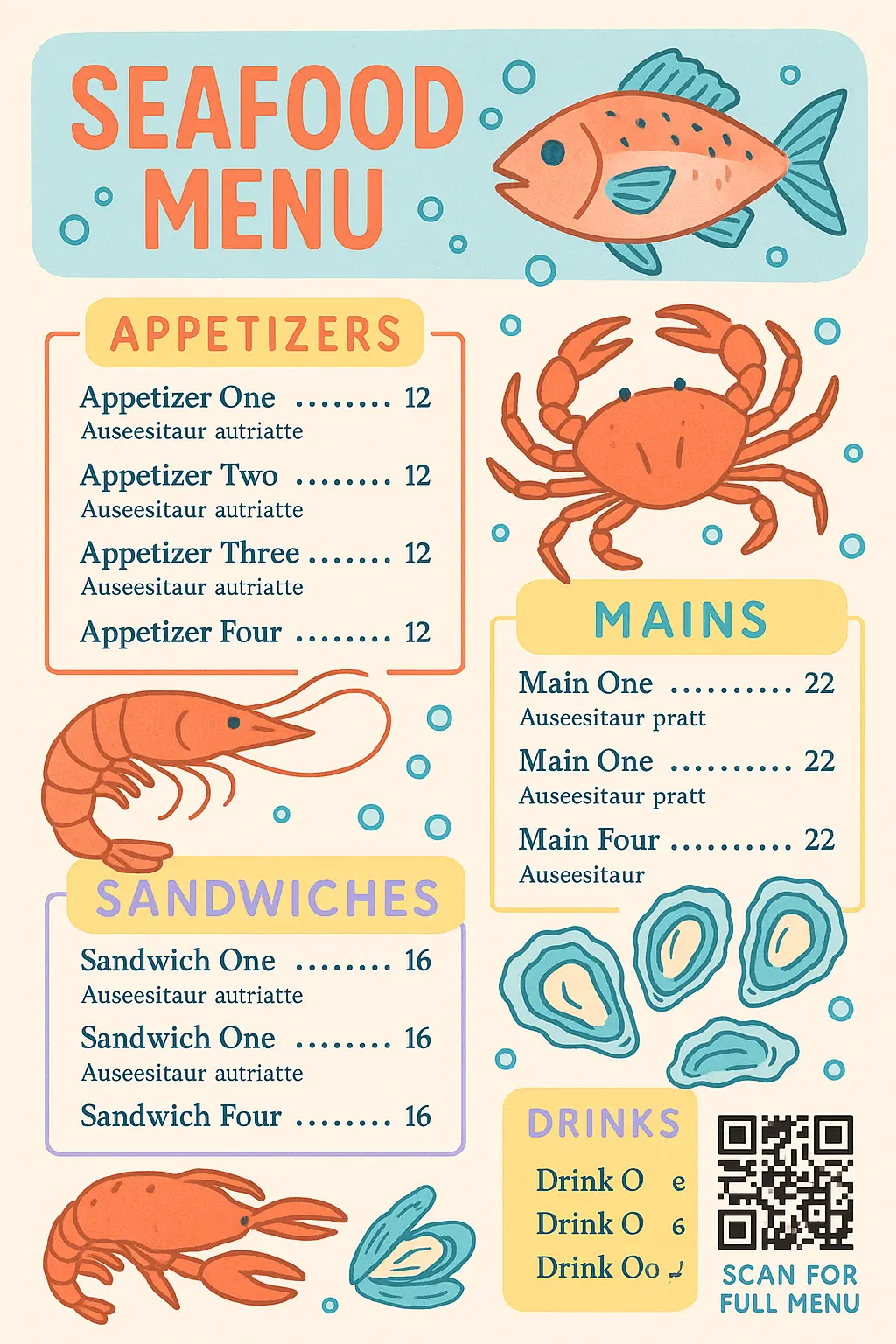
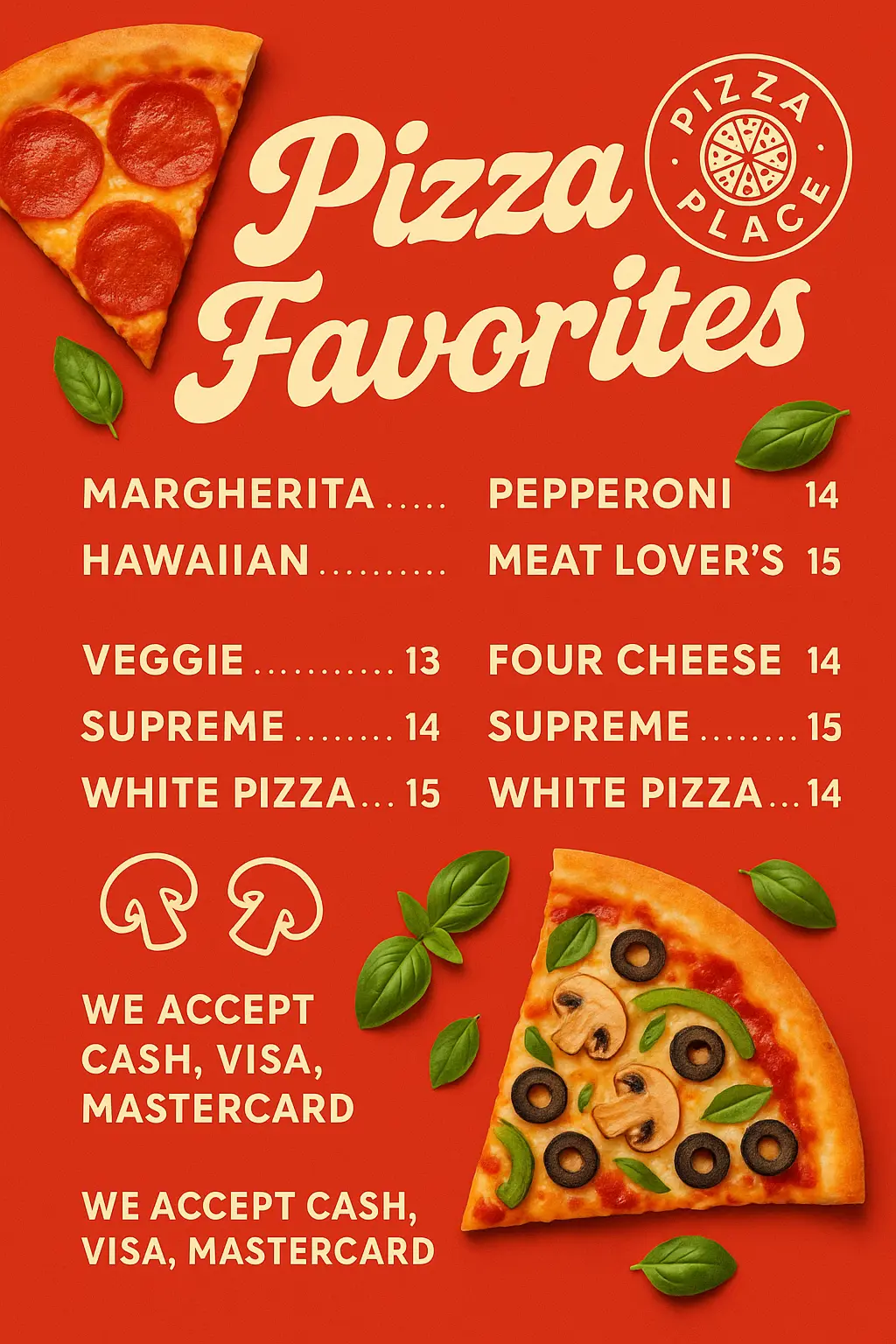
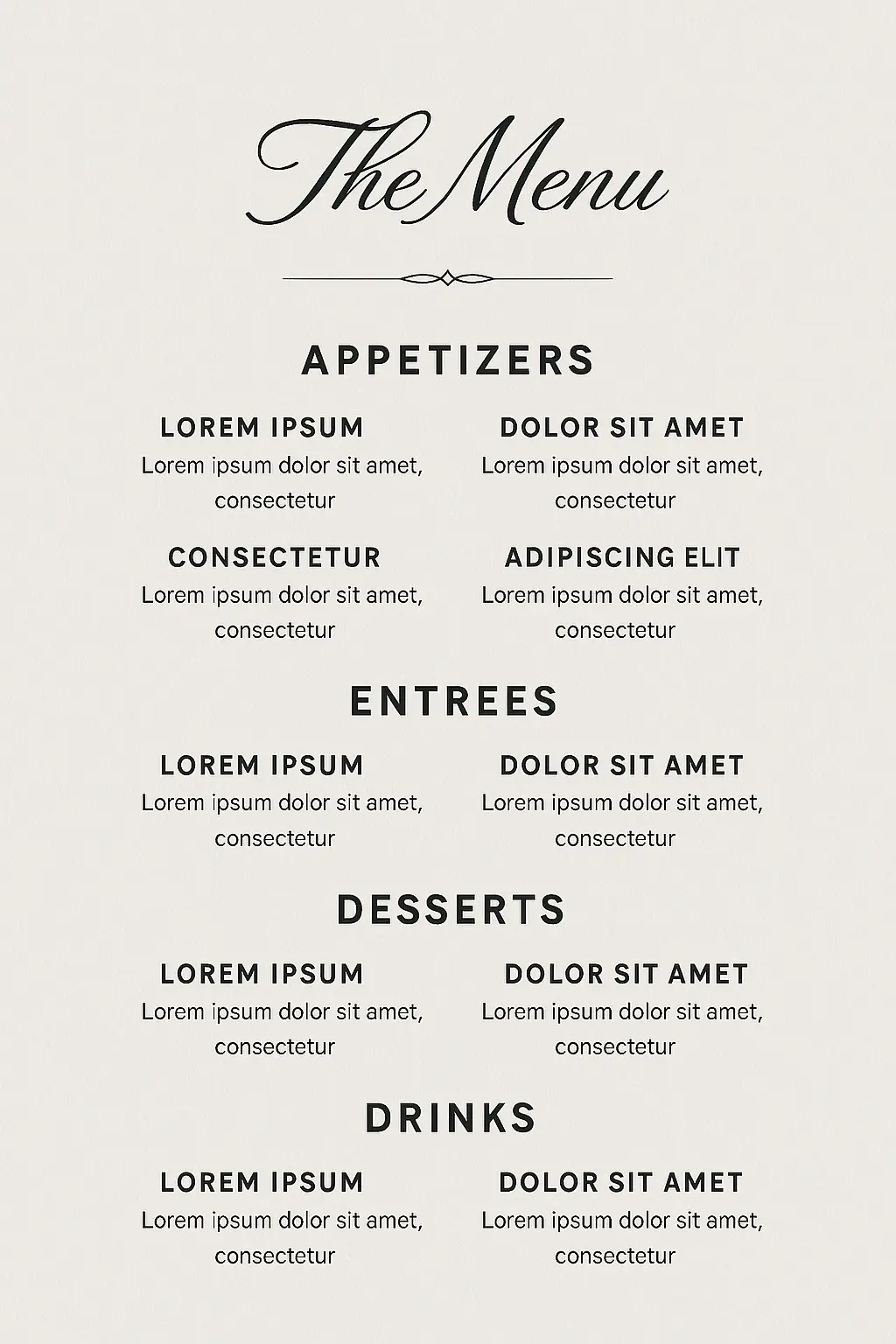
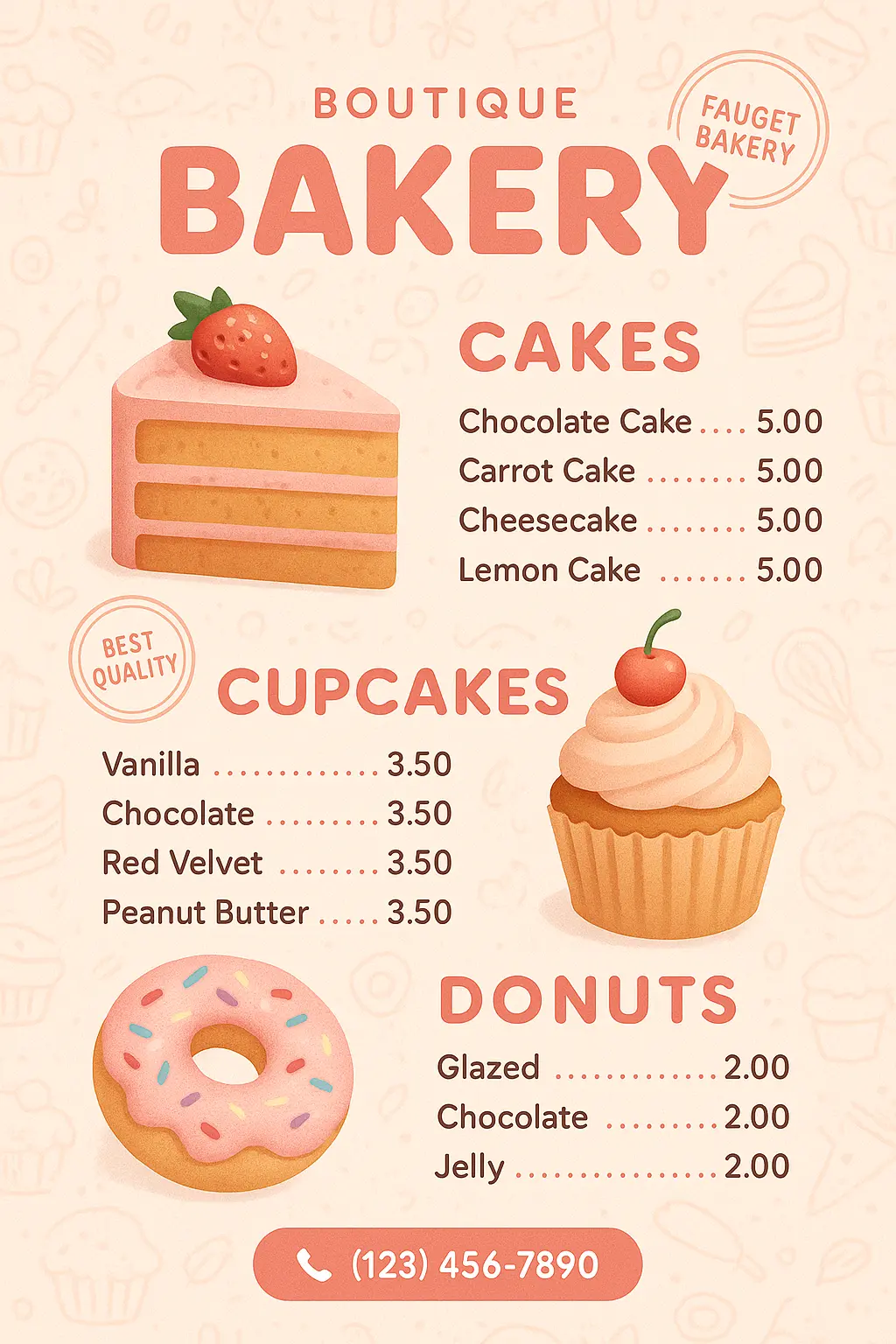
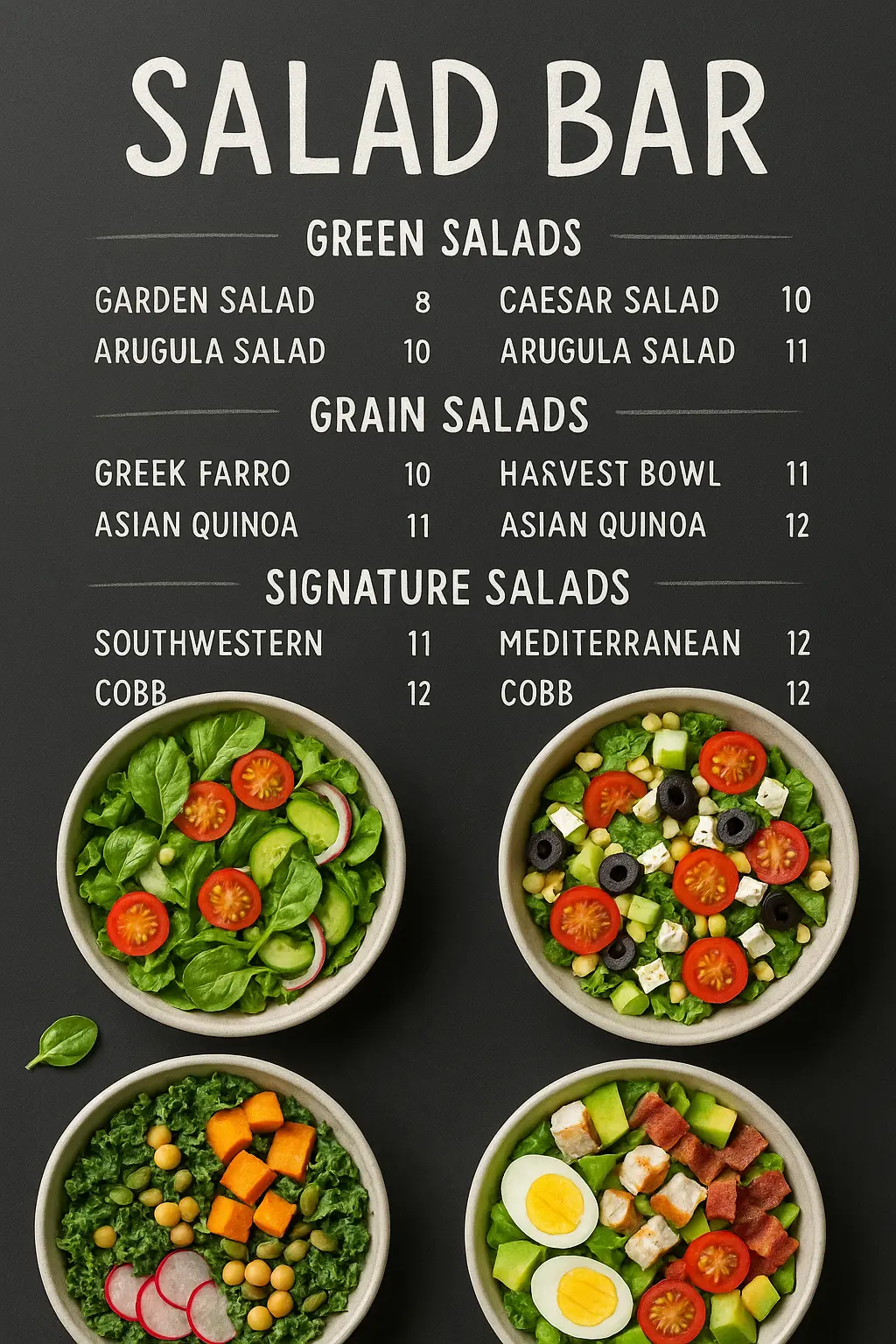
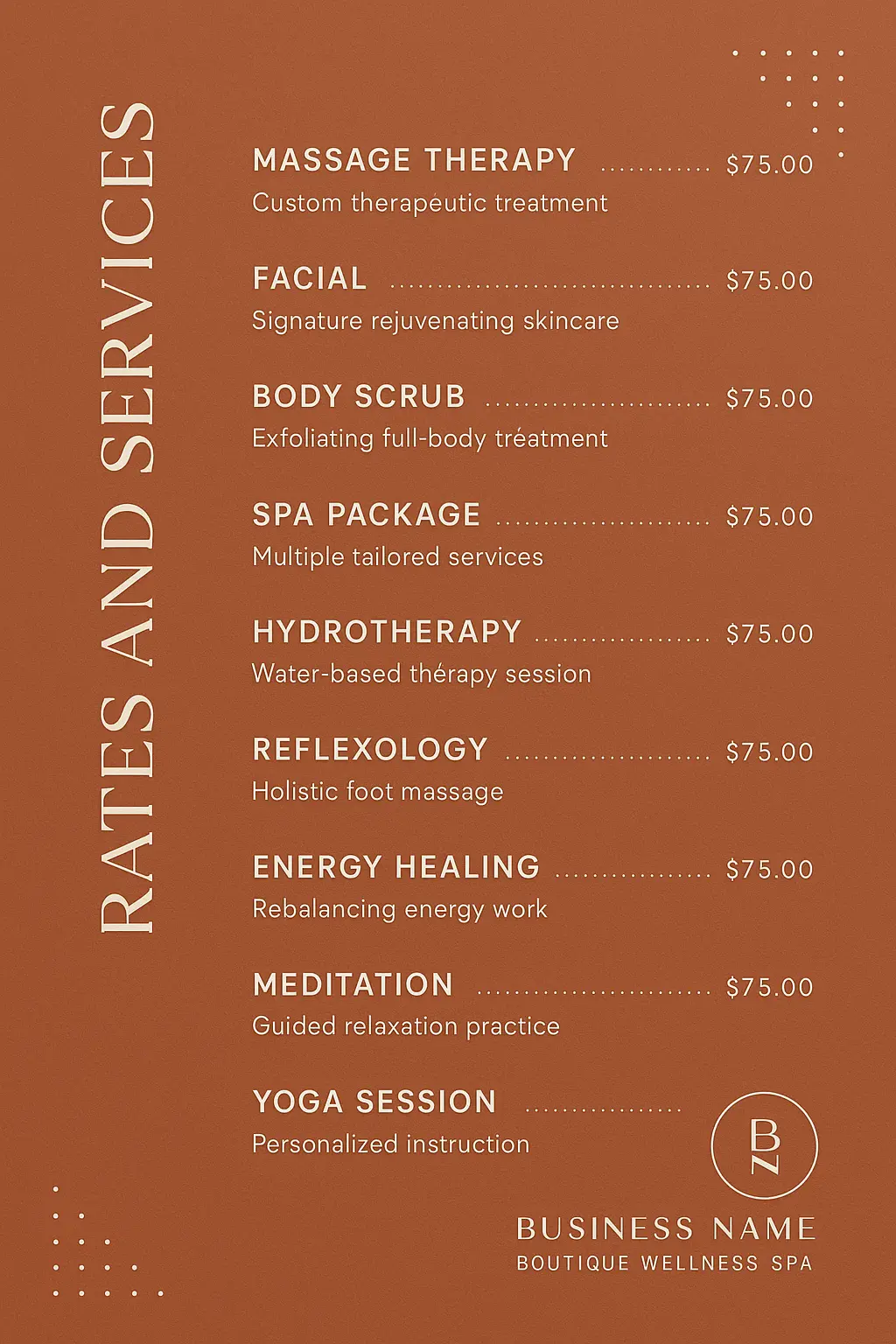
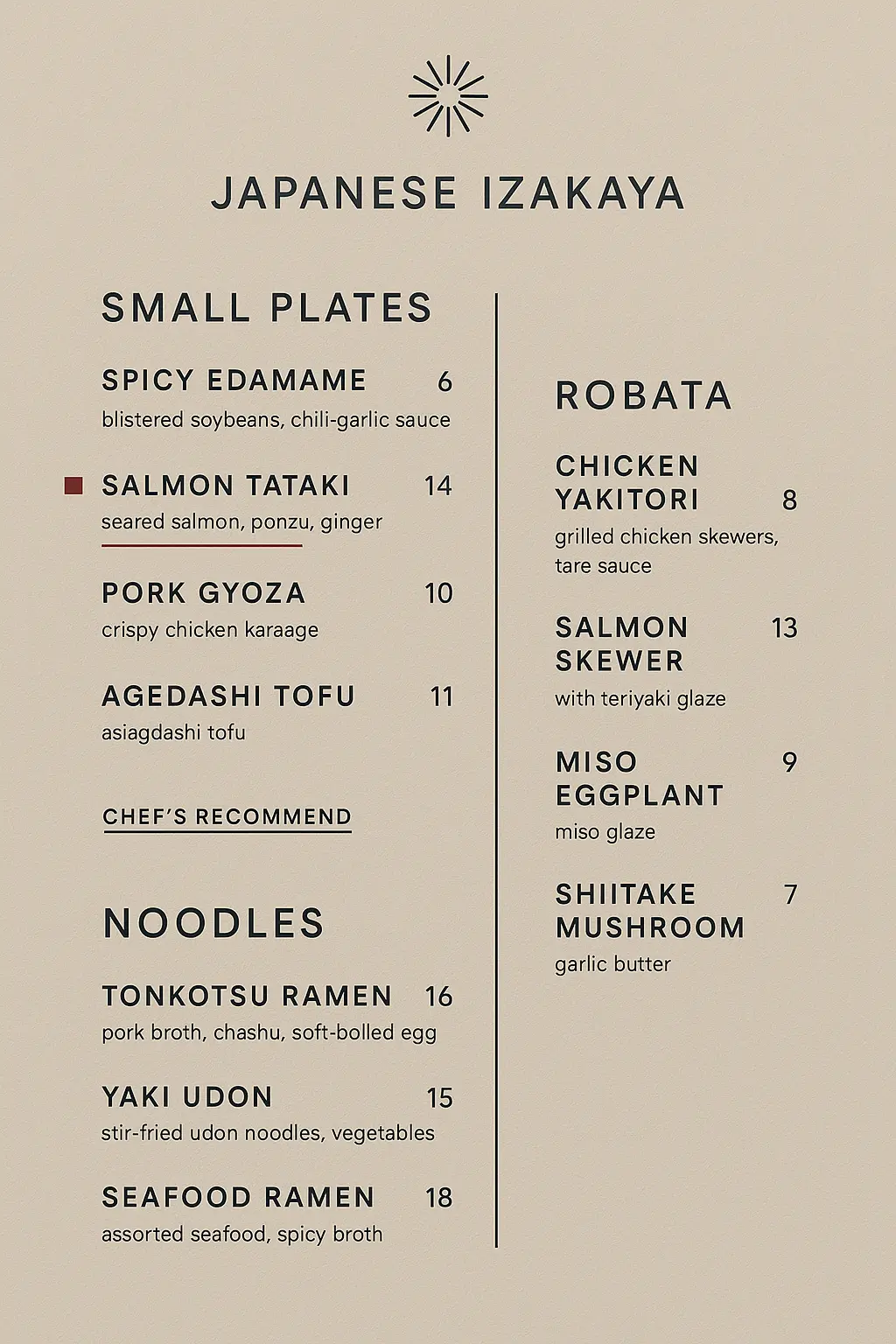
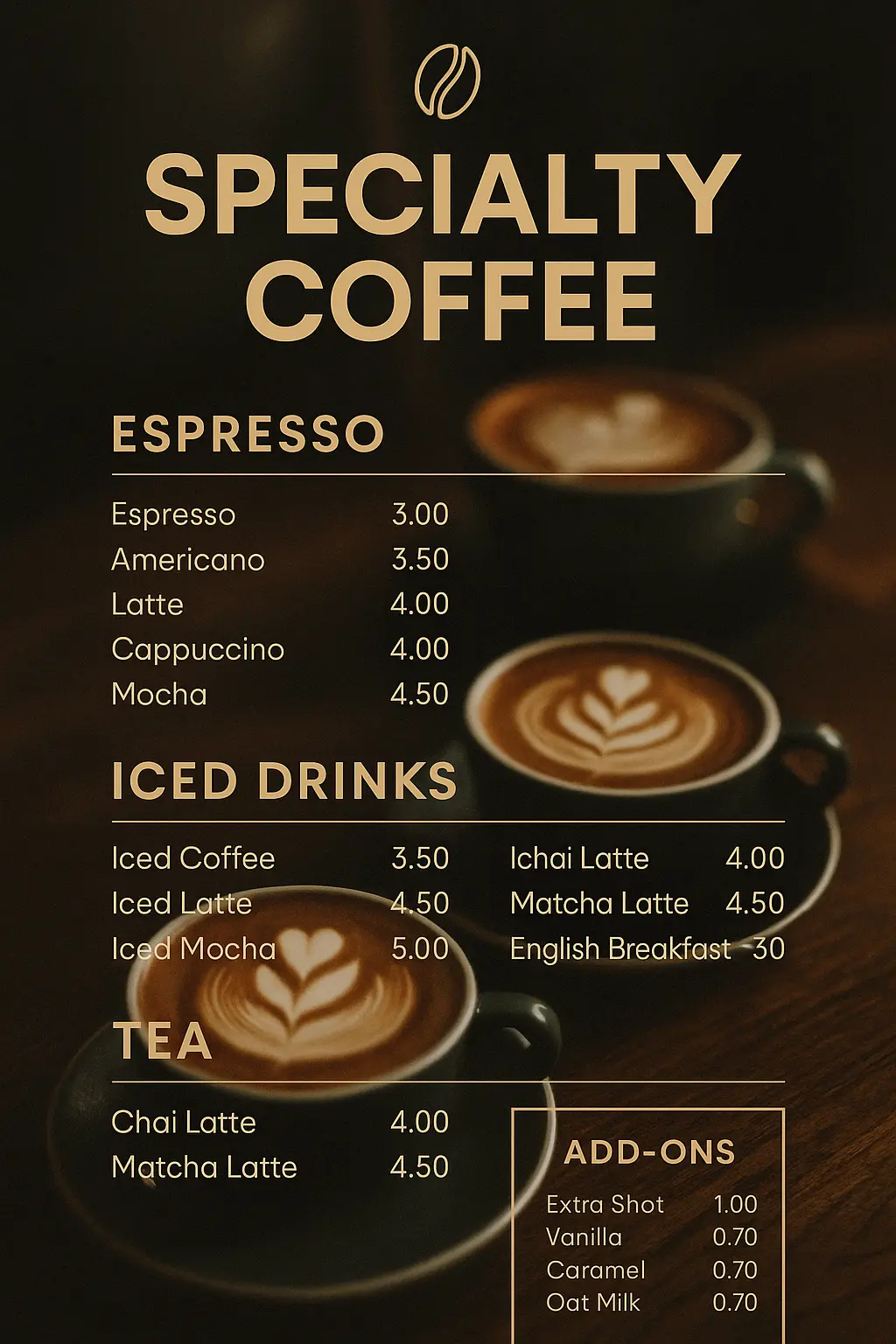
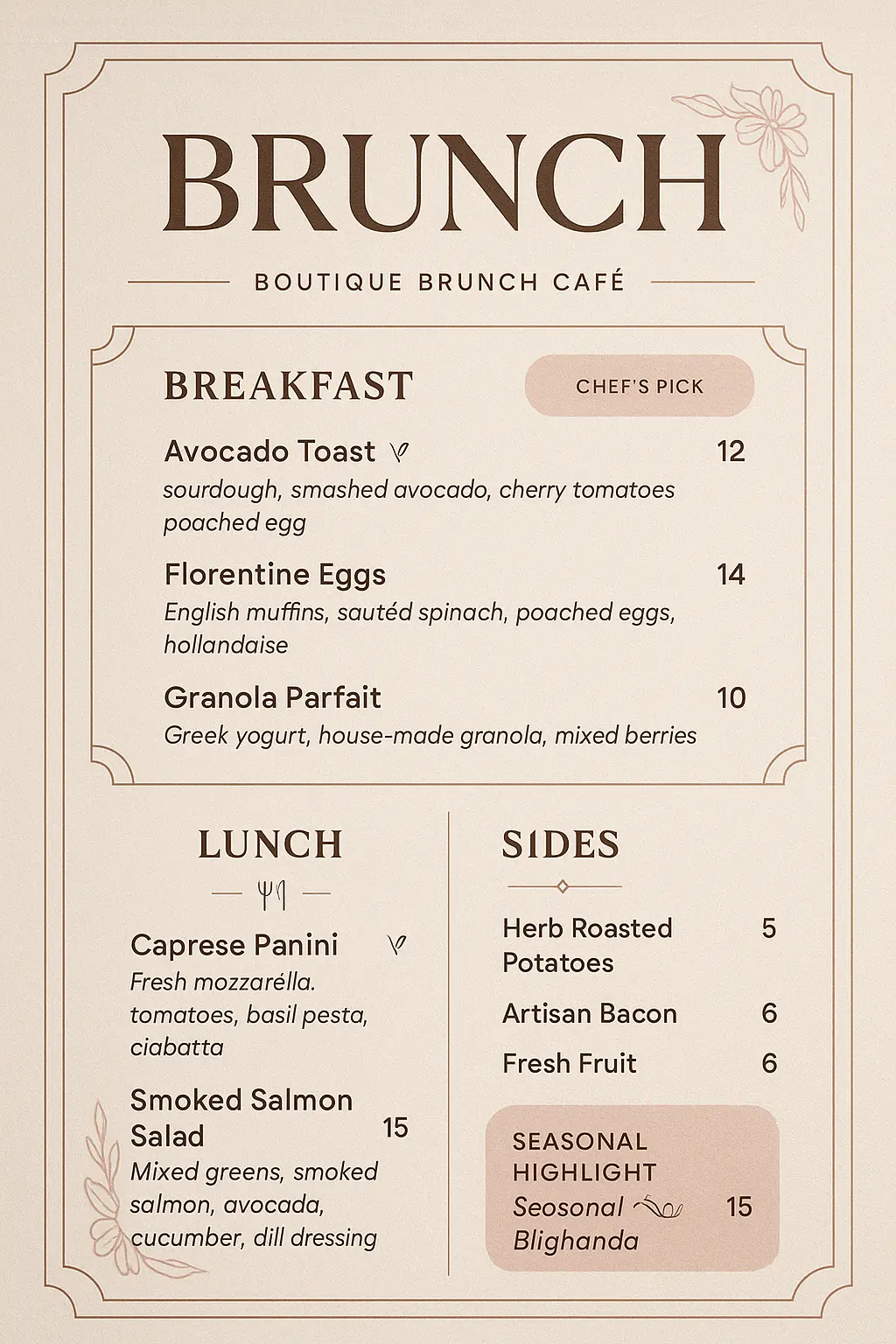
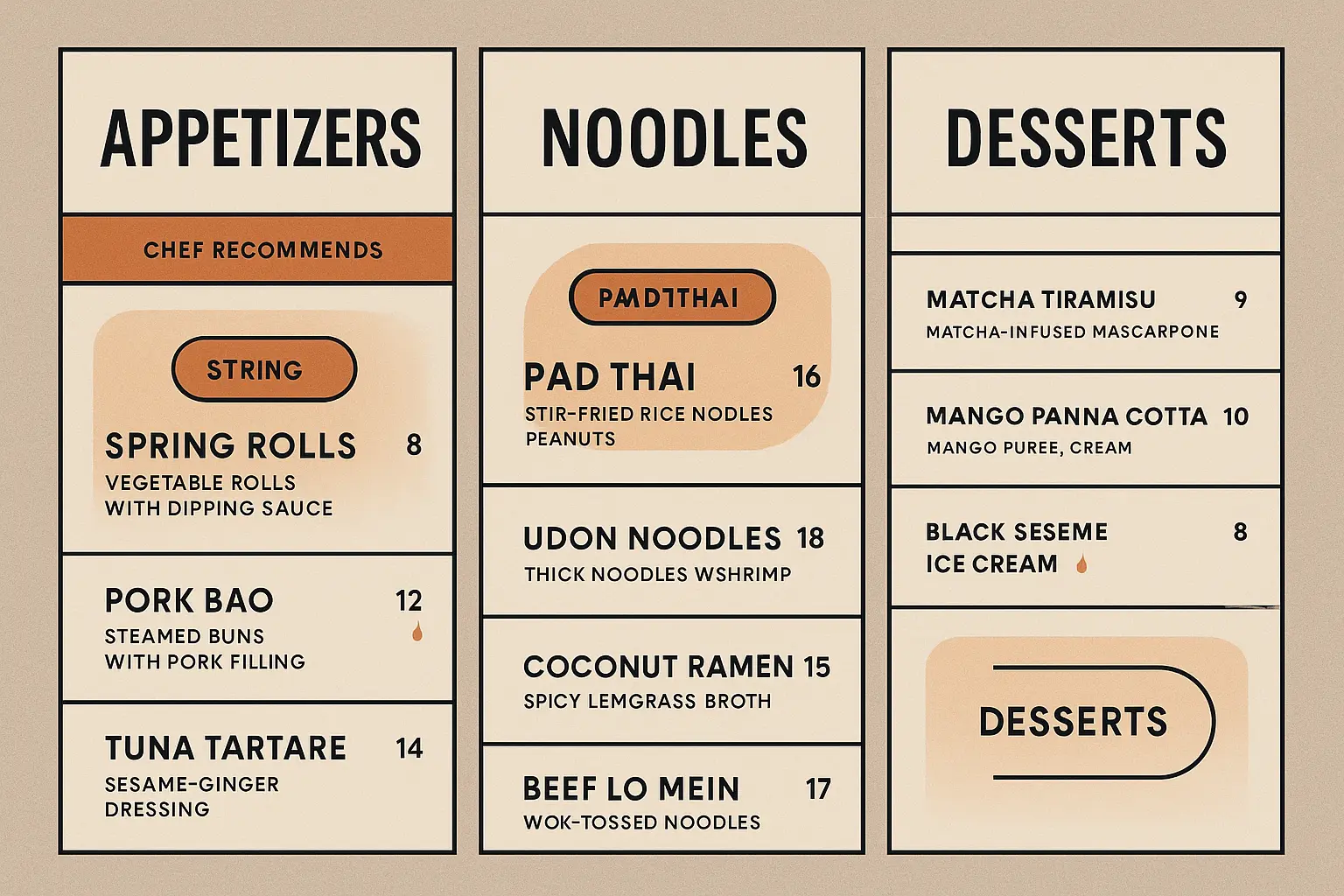
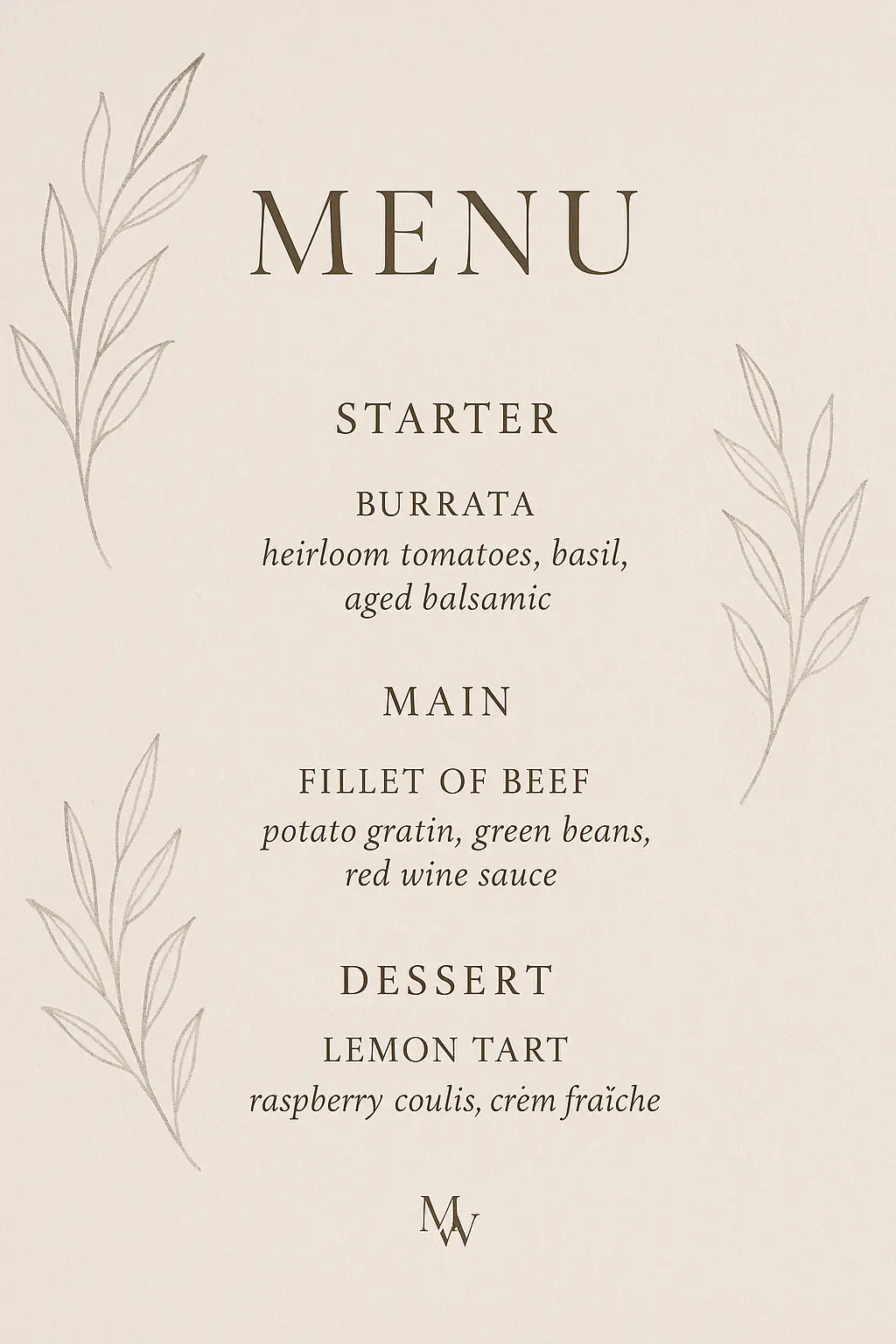
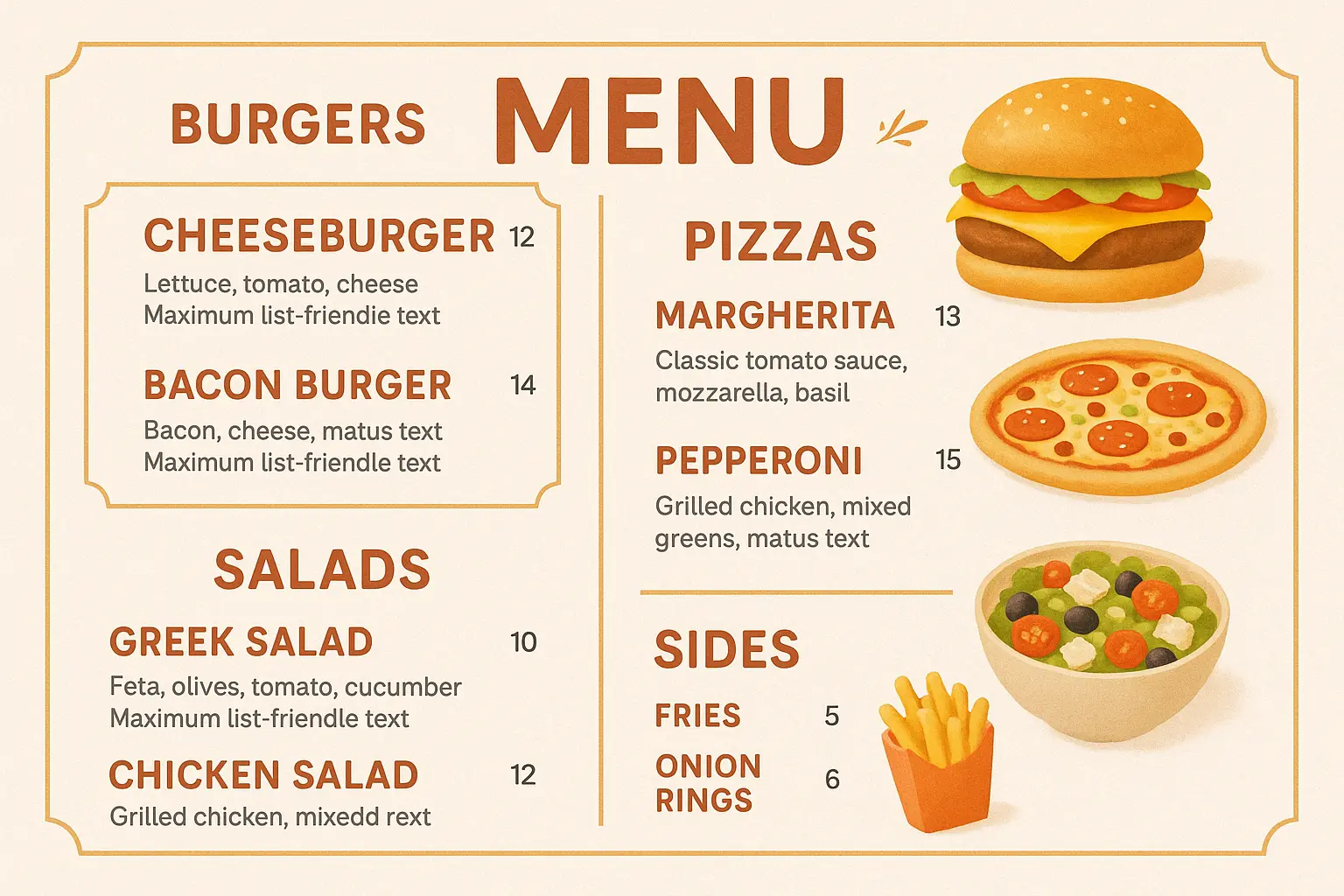
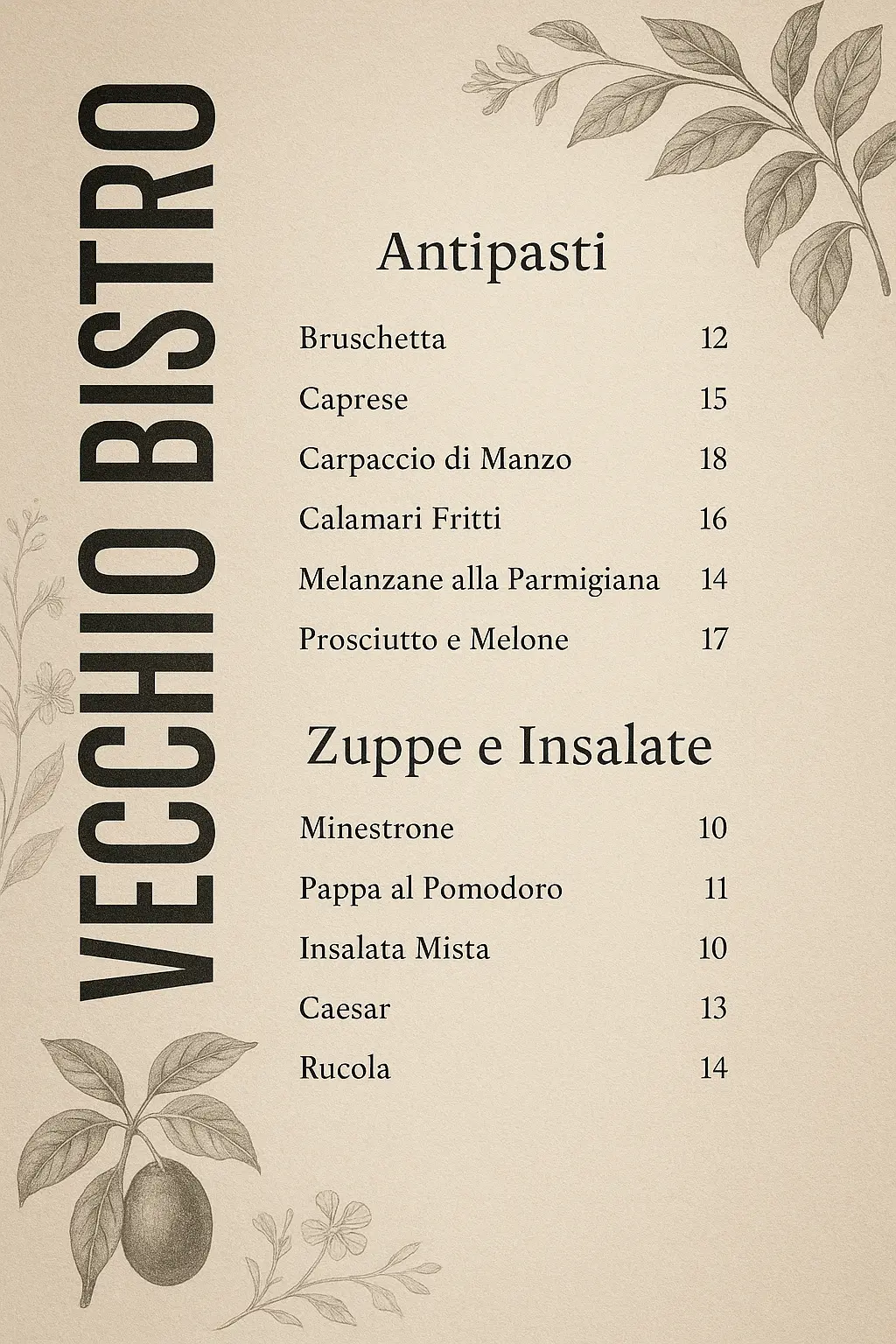
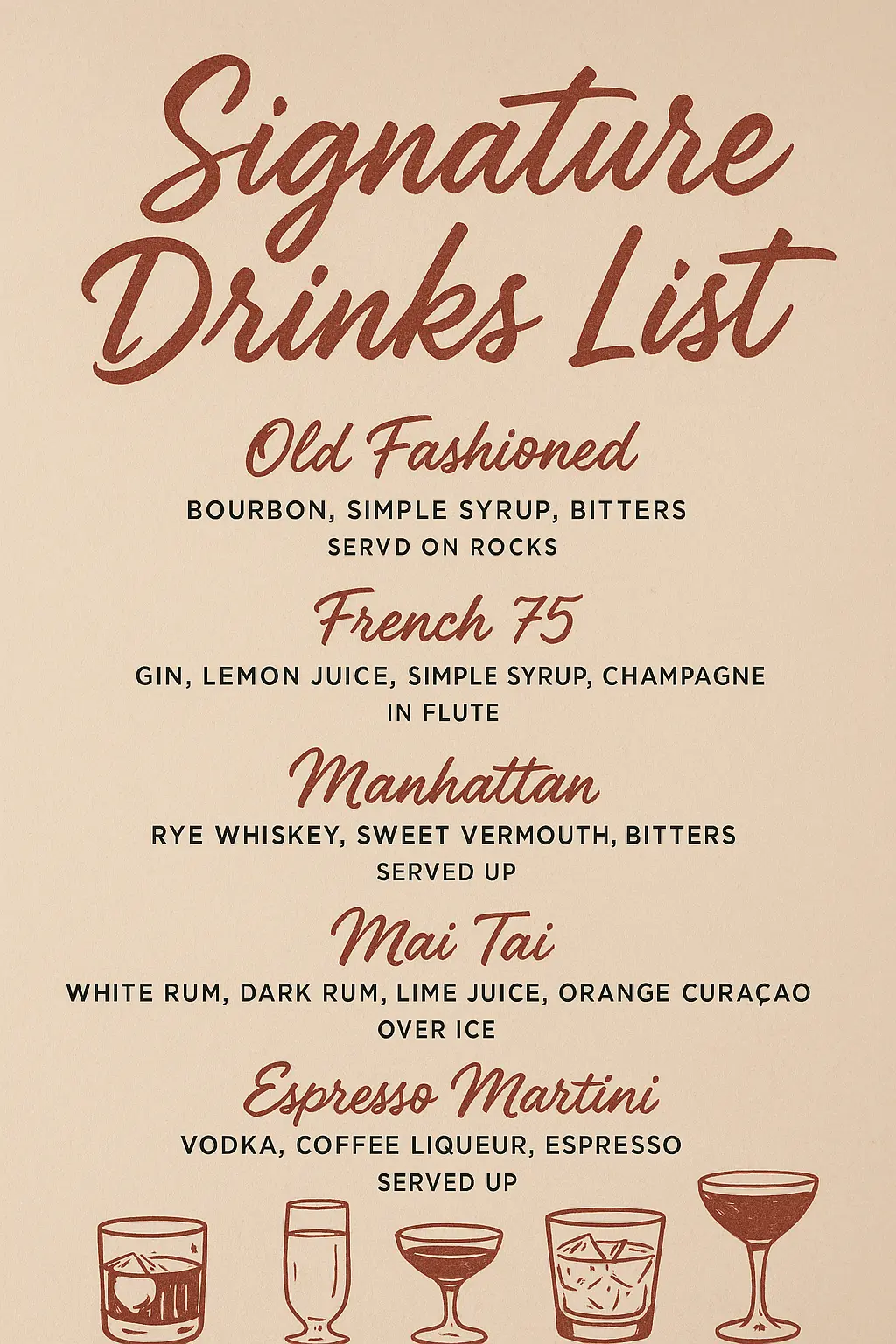
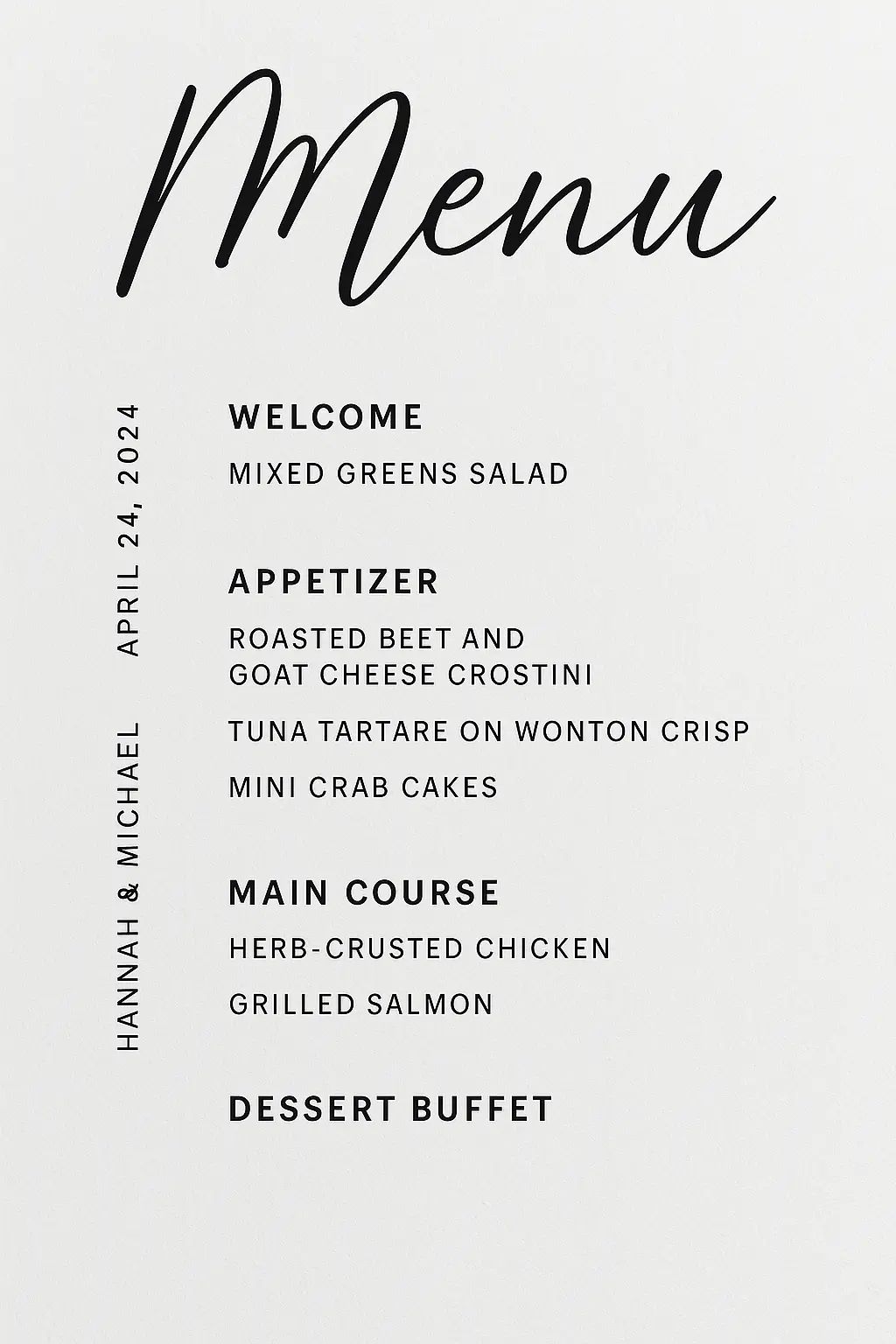
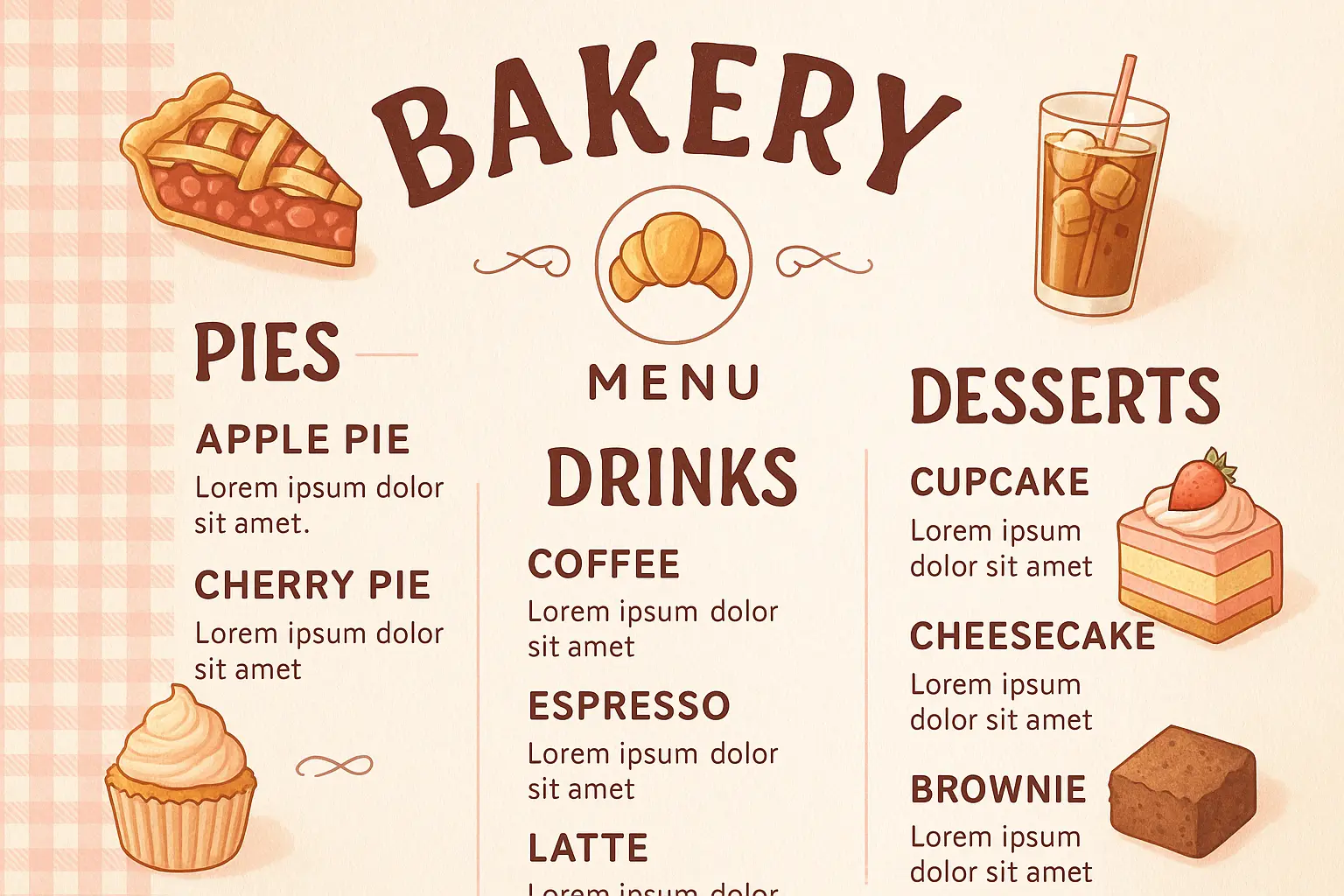
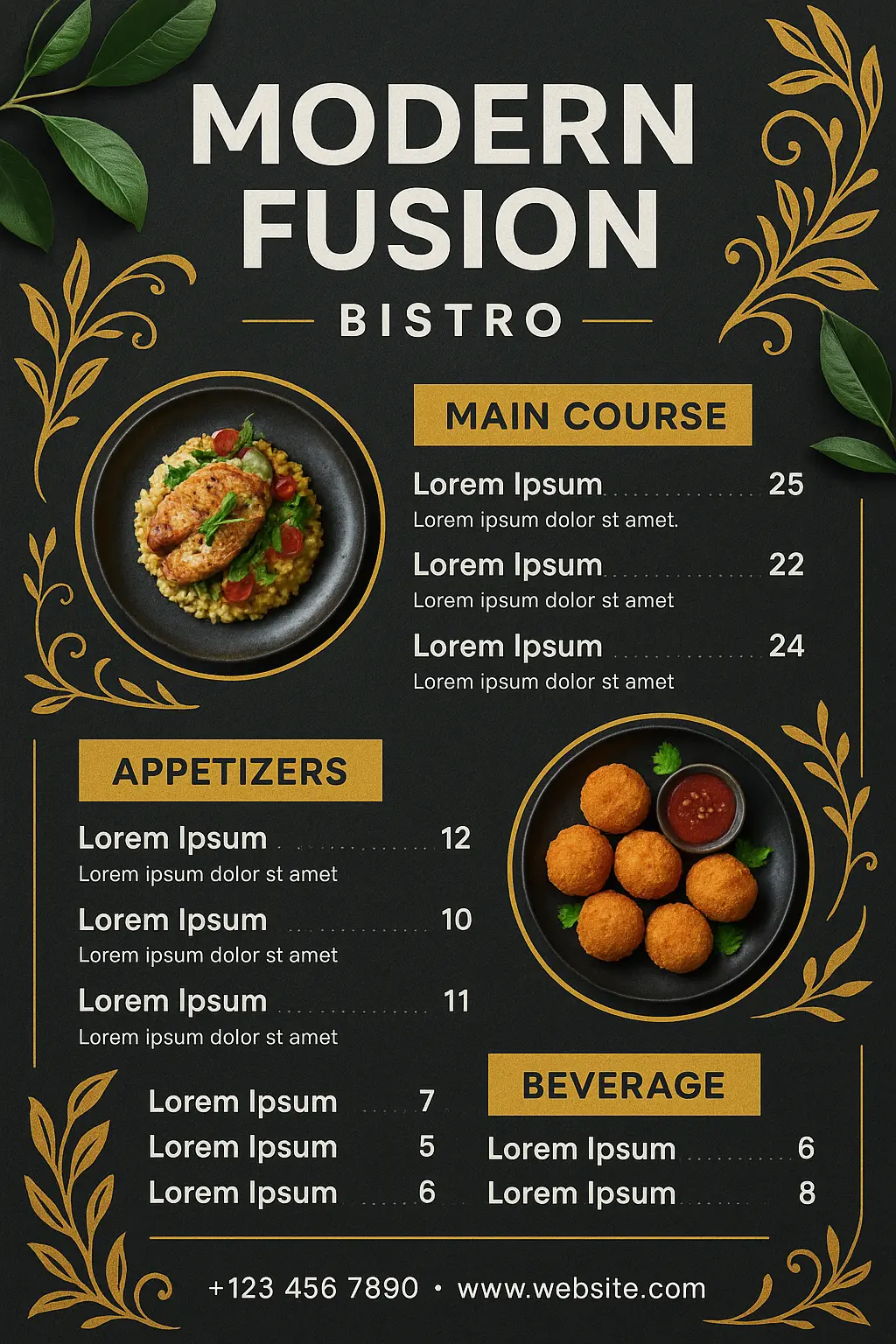
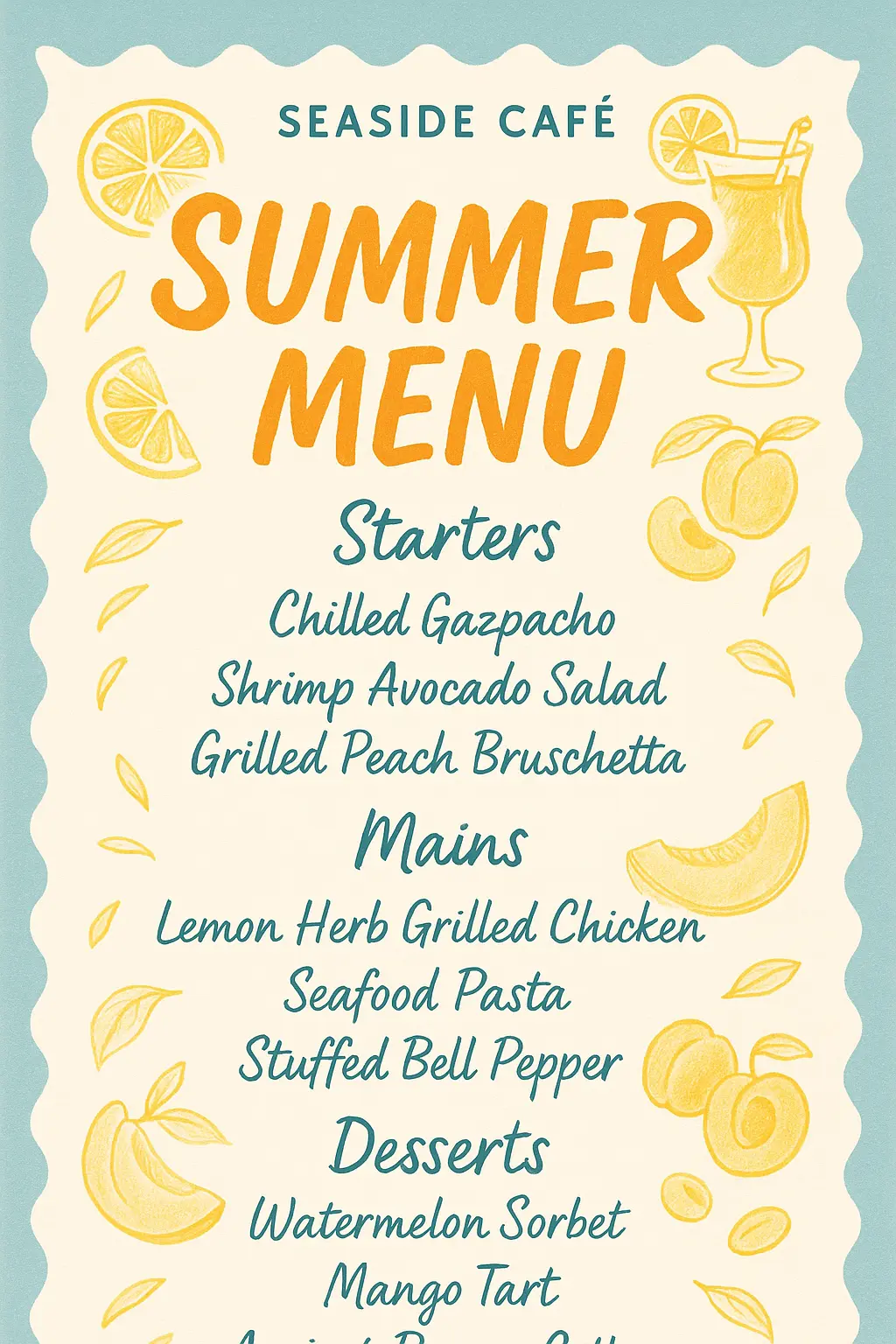
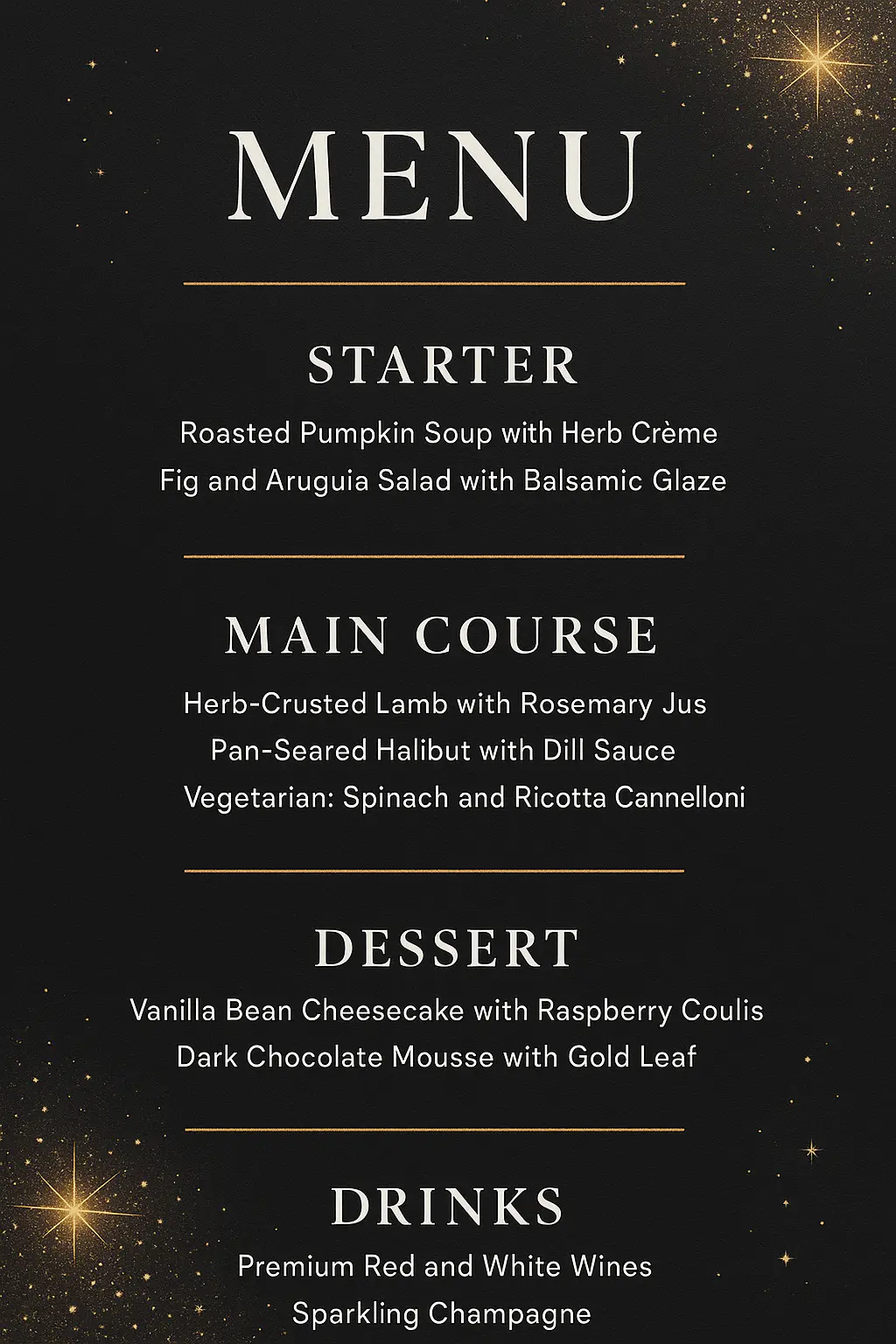
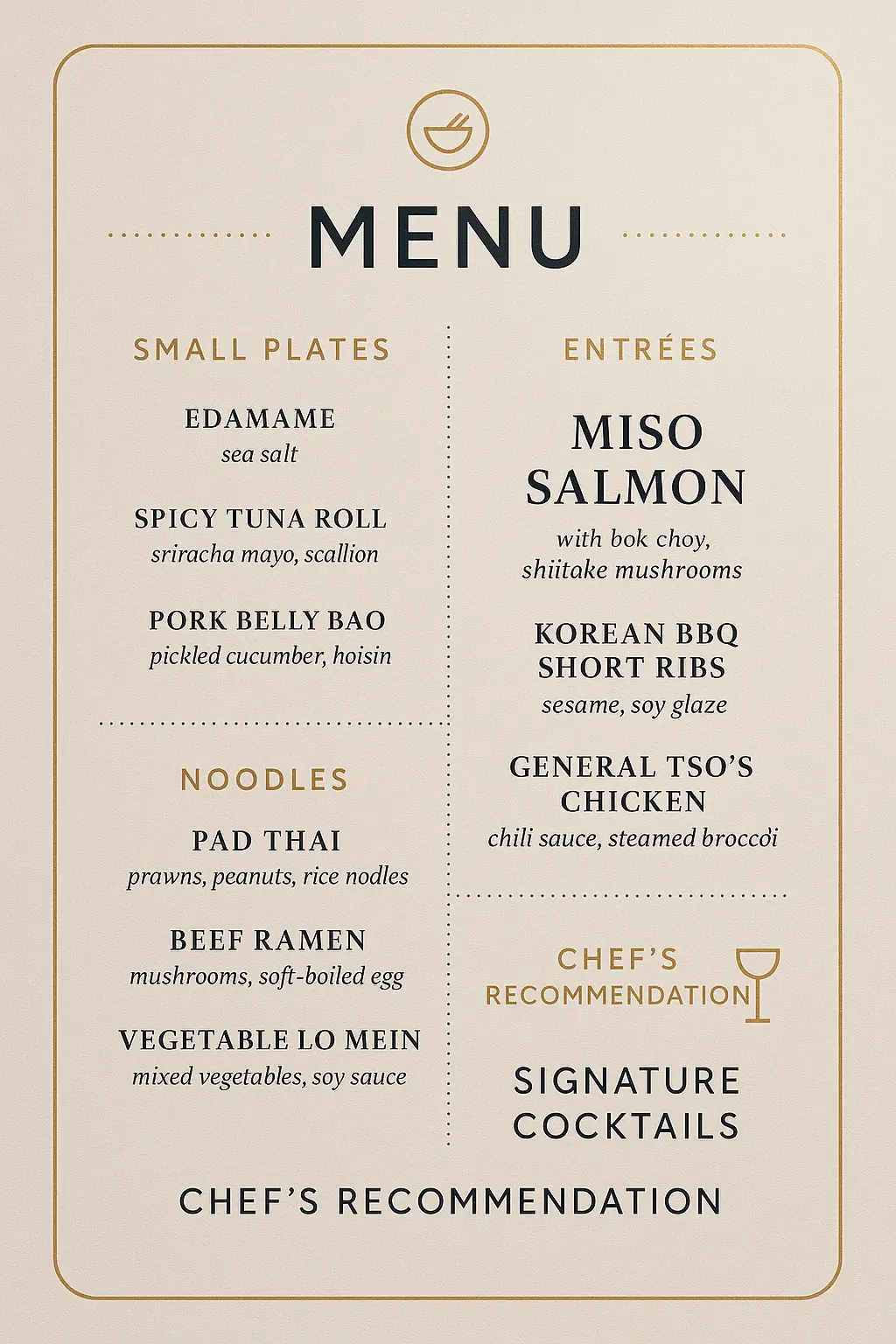
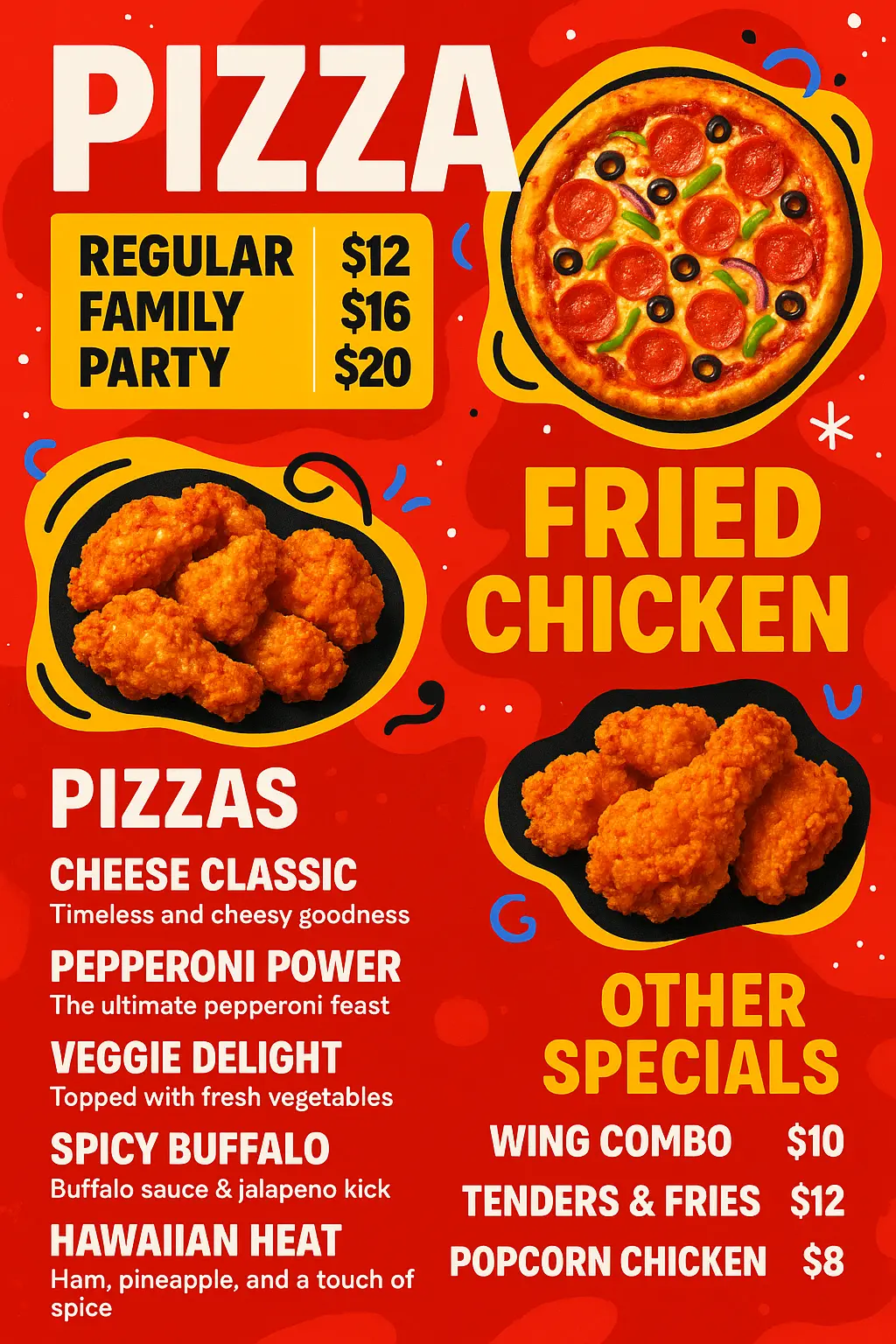
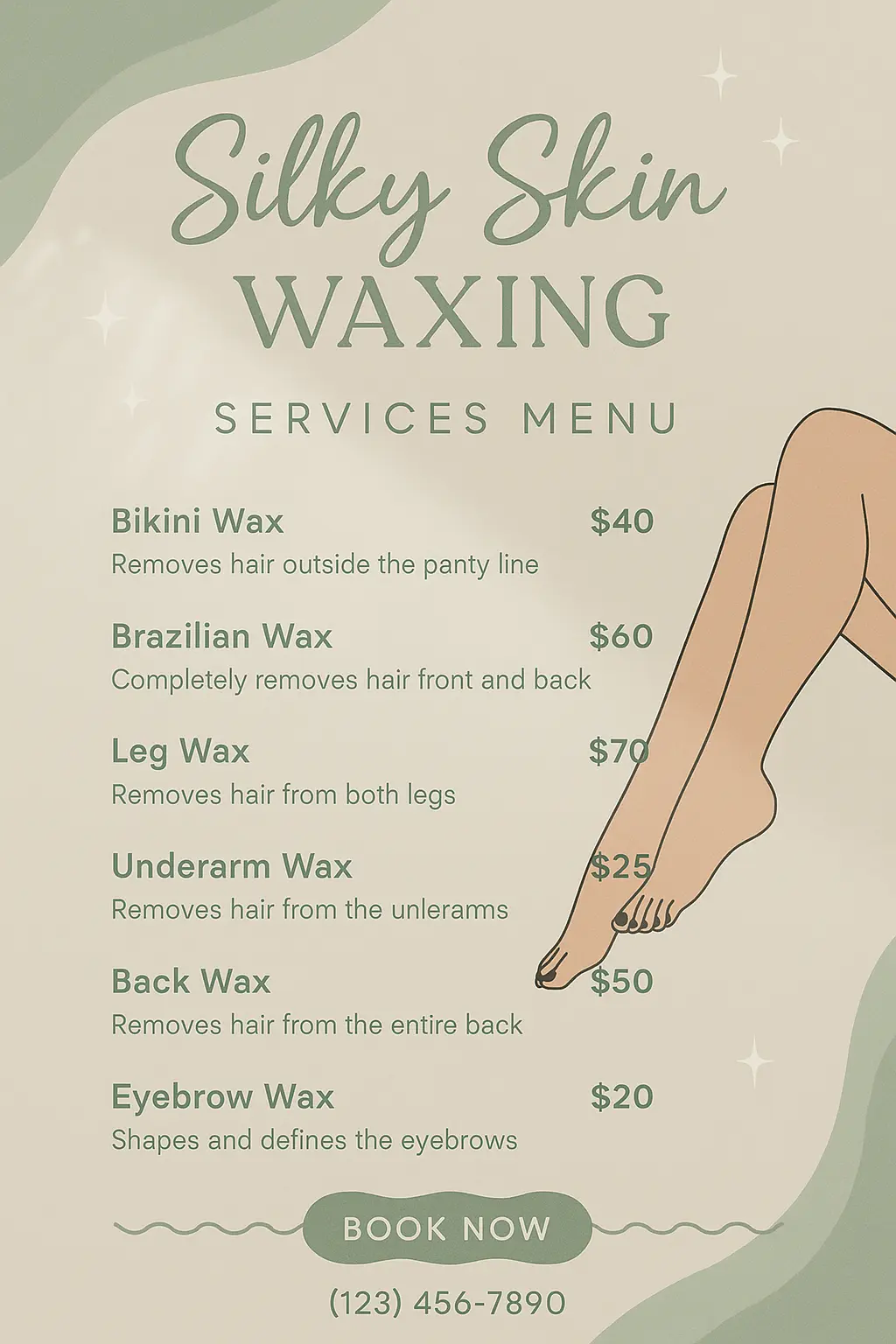
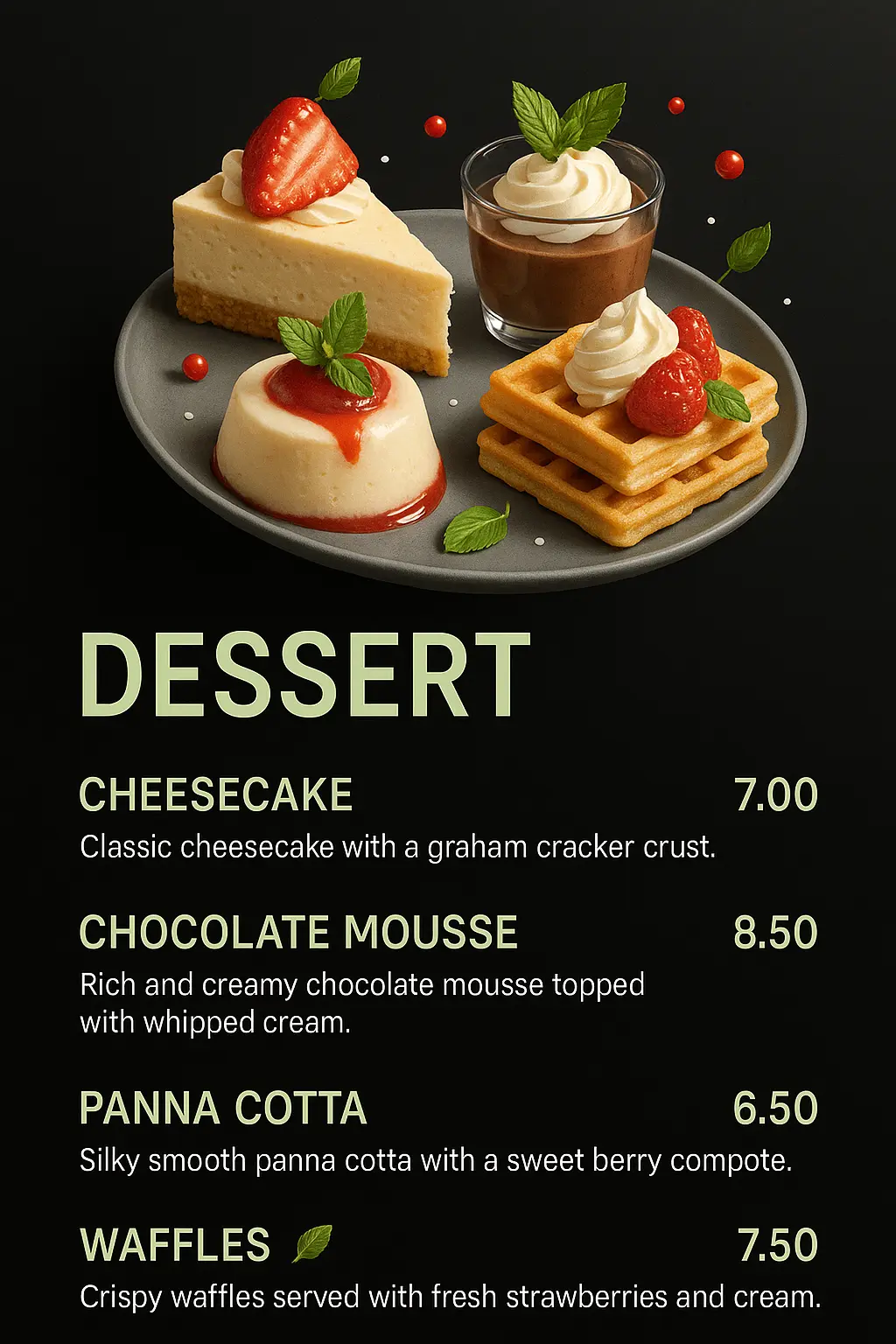
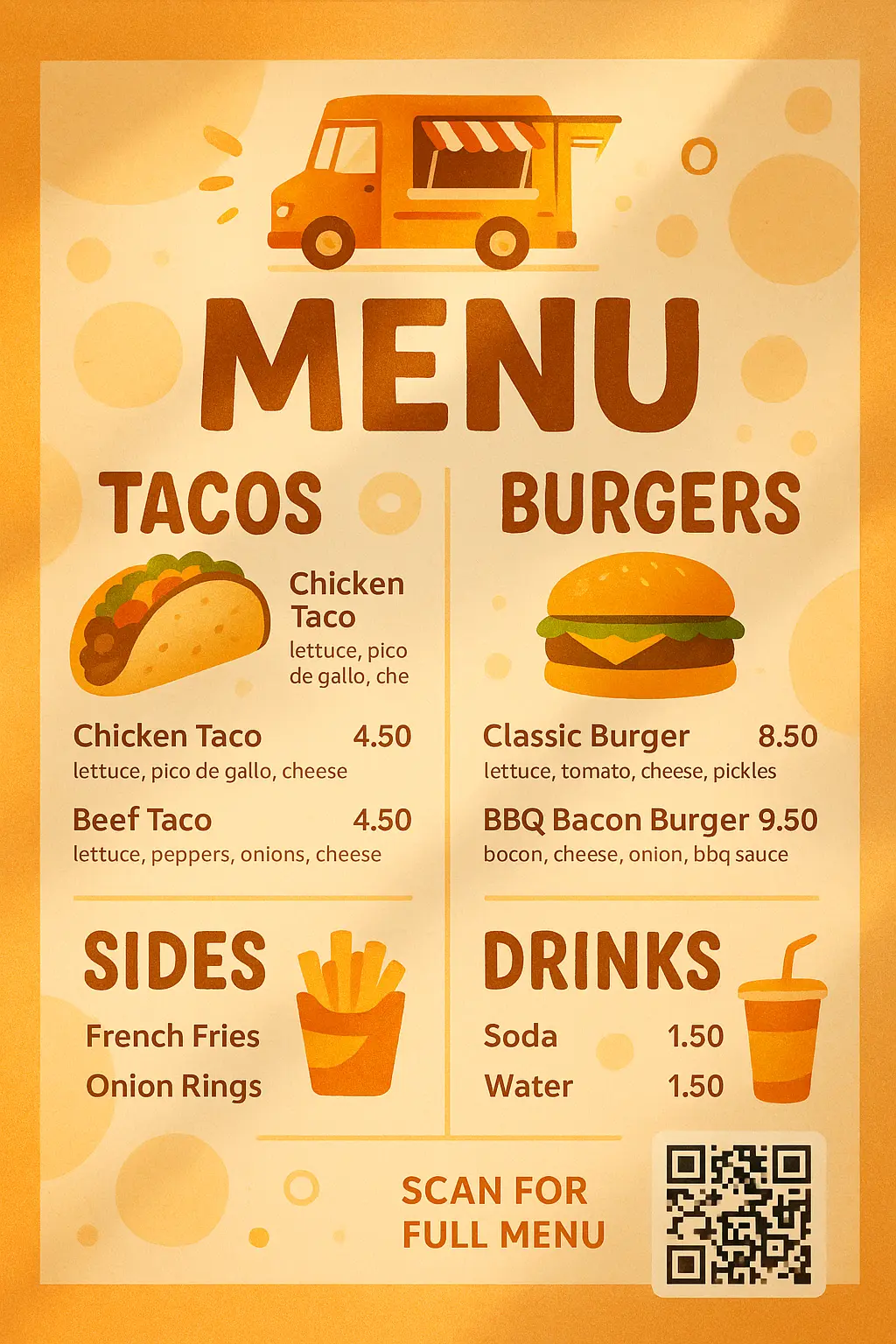
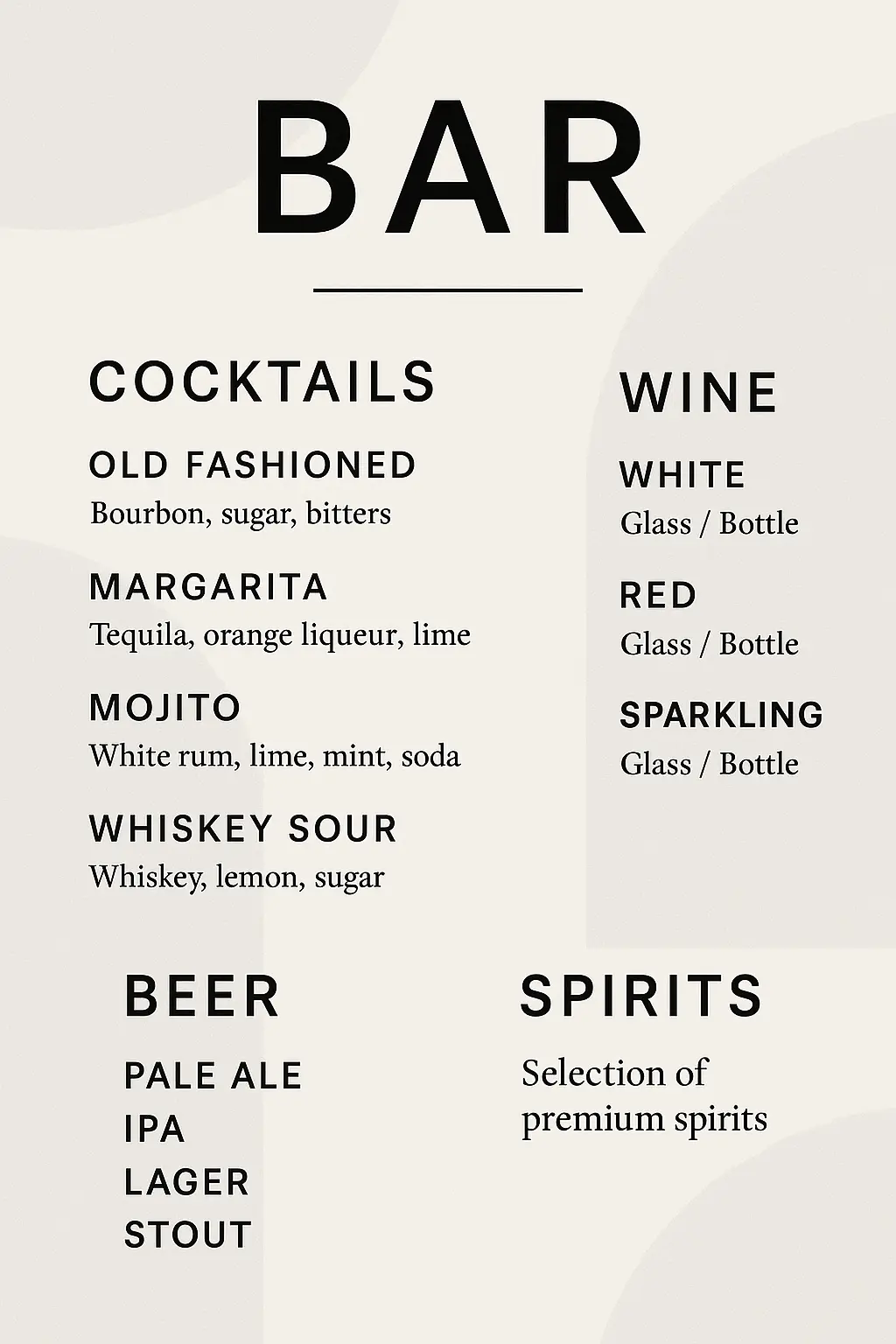
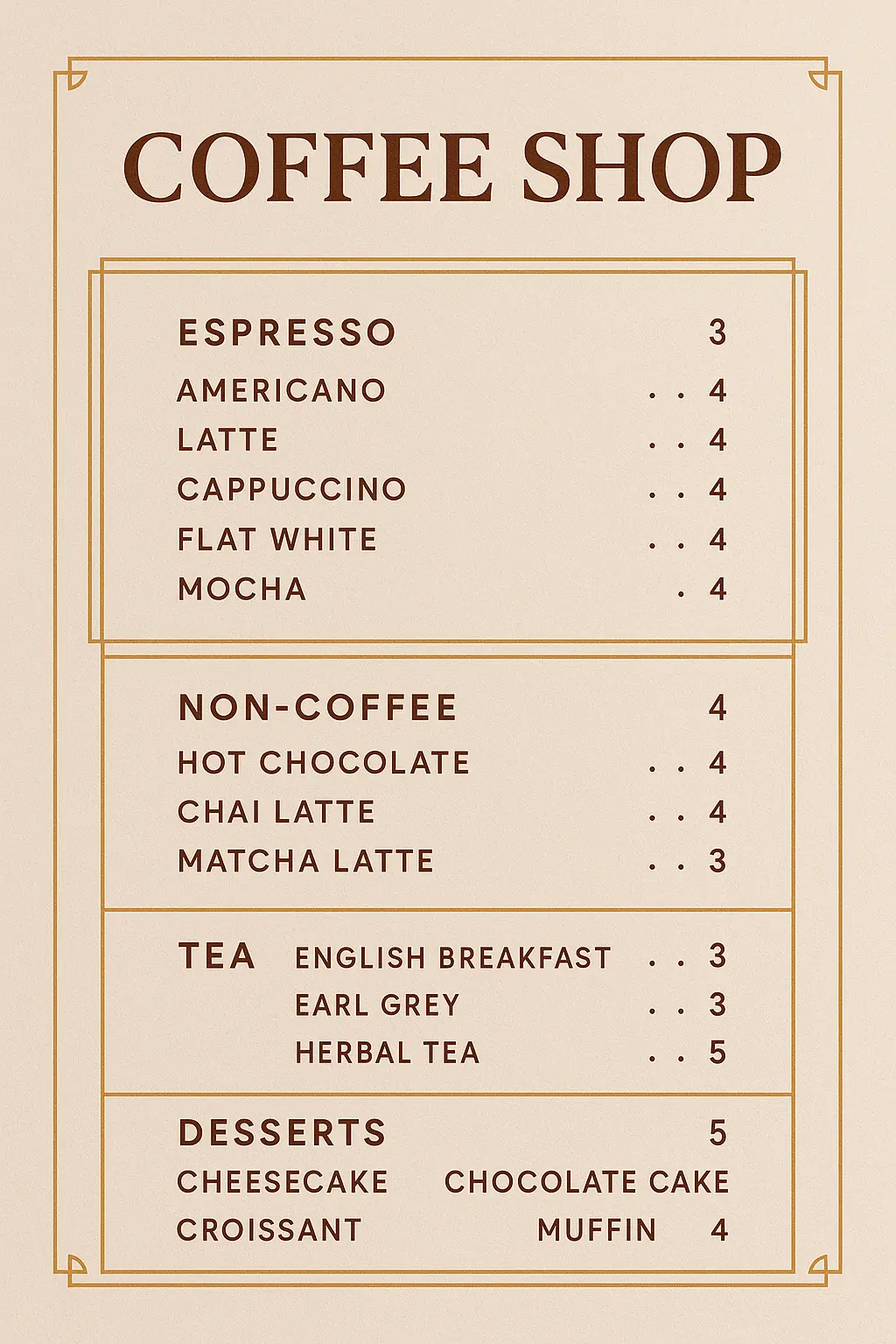
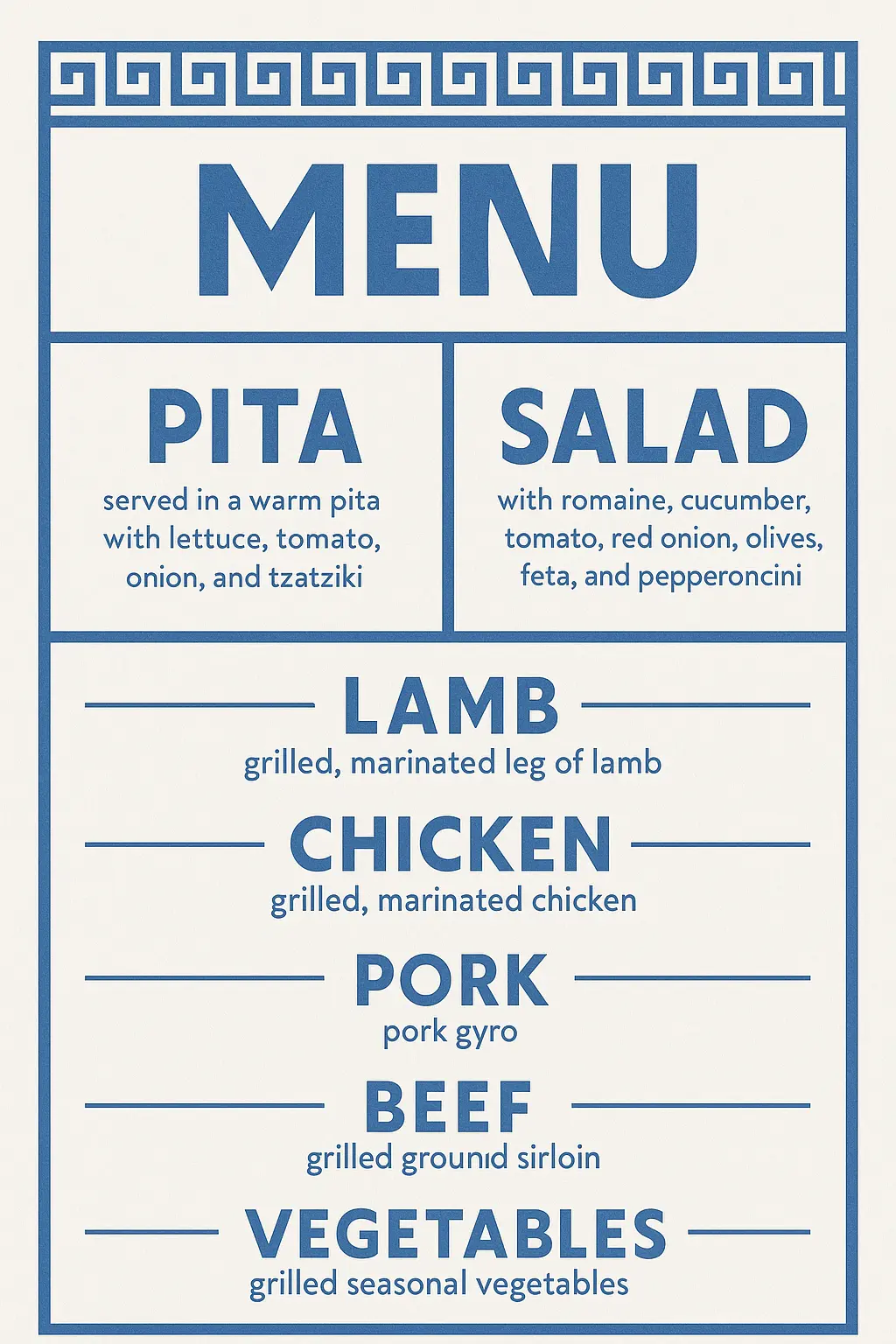
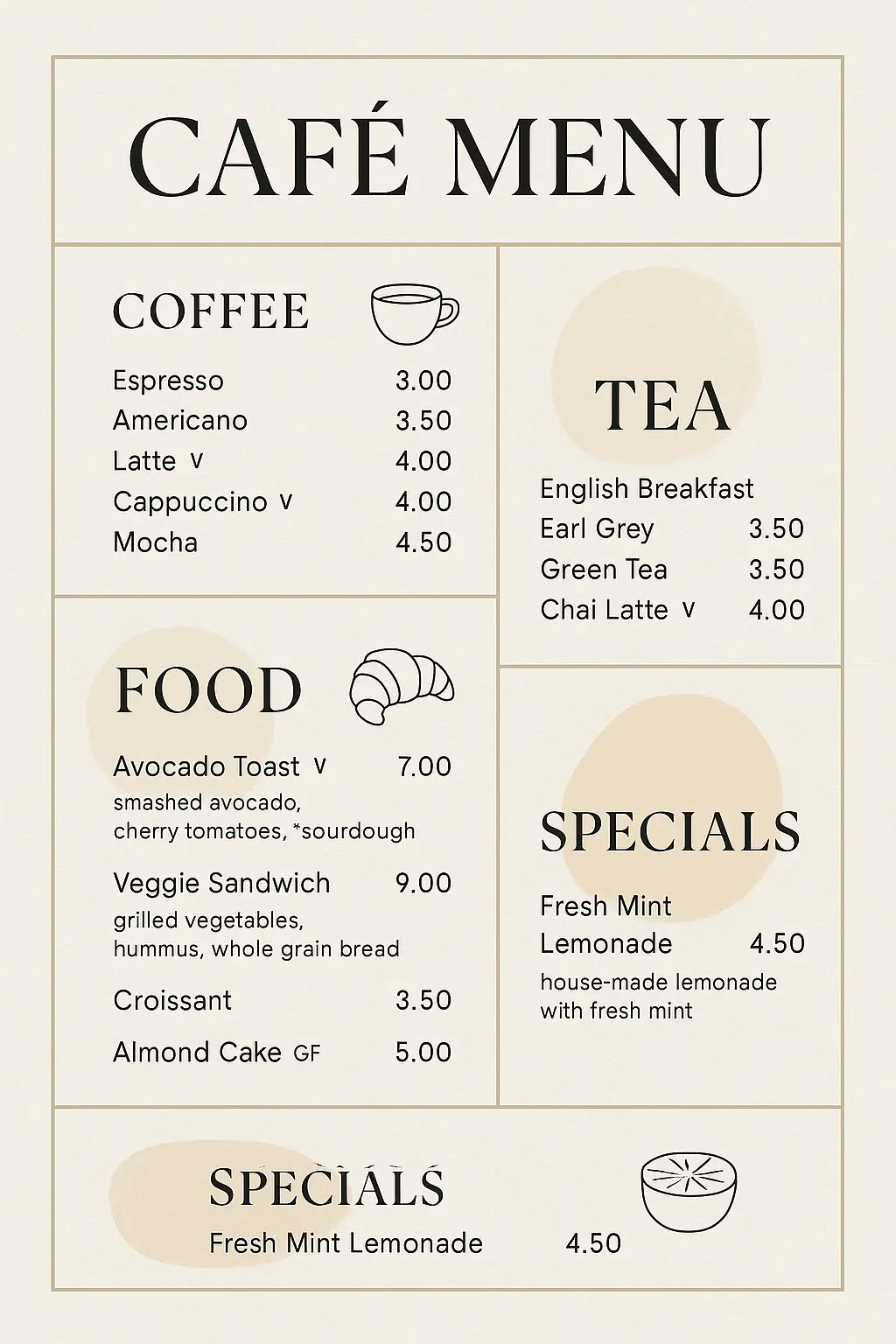
Shape your menu to reflect your vision, whether you're starting a café or reimagining your food truck. Each detail becomes a brushstroke on the canvas of your identity, making your offerings feel personal and intentional.
When you're feeling stuck or inspired, the right menu can help ideas unfold. Explore unexpected combinations, craft thematic layouts, and fuel your imagination without getting bogged down in formatting or structure.
Instead of spending hours wrestling with layouts or brainstorming from scratch, you can generate a menu quickly and focus your energy on perfecting the dishes and experiences that matter most to you and your guests.

Unlock powerful art tools at zero cost, making it easy for anyone to create and innovate without barriers.

Your creations and data stay confidential, guaranteeing your artistic work remains safe and secure.

Built for ease of use, so you can jump in and thrive—no matter your skill level or experience.
Click our menu tool. You don't need to download or install anything on your device.
Describe or upload the image your want to turn into menu artwork from your device or your Gallery.
The Image Generation process will start automatically. Simply wait a moment for your image to be generated or restyled.
A menu generator is an AI-powered tool that creates visual content based on your text descriptions or a combination of text and image input. This menu generator helps you turn creative prompts into unique image designs without needing any graphic design skills. Whether you're starting from scratch or using reference images, it brings your idea to visual life in seconds.
Yes, the menu generator offers 5 free generations per day for every user—no sign-up required. If you need more generations, you can sign in and upgrade using credits. This makes it easy to test your ideas or explore creativity without any setup or purchase upfront.
Using the menu generator is simple and requires no downloads. Just access the generator online, type your prompt (or include an image too), and click to begin. You can upload up to 3 reference images. The tool will automatically process your input and generate a visual in moments—no technical steps needed.
This menu generator stands out by blending fast performance with high creativity. You can create visuals using just text, or enhance results by adding reference images. It also works fully online, with no setup needed, and provides curated examples to spark ideas. Plus, you get daily free generations to explore without limits right away.
A strong prompt makes all the difference when using the menu generator. Be specific with what style, mood, or subject you're aiming for. If you're unsure how to write one, you can explore example prompts and click 'Make it yours' to start creating instantly. That’s a great way to learn and refine your inputs.
The menu generator saves time and opens up design possibilities with just a short text prompt. Instead of spending hours sketching or sourcing graphics, you can quickly visualize ideas—even if you don't have design experience. It’s ideal for rapid prototyping, inspiration, or visual storytelling on a deadline.
Yes, the menu generator works smoothly on phones and tablets. There’s no need to install anything—just open it online and start creating. It’s designed to work just as well on mobile devices as it does on larger screens, so you can access your creative space anywhere.
No, you don’t need an account to start using the menu generator. Every user gets 5 free generations per day without signing in. If you want more features or extra generations, you can log in and upgrade with credits at any time.
The menu generator allows text-only prompts or a combination of text plus up to 3 uploaded reference images. It doesn't accept other file types or external media. Just describe what you want—or enhance it with example images—and let the generator bring your vision to life.
We always welcome feedback on the menu generator. If you run into issues or want to suggest improvements, just send a message to hi@runcomfy.com. Your input helps us continue delivering one of the best AI image generation experiences online.
RunComfy is the premier ComfyUI platform, offering ComfyUI online environment and services, along with ComfyUI workflows featuring stunning visuals. RunComfy also provides AI Models, enabling artists to harness the latest AI tools to create incredible art.