seedream-5.0-pro/image-to-image
image-to-image
Reference-guided image editing with layout, layer separation, and multilingual text
Reference-guided image editing with layout, layer separation, and multilingual text

Generate studio-grade visuals with 4K clarity, creative control, and smart adaptive lighting

Edit up to ten images from a written instruction at 1K, 2K, or 4K.

Generate detailed visuals from text swiftly with high fidelity and dual-language control.


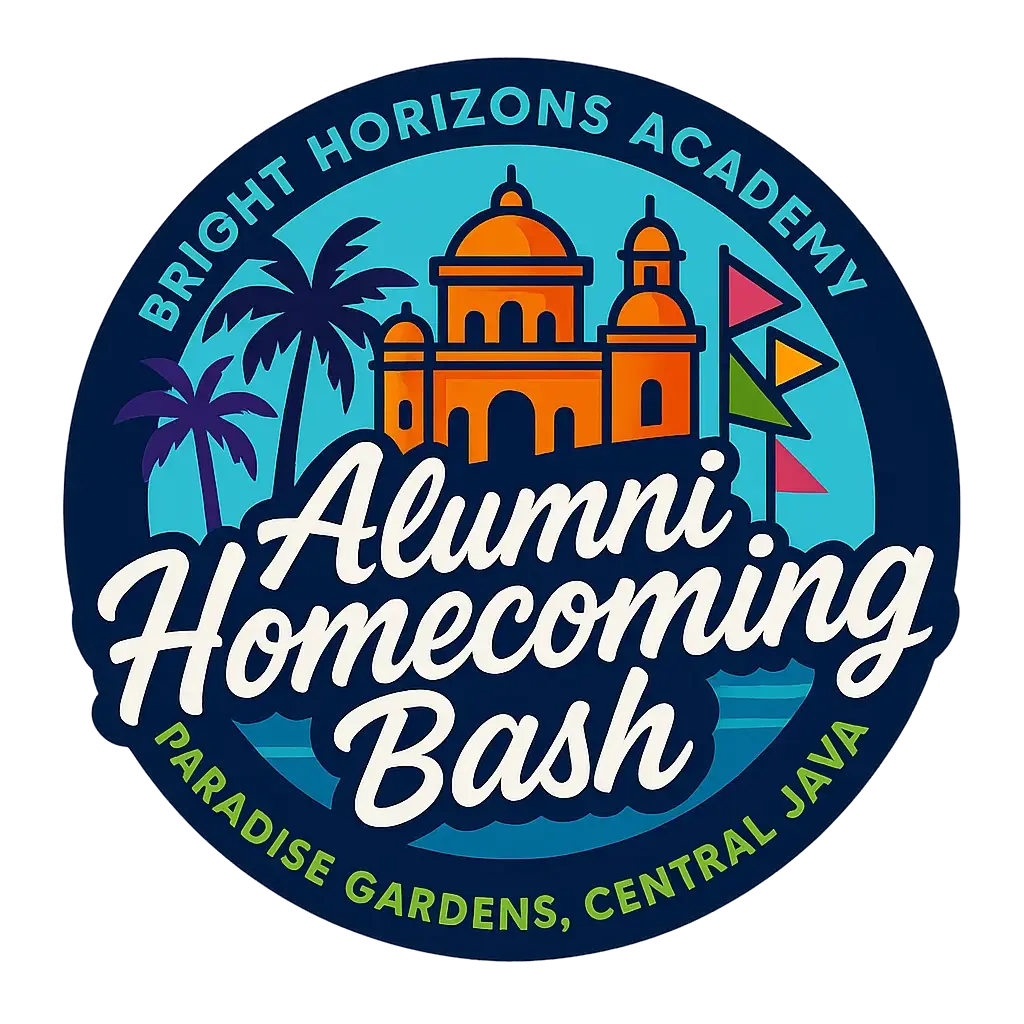
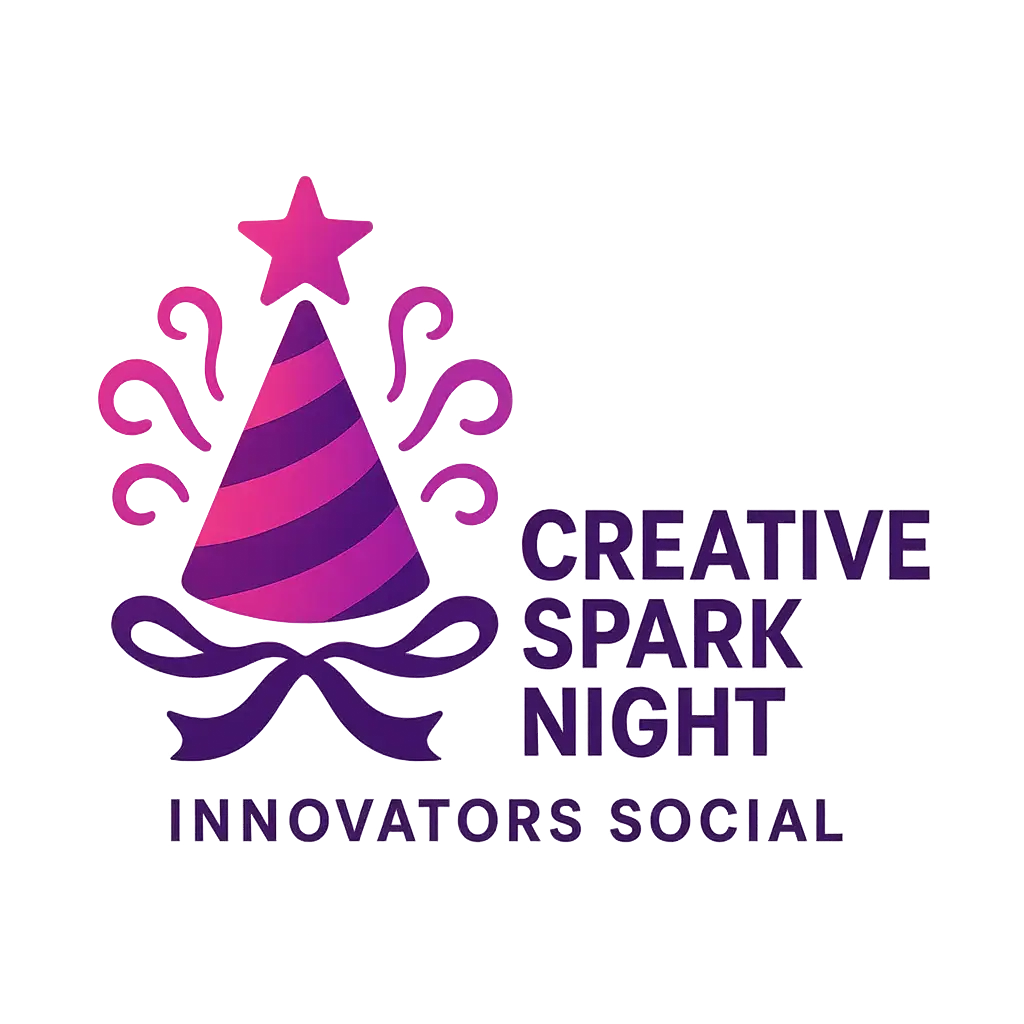
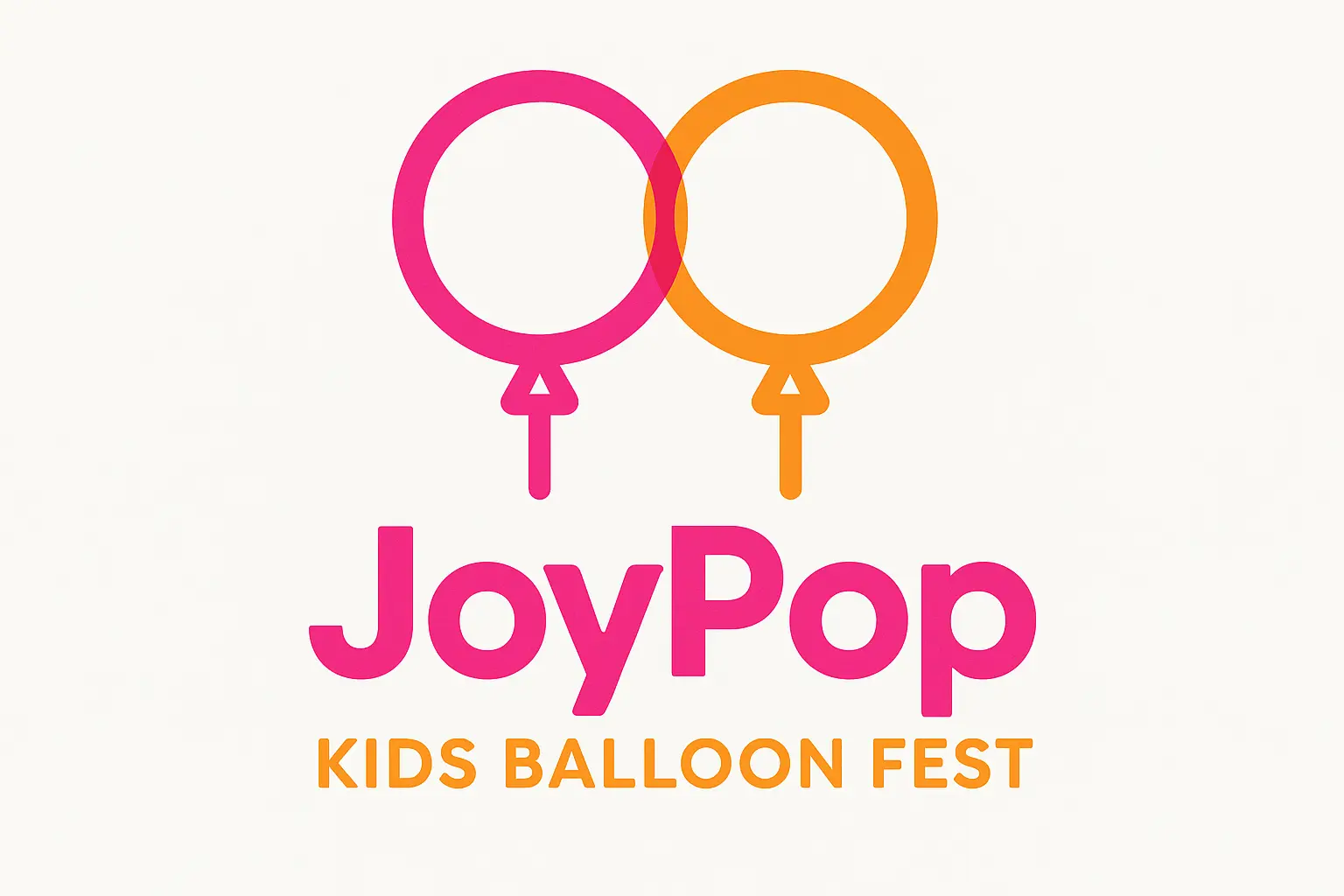
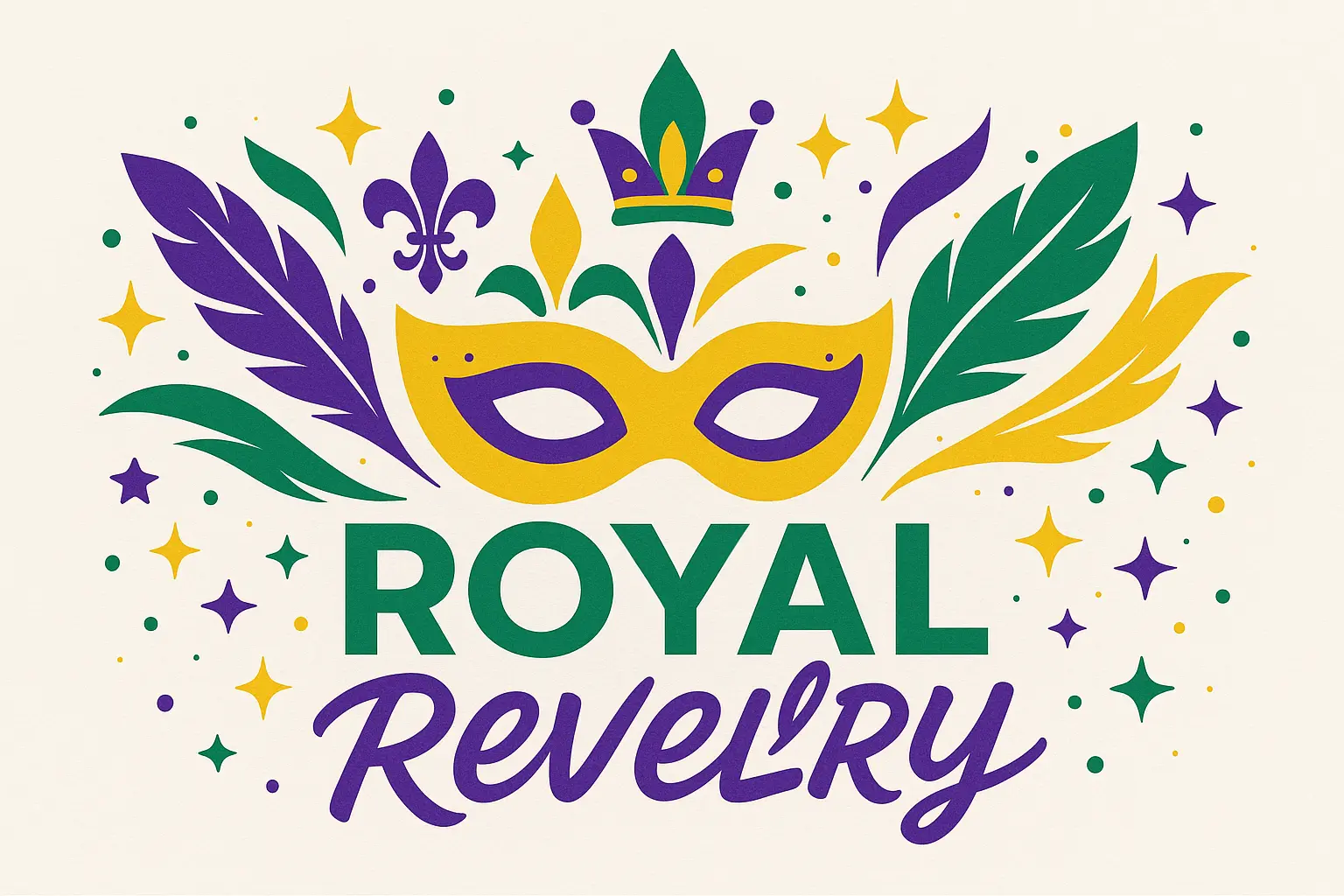
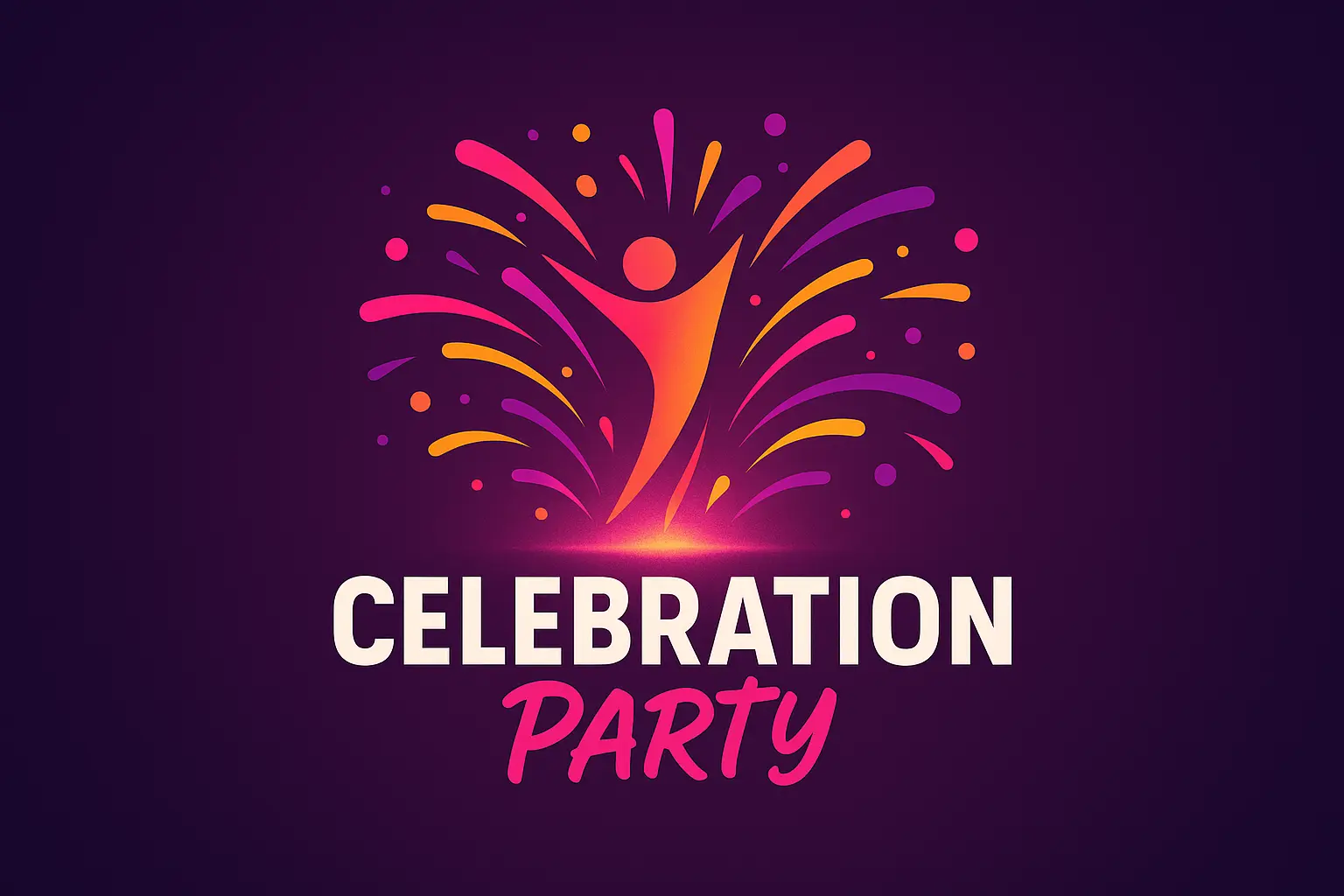
Bring your unique event identity to life with an Event Logo that reflects your purpose, energy, and style—whether you’re planning a local fundraiser or a large-scale festival, it helps your vision stand out clearly and memorably.
Designing an Event Logo doesn't have to be overwhelming. With guided inspiration and smart customization, you can focus on the creative choices you enjoy while skipping the technical hassle.
Ensure your Event Logo connects perfectly with your theme and message. Whether you're organizing a corporate conference or a music event, it helps your audience recognize and trust your brand at first glance.

Unlock powerful art tools at zero cost, making it easy for anyone to create and innovate without barriers.

Your creations and data stay confidential, guaranteeing your artistic work remains safe and secure.

Built for ease of use, so you can jump in and thrive—no matter your skill level or experience.
Click our Event Logo tool. You don't need to download or install anything on your device.
Describe or upload the image your want to turn into Event Logo artwork from your device or your Gallery.
The Image Generation process will start automatically. Simply wait a moment for your image to be generated or restyled.
The Event Logo Generator is an AI-based design maker that turns your text prompts—or a mix of text and up to 3 uploaded images—into custom logo visuals. Just open the generator online, type your idea or include a reference image, and it will create a logo for you automatically in seconds. There's no setup, download, or design expertise required.
Yes, the Event Logo Generator offers 5 free generates per day, and you don’t need to sign in to start using it. If you need more, you can get extra generations by upgrading with credits after signing in. This keeps access simple while supporting regular users with flexible options.
No, you don’t have to create an account to use the Event Logo Generator. Every visitor automatically gets 5 free generations a day just by accessing the site. Signing in becomes helpful if you want to unlock more generation credits or revisit saved work in the future.
Yes, the Event Logo Generator is fully accessible on mobile phones and tablets. You can generate creative visuals from any device with no extra downloads—just visit the site, describe your logo idea, and let the generator do the rest.
The Event Logo Generator saves time and sparks creativity by combining AI with your input, whether you’re stuck on ideas or need visual inspiration fast. Instead of starting from scratch in complex design apps, you get polished logo results with minimal effort—perfect for events on a tight schedule or quick-turnaround designs.
The Event Logo Generator offers instant online access without setup, 5 free designs daily, and the unique ability to combine your text with up to 3 image references for richer results. It also features curated example prompts, so even if you’re unsure what to type, you can get started fast and personalize instantly.
To get striking results with the Event Logo Generator, start with a descriptive prompt—mention event type, mood (like fun, modern, elegant), and any key symbols or colors you want. You can also upload up to 3 reference images. Don’t worry if you're stuck; curated examples are ready to remix with one click.
The Event Logo Generator works great for anything from weddings and conferences to festivals, fundraisers, or community meetups. Just describe the theme, vibe, or audience in your prompt, and the system tailors the design logic to match. Whether your event is formal or fun, it can generate fitting visuals in seconds.
If the first result doesn’t quite match your vision, you can tweak your wording or upload a different set of reference images and try again—up to 5 times a day without logging in. The Event Logo Generator improves the more you experiment, so don’t hesitate to mix things up or explore different prompts.
We welcome all feedback to help improve the Event Logo Generator. If you run into any issues or have ideas to share, just send a message to hi@runcomfy.com. Your input helps us keep the experience smooth, creative, and better for everyone.
RunComfy is the premier ComfyUI platform, offering ComfyUI online environment and services, along with ComfyUI workflows featuring stunning visuals. RunComfy also provides AI Models, enabling artists to harness the latest AI tools to create incredible art.