seedream-5.0-pro/image-to-image
image-to-image
Reference-guided image editing with layout, layer separation, and multilingual text
Reference-guided image editing with layout, layer separation, and multilingual text

Generate studio-grade visuals with 4K clarity, creative control, and smart adaptive lighting

Edit up to ten images from a written instruction at 1K, 2K, or 4K.

Generate detailed visuals from text swiftly with high fidelity and dual-language control.


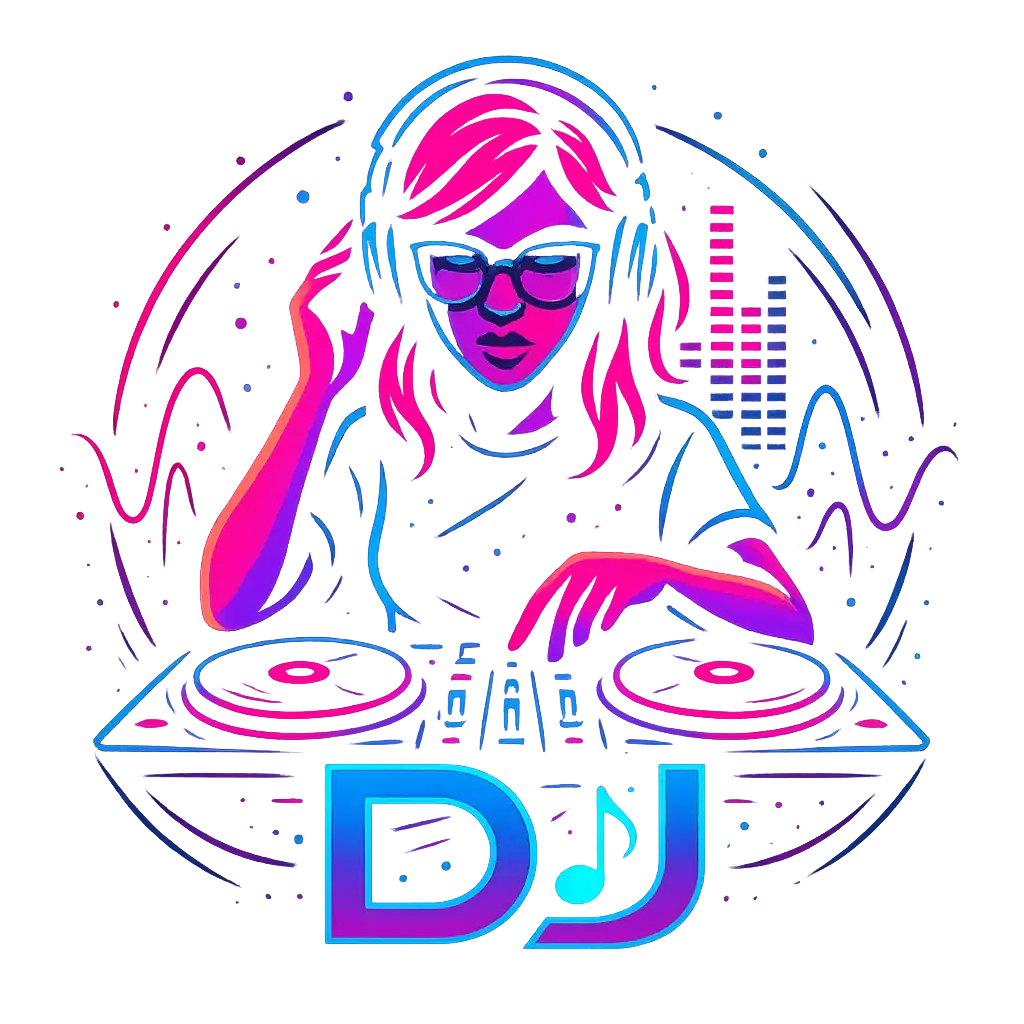
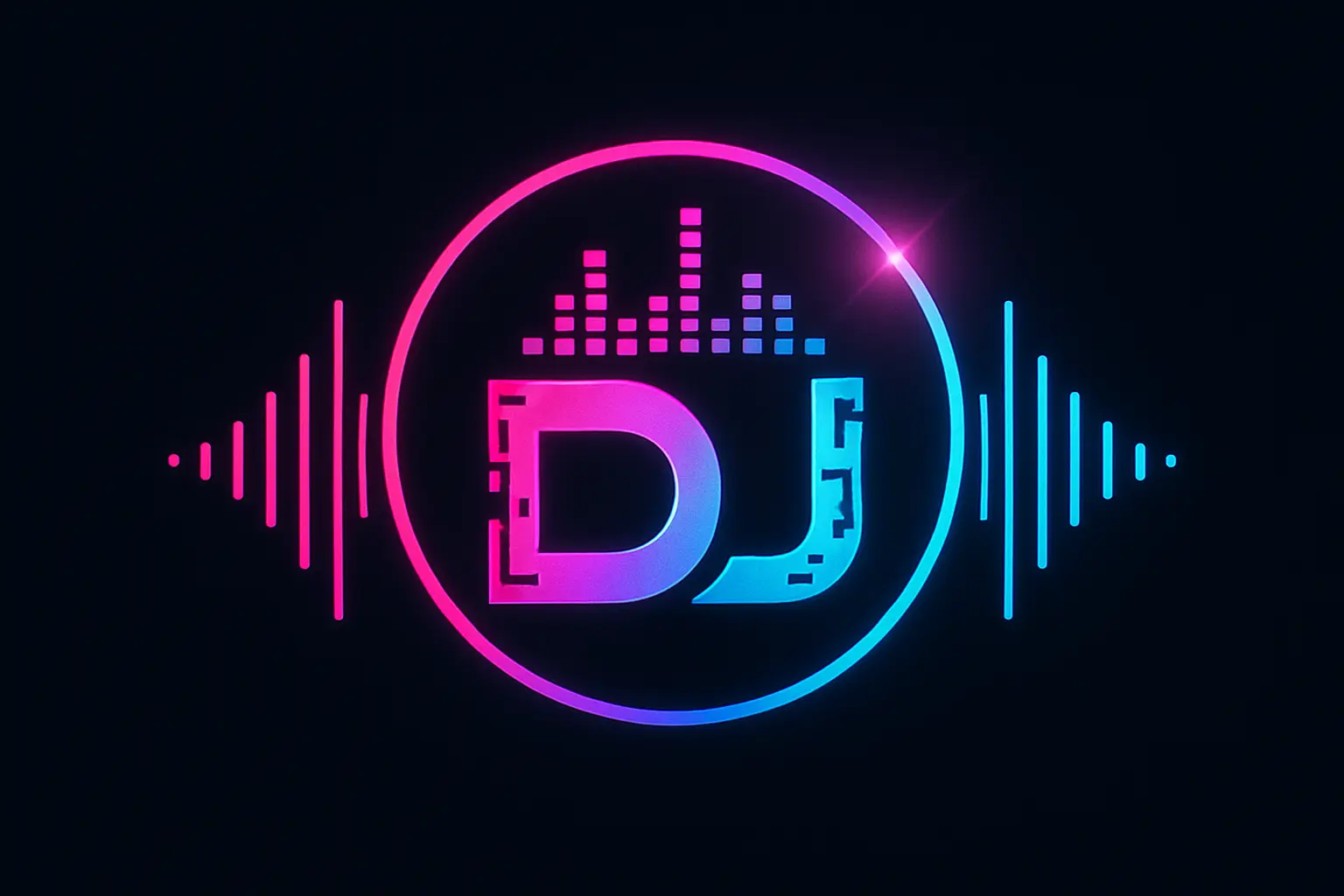
Your music tells a story—let your DJ Logo reflect it. Design a visual identity that mirrors your unique style and energy, turning every beat you drop into a fully immersive brand experience.
Whether you’re debuting at your first gig or scaling up your online presence, crafting a DJ Logo gives you a professional edge that sets you apart and helps fans instantly recognize your name.
Designing your own DJ Logo sparks inspiration and helps you explore new dimensions of your artistic identity—bringing together visuals and sound in a way that deepens your creative journey.

Unlock powerful art tools at zero cost, making it easy for anyone to create and innovate without barriers.

Your creations and data stay confidential, guaranteeing your artistic work remains safe and secure.

Built for ease of use, so you can jump in and thrive—no matter your skill level or experience.
Click our DJ Logo tool. You don't need to download or install anything on your device.
Describe or upload the image your want to turn into DJ Logo artwork from your device or your Gallery.
The Image Generation process will start automatically. Simply wait a moment for your image to be generated or restyled.
The DJ Logo Generator is a creative AI-powered image maker that creates DJ-themed visuals based on your input. Simply open it online—no installations or downloads needed. Add a description or upload up to 3 reference images, then let the generator bring your idea to life in moments. It’s easy, creative, and helps you turn concepts into custom DJ logo artwork fast.
Yes, the DJ Logo Generator offers 5 free generations per day for all users—no sign-in required. If you want more than that, you can sign in and use credits to unlock additional generations. It’s a flexible way to create DJ logos with low commitment and no hidden setup steps.
No, the DJ Logo Generator works entirely online. There’s no setup or downloads needed—just open the generator in your browser, describe or upload your idea, and start creating. It’s designed for quick access whether you’re on the go or at your desk.
For top results with DJ Logo Generator, try using clear, creative prompts—describing your style, colors, and mood. You can also upload up to 3 images for visual references to guide the design. If you're stuck, use the curated example prompts and click 'Make it yours' to jumpstart your own design with a proven concept.
The DJ Logo Generator saves you time by turning your ideas into eye-catching visuals instantly. Unlike designing manually, it doesn’t require software skills or costly tools. Whether you're testing an idea or need a quick concept draft, it gives you professional-looking results in seconds without creative pressure.
What sets the DJ Logo Generator apart is its ease of use, curated visual inspiration, and the ability to combine prompts and images. With daily free credits and instant access—no log-in required—it’s built for speed and creativity without confusing extras. It's tailored for DJs and creatives who need ideas fast.
The DJ Logo Generator handles both imaginative prompts and practical ones. Phrases like 'retro neon vibe', 'minimalist black and gold', or 'futuristic waveform emblem' all work great. Pairing words with up to 3 image references gives stronger visual alignment. Experiment and have fun—it’s designed for creative play.
Yes, the DJ Logo Generator works smoothly on mobile devices and tablets. There’s no need to download anything—just open it in your browser and start creating. The design experience is just as intuitive on smaller screens, making it easy to generate DJ logos from anywhere.
If the DJ Logo Generator gives results that miss the mark, try adjusting your prompt by being more specific or uploading better reference images. You can also view example prompts to reset your direction. If you still face issues or want to share feedback, email the team at hi@runcomfy.com—they’d love your input.
Yes, the DJ Logo Generator allows you to combine a text prompt with up to 3 image uploads per generation. This combo helps the AI better understand your vision and produce more personalized DJ logo output. Just add your visuals and describe your goal—it’s that easy.
RunComfy is the premier ComfyUI platform, offering ComfyUI online environment and services, along with ComfyUI workflows featuring stunning visuals. RunComfy also provides AI Models, enabling artists to harness the latest AI tools to create incredible art.