logo
RunComfy
  • ComfyUI
  • TrainerNew
  • Models
  • API
  • Pricing
discord logo
MODELS
Explore
All Models
LIBRARY
Generations
MODEL APIS
API Docs
API Keys
ACCOUNT
Usage

seedream-4-0/edit

image-to-image

Edit and fuse images into high quality results with Seedream 4.0.

wan-2-6/image-to-video

image-to-video

Turn still visuals into motion-synced, high-detail video content with flexible control.

wan-2-6/flash/image-to-video

image-to-video

Craft lifelike video scenes from stills with motion, dialogue sync, and flexible creative control.

nano-banana/pro/text-to-image

text-to-image

Generate detailed multilingual visuals with 4K clarity and creative control.

qwen-image-edit-2511/lora

image-to-image

LoRA-based visual editing model offering structure-aware asset transformation for creative pros

seedream-4-0/text-to-image

text-to-image

Generate sharp 4K visuals with flexible multi-input and fusion tools

seedance-v1.5-pro/image-to-video

image-to-video

Transform still visuals into cinematic motion clips with smooth, realistic transitions and creative flexibility.

seedream-4-5/text-to-image

text-to-image

Generate refined visuals with accurate lighting and text control for design work.

flux-2/dev/text-to-image

text-to-image

[100% FREE NOW] Generate it free in both Playground + API access. Limited time only! Flux 2 dev is an open-weight model for precise visual creation, color control, and consistent style rendering.

seedance-1-0/pro/image-to-video

image-to-video

Create fluid, expressive animations with multi-shot storytelling features.

seedream-4-0/edit-sequential

image-to-image

Create cohesive visual sequences with precise style and continuity control.

flux-2/flash/edit

image-to-image

Accelerate visual editing with dynamic precision and open-weight adaptability for brand-consistent designs.

wan-2-2/lora/image-to-video

image-to-video

Transform stills into cinematic motion with open-source precision tools.

ltx-2/fast/image-to-video

image-to-video

Transform visuals into smooth 4K motion clips with sync audio and rapid rendering.

hailuo-2-3/fast/standard/image-to-video

image-to-video

Turn static visuals into smooth motion with Hailuo 2.3 for rapid, realistic video creation.

kling-2-6/pro/image-to-video

image-to-video

Turns static visuals into cinematic motion with synced audio and natural camera flow

wan-2-2/image-to-video

image-to-video

Refined AI visuals, real-time control, and pro FX for creators

hailuo-02/image-to-video

image-to-video

Produces crisp 1080p AI videos with smart motion logic and speed

seedance-1-0/pro/fast/image-to-video

image-to-video

Create lifelike video motion fast with Seedance Pro for design pros

seedream-4-5/edit-sequential

image-to-image

Create consistent visual stories with advanced image editing and multi-scene control.

AI Discord Logo Generator

Design bold, AI-crafted server logos with full creative control.

100% FreeFully PrivacyNo Login RequiredEasy To Start
Image Prompts 0/3
🎉5 FREE IMAGES LEFT TODAY
Sample PromptsPrompt Template
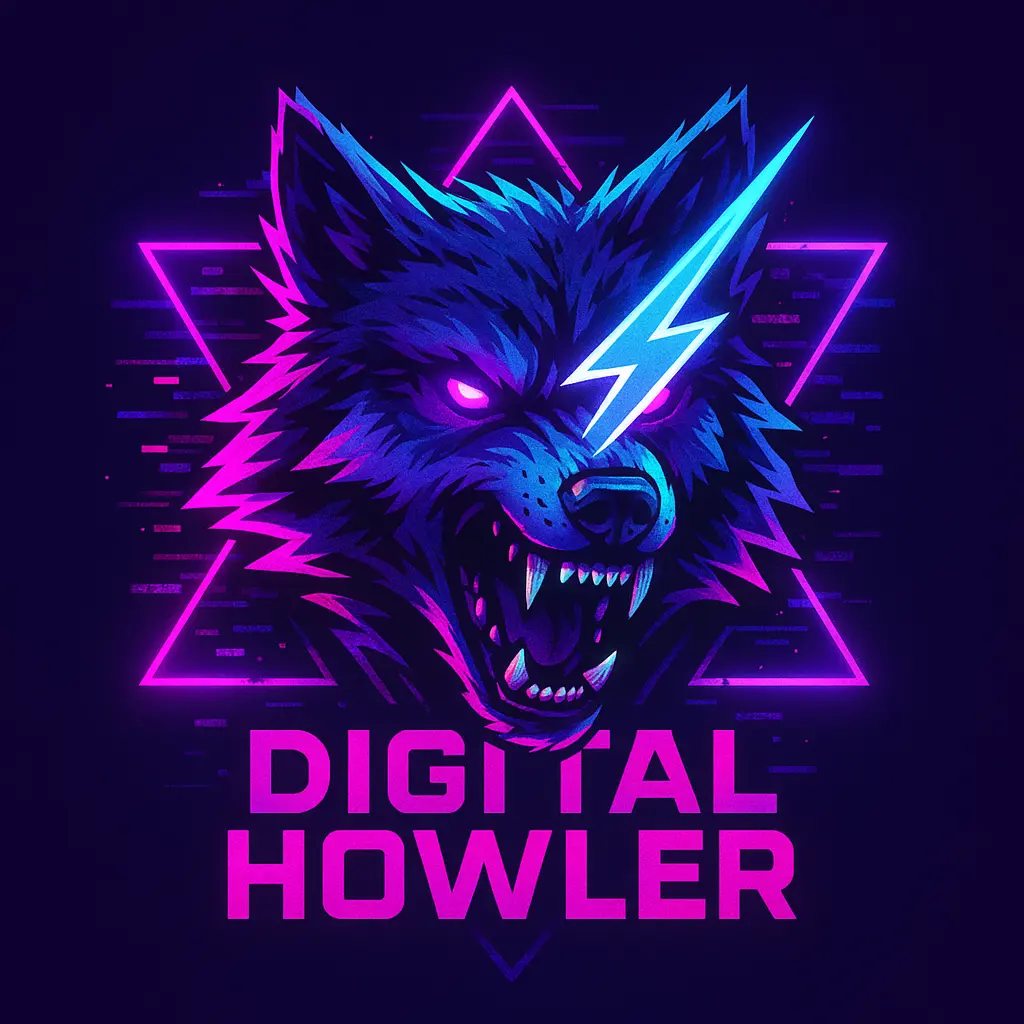
Pixel glitch cyberpunk wolf discord logo template
Edgy cyber-glam discord logo template with neon heart frame
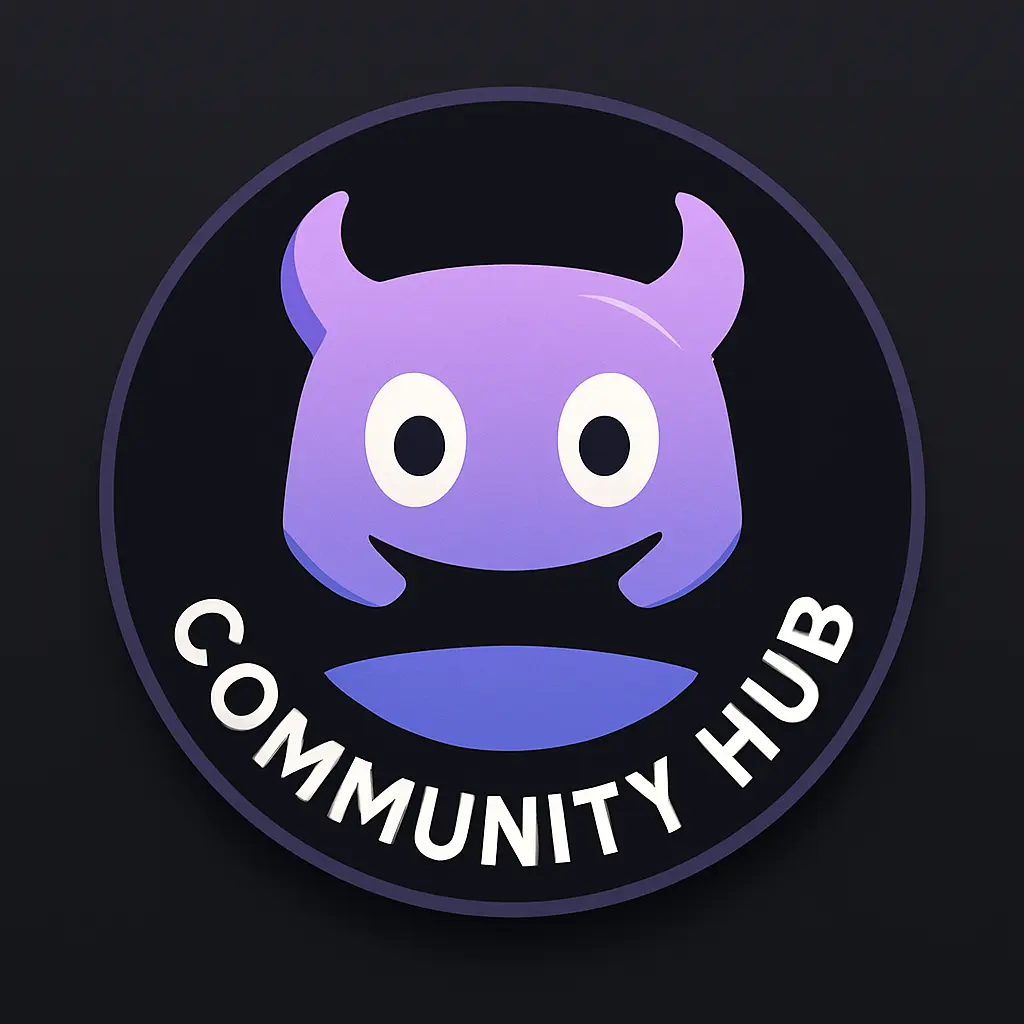
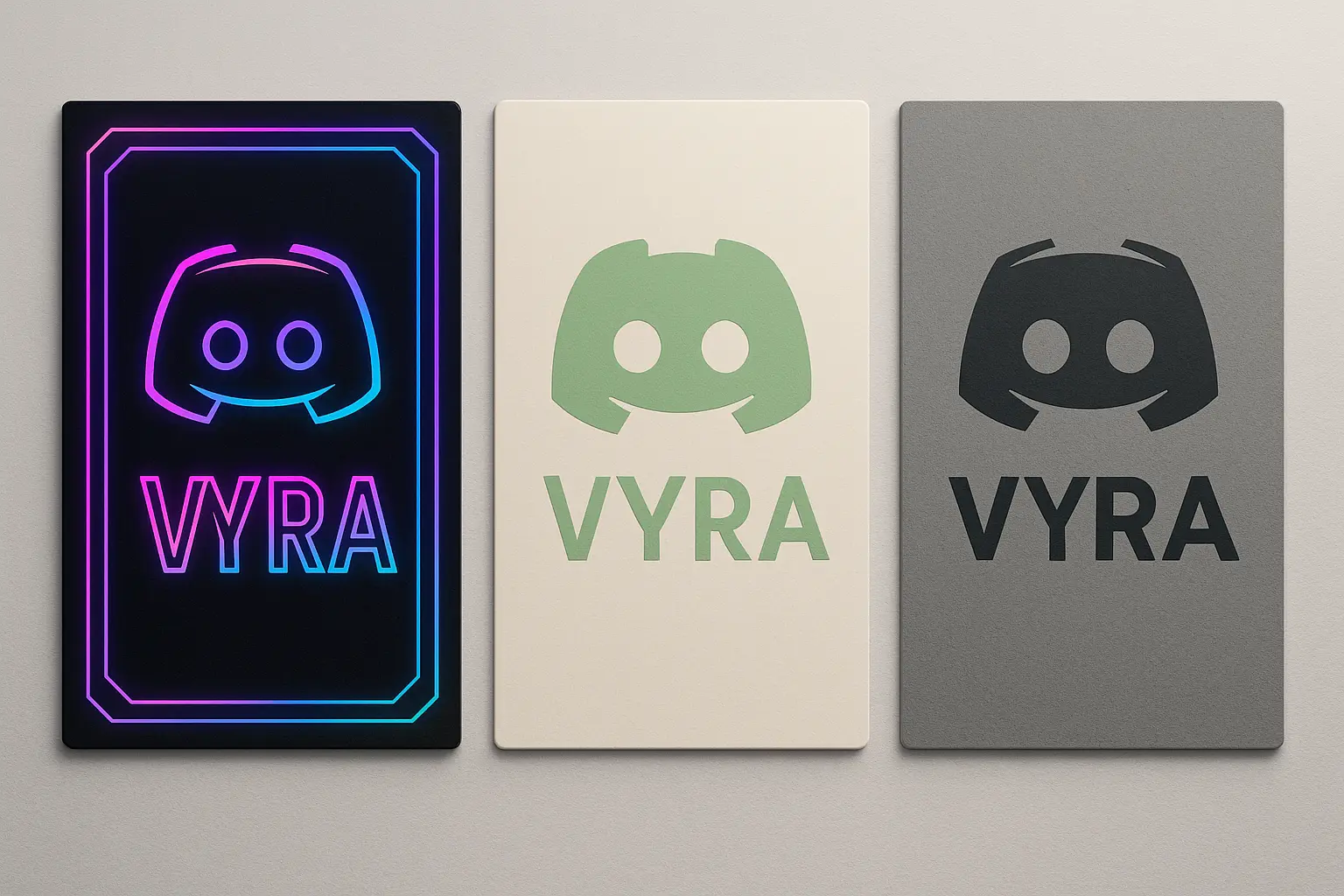
discord logo template with playful icon in violet tones
Generation History
Idle

Explore AI Discord Logo Designs

discord logo template with playful icon in violet tones
Pixel glitch cyberpunk wolf discord logo template
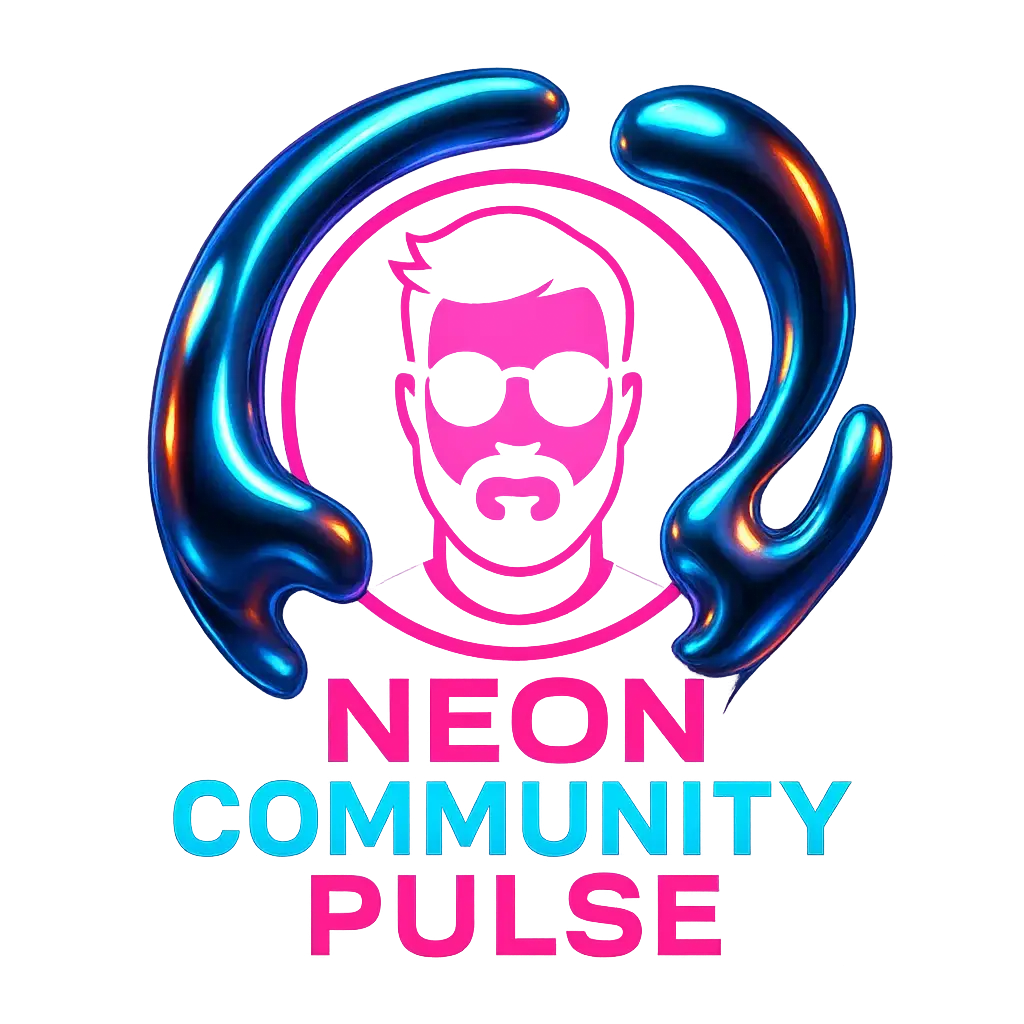
discord logo template with neon chrome portrait frame
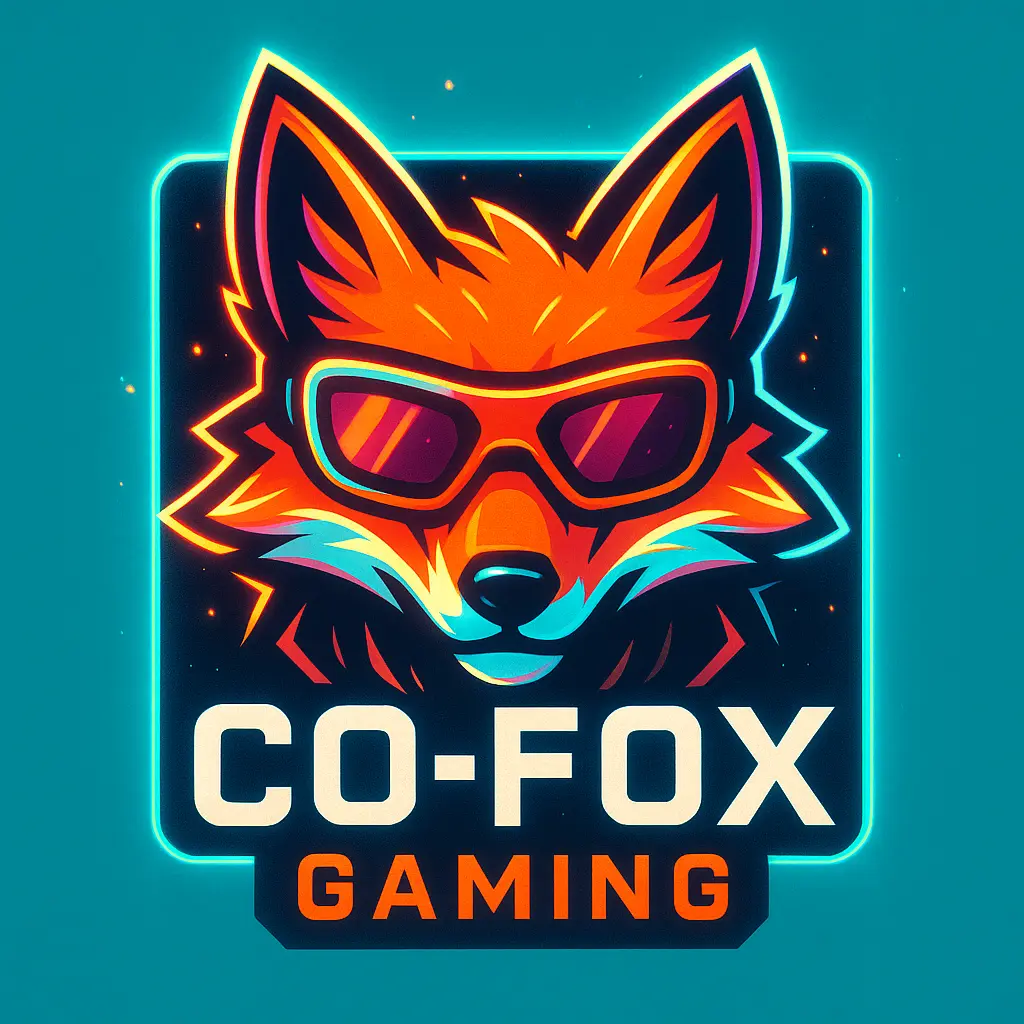
Discord logo template featuring a dynamic fox icon with neon accents
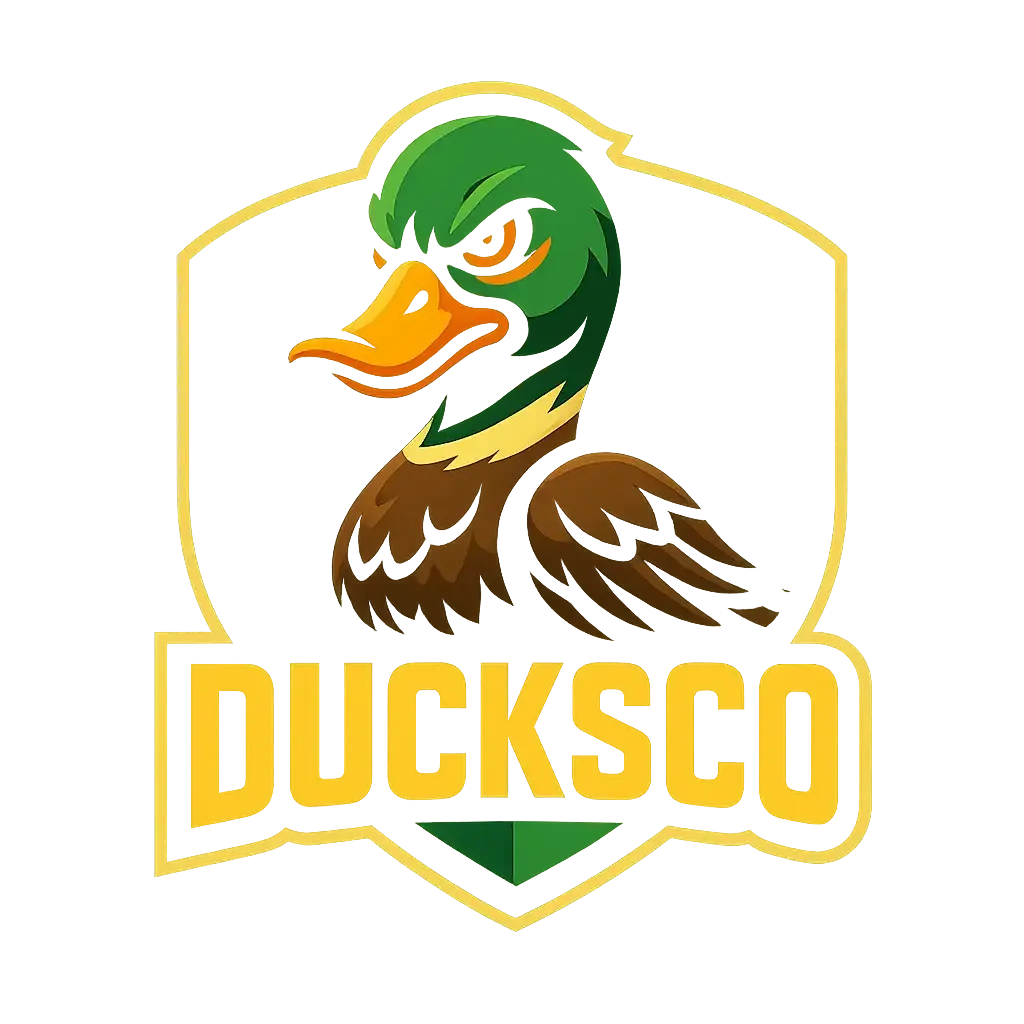
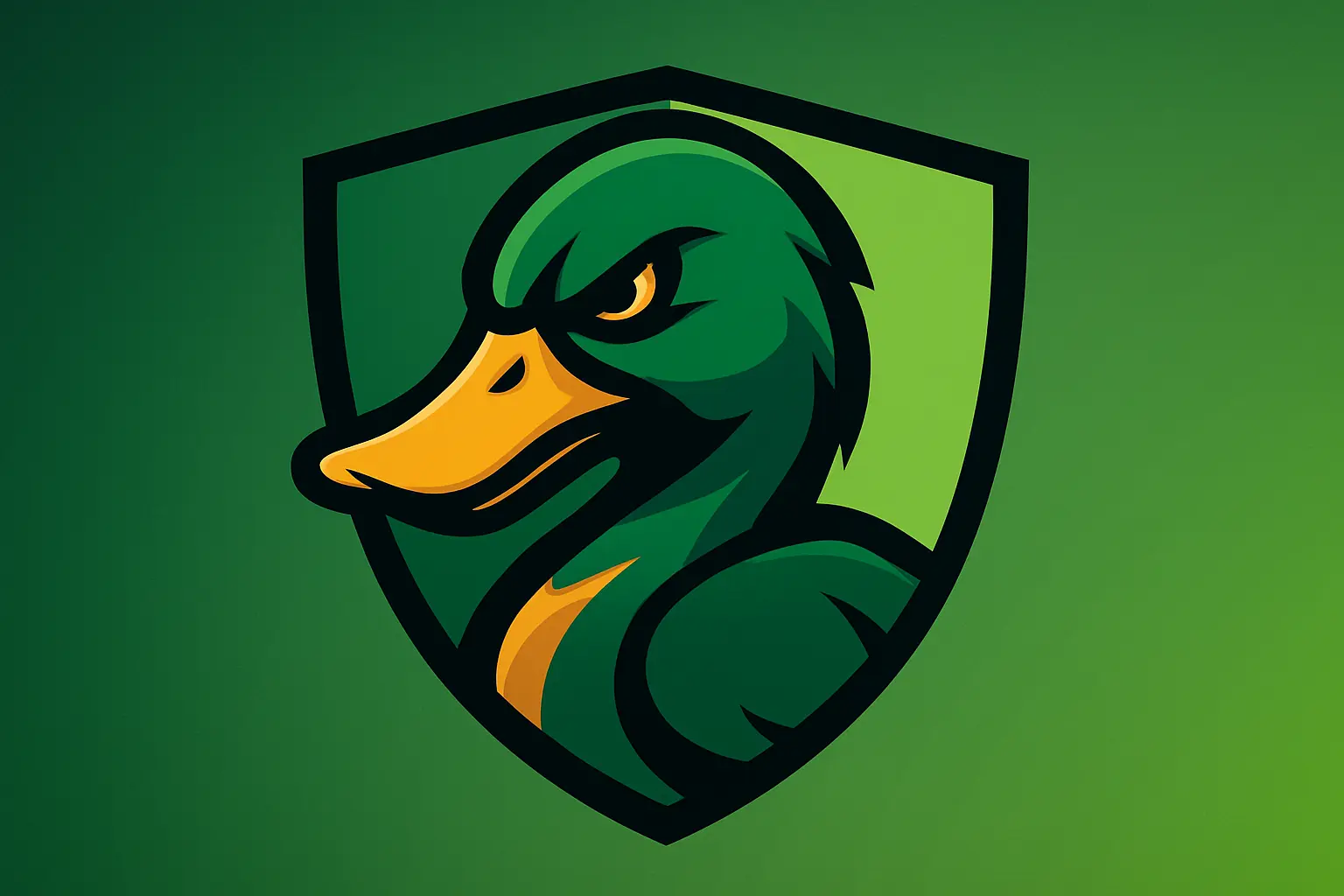
Stylized duck discord logo template with bold yellow lettering
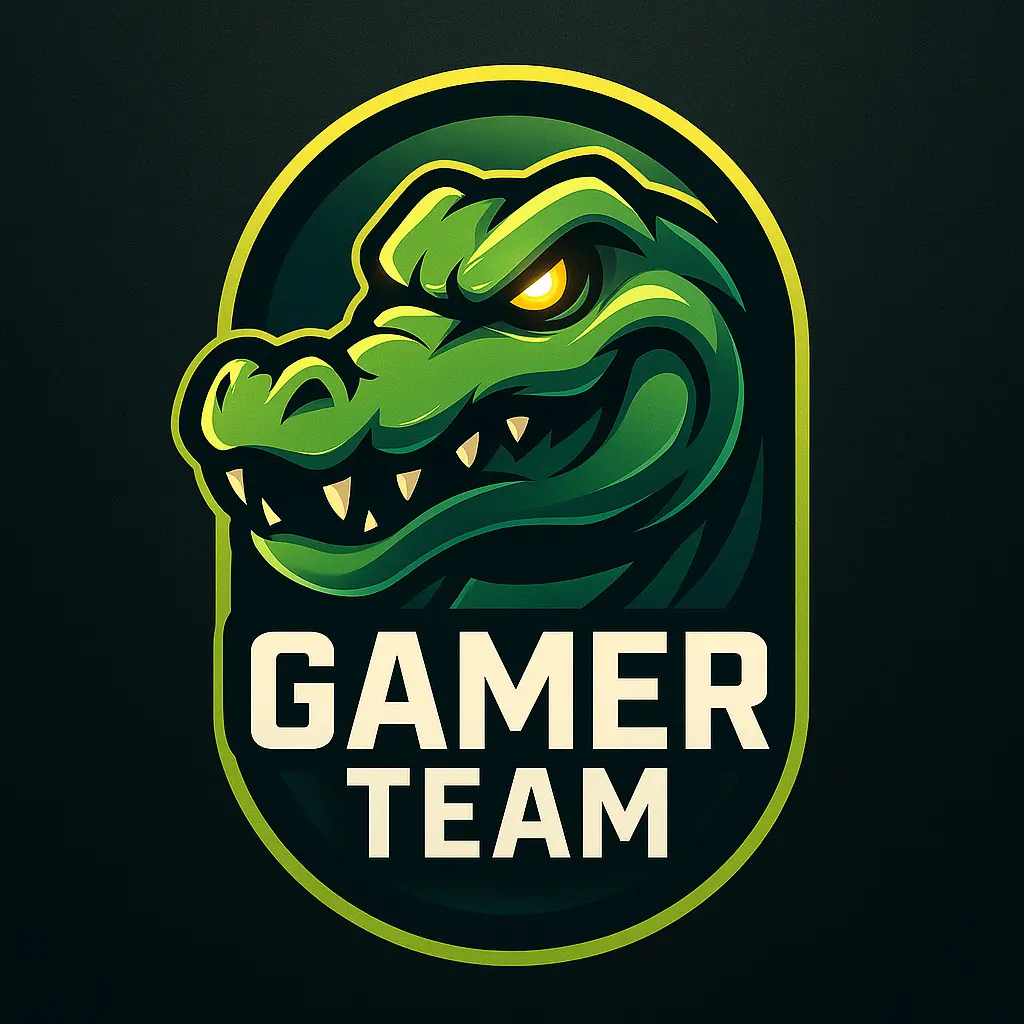
discord logo template featuring alligator head icon with bold text
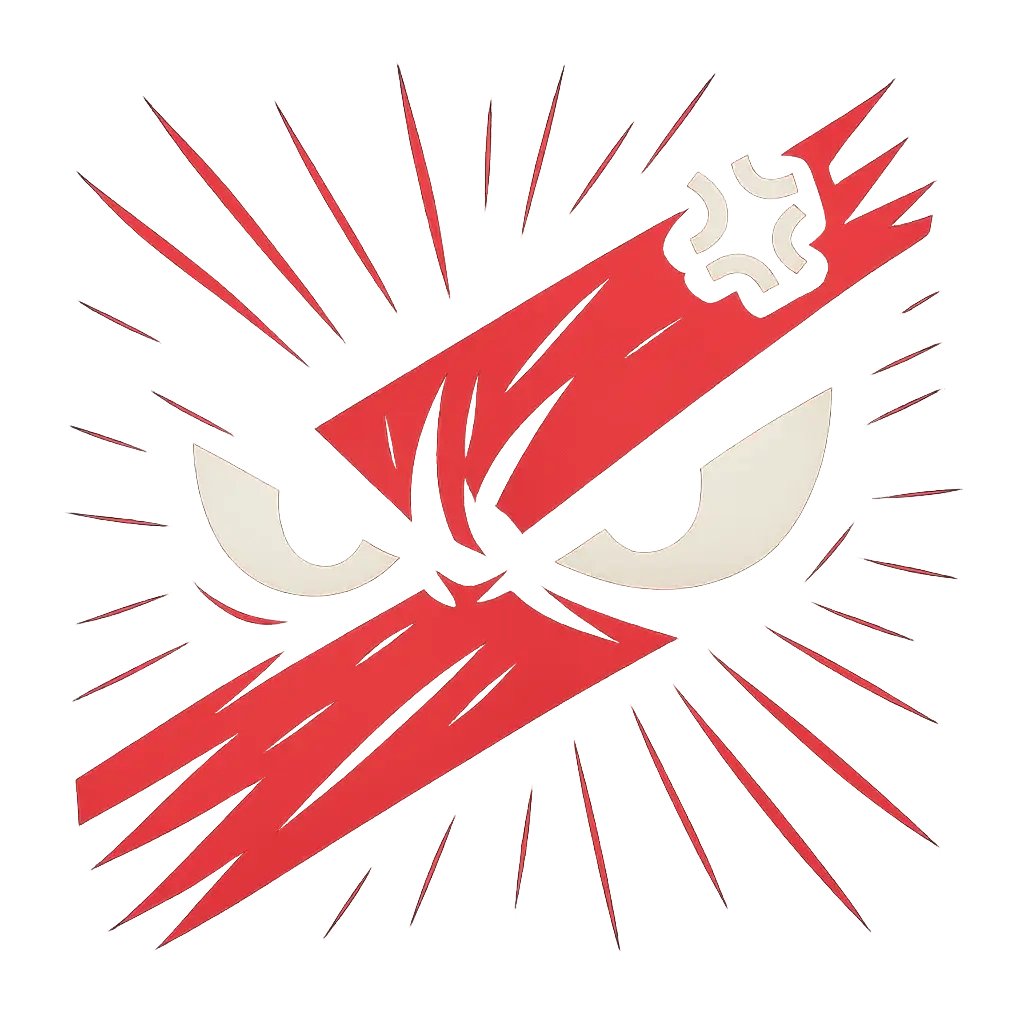
discord logo template with angry comic-style eyes on red stripe
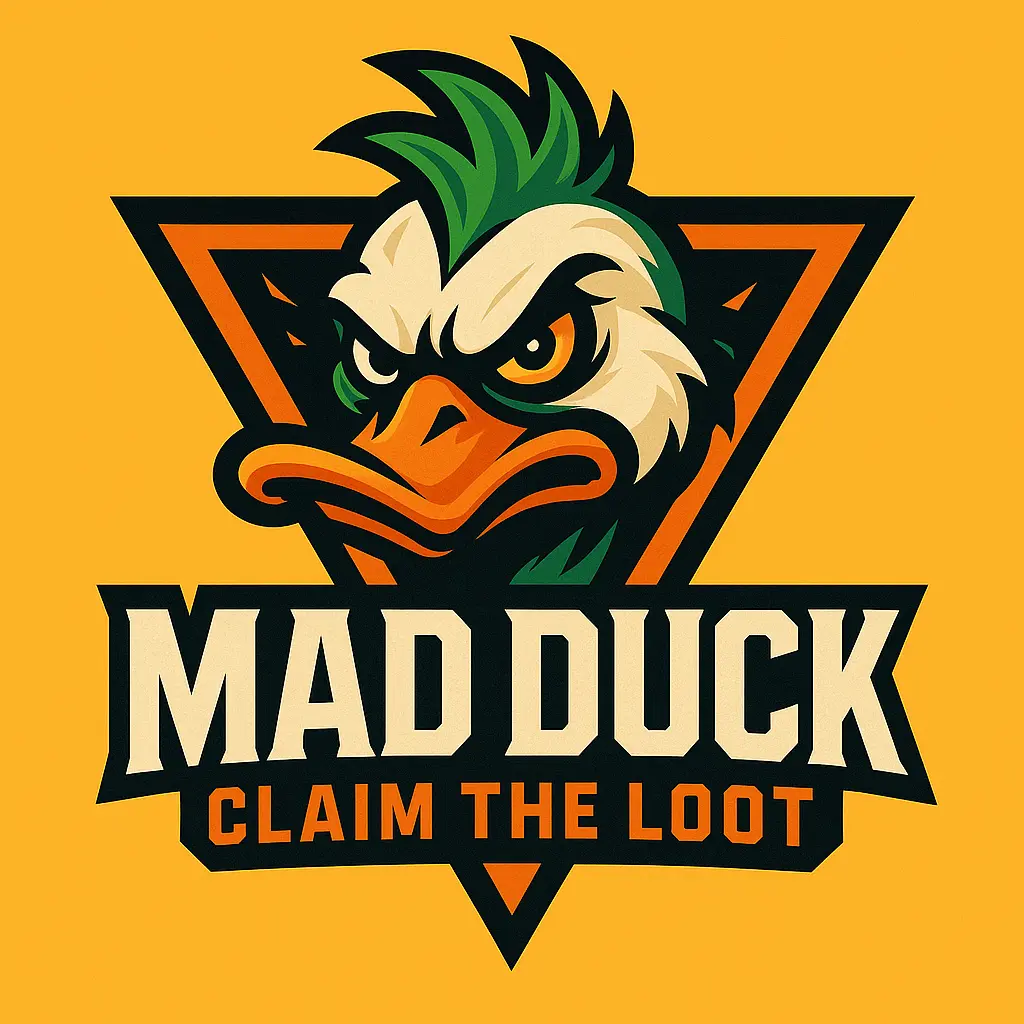
Discord logo template featuring a stylized mad duck with bold text
Edgy cyber-glam discord logo template with neon heart frame
Cyberpunk discord logo template with robotic ninja theme
blue jay bird discord logo template with bold text

Introduction to AI Discord Logo Generator

The Discord Logo Maker is an AI-powered design tool for creators looking to craft distinctive, attention-grabbing logos for their Discord communities. Whether you're a gamer, server admin, or content curator, it generates bold, customizable logo visuals in seconds—no design experience needed.
Under the hood, this discord logo maker transforms your vibe into visuals—dreamy, chaotic, elegant, or sharp-lined serious. It meets you where inspiration lags and turns hesitation into play. Let your server's identity evolve through color, form, and flair. With this discord logo maker, you're not just picking a logo, you're conjuring a mood.

Features of AI Discord Logo Generator

discord logo template with bold PB letters and dot patterns

Start With Nothing, End With Wow

Not a designer? No problem. When you're staring at a blank canvas, the discord logo maker steps in with style-savvy suggestions based on simple text prompts. It helps beginners move from uncertain ideas to standout visuals. The discord logo maker removes creative friction with intuitive inspiration generators—so your ideas never stay stuck in your head.

Edgy cyber-glam discord logo template with neon heart frame

Express Your Vibe, Not Just a Font

Your server has a soul—so why settle for a generic logo? Whether you're running a cozy book club or a high-energy esports channel, the discord logo maker adapts its AI-generated visuals to reflect your tone and culture. With trend-matching styles and smart aesthetic prompts, the discord logo maker crafts logos that feel alive, not stock-standard.

Playful lavender discord logo template with gaming motif

Explore Styles Without Second-Guessing

Can't decide between edgy neon or minimalist zen? The discord logo maker lets you explore multiple visual directions in minutes. Great for users still finding their aesthetic, the generator supports endless creative testing until something clicks. With built-in logo variations and keyword-driven discovery, the discord logo maker helps you land on your look—faster than your doubts can object.

Related Playgrounds

AI 3D Logo Maker
AI Clothing Brand Logo Generator
YouTube Logo Generator Online
AI Gaming Logo Maker
AI Circular Logo Generator
AI Sports Logo Generator
AI Basketball Logo Generator
AI Restaurant Logo Generator
AI Band Logo Generator
AI Fashion Logo Generator
AI Beauty Logo Generator
AI DJ Logo Generator
AI Attorney / Law Logo Generator
AI Church Logo Generator
AI Computer Logo Generator
AI Doctor Logo Generator
AI Automotive Logo Generator
AI Event Logo Generator
AI Education Logo Generator
AI Gaming Logo Generator
AI Heart Logo Generator
AI Technology Logo Generator
AI Typography Logo Generator
AI Real Estate Logo Generator

Why Use an AI Discord Logo Generator

Express Your Identity

Crafting a unique discord logo lets you showcase your personality and reflect your community's vibe, turning your server into a meaningful space that feels truly yours from the very first glance.

Jumpstart Your Vision

Whether you're starting a new server or rebranding an old one, generating a custom discord logo helps you capture the spirit of your group and create a clear visual anchor for your community's energy.

Explore Your Creativity

Designing your own discord logo opens a door to imaginative choices—colors, shapes, and symbols that resonate with your story—making the creative process as rewarding as the final design.

AI Discord Logo Generator That Delivers

Free to use

Free to use

Unlock powerful art tools at zero cost, making it easy for anyone to create and innovate without barriers.

Fully Private

Fully Private

Your creations and data stay confidential, guaranteeing your artistic work remains safe and secure.

Easy to Start

Easy to Start

Built for ease of use, so you can jump in and thrive—no matter your skill level or experience.

How to Use AI Discord Logo Generator

Step1

Open the generator

Click our discord logo tool. You don't need to download or install anything on your device.

Step2

Add prompt or image

Describe or upload the image your want to turn into discord logo artwork from your device or your Gallery.

Step3

Wait

The Image Generation process will start automatically. Simply wait a moment for your image to be generated or restyled.

Frequently Asked Questions

What is the discord logo maker and how does it work?

The discord logo maker is an AI-powered generator that creates custom visuals from either a text prompt or a mix of text and reference images. Just visit the site, type in your idea or upload up to 3 images as inspiration, and the generator will create a design for you in moments. No account or installation needed to get started.

Is the discord logo maker free to use?

Yes, the discord logo maker gives all users 5 free generations each day without needing to log in. If you want more, you can sign in and add credits to generate additional designs. This flexible setup lets you explore your ideas freely before deciding to upgrade.

Do I need an account to use the discord logo maker?

No, the discord logo maker allows you to generate up to 5 images per day without logging in. If you want more generations or to save your creations, signing in will unlock credit-based options and let you manage your projects more easily.

Can I use the discord logo maker on my phone or tablet?

Yes, the discord logo maker works seamlessly on both phones and tablets. No app download or setup is required—just open the site in your device’s browser, enter your prompt or upload images, and watch your discord logo come to life.

Why use this discord logo maker instead of designing manually or with other tools?

This discord logo maker is built to help you go from idea to visual with zero design tools or skills needed. It's quicker than manual design, and its AI generates inspired results based on your prompt. Whether you're starting from scratch or reimagining concepts, it's a creative shortcut worth exploring.

How can I get better results with the discord logo maker?

To get the most out of the discord logo maker, try writing a clear, vivid prompt with details like color, style, and theme. You can also upload up to 3 reference images if you have a specific vibe in mind. If you're stuck, try the example generations on the page—they’re a great launchpad.

What makes this discord logo maker different from other AI generators?

This discord logo maker stands out by combining ease of access, prompt-based creativity, and high visual output—all without any downloads. Plus, the ability to remix inspirational examples with a single click makes idea generation way easier for beginners and pros alike.

Can the discord logo maker be used for official branding?

The discord logo maker creates unique and eye-catching visuals that are great for concepts and creative direction. While it's a powerful starting point, you should double-check any final design fits your branding needs, especially for commercial use.

What if I have feedback about the discord logo maker or something’s not working?

If you have any thoughts, questions, or issues while using the discord logo maker, the team would love to hear from you. Just email hi@runcomfy.com with your feedback—your input helps make the experience better for everyone.

Why does my image from the discord logo maker sometimes look different than expected?

The discord logo maker interprets your prompt creatively, so sometimes the results can surprise you. If the output misses the mark, try tweaking your prompt or adding reference images for clarity. Even small changes in wording can shape the final look in big ways.

Follow us
  • LinkedIn
  • Facebook
  • Instagram
  • Twitter
Support
  • Discord
  • Email
  • System Status
  • Affiliate
Video Models
  • Wan 2.6
  • Wan 2.6 Flash
  • Seedance 1.5 Pro
  • Seedance 1.0
  • Kling 2.6 Pro Motion Control
  • WAN 2.2 LoRA
  • View All Models →
Image Models
  • Wan 2.6 Image to Image
  • Nano Banana Pro
  • Qwen Image Edit 2511 LoRA
  • seedream 4.0
  • Seedream 4.5 text to image
  • Flux 2 Dev
  • View All Models →
Legal
  • Terms of Service
  • Privacy Policy
  • Cookie Policy
RunComfy
Copyright 2026 RunComfy. All Rights Reserved.

RunComfy is the premier ComfyUI platform, offering ComfyUI online environment and services, along with ComfyUI workflows featuring stunning visuals. RunComfy also provides AI Models, enabling artists to harness the latest AI tools to create incredible art.