seedream-5.0-pro/image-to-image
image-to-image
Reference-guided image editing with layout, layer separation, and multilingual text
Reference-guided image editing with layout, layer separation, and multilingual text

Generate studio-grade visuals with 4K clarity, creative control, and smart adaptive lighting

Edit up to ten images from a written instruction at 1K, 2K, or 4K.

Generate detailed visuals from text swiftly with high fidelity and dual-language control.


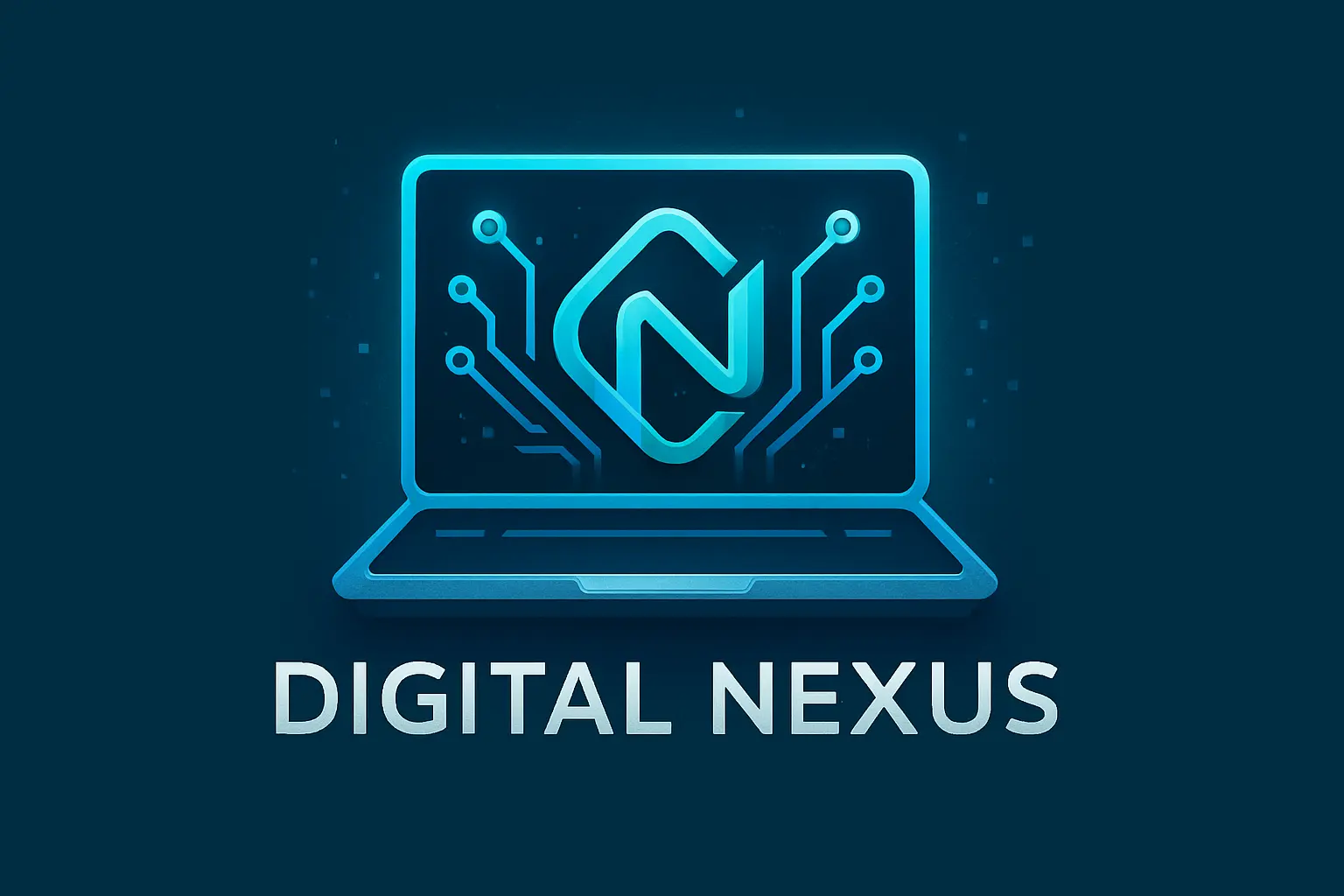
Shape a Computer Logo that reflects your unique identity and technical ambitions. Whether you're building a startup or launching a project, let your design speak volumes without saying a word.
Jumpstart your imagination by instantly exploring diverse styles and ideas for your Computer Logo. It's a springboard for creative energy, helping you go from concept to clarity in moments.
Every Computer Logo you generate can be tailored to your taste, giving you the freedom to experiment until it aligns with your brand's personality and values. Make something that's truly yours.

Unlock powerful art tools at zero cost, making it easy for anyone to create and innovate without barriers.

Your creations and data stay confidential, guaranteeing your artistic work remains safe and secure.

Built for ease of use, so you can jump in and thrive—no matter your skill level or experience.
Click our Computer Logo tool. You don't need to download or install anything on your device.
Describe or upload the image your want to turn into Computer Logo artwork from your device or your Gallery.
The Image Generation process will start automatically. Simply wait a moment for your image to be generated or restyled.
The Computer Logo Generator is an easy-to-use AI-powered generator that turns written prompts—or a combination of text and images—into unique visual logo ideas. It's designed for anyone looking to quickly create computer-related logos without special design skills. You simply describe what you want, and the generator brings it to life in seconds.
Yes, the Computer Logo Generator offers 5 free image generations each day, no login required. If you'd like more generations, you can sign in and upgrade with credits. This helps keep the service running while still giving users generous access to explore ideas at no setup or install cost.
To use the Computer Logo Generator, just open the generator online. There's no download needed. Add your prompt—or both prompt and up to 3 image references—then wait a moment for it to generate your visual. You can also explore ready-made examples and click 'Make it yours' to start instantly.
The Computer Logo Generator stands out by producing original visuals using AI from text prompts, not just premade graphics. Unlike some drag-and-drop platforms, this generator doesn't rely on clipart or fixed shapes—it builds completely new visual ideas based on your input, giving you truly custom-feeling results.
Yes, the Computer Logo Generator works smoothly on modern phones and tablets. Since it's accessible online with no downloads required, you can create or tweak your logos on the go—right from your mobile browser.
No, you don't need an account to get started with the Computer Logo Generator. Anyone can generate up to 5 images per day for free. If you want additional generations or higher usage, you can create an account and add credits.
If you have feedback or run into issues with the Computer Logo Generator, you're encouraged to reach out to the team at hi@runcomfy.com. Your input helps improve the experience and ensures the tool continues evolving in ways that support creative users like you.
Using the Computer Logo Generator saves time and sparks fresh ideas. Instead of starting from scratch, the generator builds visuals from your prompt, offering an instant visual base you can customize. It's perfect for quick brainstorming or prototyping without needing design software or illustration skills.
Great prompts for the Computer Logo Generator are clear but creative. You might describe an object, style, or mood—like 'retro hacker logo with neon font' or 'futuristic computer icon in grayscale.' You can also browse the example gallery and click 'Make it yours' to learn from prompts that already look good.
Yes, you can upload up to 3 reference images per generation with the Computer Logo Generator. Combining pictures with a written prompt helps give the AI clearer direction, especially if you're working toward a specific style or want to include elements already sketched out.
RunComfy is the premier ComfyUI platform, offering ComfyUI online environment and services, along with ComfyUI workflows featuring stunning visuals. RunComfy also provides AI Models, enabling artists to harness the latest AI tools to create incredible art.