seedream-4-5/edit
image-to-image
Transform visuals with Seedream 4.5 for coherent, photoreal image creation and precise brand consistency.
Transform visuals with Seedream 4.5 for coherent, photoreal image creation and precise brand consistency.

Prompt-driven image editing with Nano Banana 2 Edit, with multi-image input plus aspect ratio, resolution, safety tolerance, and output controls.

Turn sketches into precise 2K-4K visuals with smart correction and seamless creative control.

LoRA-based visual editing model offering structure-aware asset transformation for creative pros


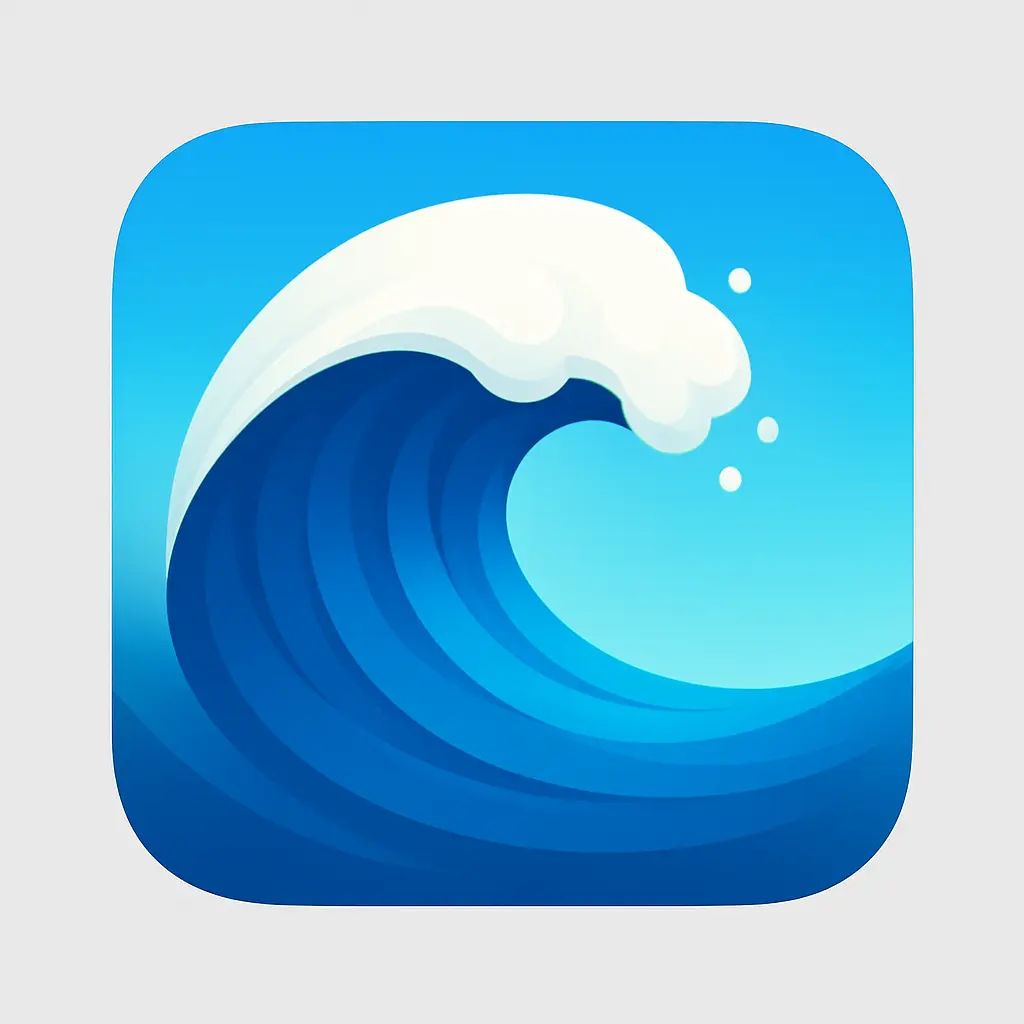
When your app reflects your imagination, every detail matters. Creating your own iOS App Icon lets you infuse your unique voice into the first thing users see—making your app truly yours from the very first glance.
Skip the back-and-forth with designers and jump straight into action. Designing your iOS App Icon with a generator accelerates your creative process, so you can focus on building and launching what matters most.
Perfect your look without the overwhelming complexity. A generator lets you easily explore different styles and iterations of your iOS App Icon, helping you land on one that feels just right for your brand and audience.

Unlock powerful art tools at zero cost, making it easy for anyone to create and innovate without barriers.

Your creations and data stay confidential, guaranteeing your artistic work remains safe and secure.

Built for ease of use, so you can jump in and thrive—no matter your skill level or experience.
Click our iOS App Icon tool. You don't need to download or install anything on your device.
Describe or upload the image your want to turn into iOS App Icon artwork from your device or your Gallery.
The Image Generation process will start automatically. Simply wait a moment for your image to be generated or restyled.
The iOS App Icon Generator is a creative AI-based maker that helps you design unique app icons using written prompts or a mix of text and image input. You just open the generator online—no installation required—describe your vision (or add up to 3 images), and the generation starts automatically. In a few moments, you’ll receive a new iOS-styled icon based on your input.
Yes, the iOS App Icon Generator offers 5 free generations per day for all users—no login required. If you want more generations beyond the daily free limit, you can sign in and upgrade using credits. That way, you only pay when you choose to go beyond the free tier.
No, the iOS App Icon Generator works entirely online. You don’t need to install any apps or software. Just visit the website, enter your prompt (and optional images), and start creating icons instantly—right from your phone, tablet, or computer.
For a stronger result with the iOS App Icon Generator, try writing a clear and vivid prompt. Use short phrases to describe colors, style, or mood. You can also add up to 3 images to guide the generator visually. If you're not sure where to start, browse our example icons and click “Make it yours” to base your design on something already great.
Using the iOS App Icon Generator saves serious time and boosts creativity. Unlike designing from scratch, it gives you instant visual options from a single idea—no software, layers, or guesswork needed. It’s perfect for quick inspiration or a finished look when manual design feels too slow or rigid.
The iOS App Icon Generator stands out by focusing solely on creating icon-ready visuals with an Apple-style feel. It doesn’t require accounts or setup to get started, and it offers curated example designs to inspire first-time users. Plus, you get 5 free daily generations without needing to sign in, which isn’t always available elsewhere.
Yes, the iOS App Icon Generator works well on phones and tablets. You can open it in your mobile browser and create icons without any extra steps. The layout and features adjust smoothly for smaller screens, so it’s easy to prompt and generate on the go.
Yes, your feedback is always appreciated! If you have suggestions, spot an issue, or just want to share your experience with the iOS App Icon Generator, you can reach out to the support team at hi@runcomfy.com. Every message helps us improve the experience.
Absolutely, the iOS App Icon Generator is great at translating creative or quirky ideas—even when all you have is the mood of an emoji. Describe the feeling or theme you're going for, and the generator will turn it into a visual icon that speaks louder than words (or faces).
The iOS App Icon Generator creates visuals that feel at home in the Apple ecosystem—clean, bold, and refined. While it can’t guarantee pixel-perfect Apple specs, it’s geared toward generating icons that follow common style trends for iOS: rounded shapes, minimalism, and strong focus.
RunComfy is the premier ComfyUI platform, offering ComfyUI online environment and services, along with ComfyUI workflows featuring stunning visuals. RunComfy also provides AI Models, enabling artists to harness the latest AI tools to create incredible art.