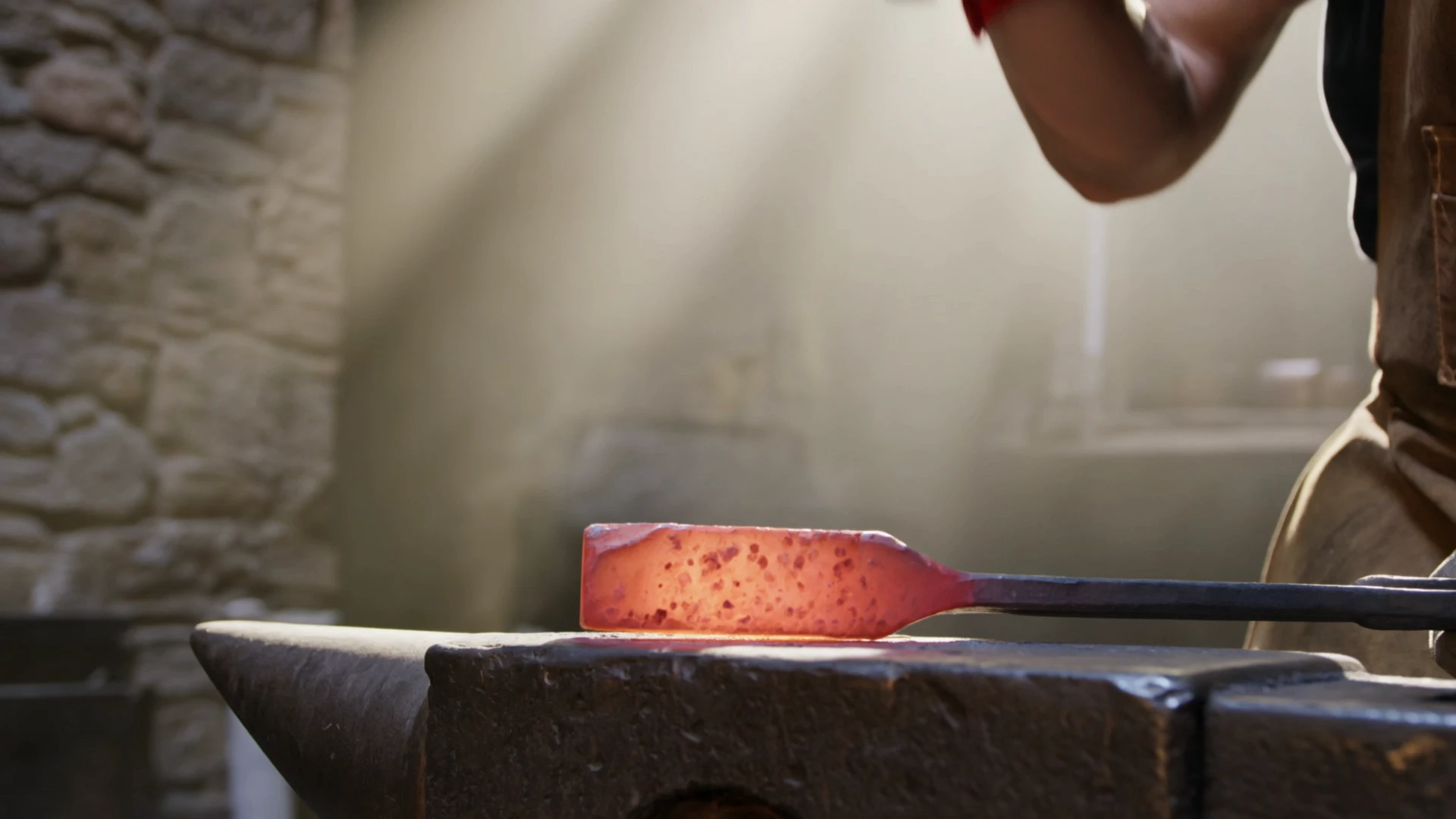
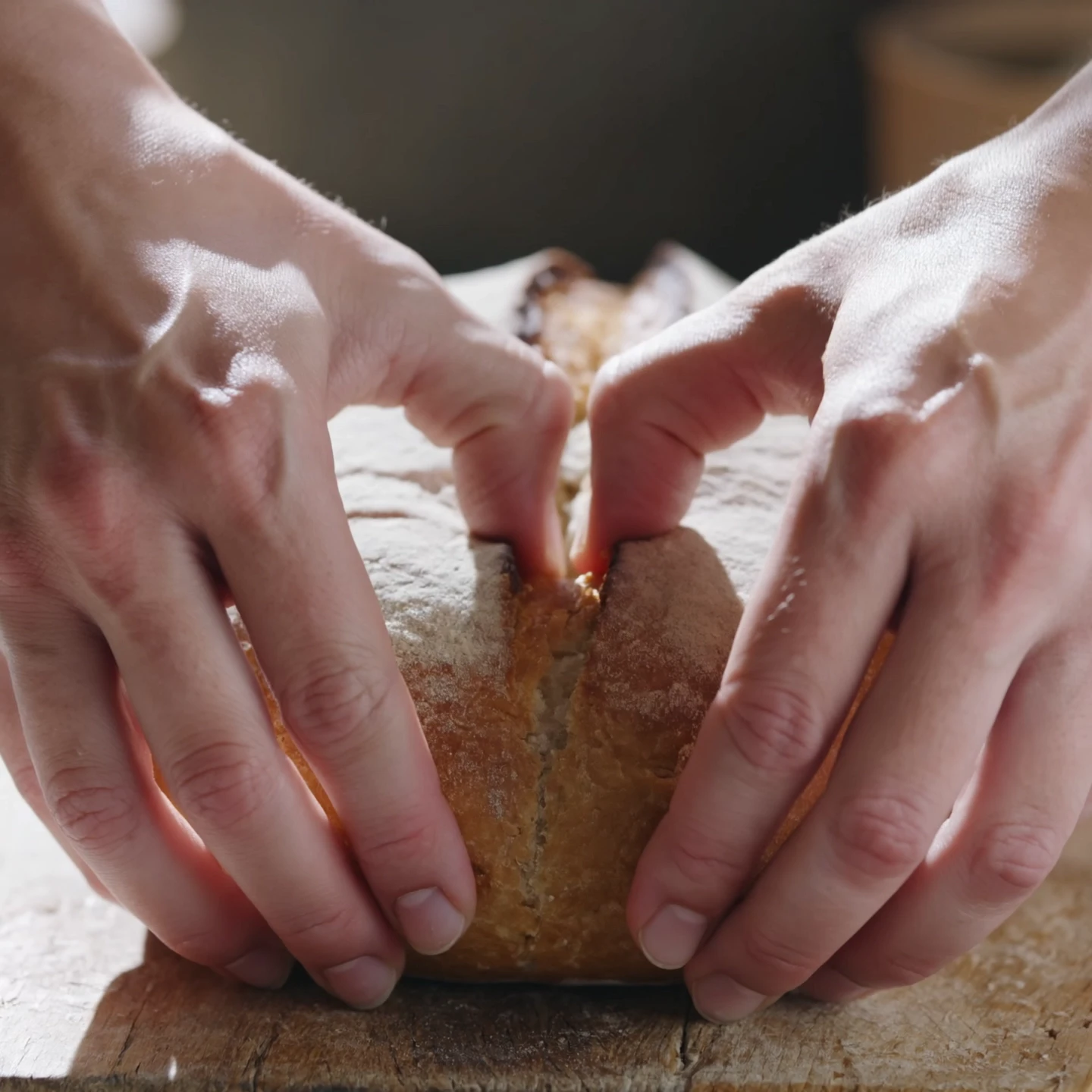
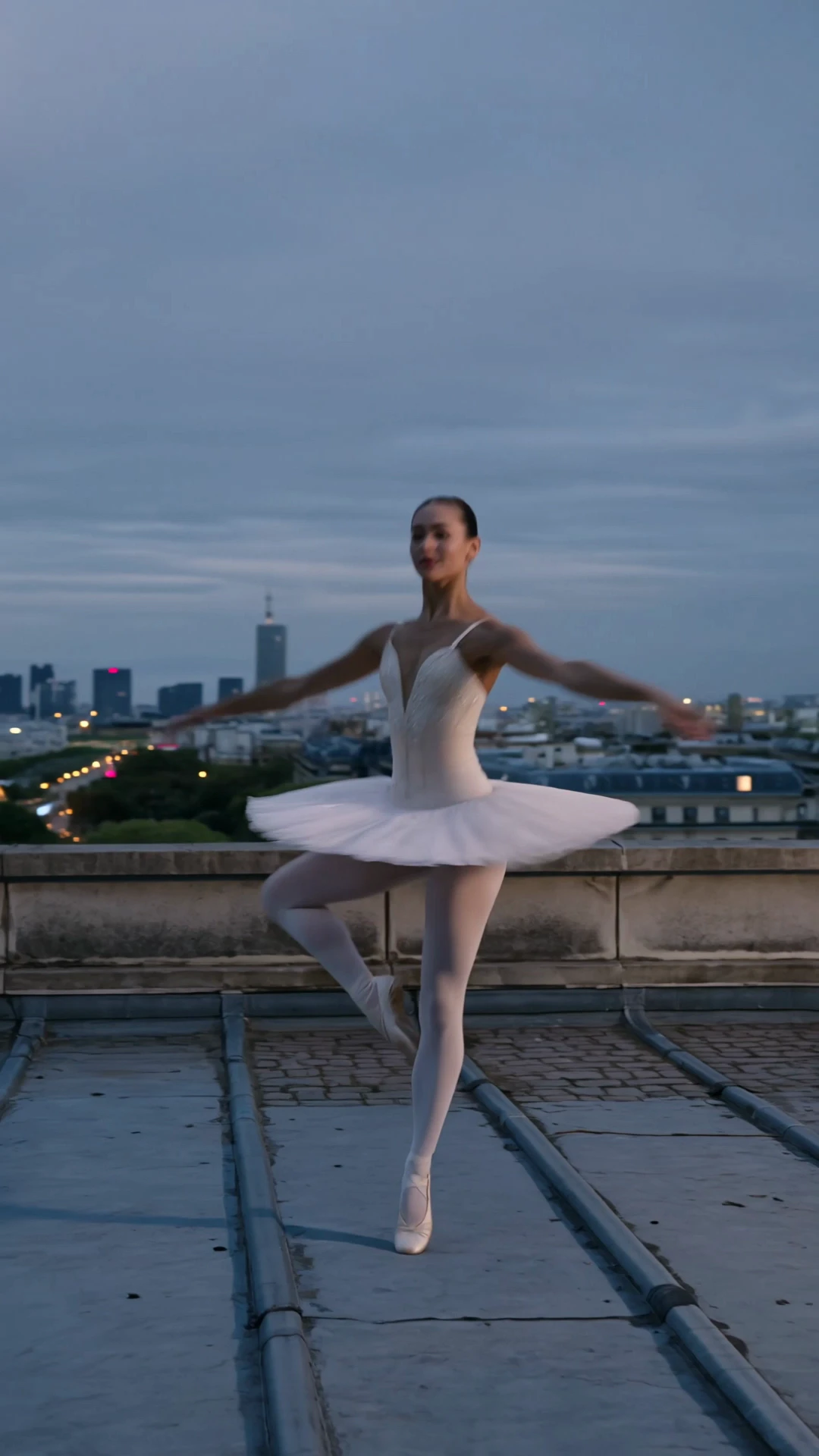
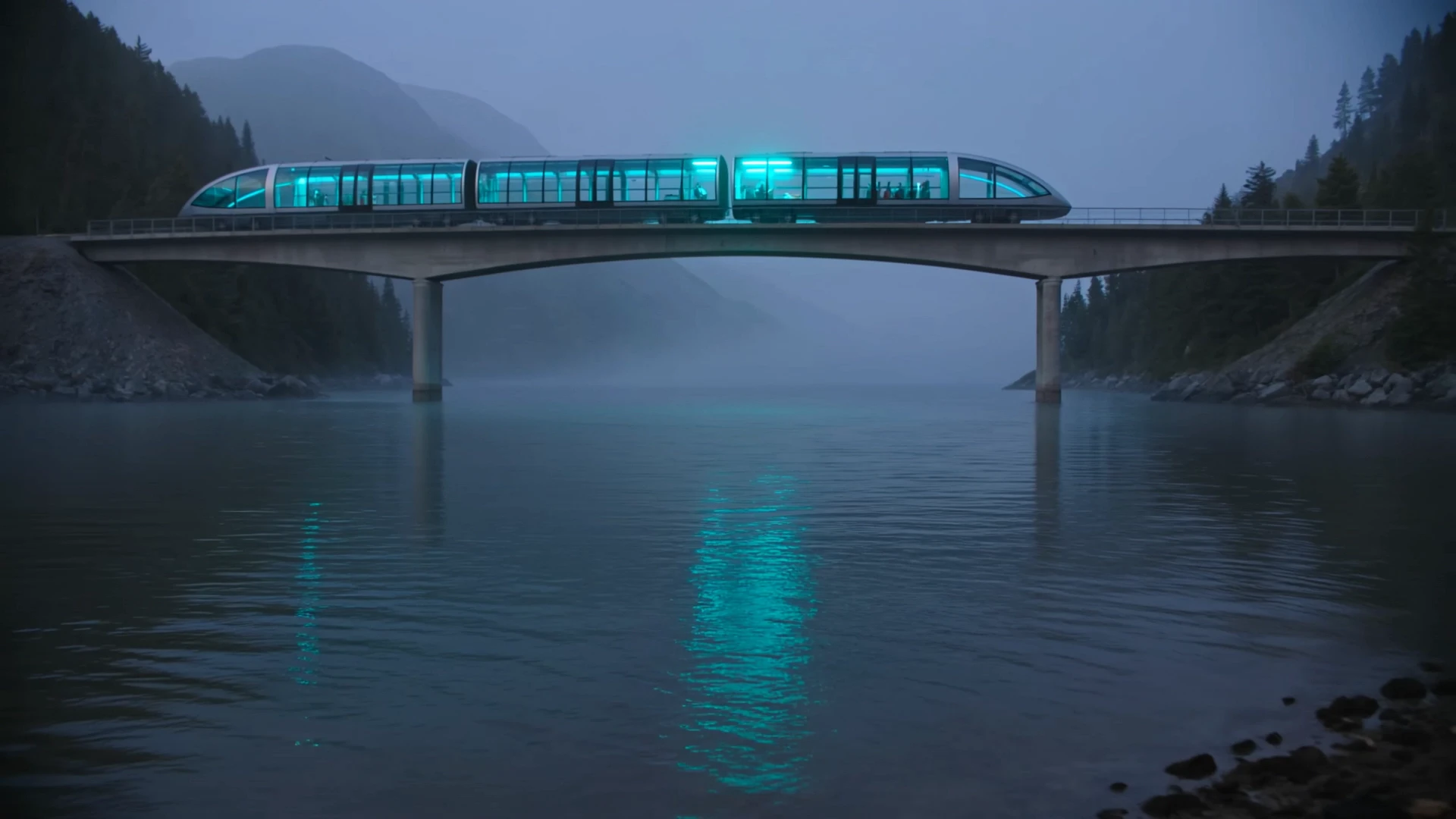
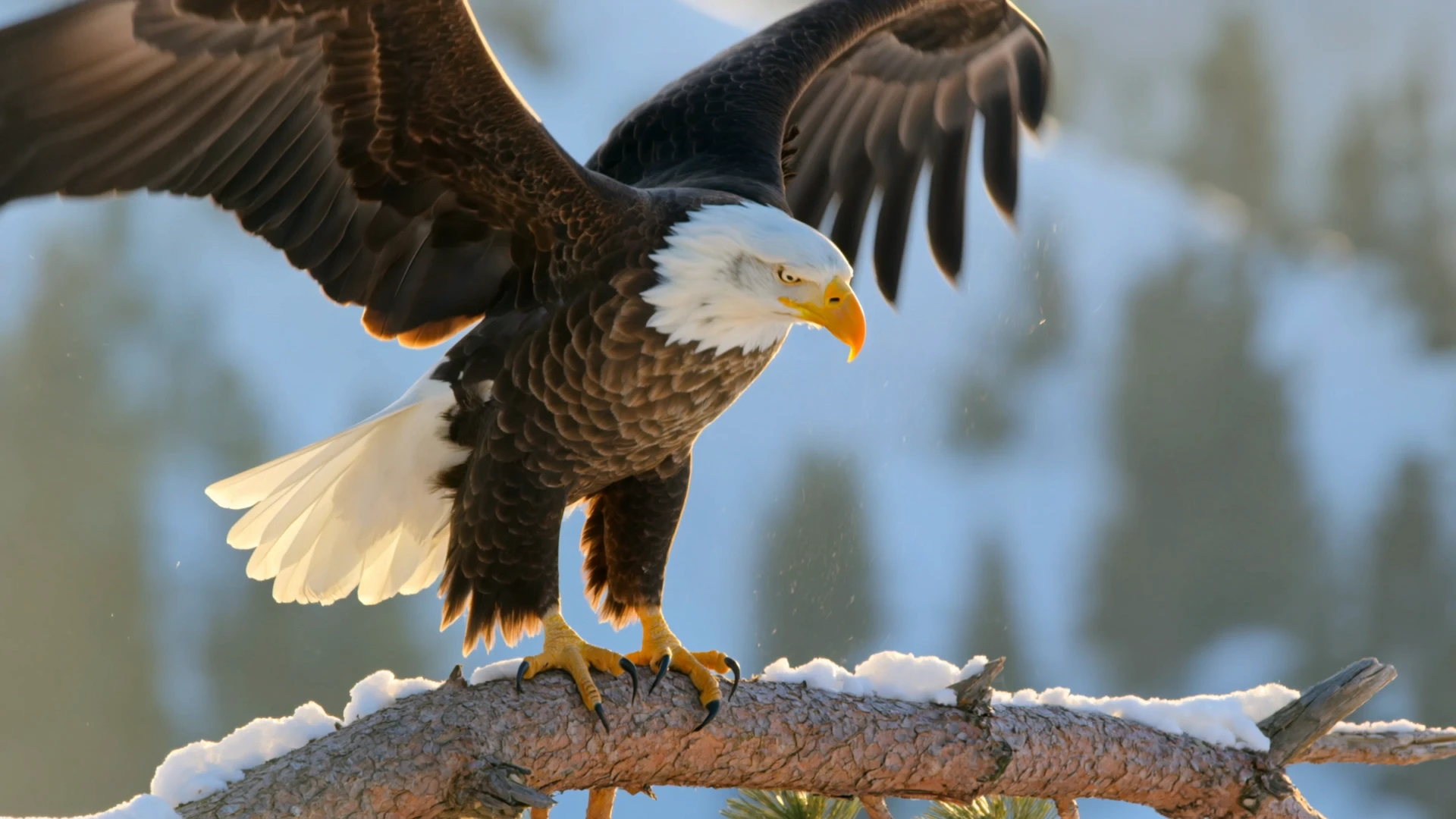
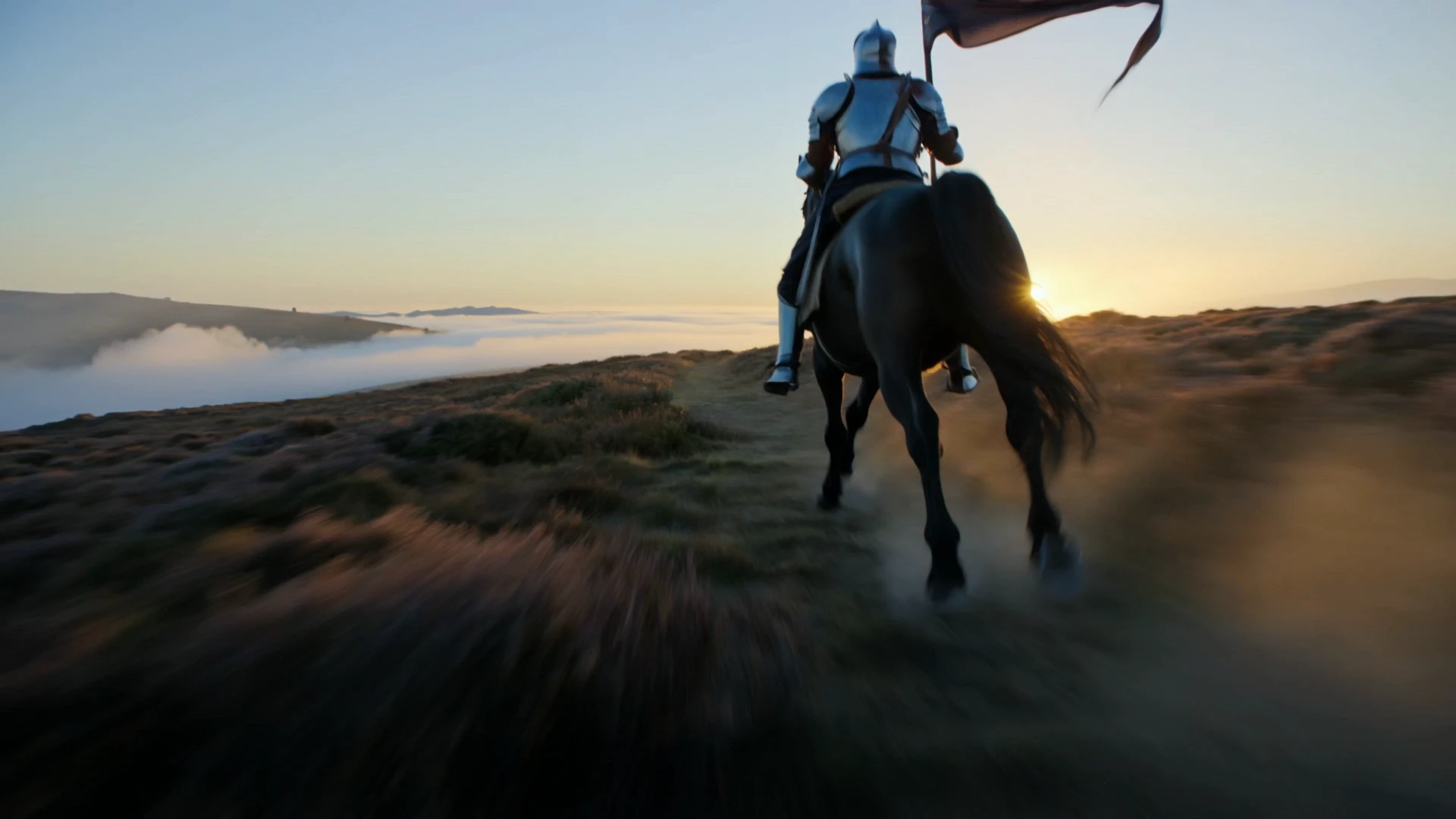
kling-video-o1/standard/image-to-video
Create 1080p cinematic clips from stills with physics-true motion and consistent subjects.
This is the Pro-tier image-to-video member of Kuaishou's O3 generation, tuned for final-render fidelity. It animates a reference frame while preserving the subject, composition, and lighting of the source image, and supports an optional end frame for controlled transitions.
It fits teams that need broadcast-grade short-form motion from existing photos, renders, or concept art — without a shoot, manual rotoscoping, or self-hosting the model.
Create 1080p cinematic clips from stills with physics-true motion and consistent subjects.
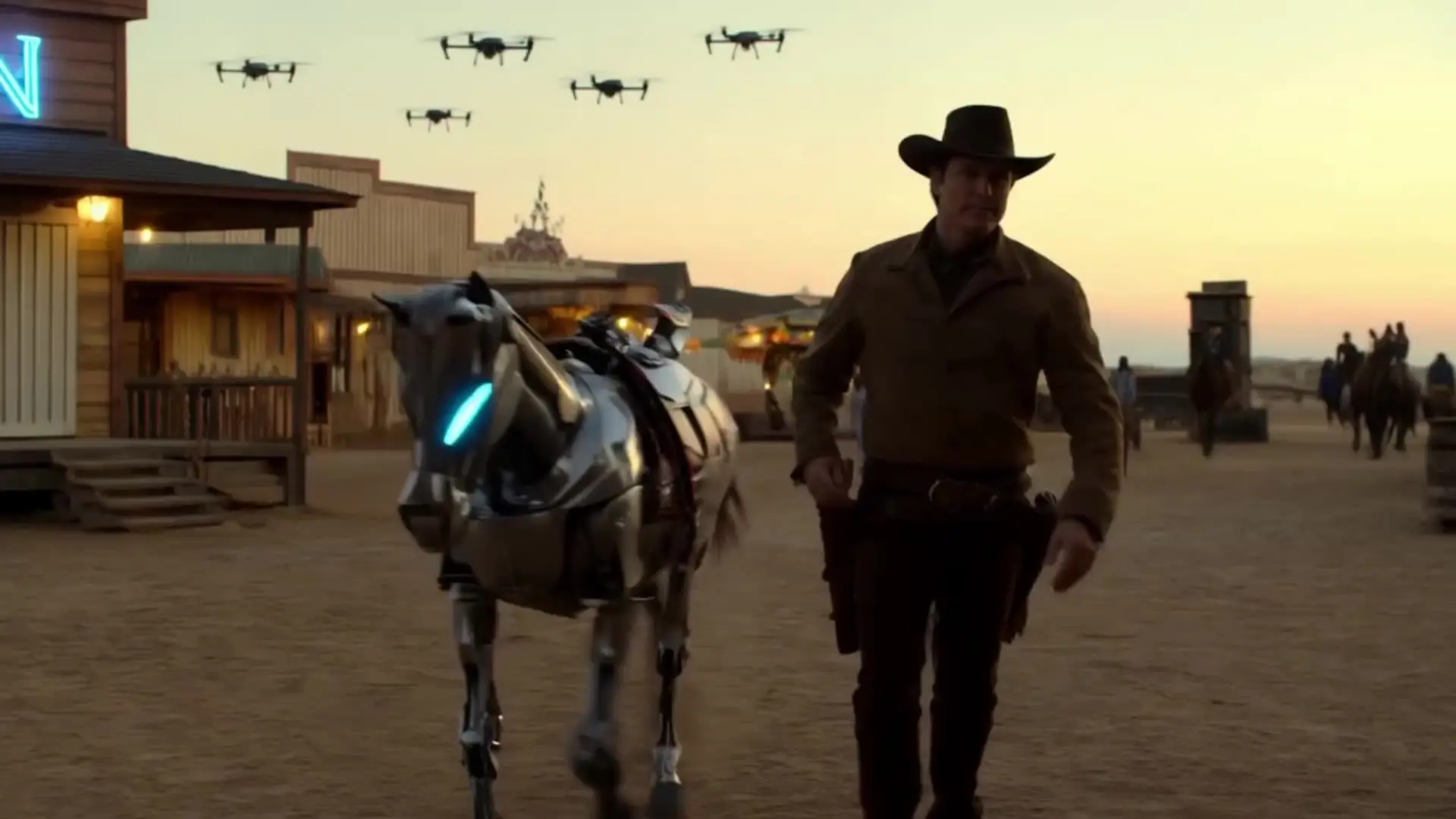
Features smooth scene transitions, natural cuts, and consistent motion.

Wan 3.0 Prime Reference To Video builds clips from refs fast
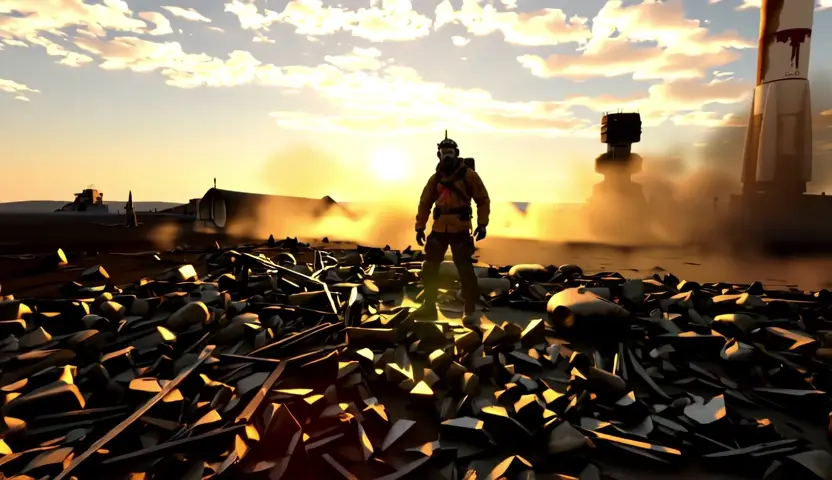
Prompt-based animating with subject fidelity and smooth motion.

Generate lifelike motion visuals fast with Dreamina 3.0 for designers.

LTX 2.5: animate stills to 4K video with synced audio
Kling Video O3 Pro Image To Video is Kuaishou's Pro-tier image animation entry in the O3 family. It animates a single reference frame and a text prompt into a 3 to 15 second cinematic clip with physics-aware motion, subject consistency, and optional synchronized audio. The result targets the top of the O3 fidelity range, suitable for hero cuts and broadcast-grade output.
The Pro tier is tuned for final-render quality, pushing lighting, motion realism, and detail higher than the Standard tier based on available provider information. Standard is positioned for iteration and high-volume drafts at a lower per-second rate. The control surface — image, prompt, end_image, duration, sound, shot_type — is the same across both tiers, so you can prototype on Standard and scale to Kling Video O3 Pro Image To Video without rewriting prompts.
You provide a start frame image URL and a prompt describing motion, camera, and atmosphere. Optional inputs include an end_image URL for a guided two-frame transition, duration as an integer between 3 and 15 seconds, sound as a boolean for synthesized audio, and shot_type as either customize or intelligent. Kling Video O3 Pro Image To Video reads from public HTTPS URLs, so any image hosted on accessible storage works.
Brand studios, ad agencies, e-commerce video producers, film teams, and product designers use Kling Video O3 Pro Image To Video to turn product photos, portraits, and concept renders into Pro-quality short clips. It fits hero product animations, premium spokesperson cuts, cinematic photo reels, and storyboard frame transitions. Developers also integrate it into automated pipelines that turn a still plus a brief into broadcast-grade footage.
Both image and prompt are required, while end_image, sound, shot_type, multi_prompt, and element_list are optional. Duration is an integer between 3 and 15 seconds, shot_type accepts customize or intelligent, and sound is a boolean. For resolution, file format, and concurrency caps, check the current RunComfy parameter panel for the exact limits, since they may vary by provider settings.
Yes. You can prototype Kling Video O3 Pro Image To Video in the RunComfy AI Playground Web UI — dialing in the start frame, prompt, optional end frame, duration, sound, and shot_type — then call the same model via the RunComfy API with identical parameters. This keeps creative iteration in the browser while production runs in code, without changing how the model behaves.
Generations consume usd / credits from your RunComfy balance. Kling Video O3 Pro Image To Video bills $0.111 per second without sound, and $0.139 per second when synthesized sound is enabled — a 25% surcharge on top of the base rate. As examples, 5 seconds without sound is around $0.555, and 10 seconds with sound is around $1.390. New users typically get a free trial usd amount; refer to the Generation section of the model page for the latest rates.
Kling Video O3 Pro Image To Video responds best to prompts that lead with a clear camera move (slow push-in, tracking, orbit), then describe the subject's action, lighting, and atmosphere using concrete cues like "golden hour rim light", "50mm dolly-in", or "neon practicals". Keep the start frame uncluttered around the main subject so identity stays locked. Iterate at 3 to 5 seconds to validate motion before committing to a longer hero render.
RunComfy is the premier ComfyUI platform, offering ComfyUI online environment and services, along with ComfyUI workflows featuring stunning visuals. RunComfy also provides AI Models, enabling artists to harness the latest AI tools to create incredible art.