logo
RunComfy
  • ComfyUI
  • TrainerNew
  • Models
  • API
  • Pricing
discord logo
MODELS
Explore
All Models
LIBRARY
Generations
MODEL APIS
API Docs
API Keys
ACCOUNT
Usage

LTX 2.5: AI Video Models with Multishot, 4K HDR & Native Audio | RunComfy

lightricks/ltx-2.5/image-to-video/fast

LTX 2.5 Image-to-Video Fast turns a still plus prompt into synced AV clips up to 4K, with optional end-frame guidance for quick iteration.

URL of the start image to animate into video.
Optional end image for a transition between start and end frames. Leave empty for open-ended motion from the start frame.
Describe motion, camera, lighting, style, and audio for the generated video.
Video length in seconds. Use auto to let the model choose from the prompt.
Output resolution of the generated video.
Output aspect ratio. auto follows the input image.
Frames per second of the generated video.
Whether to generate synchronized audio with the video.
Optional camera motion preset. Leave unset for prompt-only camera direction.
Idle
The rate is $0.10 per second for 720p, $0.14 per second for 1080p, $0.21 per second for 1440p, and $0.33 per second for 4K (2160p). Native audio is included at every resolution.

Introduction To LTX 2.5

LTX 2.5 is Lightricks' open-weights audio-video model for synchronized picture and sound from text, images, or audio. This page uses the Image-to-Video Fast tool: animate a still into 720p–4K video with optional native audio, multi-shot continuity, and rapid iteration. For developers, LTX 2.5 on RunComfy runs in the browser and via an HTTP API, so you don't need to host or scale the model yourself.
Ideal for: Still-to-spot ads | Multi-shot animatics | Social hooks from key art

Why Choose LTX 2.5#


LTX 2.5 is Lightricks' open-weights audio-video model for generating synchronized picture and sound from text, images, or audio. This page runs the Image-to-Video Fast tool: animate a still into a clip with optional native audio in a speed-focused mode built for quick drafts. Sibling RunComfy pages cover text-to-video and audio-to-video Fast modes in the same LTX 2.5 family.


Creators pick LTX 2.5 when they need open weights plus hosted Fast tools. Across tasks, LTX 2.5 keeps identity and sound more aligned while you iterate. Many teams start on this Image-to-Video Fast page, then move to other LTX 2.5 task pages without changing creative direction.


LTX 2.5 advantageWhat it means for you
Native multi-shot continuityDirect connected scenes in one pass so character look, set, lighting, voice, and grade stay aligned across cuts.
Adaptive detail where it countsRendering budget shifts with scene complexity, keeping faces, textures, and on-screen type sharper when needed.
Updated video decoderCleaner motion, fewer reconstruction artifacts, and more stable detail versus earlier LTX generations.
Stronger prompt holdA Gemma 4 12B text encoder plus prompt enhancer helps LTX 2.5 retain multi-character, camera, and lighting instructions.
Fast iteration tierChoose duration auto or fixed lengths, and scale from 720p through 4K (2160p) with audio included in the rate.

Best Use Cases#


LTX 2.5 covers still animation, text-led drafts, and audio-timed clips across sibling Fast pages; this tool focuses on image-to-video.


  • Still-to-spot animation: Use LTX 2.5 to turn product, portrait, or key-art stills into short motion clips with matching ambience or dialogue cues.
  • Storyboard and multi-beat drafts: Block connected shots while keeping identity and environment consistent for campaigns or animatics with LTX 2.5.
  • Social and ad hooks: Produce 9:16 or 16:9 openers from a locked composition before committing to longer edits.
  • Previsualization: Test camera paths (dolly, jib, focus shift) and lighting beats on a reference frame before a shoot.

How It Works#


  1. Upload a start frame: Provide a clear still. Optionally add an end frame when you want a guided transition between two compositions.
  2. Describe motion and sound: Tell LTX 2.5 what moves, how the camera behaves, and what should be heard.
  3. Set delivery controls: Pick duration (auto or 6–20s), resolution (720p–2160p), aspect ratio (auto, 16:9, 9:16), FPS, audio on/off, and optional camera motion.
  4. Generate and refine: Review continuity, faces, text, and audio timing from LTX 2.5, then adjust one instruction at a time.

Parameters#


Controls on this LTX 2.5 Image-to-Video Fast page:


ParameterRequiredTypeDefaultRange / OptionsHow to choose
image_url*Yes (*)Image URLExample stillJPG, JPEG, PNG, WEBP, GIF, AVIFUse a sharp, well-lit still; composition largely locks the framing LTX 2.5 will animate.
end_image_urlNoImage URL—Same formatsAdd only for a start→end morph; leave empty for open-ended motion from the first frame.
prompt*Yes (*)StringExample promptUp to 5,000 charactersCover subject action, camera, lighting, style, and audio sources in one coherent brief.
durationNoStringautoauto, 6, 8, 10, 12, 14, 16, 18, 20Use auto to let LTX 2.5 infer length; pick fixed seconds when timing must match an edit.
resolutionNoString1080p720p, 1080p, 1440p, 2160pDraft at 720p; move up for hero placements and large crops.
aspect_ratioNoStringautoauto, 16:9, 9:16Prefer auto to follow the still; force 16:9 or 9:16 for platform delivery.
fpsNoInteger2524, 25, 48, 50Match editorial cadence (24/25) or smoother motion (48/50).
generate_audioNoBooleantruetrue / falseKeep on for synced ambience, SFX, or dialogue; off for silent picture plates.
camera_motionNoString—dolly_in, dolly_out, dolly_left, dolly_right, jib_up, jib_down, static, focus_shiftOptional macro move when you want a prescribed camera path on top of the prompt.

  • Required field.

Pricing#


Billing for LTX 2.5 on this page is per second of generated video. LTX 2.5 Image-to-Video Fast includes native audio at every resolution.


ResolutionPrice per second6s10s20s
720p$0.10$0.60$1.00$2.00
1080p$0.14$0.84$1.40$2.80
1440p$0.21$1.26$2.10$4.20
4K (2160p)$0.33$1.98$3.30$6.60

For batches, total ≈ duration × per-second rate × output count. When duration is auto, LTX 2.5 billing follows the actual generated length.


Prompting Tips & Examples#


Reusable structure for LTX 2.5 (keep one main action per clip):


[who/what is on screen] + [action over time] + [camera] + [lighting & environment] + [look/grade] + [audio sources] + [ending beat]


  • Anchor to the still: Name only motions that the start frame can support.
  • Separate camera vs subject: State dollies, pans, and focus shifts apart from character action.
  • Script audio explicitly: Footsteps, rain, dialogue, or music beds improve sync when generate_audio is on.
  • Use end frames sparingly: Provide end_image_url when the finish pose or layout must land precisely.

Weak prompt


> Make the photo cinematic with nice camera movement and sound.


Improved prompt for LTX 2.5


> A woman in a charcoal wool coat stands under a clear umbrella at a rain-slick Tokyo crosswalk at night. She lowers the umbrella, steps into the crosswalk as a yellow taxi glides through the mid-ground, and neon kanji signs ripple across the wet asphalt. Locked-off wide shot, fine rain streaks, soft reflections. Audio: light rain, distant traffic hum, one soft tire hiss on water.


How LTX 2.5 Compares#


Use this LTX 2.5 family guide; exact limits depend on the endpoint. Based on publicly available information.


ModelStandoutTypical fit
LTX 2.5Open-weights AV model with multi-shot continuity, Fast modes, and resolutions through 4KSynced audio-video from stills, text, or audio with open weights available
LTX 2Earlier Lightricks AV generation with Fast/Pro tiersPipelines that do not yet need 2.5 continuity upgrades
Kling 3.0Multi-shot prompting with strong lip-sync optionsScripted character ads and dialogue-led spots
Seedance 2.0 / 2.5Dense reference mixing across image, video, and audioBrand work that must lock identity from many references
MiniMax H3Multimodal family with stereo audio and reference workflowsPrompt-first drafts that may later add Omni-style references

Choose LTX 2.5 when open weights and Fast cloud endpoints both matter. What sets LTX 2.5 apart is multi-shot continuity with native audio in one pass. Run the same brief across models before locking a production path.


More Models to Try#


  • LTX 2.5 Fast Text-to-Video: Prompt-only AV drafts when you do not have a start frame.
  • LTX 2.5 Fast Audio-to-Video: Drive picture timing from a dialogue or music bed.
  • LTX 2 Fast Image-to-Video: Prior-generation Fast still animation if you need continuity with older LTX 2 jobs.
  • Kling 3.0 Image-to-Video: Timed shot prompts and optional end frames for dialogue-heavy brand films.
  • Seedance 2.5 Image-to-Video: Animate a still when you plan to move into multi-reference Seedance workflows next.

Published LTX 2.5 weights also support local fine-tuning when hosted drafts are not enough.


Official Resources#


  • Lightricks LTX-2.5 on Hugging Face
  • Lightricks LTX-2 GitHub repository
  • LTX official site

Related Models

dreamina-3-0/pro/text-to-video

Turn text into detailed cinematic scenes with Dreamina 3.0 precision.

seedance-2.0-mini/text-to-video

Fast, low-cost multi-shot AI video model with native audio and references.

kling-3.0/standard/image-to-video

Turn stills into cinematic motion clips with camera and audio control.

happyhorse-1.0/reference-to-video

HappyHorse 1.0 Reference to Video fuses up to 9 reference images and a prompt into a coherent multi-character clip with stable identity.

elevenlabs/music-generation

Prompt-driven song creation with 44.1 kHz WAV control and section editing

wan-2-2/fun-inpaint

Interpolates start-end frames with refined motion control presets

Frequently Asked Questions

What is LTX 2.5 used for in image-to-video workflows?

LTX 2.5 animates a still into a short video with optional synchronized audio. On this page you use the Image-to-Video Fast tool for rapid drafts, while sibling pages cover text-to-video and audio-to-video Fast modes in the same model family.

How does LTX 2.5 improve multi-shot continuity?

LTX 2.5 can generate connected scenes in one pass so character appearance, environment, lighting, voice, and visual style stay more consistent across cuts. That helps campaign animatics and multi-beat spots that previously needed separate single-shot generations.

What resolutions and durations does LTX 2.5 Image-to-Video Fast support?

You can generate at 720p, 1080p, 1440p, or 4K (2160p), with duration set to auto or fixed lengths of 6–20 seconds. FPS options include 24, 25, 48, and 50, and aspect ratio can follow the still (auto) or use 16:9 or 9:16.

Can LTX 2.5 use a start and end frame together?

Yes. Provide a start image (required) and optionally an end image when you want a guided transition between two compositions. Leave the end image empty for open-ended motion from the first frame only.

Does LTX 2.5 generate audio with the video?

Native audio can be generated with the picture when generate_audio is enabled, and audio is included in the per-second rate at every resolution. Turn audio off if you need a silent plate for later sound design.

What input limits should I know before using LTX 2.5?

Prompts can be up to 5,000 characters. Start and optional end images accept common formats such as JPG, PNG, WEBP, GIF, and AVIF. Check the current RunComfy parameter panel for any additional upload size limits.

Can developers use LTX 2.5 through the RunComfy API?

Yes. Prototype in the RunComfy Web UI, then call the same LTX 2.5 Image-to-Video Fast model via the HTTP API with matching parameters for automation and production workflows.

How much does it cost to generate with LTX 2.5 on RunComfy?

Billing is per second of generated video: $0.10 at 720p, $0.14 at 1080p, $0.21 at 1440p, and $0.33 at 4K (2160p). When duration is auto, the charge follows the actual generated length. Generations consume USD/credits on RunComfy; new users typically receive a free trial amount.

Follow us
  • LinkedIn
  • Facebook
  • Instagram
  • Twitter
Support
  • Discord
  • Email
  • System Status
  • Affiliate
Video Models
  • MiniMax H3 Open
  • FLUX 3 Image to Video
  • MiniMax H3 Open Image to Video
  • Wan 2.6 Flash
  • Happy Horse 1.1 reference to video
  • Seedance 1.5 Pro Text to Video
  • View All Models →
Image Models
  • Seedream 5.0 Pro Image Edit
  • Flux 2 Flash Edit
  • Nano Banana Pro
  • seedream 4.0
  • GPT Image 2
  • Qwen Image Edit 2511 LoRA
  • View All Models →
Legal
  • Terms of Service
  • Privacy Policy
  • Cookie Policy
RunComfy
Copyright 2026 RunComfy. All Rights Reserved.

RunComfy is the premier ComfyUI platform, offering ComfyUI online environment and services, along with ComfyUI workflows featuring stunning visuals. RunComfy also provides AI Models, enabling artists to harness the latest AI tools to create incredible art.

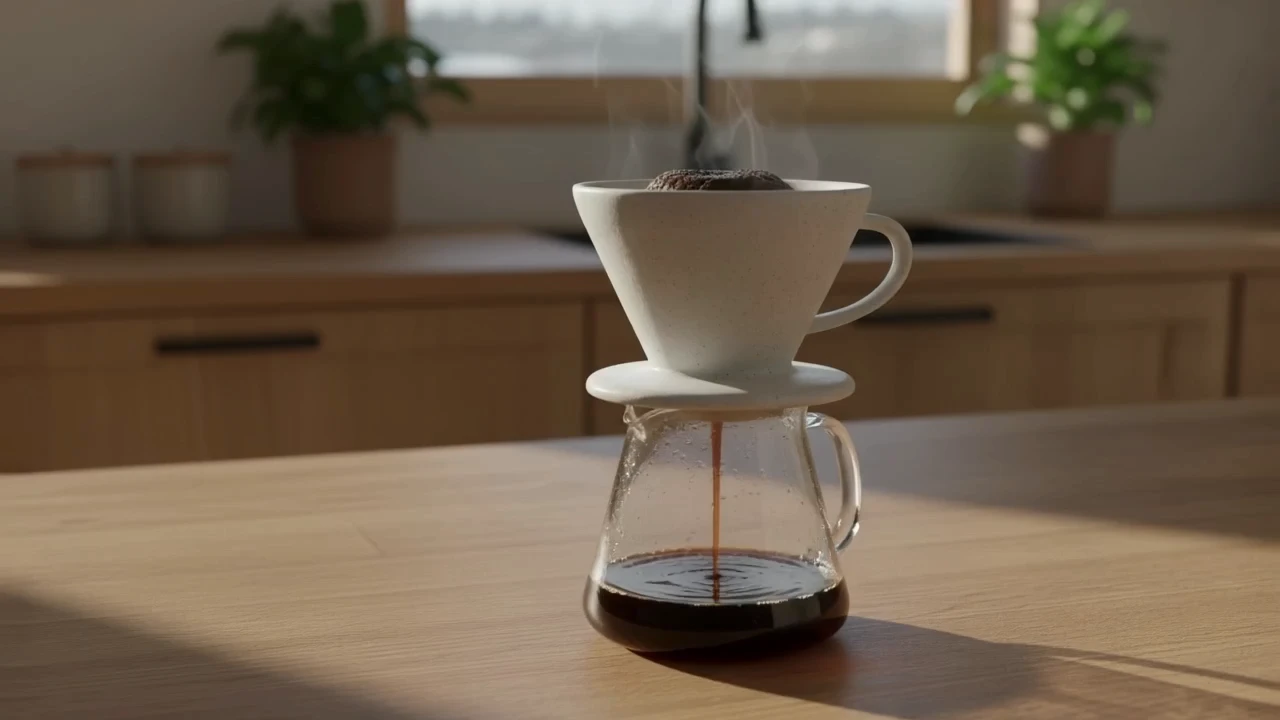
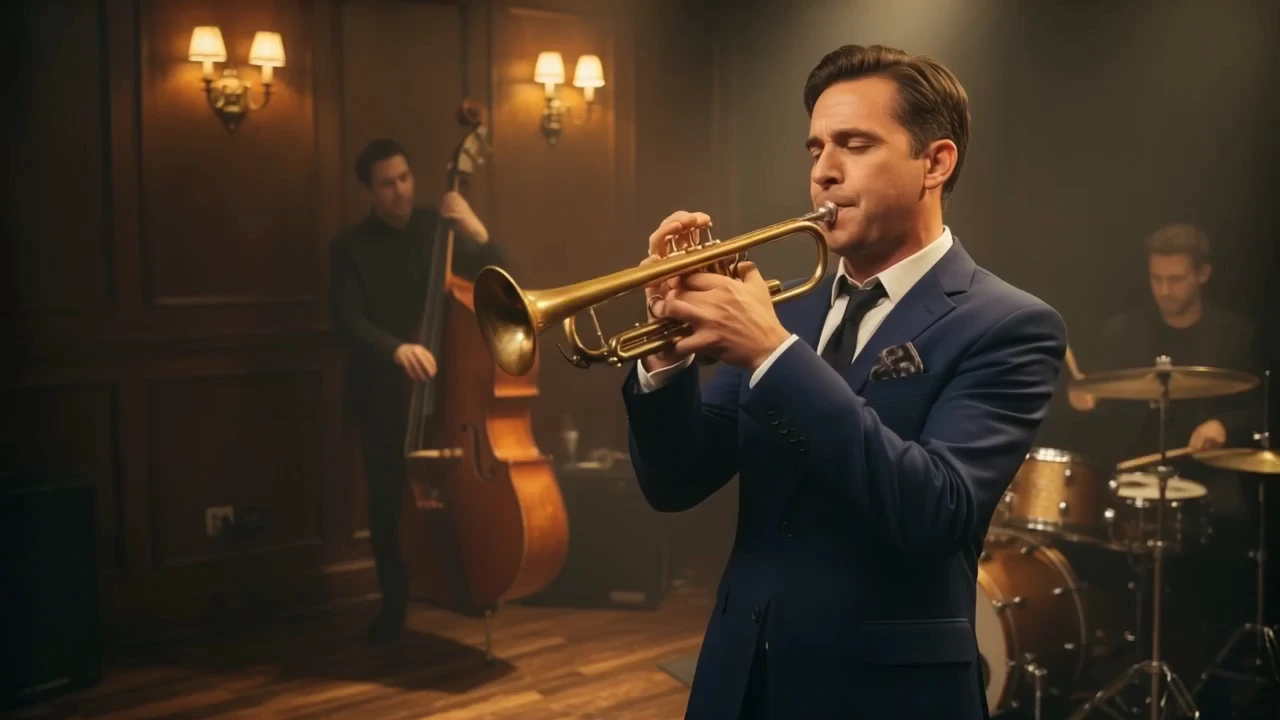
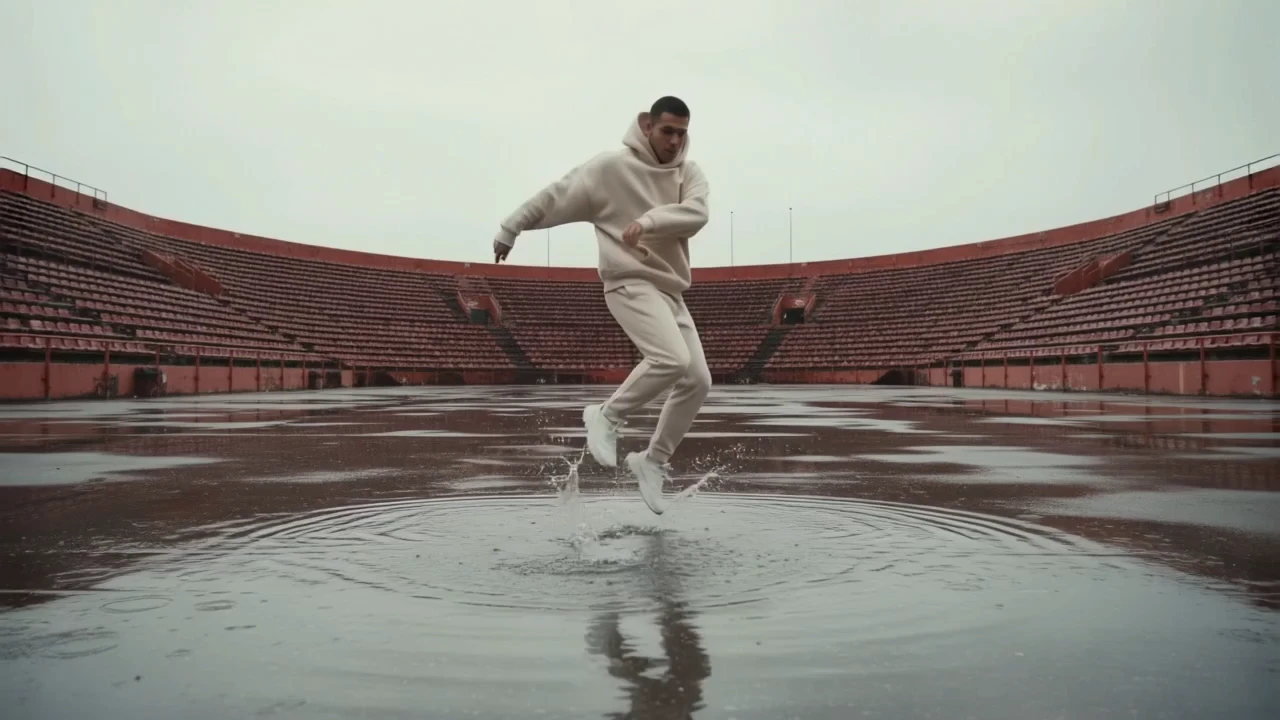
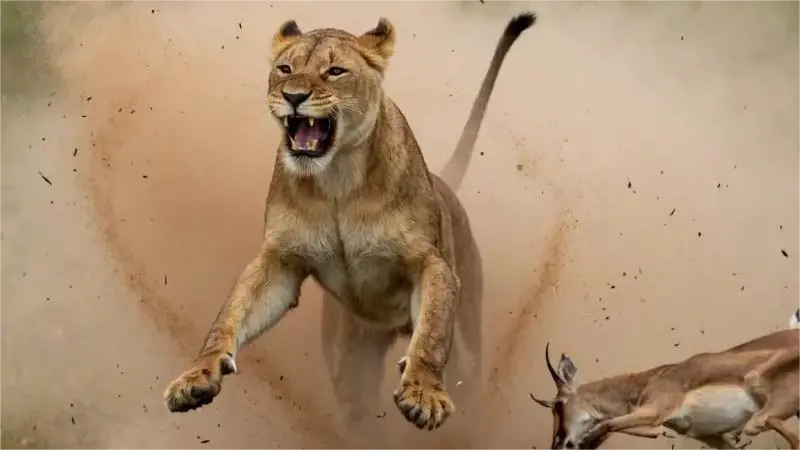
Examples Of LTX 2.5

Video thumbnail
Loading...
Video thumbnail
Loading...
Video thumbnail
Loading...
Video thumbnail
Loading...
Video thumbnail
Loading...
Video thumbnail
Loading...