seedream-4-5/edit
image-to-image
Transform visuals with Seedream 4.5 for coherent, photoreal image creation and precise brand consistency.
Transform visuals with Seedream 4.5 for coherent, photoreal image creation and precise brand consistency.

Prompt-driven image editing with Nano Banana 2 Edit, with multi-image input plus aspect ratio, resolution, safety tolerance, and output controls.

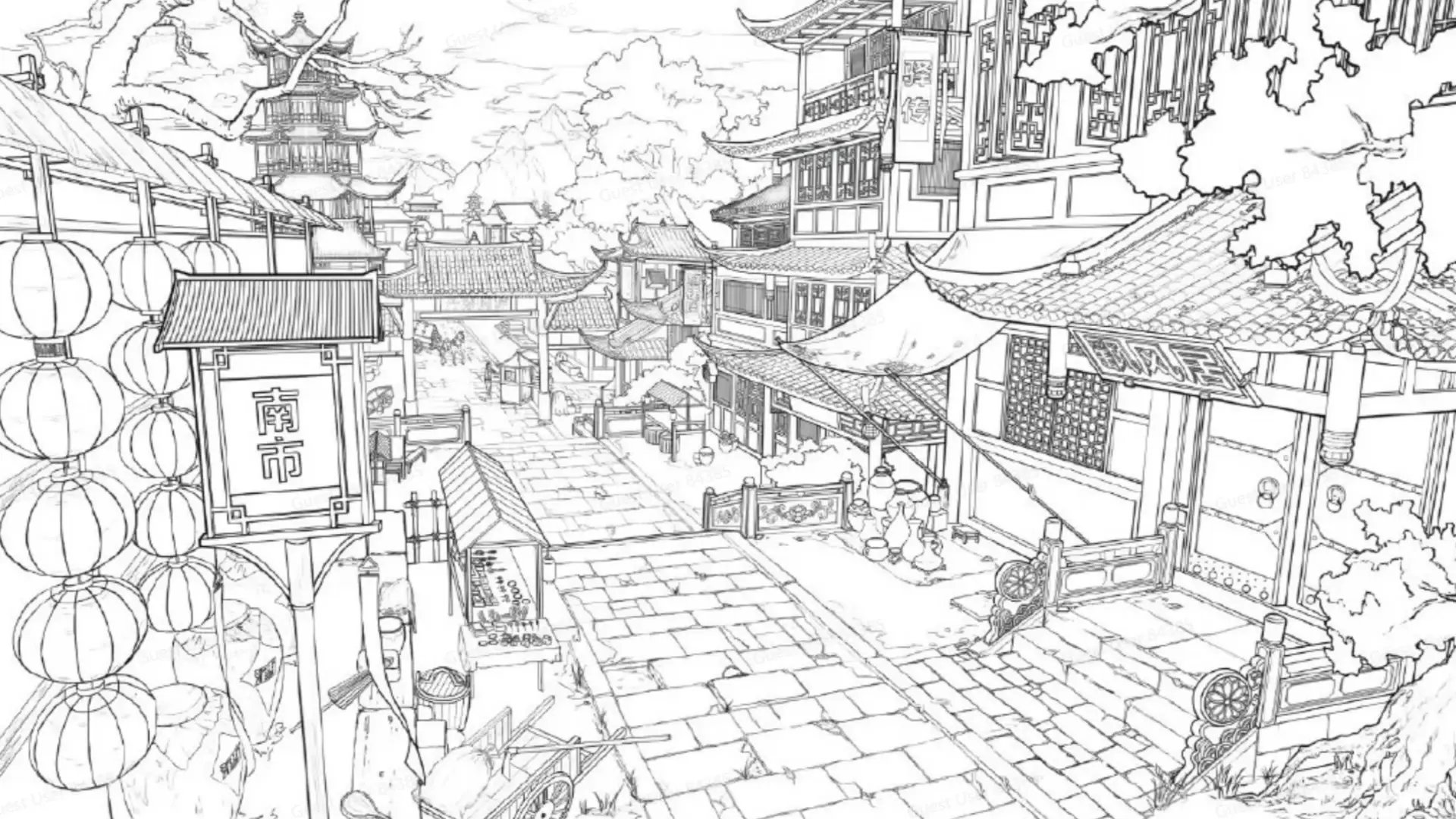
Turn sketches into precise 2K-4K visuals with smart correction and seamless creative control.

LoRA-based visual editing model offering structure-aware asset transformation for creative pros


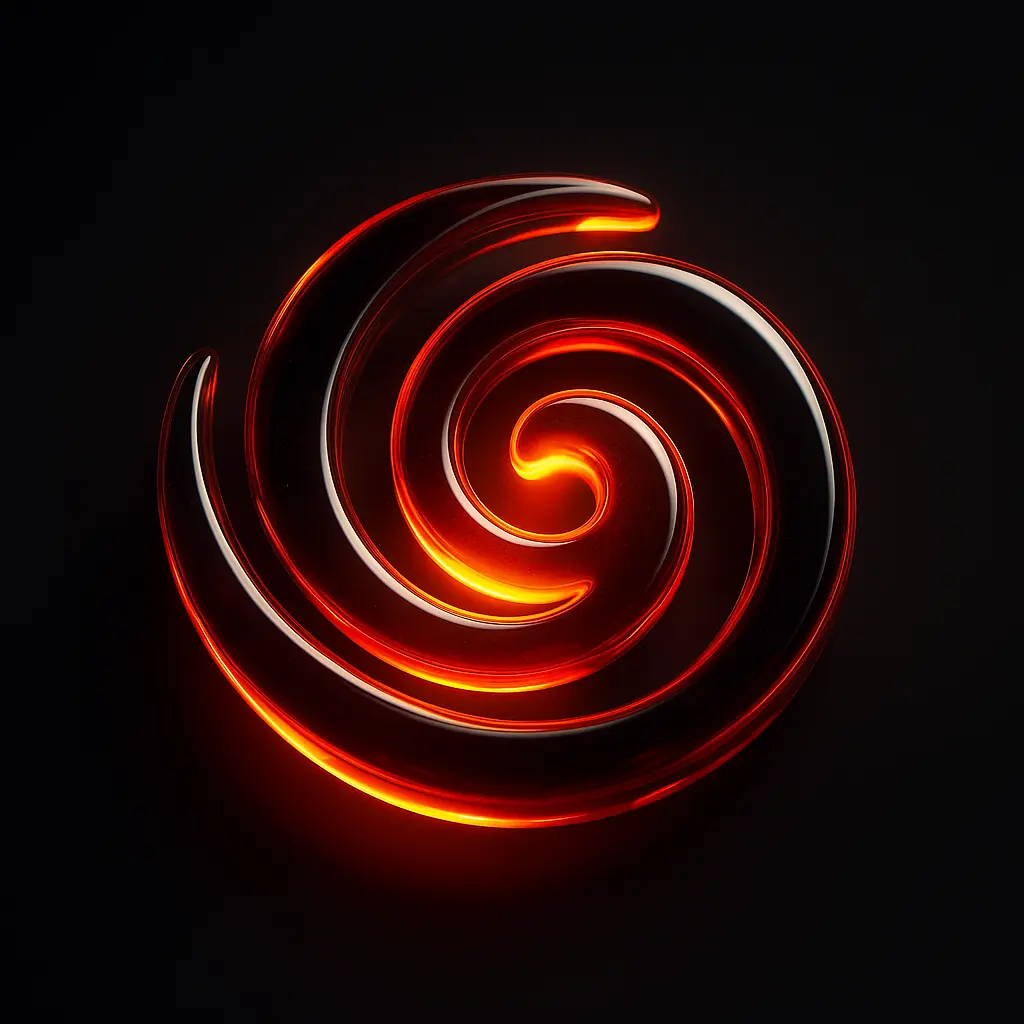
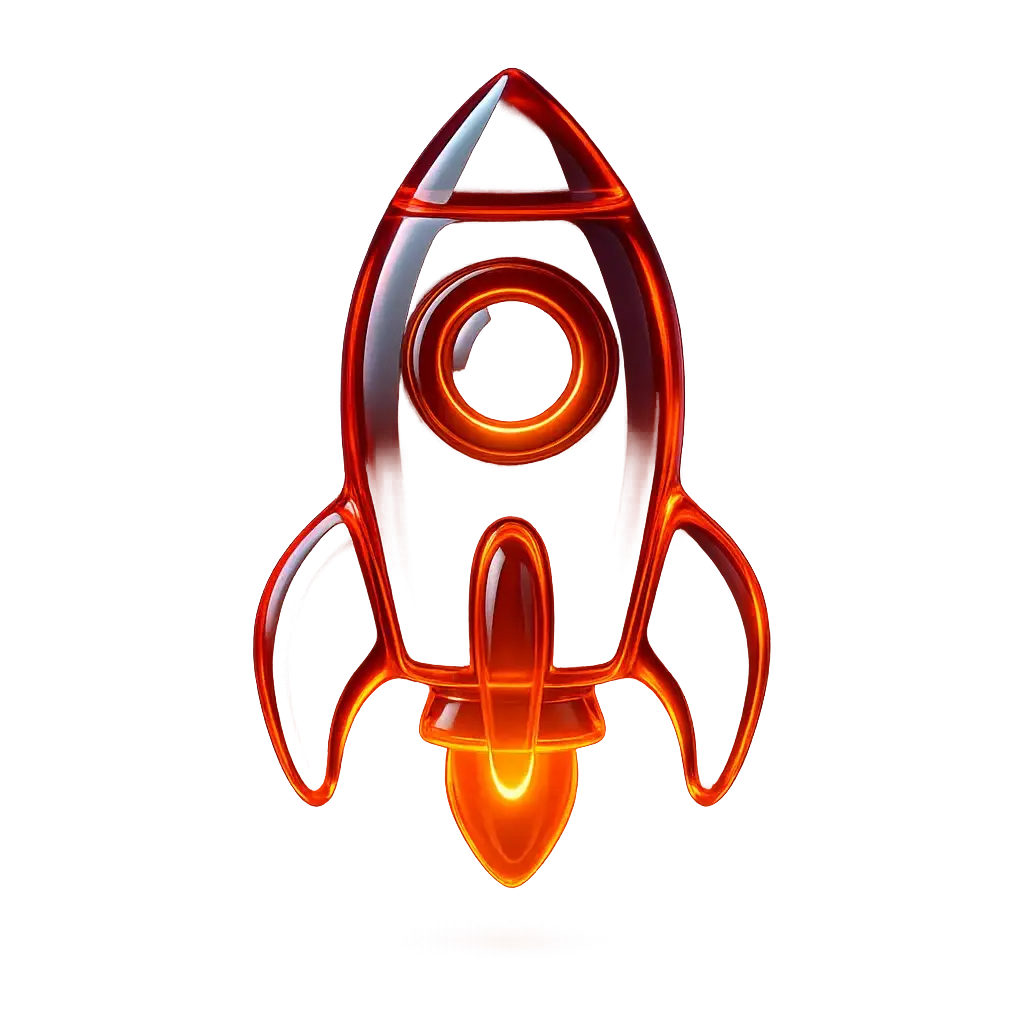
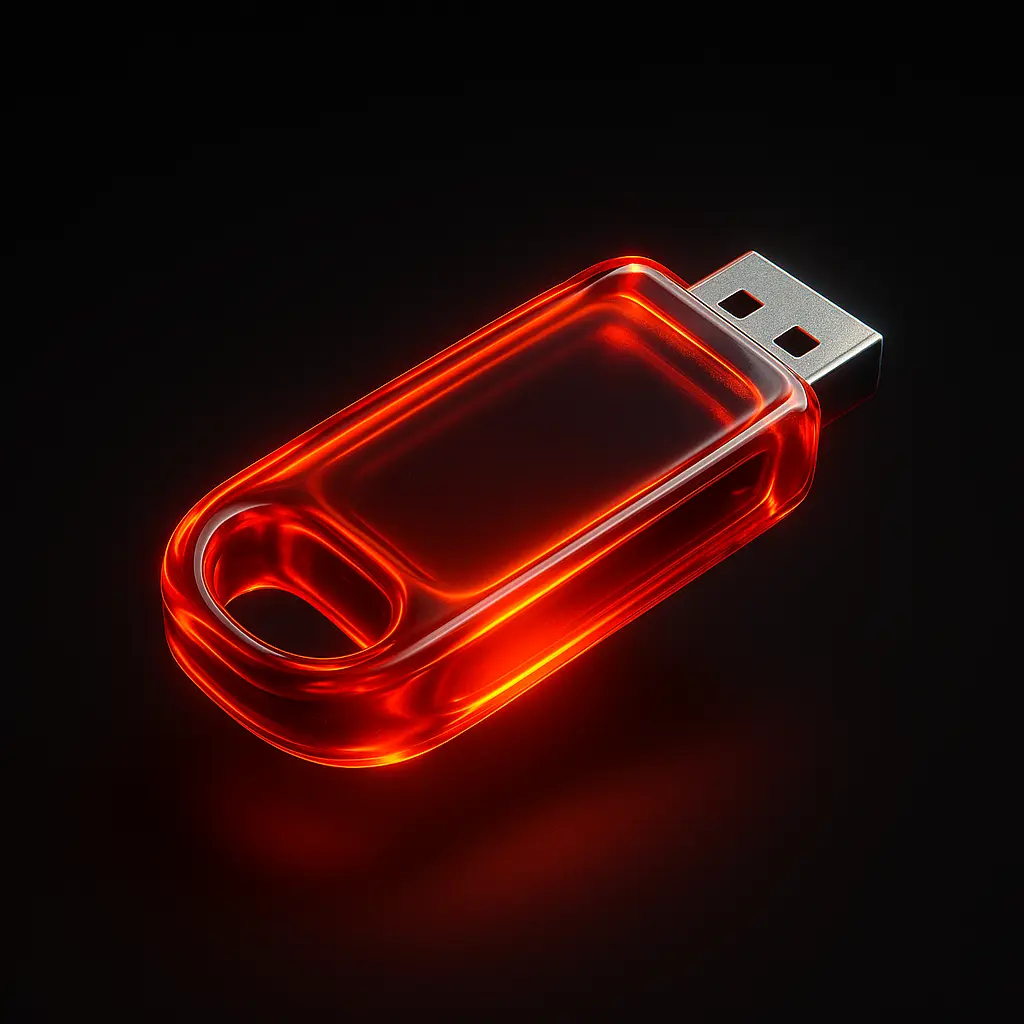
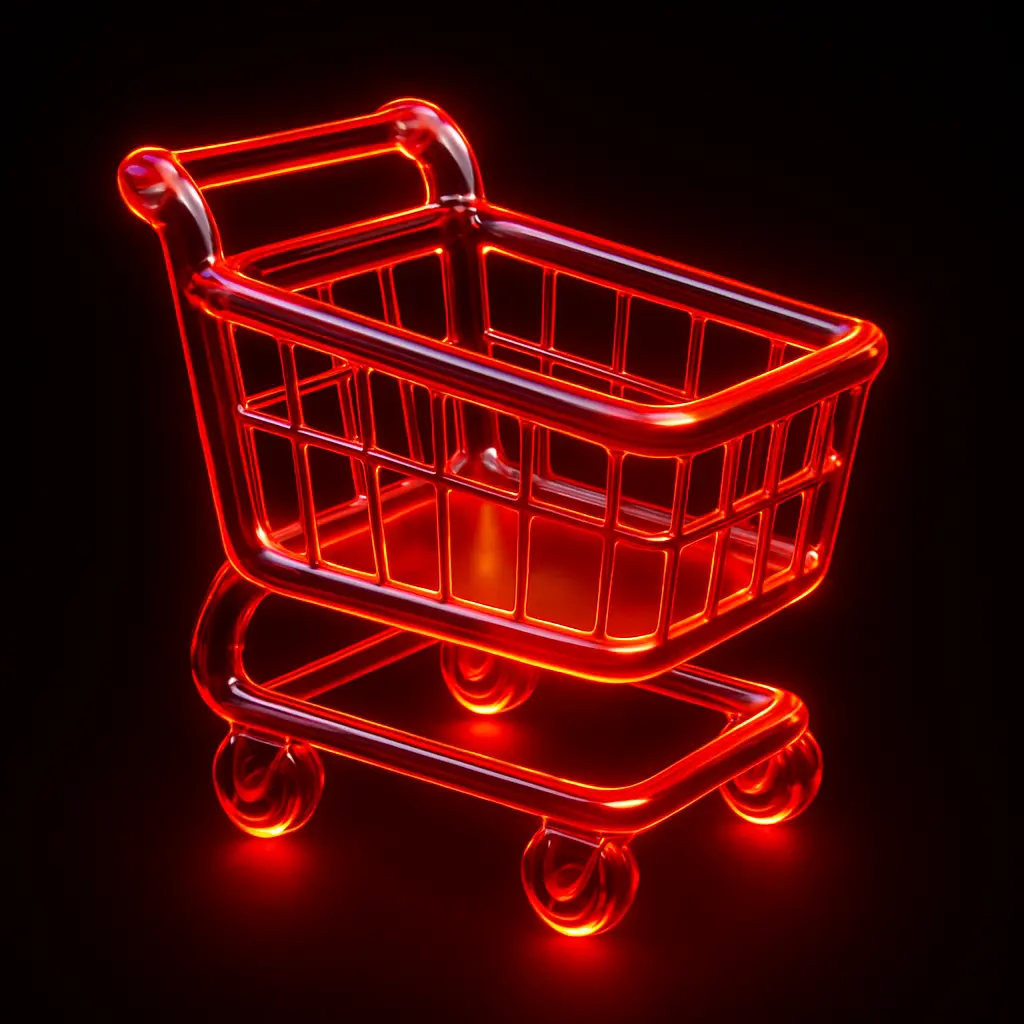
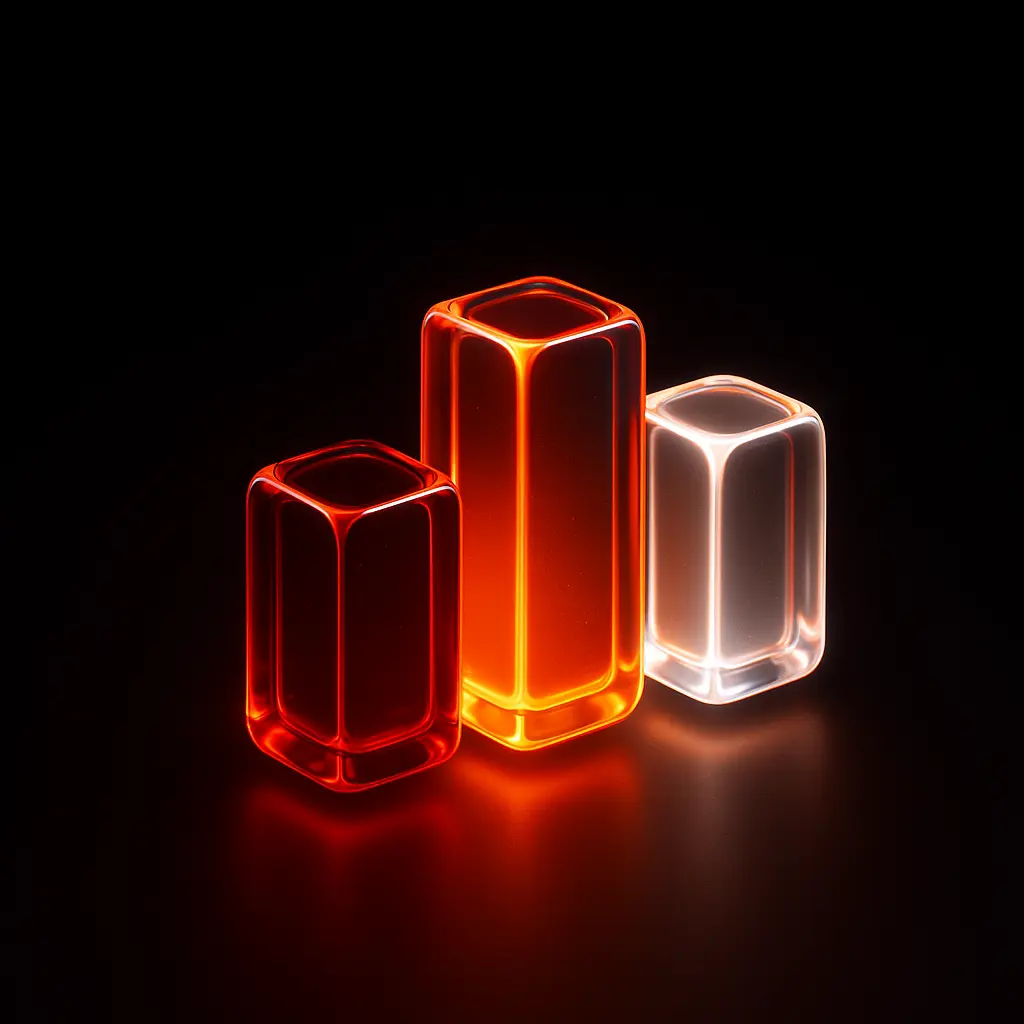
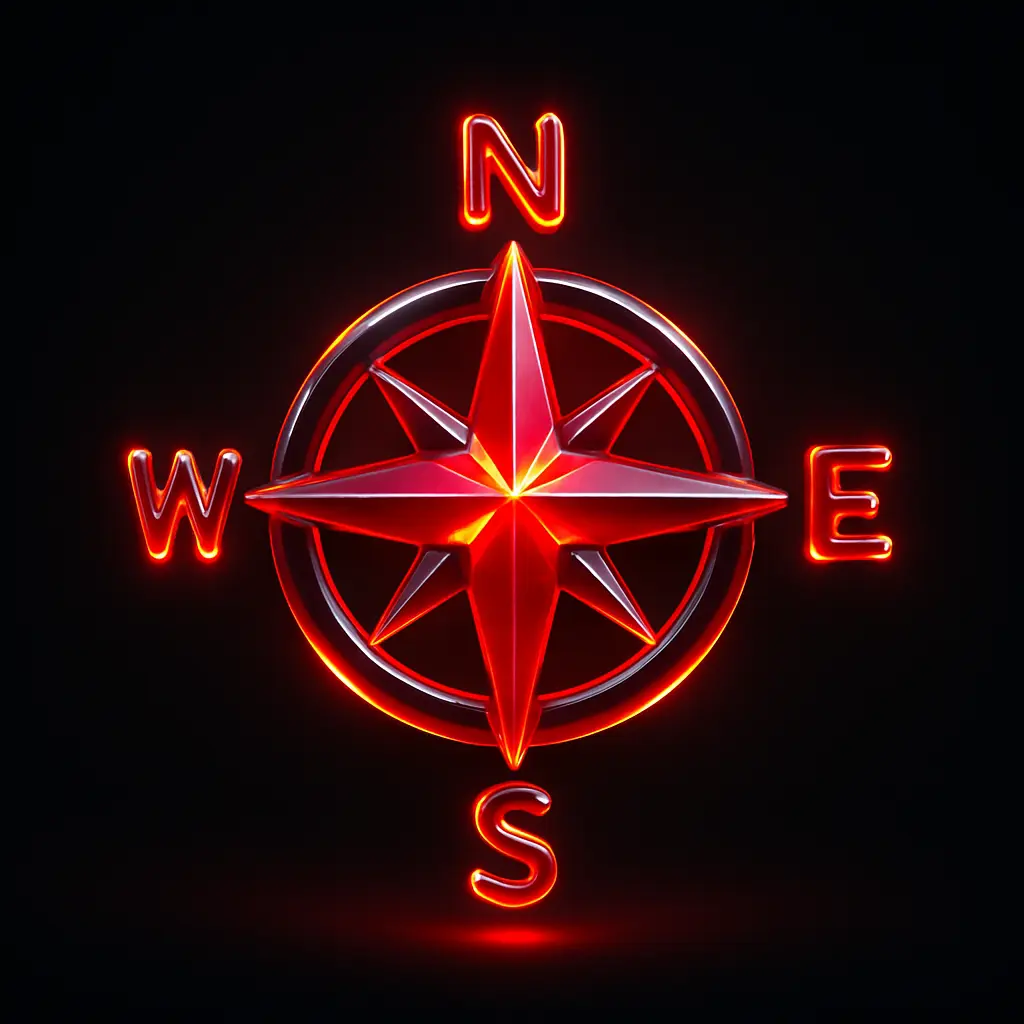
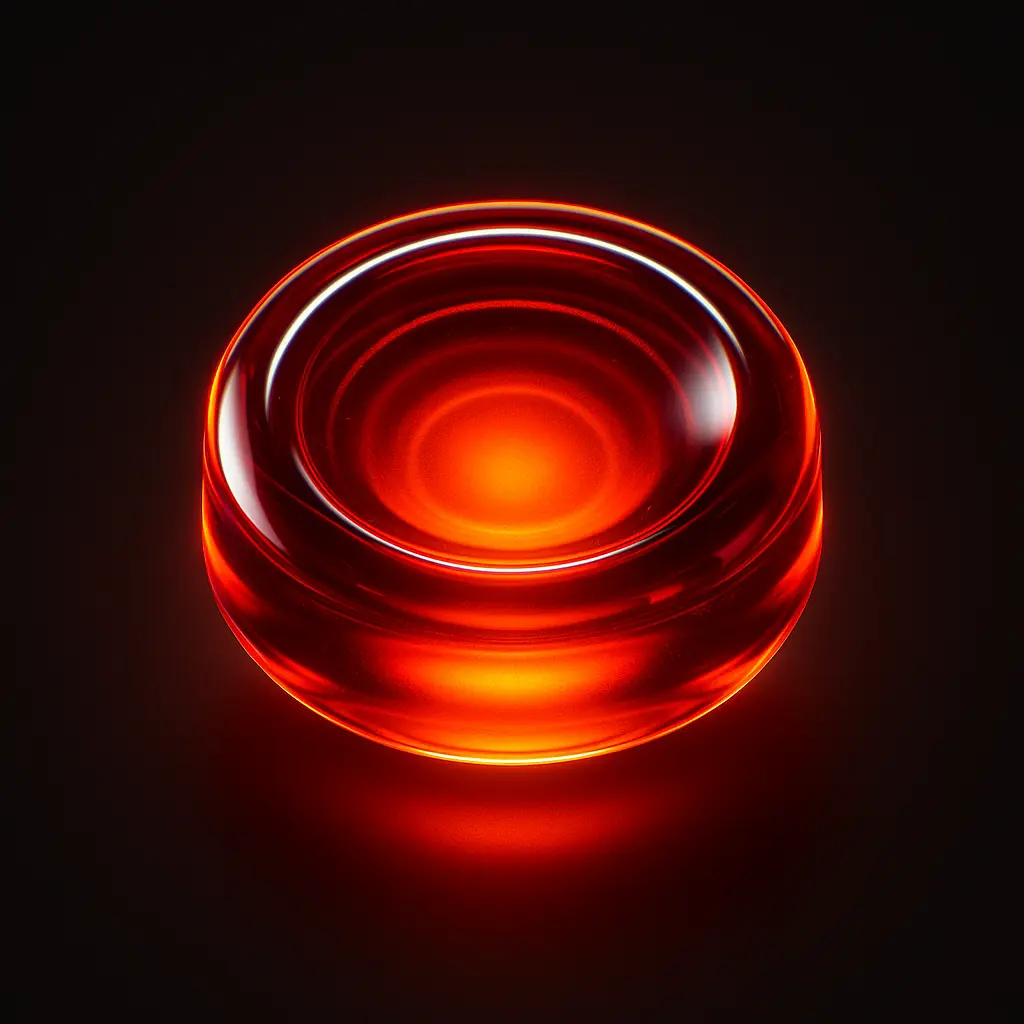
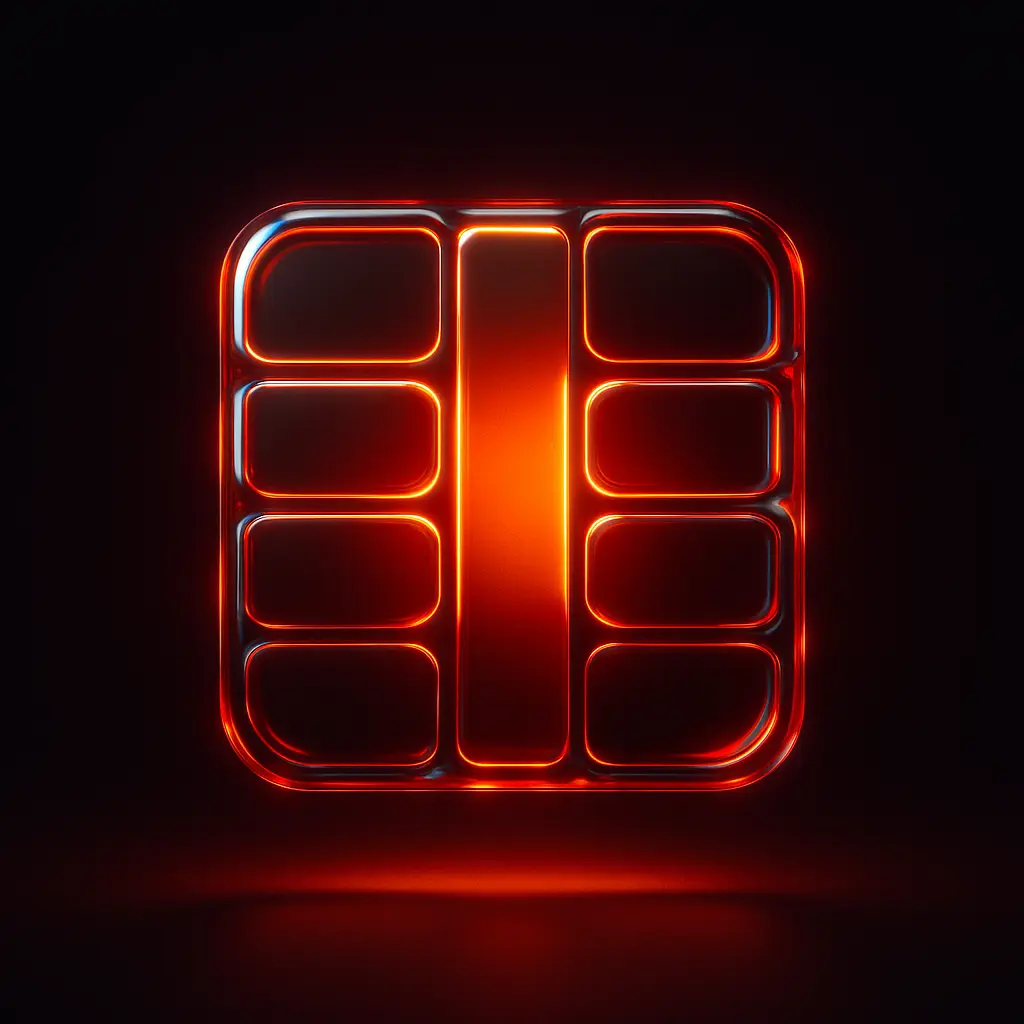
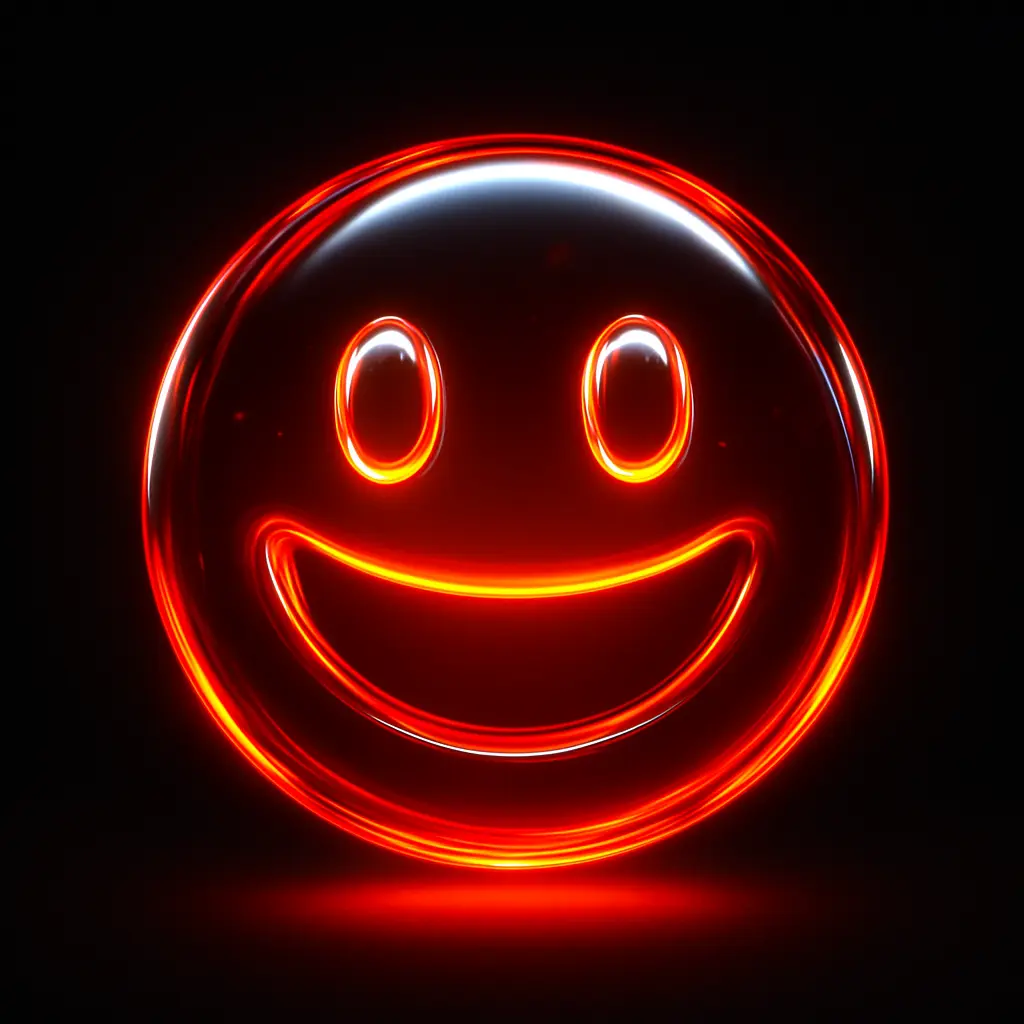
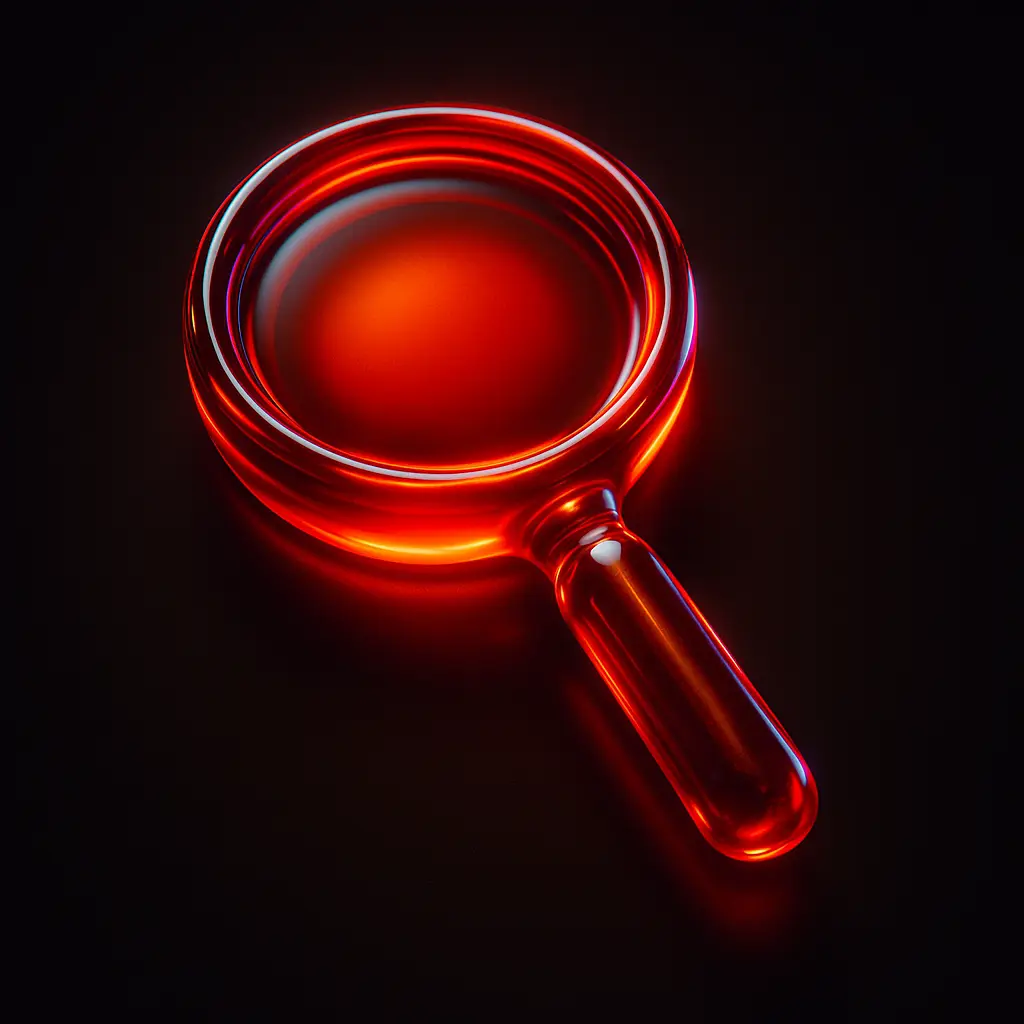
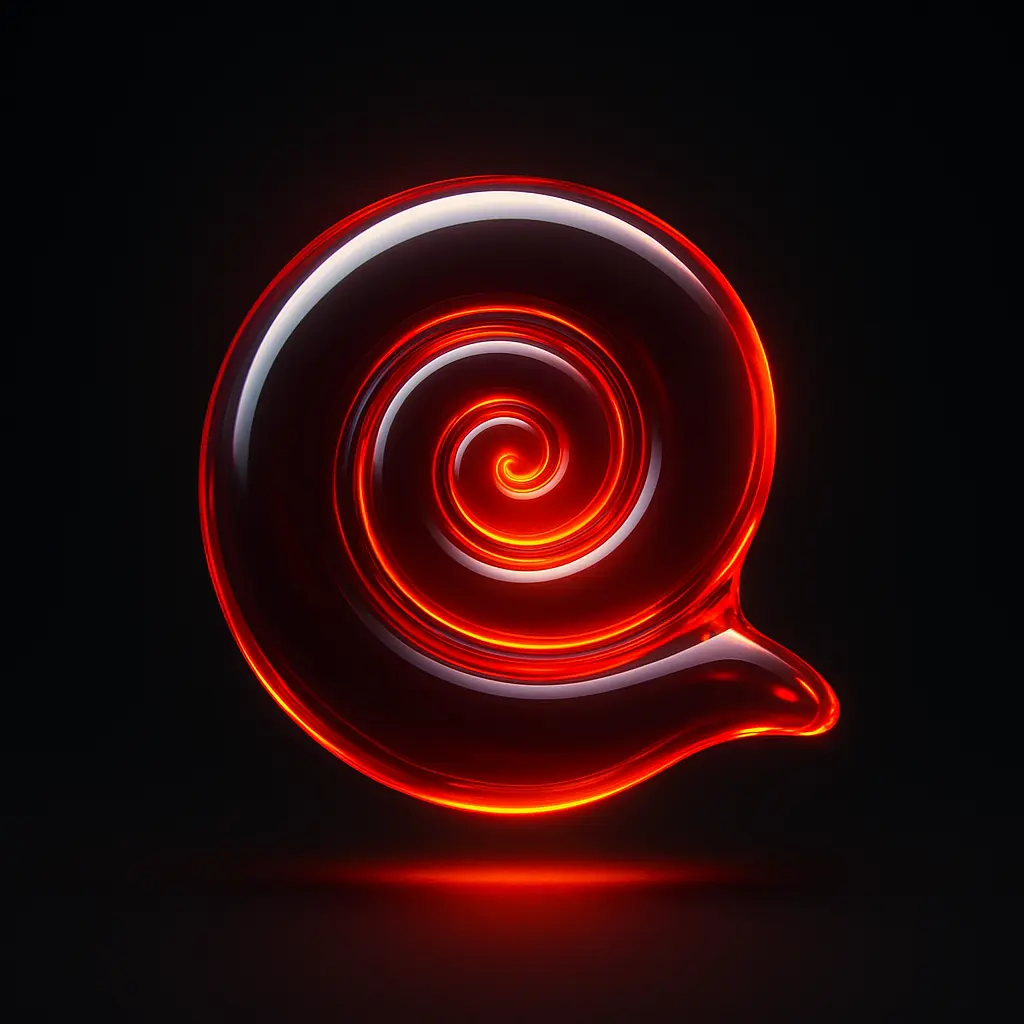
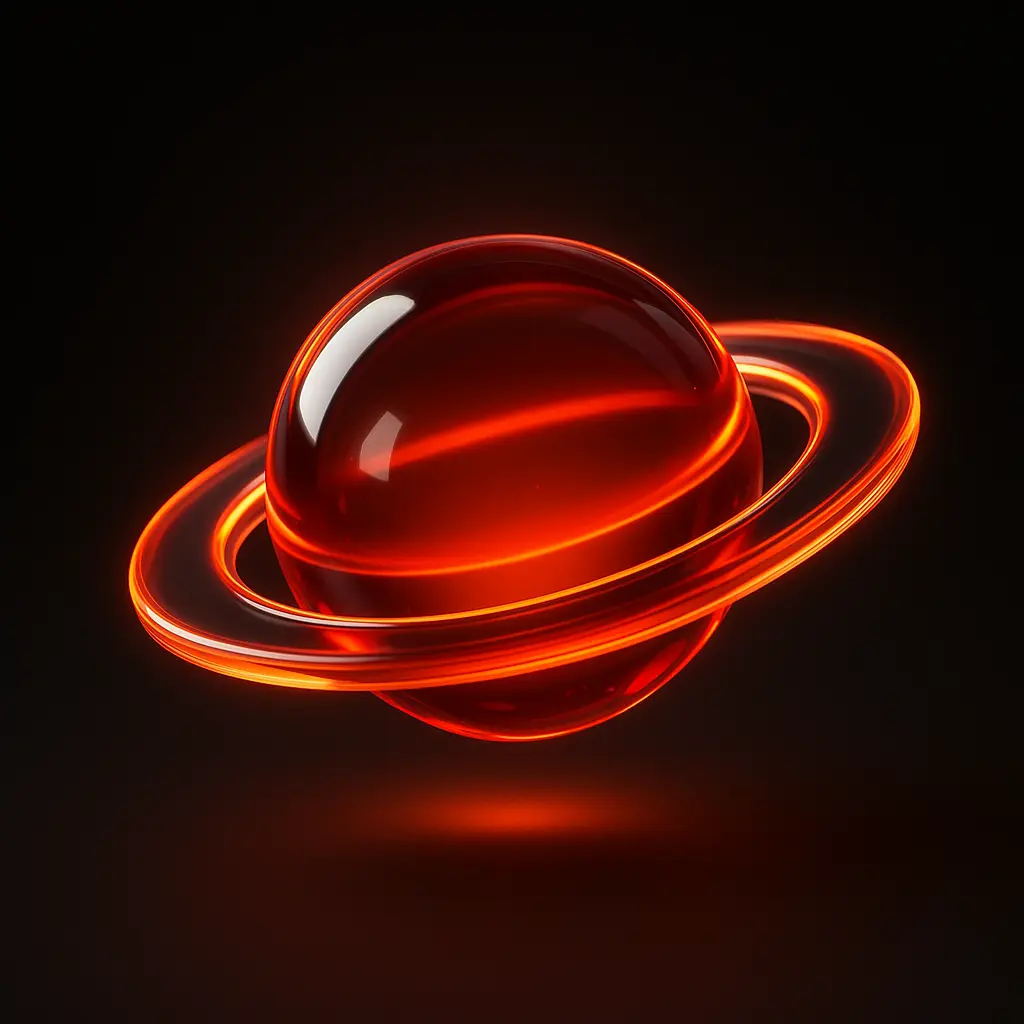
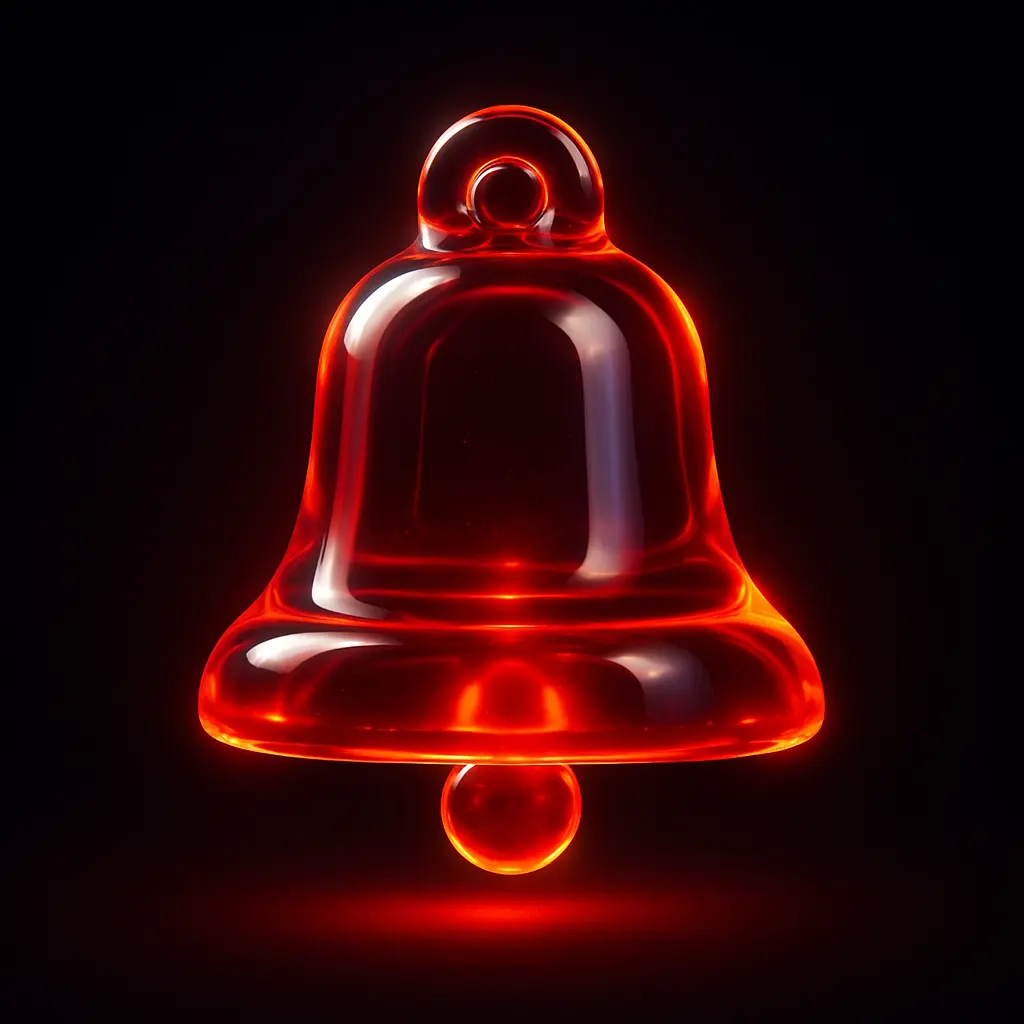
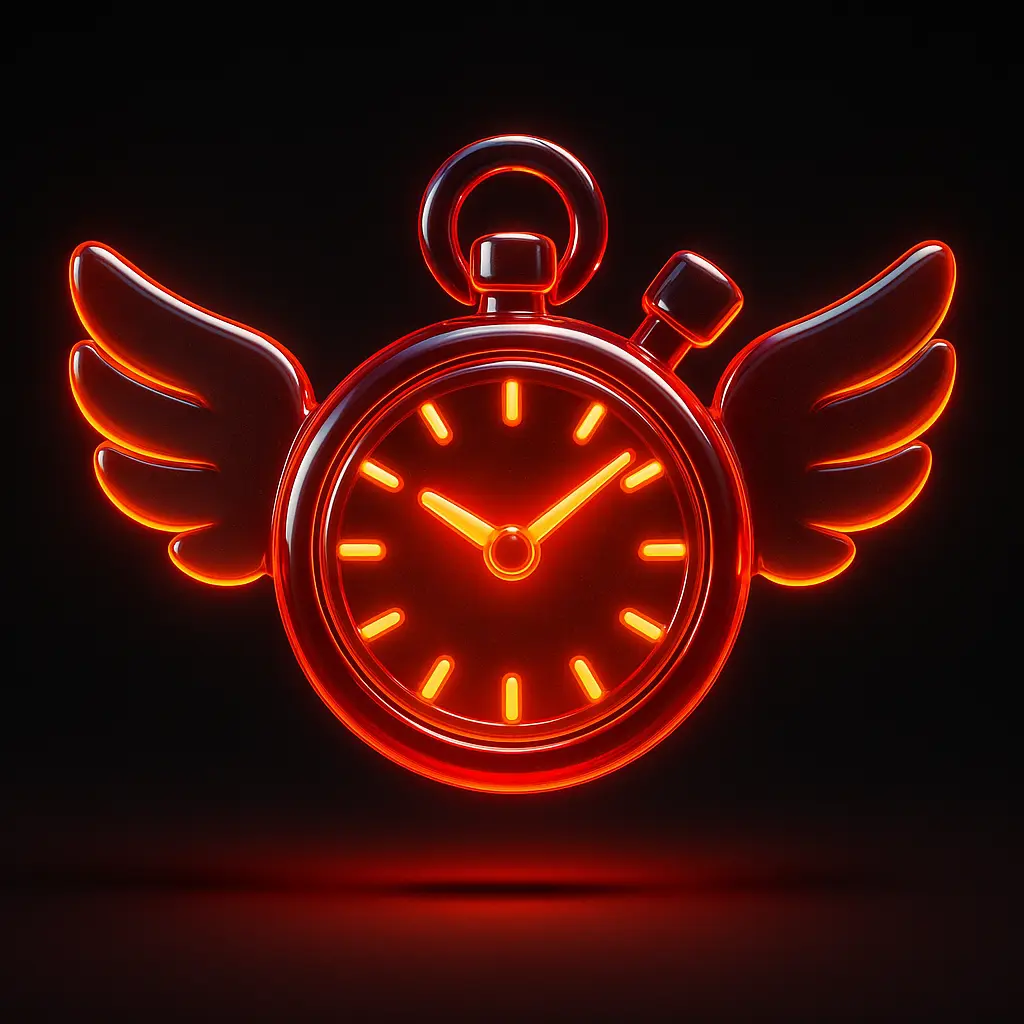
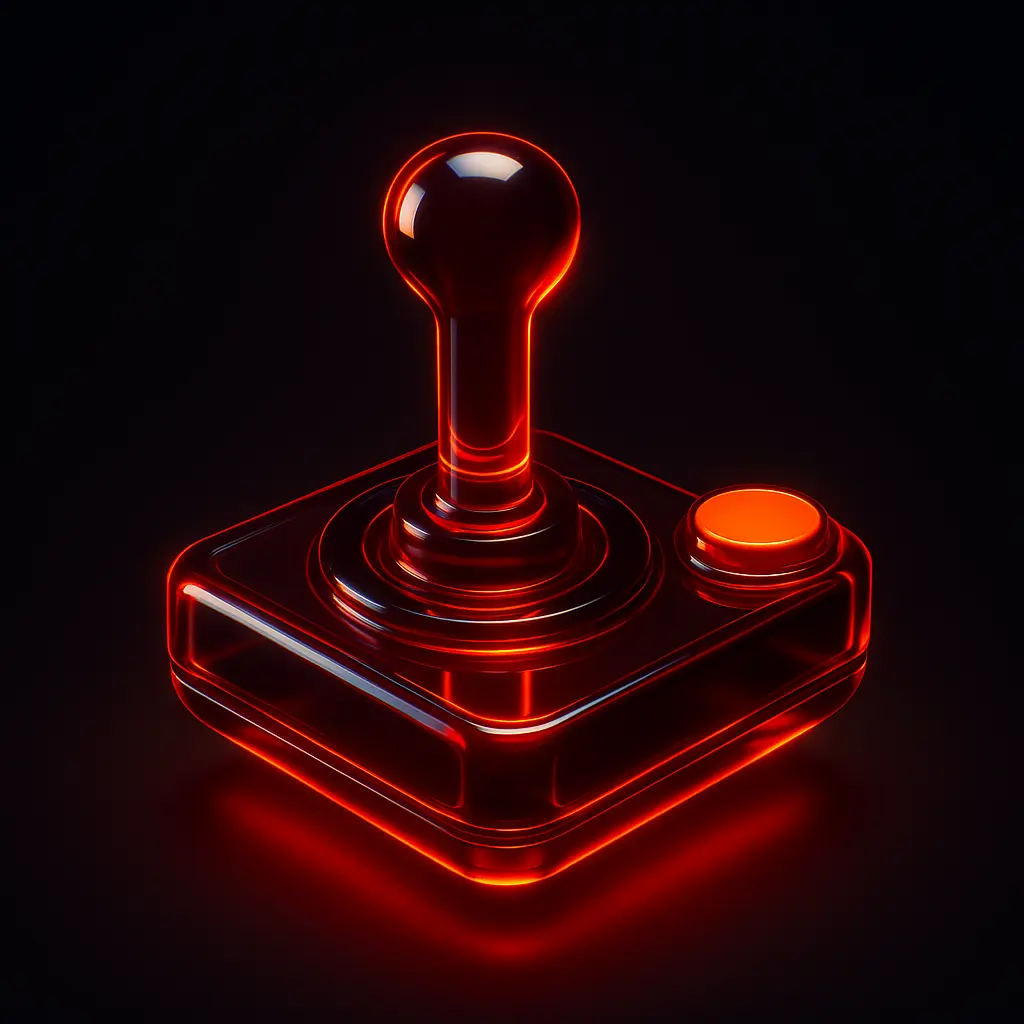
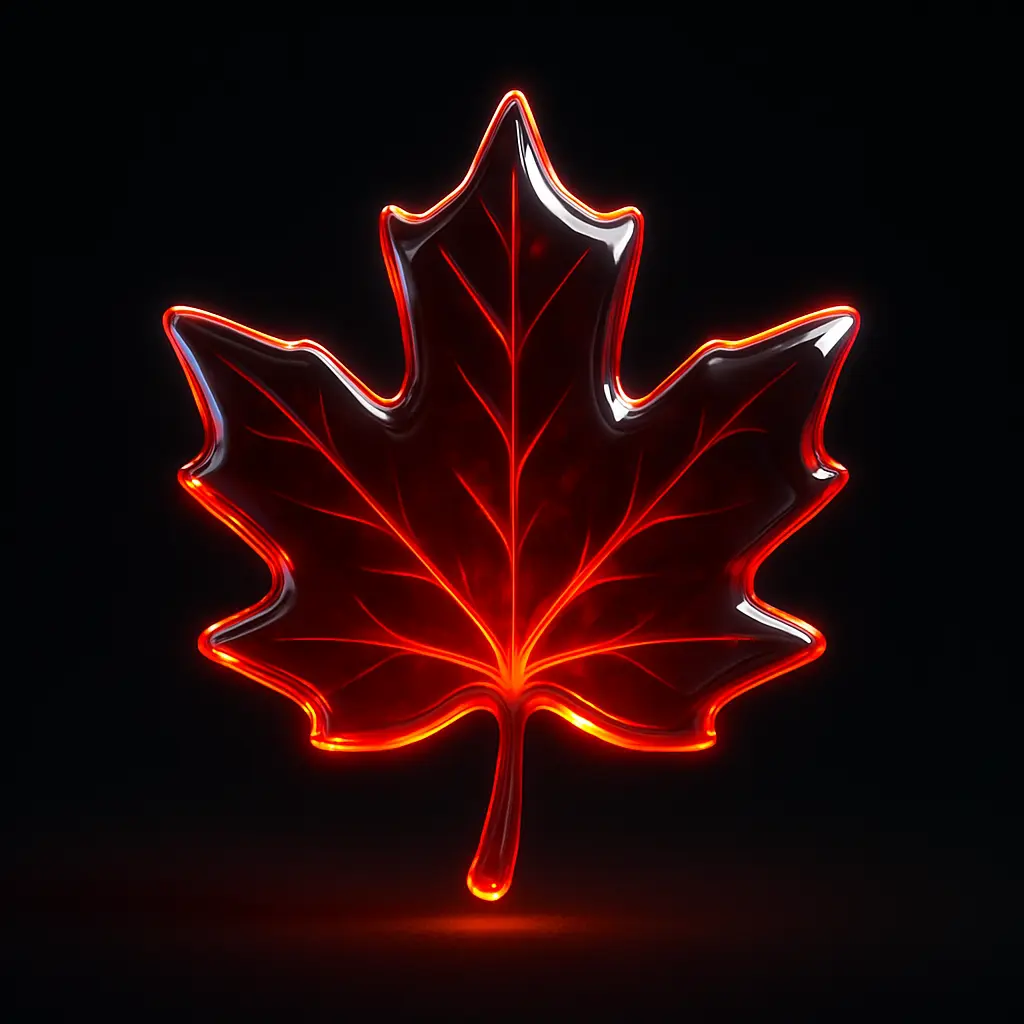
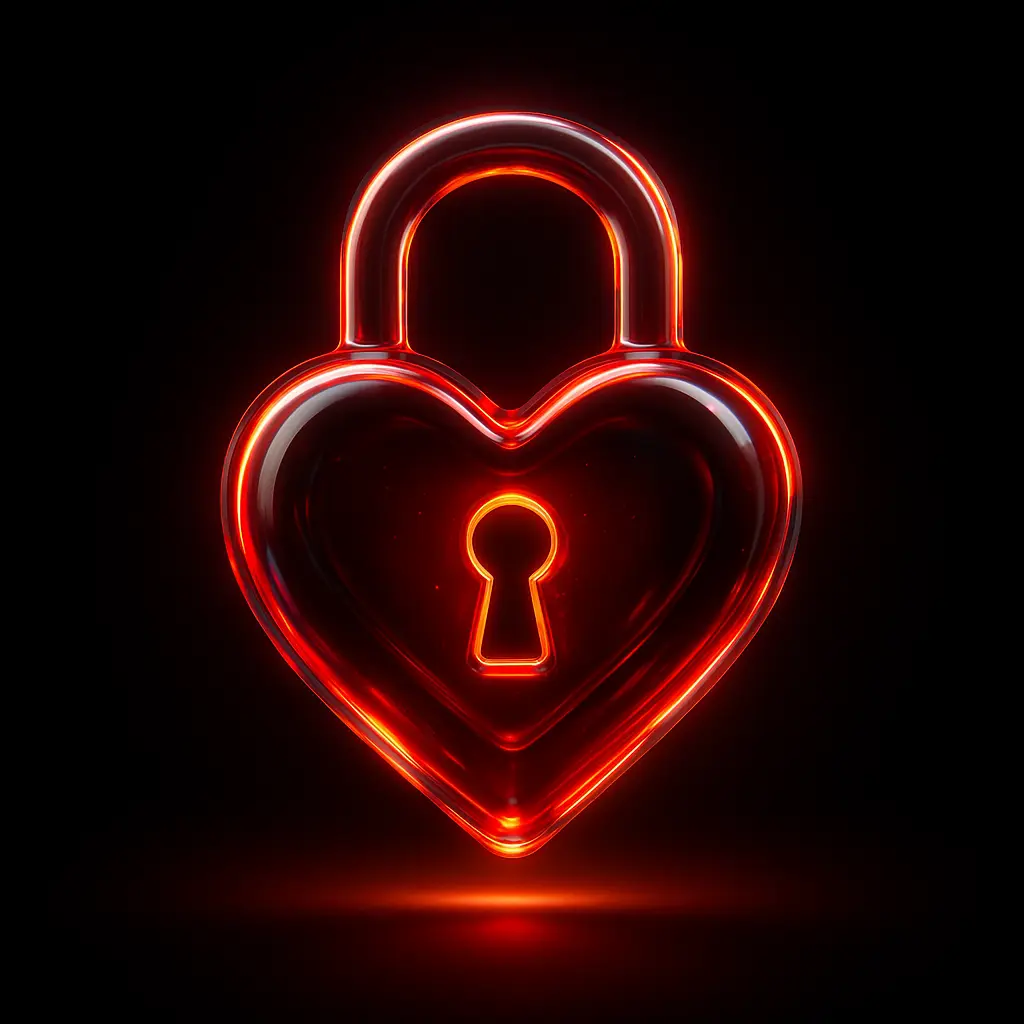
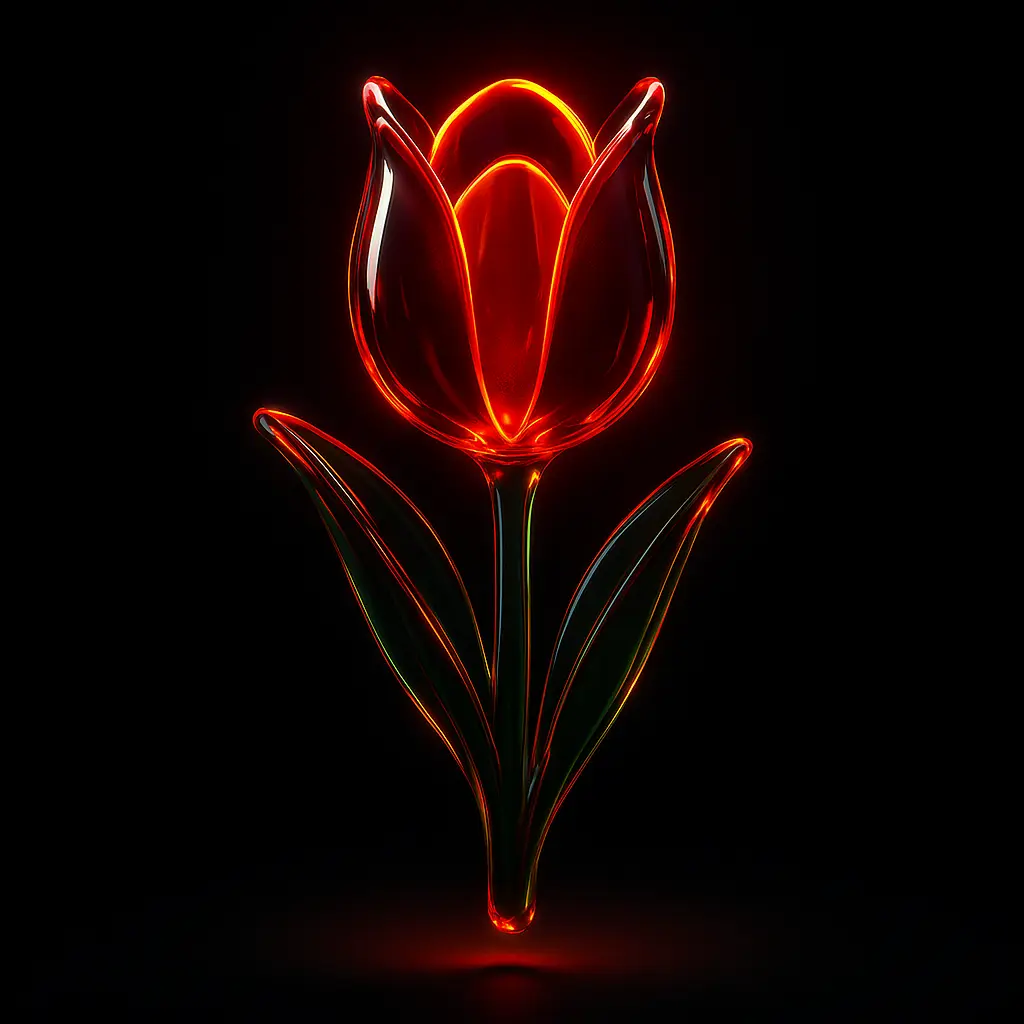
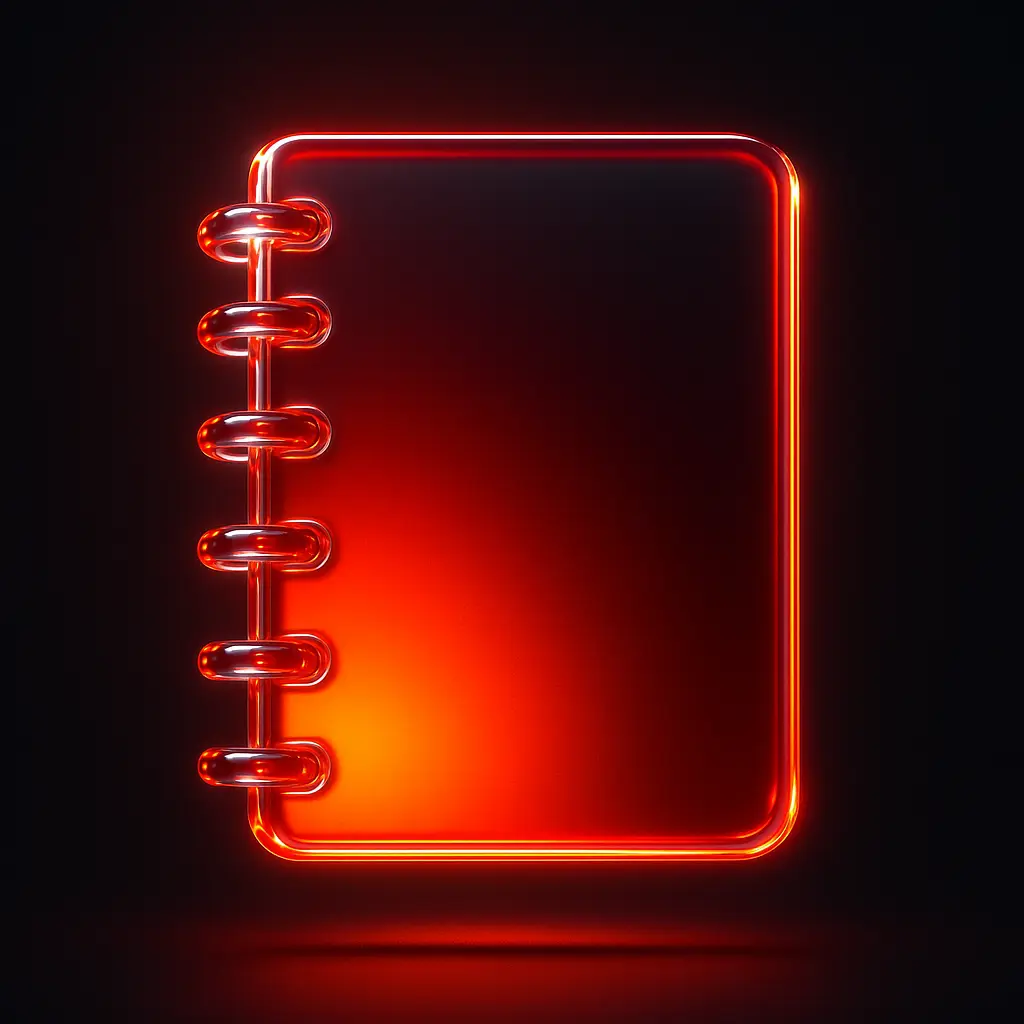
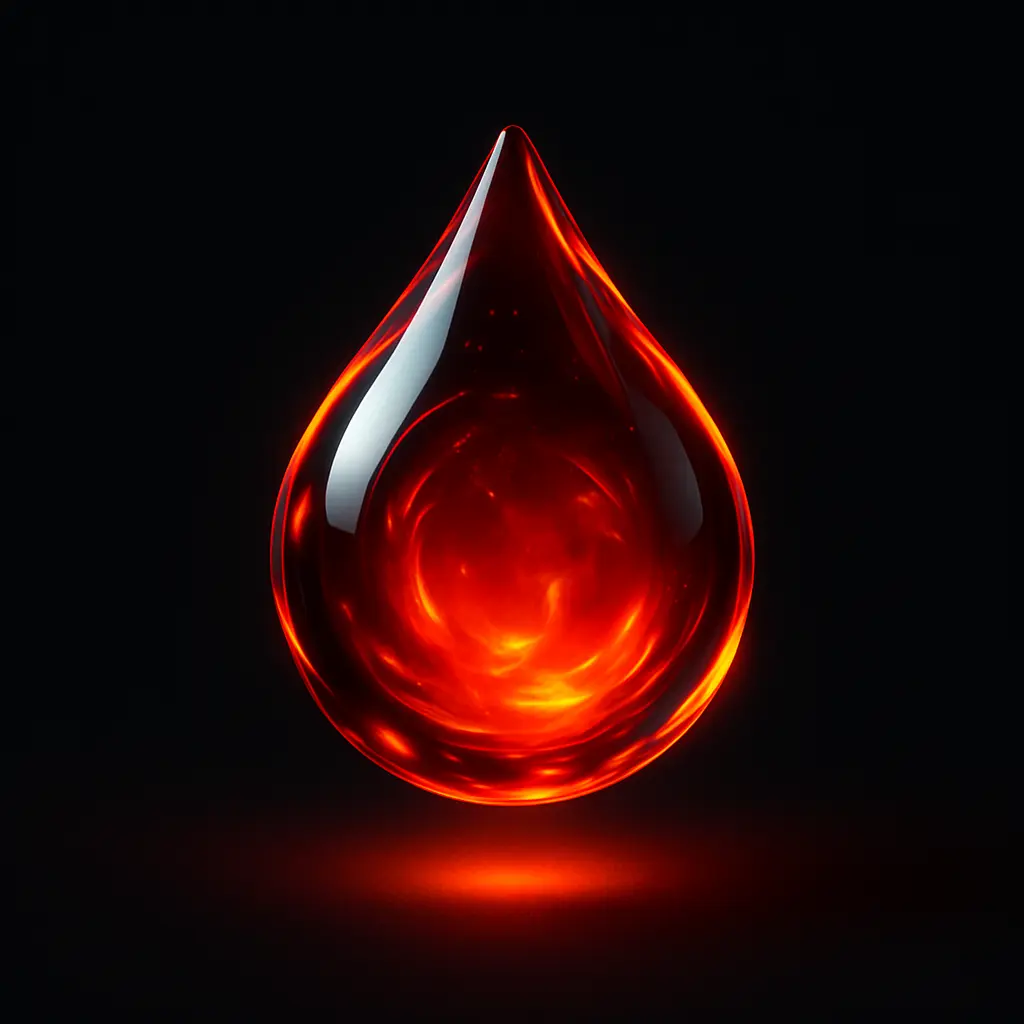
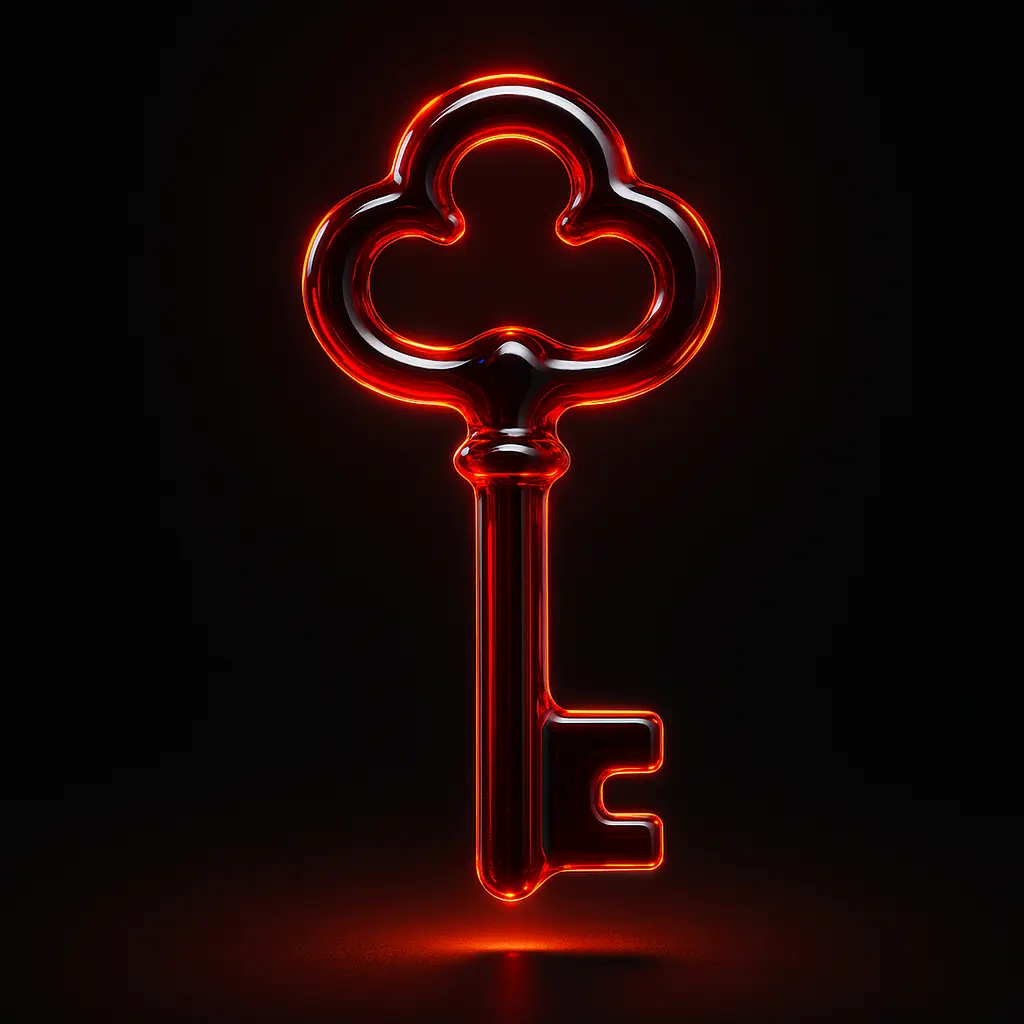
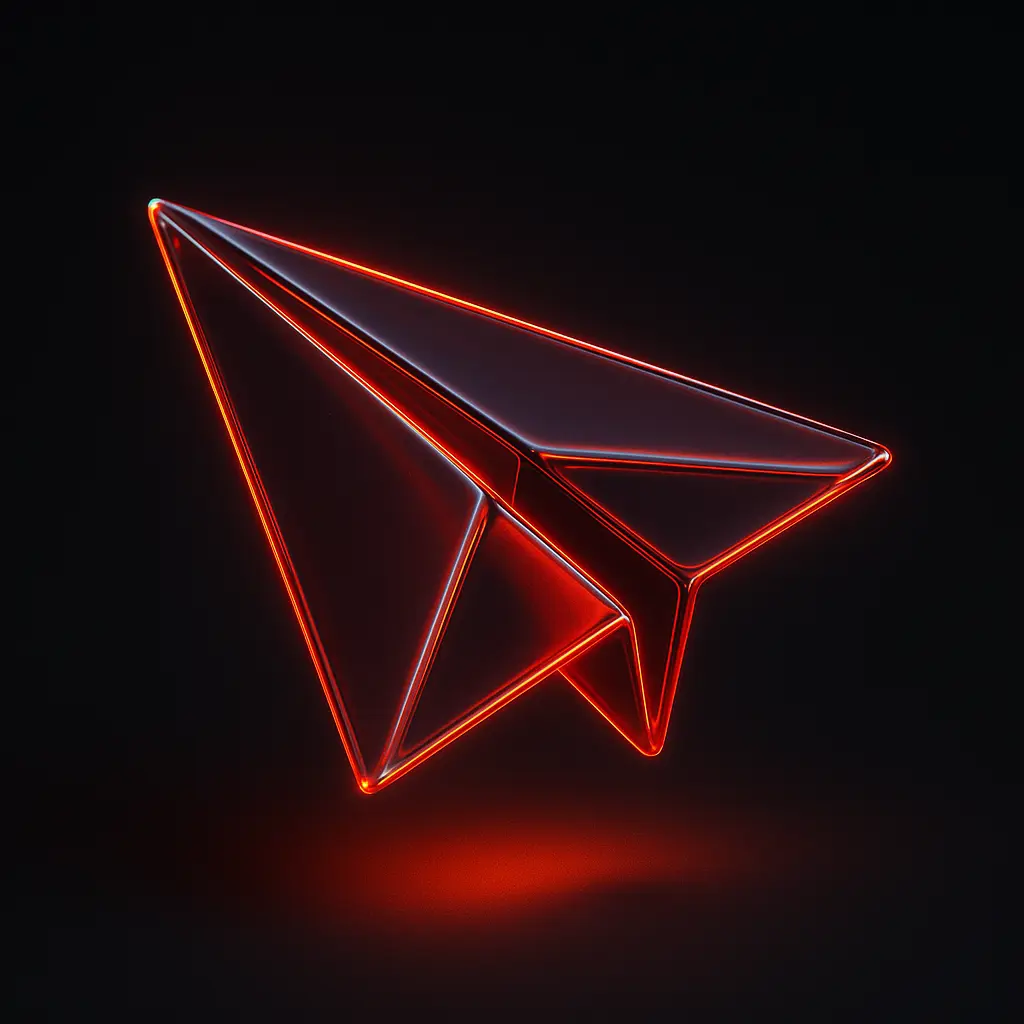
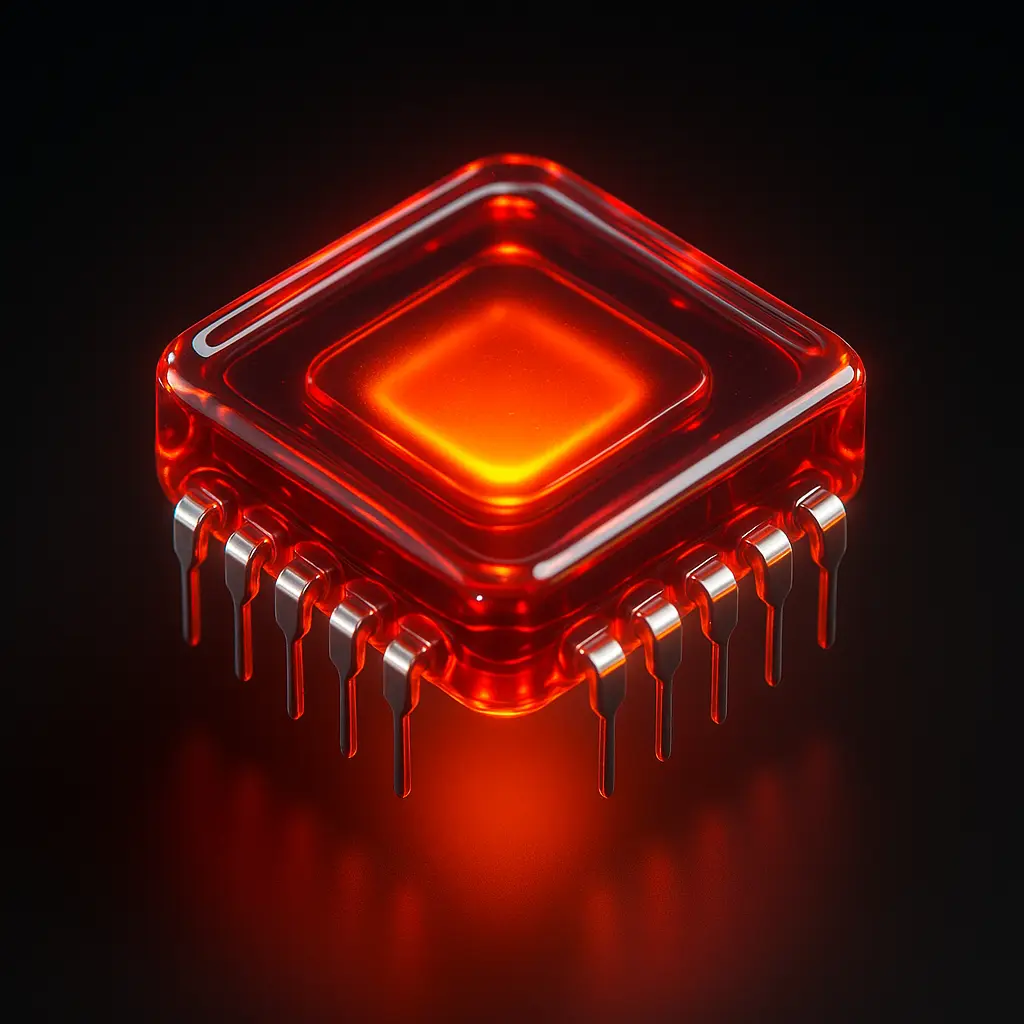
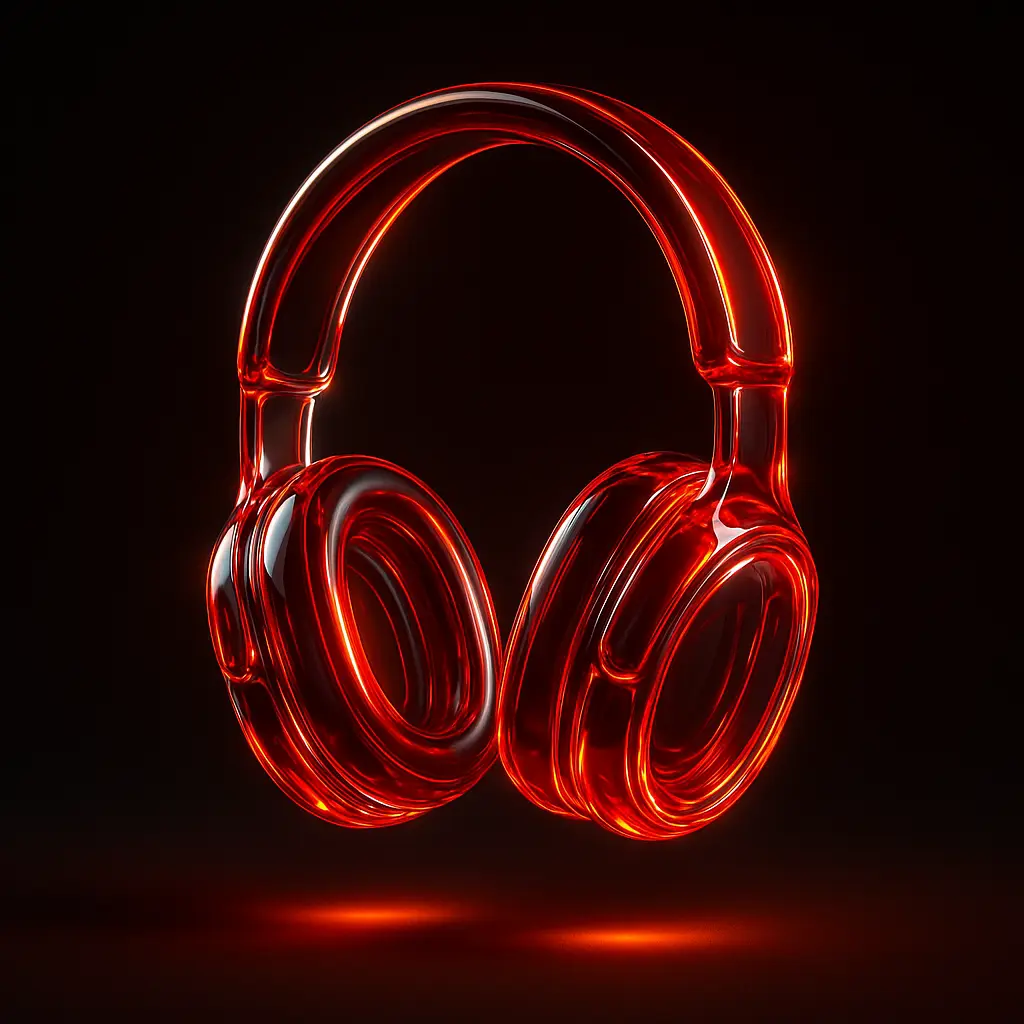
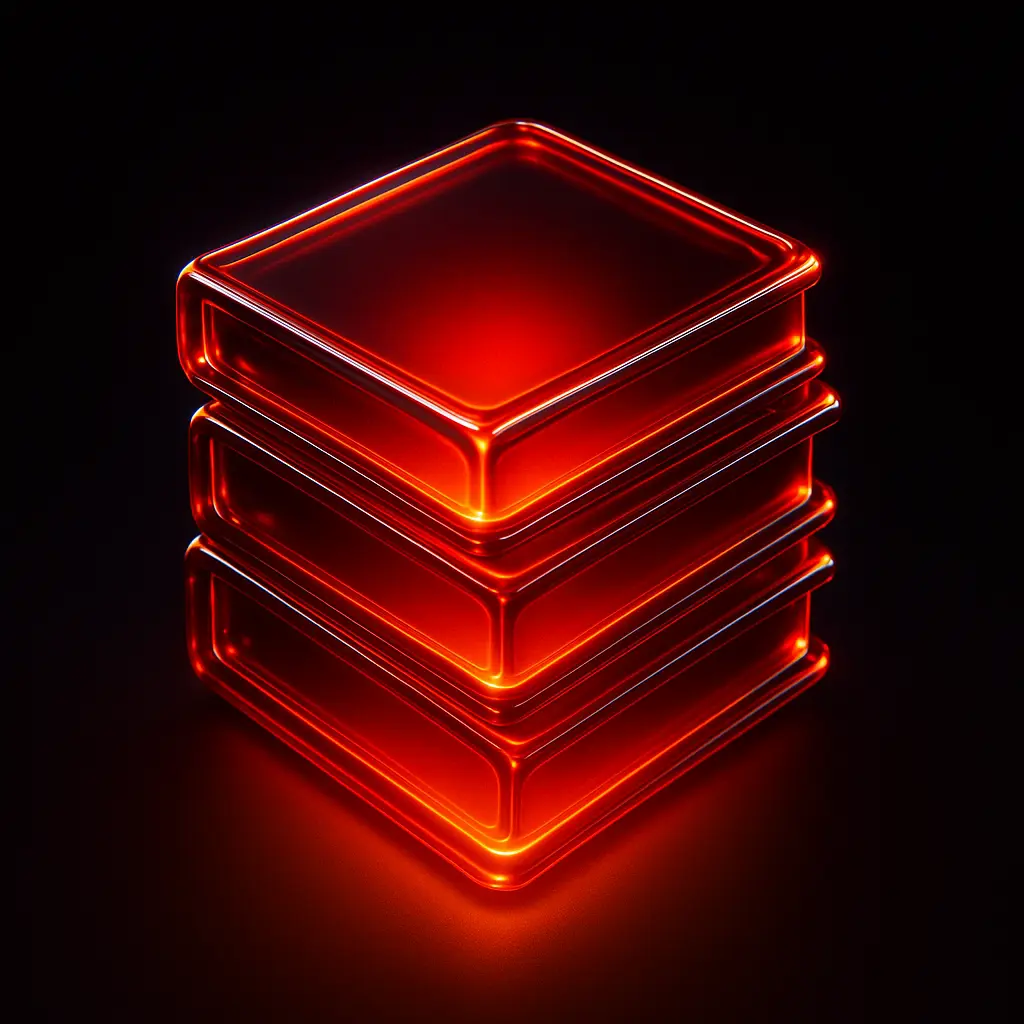
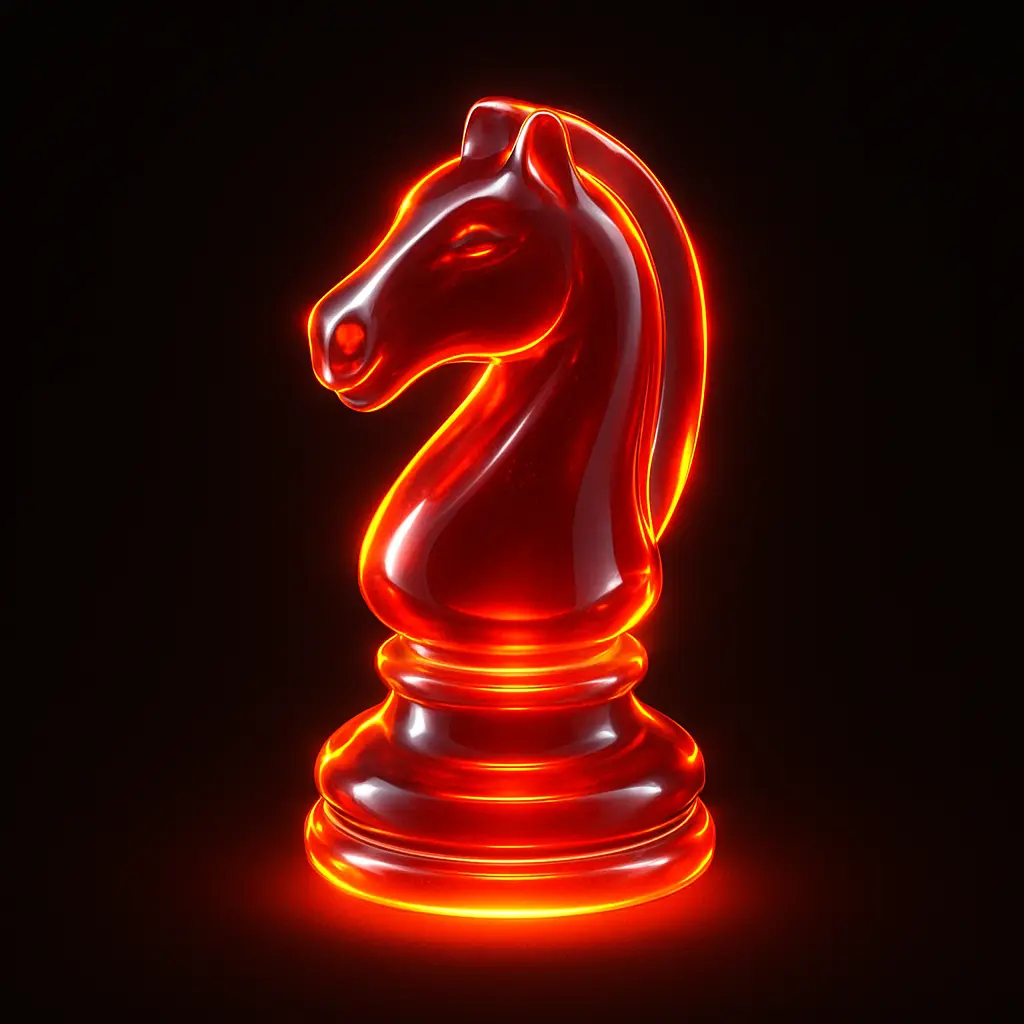
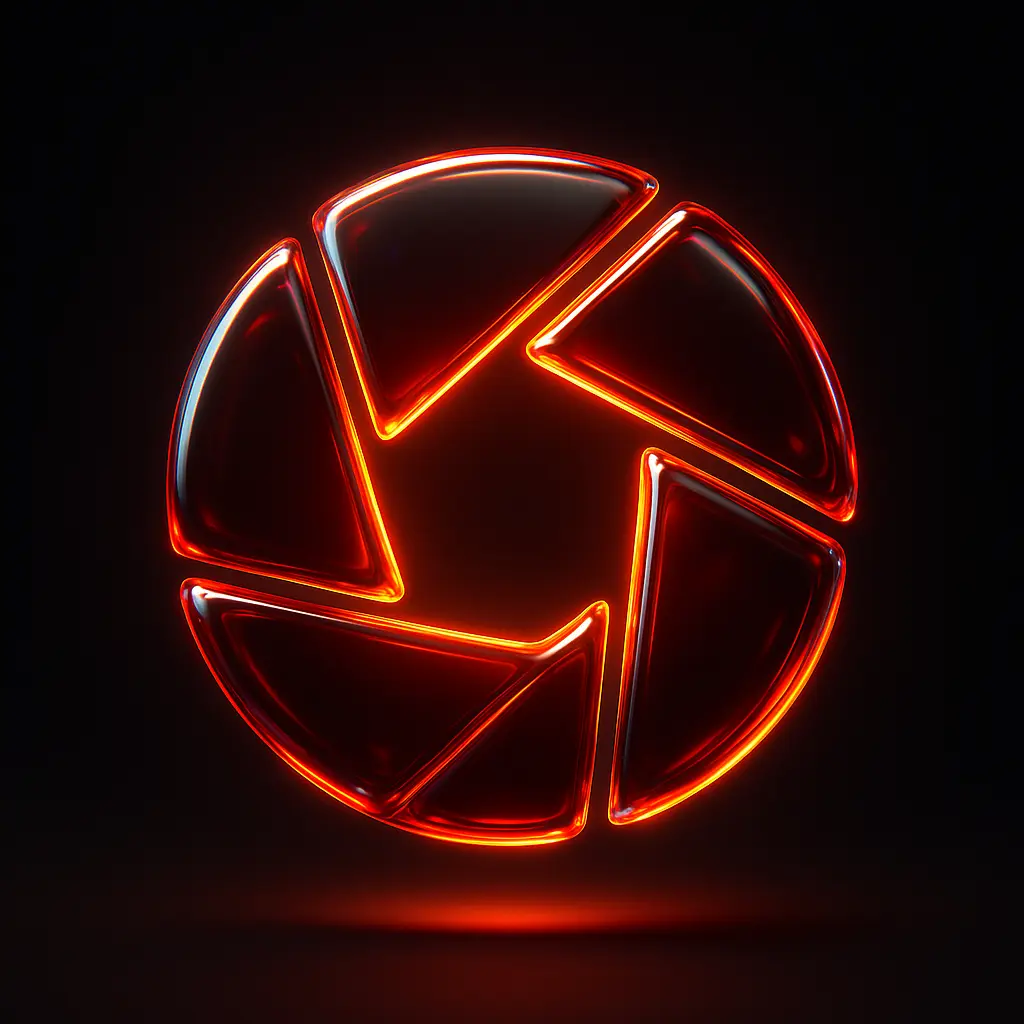
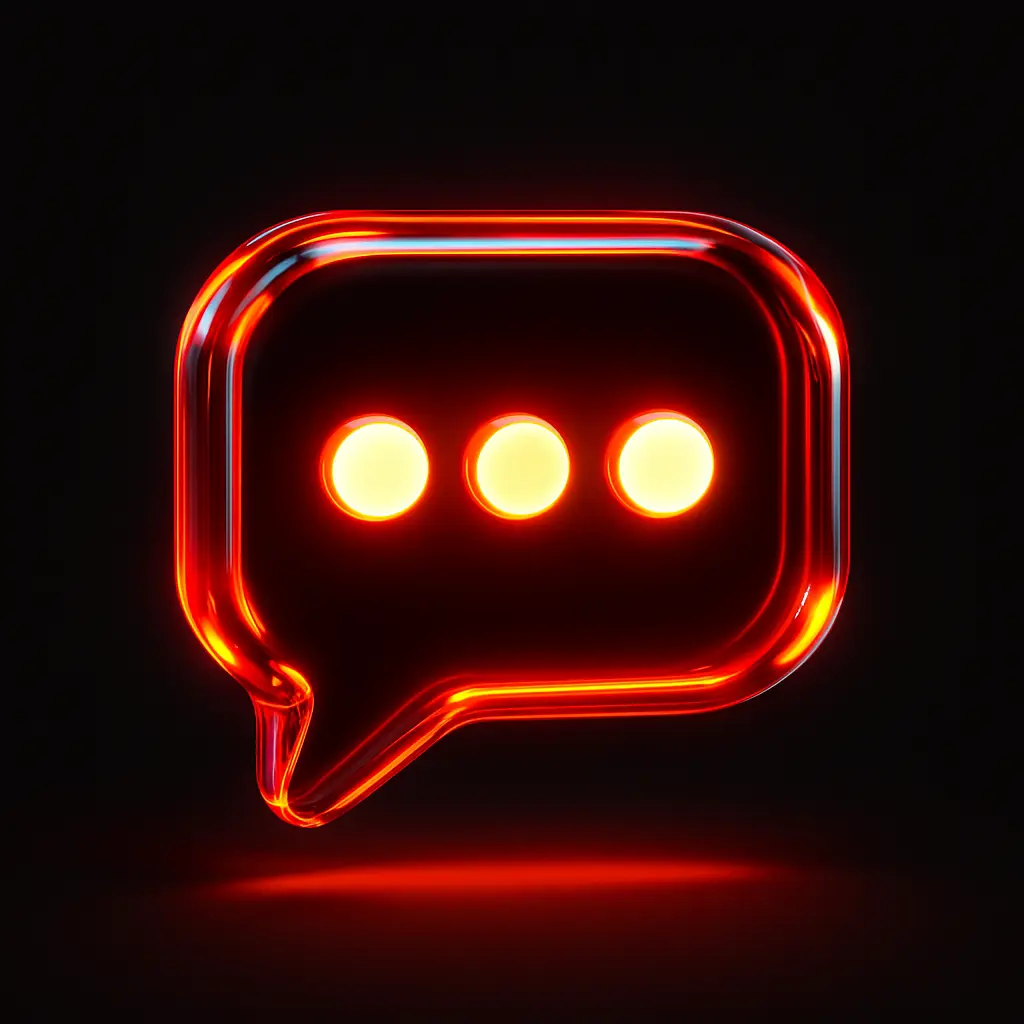
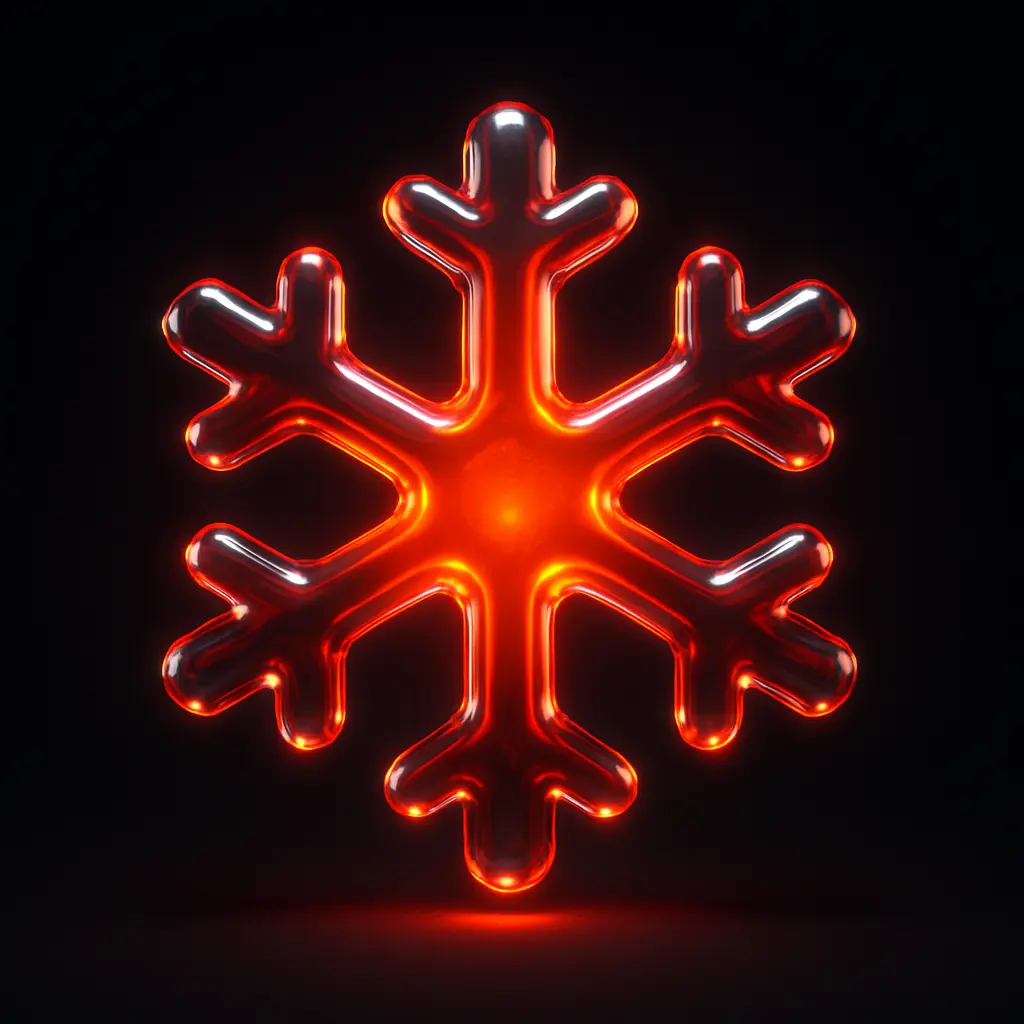
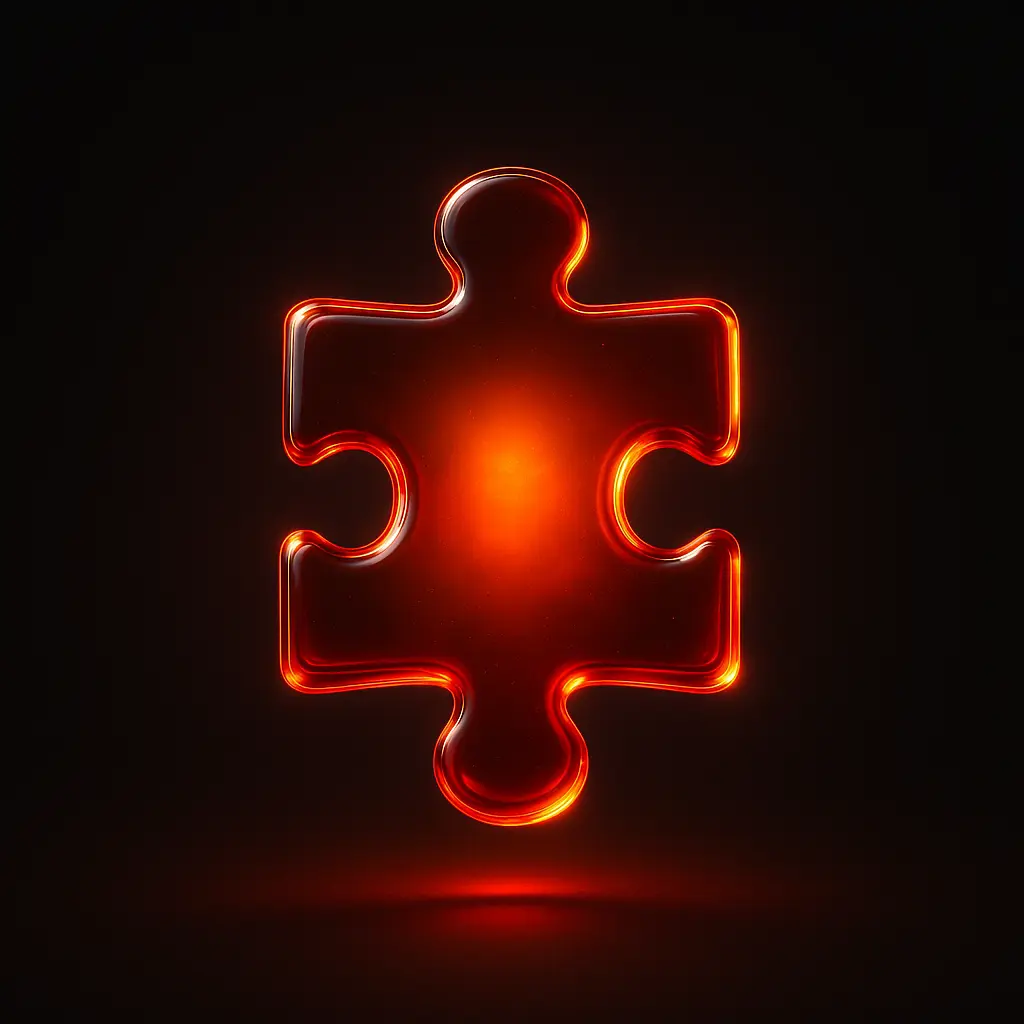
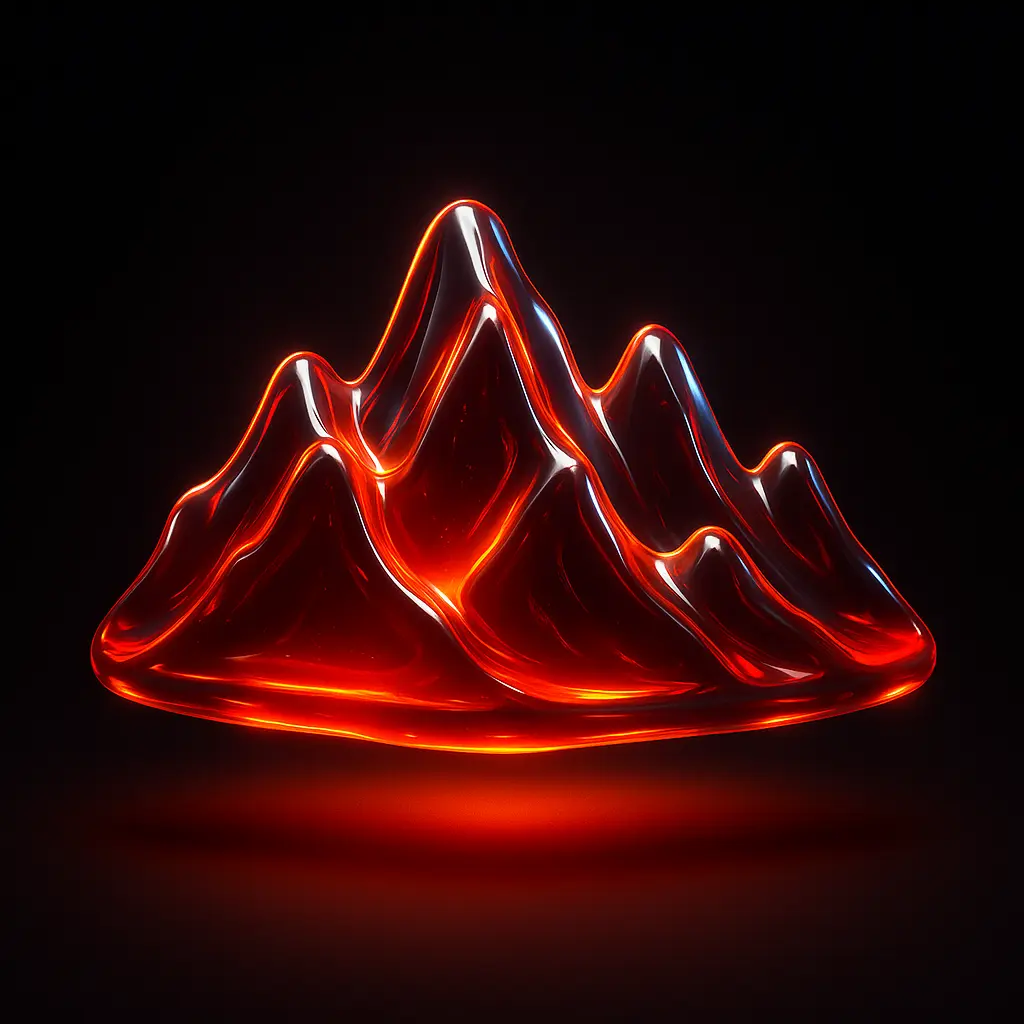
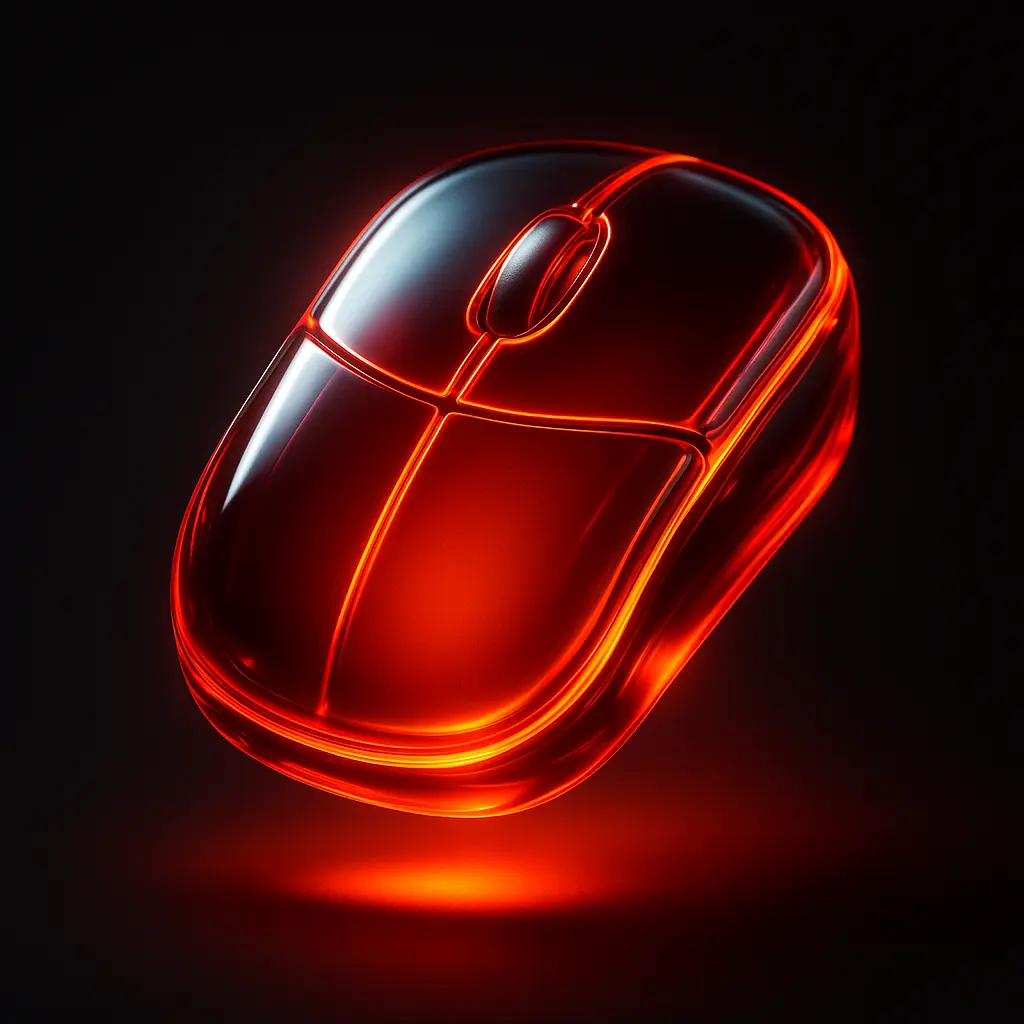
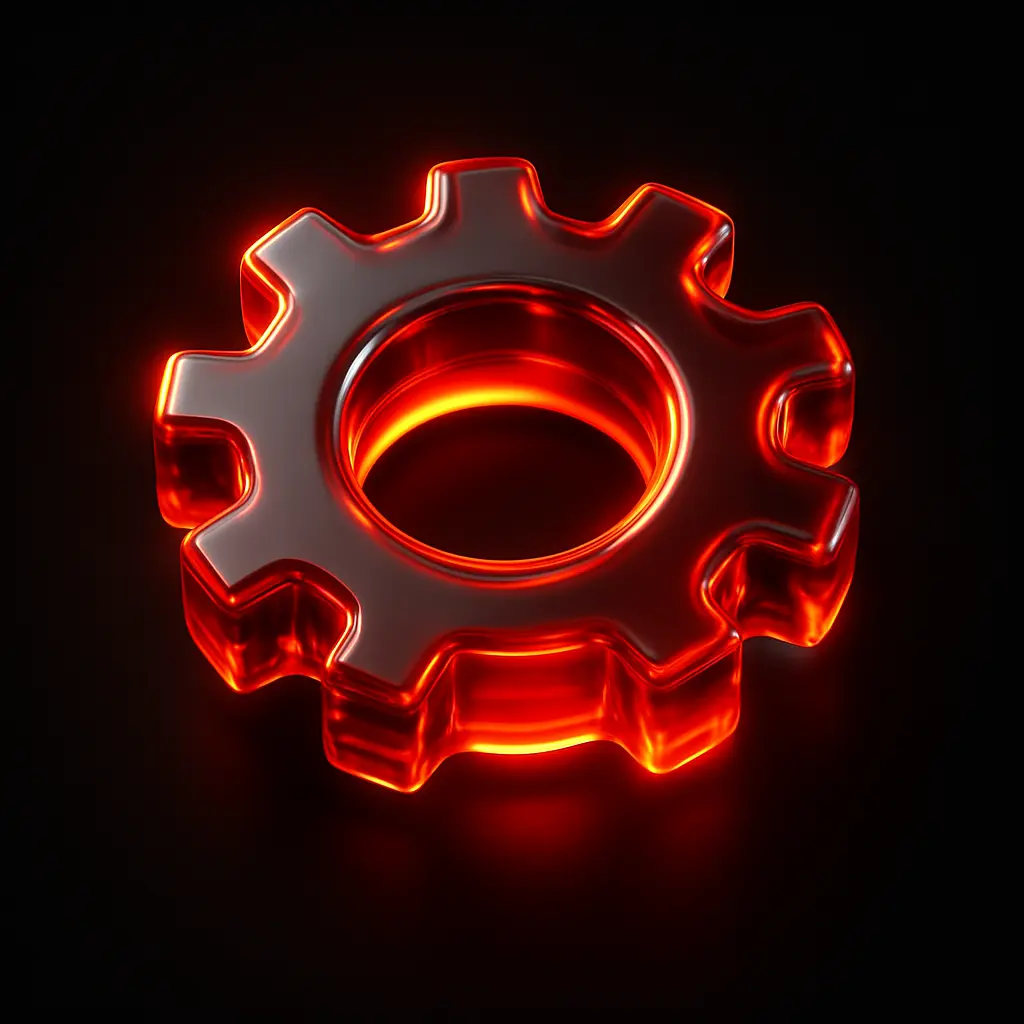
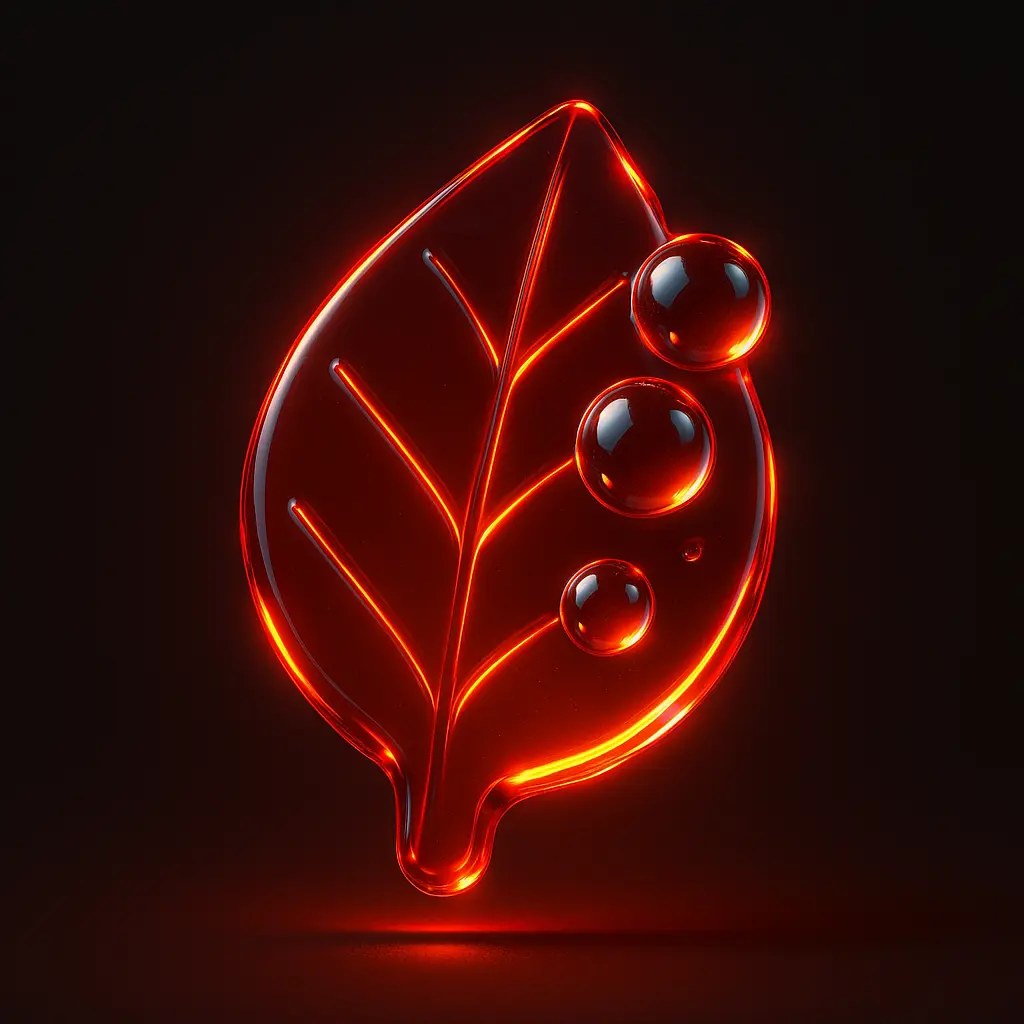
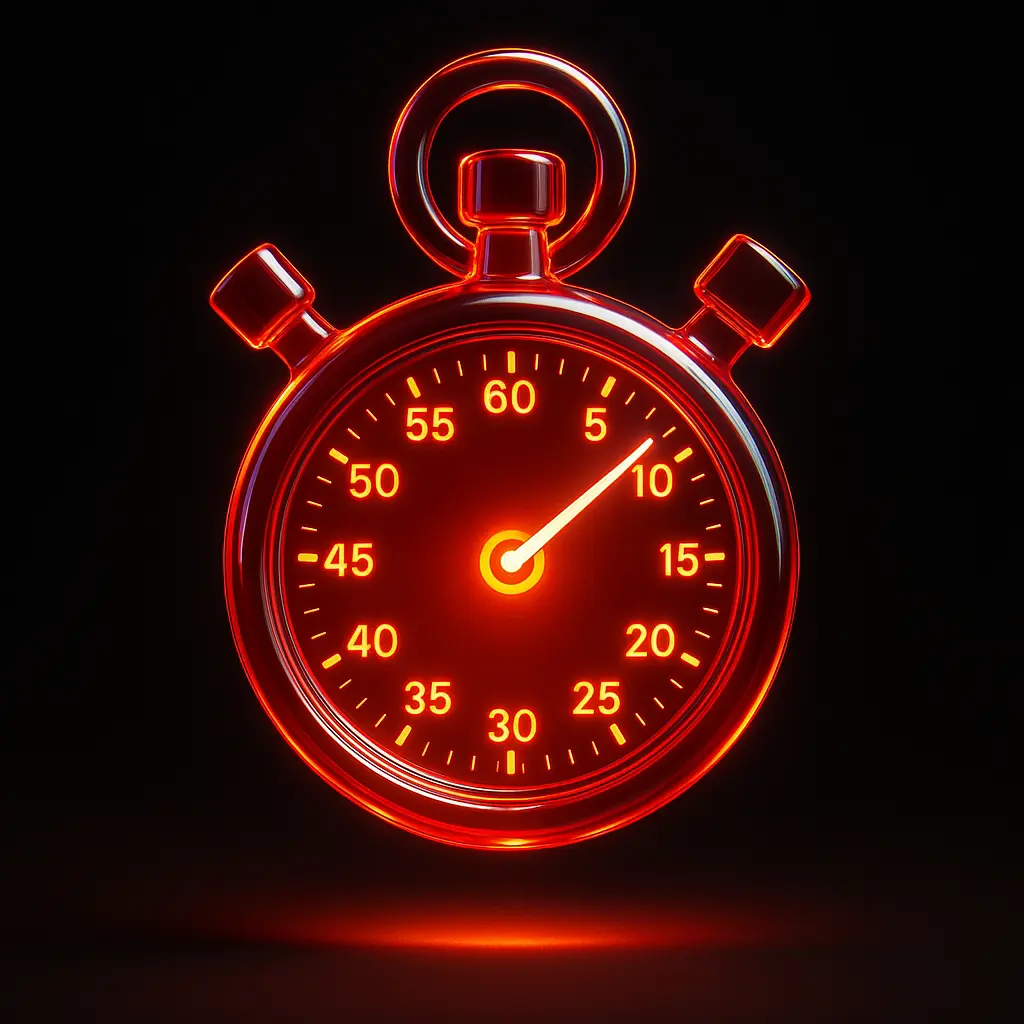
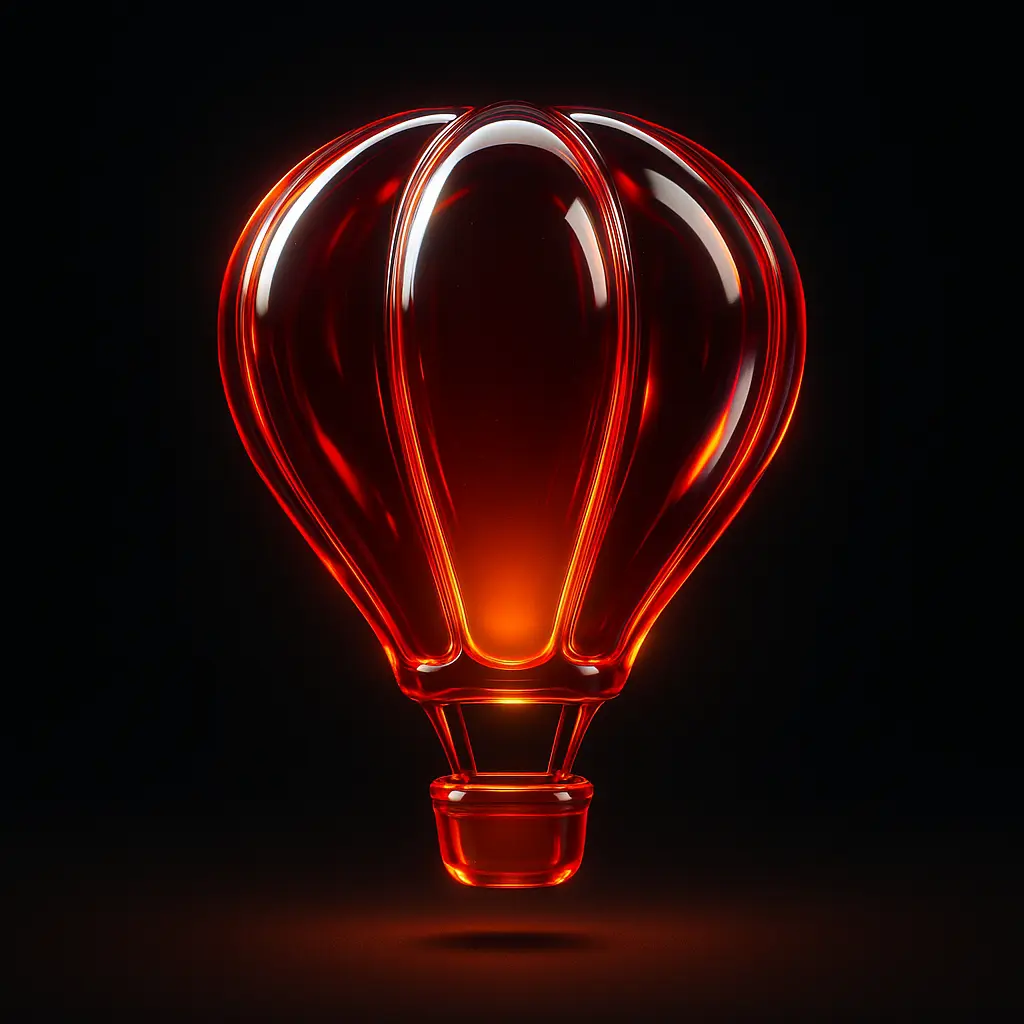
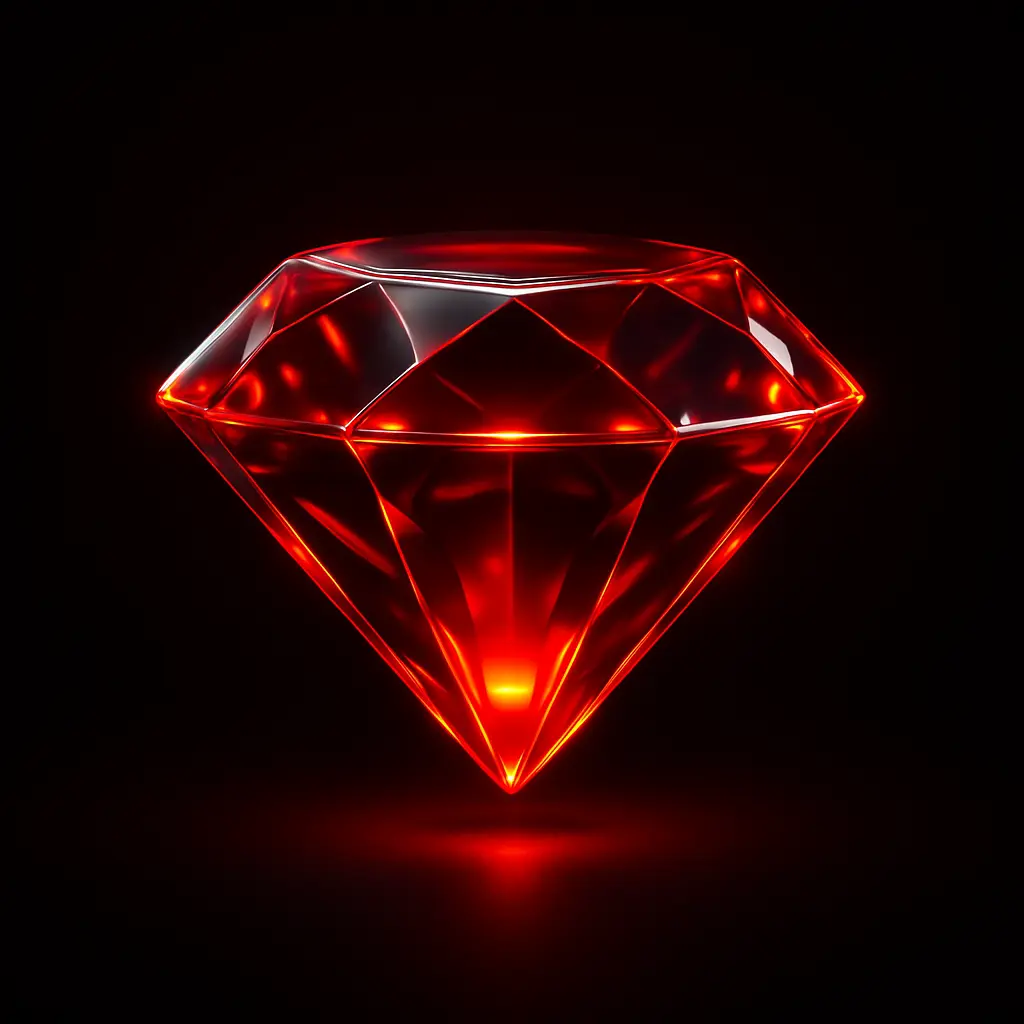
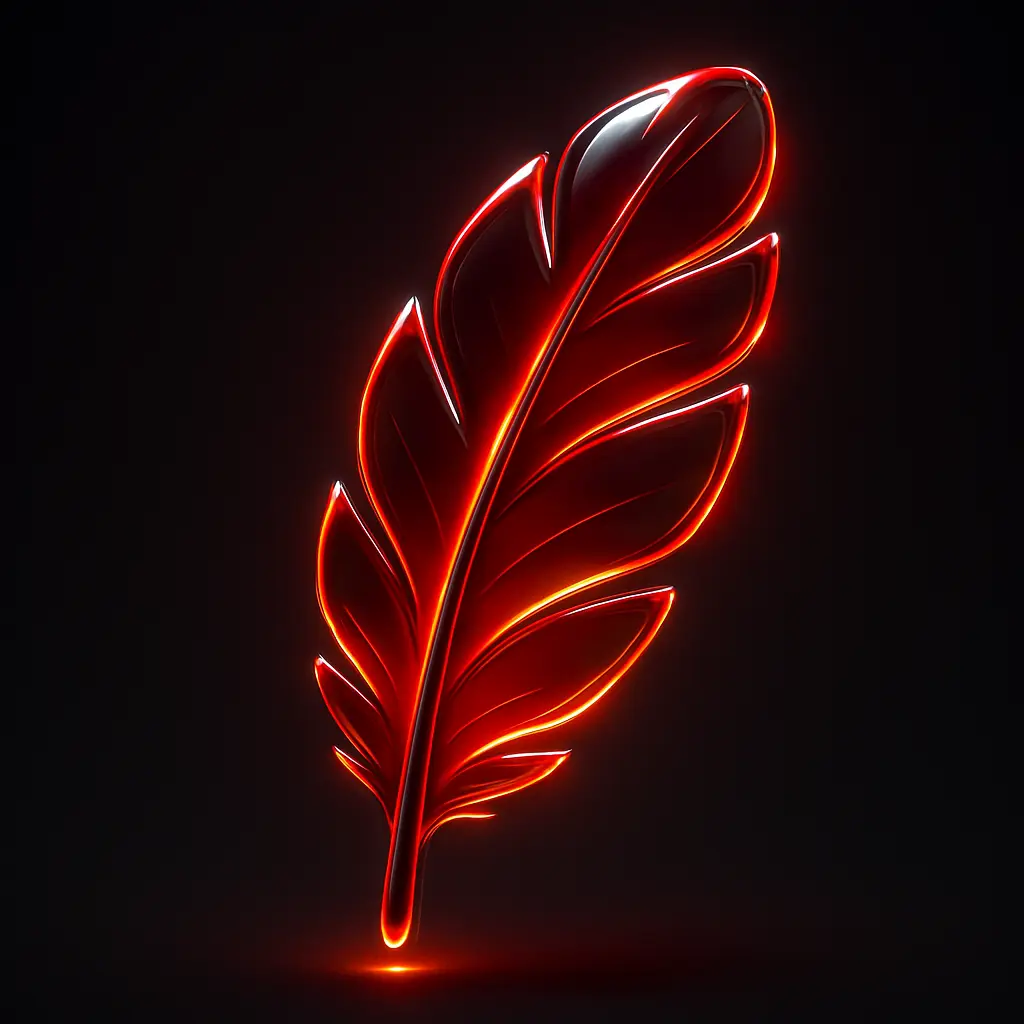
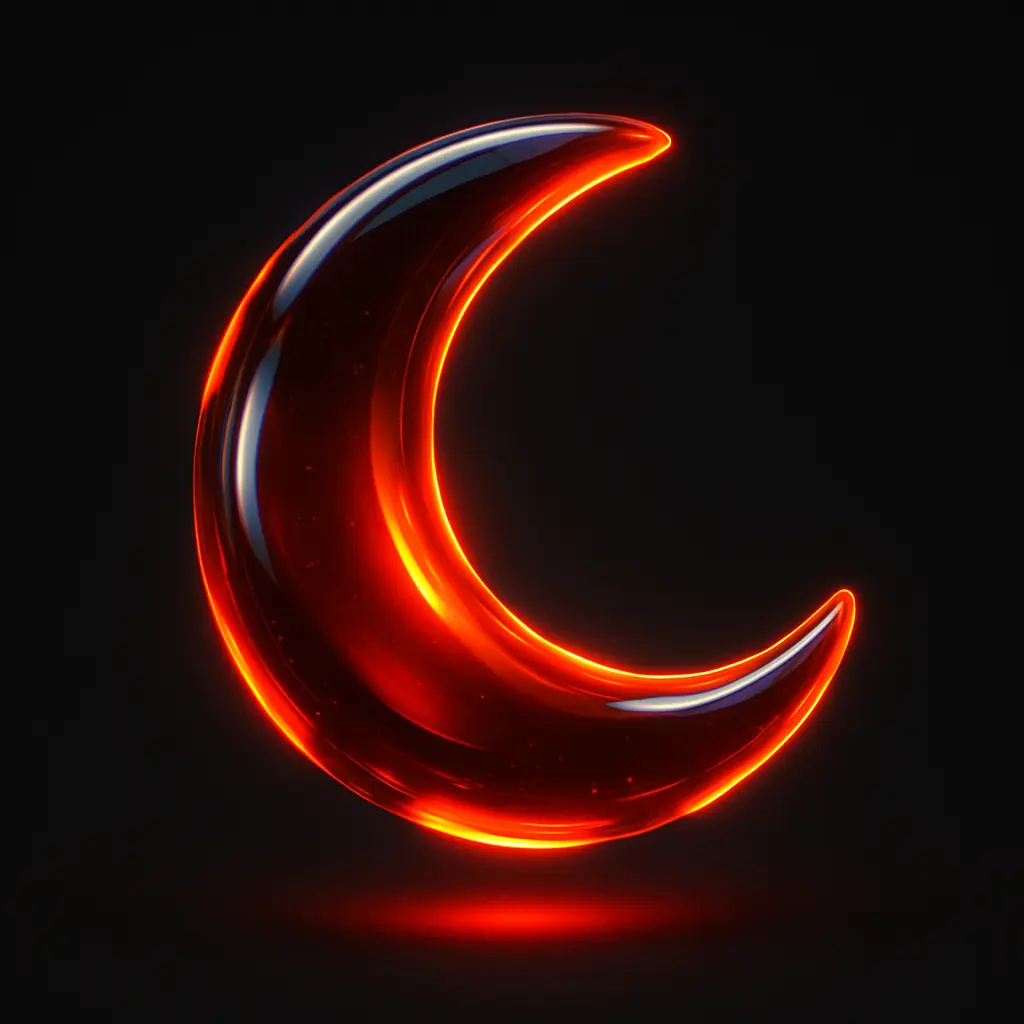
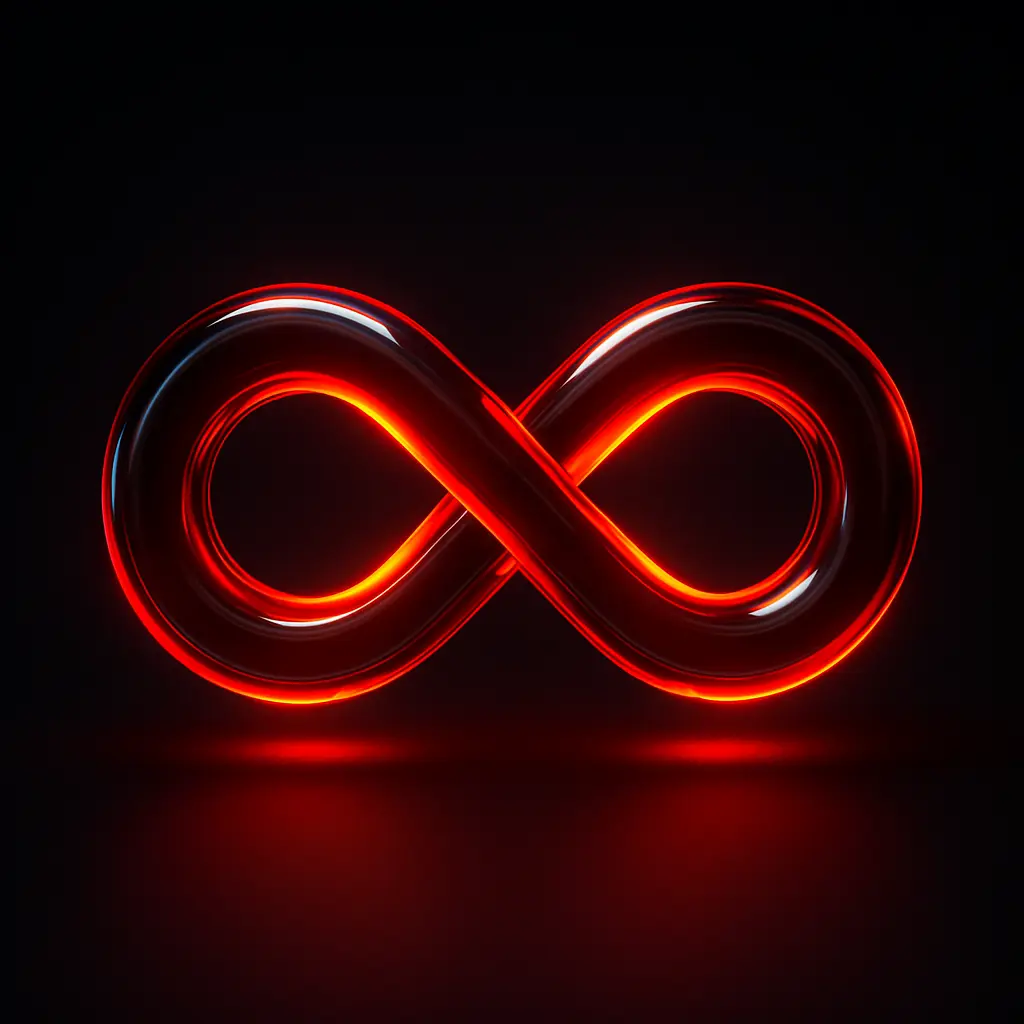
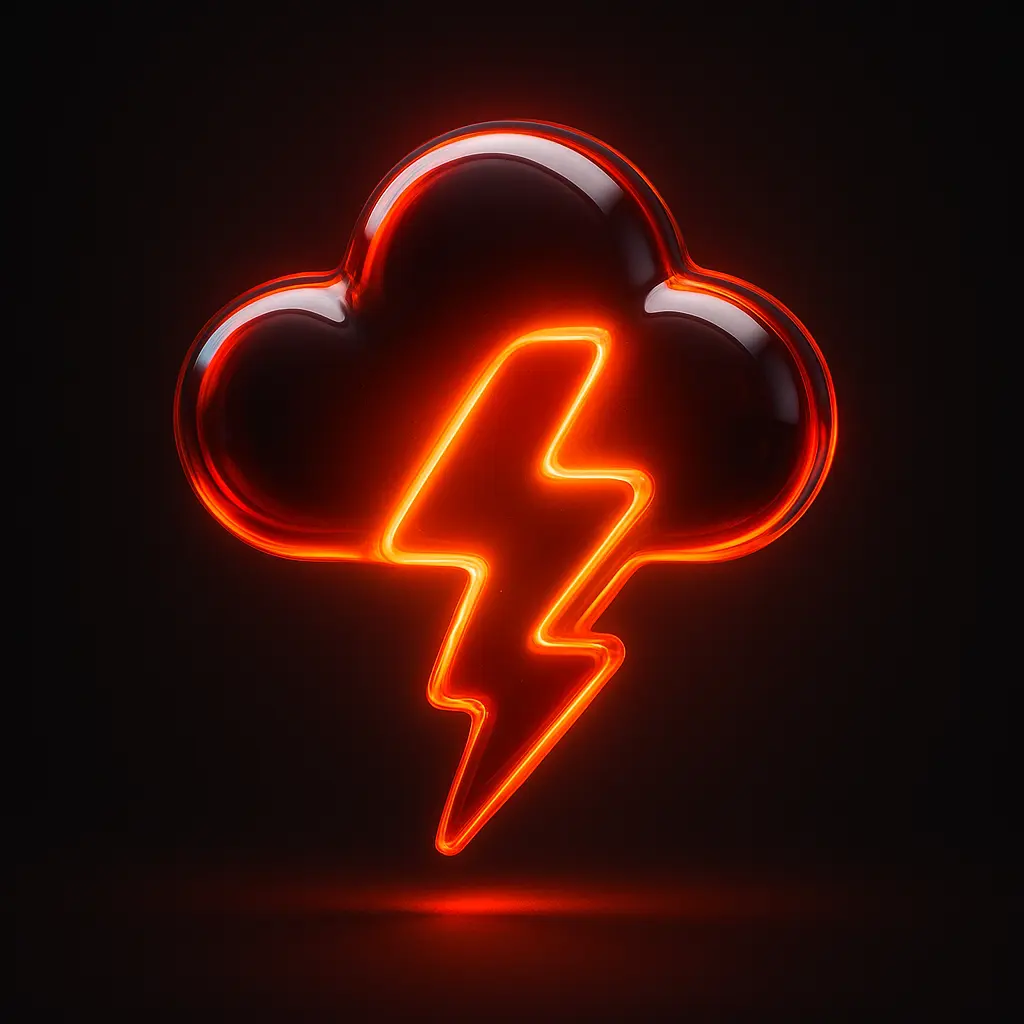
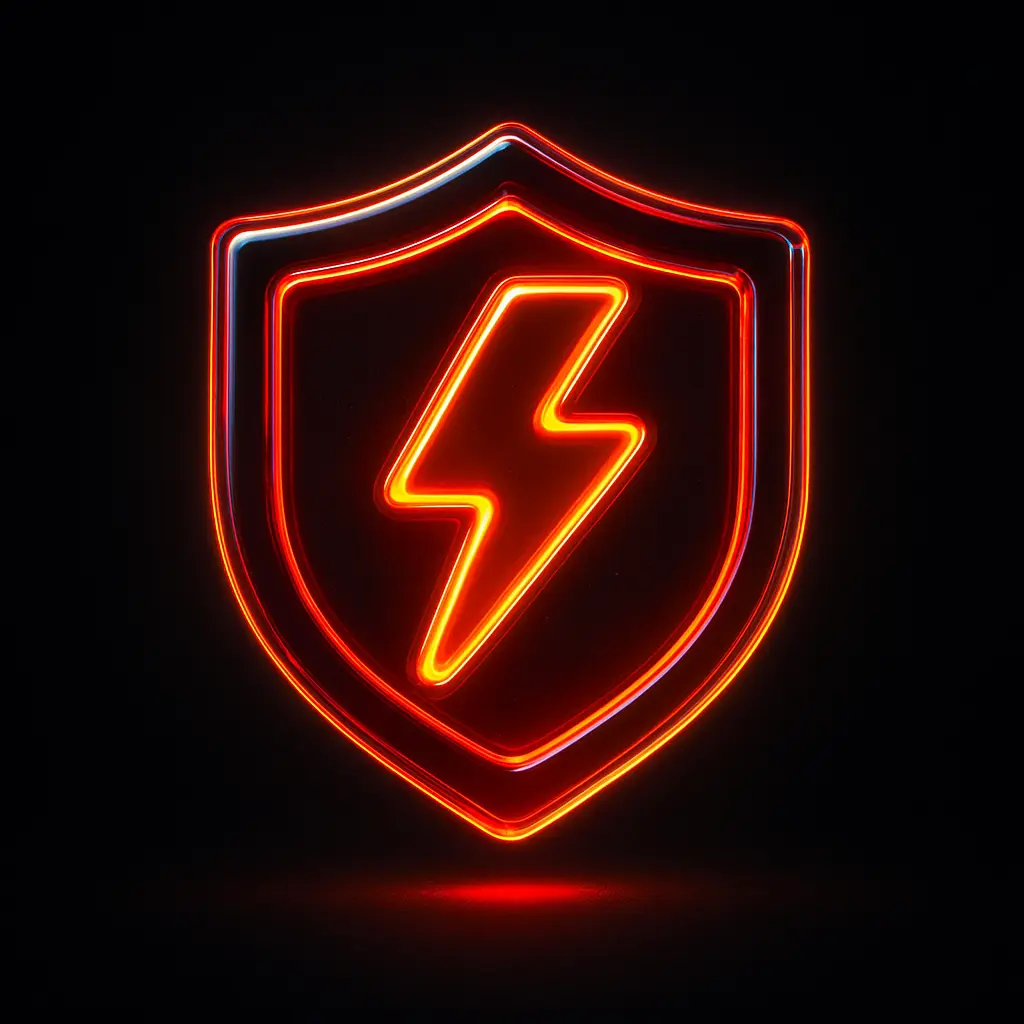
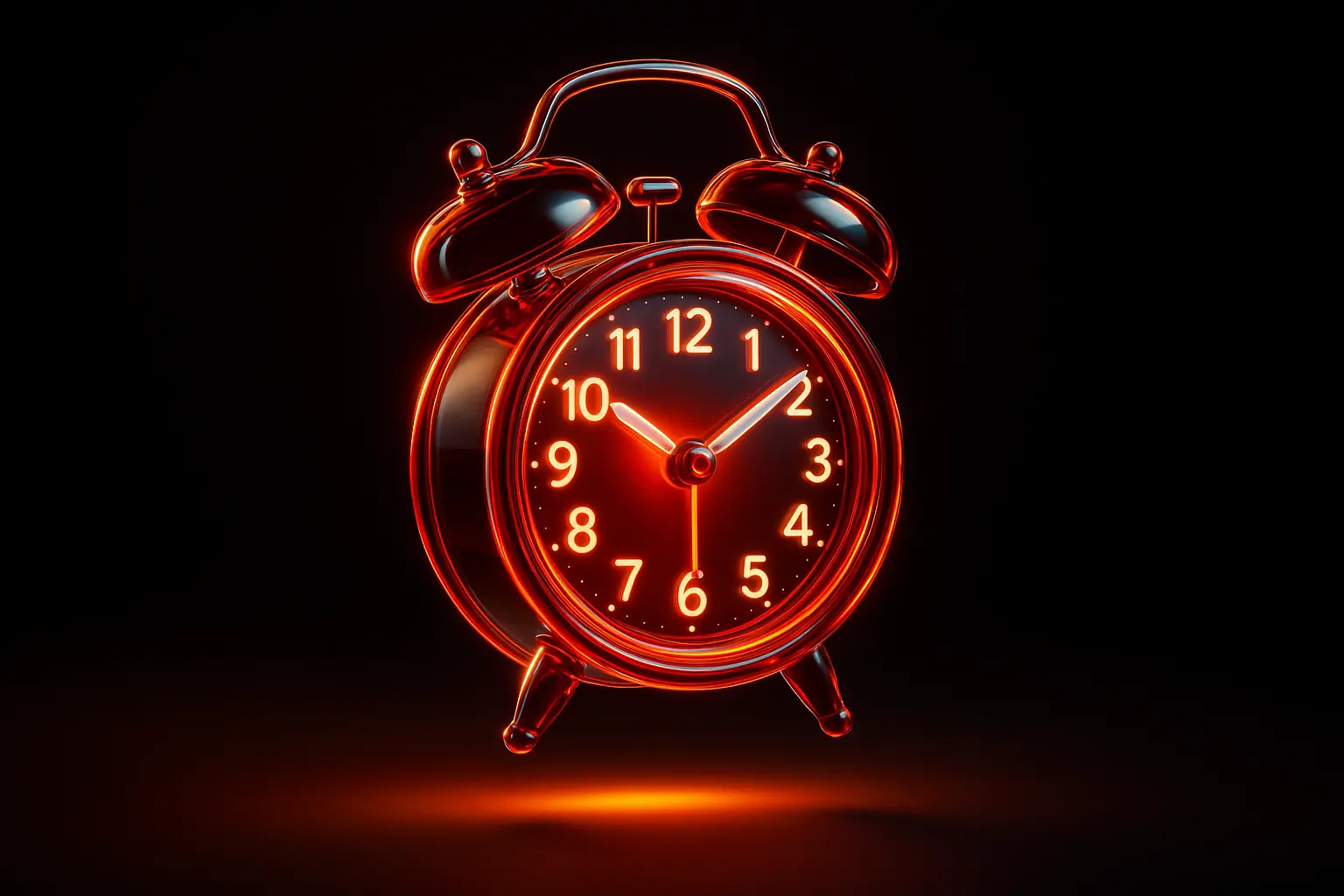
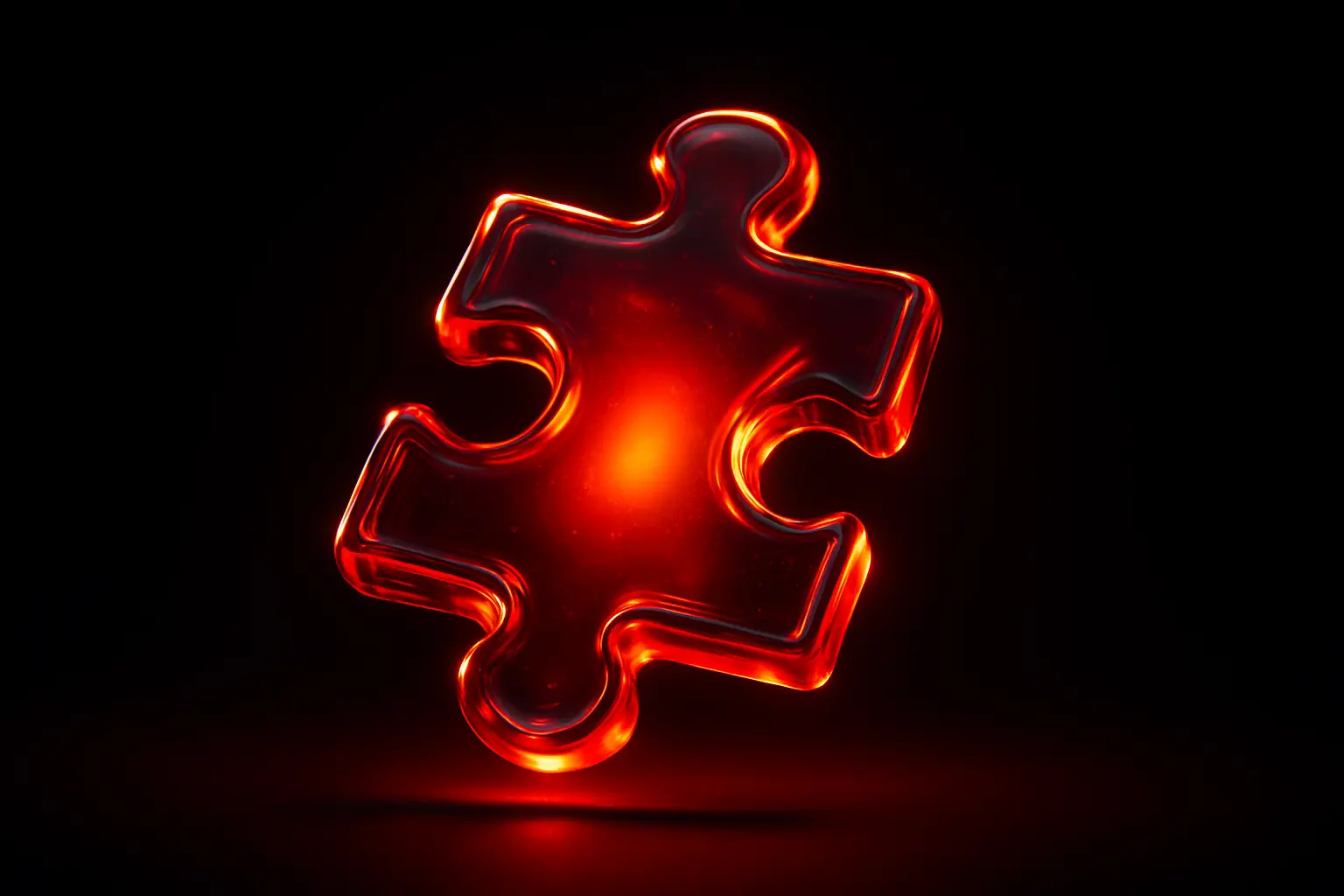
You can quickly express your brand’s attitude or personality through a custom 3D Glass-gel Icon, making your profile or product instantly more recognizable and emotionally resonant to your audience.
Whether you're customizing a game interface, app design, or social media avatar, generating a 3D Glass-gel Icon helps you craft something that feels uniquely yours without needing advanced design skills.
Experimenting with shape, depth, and texture in a 3D Glass-gel Icon lets you explore your visual ideas in seconds, unlocking new concepts and helping you test bold creative directions with ease.

Unlock powerful art tools at zero cost, making it easy for anyone to create and innovate without barriers.

Your creations and data stay confidential, guaranteeing your artistic work remains safe and secure.

Built for ease of use, so you can jump in and thrive—no matter your skill level or experience.
Click our 3D Glass-gel Icon tool. You don't need to download or install anything on your device.
Describe or upload the image your want to turn into 3D Glass-gel Icon artwork from your device or your Gallery.
The Image Generation process will start automatically. Simply wait a moment for your image to be generated or restyled.
The 3D Glass-gel Icon Generator is an AI-powered image creation tool that lets you generate eye-catching icons with a glossy, dimensional look—like they’re sculpted from liquid glass. Simply input a detailed text prompt or combine it with an image to get stunning results in seconds. It’s designed for creative users who want quick, high-quality outputs without technical complexity.
To use the 3D Glass-gel Icon Generator, just open the generator online—no installation is needed. First, type in a descriptive prompt or upload up to 3 reference images. Then, click to begin and wait while your icon is created. The process is quick, and the image appears shortly after. For extra guidance, explore example prompts and remix them using the 'Make it yours' feature.
Yes, the 3D Glass-gel Icon Generator offers 5 free generations per day without requiring a login. If you'd like to generate more images, you can sign in and add credits for additional creations. This makes it easy to explore and experiment before deciding whether to upgrade your use.
Yes, you can use the 3D Glass-gel Icon Generator by entering just a text prompt. While uploading reference images helps refine the style, it’s completely optional. The AI will still generate impressive icons based purely on your description if that’s how you prefer to create.
The 3D Glass-gel Icon Generator stands out with its ability to generate striking, stylized icons that feel fluid, dimensional, and ultra-modern. Its focus on the glass-gel aesthetic makes it perfect for creatives seeking high-impact visuals without complex software. You also get free daily generations and prompt inspiration to make creation easier and more fun.
Manual design can be time-consuming and requires specific tools and skills. The 3D Glass-gel Icon Generator simplifies the process—type your idea and get a polished icon in moments, no design background necessary. It's ideal when inspiration strikes or when you want to quickly experiment with looks and styles before committing to manual work.
For better results with the 3D Glass-gel Icon Generator, try writing clear, detailed prompts. Mention key attributes like object type, colors, texture, or mood. If you're unsure what to write, check out built-in example prompts and use 'Make it yours' to customize them. Adding a reference image is optional but can sharpen the output to match your intent.
Yes, the 3D Glass-gel Icon Generator works smoothly on phones and tablets. There’s no need to download an app—just visit the generator online and start creating directly from your device. The experience is designed to be mobile-friendly and accessible wherever you are.
No, you don’t need an account to use the 3D Glass-gel Icon Generator for basic access. You can generate up to 5 icons per day without logging in. If you want more generations or want to track your usage, you can sign in and add credits for expanded access.
Feedback is always appreciated. If you have suggestions or run into an issue while using the 3D Glass-gel Icon Generator, just send an email to hi@runcomfy.com. User input helps improve the generator and ensures it continues to create great experiences.
RunComfy is the premier ComfyUI platform, offering ComfyUI online environment and services, along with ComfyUI workflows featuring stunning visuals. RunComfy also provides AI Models, enabling artists to harness the latest AI tools to create incredible art.