logo
RunComfy
  • Models
  • ComfyUI
  • TrainerNew
  • API
  • Pricing
discord logo
MODELS
Explore
All Models
LIBRARY
Generations
MODEL APIS
API Docs
API Keys
ACCOUNT
Usage

seedream-4-0/edit

image-to-image

Edit and fuse images into high quality results with Seedream 4.0.

seedream-4-0/text-to-image

text-to-image

Generate sharp 4K visuals with flexible multi-input and fusion tools

qwen-image/qwen-image-edit-2511/lora

image-to-image

LoRA-based visual editing model offering structure-aware asset transformation for creative pros

wan-2-6/text-to-image

text-to-image

Transform written ideas into brand-consistent visuals with precise style control.

wan-2-6/image-to-image

image-to-image

Instruction-based AI for seamless visual editing and scalable style adaptation

qwen-image/qwen-image-edit-2511

image-to-image

Advanced image-to-image tool with geometry-aware edits and consistent identity control for creative workflows.

nano-banana/pro/edit

image-to-image

Turn sketches into precise 2K-4K visuals with smart correction and seamless creative control.

seedream-4-5/text-to-image

text-to-image

Generate refined visuals with accurate lighting and text control for design work.

seedance-1-0/pro/fast/image-to-video

image-to-video

Create lifelike video motion fast with Seedance Pro for design pros

gpt-image-1-5/text-to-image

text-to-image

Turn written concepts into detailed visuals with precise image synthesis for creative teams.

seedance-1-0/pro/image-to-video

image-to-video

Create fluid, expressive animations with multi-shot storytelling features.

seedream-4-0/edit-sequential

image-to-image

Create cohesive visual sequences with precise style and continuity control.

wan-2-2/text-to-image

text-to-image

Generate high quality images from text prompts with Wan 2.2 Plus.

gpt-image-1-5/image-to-image

image-to-image

Context-aware image transformations with faithful detail and control for creative workflows.

nano-banana/edit

image-to-image

Edit and blend images with prompts using Google Nano Banana.

nano-banana/pro/text-to-image

text-to-image

Generate detailed multilingual visuals with 4K clarity and creative control.

seedream-4-5/sequential

text-to-image

Create cohesive 4K visuals with stable subjects and refined scene alignment.

seedream-4-5/edit-sequential

image-to-image

Create consistent visual stories with advanced image editing and multi-scene control.

seedance-v1.5-pro/image-to-video

image-to-video

Transform still visuals into cinematic motion clips with smooth, realistic transitions and creative flexibility.

recraft-v3/text-to-image

text-to-image

Nail the art of text and vector imagery.

AI Graffiti Generator

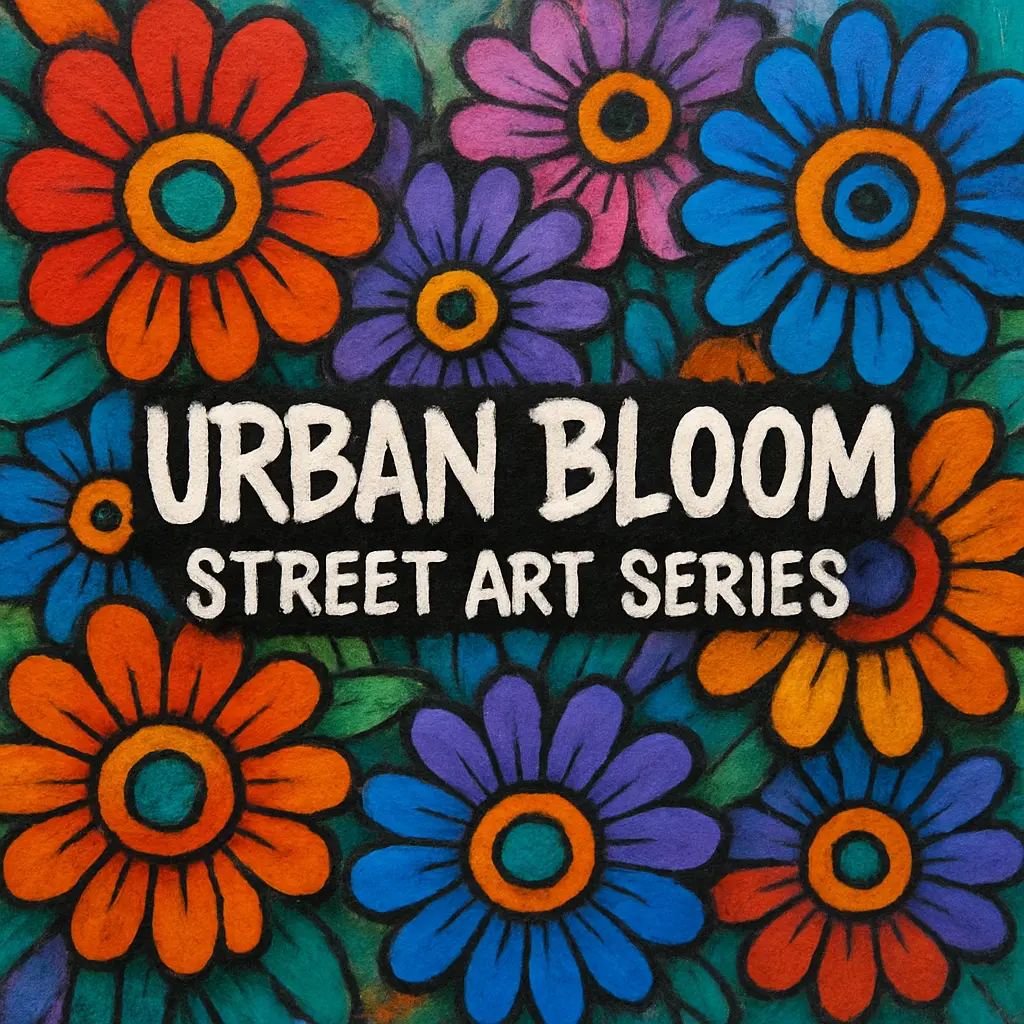
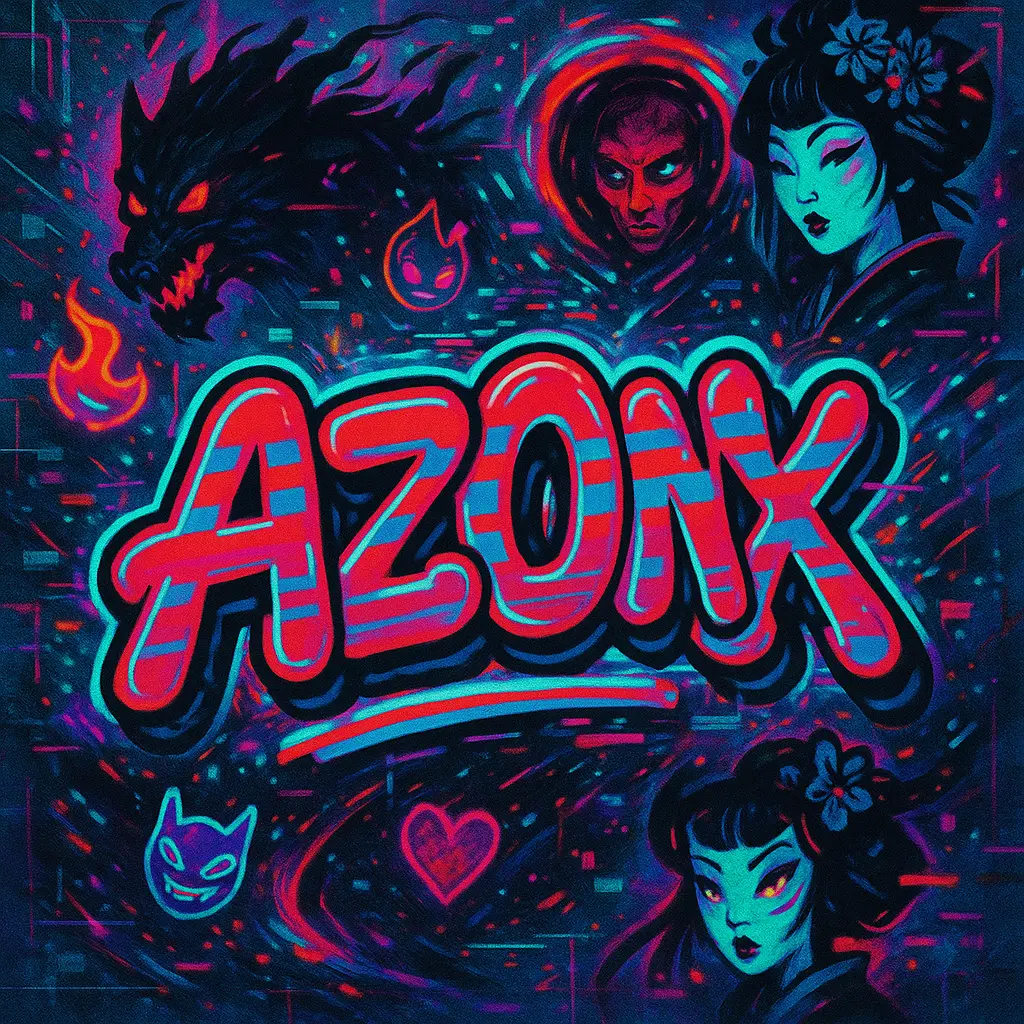
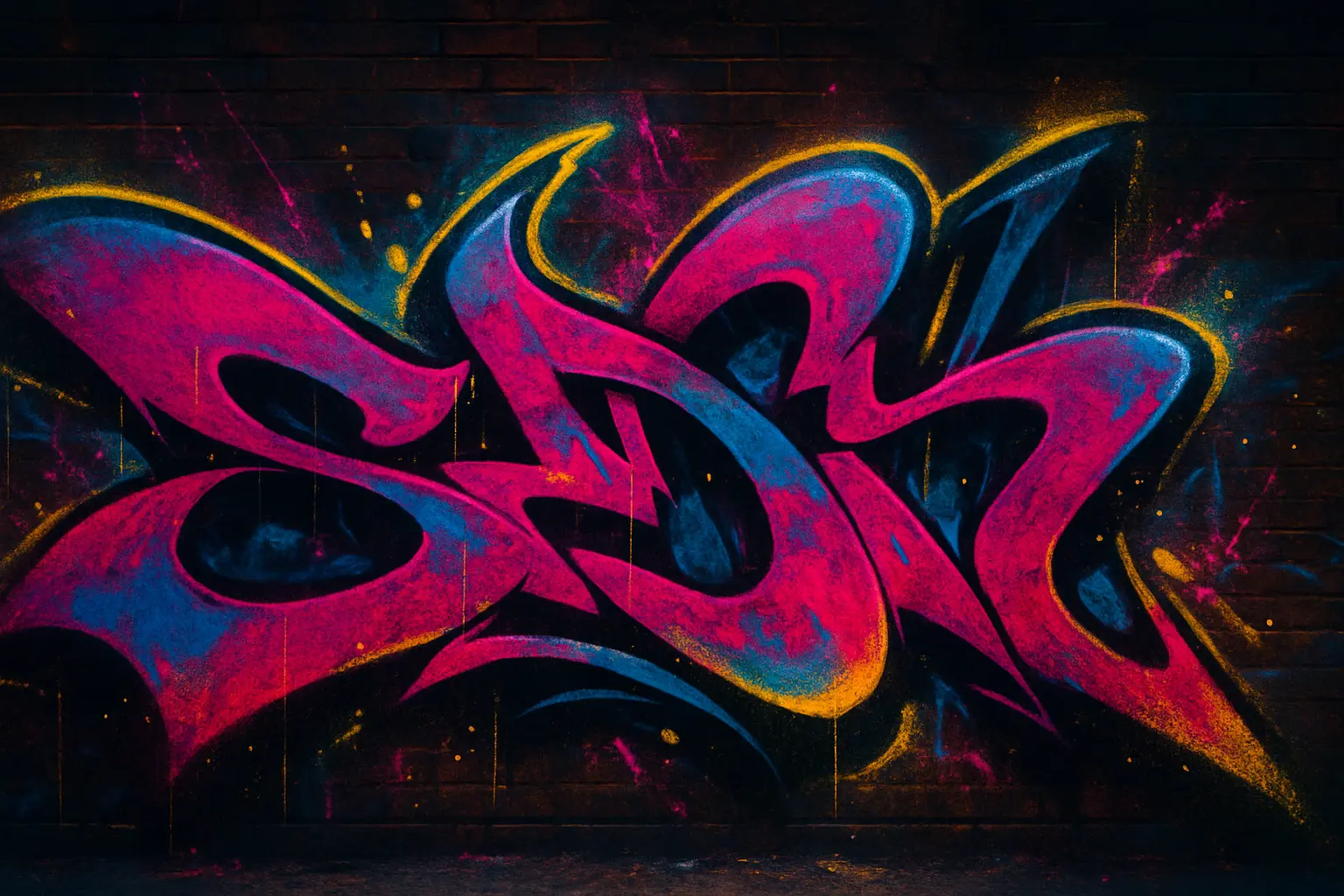
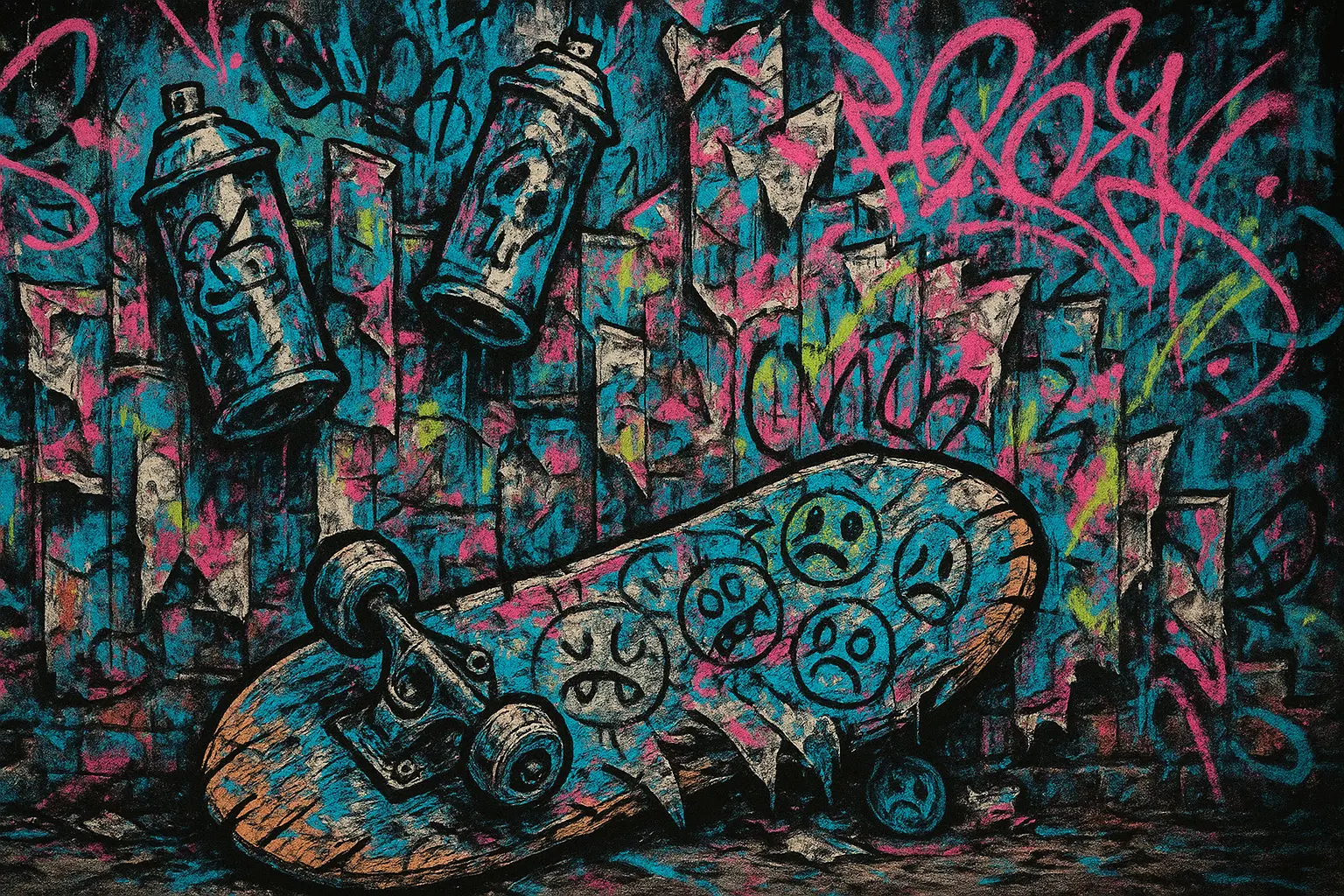
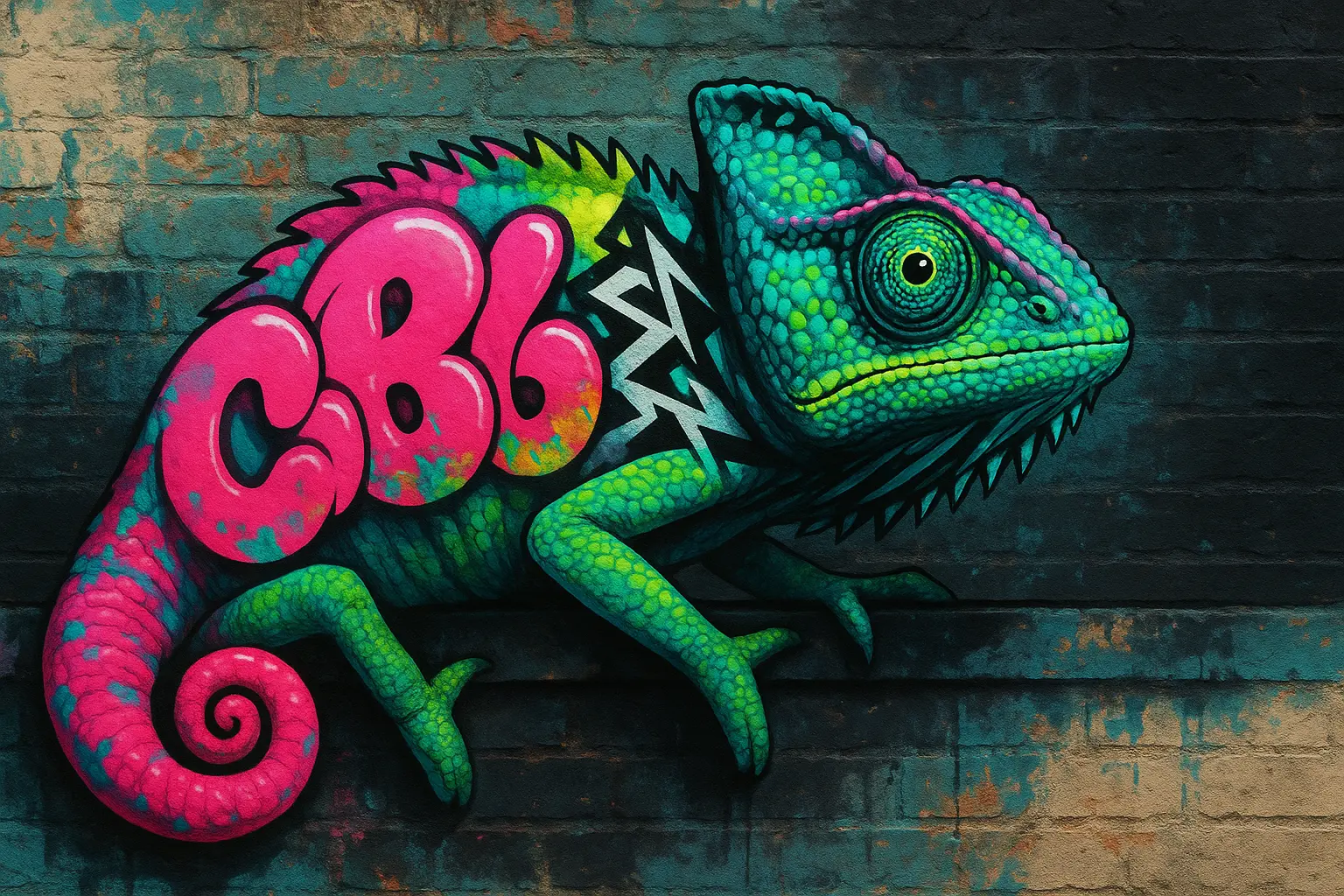
Create bold digital tags in wildstyle, bubble, or stencil formats

100% FreeFully PrivacyNo Login RequiredEasy To Start
Image Prompts 0/3
🎉5 FREE IMAGES LEFT TODAY
Sample PromptsPrompt Template
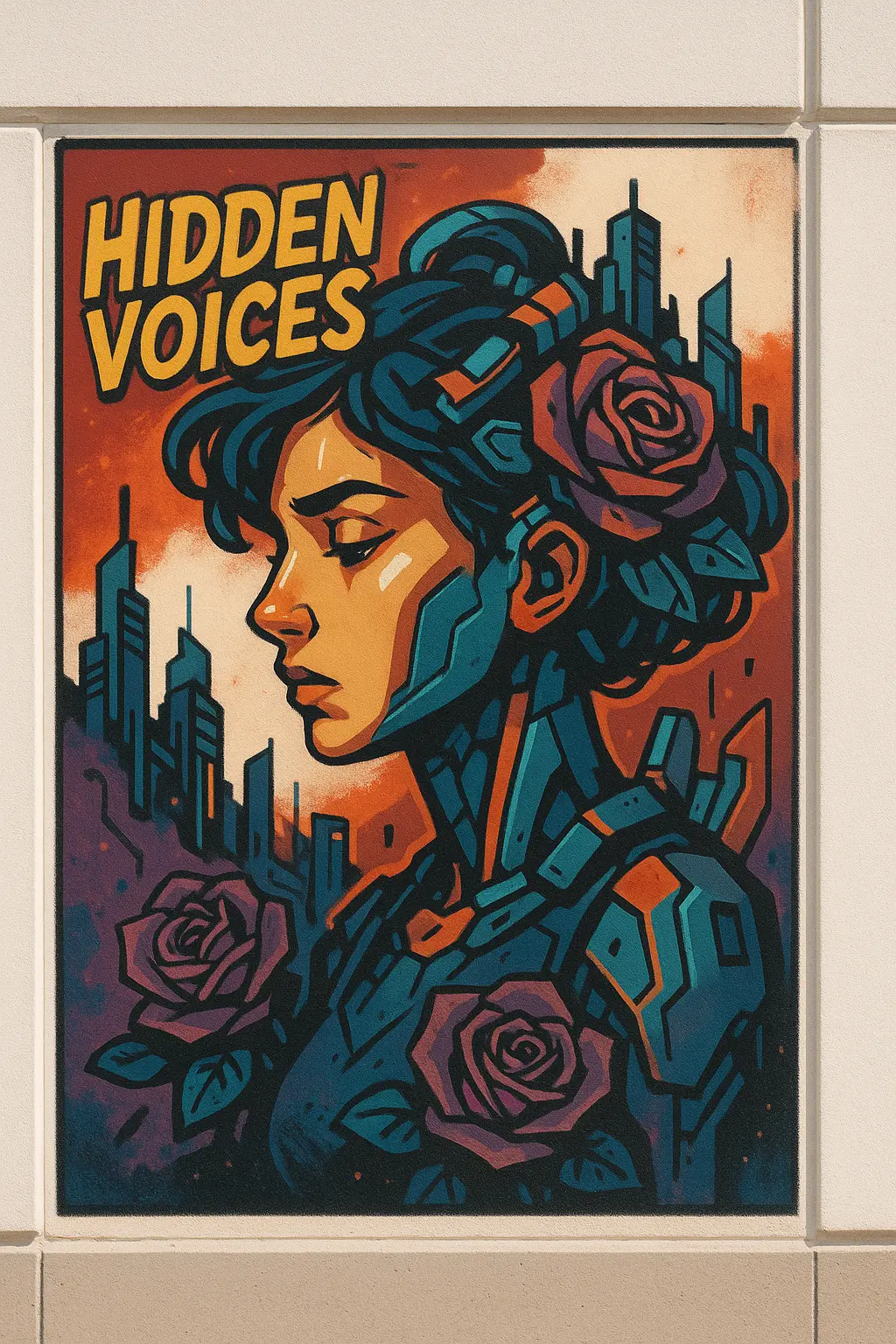
Create a graffiti artwork that captures a contemplative and urban atmosphere, featuring a stylized female figure with mechanical and floral elements integrated into her hair and surroundings in a character art style. The piece displays expressive character illustration with bold iconography and uses a complementary color palette of deep reds, turquoise blues, muted purples, warm beige tones, and vibrant oranges, with high visual contrast. The graffiti is painted on a smooth white building facade, interacting with the flat, clean surface and slight architectural divisions. The composition is central with a rectangular framing, showing overlapping elements and layered visual components that create depth, such as futuristic cityscape shapes integrated into the character's hair and shoulders, surrounded by purple roses and angular mechanical forms. The lighting is natural daylight, casting subtle shadows and clean highlights that add dimension to the face and structural details. Include signature graffiti effects such as sharp outlines, bold color fills, graphic textures, and clean block shading, rendered in a detailed, comic-inspired illustrative style. The mood is introspective yet strong, and the overall theme hints at a blend of technology, identity, and urban resilience. Replace the original text with the words "HIDDEN VOICES" in bold uppercase hand-drawn lettering at the top left corner, with a similar slanted, playful arrangement and yellow-orange fill against the red background. The image should have an aspect ratio of 4:5.
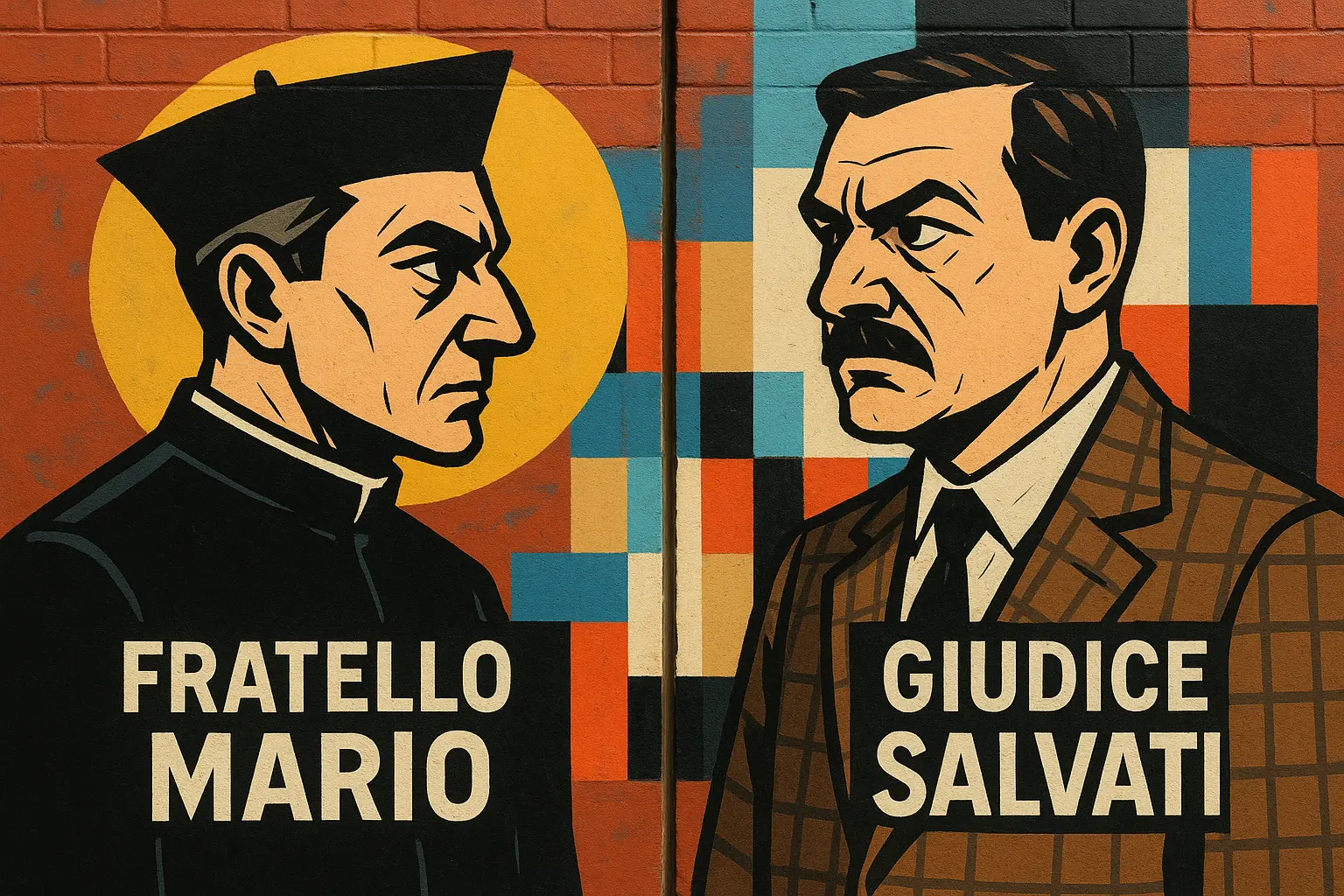
Create a graffiti artwork that captures a confrontational and nostalgic atmosphere, featuring two stylized male portrait profiles facing each other in a bold character art style. The piece displays expressive, comic-inspired characters with stark black outlines and intense facial expressions, positioned in a central, mirrored layout across a vertical structural edge that divides the wall. The left figure wears a black cassock and biretta, with angular features and a sharp gaze, while the right figure is in a brown checkered suit with a mustache and a skeptical expression. Both figures are rendered in a flat, graphic style with exaggerated shadows and clean planes of color. The background features a series of geometric color blocks: a large half-circle in mustard yellow, a vertical strip of sky blue, intersecting rectangles of beige, light blue, red, white, and black, creating a bold, Bauhaus-like abstraction behind and between the characters. Text on the left reads "FRATELLO MARIO" in uppercase, stencil-style white lettering on a black rectangle at chest level. Text on the right, similarly styled, reads "GIUDICE SALVATI." The graffiti is painted on a red-brown brick wall, with the mortar texture subtly visible beneath the painted surface, adding tactile realism. The composition is symmetrical and tightly framed, utilizing a central split to enhance the confrontational stance of the characters. The lighting is natural daylight, casting soft, minimal shadows that allow the flat colors and strong contours to dominate. Include signature graffiti effects such as clean, opaque paint application, sharp lines, and layered color blocking, rendered in a detailed yet graphic manner. The mood is intense and reflective, and the overall theme hints at ideological opposition and the duality of authority figures. The image should have an aspect ratio of 3:2.
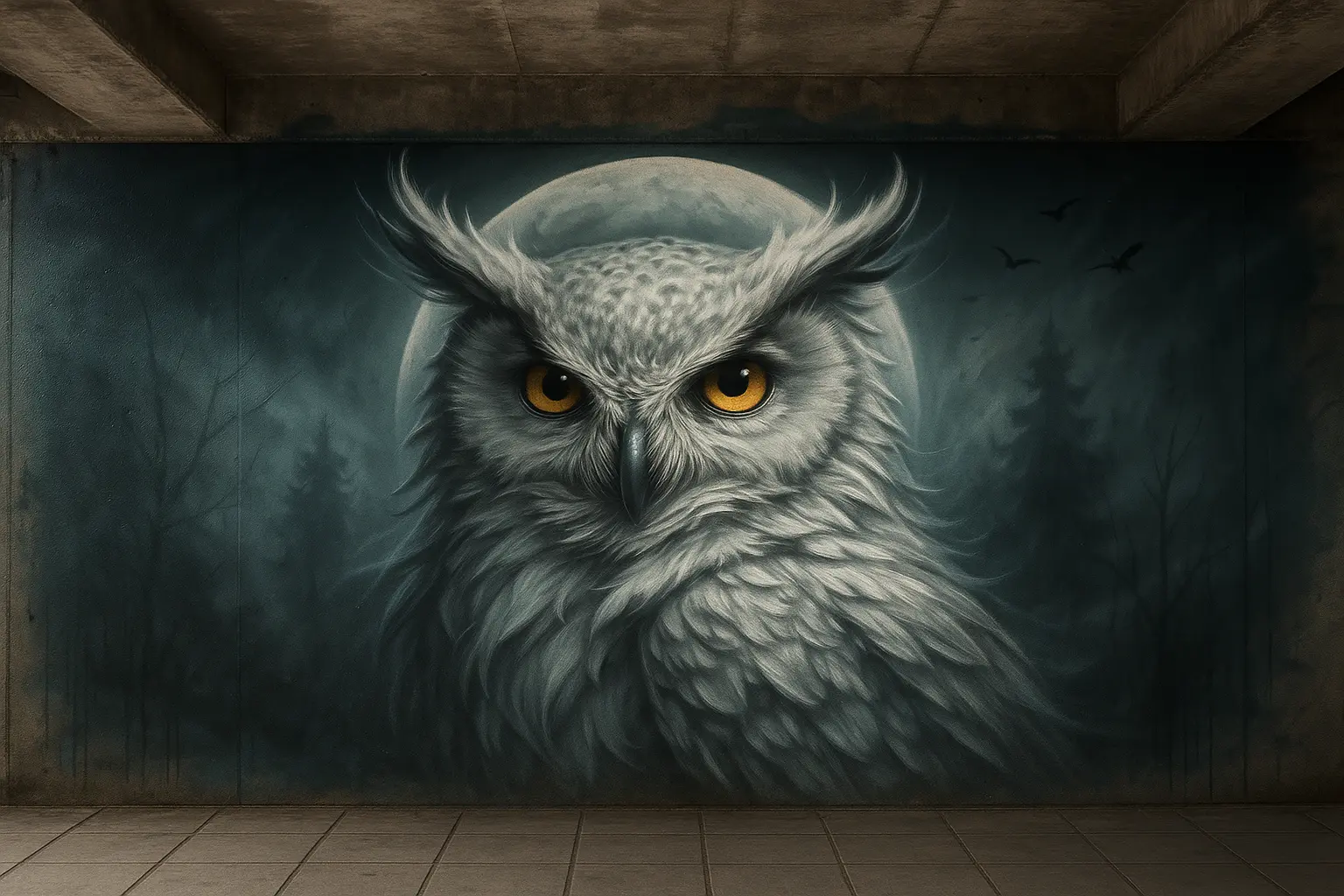
Create a graffiti artwork that captures a mystical and contemplative mood, featuring a highly detailed white owl with windswept feathers and piercing golden eyes, set against a full moon backdrop in a photorealistic graffiti style. The piece displays hyper-realistic feather textures and expressive avian anatomy, with intricate shading and fine linework to accentuate movement and depth. The color palette is dominated by cool tones—silvers, greys, and soft teals—contrasted by the bright amber eyes and a subtle wash of moonlight, creating high visual contrast. The graffiti is painted on a concrete wall inside an urban, semi-enclosed structure, interacting with the overhead ceiling and floor tiles, suggesting an immersive, site-specific environment. The composition is central, with the owl positioned prominently in the middle of a large, softly diffused moon circle, creating a natural frame that anchors the design. The background features ghostly silhouettes of pine trees and barren branches fading into mist, with faint black birds in flight at the top right corner, establishing layered depth. The lighting is dramatic, emanating from the moon and casting soft radial highlights around the owl, with gentle shadowing beneath feathers and trees. Include signature graffiti effects such as soft paint fades, atmospheric haze, and subtle directional lines in the background, rendered in detailed, painterly style. The mood is serene yet powerful, and the overall theme hints at wisdom, solitude, and the guardianship of the wild. The image should have an aspect ratio of 4:3.
Generation History
Idle

Explore of AI Graffiti Generator

Introduction of AI Graffiti Generator

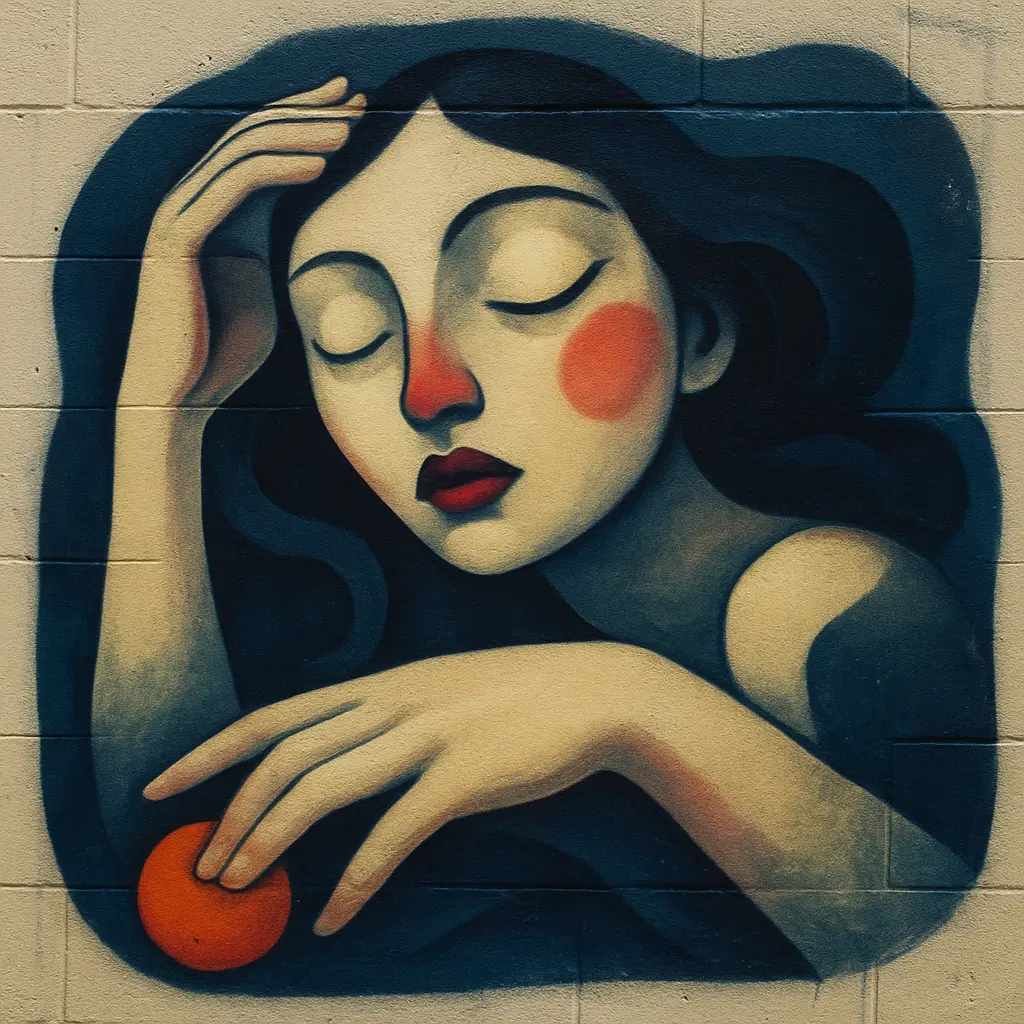
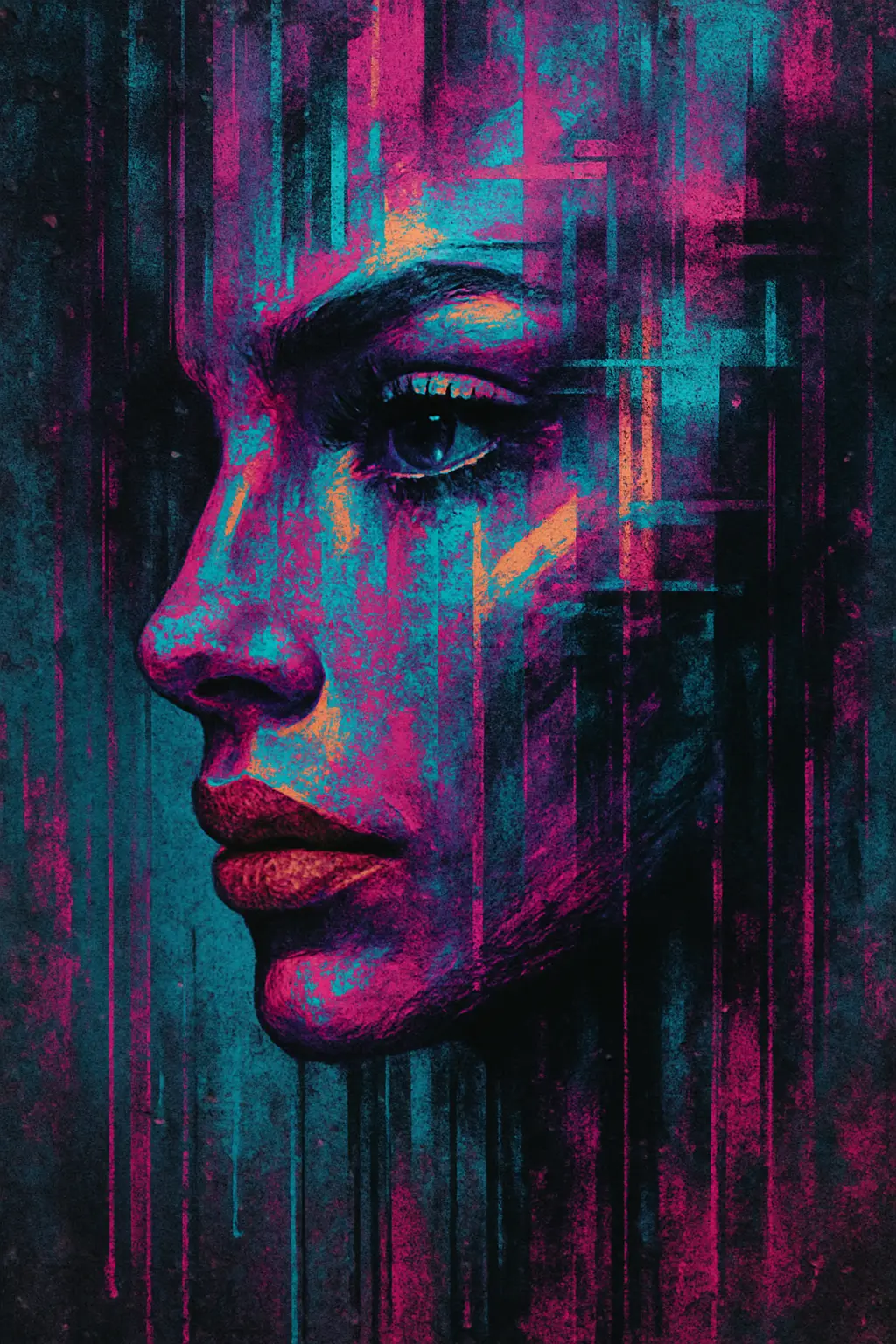
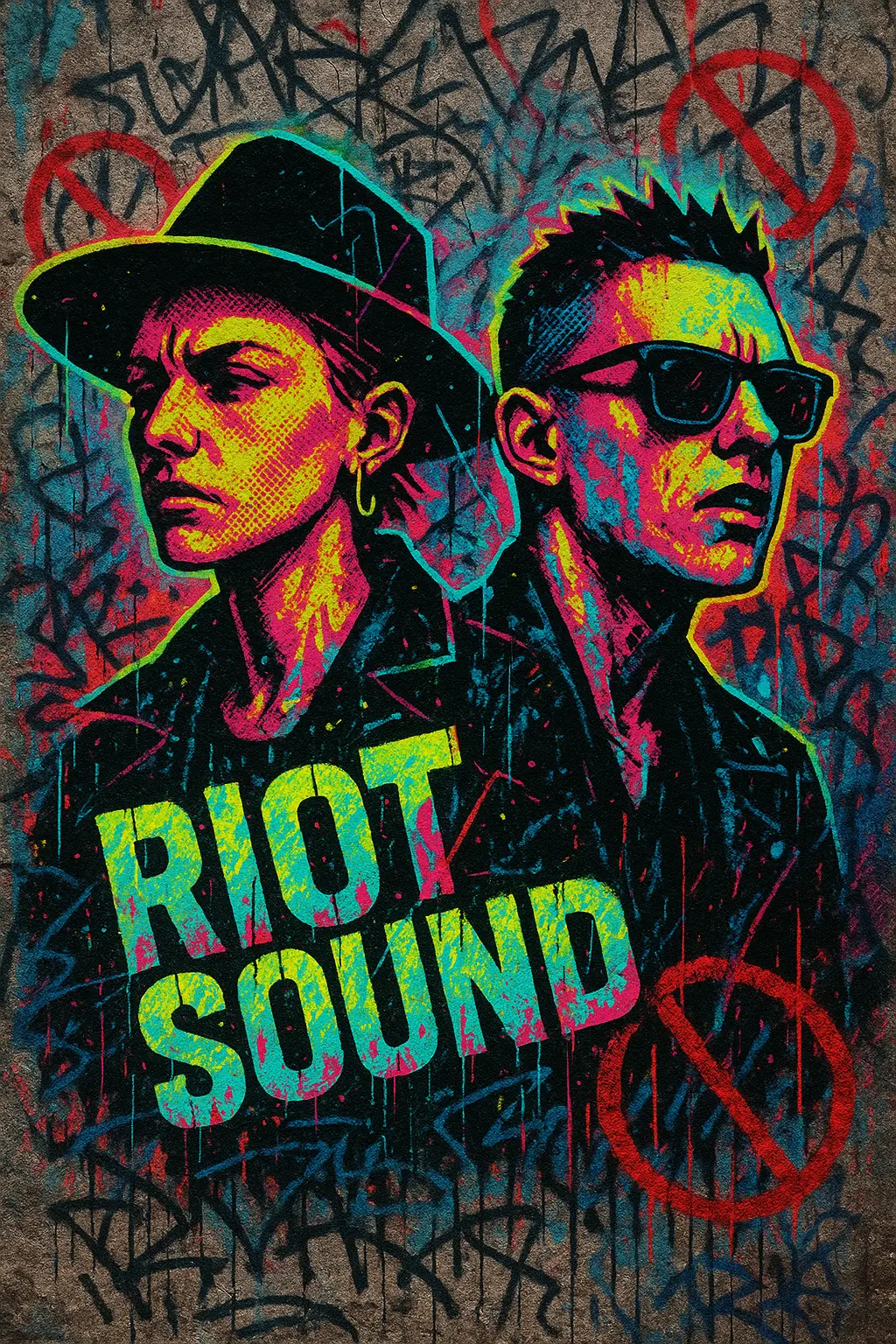
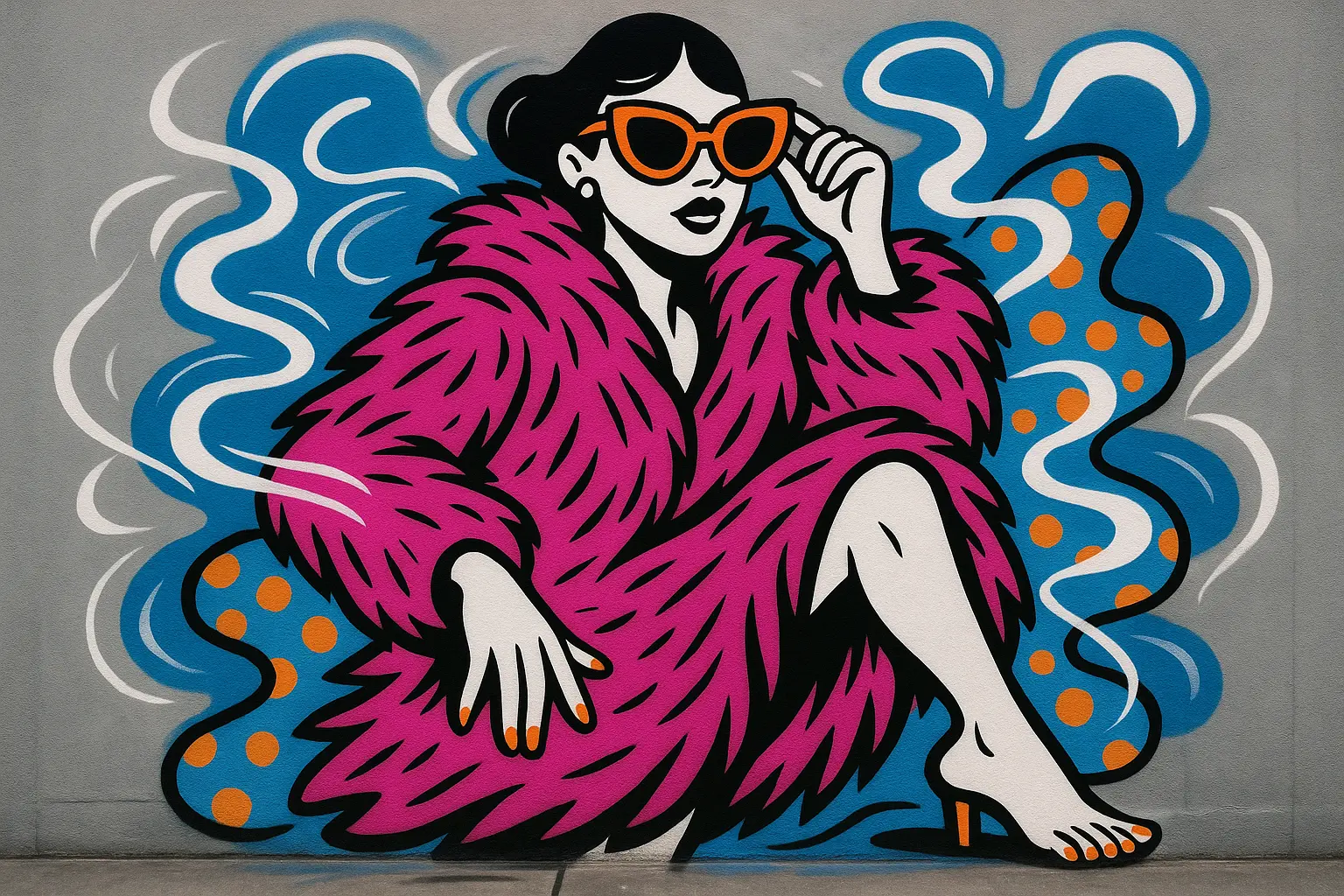
AI Graffiti Generator is a digital graffiti maker built for creators, designers, and street-art dreamers. It turns your ideas into bold, stylized graffiti visuals using just your words or a mix of image and text prompts. Whether you're experimenting or creating for real-world inspiration, it's your virtual spray can.
The AI Graffiti Generator meets users where they are—curious, expressive, maybe a little rebellious—and offers a fast, playful way to design in street-inspired styles. No walls, no mess, no pressure. Just raw color, cultural edge, and instant visual feedback. You bring the vision, it brings the grit.

Features of AI Graffiti Generator

Fast Visuals for Streetwise Campaigns

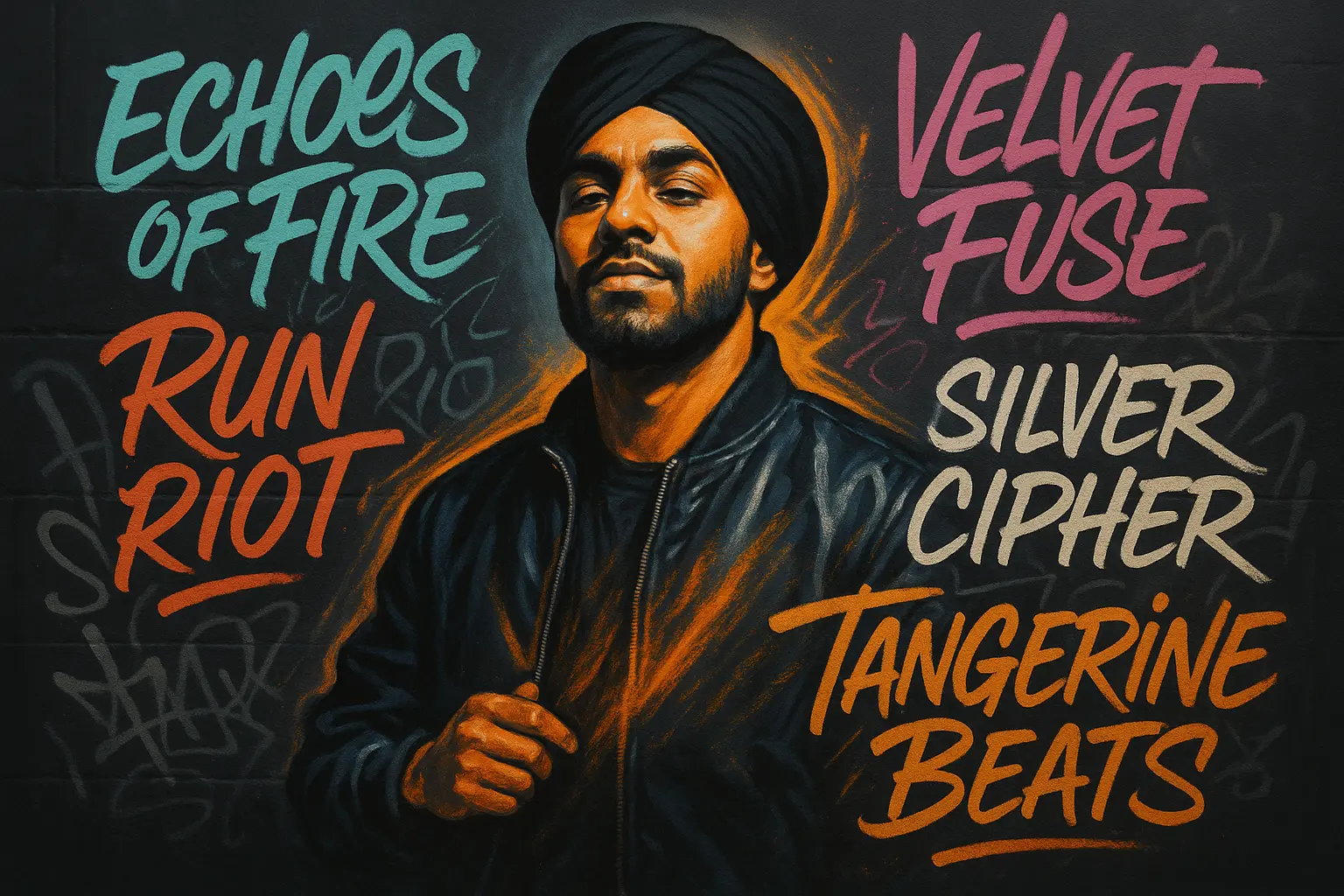
Need graffiti for digital designs or social posts? The AI Graffiti Generator creates high-impact visuals instantly. From mixtape drops to brand promos, generate gritty, layered styles that match your vibe. The AI Graffiti Generator helps you move from concept to content at speed—without losing attitude or edge.

Create Graffiti Without the Learning Curve

New to graffiti? The AI Graffiti Generator gives you a pressure-free way to explore street art visuals without needing sketching skills or spray-paint practice. Simply describe your idea and get bold, AI-generated tags, stencils, or murals. The AI Graffiti Generator makes artistic experimentation feel easy, fast, and wildly creative.

Explore Styles Beyond the Wall

Craving graffiti without the risk? The AI Graffiti Generator lets you dive into vibrant styles—bubble letters, throw-ups, or wildstyle art—without a wall in sight. Perfect for moodboarding, personal expression, or testing ideas, this AI-powered generator brings the rush of street art to your screen.

Why Use Our AI Graffiti Generator

Unleash Creative Grit

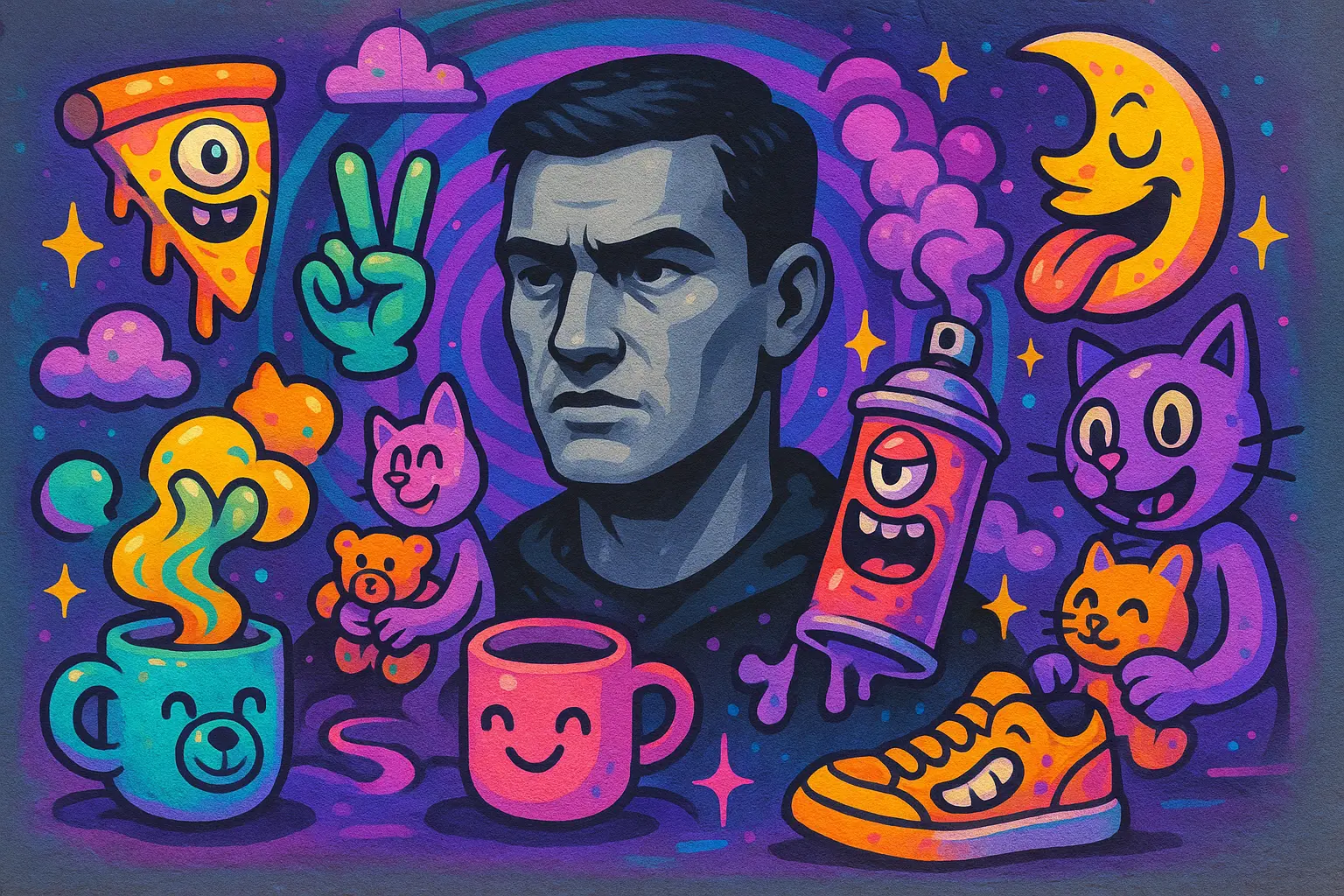
Tap into your rebellious spirit and design edgy visuals that feel raw, loud, and unapologetically you—perfect for personal branding, zines, or emotional releases.

Instant Street Aesthetic

Get a gritty, hand-tagged vibe in seconds. No tools or clean lines needed—just type your message and let the graffiti flow with texture and mood.

Built for Impulse Artists

Whether you're sketching revenge art, meme-tagging your chat, or expressing late-night angst, this tool fits the chaos of real, expressive creativity.

The Best AI Graffiti Generator You'll Ever Try

Free to use

Free to use

Unlock powerful art tools at zero cost, making it easy for anyone to create and innovate without barriers.

Fully Private

Fully Private

Your creations and data stay confidential, guaranteeing your artistic work remains safe and secure.

Easy to Start

Easy to Start

Built for ease of use, so you can jump in and thrive—no matter your skill level or experience.

How To Use AI Graffiti Generator

Step1

Open the generator

Click our AI Graffiti Generator tool. You don't need to download or install anything on your device.

Step2

Add prompt or image

Upload the image your want to turn into graffiti generator artwork from your device or your Gallery.

Step3

Wait

The "Image to graffiti generator" process will start automatically. Simply wait a moment for your image to be restyled.

Frequently Asked Questions

What is the Graffiti Generator?

The Graffiti Generator is an online creative tool that helps you design authentic graffiti-style artwork without needing to sketch or spray anything yourself. You can customize tags, throw-ups, wildstyle pieces, and more—all inspired by real street aesthetics.

Is the Graffiti Generator free to use?

Yes, the Graffiti Generator offers free use for a limited number of generations. You can try it out without signing up or paying. If you need faster processing or advanced features, you may consider upgrading—but the core experience is available to explore at no cost.

Do I need an account to use the Graffiti Generator?

No, you don’t need an account to start using the Graffiti Generator. You can hop in and start creating right away. If you want to save your designs or revisit past creations, signing up is an optional bonus.

Can I use Graffiti Generator artwork for t-shirts, posters, or merch?

Yes, you can use designs made with the Graffiti Generator on personal or small-scale projects like shirts, stickers, or zines. Just be mindful if you’re selling at scale—don’t resell the raw tool output or claim exclusive rights to shared styles.

How does the Graffiti Generator work?

The Graffiti Generator works by letting you customize text, style, color, and effects to create digital graffiti. It mimics spray paint textures, urban lettering, and classic graffiti forms—no drawing skills required. Just type, tweak, and tag.

Why use the Graffiti Generator instead of Photoshop or drawing apps?

The Graffiti Generator is fast, fun, and made for one thing: graffiti. Unlike Photoshop or drawing apps, it skips layers and tools and dives straight into raw style. It’s perfect for exploring ideas, mocking up tags, or just playing around.

What styles can I make with the Graffiti Generator?

The Graffiti Generator lets you create throw-ups, tags, bubble letters, wildstyle, stencil-inspired pieces, and more. You can mix colors, drips, outlines, and textures to fit whatever mood or message you're tagging—soft chaos or full rebellion.

Can I use the Graffiti Generator on my phone or tablet?

Yes, the Graffiti Generator works smoothly on most phones and tablets. Whether you’re chilling on the couch or sketching ideas on the go, you can create and experiment with no setup or downloads needed.

What if I have zero art skills—can I still use the Graffiti Generator?

Absolutely. The Graffiti Generator is built for non-artists, late-night creatives, and anyone with something to say. You don’t need to draw—just bring the vibe. Think of it like tagging a wall in your head and letting the pixels do the spray work.

What if the Graffiti Generator makes something cooler than my real tag?

That’s the point. The Graffiti Generator might out-style your real-life tag—and that’s okay. It’s a digital playground for testing out your alter ego, trying weird combos, or just making something that looks way too good for a lamppost.

Follow us
  • LinkedIn
  • Facebook
  • Instagram
  • Twitter
Support
  • Discord
  • Email
  • System Status
  • Affiliate
Video Models
  • Seedance 1.0
  • Seedance 1.5 Pro
  • Seedance 1.0 Pro Fast
  • Wan 2.2
  • Wan 2.6
  • Wan 2.6 Text to Video
  • View All Models →
Image Models
  • Qwen Image 2512
  • Wan 2.6 Image to Image
  • Nano Banana Pro
  • seedream 4.0
  • Qwen Image Edit 2511 LoRA
  • nano banana
  • View All Models →
Legal
  • Terms of Service
  • Privacy Policy
  • Cookie Policy
RunComfy
Copyright 2026 RunComfy. All Rights Reserved.

RunComfy is the premier ComfyUI platform, offering ComfyUI online environment and services, along with ComfyUI workflows featuring stunning visuals. RunComfy also provides AI Models, enabling artists to harness the latest AI tools to create incredible art.